



The NCERT Class 12 Informatics Practices Chapter 5 Introduction to Computer Networks Book PDF gives students the official 2026-27 chapter on networks, Internet services and web basics. Keep this PDF open while revising LAN, MAN, WAN, topologies, network devices, URLs, DNS and common Internet protocols.
- PDF size: 30 official NCERT pages for classroom reading and offline revision.
- Core focus: network types, devices, topologies, Internet, website, web page, server and browser.
- Best use: revise each definition with one example from the NCERT chapter.
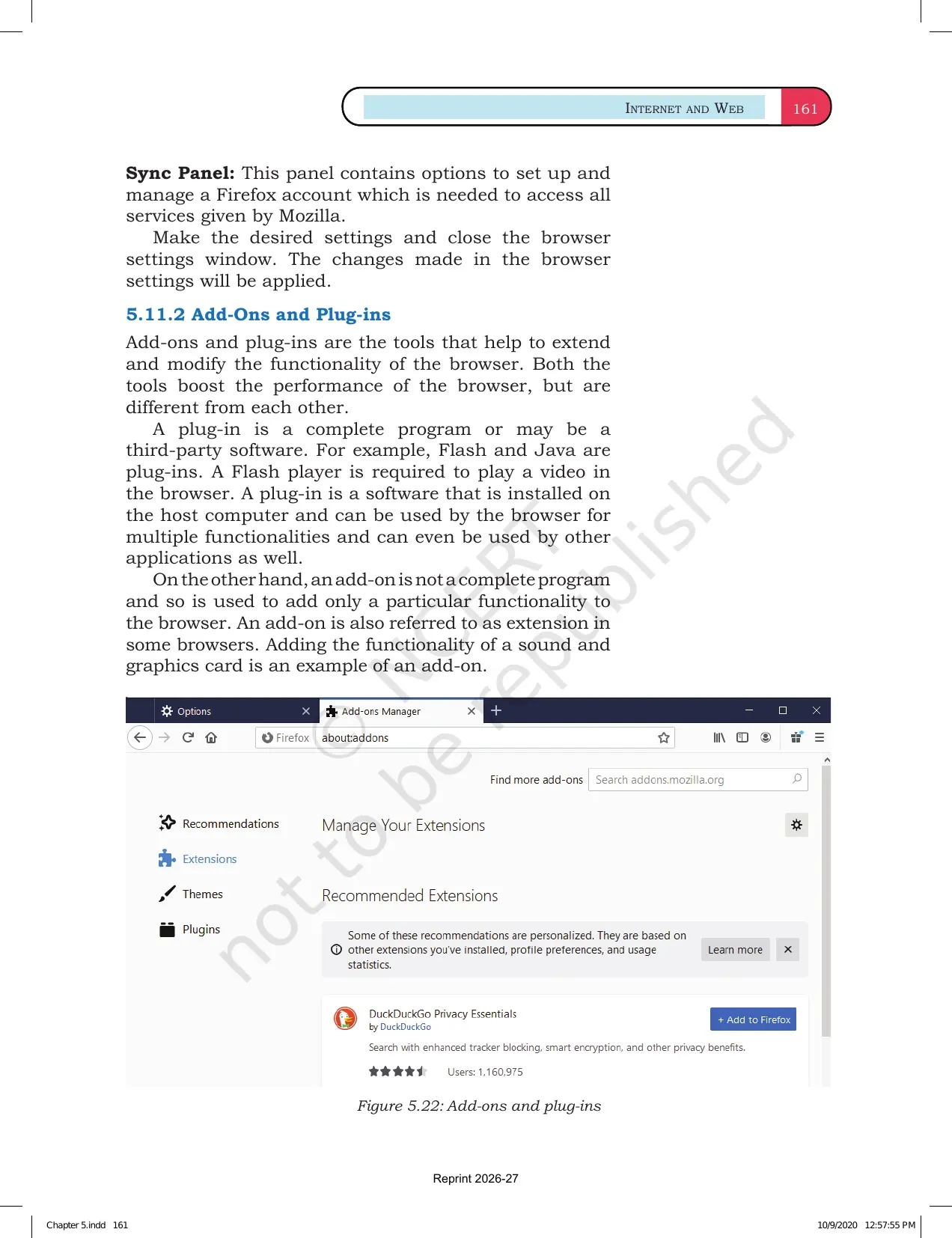
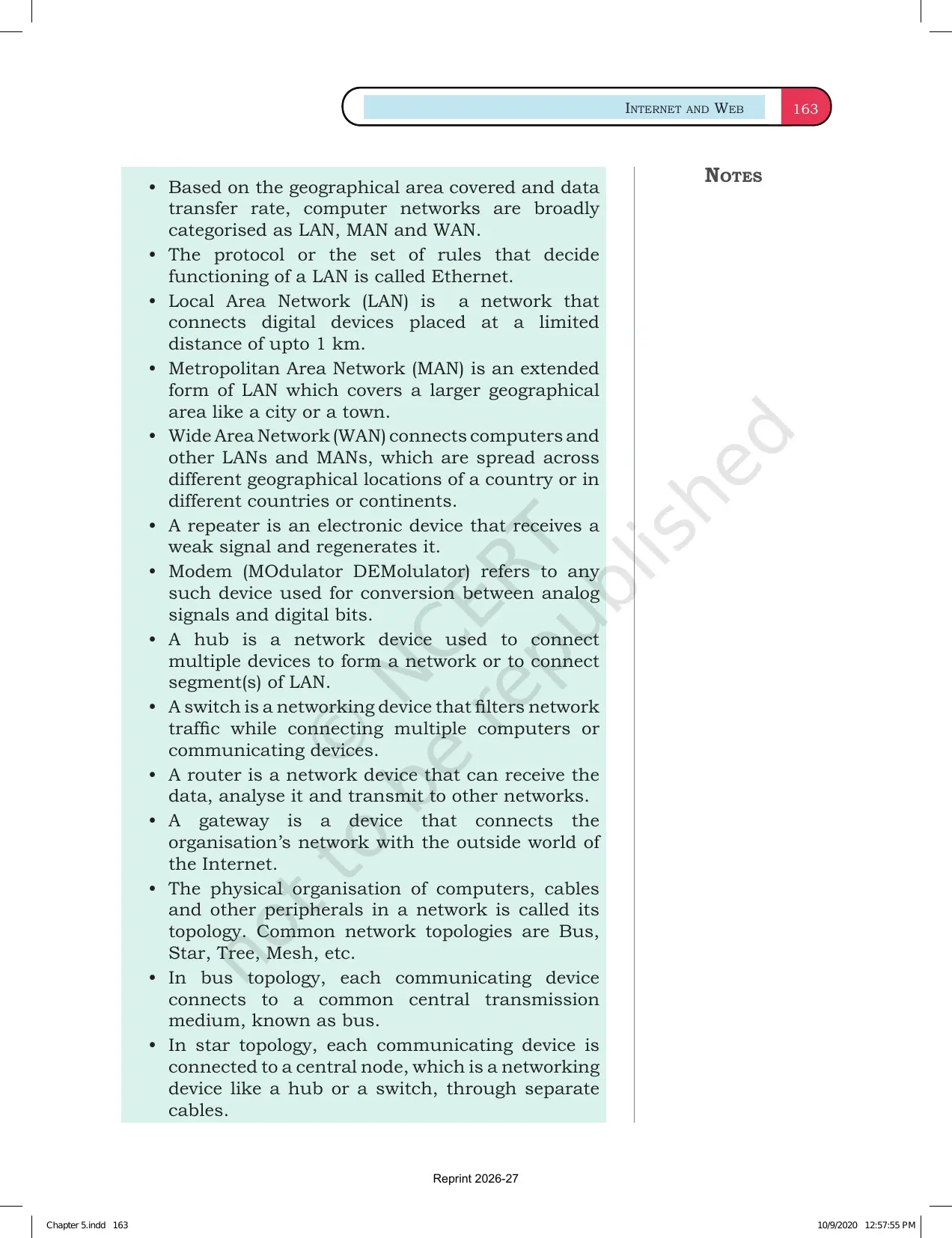
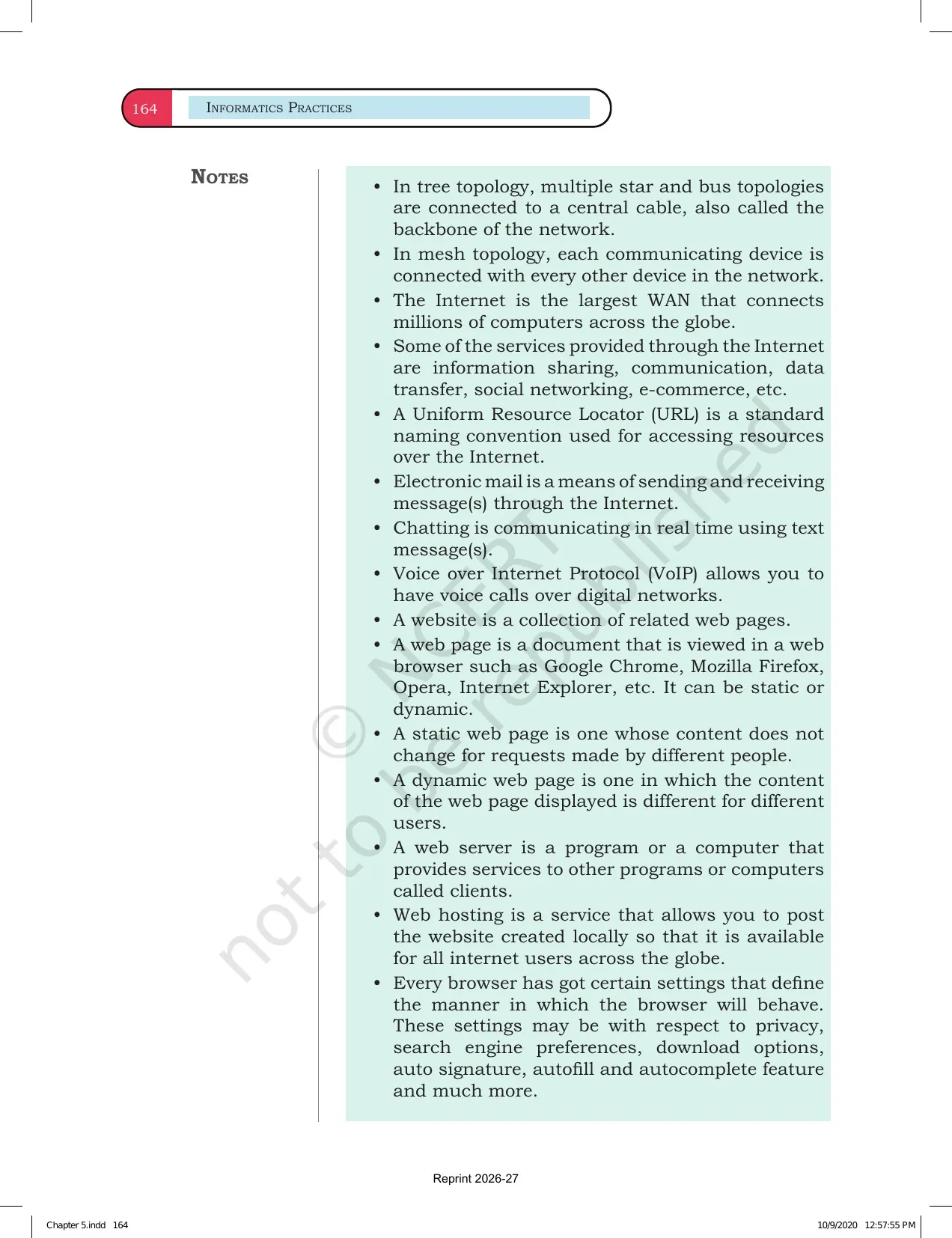
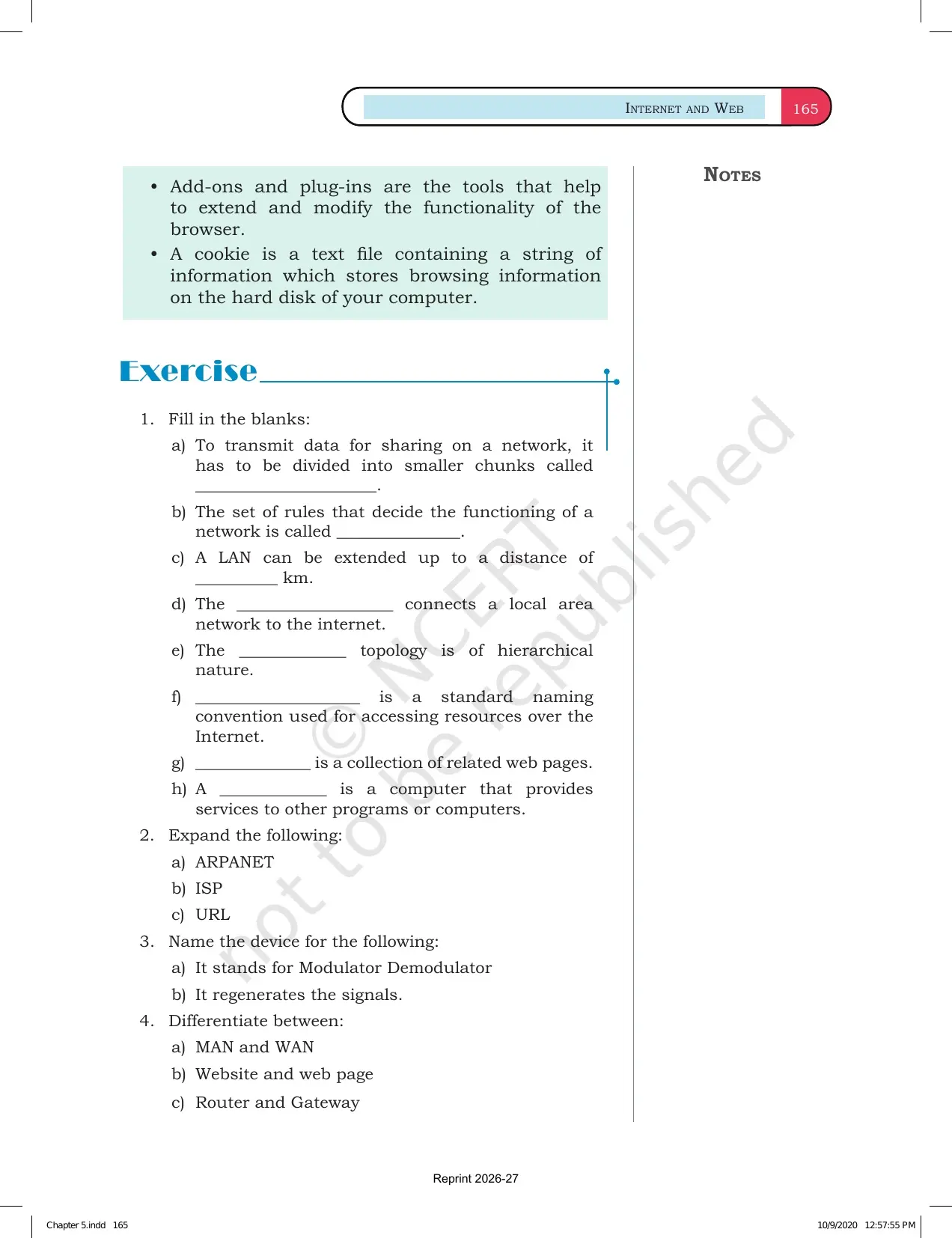
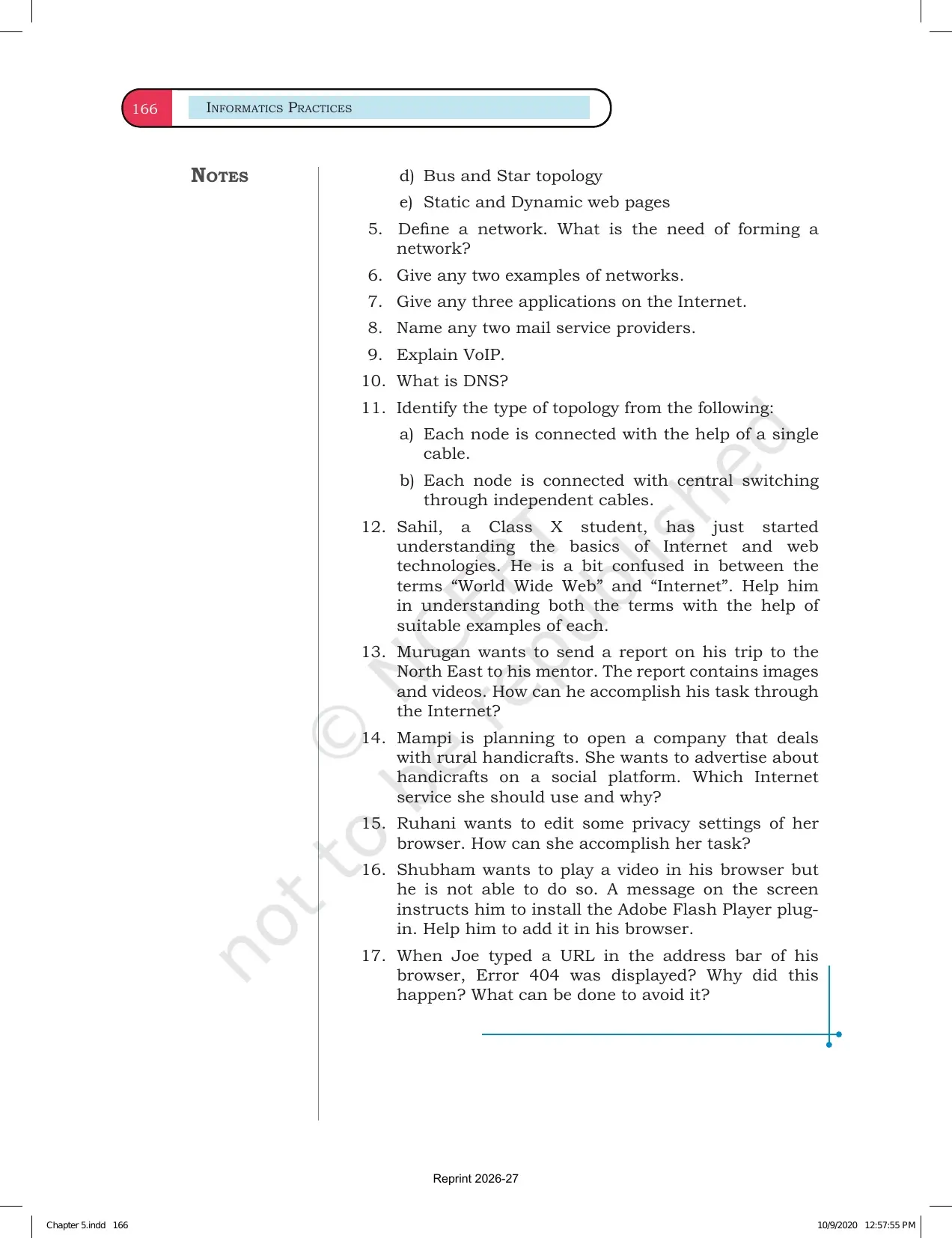
This Collegedunia page follows the 2026-27 NCERT Informatics Practices textbook and keeps the official Chapter 5 PDF, networking terms and related study links in one place.
Student Feedback: In a Collegedunia poll of 12,640 Class 12 Informatics Practices students before the 2026 boards, most students said this chapter became easier when every term was linked to a real network example.
- 81% wanted a quick comparison of LAN, MAN and WAN.
- 76% revised faster with device-wise notes for switch, router and modem.
- 72% found DNS and URL questions easier after drawing the data path.
|
Table of Contents |
Introduction to Computer Networks Chapter 5 Highlights
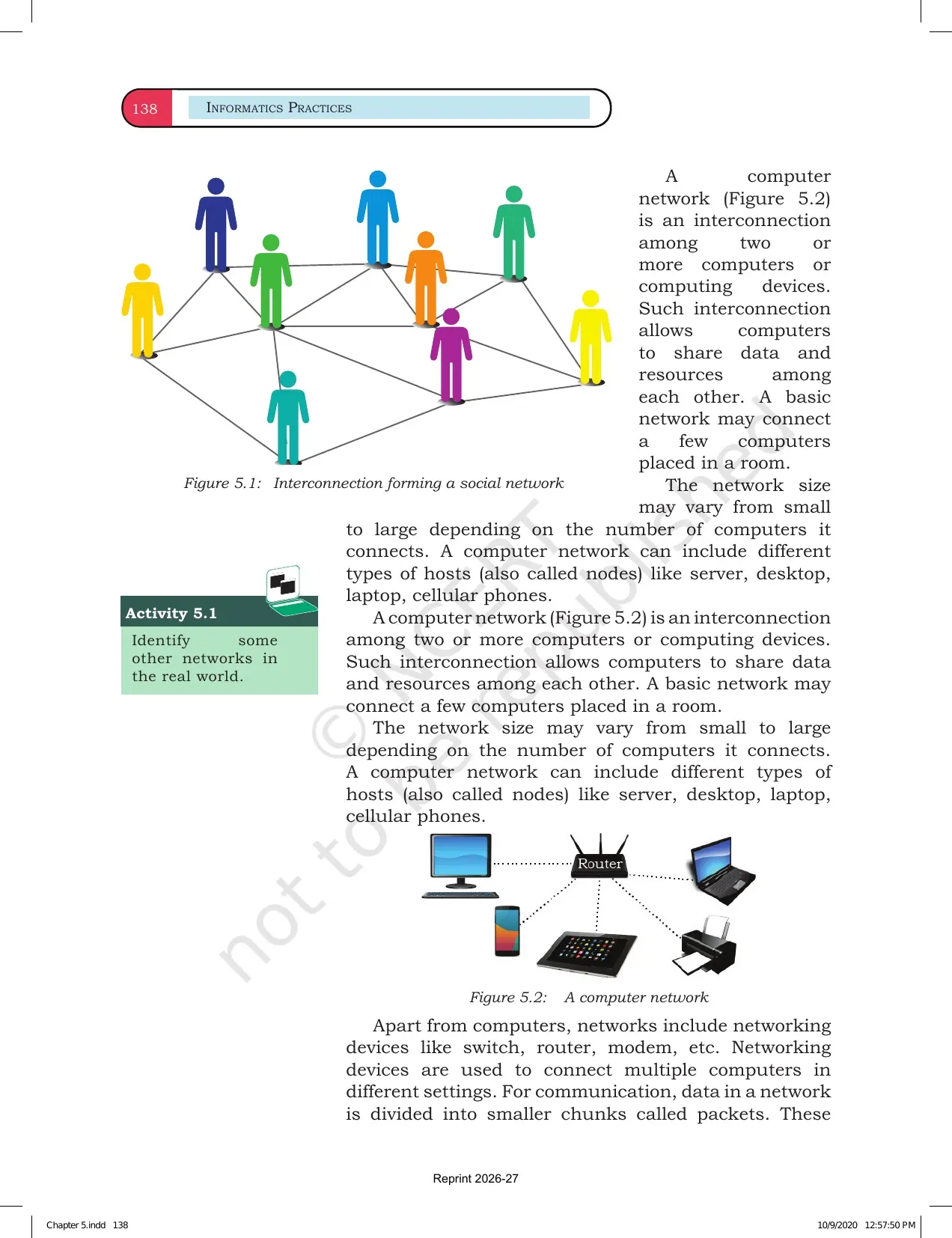
Chapter 5 opens with the idea that a network connects devices so they can share data and resources. NCERT then moves from small local networks to the Internet, which is the widest example of connected networks.
| Chapter area | What students learn | Revision cue |
|---|---|---|
| Computer network | Interconnection among computers or computing devices | Data and resources are shared |
| Network types | LAN, MAN and WAN by area and speed | Range decides the type |
| Network devices | Modem, hub, switch, repeater, router and gateway | Each device has a different job |
| Web basics | Website, web page, web server, browser, URL and DNS | These terms appear in short answers |
Most questions from this chapter ask for definitions, differences and examples. Students should practise writing the exact term first, then the explanation.
Introduction to Computer Networks Video for Class 12
Source: Magnet Brains on YouTube
LAN MAN and WAN in Introduction to Computer Networks
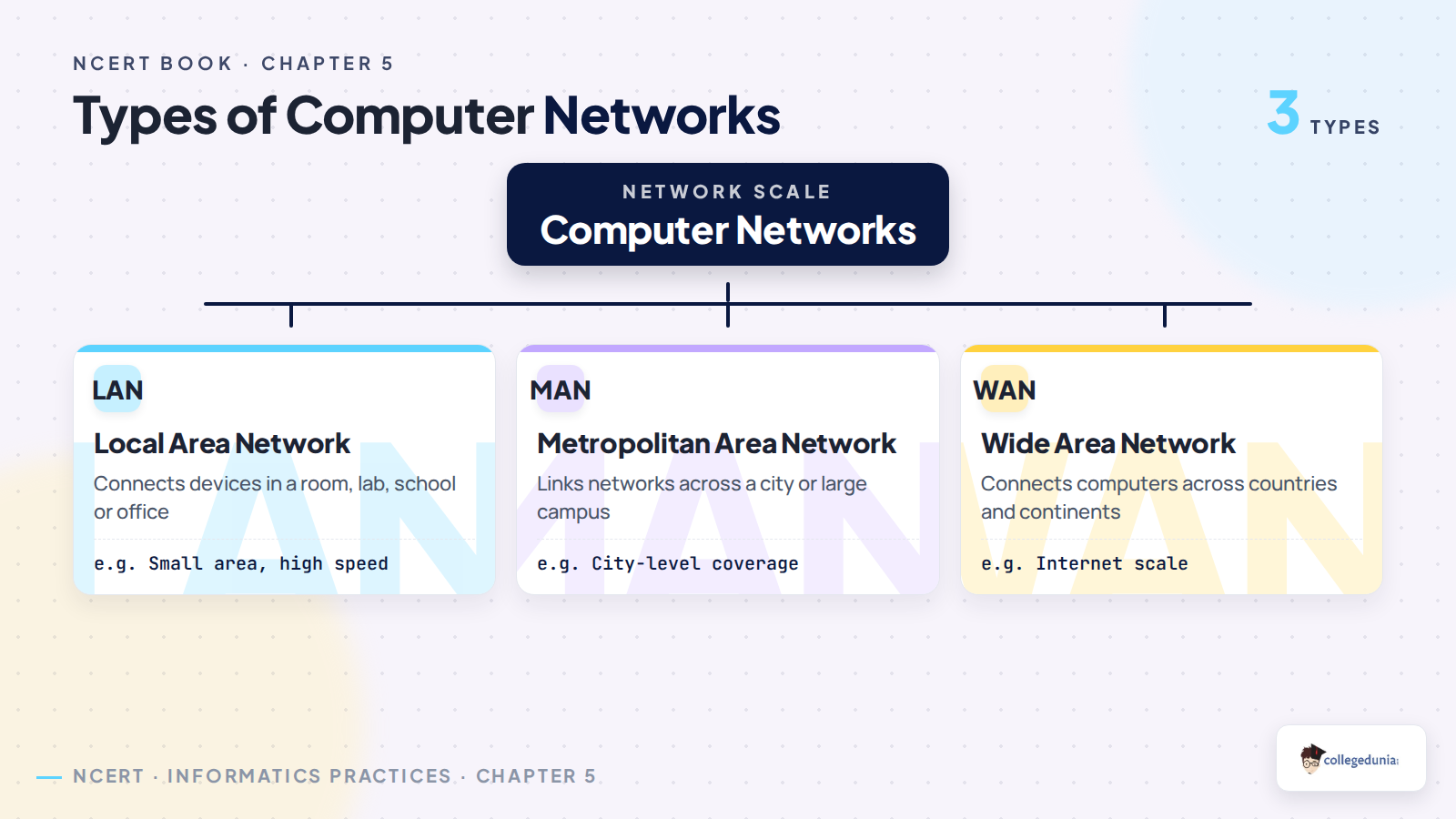
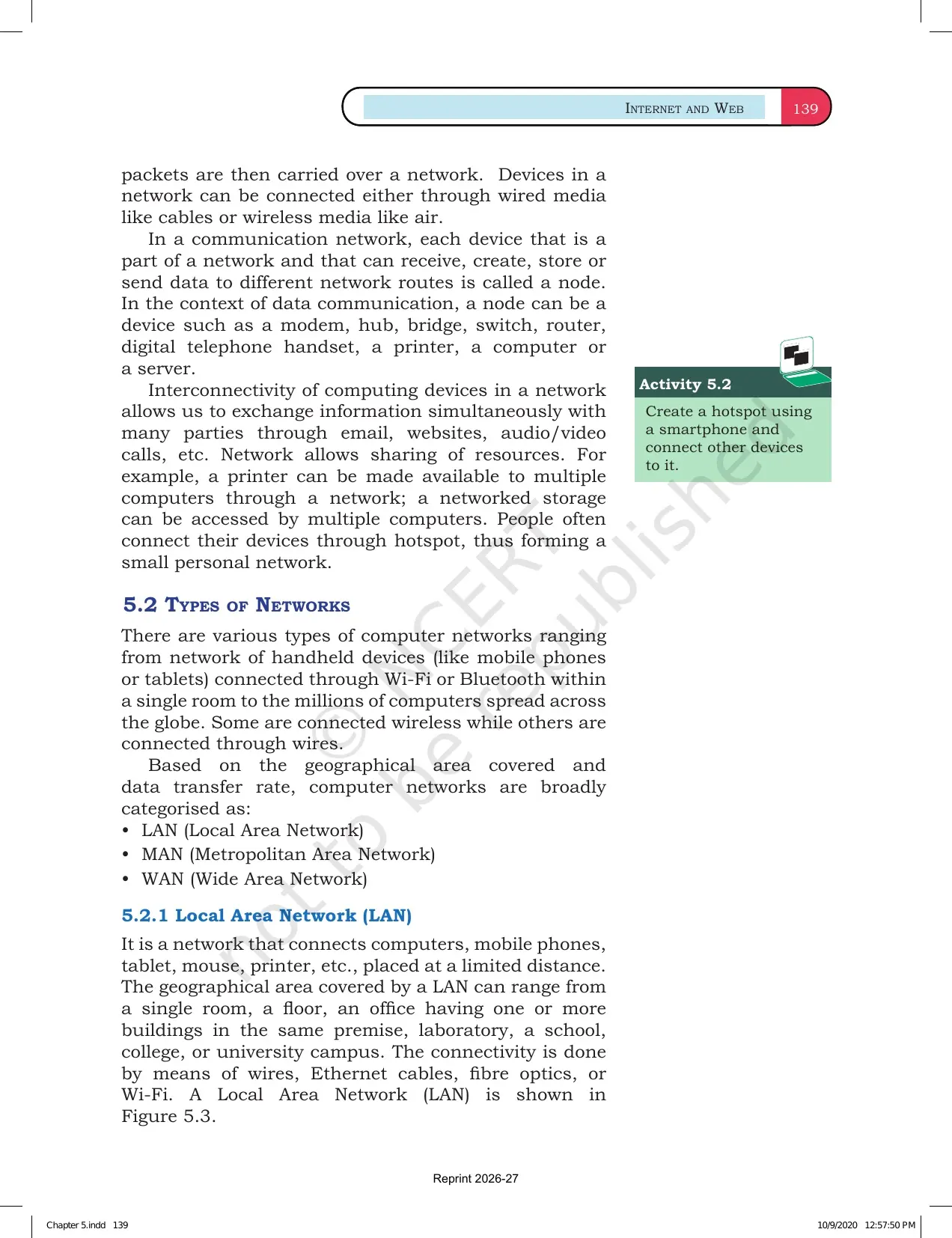
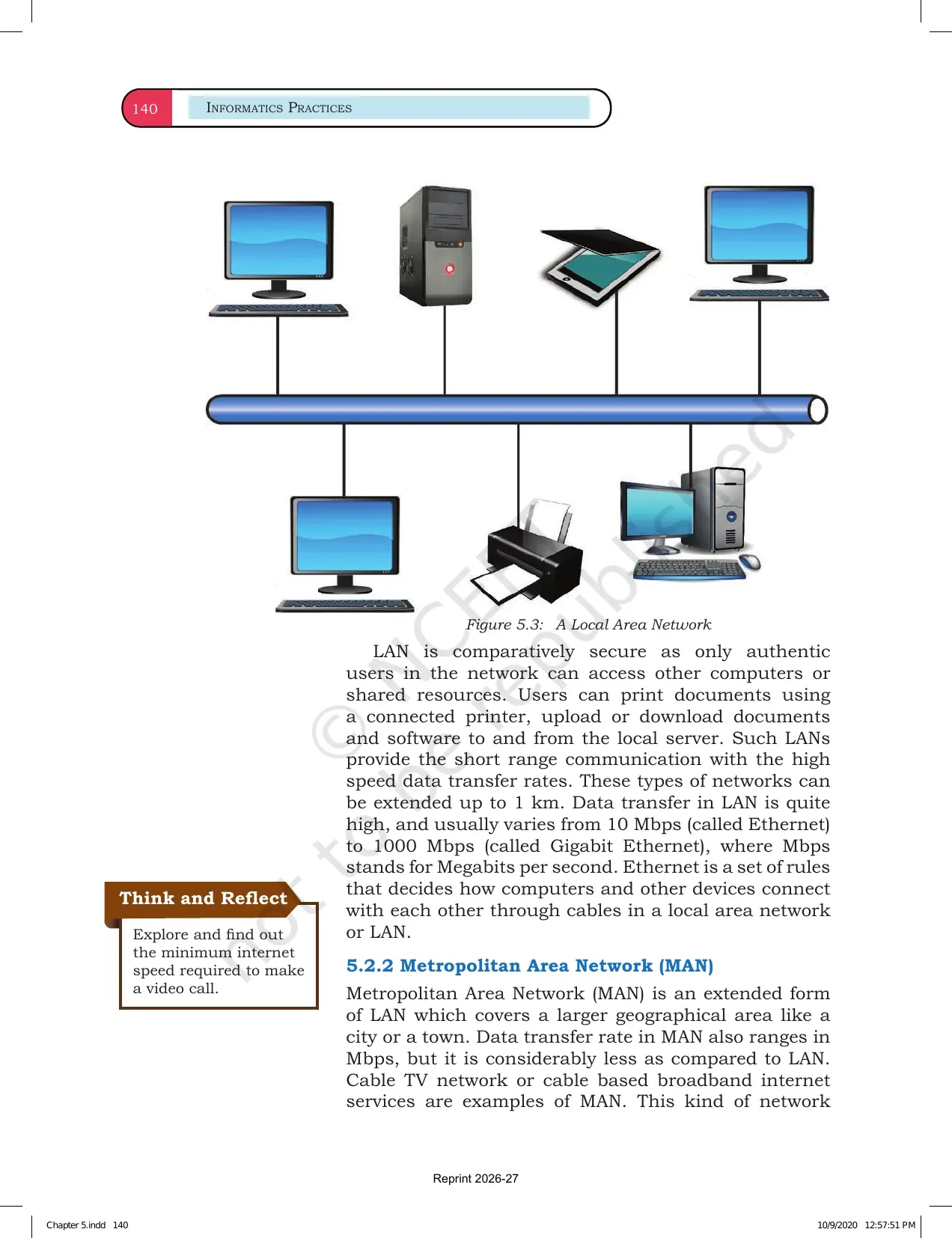
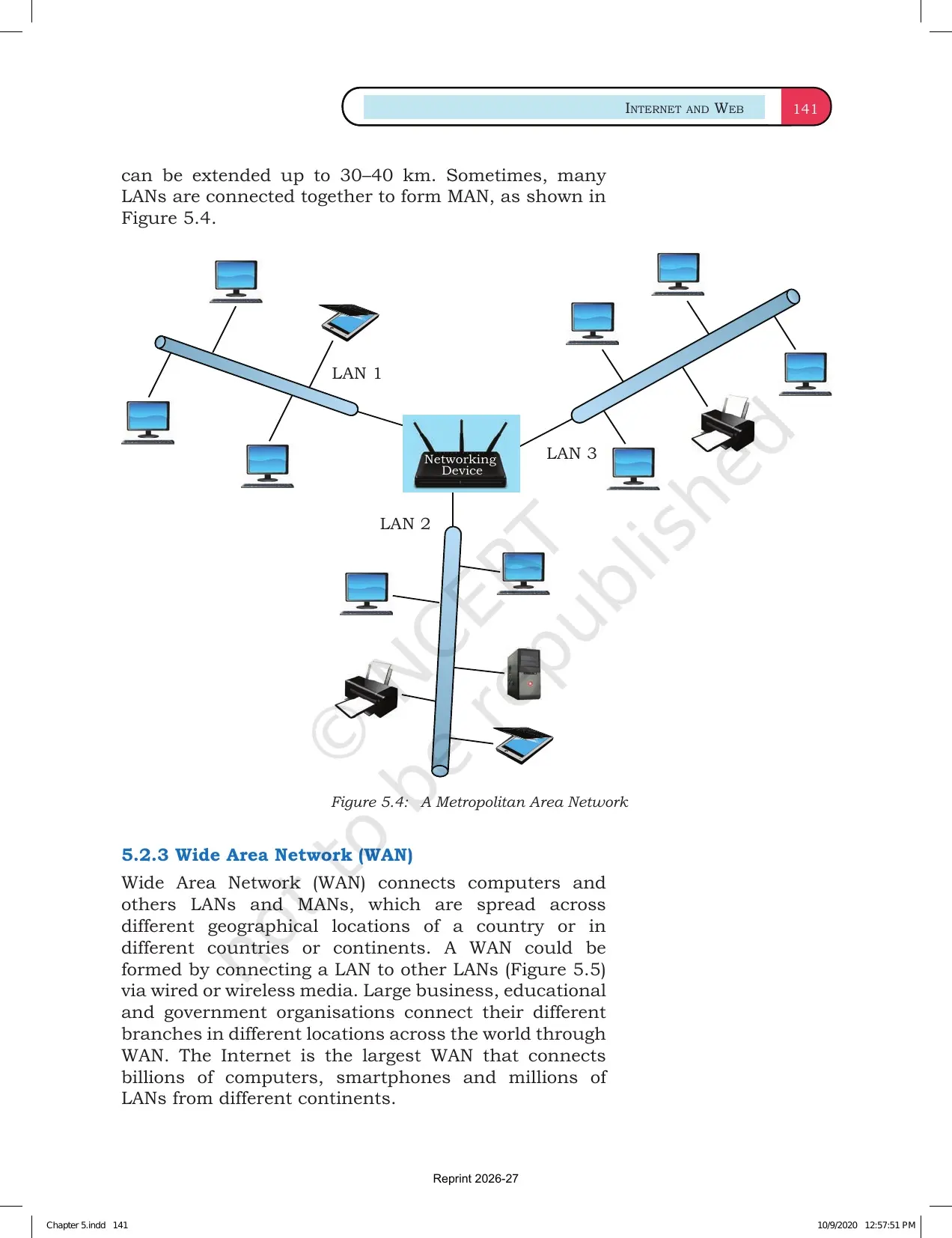
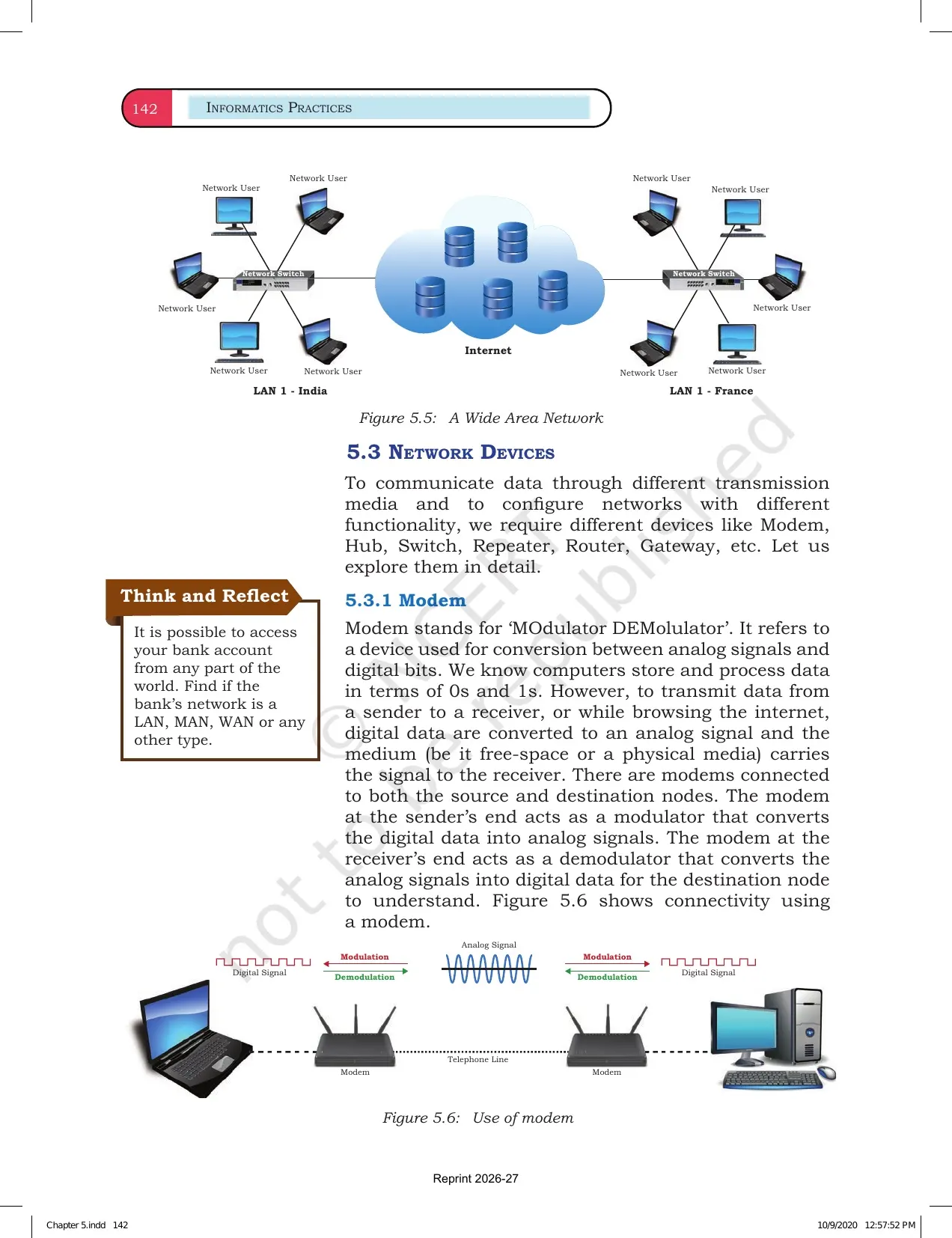
The three network types are best revised by area. LAN covers a room, lab, building or campus. MAN connects networks across a city. WAN connects computers across large regions, and the Internet is the best example.
- LAN is usually fast because devices are close to each other.
- MAN joins many LANs inside one city or large campus area.
- WAN covers countries or continents and uses public or private links.
- Write one example with every type to make the answer complete.
Network Devices and Topologies in the NCERT Book PDF
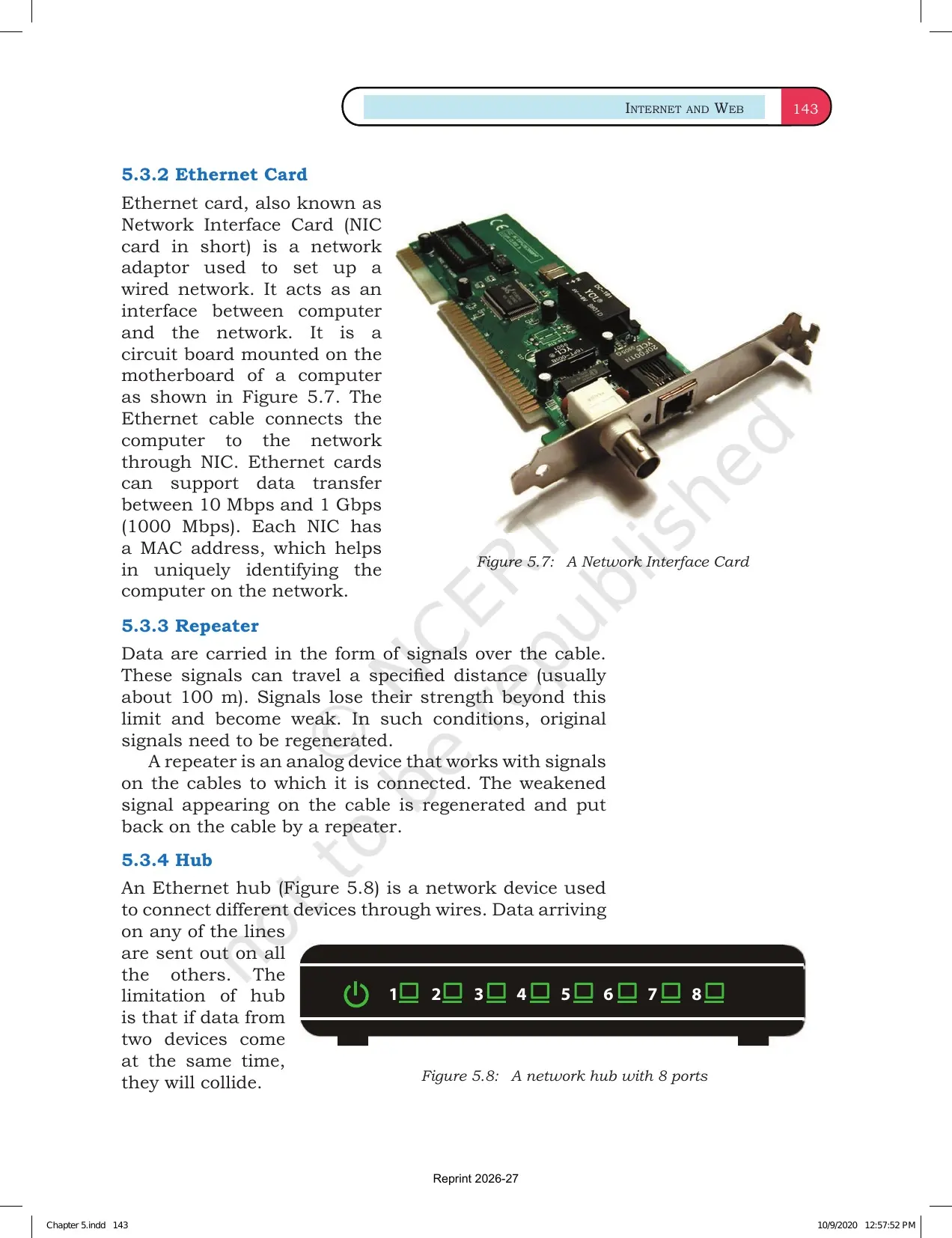
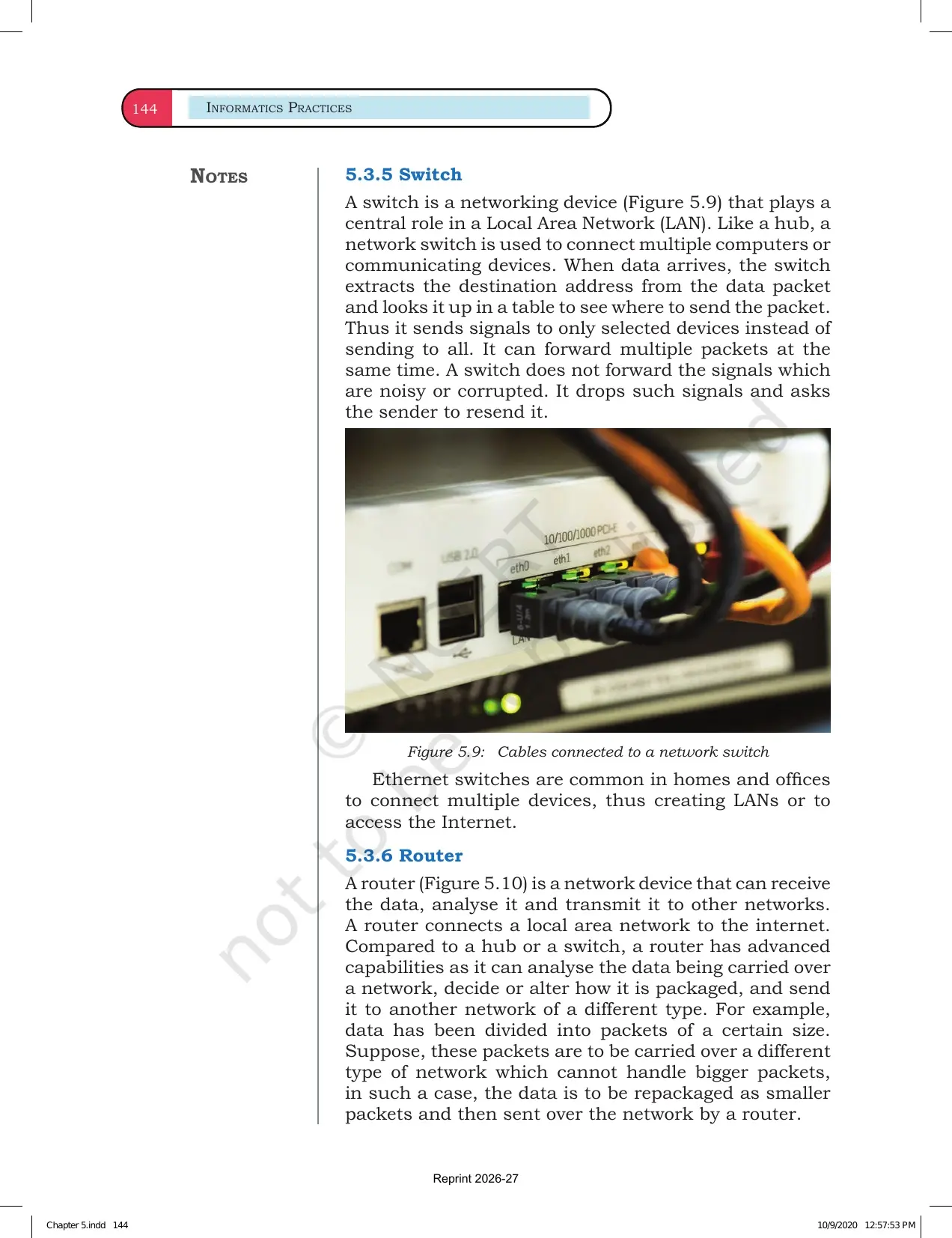
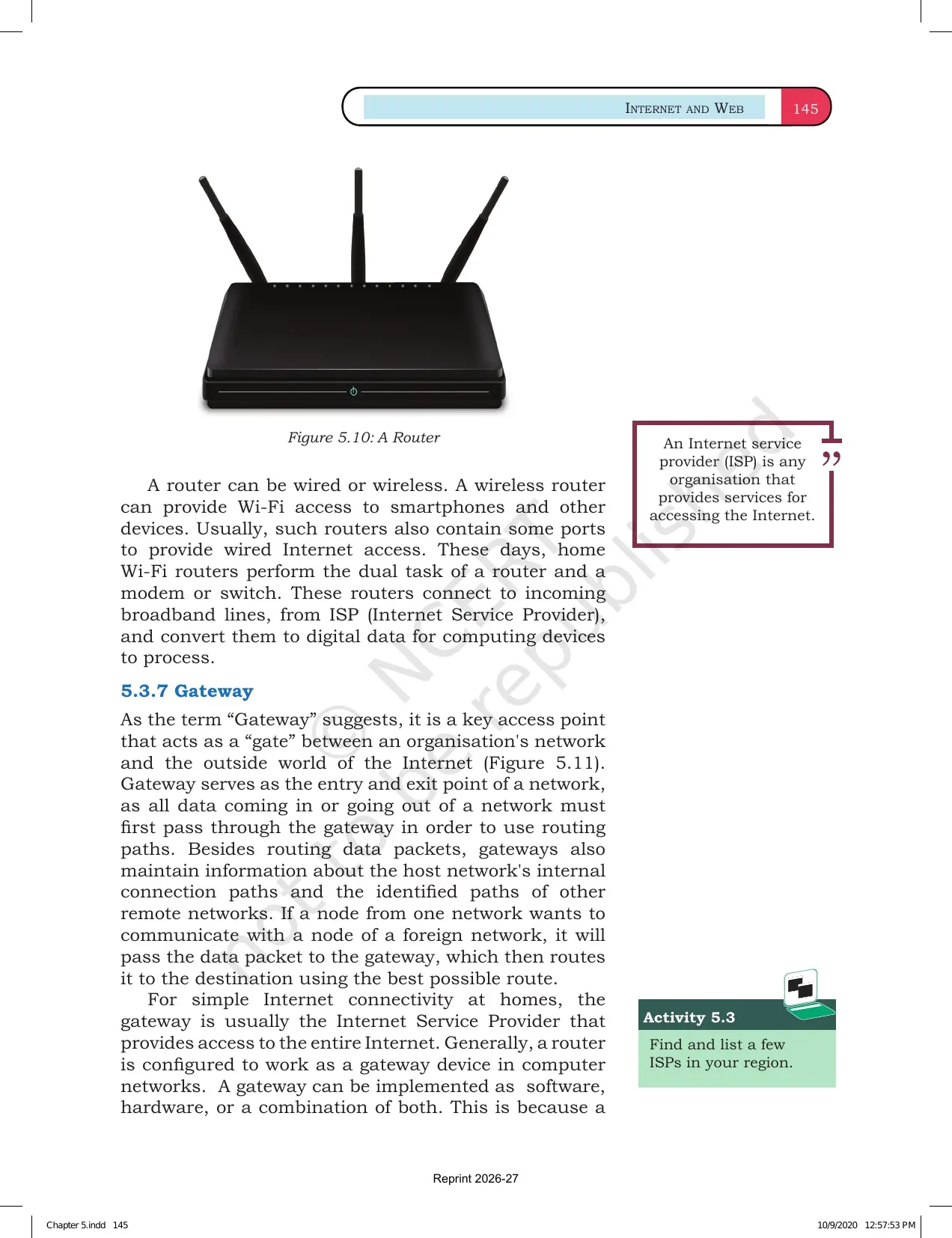
NCERT explains network devices through their use. A modem connects a computer to an Internet line. A switch connects devices inside a network. A router sends data packets between networks.
| Term | Meaning | Board-answer cue |
|---|---|---|
| Repeater | Regenerates weak signals | Used when signal strength drops |
| Hub | Broadcasts data to all connected devices | Simple but less efficient |
| Switch | Sends data to the correct device | Smarter than a hub |
| Router | Connects two or more networks | Finds route for packets |
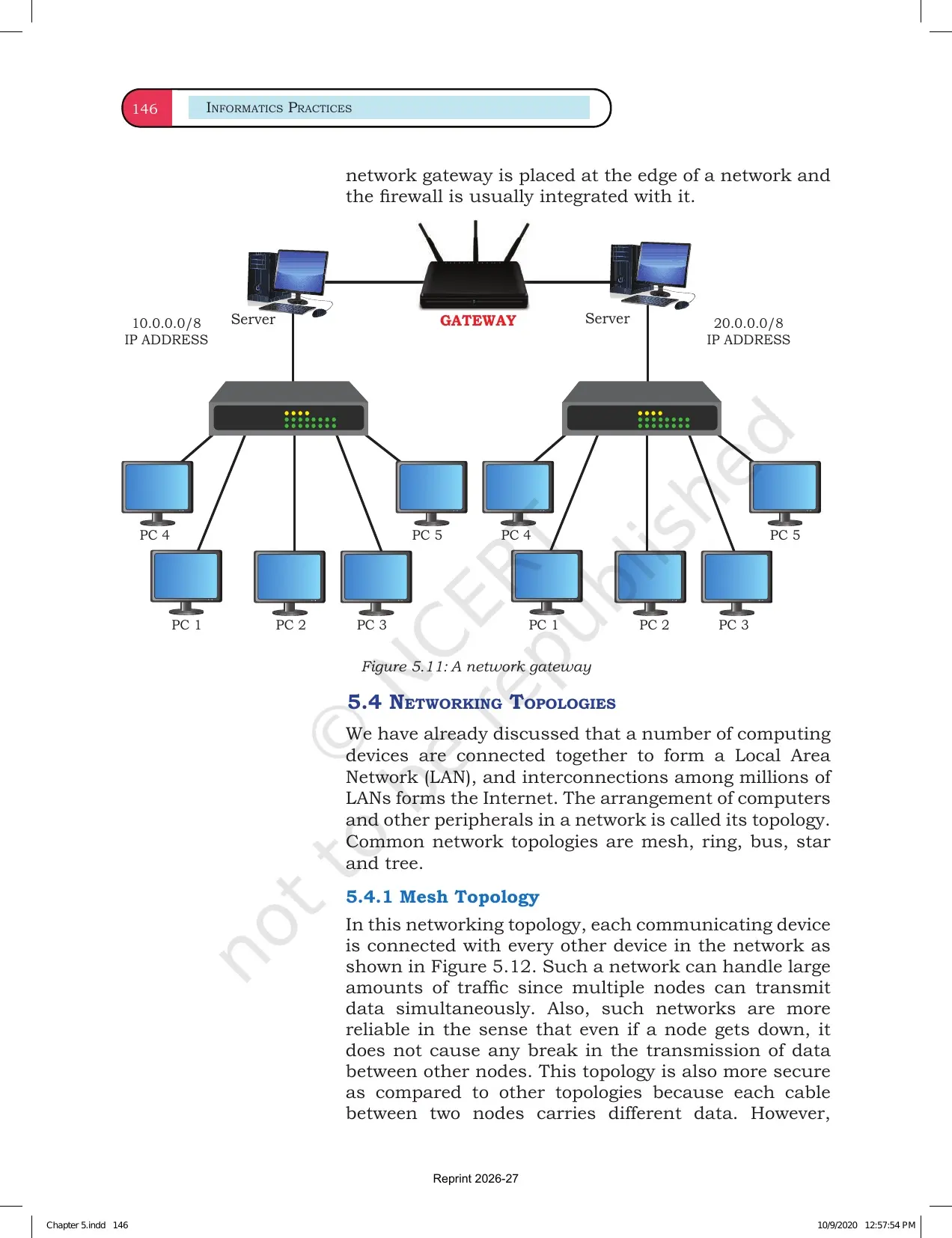
| Gateway | Connects networks using different protocols | Protocol conversion is the key point |
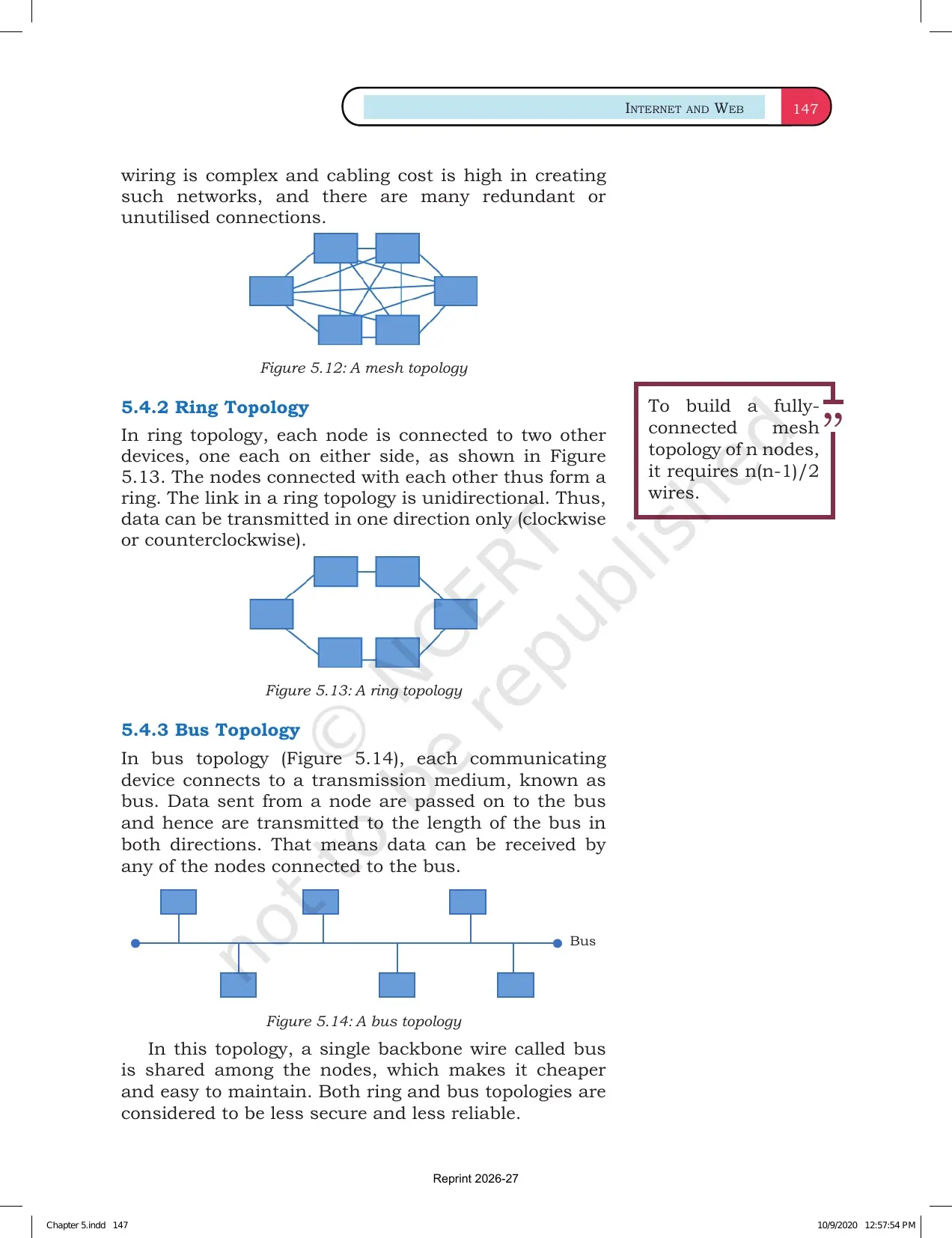
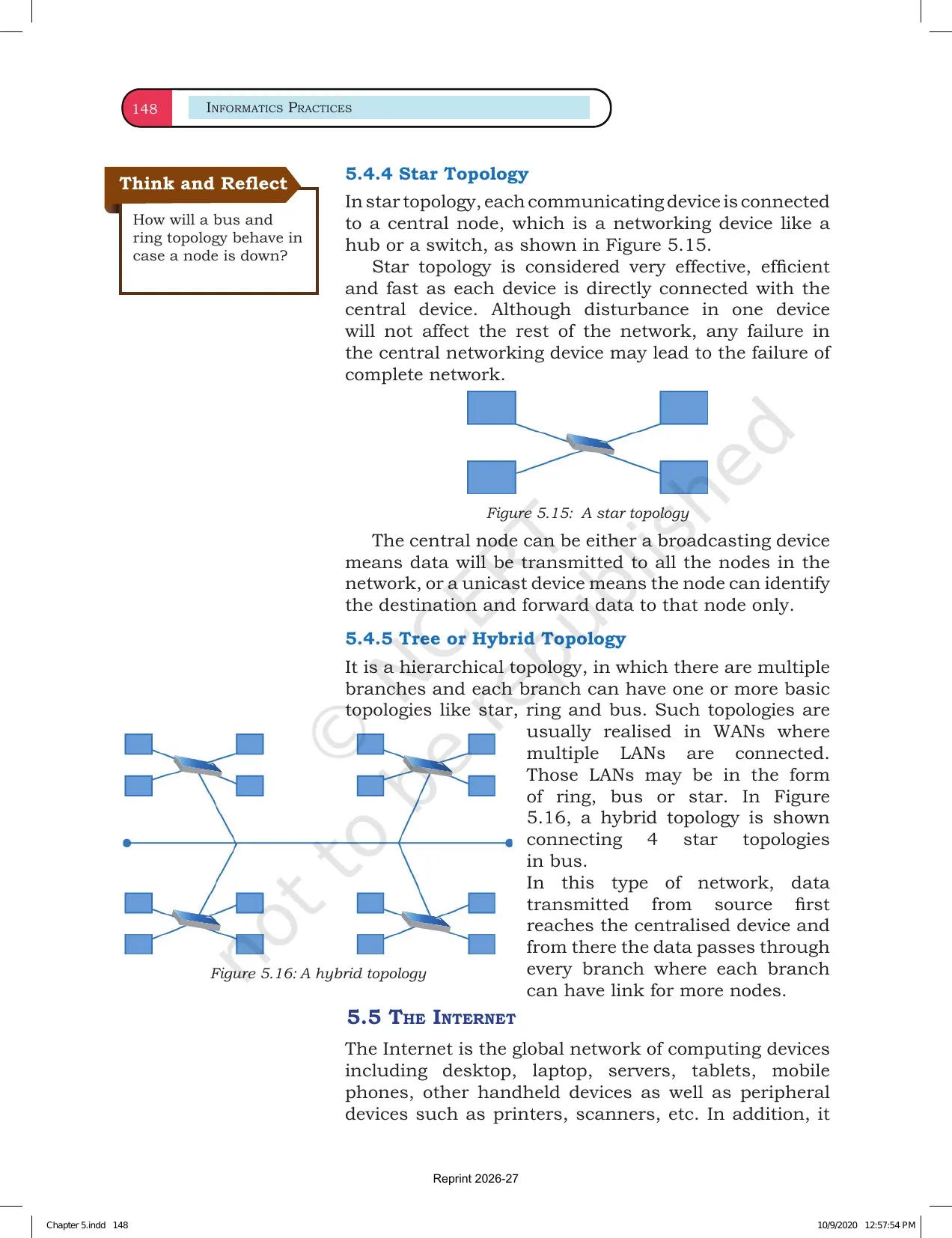
For topology questions, compare the arrangement of devices. Bus, star, tree, mesh and ring topologies differ in cable use, fault handling and cost.
How Data Packets Move Through a Network
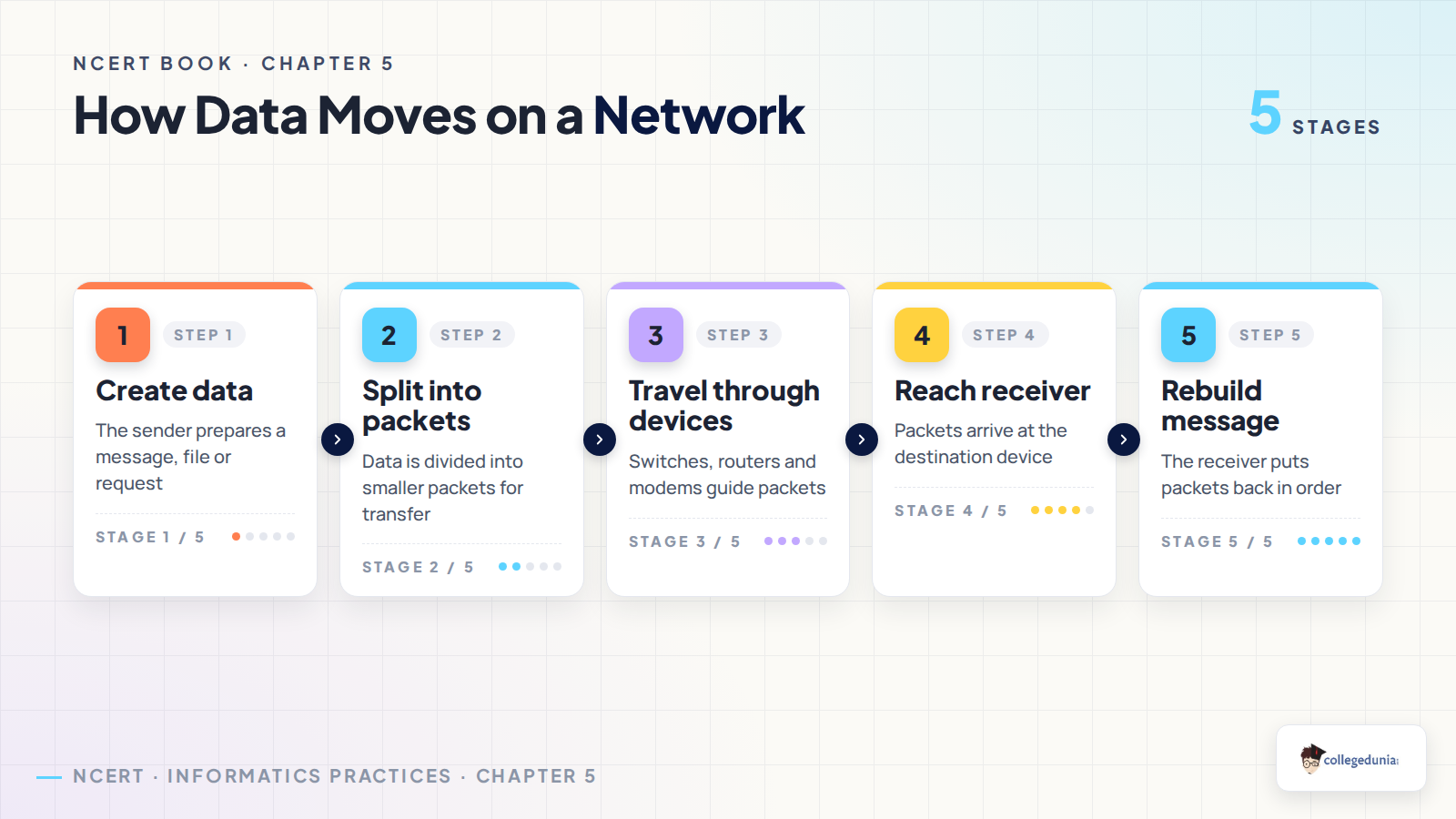
In a network, data does not always travel as one large block. It is divided into smaller packets. These packets move through devices and are rebuilt at the receiving end.
- Sender creates data: the device prepares a message, file or web request.
- Data becomes packets: smaller parts make transfer easier.
- Devices guide packets: switches and routers move them to the right path.
- Receiver rebuilds data: packets are arranged back into the message.
Internet Website Web Page and DNS Terms
The second half of the chapter connects networking with daily Internet use. Students should keep the terms separate because many short questions use similar words.
- Internet: a global network of networks.
- Website: a collection of linked web pages under one address.
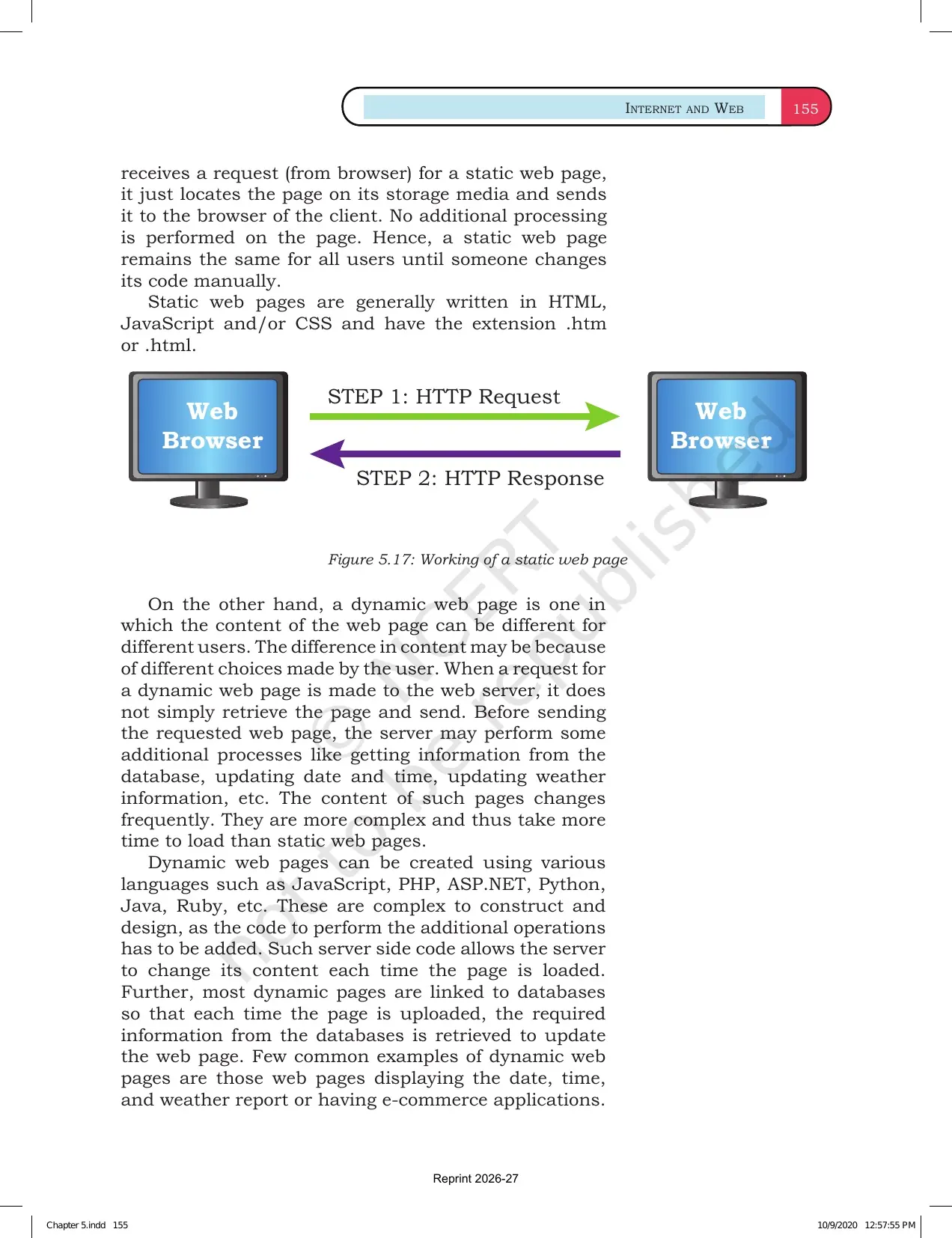
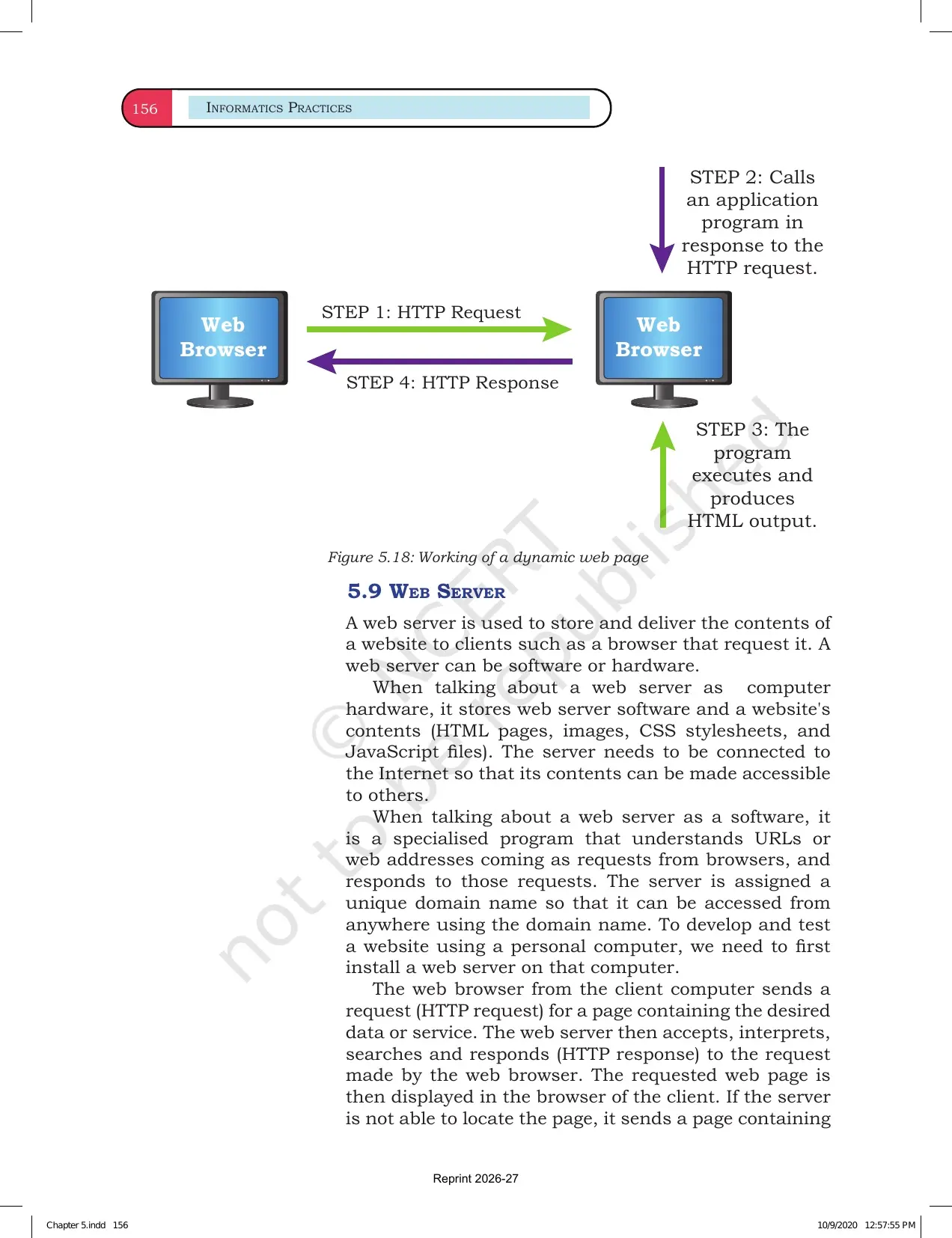
- Web page: one document displayed by a browser.
- Web server: the computer that stores and serves web pages.
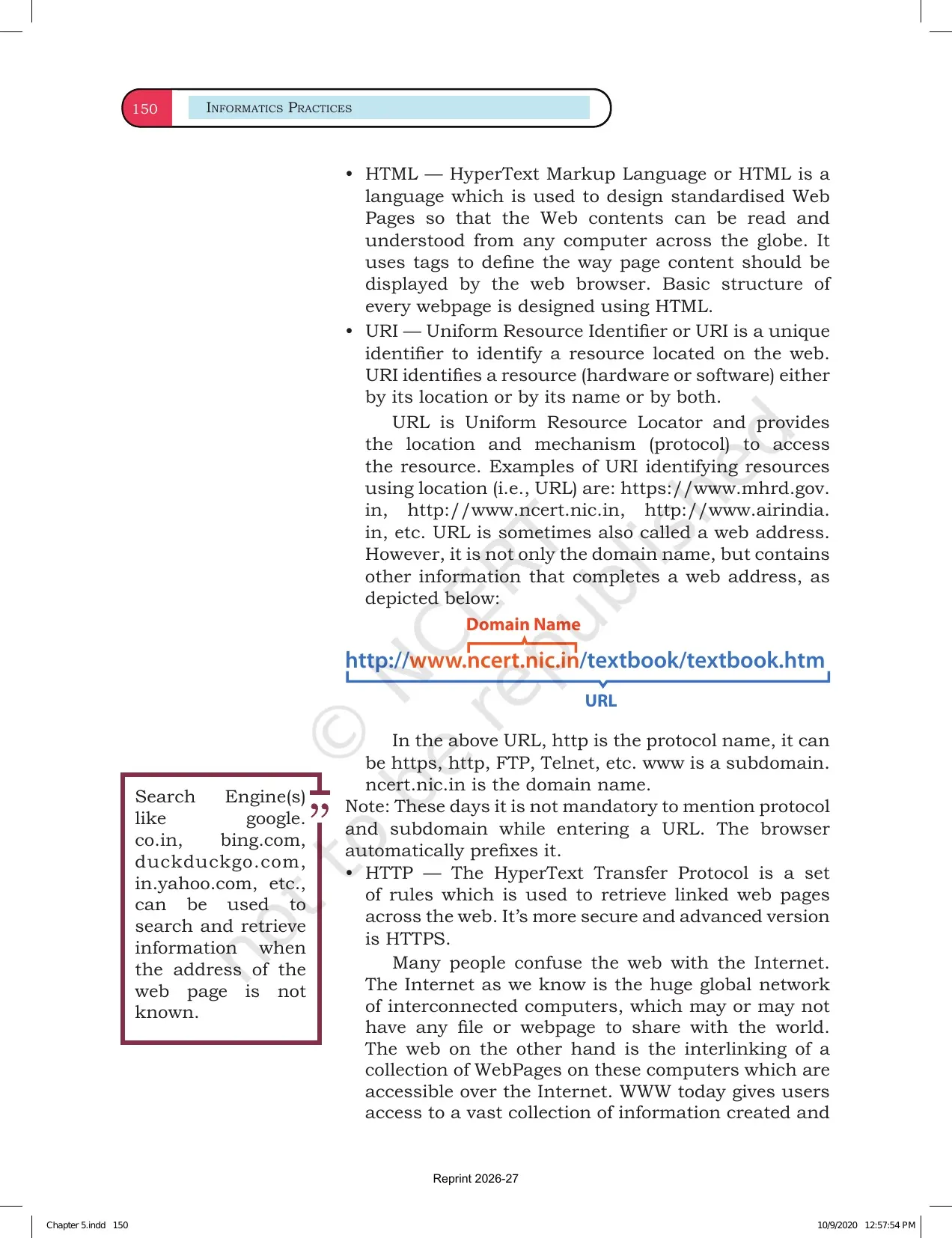
- DNS: changes a domain name into the matching IP address.
Revision tip: write URL and domain-name examples from websites you already use. Real examples make the definitions easier to remember.
How to Use the Chapter 5 NCERT Book PDF
Use this PDF as a definition bank and a diagram-revision file. Read one sub-topic, close the PDF and write the definition in two lines. Then reopen the PDF and fix missing words.
- Make a table for LAN, MAN and WAN with range and example.
- Draw one topology diagram every day for five days.
- Revise network devices by writing one job per device.
- Practise DNS, URL, website and web page as separate terms.
Related Class 12 Informatics Practices Resources
| Resource | Use It For | Link |
|---|---|---|
| Chapter 4 Book PDF | Revise Matplotlib before moving to networks. | Chapter 4 NCERT Book PDF |
| Chapter 3 Book PDF | Revise DataFrame work used before plotting and networks. | Chapter 3 NCERT Book PDF |
| Chapter 2 Book PDF | Revise Pandas Series basics before DataFrame and chart work. | Chapter 2 NCERT Book PDF |
All Informatics Practices NCERT Book PDFs
| Chapter | NCERT Book PDF |
|---|---|
| Chapter 1 Querying and SQL Functions | Chapter 1 NCERT Book PDF |
| Chapter 2 Data Handling using Pandas Series | Chapter 2 NCERT Book PDF |
| Chapter 3 Data Handling using Pandas DataFrame | Chapter 3 NCERT Book PDF |
| Chapter 4 Plotting Data using Matplotlib | Chapter 4 NCERT Book PDF |
| Chapter 5 Introduction to Computer Networks | Chapter 5 NCERT Book PDF |
Class 12 Informatics Practices Chapter 5 NCERT Book FAQs
Ques. What is the main topic of Class 12 Informatics Practices Chapter 5?
Ans. Chapter 5 explains Introduction to Computer Networks. It covers network types, devices, topologies, Internet services, websites, web pages, browsers, servers, URLs and DNS.
Ques. How many pages are in the Chapter 5 NCERT Book PDF?
Ans. The local official PDF has 30 pages. Students can use it for reading, classroom reference, diagrams and offline revision.
Ques. Which network types are covered in this chapter?
Ans. The chapter covers LAN, MAN and WAN. Students should compare them by area covered, speed, ownership and example.
Ques. What is the best way to revise DNS and URL?
Ans. Use a real website address. Identify the protocol, domain name and path, then revise how DNS changes the domain name into an IP address.



Comments