



The NCERT Solutions for Class 11 Computer Science Chapter 1 Computer System cover all exercise questions according to the latest 2026-27 NCERT textbook. Students can use this page to revise operating system services, RAM and ROM, secondary memory, system buses, microcontrollers, data categories and software types before exams.
- 14 textbook questions are solved with direct, exam-ready answers.
- Key areas include OS, memory, buses, microprocessors and software.
- 2026-27 syllabus terms are kept close to the NCERT wording.
- Computer System Solutions PDF
- Key Concepts
- All Exercise Questions
- Related Resources
- FAQs
Computer System NCERT Solutions PDF for Class 11
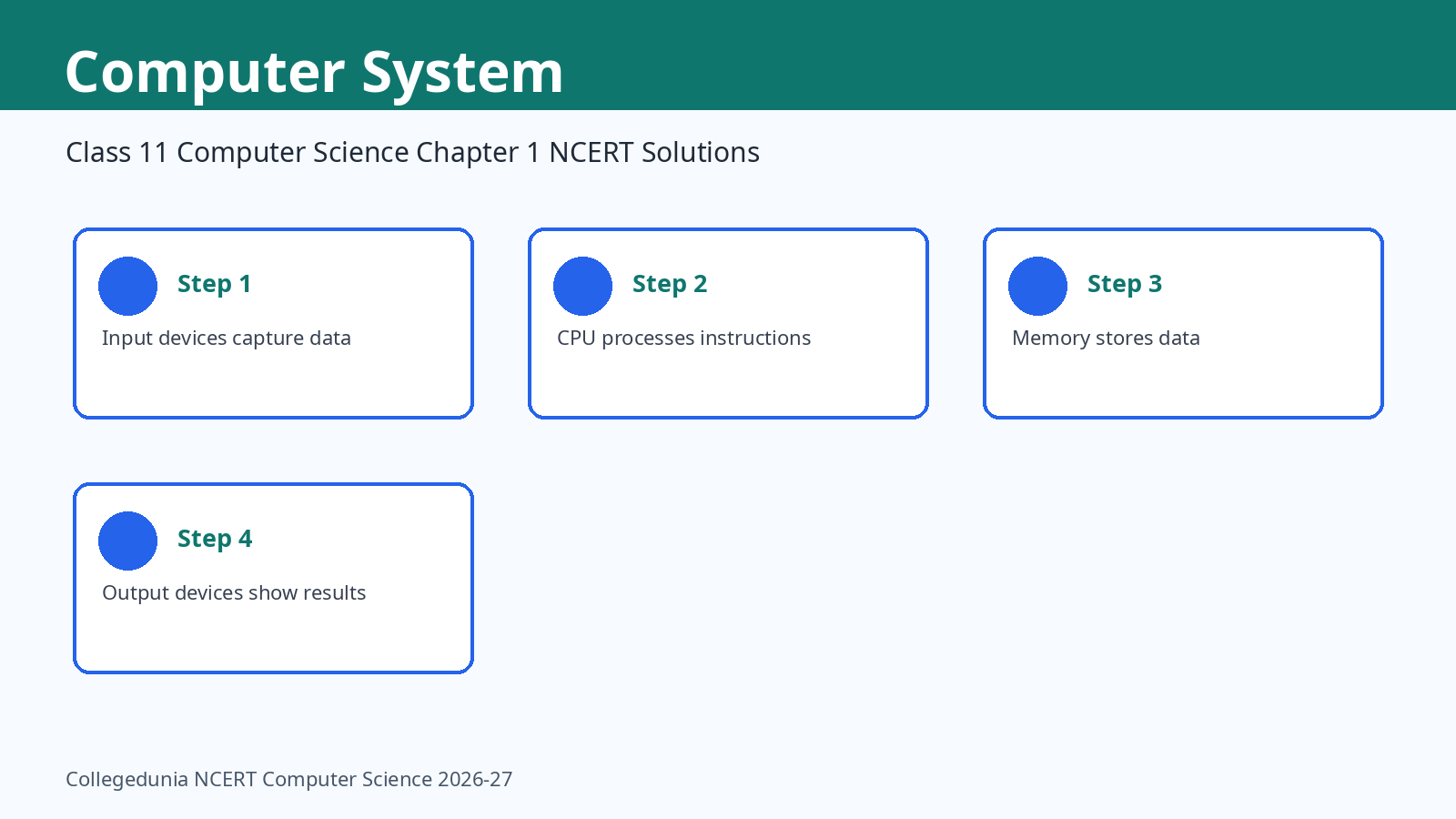
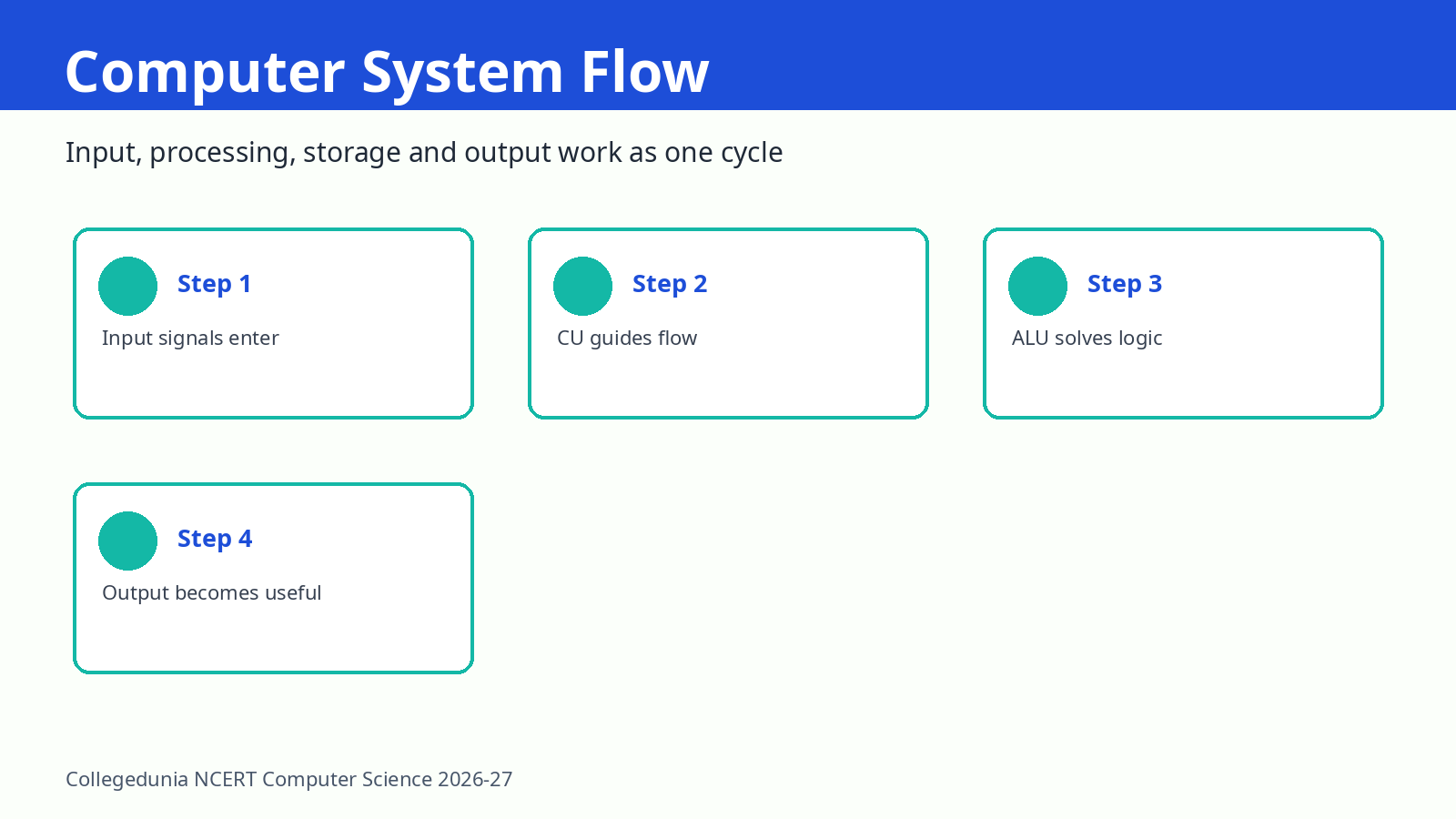
Computer System is the opening chapter of Class 11 Computer Science. It explains how input, CPU, memory, storage, output and software work together. Students should revise the component role first, because many exercise answers are simple once the role is clear.
Computer System Video Explanation for Class 11
Source: Khan Academy
Key Concepts in Chapter 1 Computer System
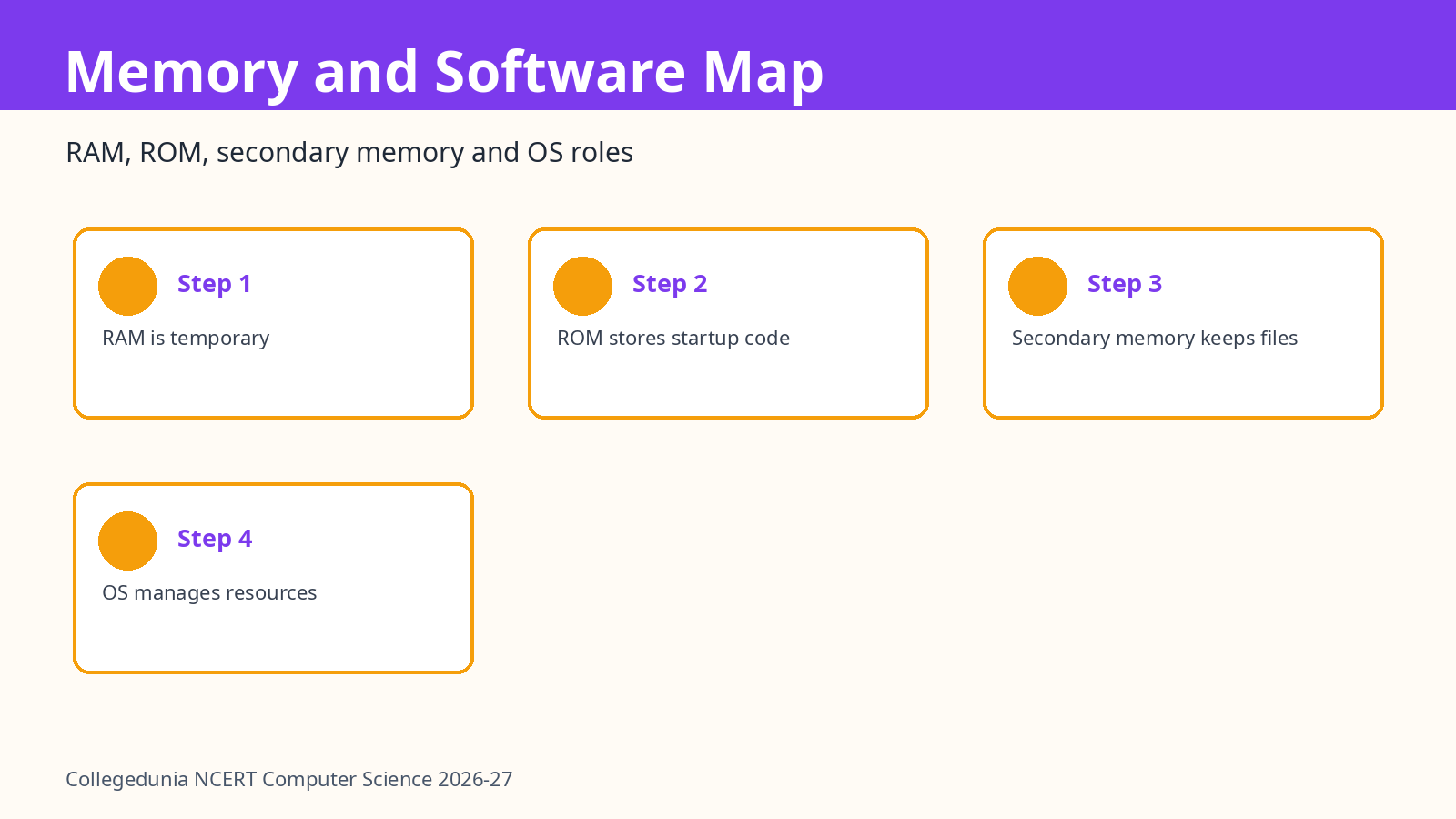
The chapter starts with the definition of a computer system. A computer accepts data, processes it and gives output. The CPU includes the Control Unit and Arithmetic Logic Unit. RAM holds current work, ROM stores permanent startup instructions, and secondary memory stores files for later use.
- Input devices convert user action into digital form.
- Output devices convert digital results into human-readable form.
- The system bus carries data, addresses and control signals.
All NCERT Solutions for Class 11 Computer Science Chapter 1 Computer System with Step-by-Step Solutions
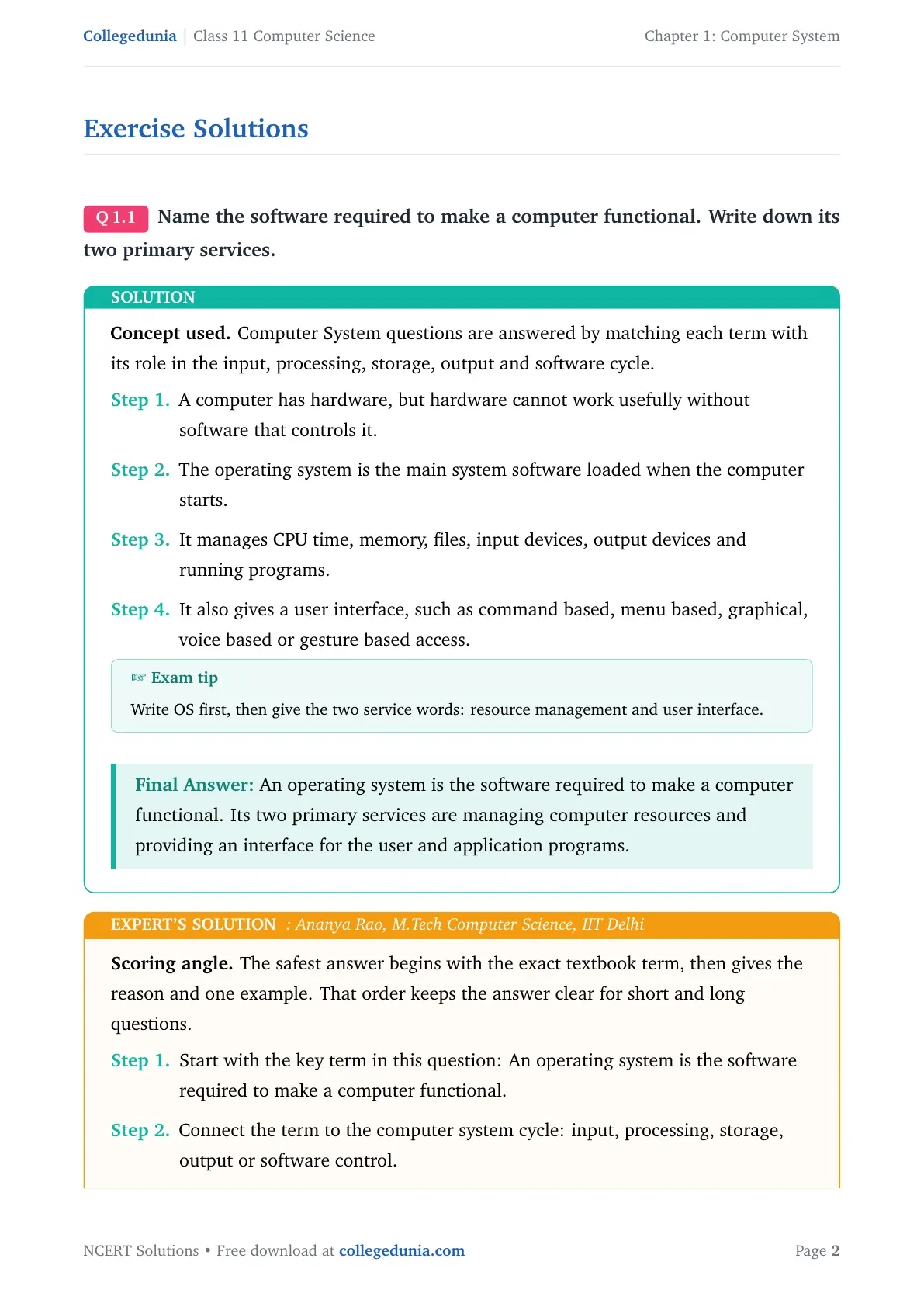
Q1. Name the software required to make a computer functional. Write down its two primary services.
Solution. An operating system is the software required to make a computer functional. Its two primary services are managing computer resources and providing an interface for the user and application programs.
- A computer has hardware, but hardware cannot work usefully without software that controls it.
- The operating system is the main system software loaded when the computer starts.
- It manages CPU time, memory, files, input devices, output devices and running programs.
- It also gives a user interface, such as command based, menu based, graphical, voice based or gesture based access.
Expert note. Start with the exact term, explain its role in the computer system cycle, and close with the final classification or example.
An operating system is the software required to make a computer functional. Its two primary services are managing computer resources and providing an interface for the user and application programs.
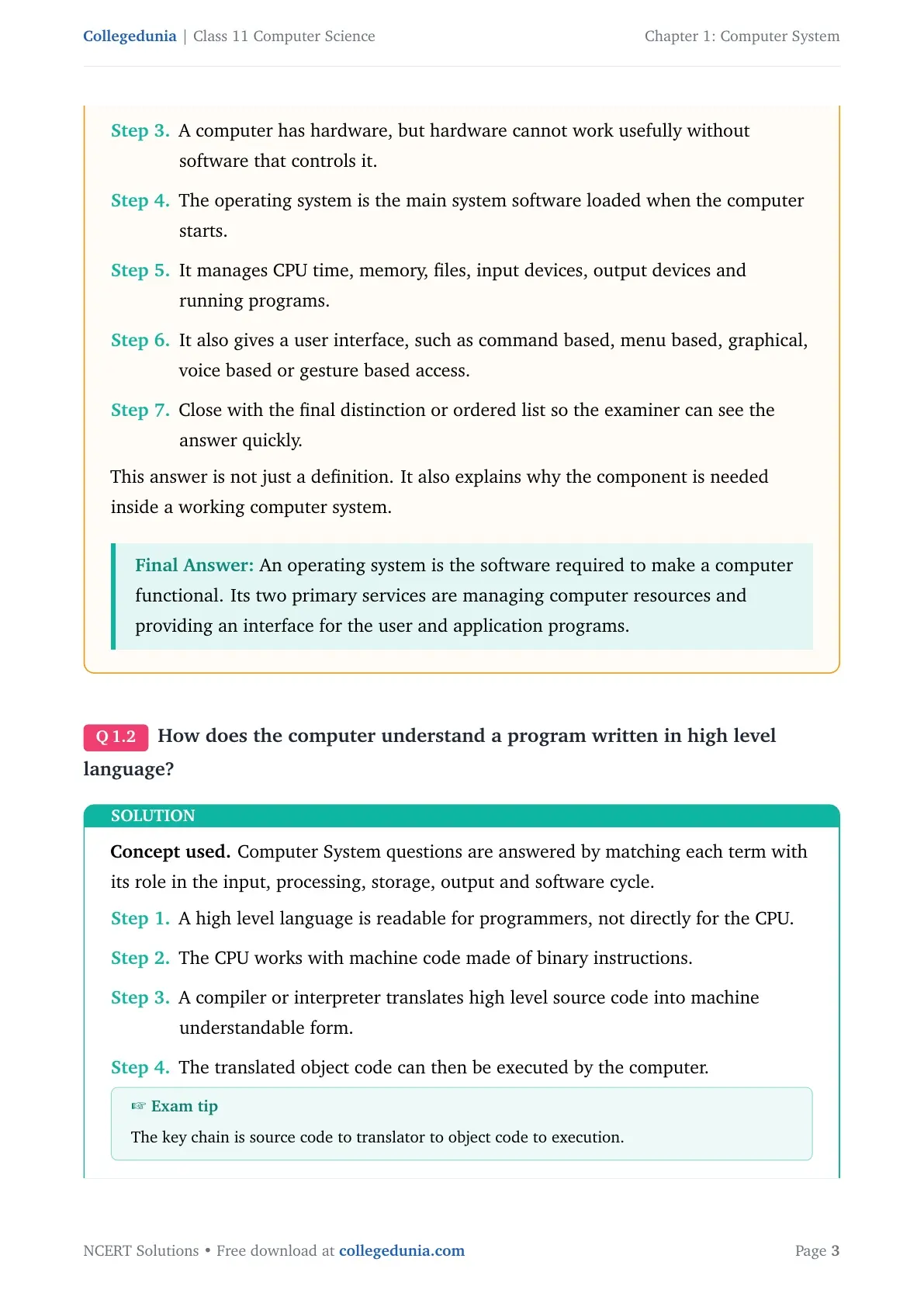
Q2. How does the computer understand a program written in high level language?
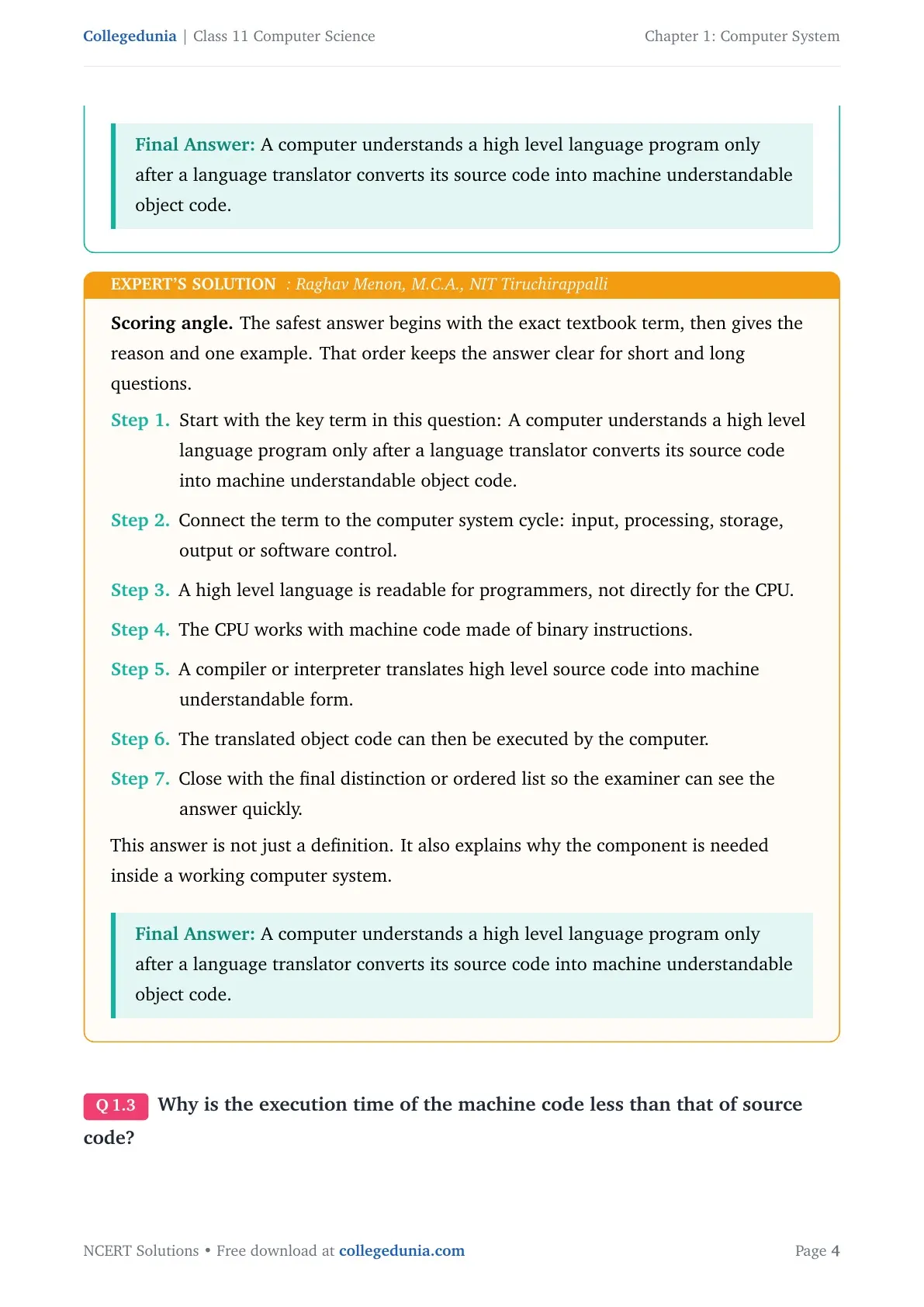
Solution. A computer understands a high level language program only after a language translator converts its source code into machine understandable object code.
- A high level language is readable for programmers, not directly for the CPU.
- The CPU works with machine code made of binary instructions.
- A compiler or interpreter translates high level source code into machine understandable form.
- The translated object code can then be executed by the computer.
Expert note. Start with the exact term, explain its role in the computer system cycle, and close with the final classification or example.
A computer understands a high level language program only after a language translator converts its source code into machine understandable object code.
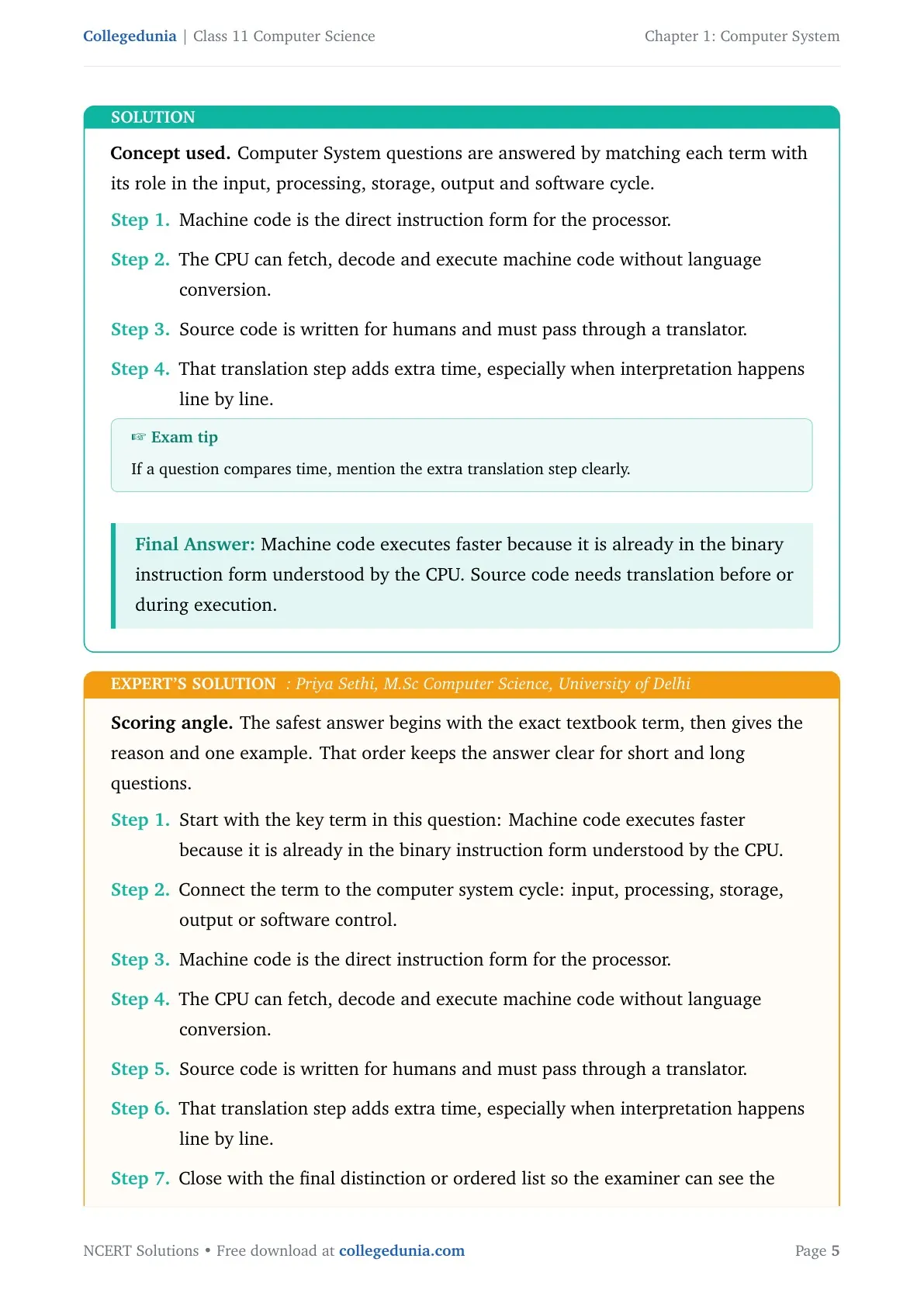
Q3. Why is the execution time of the machine code less than that of source code?
Solution. Machine code executes faster because it is already in the binary instruction form understood by the CPU. Source code needs translation before or during execution.
- Machine code is the direct instruction form for the processor.
- The CPU can fetch, decode and execute machine code without language conversion.
- Source code is written for humans and must pass through a translator.
- That translation step adds extra time, especially when interpretation happens line by line.
Expert note. Start with the exact term, explain its role in the computer system cycle, and close with the final classification or example.
Machine code executes faster because it is already in the binary instruction form understood by the CPU. Source code needs translation before or during execution.
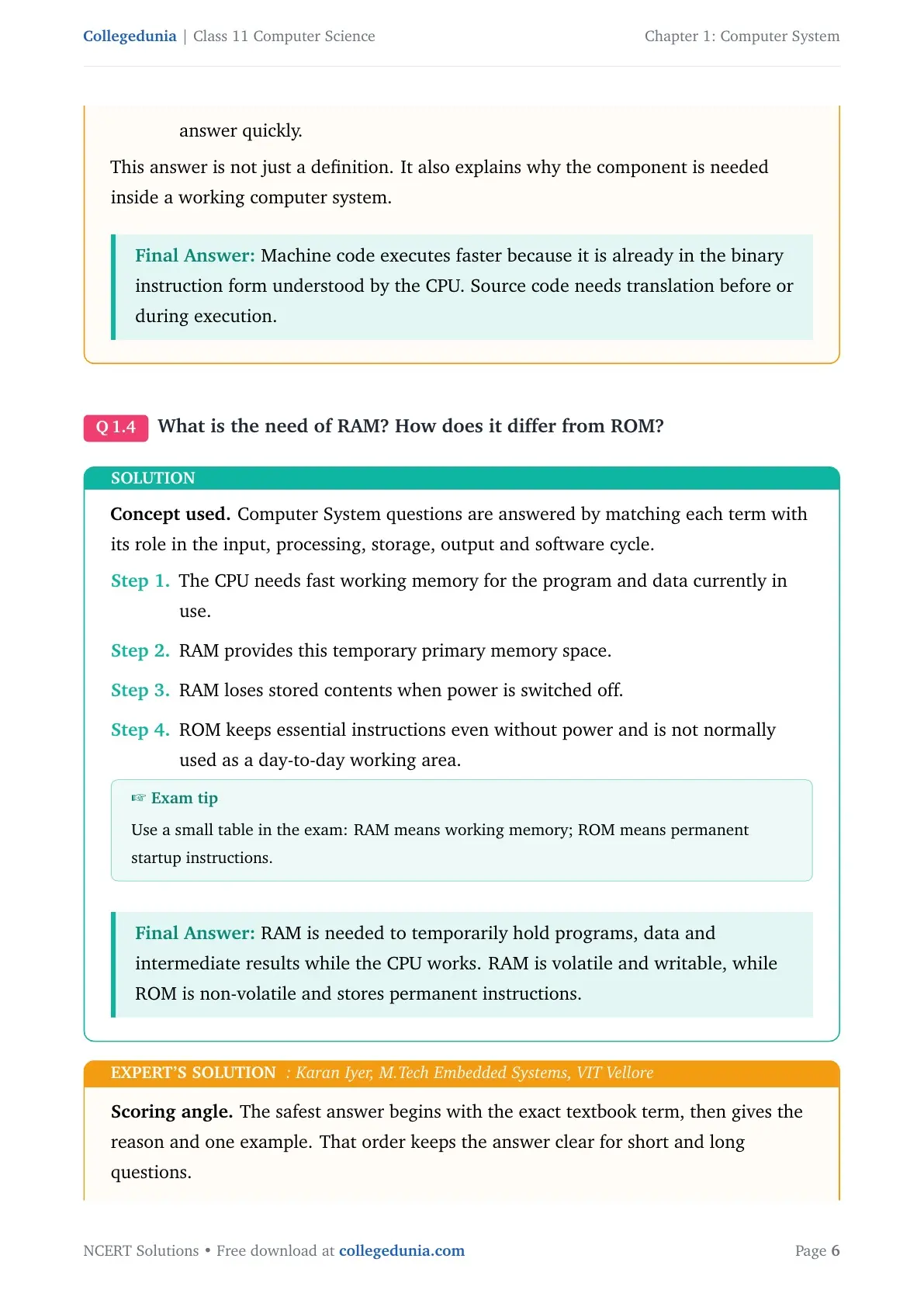
Q4. What is the need of RAM? How does it differ from ROM?
Solution. RAM is needed to temporarily hold programs, data and intermediate results while the CPU works. RAM is volatile and writable, while ROM is non-volatile and stores permanent instructions.
- The CPU needs fast working memory for the program and data currently in use.
- RAM provides this temporary primary memory space.
- RAM loses stored contents when power is switched off.
- ROM keeps essential instructions even without power and is not normally used as a day-to-day working area.
Expert note. Start with the exact term, explain its role in the computer system cycle, and close with the final classification or example.
RAM is needed to temporarily hold programs, data and intermediate results while the CPU works. RAM is volatile and writable, while ROM is non-volatile and stores permanent instructions.
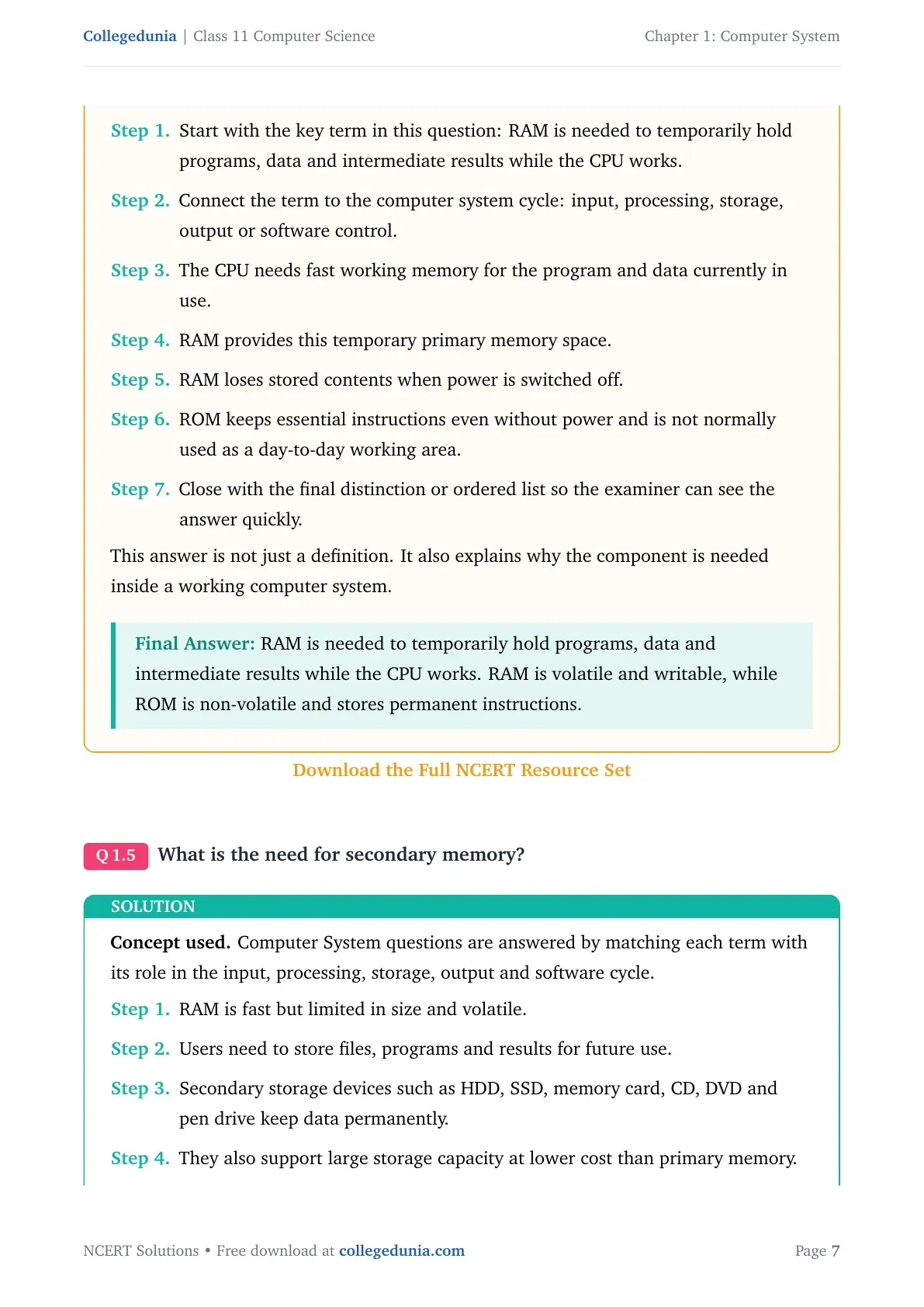
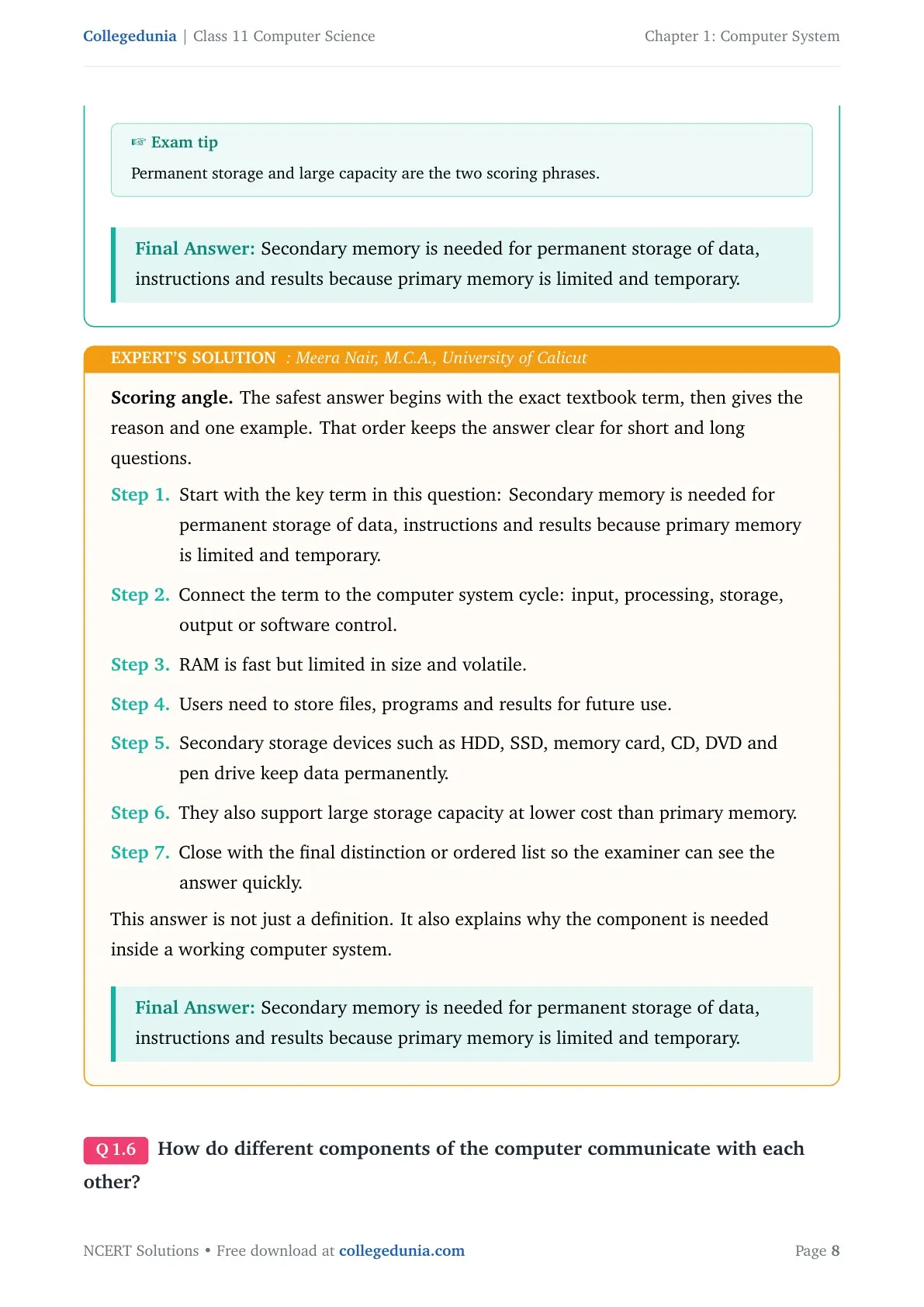
Q5. What is the need for secondary memory?
Solution. Secondary memory is needed for permanent storage of data, instructions and results because primary memory is limited and temporary.
- RAM is fast but limited in size and volatile.
- Users need to store files, programs and results for future use.
- Secondary storage devices such as HDD, SSD, memory card, CD, DVD and pen drive keep data permanently.
- They also support large storage capacity at lower cost than primary memory.
Expert note. Start with the exact term, explain its role in the computer system cycle, and close with the final classification or example.
Secondary memory is needed for permanent storage of data, instructions and results because primary memory is limited and temporary.
Q6. How do different components of the computer communicate with each other?
Solution. Computer components communicate through the system bus, which includes the data bus, address bus and control bus.
- The CPU, main memory and input or output devices must exchange data and signals.
- A bus is a set of wires that carries information between components.
- The data bus carries actual data.
- The address bus carries memory or device addresses, and the control bus carries timing and control signals.
Expert note. Start with the exact term, explain its role in the computer system cycle, and close with the final classification or example.
Computer components communicate through the system bus, which includes the data bus, address bus and control bus.
Q7. Draw the block diagram of a computer system. Briefly write about the functionality of each component.
Solution. The block diagram contains input device, CPU with Control Unit and ALU, primary memory, secondary storage and output device. Together they accept data, process it, store it and present output.
- Input devices convert user data and control signals into digital form.
- The CPU processes instructions. The Control Unit guides instruction execution and data flow.
- The ALU performs arithmetic and logical operations.
- Primary memory stores current programs and data, secondary storage keeps data permanently, and output devices present results.
Expert note. Start with the exact term, explain its role in the computer system cycle, and close with the final classification or example.
The block diagram contains input device, CPU with Control Unit and ALU, primary memory, secondary storage and output device. Together they accept data, process it, store it and present output.
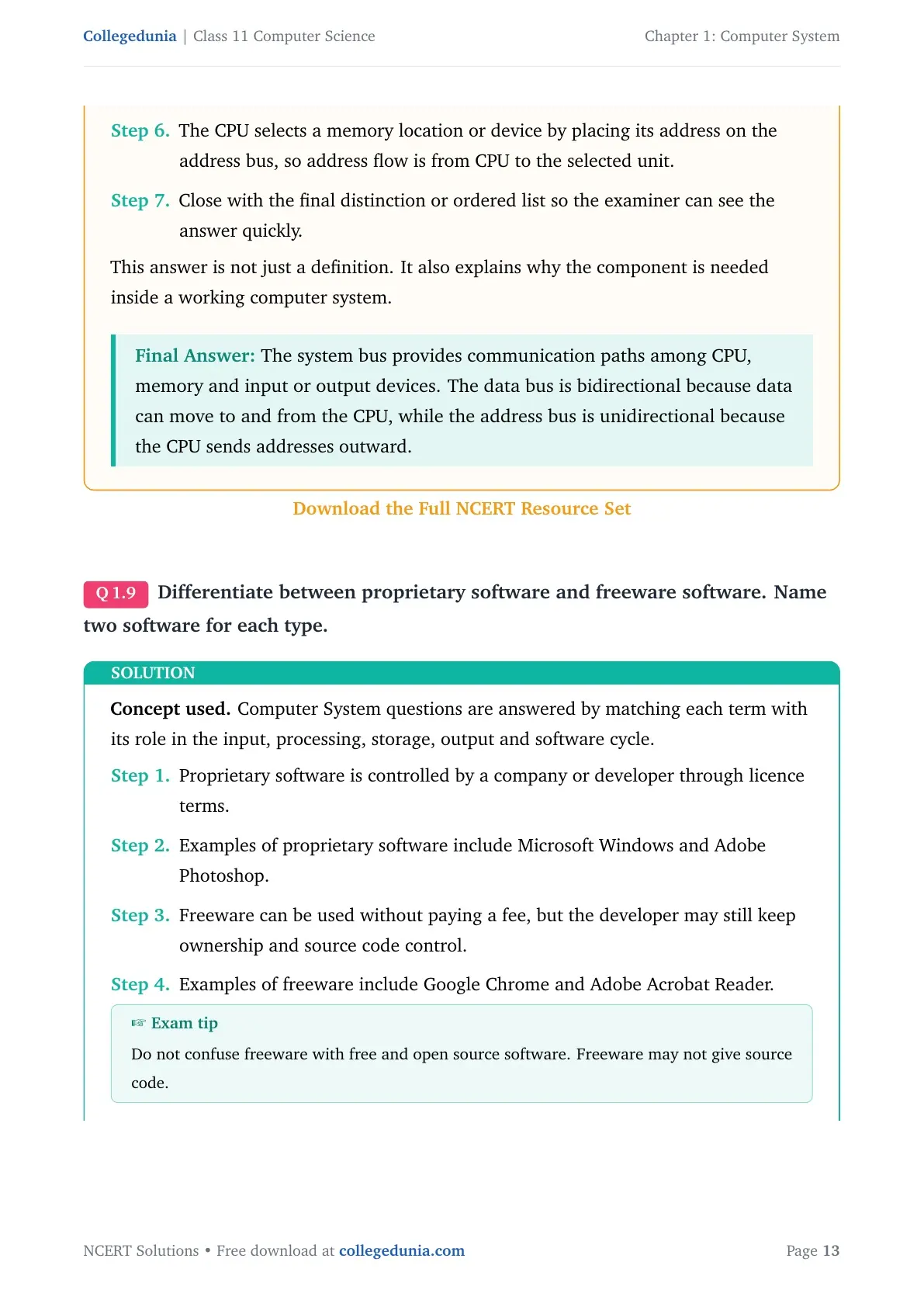
Q8. What is the primary role of system bus? Why is data bus bidirectional while address bus is unidirectional?
Solution. The system bus provides communication paths among CPU, memory and input or output devices. The data bus is bidirectional because data can move to and from the CPU, while the address bus is unidirectional because the CPU sends addresses outward.
- The system bus links the main components of a computer.
- It carries data, addresses and control signals.
- The CPU reads data from memory or devices and also writes data to them, so the data bus works both ways.
- The CPU selects a memory location or device by placing its address on the address bus, so address flow is from CPU to the selected unit.
Expert note. Start with the exact term, explain its role in the computer system cycle, and close with the final classification or example.
The system bus provides communication paths among CPU, memory and input or output devices. The data bus is bidirectional because data can move to and from the CPU, while the address bus is unidirectional because the CPU sends addresses outward.
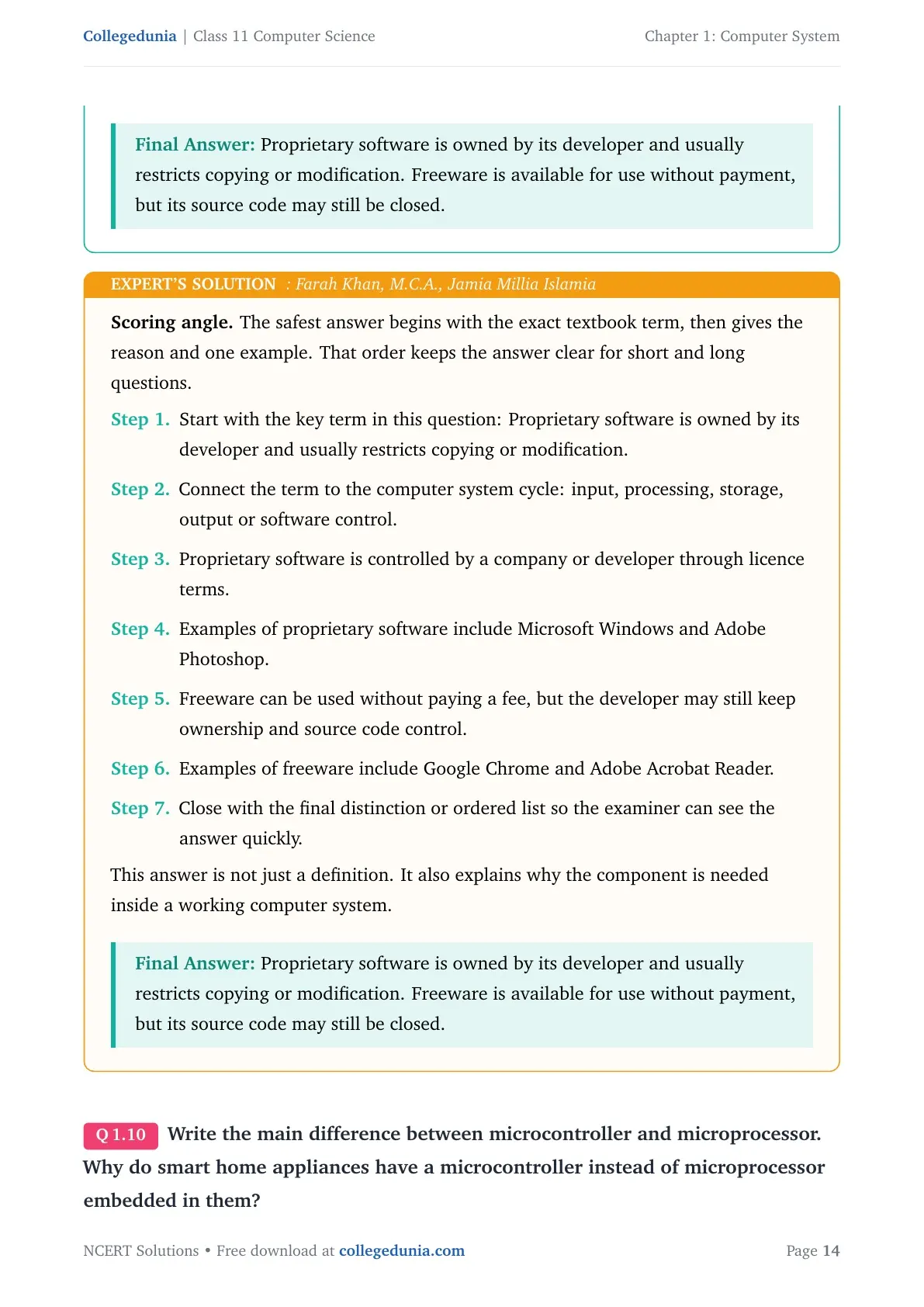
Q9. Differentiate between proprietary software and freeware software. Name two software for each type.
Solution. Proprietary software is owned by its developer and usually restricts copying or modification. Freeware is available for use without payment, but its source code may still be closed.
- Proprietary software is controlled by a company or developer through licence terms.
- Examples of proprietary software include Microsoft Windows and Adobe Photoshop.
- Freeware can be used without paying a fee, but the developer may still keep ownership and source code control.
- Examples of freeware include Google Chrome and Adobe Acrobat Reader.
Expert note. Start with the exact term, explain its role in the computer system cycle, and close with the final classification or example.
Proprietary software is owned by its developer and usually restricts copying or modification. Freeware is available for use without payment, but its source code may still be closed.
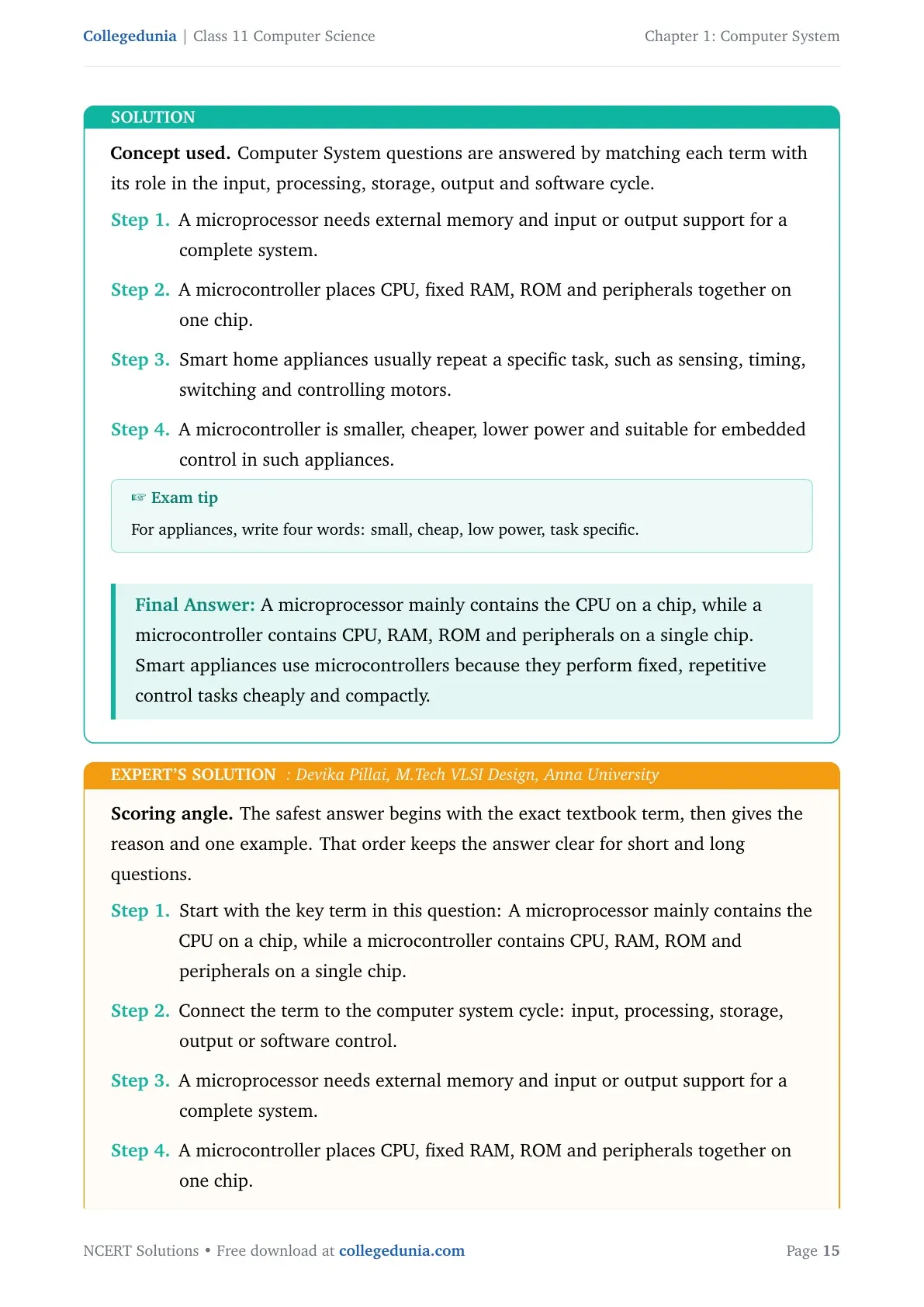
Q10. Write the main difference between microcontroller and microprocessor. Why do smart home appliances have a microcontroller instead of microprocessor embedded in them?
Solution. A microprocessor mainly contains the CPU on a chip, while a microcontroller contains CPU, RAM, ROM and peripherals on a single chip. Smart appliances use microcontrollers because they perform fixed, repetitive control tasks cheaply and compactly.
- A microprocessor needs external memory and input or output support for a complete system.
- A microcontroller places CPU, fixed RAM, ROM and peripherals together on one chip.
- Smart home appliances usually repeat a specific task, such as sensing, timing, switching and controlling motors.
- A microcontroller is smaller, cheaper, lower power and suitable for embedded control in such appliances.
Expert note. Start with the exact term, explain its role in the computer system cycle, and close with the final classification or example.
A microprocessor mainly contains the CPU on a chip, while a microcontroller contains CPU, RAM, ROM and peripherals on a single chip. Smart appliances use microcontrollers because they perform fixed, repetitive control tasks cheaply and compactly.
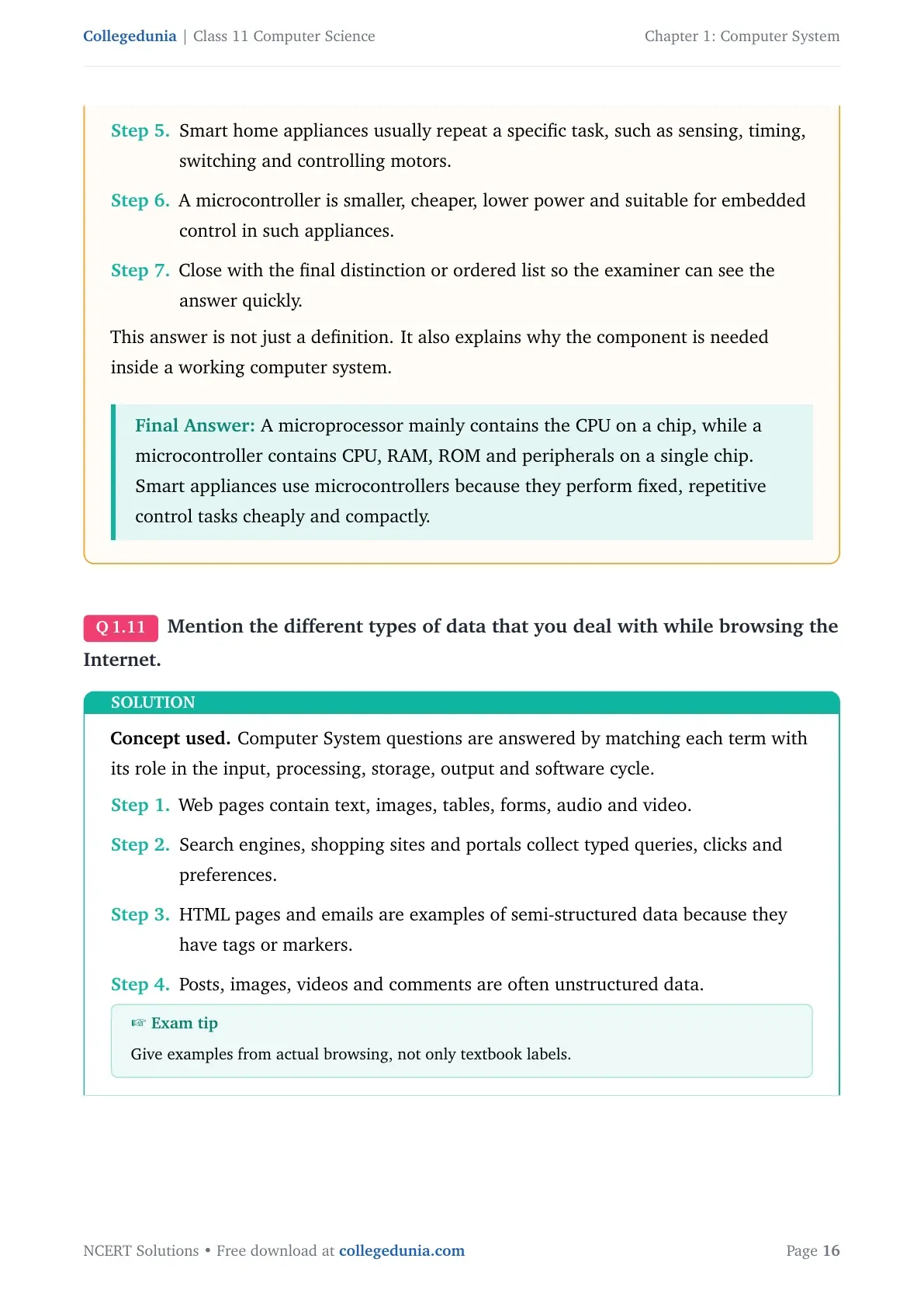
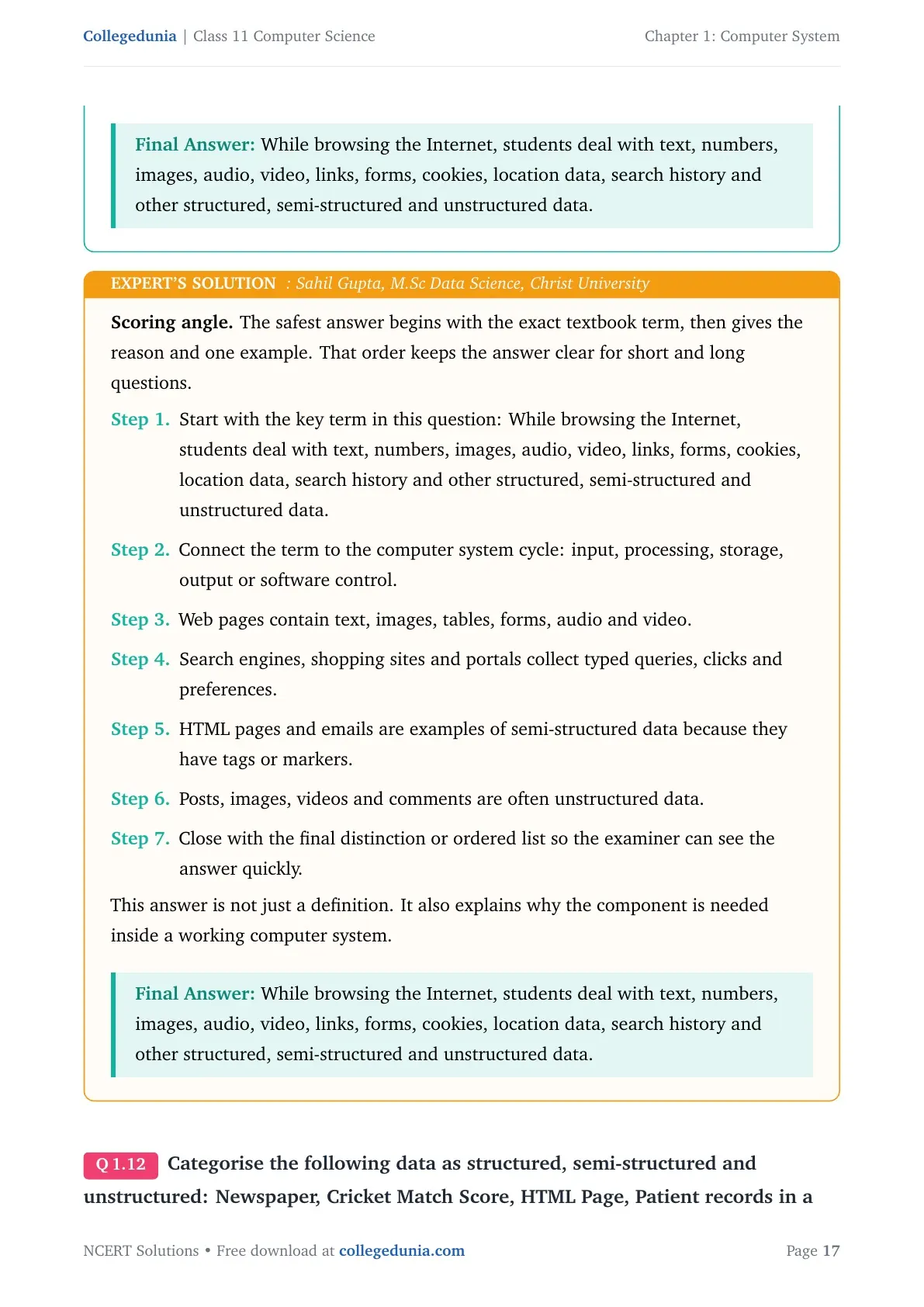
Q11. Mention the different types of data that you deal with while browsing the Internet.
Solution. While browsing the Internet, students deal with text, numbers, images, audio, video, links, forms, cookies, location data, search history and other structured, semi-structured and unstructured data.
- Web pages contain text, images, tables, forms, audio and video.
- Search engines, shopping sites and portals collect typed queries, clicks and preferences.
- HTML pages and emails are examples of semi-structured data because they have tags or markers.
- Posts, images, videos and comments are often unstructured data.
Expert note. Start with the exact term, explain its role in the computer system cycle, and close with the final classification or example.
While browsing the Internet, students deal with text, numbers, images, audio, video, links, forms, cookies, location data, search history and other structured, semi-structured and unstructured data.
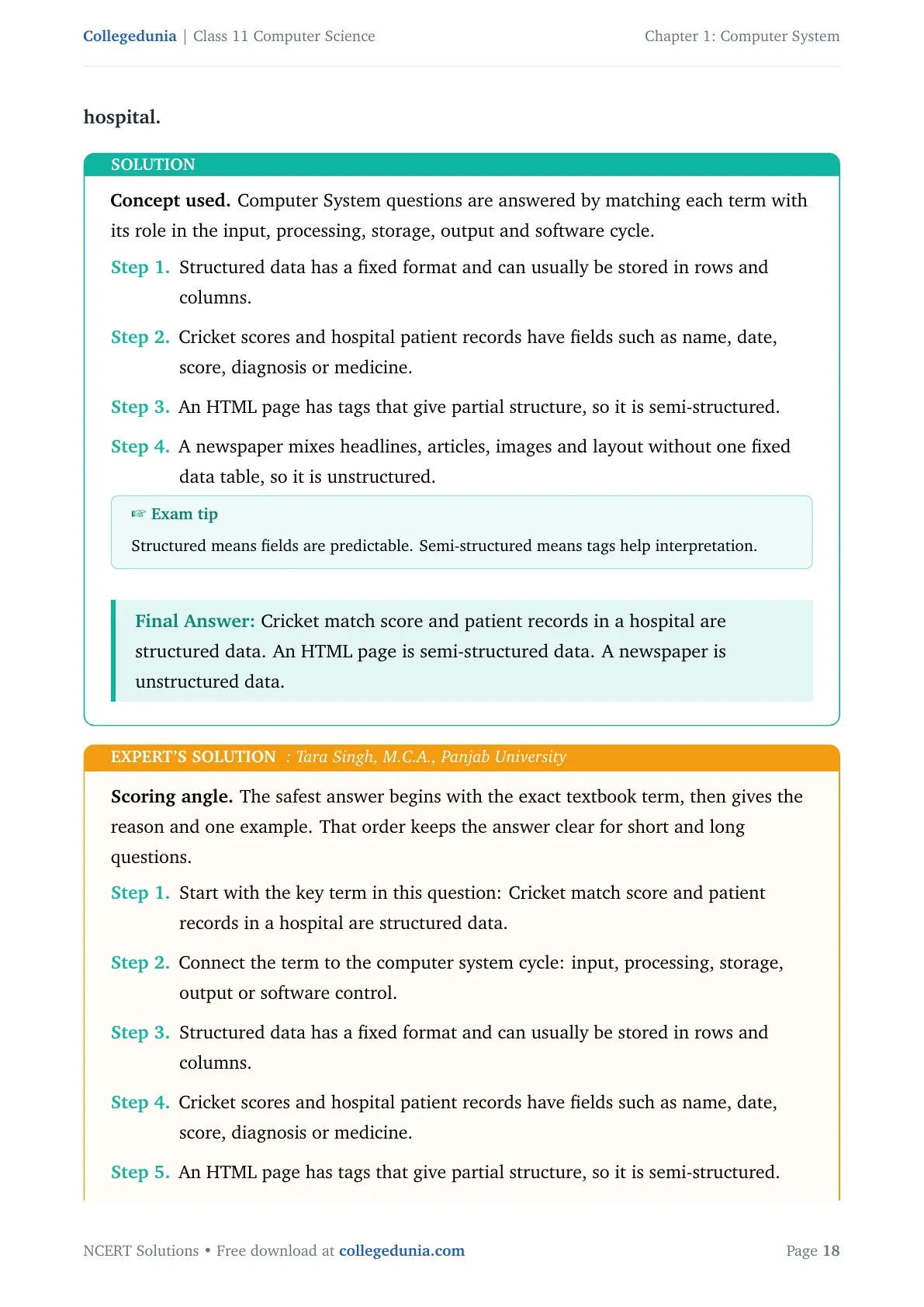
Q12. Categorise the following data as structured, semi-structured and unstructured: Newspaper, Cricket Match Score, HTML Page, Patient records in a hospital.
Solution. Cricket match score and patient records in a hospital are structured data. An HTML page is semi-structured data. A newspaper is unstructured data.
- Structured data has a fixed format and can usually be stored in rows and columns.
- Cricket scores and hospital patient records have fields such as name, date, score, diagnosis or medicine.
- An HTML page has tags that give partial structure, so it is semi-structured.
- A newspaper mixes headlines, articles, images and layout without one fixed data table, so it is unstructured.
Expert note. Start with the exact term, explain its role in the computer system cycle, and close with the final classification or example.
Cricket match score and patient records in a hospital are structured data. An HTML page is semi-structured data. A newspaper is unstructured data.
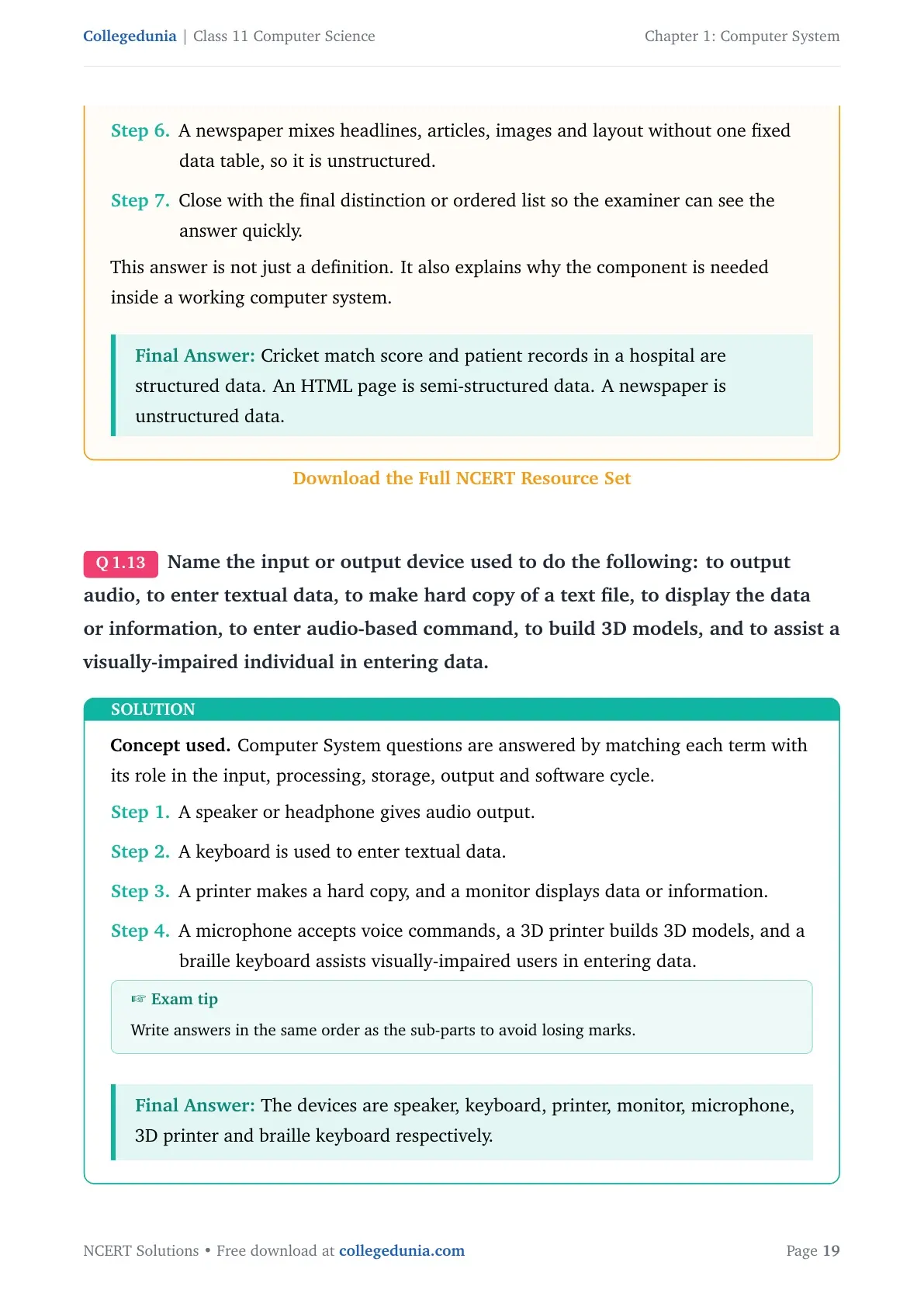
Q13. Name the input or output device used to do the following: to output audio, to enter textual data, to make hard copy of a text file, to display the data or information, to enter audio-based command, to build 3D models, and to assist a visually-impaired individual in entering data.
Solution. The devices are speaker, keyboard, printer, monitor, microphone, 3D printer and braille keyboard respectively.
- A speaker or headphone gives audio output.
- A keyboard is used to enter textual data.
- A printer makes a hard copy, and a monitor displays data or information.
- A microphone accepts voice commands, a 3D printer builds 3D models, and a braille keyboard assists visually-impaired users in entering data.
Expert note. Start with the exact term, explain its role in the computer system cycle, and close with the final classification or example.
The devices are speaker, keyboard, printer, monitor, microphone, 3D printer and braille keyboard respectively.
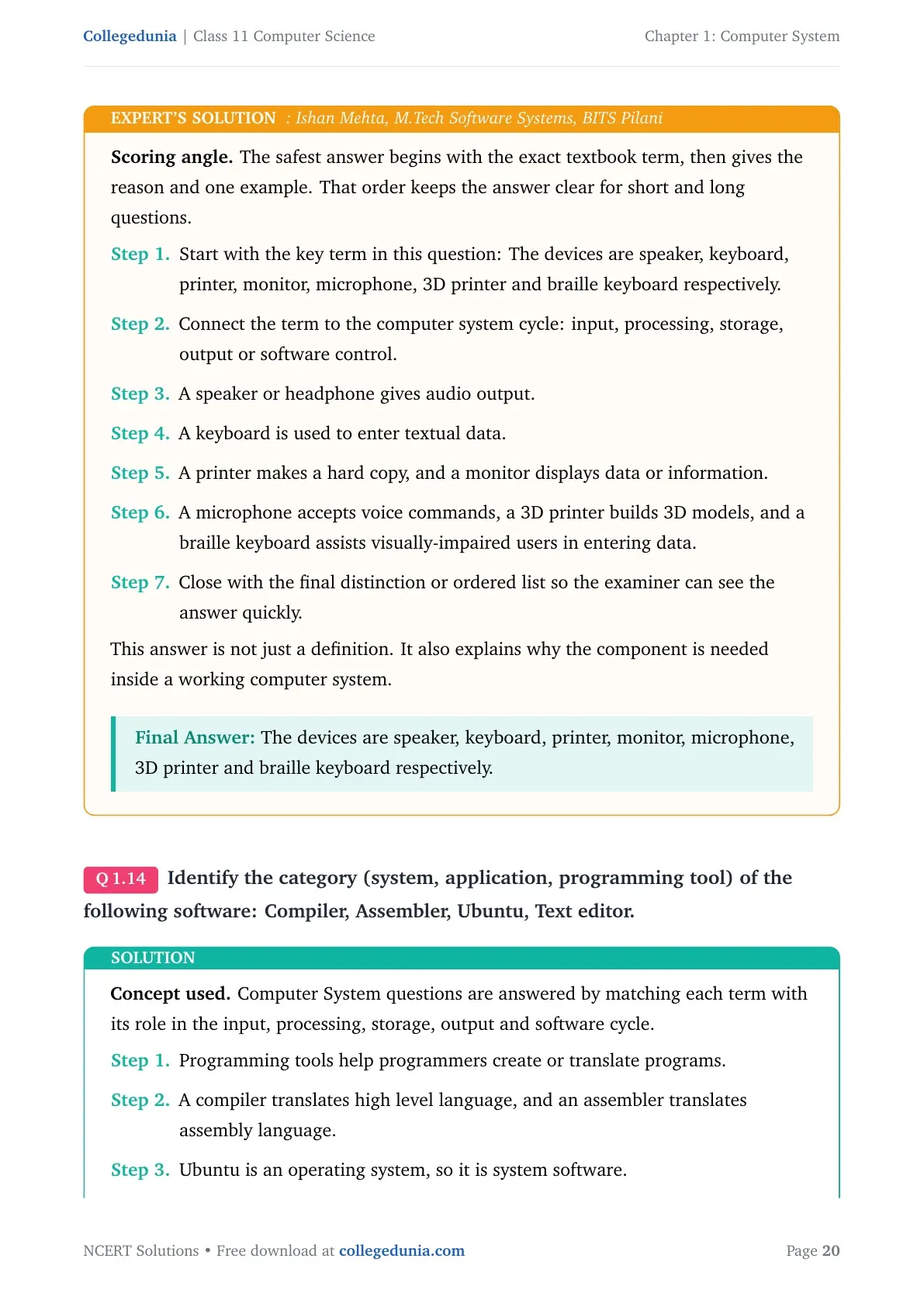
Q14. Identify the category (system, application, programming tool) of the following software: Compiler, Assembler, Ubuntu, Text editor.
Solution. Compiler and assembler are programming tools. Ubuntu is system software. A text editor is application software when used for general document editing.
- Programming tools help programmers create or translate programs.
- A compiler translates high level language, and an assembler translates assembly language.
- Ubuntu is an operating system, so it is system software.
- A text editor is generally an application program used to create and edit text files.
Expert note. Start with the exact term, explain its role in the computer system cycle, and close with the final classification or example.
Compiler and assembler are programming tools. Ubuntu is system software. A text editor is application software when used for general document editing.
Class 11 Computer Science Chapter 1 Related NCERT Resources
| Resource | Link |
|---|---|
| NCERT Notes | Computer System Notes |
| NCERT Book PDF | Computer System Book PDF |
| Handwritten Notes | Computer System Handwritten Notes |
Class 11 Computer Science NCERT Solutions Chapter-Wise Links
| Chapter | NCERT Solutions |
|---|---|
| Chapter 1 Computer System | Computer System Solutions |
| Chapter 2 Encoding Schemes and Number System | Encoding Schemes and Number System Solutions |
| Chapter 3 Emerging Trends | Emerging Trends Solutions |
| Chapter 4 Introduction to Problem Solving | Introduction to Problem Solving Solutions |
Computer System Class 11 Computer Science NCERT Solutions FAQs
Ques. What does Class 11 Computer Science Chapter 1 Computer System cover?
Ans. It covers computer components, CPU, memory, system bus, microprocessors, data types, software and operating system basics.
Ques. Are these NCERT Solutions according to the 2026-27 syllabus?
Ans. Yes. The answers follow the 2026-27 NCERT Computer Science textbook and the exercise printed in Chapter 1.
Ques. Which questions are solved in the PDF?
Ans. The PDF solves all 14 exercise questions, including RAM vs ROM, secondary memory, system bus, microcontroller and software categories.



Comments