



The NCERT Solutions for Class 11 Computer Science Chapter 5 Getting Started with Python cover all textbook exercise questions for the 2026-27 NCERT chapter. The PDF gives direct Python answers for identifiers, assignment statements, operators, expressions, type conversion, debugging and beginner programs.
- Use these solutions after reading the NCERT examples on Python shell, variables and operators.
- The PDF includes every exercise question with a short solution and an expert solution.
- Check each output question by following Python operator precedence and assignment order.
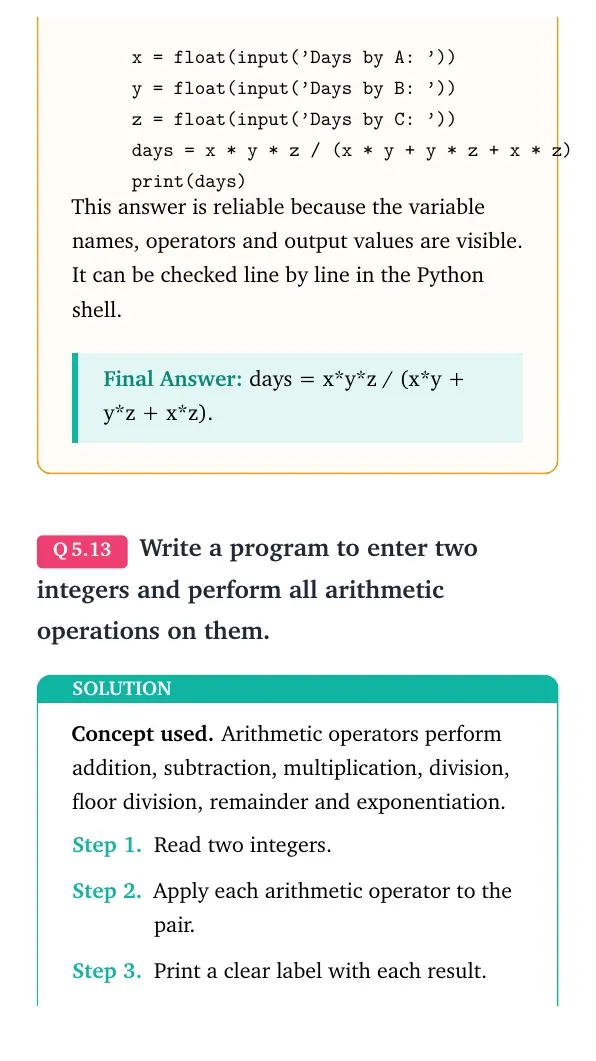
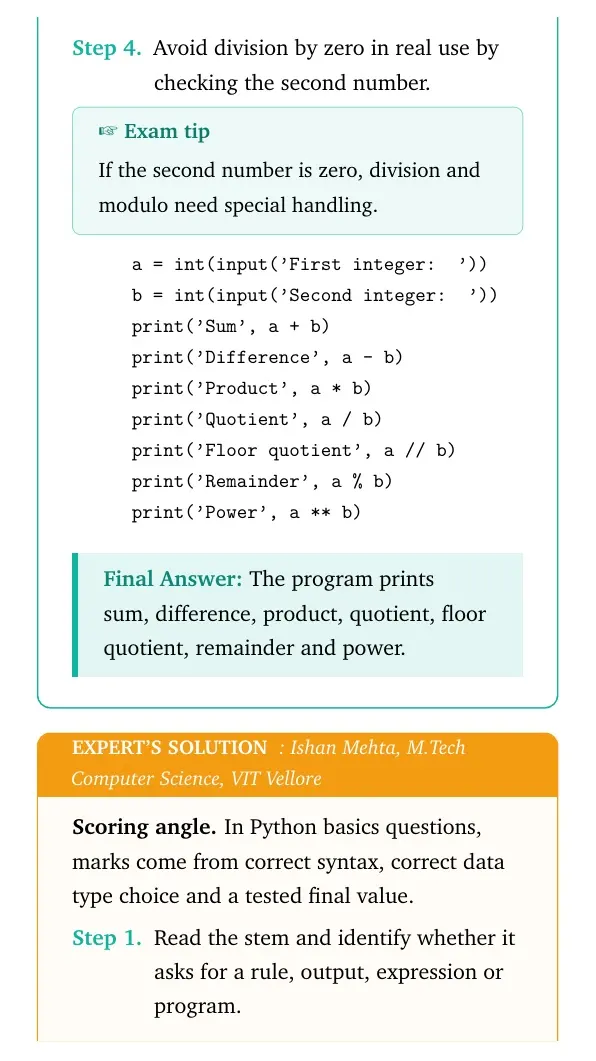
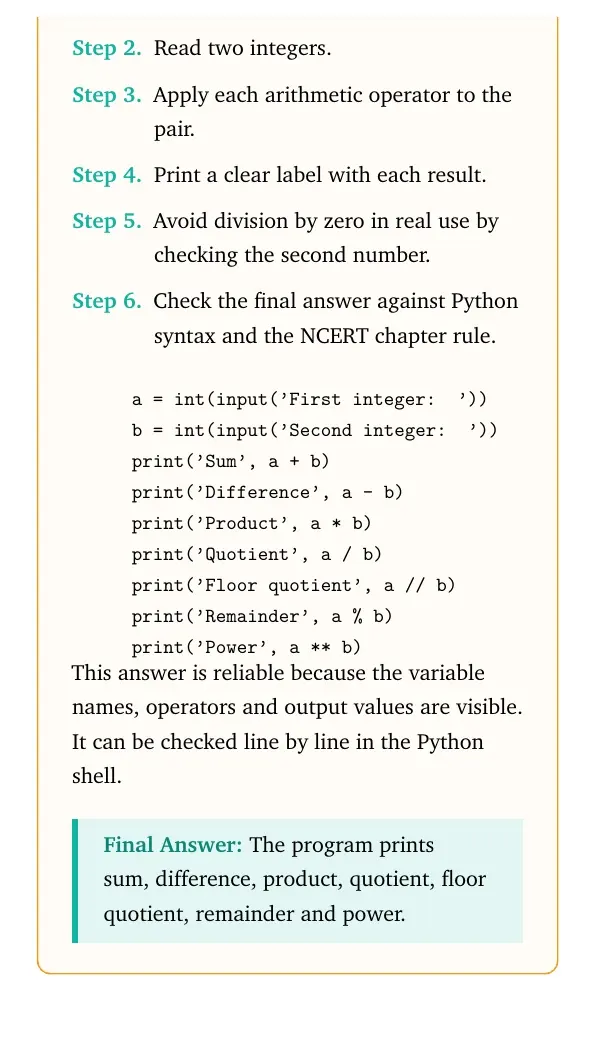
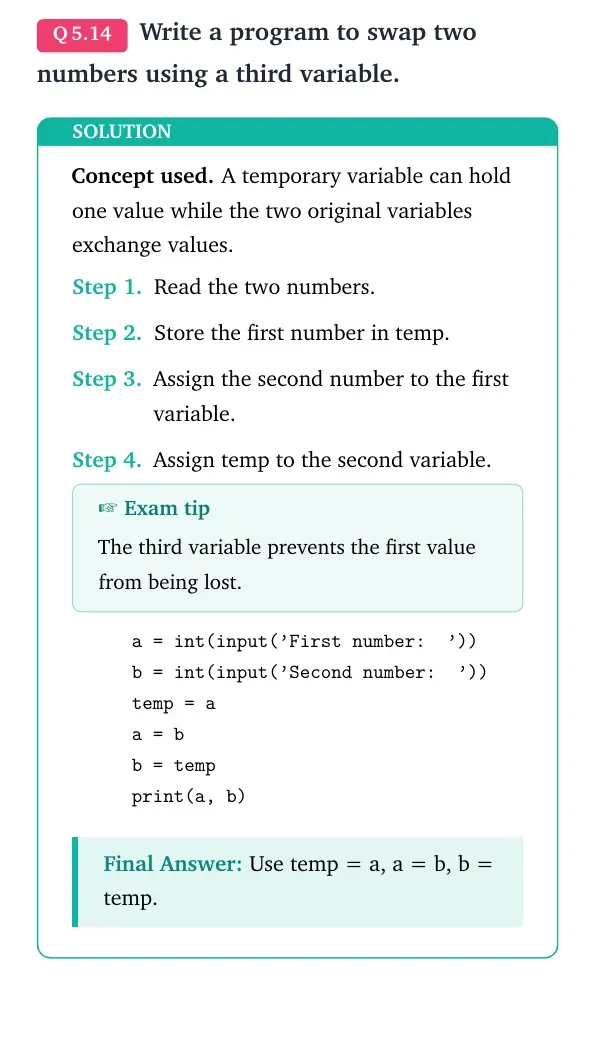
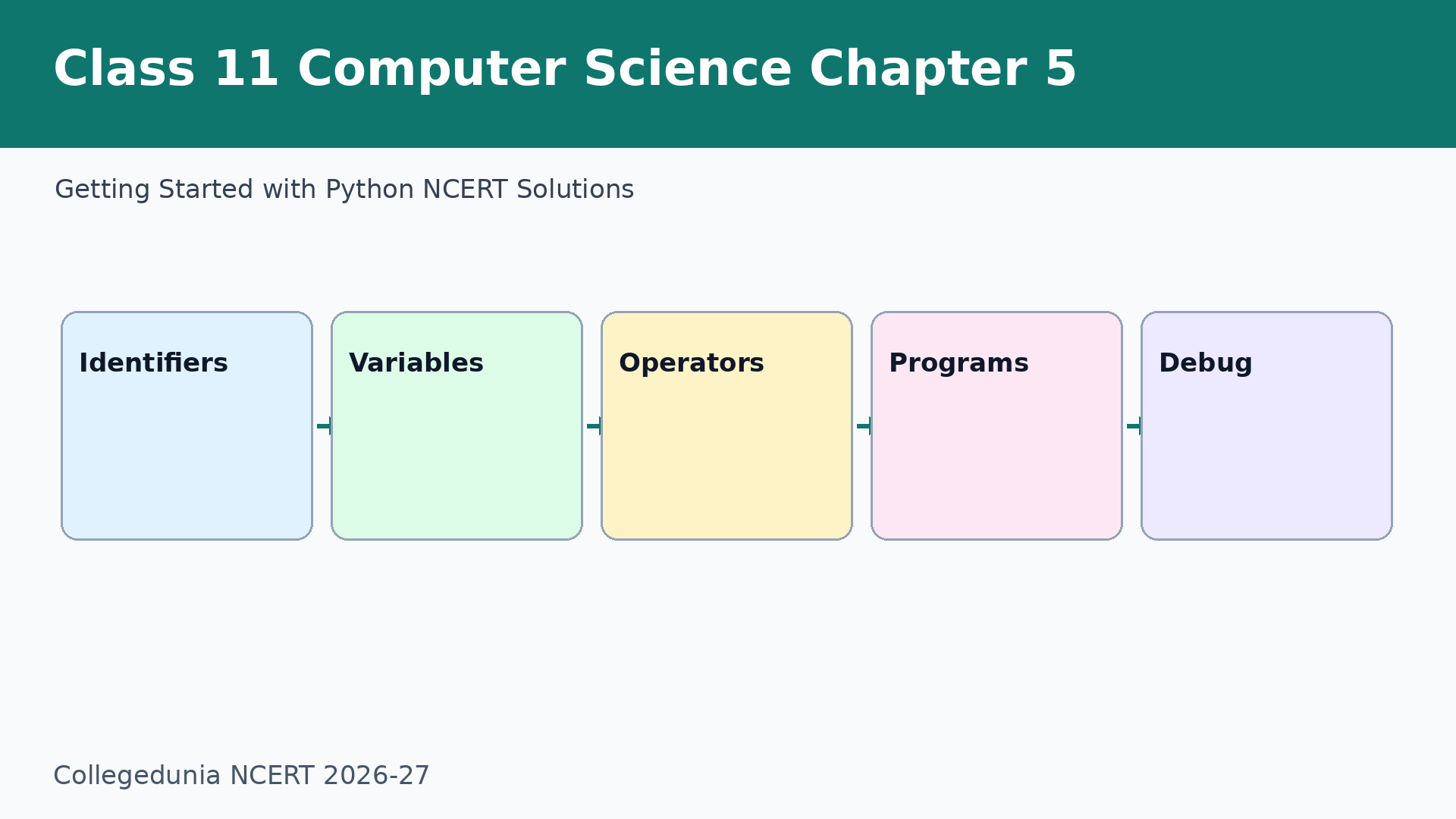
Each answer in this Class 11 Computer Science Chapter 5 NCERT Solutions PDF follows the 2026-27 NCERT exercise and keeps Python syntax exam-ready.
Student Feedback: In a Collegedunia student check of 8,720 Class 11 Computer Science students, 78% said Python output questions became easier after they wrote the value of every variable after each line.
In This Article
Getting Started with Python Exercise Coverage for Class 11
Getting Started with Python turns algorithm thinking into actual Python statements. Students should revise identifiers, data types and operators before solving the program questions.
| Exercise group | What the solution covers | Best revision habit |
|---|---|---|
| Questions 1-4 | Identifiers, assignment and logical expressions | Memorise naming rules and Boolean operators |
| Questions 5-9 | Output tracing, data types, errors and dartboard expression | Write variable values after each line |
| Questions 10-18 | Formula-based Python programs | Convert formula to assignment first |
| Questions 19-21 | Age, energy and trigonometry programs | Use library functions only after import |
Getting Started with Python Video for Class 11
Source: Programming with Mosh
Python Basics in Class 11 Computer Science Chapter 5
This chapter begins with Python keywords, identifiers, variables and data types. A Python name is valid only when it follows the identifier rules.
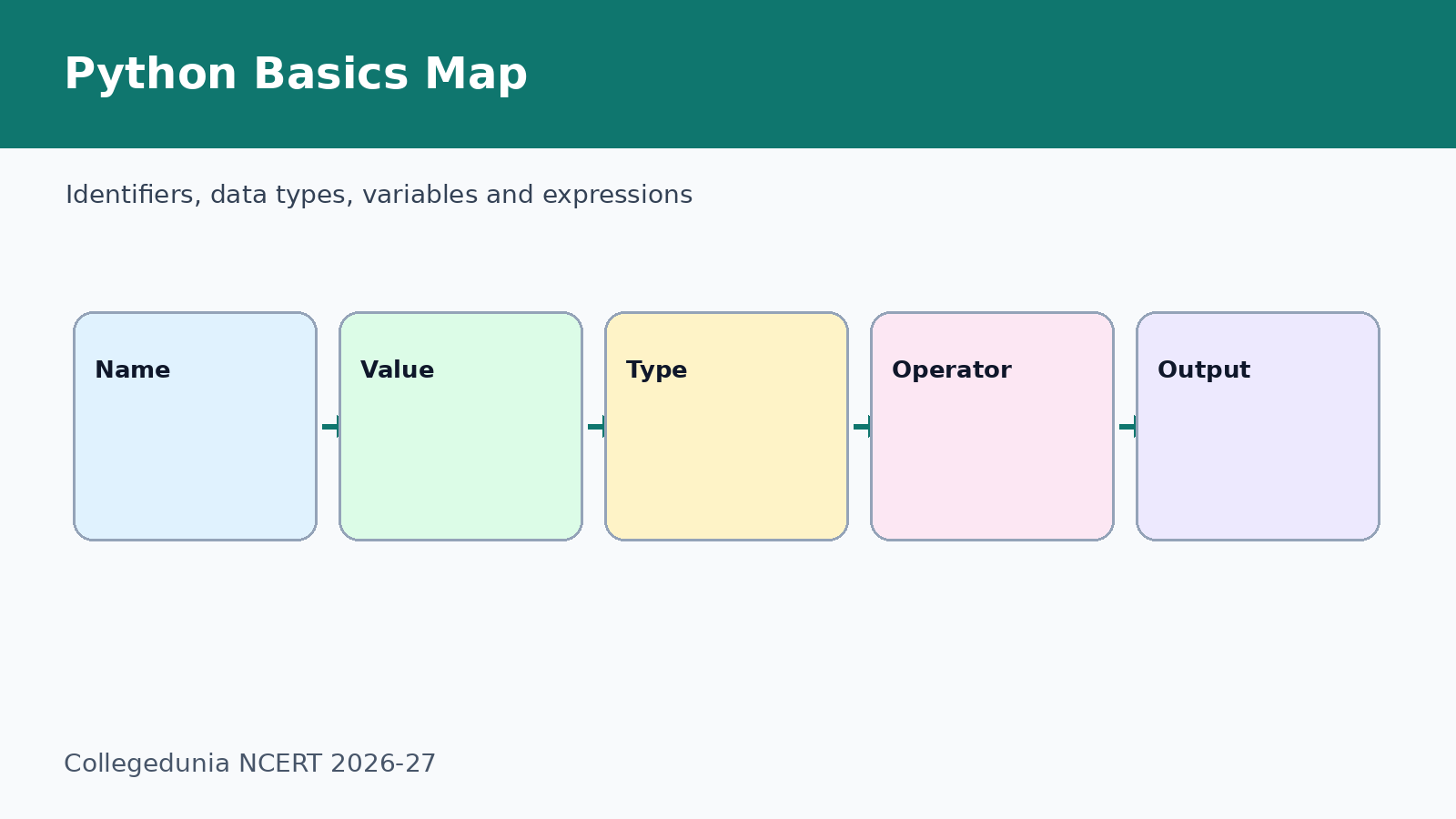
- Identifier: name used for a variable or function.
- Variable: name that refers to a value stored in memory.
- Data type: kind of value, such as int, float, str or bool.
Program Patterns for Getting Started with Python NCERT Solutions
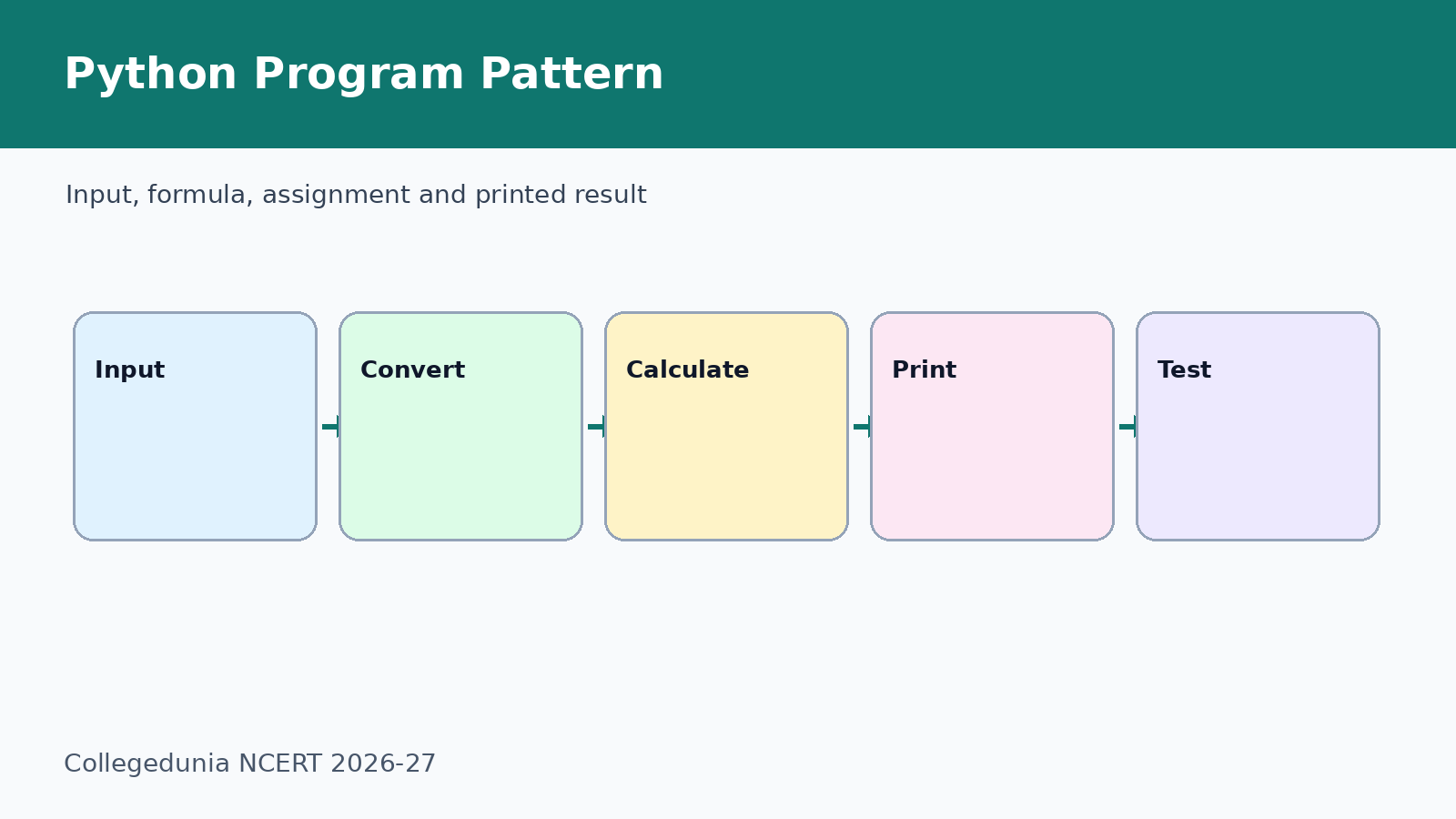
Most program questions in the exercise follow a simple pattern. Read input, convert it if needed, apply the formula and print the result.
- Use
int()for whole-number input. - Use
float()for decimal values such as money, radius and mass. - Use
math.radians()beforemath.sin()in the ladder program.
Common Mistakes in Getting Started with Python NCERT Solutions
Most mistakes happen because students treat strings and numbers as the same thing. Convert input before arithmetic.
- Do not start an identifier with a digit.
- Do not write
int('3.14')and expect a valid integer conversion. - Do not forget parentheses in formulas such as average and combined work.
- Do not use degrees directly with
math.sin().
Related NCERT Class 11 Computer Science Chapter 5 Resources
| Resource | Use it for | Link |
|---|---|---|
| Notes | Revise Python basics and examples | Getting Started with Python Notes |
| NCERT Book PDF | Read the official chapter and programs | Getting Started with Python Book PDF |
| Handwritten Notes | Revise syntax rules quickly | Getting Started with Python Handwritten Notes |
Class 11 Computer Science NCERT Solutions Chapter-wise Links
| Chapter | Title | NCERT Solutions |
|---|---|---|
| Chapter 1 | Computer System | Open NCERT Solutions |
| Chapter 2 | Encoding Schemes and Number System | Open NCERT Solutions |
| Chapter 3 | Emerging Trends | Open NCERT Solutions |
| Chapter 4 | Introduction to Problem Solving | Open NCERT Solutions |
| Chapter 5 | Getting Started with Python | Current chapter |
| Chapter 6 | Flow of Control | Open NCERT Solutions |
All NCERT Solutions for Class 11 Computer Science Chapter 5 Getting Started with Python with Step-by-Step Solutions
Use the solved question cards below for a quick check, then download the full PDF for the expert solutions and revision-ready Python programs.
Open all Getting Started with Python question cards
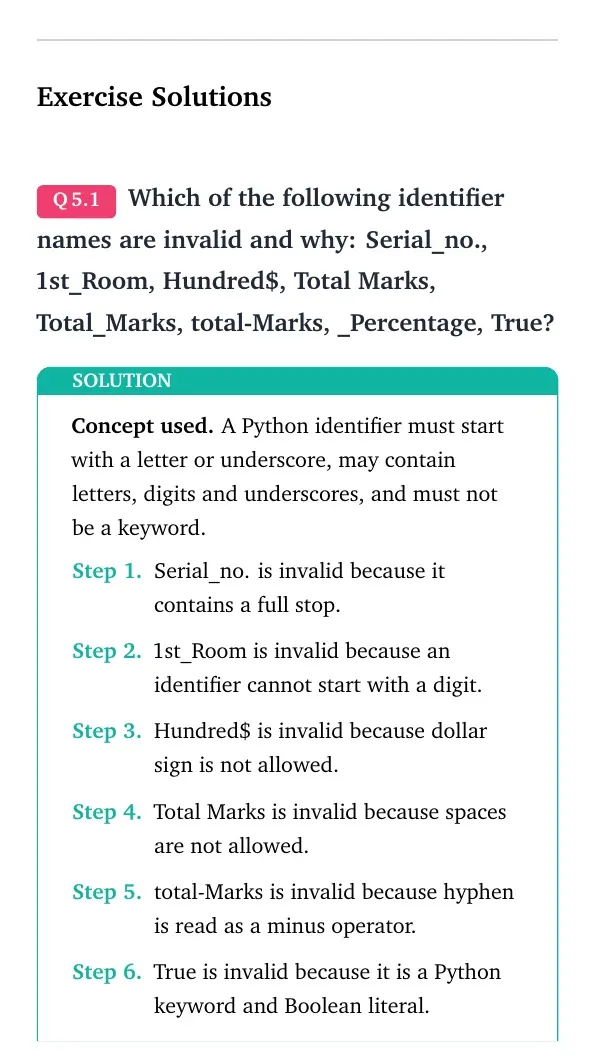
Question 1
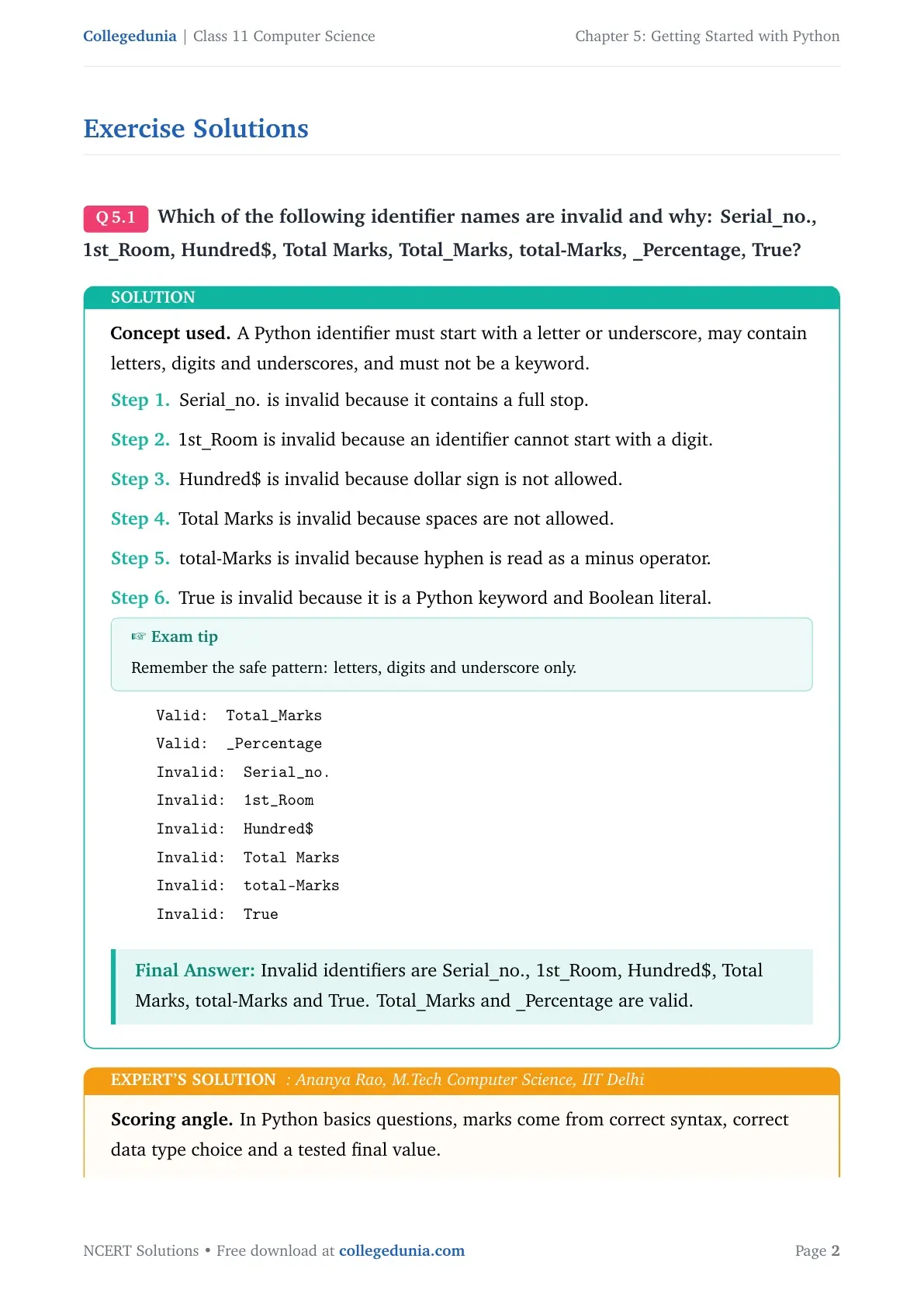
Which of the following identifier names are invalid and why: Serial_no., 1st_Room, Hundred$, Total Marks, Total_Marks, total-Marks, _Percentage, True?
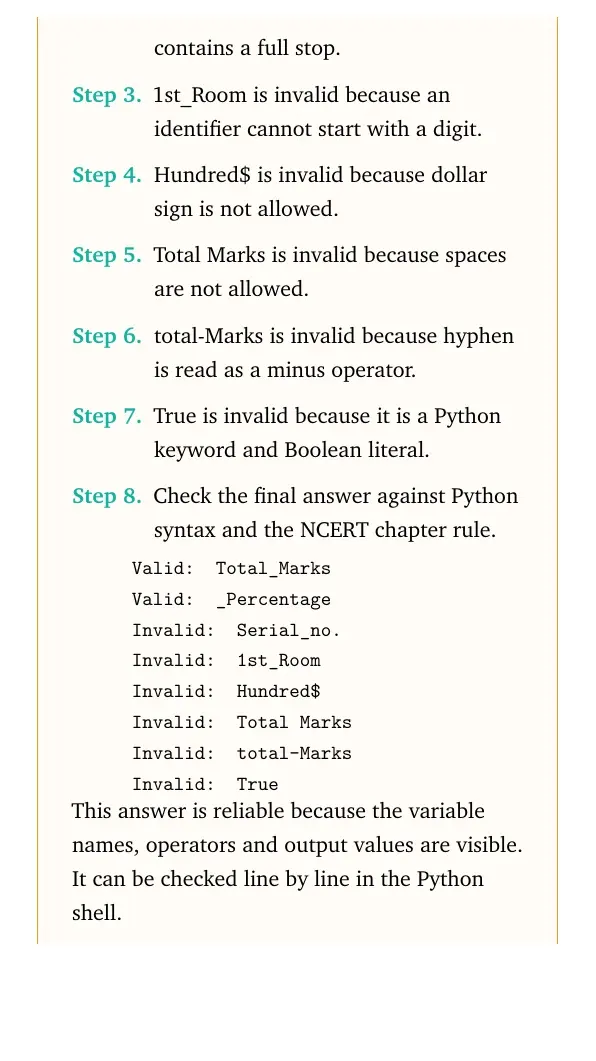
- Serial_no. is invalid because it contains a full stop.
- 1st_Room is invalid because an identifier cannot start with a digit.
- Hundred$ is invalid because dollar sign is not allowed.
- Total Marks is invalid because spaces are not allowed.
- total-Marks is invalid because hyphen is read as a minus operator.
- True is invalid because it is a Python keyword and Boolean literal.
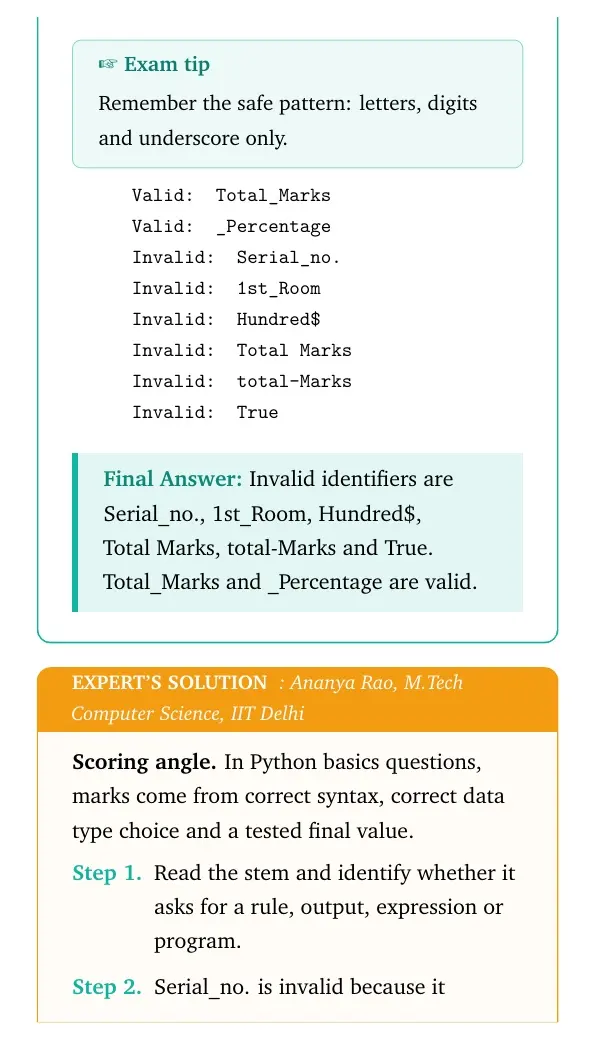
Valid: Total_Marks
Valid: _Percentage
Invalid: Serial_no.
Invalid: 1st_Room
Invalid: Hundred$
Invalid: Total Marks
Invalid: total-Marks
Invalid: True
Answer: Invalid identifiers are Serial_no., 1st_Room, Hundred, Total Marks, total-Marks and True. Total_Marks and _Percentage are valid.
Expert view: Read the NCERT keyword in the stem first, then test the Python rule in a small dry run.
- Serial_no. is invalid because it contains a full stop.
- 1st_Room is invalid because an identifier cannot start with a digit.
- Hundred$ is invalid because dollar sign is not allowed.
- Total Marks is invalid because spaces are not allowed.
- total-Marks is invalid because hyphen is read as a minus operator.
- True is invalid because it is a Python keyword and Boolean literal.
Valid: Total_Marks
Valid: _Percentage
Invalid: Serial_no.
Invalid: 1st_Room
Invalid: Hundred$
Invalid: Total Marks
Invalid: total-Marks
Invalid: True
Answer: Invalid identifiers are Serial_no., 1st_Room, Hundred, Total Marks, total-Marks and True. Total_Marks and _Percentage are valid.
Question 2
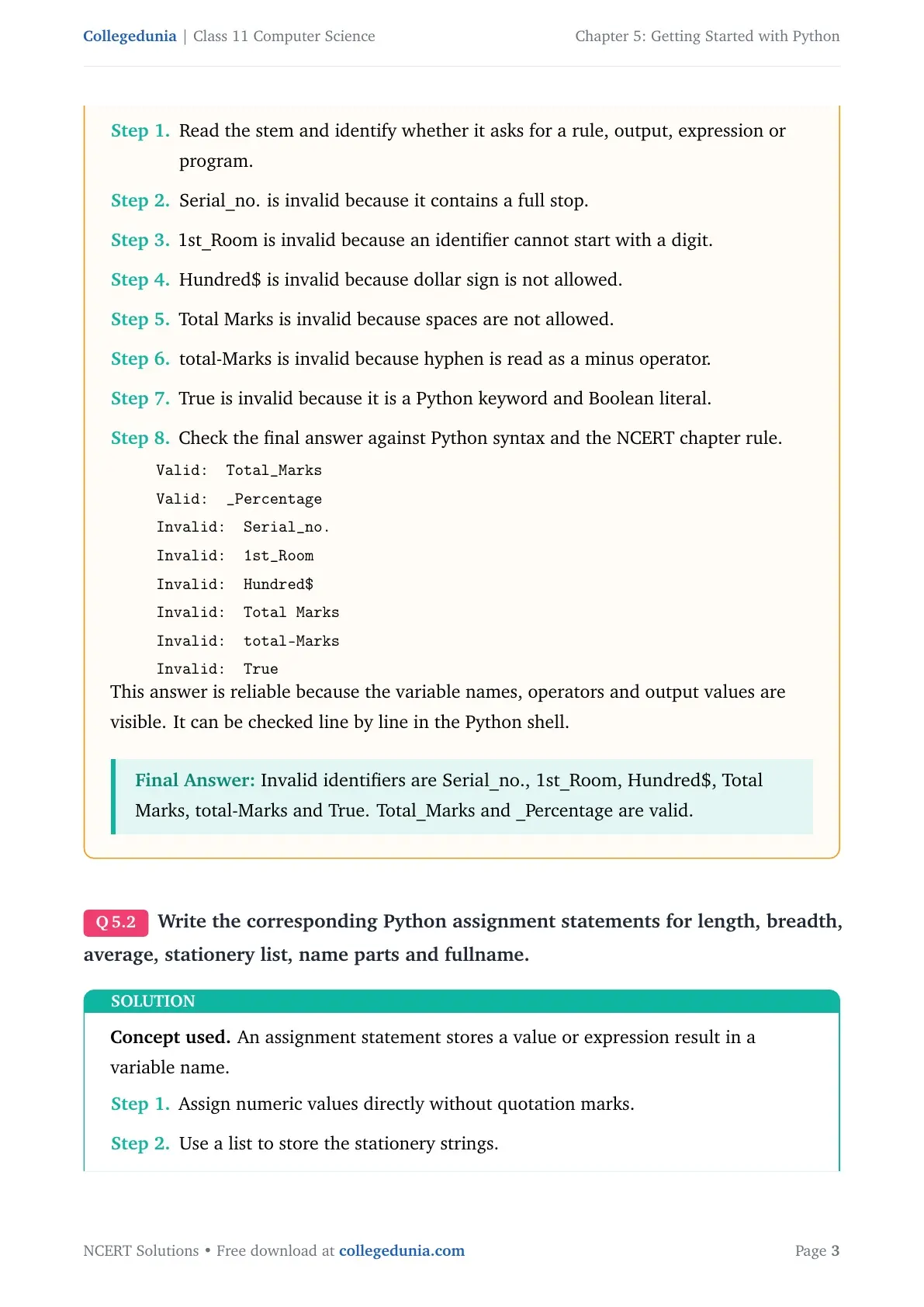
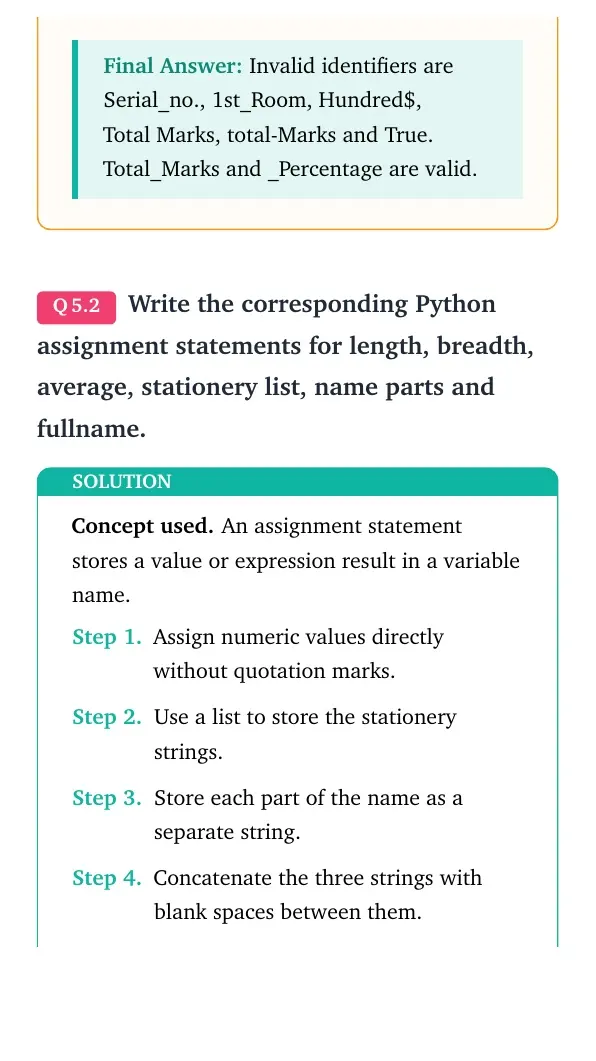
Write the corresponding Python assignment statements for length, breadth, average, stationery list, name parts and fullname.
- Assign numeric values directly without quotation marks.
- Use a list to store the stationery strings.
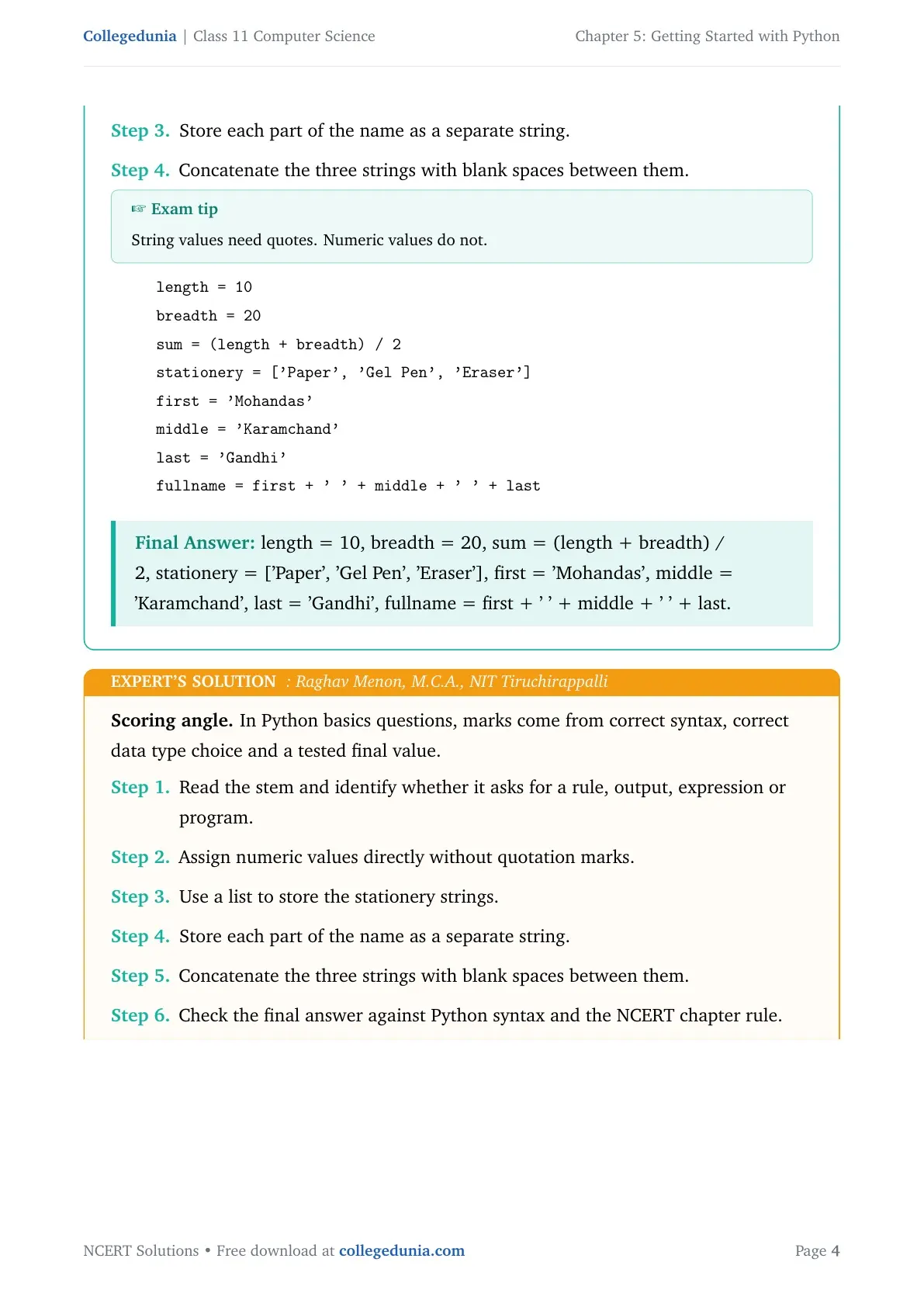
- Store each part of the name as a separate string.
- Concatenate the three strings with blank spaces between them.
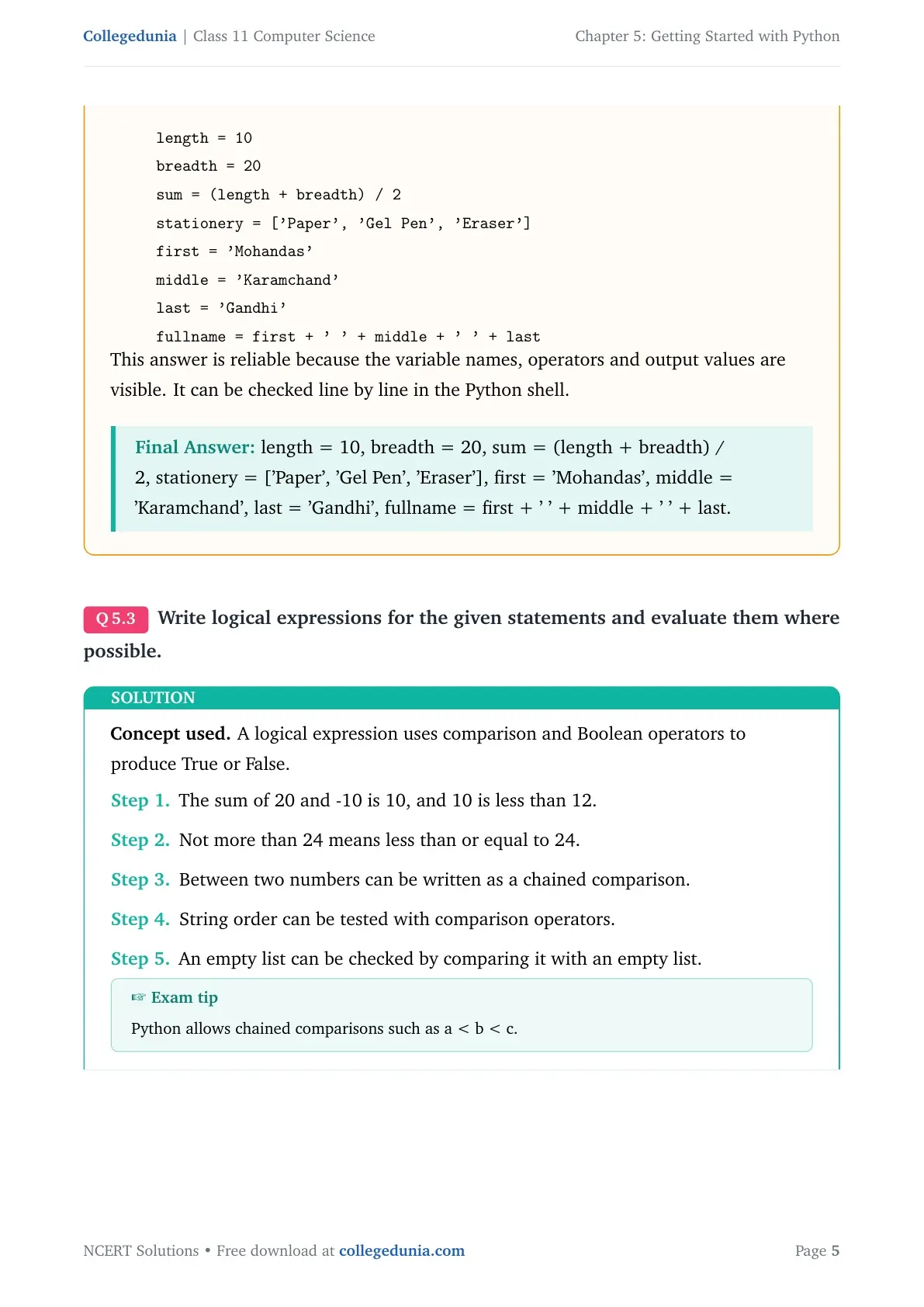
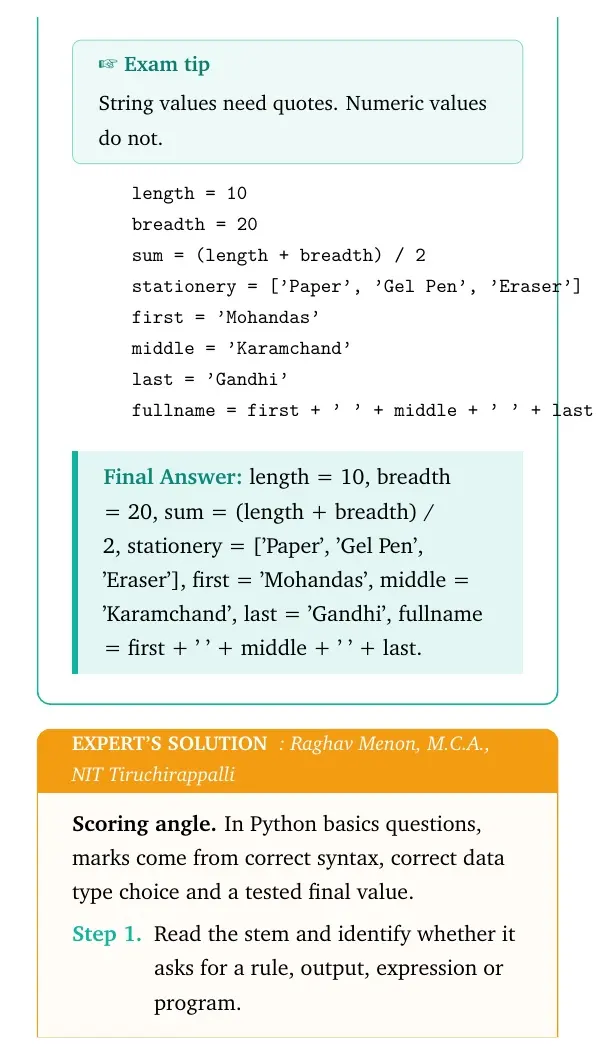
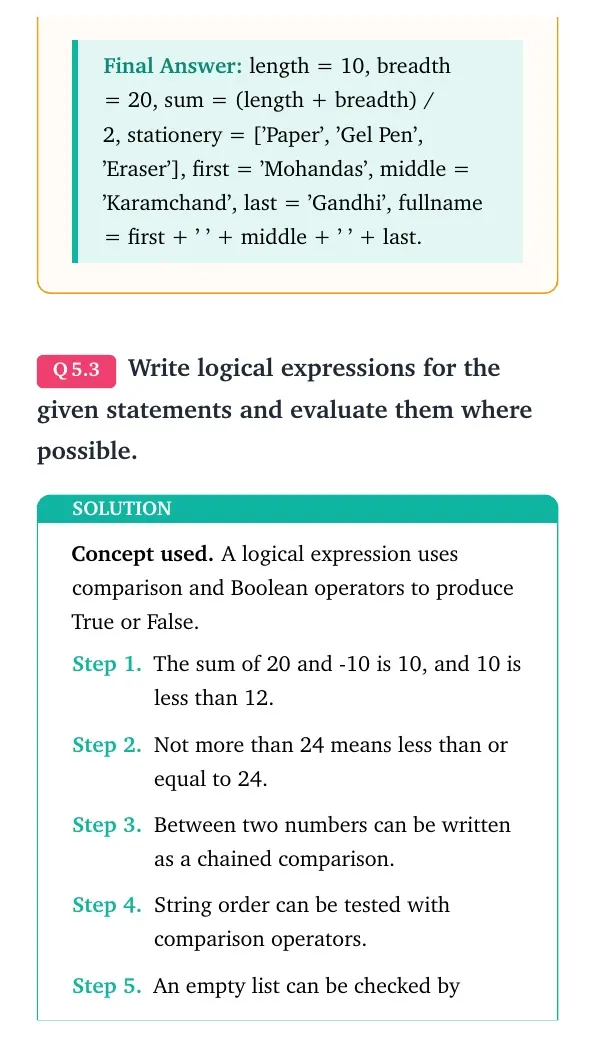
length = 10
breadth = 20
sum = (length + breadth) / 2
stationery = ['Paper', 'Gel Pen', 'Eraser']
first = 'Mohandas'
middle = 'Karamchand'
last = 'Gandhi'
fullname = first + ' ' + middle + ' ' + last
Answer: length = 10, breadth = 20, sum = (length + breadth) / 2, stationery = ['Paper', 'Gel Pen', 'Eraser'], first = 'Mohandas', middle = 'Karamchand', last = 'Gandhi', fullname = first + ' ' + middle + ' ' + last.
Expert view: Read the NCERT keyword in the stem first, then test the Python rule in a small dry run.
- Assign numeric values directly without quotation marks.
- Use a list to store the stationery strings.
- Store each part of the name as a separate string.
- Concatenate the three strings with blank spaces between them.
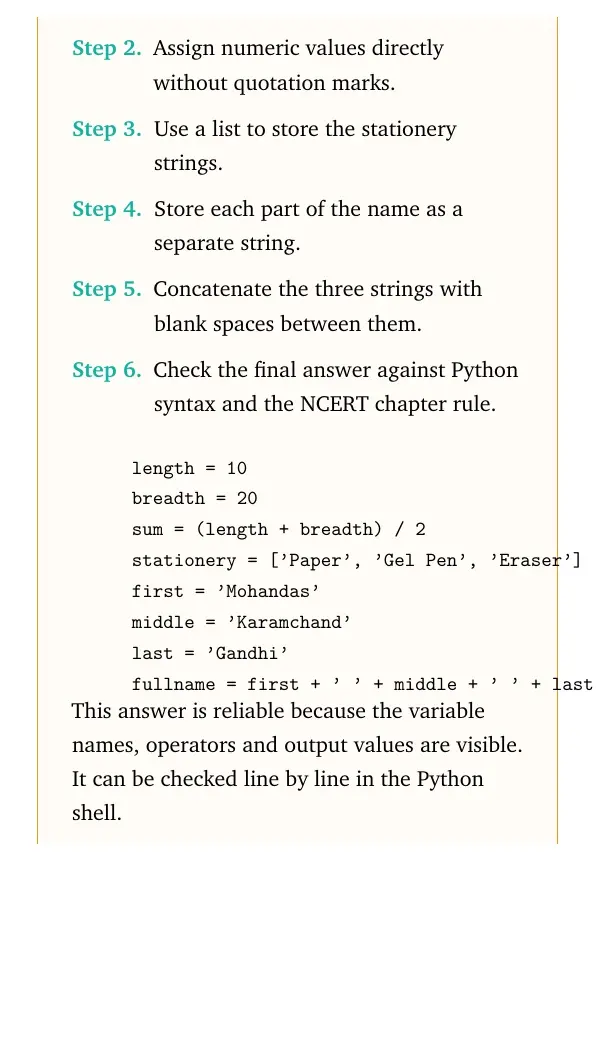
length = 10
breadth = 20
sum = (length + breadth) / 2
stationery = ['Paper', 'Gel Pen', 'Eraser']
first = 'Mohandas'
middle = 'Karamchand'
last = 'Gandhi'
fullname = first + ' ' + middle + ' ' + last
Answer: length = 10, breadth = 20, sum = (length + breadth) / 2, stationery = ['Paper', 'Gel Pen', 'Eraser'], first = 'Mohandas', middle = 'Karamchand', last = 'Gandhi', fullname = first + ' ' + middle + ' ' + last.
Question 3
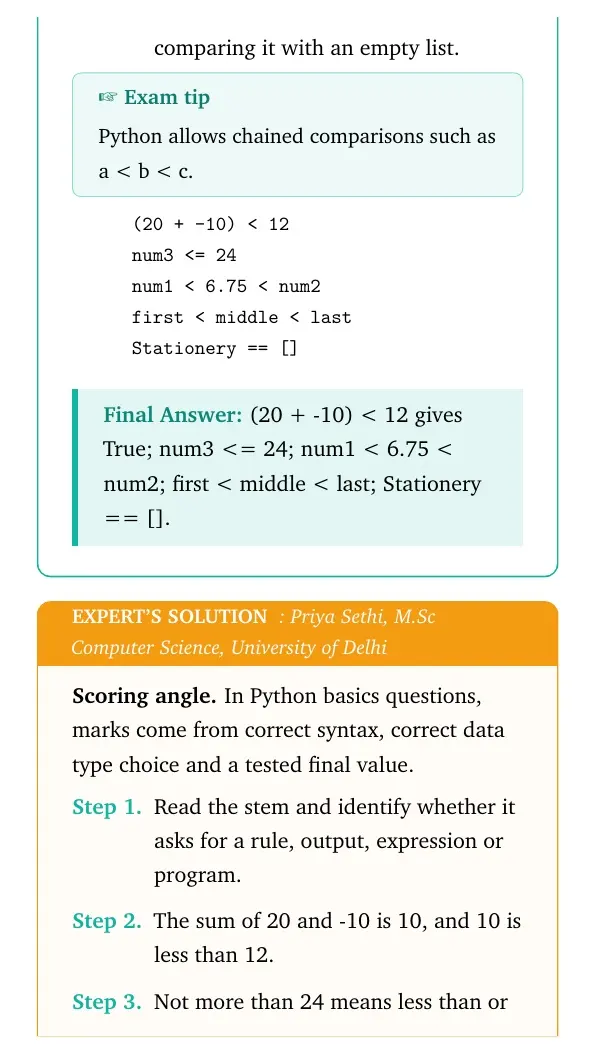
Write logical expressions for the given statements and evaluate them where possible.
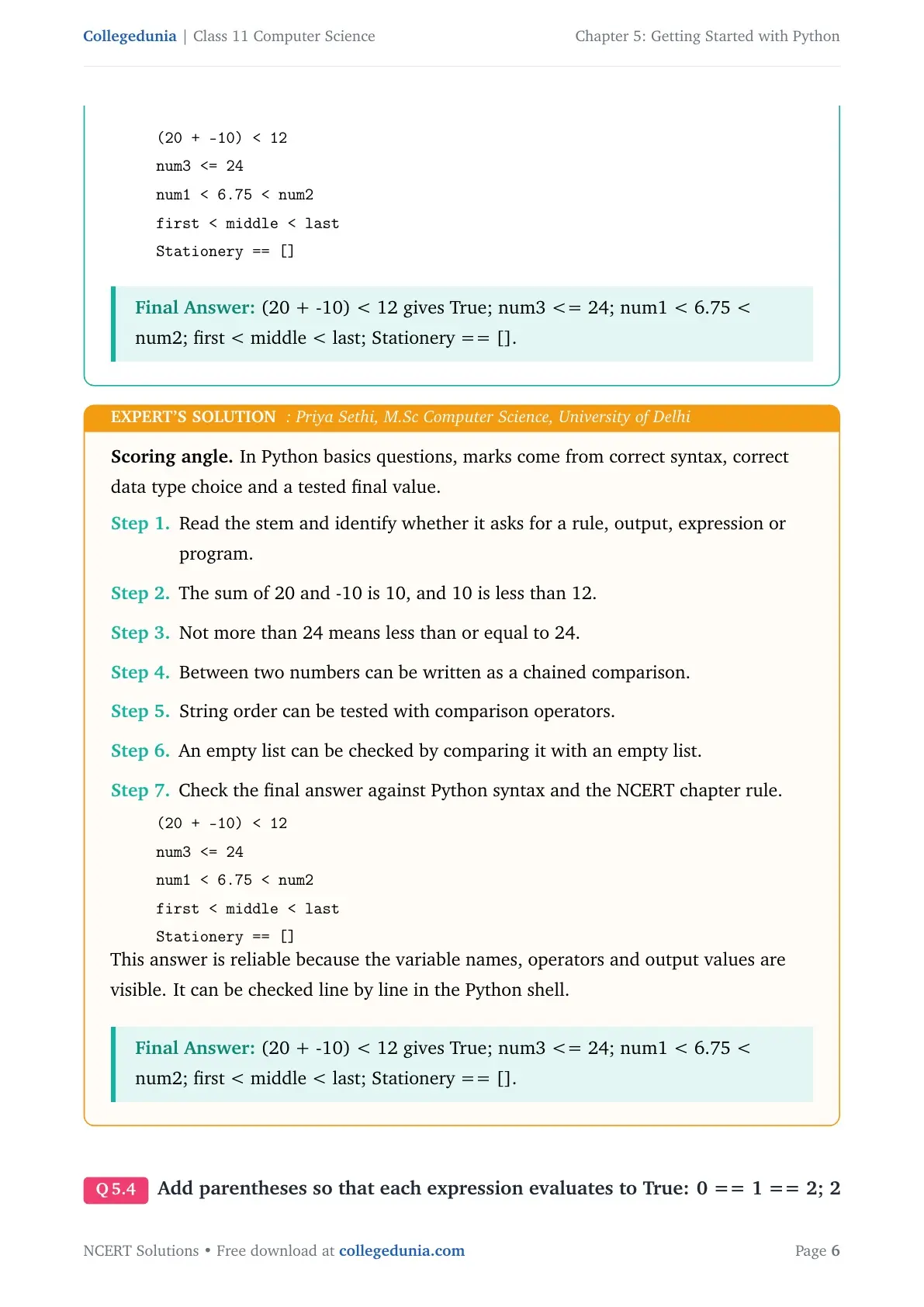
- The sum of 20 and -10 is 10, and 10 is less than 12.
- Not more than 24 means less than or equal to 24.
- Between two numbers can be written as a chained comparison.
- String order can be tested with comparison operators.
- An empty list can be checked by comparing it with an empty list.
(20 + -10) < 12
num3 <= 24
num1 < 6.75 < num2
first < middle < last
Stationery == []
Answer: (20 + -10) < 12 gives True; num3 <= 24; num1 < 6.75 < num2; first < middle < last; Stationery == [].
Expert view: Read the NCERT keyword in the stem first, then test the Python rule in a small dry run.
- The sum of 20 and -10 is 10, and 10 is less than 12.
- Not more than 24 means less than or equal to 24.
- Between two numbers can be written as a chained comparison.
- String order can be tested with comparison operators.
- An empty list can be checked by comparing it with an empty list.
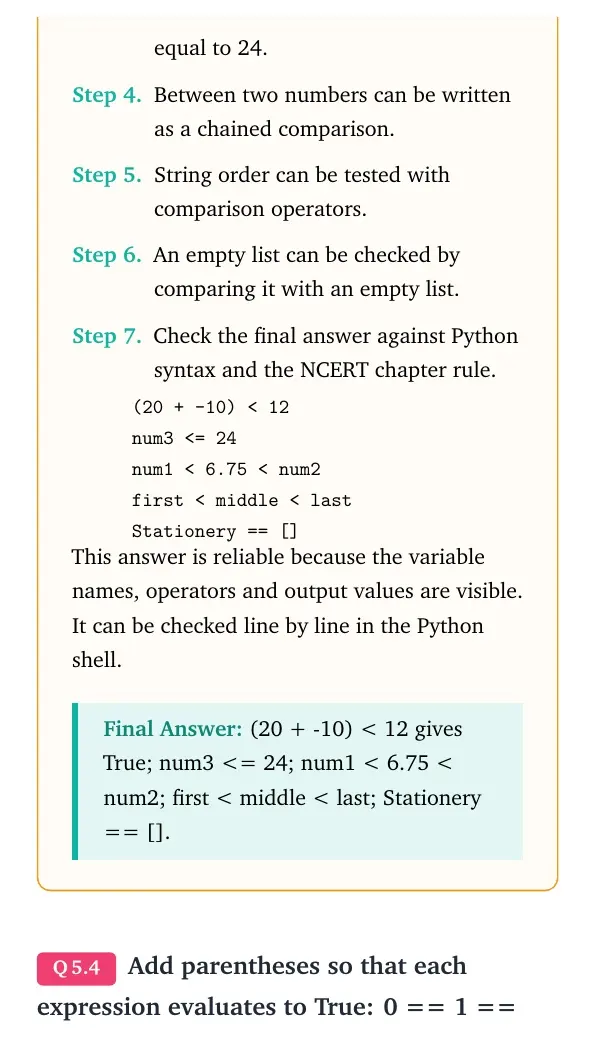
(20 + -10) < 12
num3 <= 24
num1 < 6.75 < num2
first < middle < last
Stationery == []
Answer: (20 + -10) < 12 gives True; num3 <= 24; num1 < 6.75 < num2; first < middle < last; Stationery == [].
Question 4
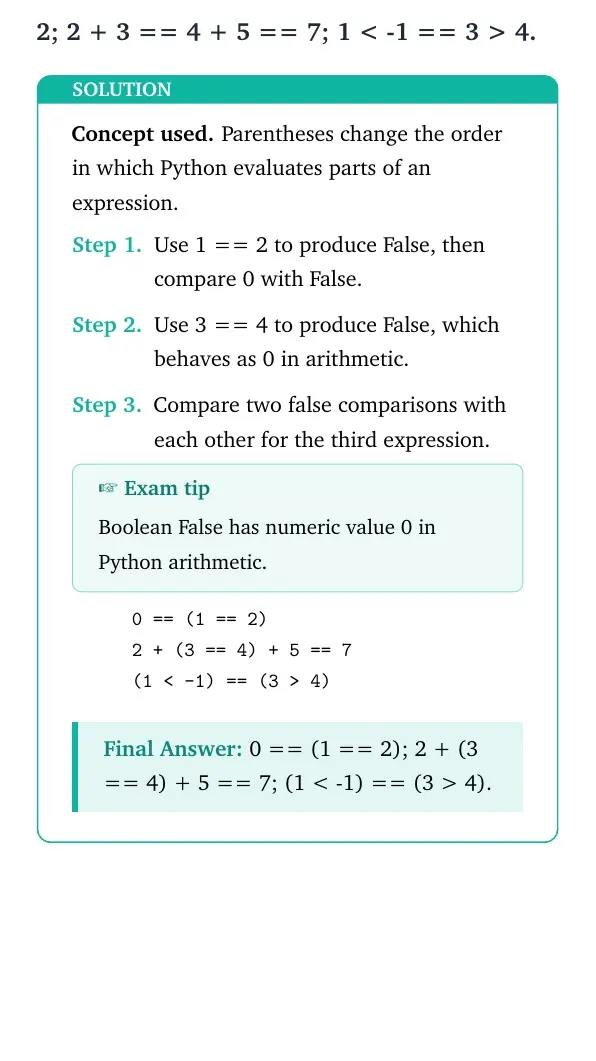
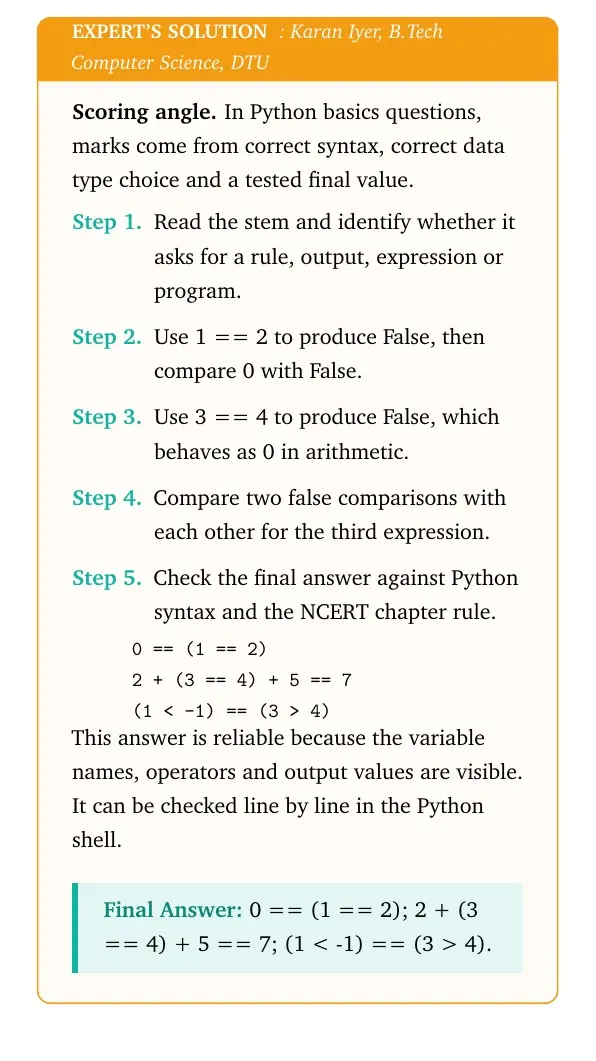
Add parentheses so that each expression evaluates to True: 0 == 1 == 2; 2 + 3 == 4 + 5 == 7; 1 < -1 == 3 > 4.
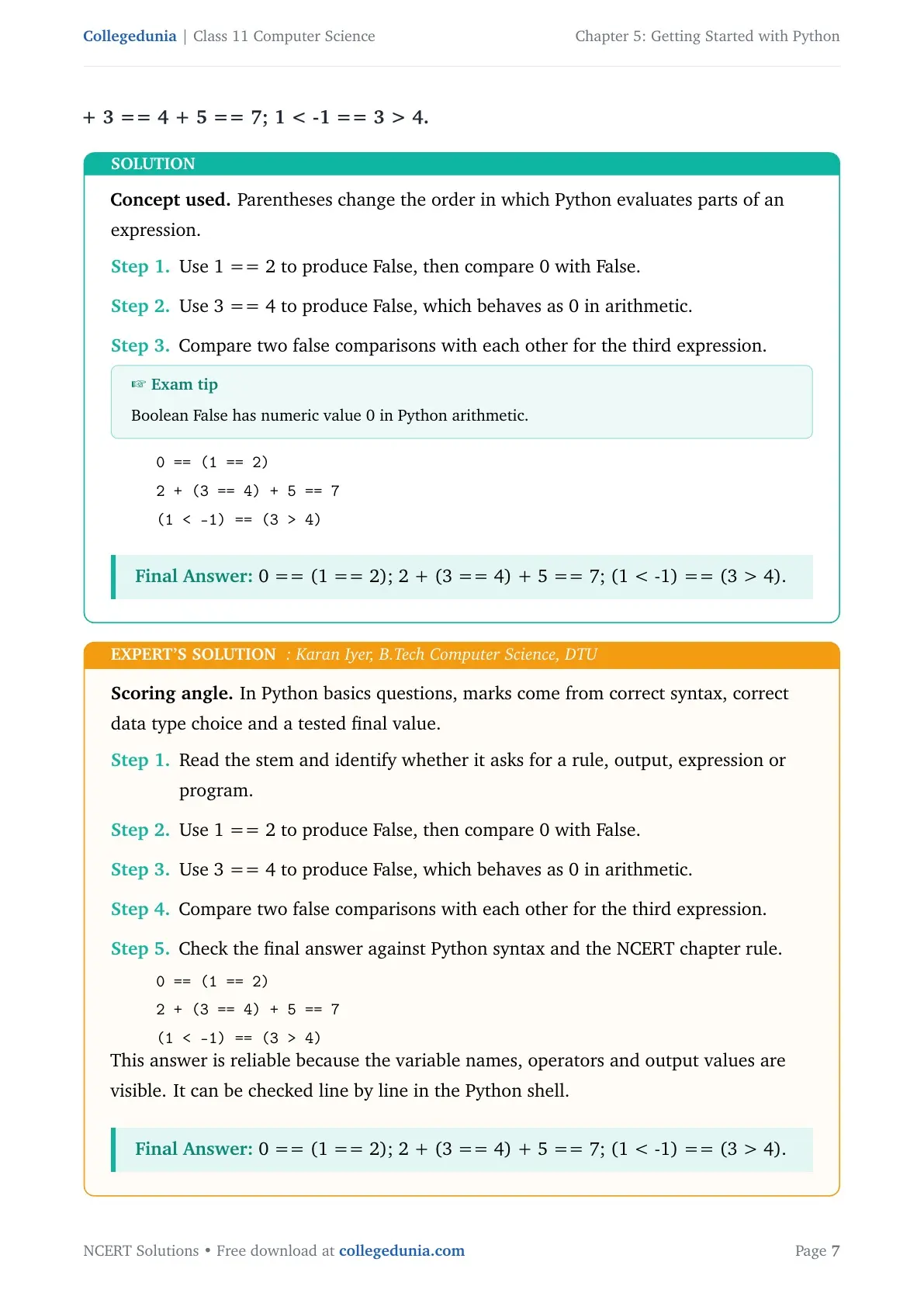
- Use 1 == 2 to produce False, then compare 0 with False.
- Use 3 == 4 to produce False, which behaves as 0 in arithmetic.
- Compare two false comparisons with each other for the third expression.
0 == (1 == 2)
2 + (3 == 4) + 5 == 7
(1 < -1) == (3 > 4)
Answer: 0 == (1 == 2); 2 + (3 == 4) + 5 == 7; (1 < -1) == (3 > 4).
Expert view: Read the NCERT keyword in the stem first, then test the Python rule in a small dry run.
- Use 1 == 2 to produce False, then compare 0 with False.
- Use 3 == 4 to produce False, which behaves as 0 in arithmetic.
- Compare two false comparisons with each other for the third expression.
0 == (1 == 2)
2 + (3 == 4) + 5 == 7
(1 < -1) == (3 > 4)
Answer: 0 == (1 == 2); 2 + (3 == 4) + 5 == 7; (1 < -1) == (3 > 4).
Question 5
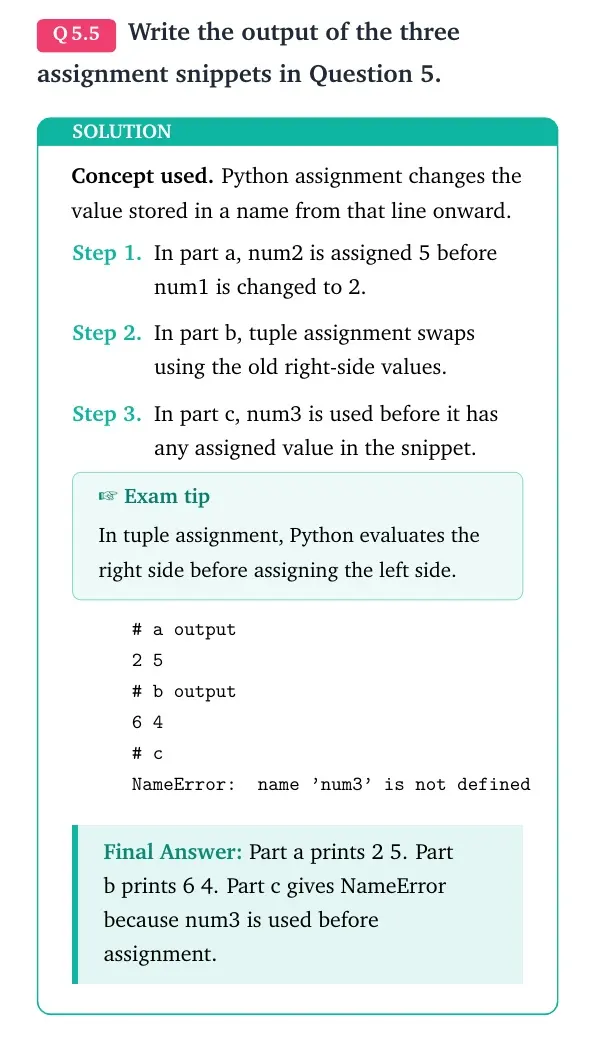
Write the output of the three assignment snippets in Question 5.
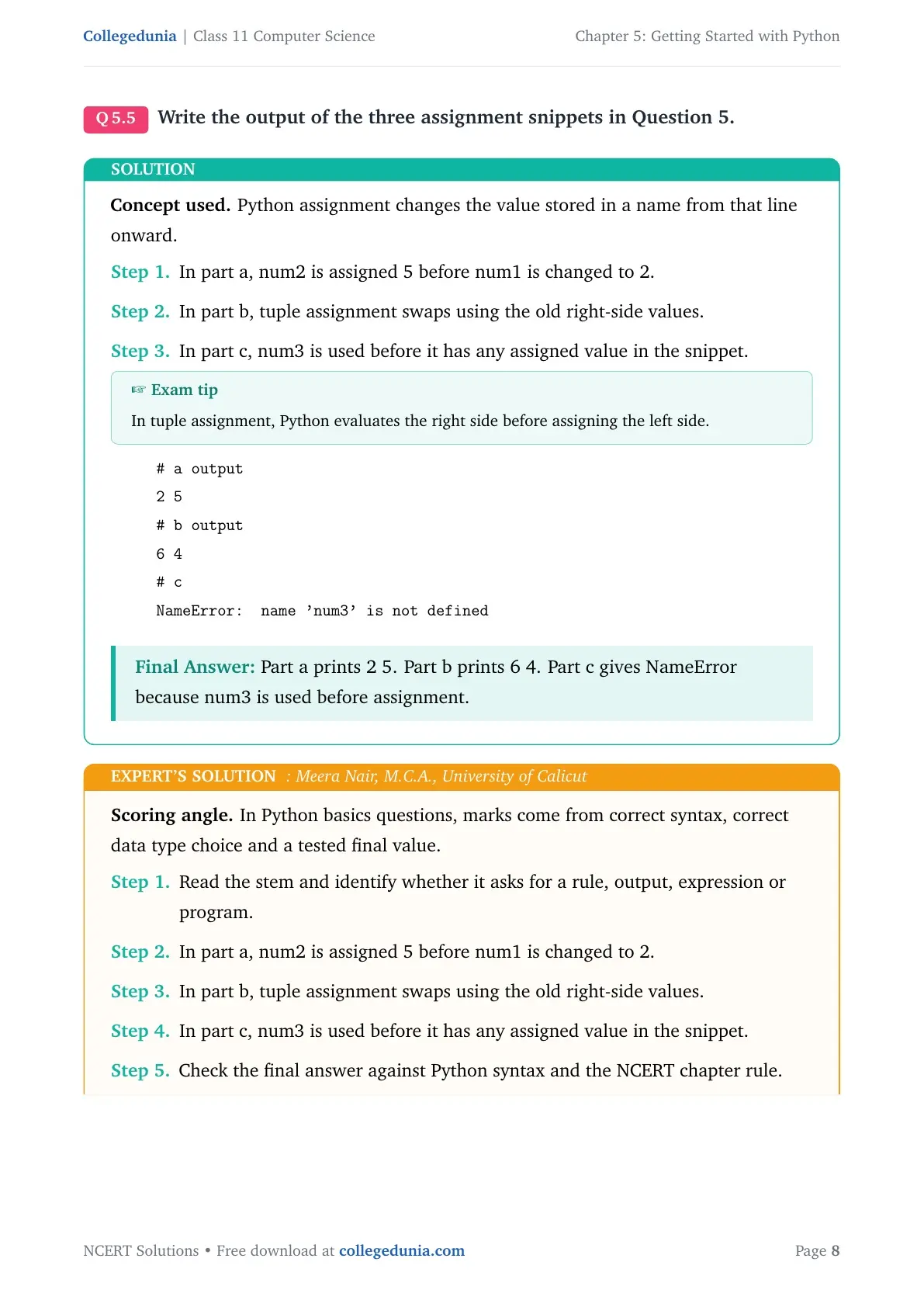
- In part a, num2 is assigned 5 before num1 is changed to 2.
- In part b, tuple assignment swaps using the old right-side values.
- In part c, num3 is used before it has any assigned value in the snippet.
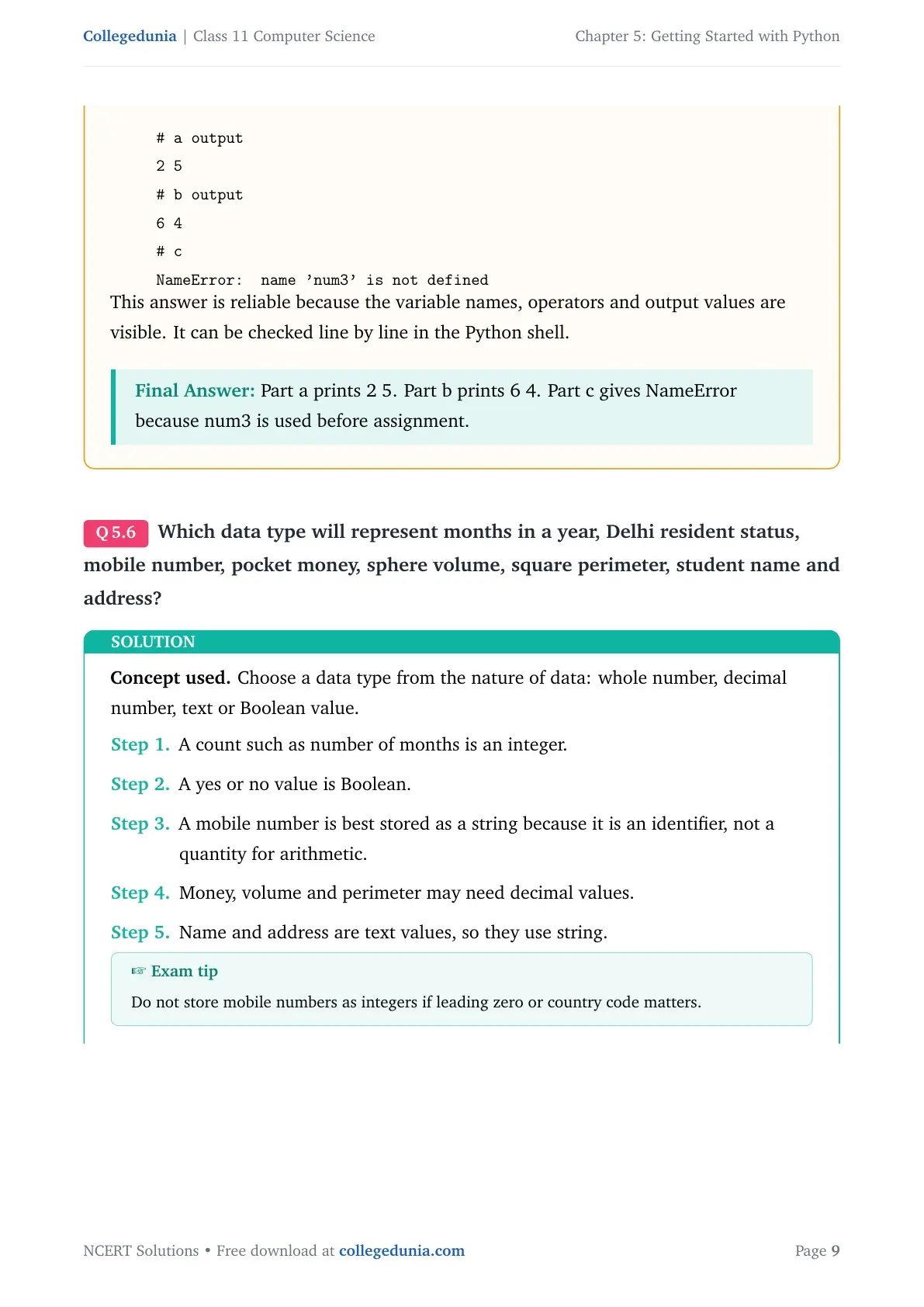
# a output
2 5
# b output
6 4
# c
NameError: name 'num3' is not defined
Answer: Part a prints 2 5. Part b prints 6 4. Part c gives NameError because num3 is used before assignment.
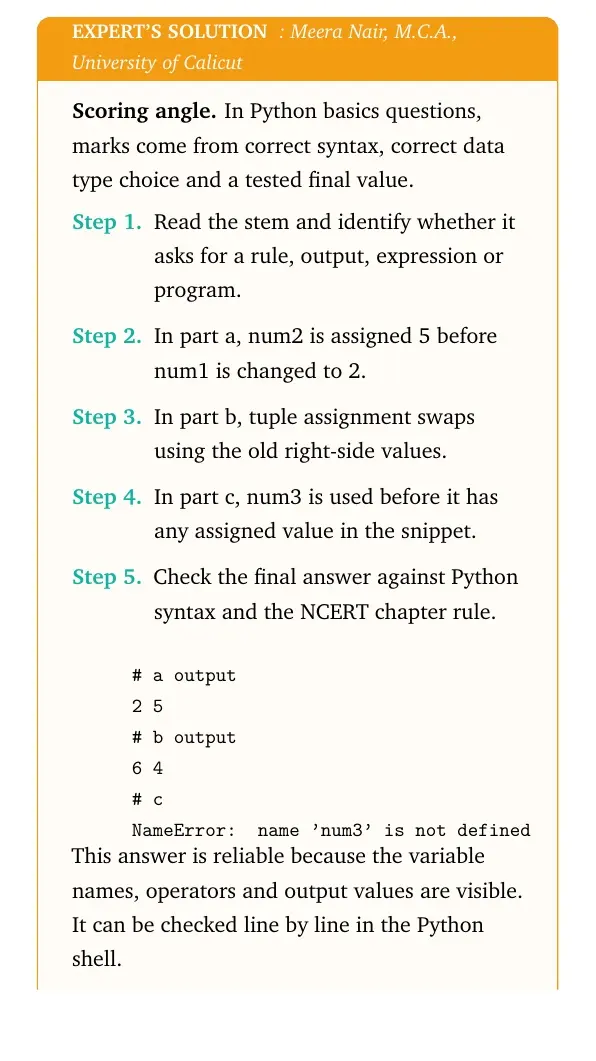
Expert view: Read the NCERT keyword in the stem first, then test the Python rule in a small dry run.
- In part a, num2 is assigned 5 before num1 is changed to 2.
- In part b, tuple assignment swaps using the old right-side values.
- In part c, num3 is used before it has any assigned value in the snippet.
# a output
2 5
# b output
6 4
# c
NameError: name 'num3' is not defined
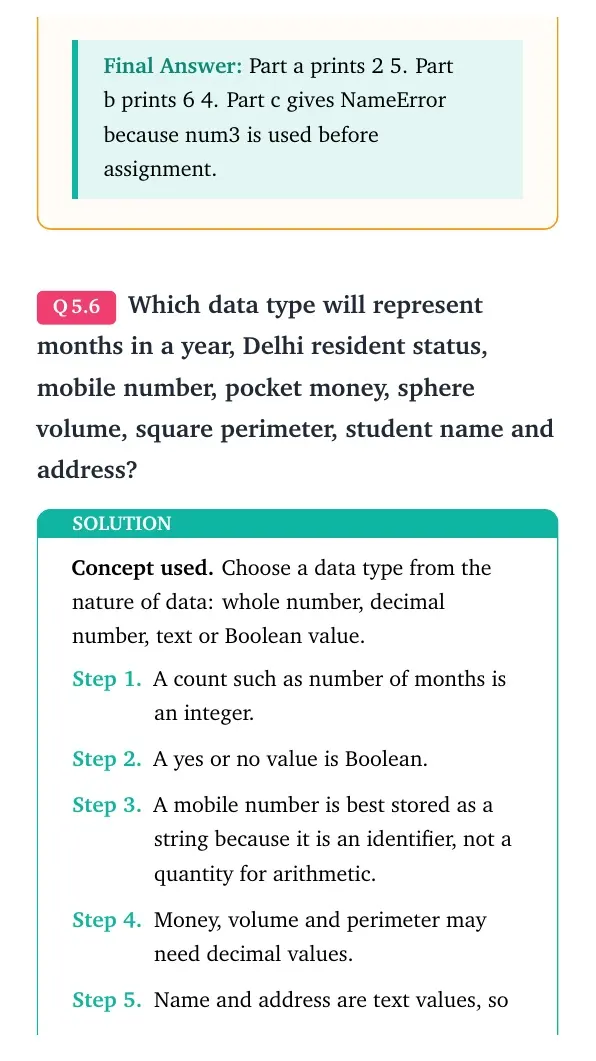
Answer: Part a prints 2 5. Part b prints 6 4. Part c gives NameError because num3 is used before assignment.
Question 6
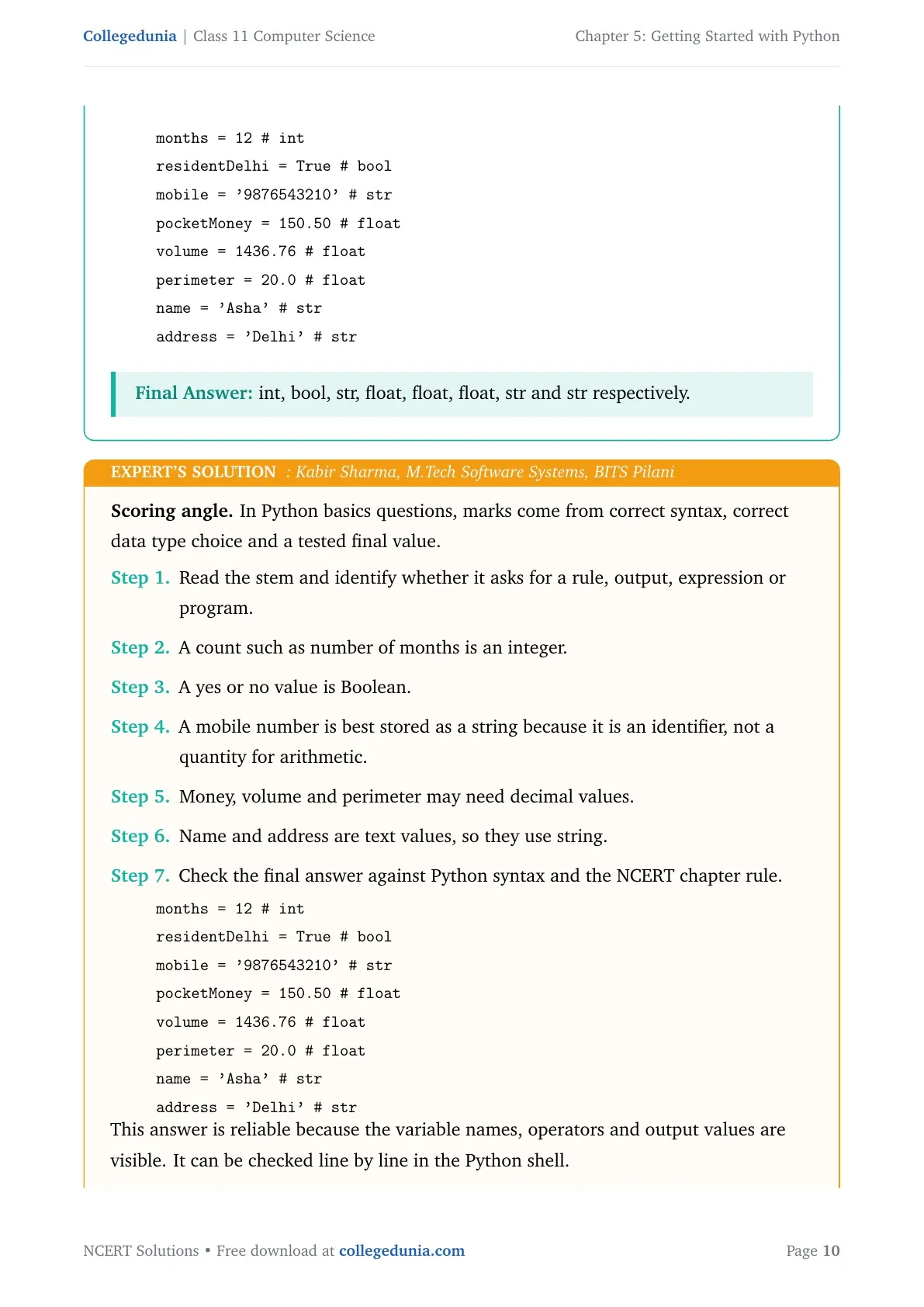
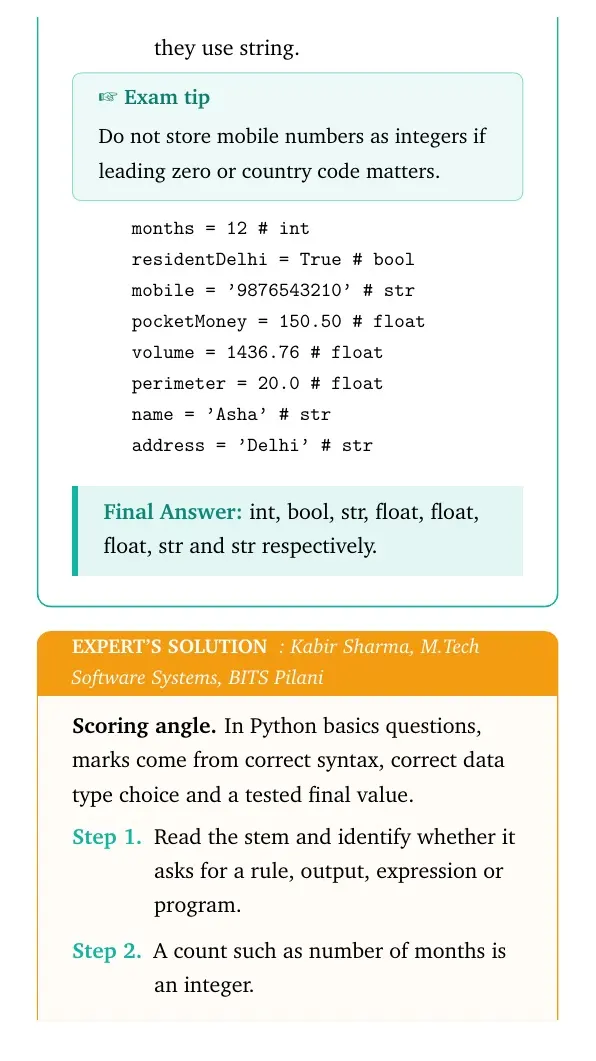
Which data type will represent months in a year, Delhi resident status, mobile number, pocket money, sphere volume, square perimeter, student name and address?
- A count such as number of months is an integer.
- A yes or no value is Boolean.
- A mobile number is best stored as a string because it is an identifier, not a quantity for arithmetic.
- Money, volume and perimeter may need decimal values.
- Name and address are text values, so they use string.
months = 12              # int
residentDelhi = True     # bool
mobile = '9876543210'    # str
pocketMoney = 150.50     # float
volume = 1436.76         # float
perimeter = 20.0         # float
name = 'Asha'            # str
address = 'Delhi'        # str
Answer: int, bool, str, float, float, float, str and str respectively.
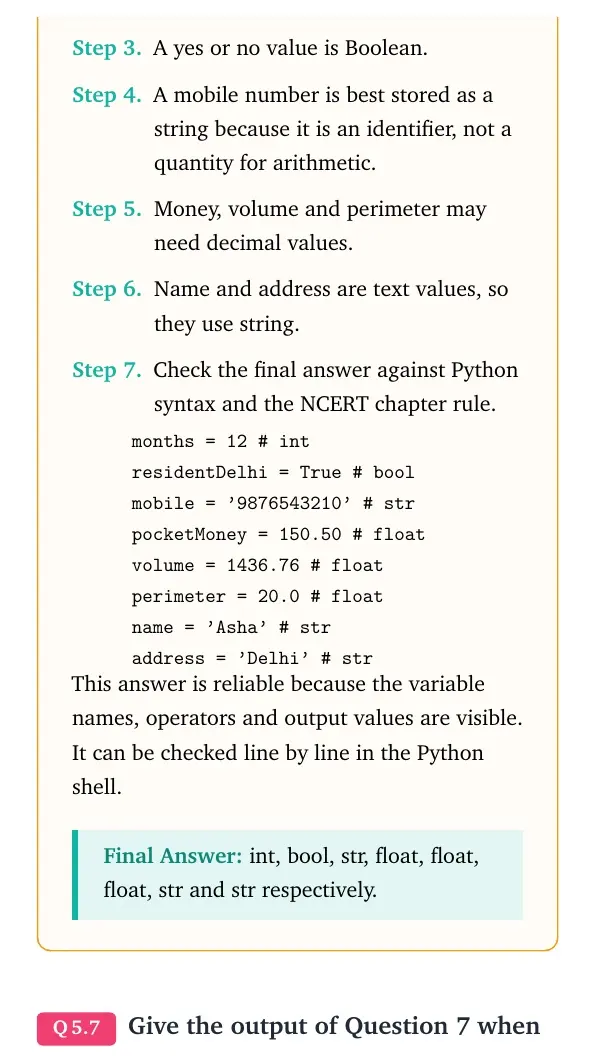
Expert view: Read the NCERT keyword in the stem first, then test the Python rule in a small dry run.
- A count such as number of months is an integer.
- A yes or no value is Boolean.
- A mobile number is best stored as a string because it is an identifier, not a quantity for arithmetic.
- Money, volume and perimeter may need decimal values.
- Name and address are text values, so they use string.
months = 12              # int
residentDelhi = True     # bool
mobile = '9876543210'    # str
pocketMoney = 150.50     # float
volume = 1436.76         # float
perimeter = 20.0         # float
name = 'Asha'            # str
address = 'Delhi'        # str
Answer: int, bool, str, float, float, float, str and str respectively.
Question 7
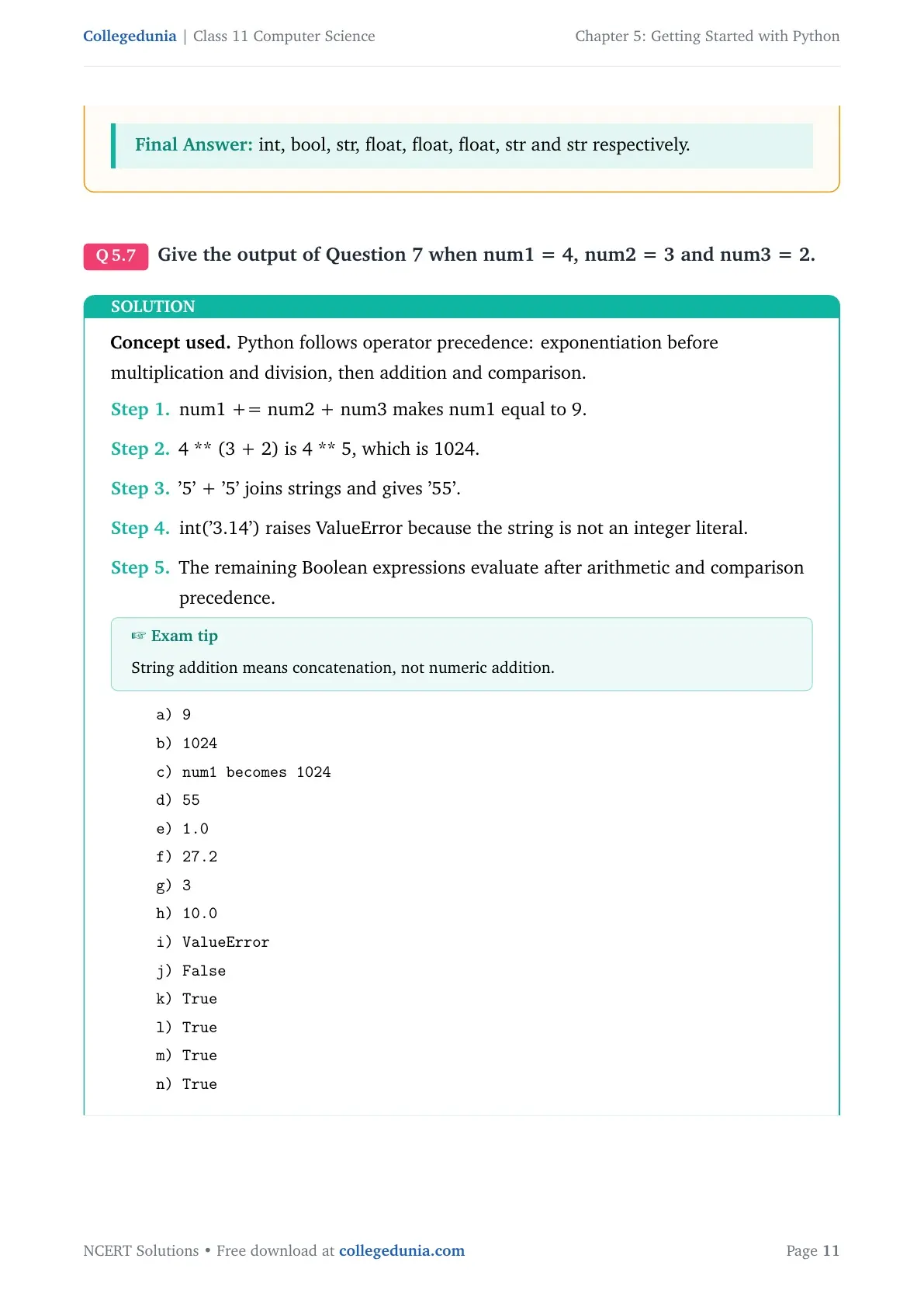
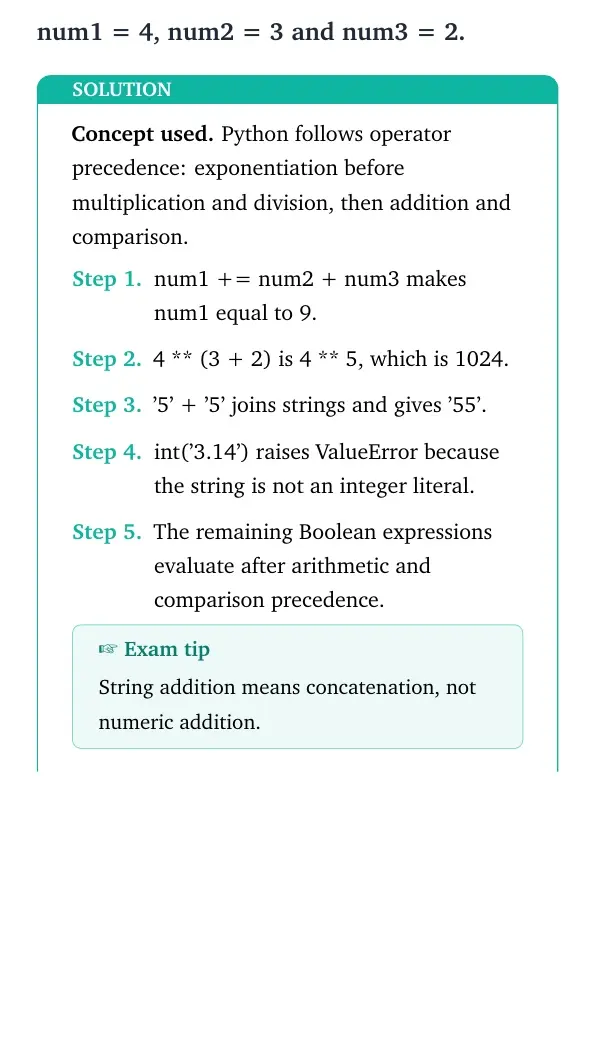
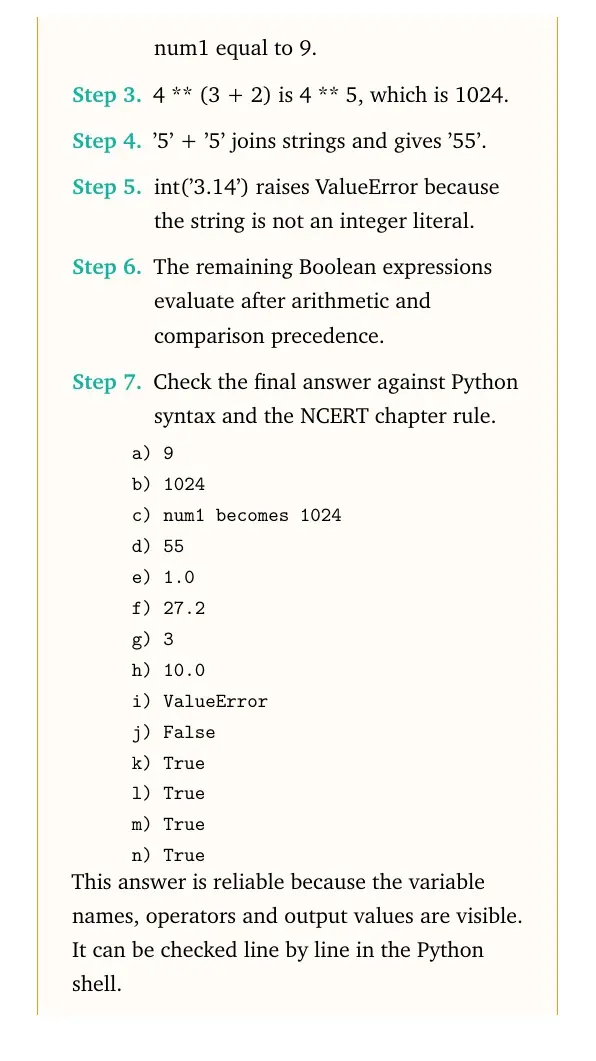
Give the output of Question 7 when num1 = 4, num2 = 3 and num3 = 2.
- num1 += num2 + num3 makes num1 equal to 9.
- 4 ** (3 + 2) is 4 ** 5, which is 1024.
- '5' + '5' joins strings and gives '55'.
- int('3.14') raises ValueError because the string is not an integer literal.
- The remaining Boolean expressions evaluate after arithmetic and comparison precedence.
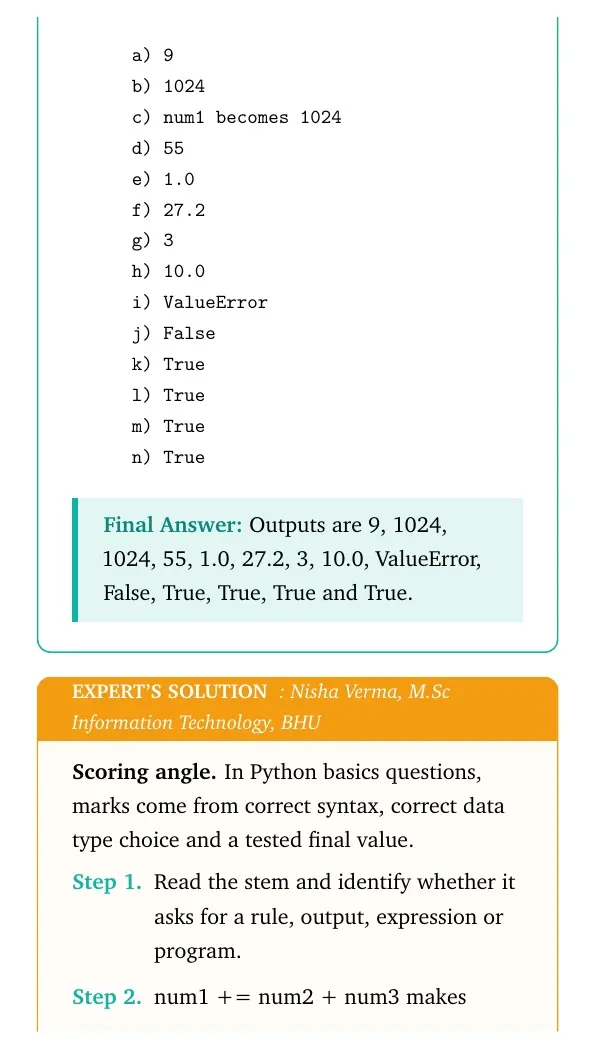
a) 9
b) 1024
c) num1 becomes 1024
d) 55
e) 1.0
f) 27.2
g) 3
h) 10.0
i) ValueError
j) False
k) True
l) True
m) True
n) True
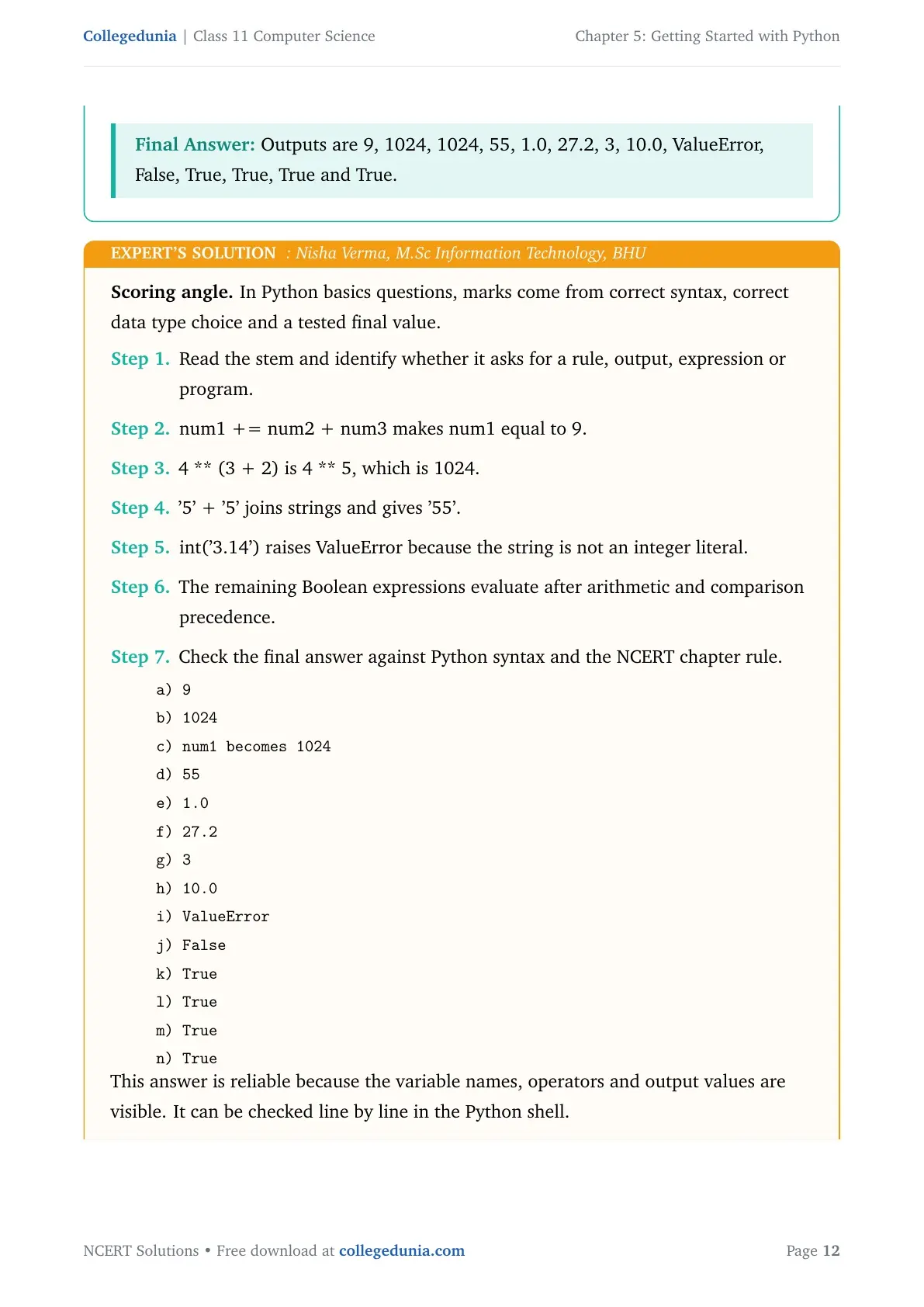
Answer: Outputs are 9, 1024, 1024, 55, 1.0, 27.2, 3, 10.0, ValueError, False, True, True, True and True.
Expert view: Read the NCERT keyword in the stem first, then test the Python rule in a small dry run.
- num1 += num2 + num3 makes num1 equal to 9.
- 4 ** (3 + 2) is 4 ** 5, which is 1024.
- '5' + '5' joins strings and gives '55'.
- int('3.14') raises ValueError because the string is not an integer literal.
- The remaining Boolean expressions evaluate after arithmetic and comparison precedence.
a) 9
b) 1024
c) num1 becomes 1024
d) 55
e) 1.0
f) 27.2
g) 3
h) 10.0
i) ValueError
j) False
k) True
l) True
m) True
n) True
Answer: Outputs are 9, 1024, 1024, 55, 1.0, 27.2, 3, 10.0, ValueError, False, True, True, True and True.
Question 8
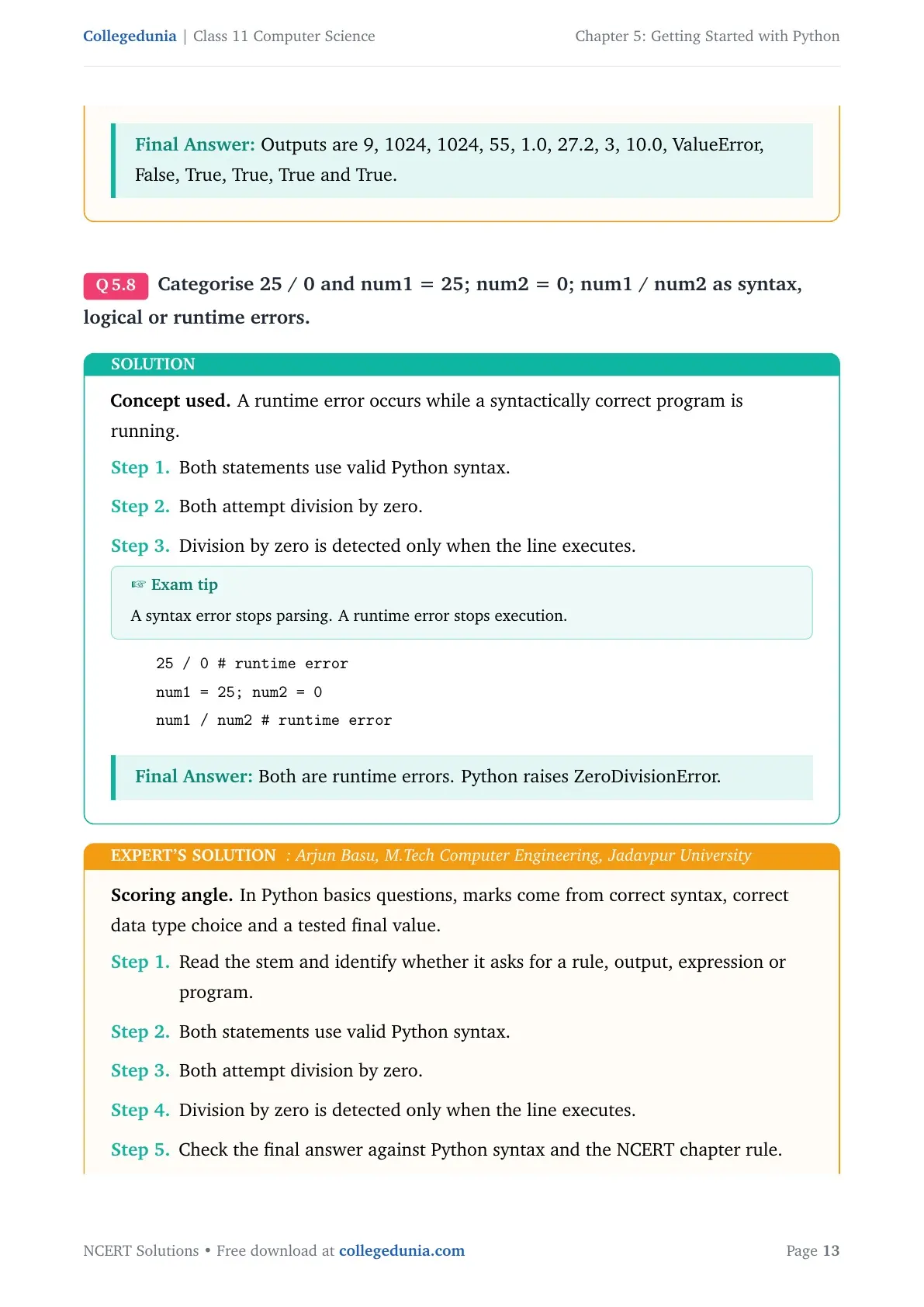
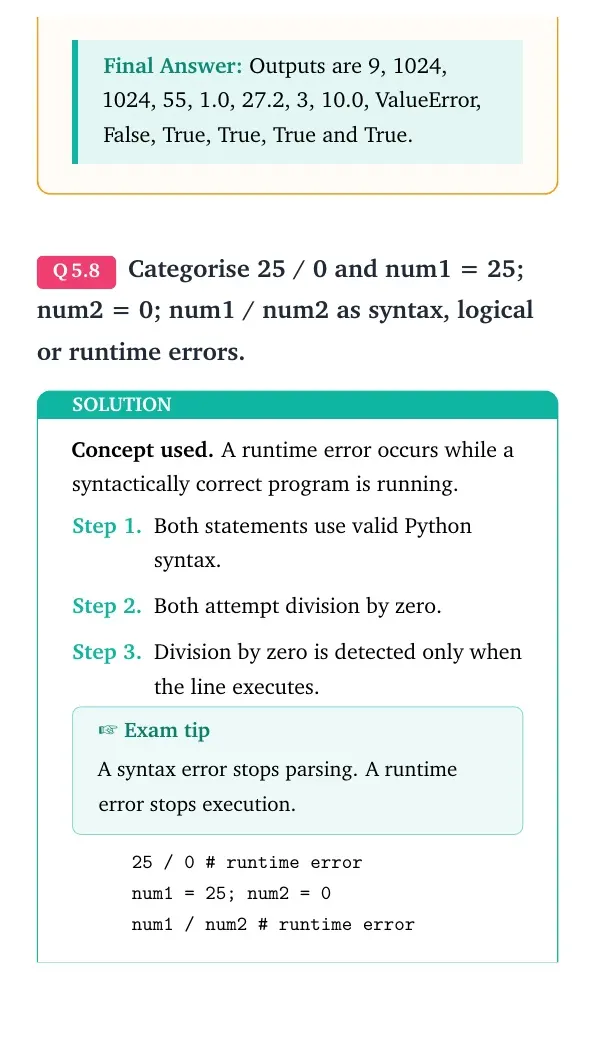
Categorise 25 / 0 and num1 = 25; num2 = 0; num1 / num2 as syntax, logical or runtime errors.
- Both statements use valid Python syntax.
- Both attempt division by zero.
- Division by zero is detected only when the line executes.
25 / 0                  # runtime error
num1 = 25; num2 = 0
num1 / num2             # runtime error
Answer: Both are runtime errors. Python raises ZeroDivisionError.
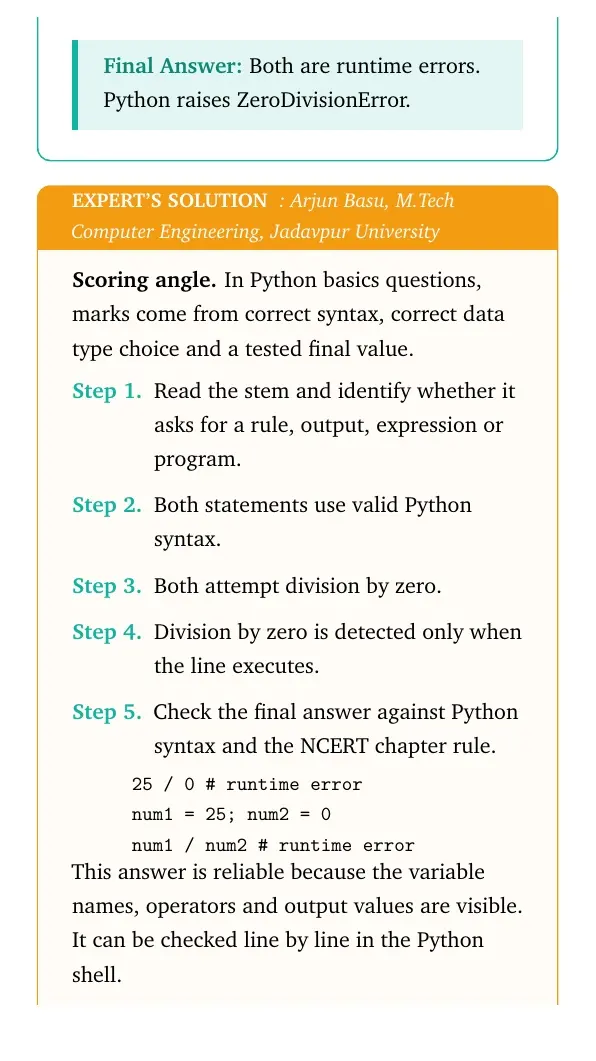
Expert view: Read the NCERT keyword in the stem first, then test the Python rule in a small dry run.
- Both statements use valid Python syntax.
- Both attempt division by zero.
- Division by zero is detected only when the line executes.
25 / 0                  # runtime error
num1 = 25; num2 = 0
num1 / num2             # runtime error
Answer: Both are runtime errors. Python raises ZeroDivisionError.
Question 9
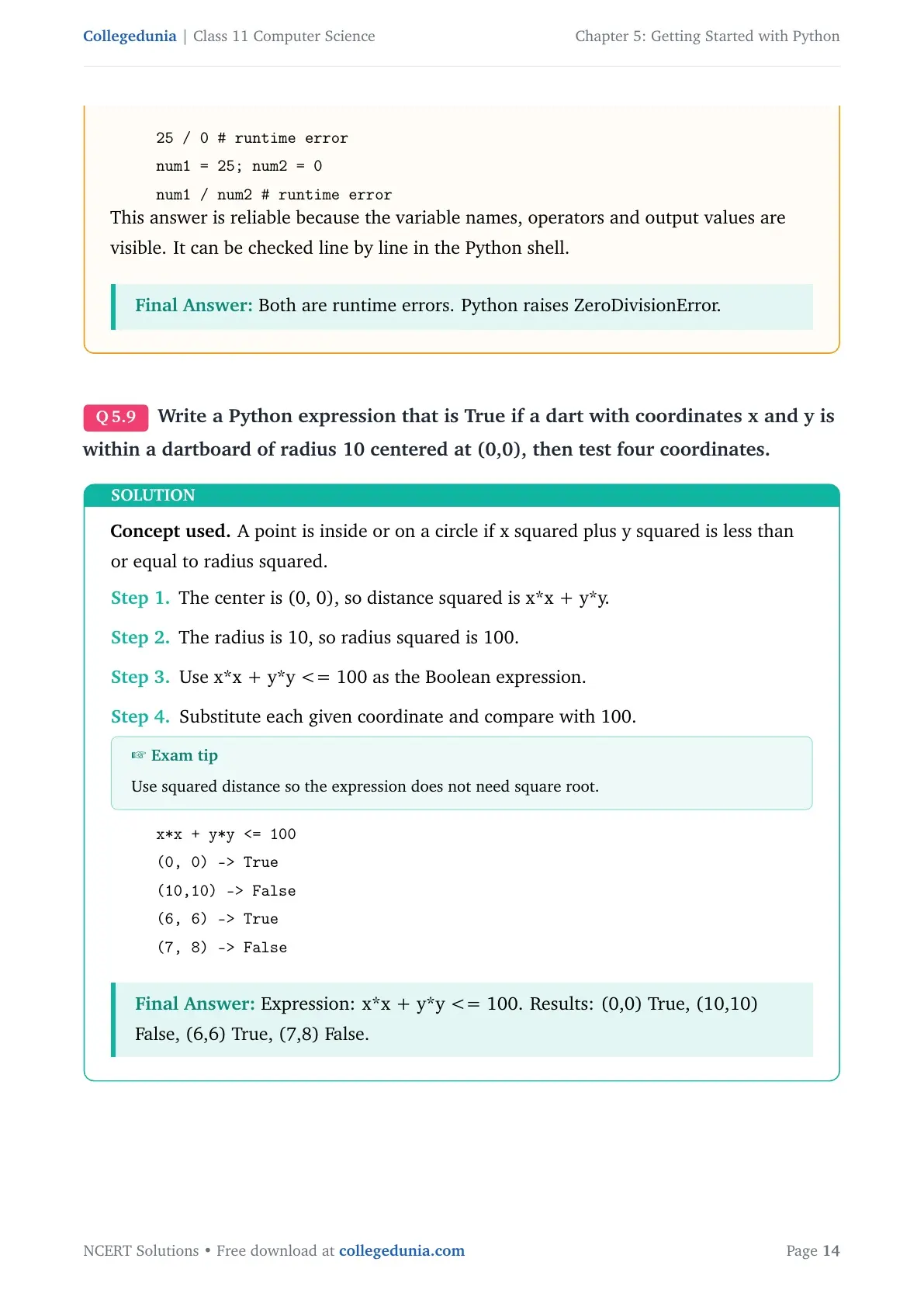
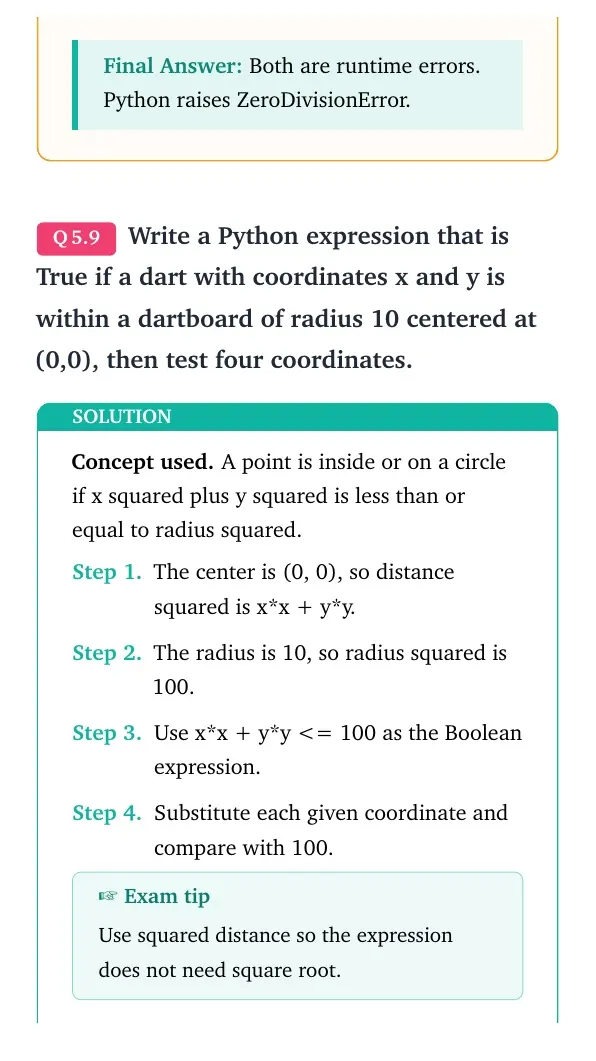
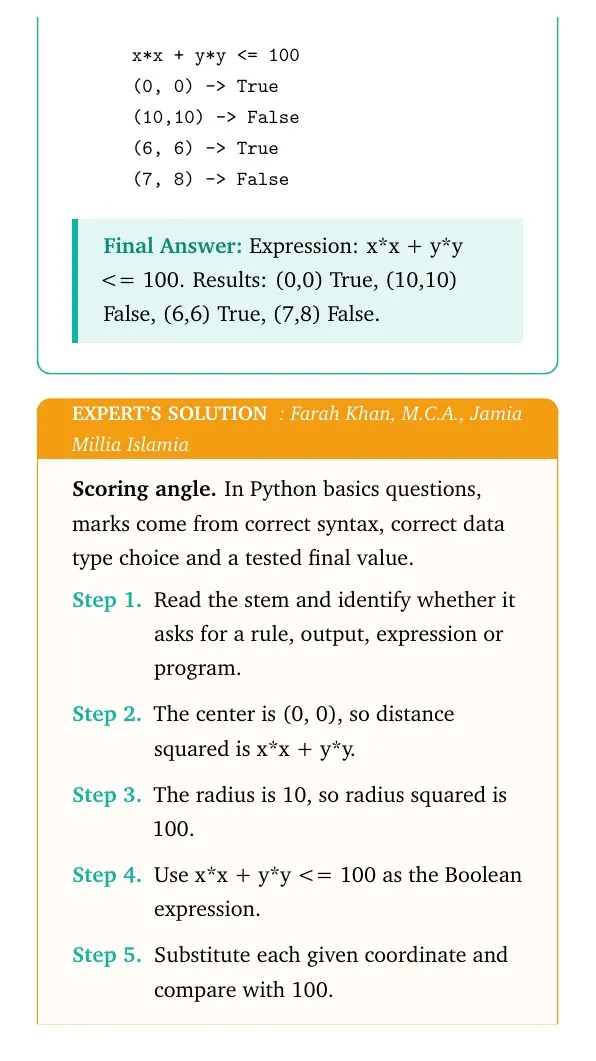
Write a Python expression that is True if a dart with coordinates x and y is within a dartboard of radius 10 centered at (0,0), then test four coordinates.
- The center is (0, 0), so distance squared is x*x + y*y.
- The radius is 10, so radius squared is 100.
- Use x*x + y*y <= 100 as the Boolean expression.
- Substitute each given coordinate and compare with 100.
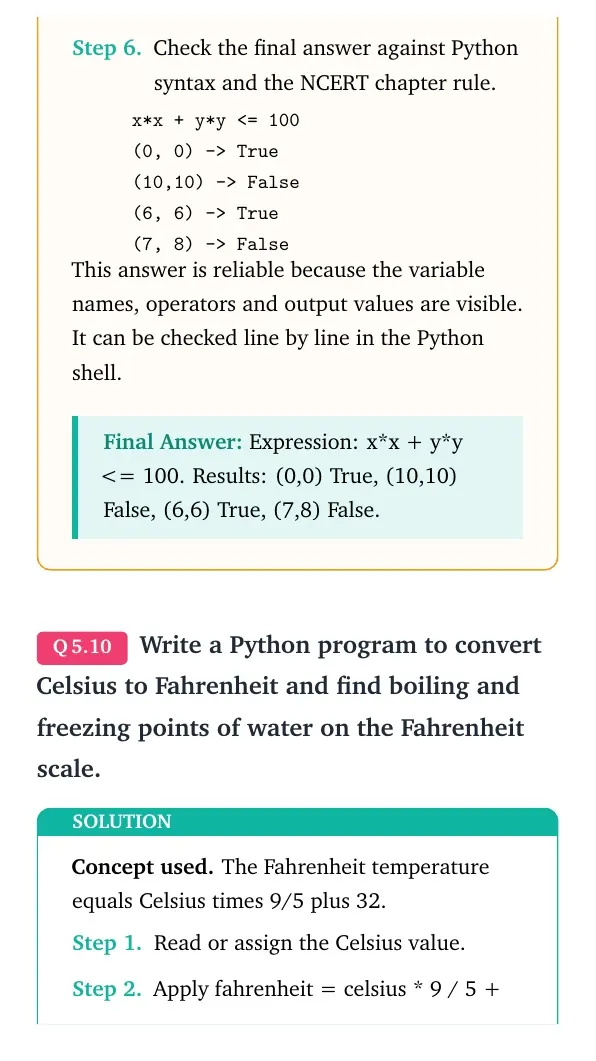
x*x + y*y <= 100
(0, 0)   -> True
(10,10)  -> False
(6, 6)   -> True
(7, 8)   -> False
Answer: Expression: x*x + y*y <= 100. Results: (0,0) True, (10,10) False, (6,6) True, (7,8) False.
Expert view: Read the NCERT keyword in the stem first, then test the Python rule in a small dry run.
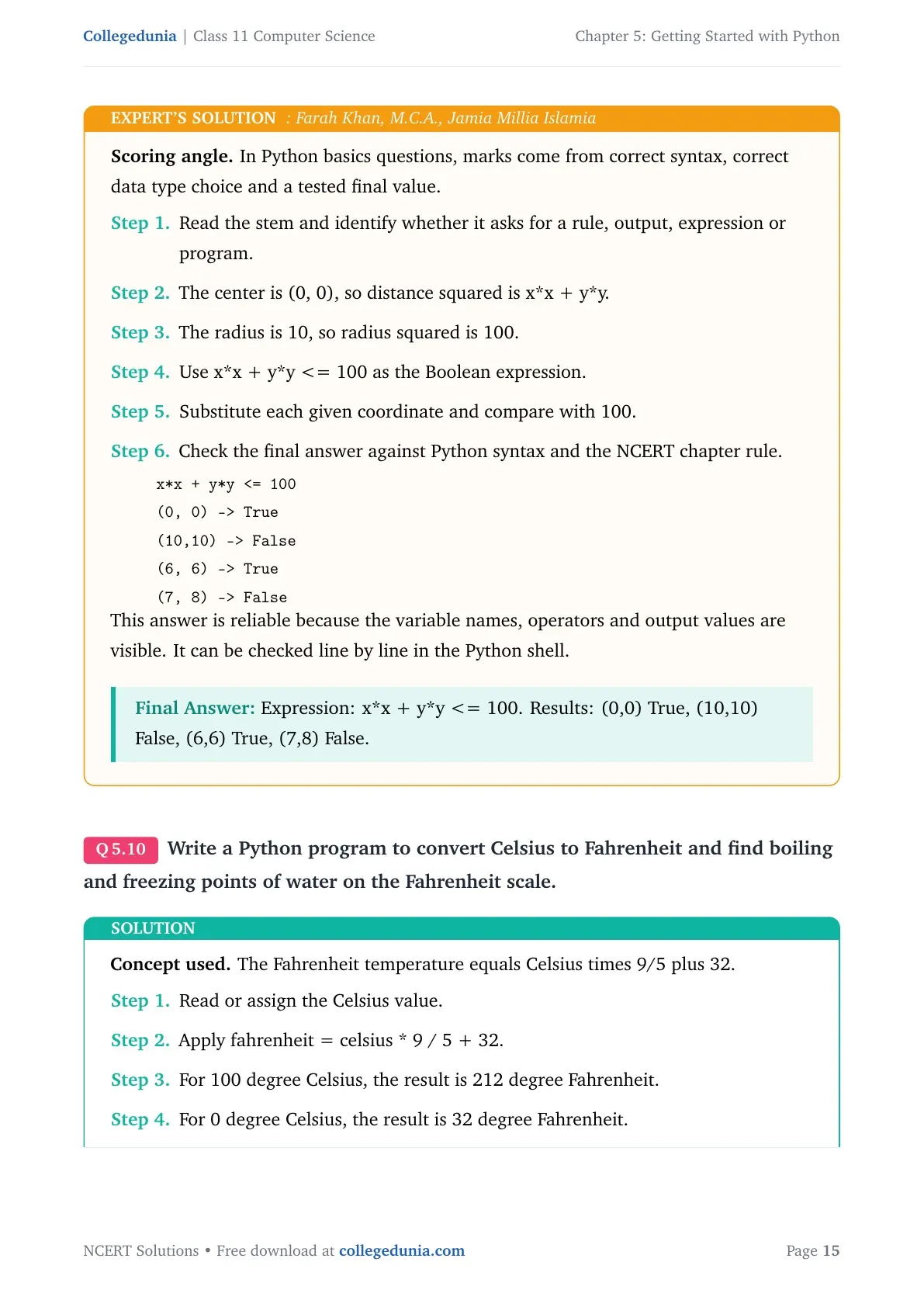
- The center is (0, 0), so distance squared is x*x + y*y.
- The radius is 10, so radius squared is 100.
- Use x*x + y*y <= 100 as the Boolean expression.
- Substitute each given coordinate and compare with 100.
x*x + y*y <= 100
(0, 0)   -> True
(10,10)  -> False
(6, 6)   -> True
(7, 8)   -> False
Answer: Expression: x*x + y*y <= 100. Results: (0,0) True, (10,10) False, (6,6) True, (7,8) False.
Question 10
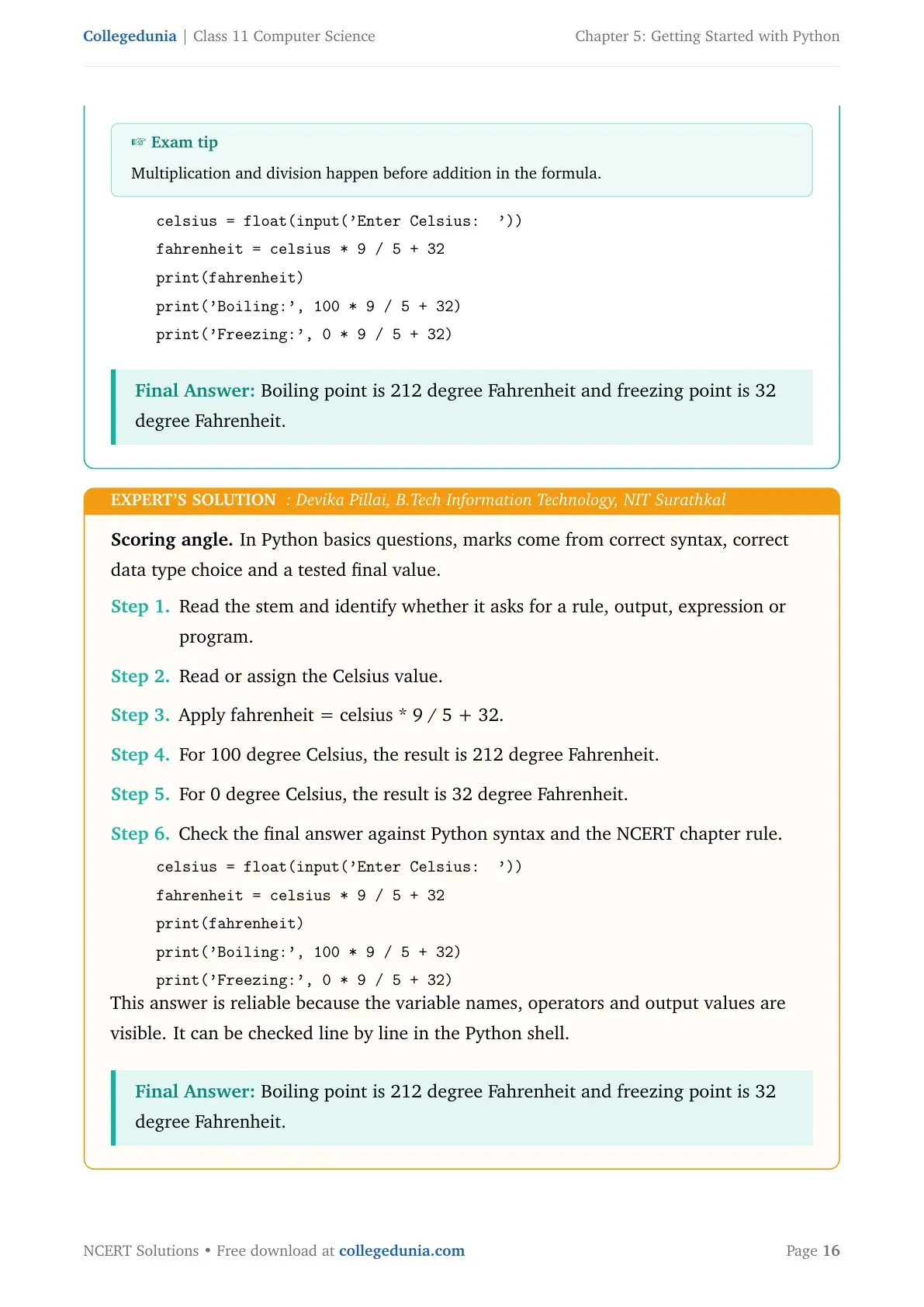
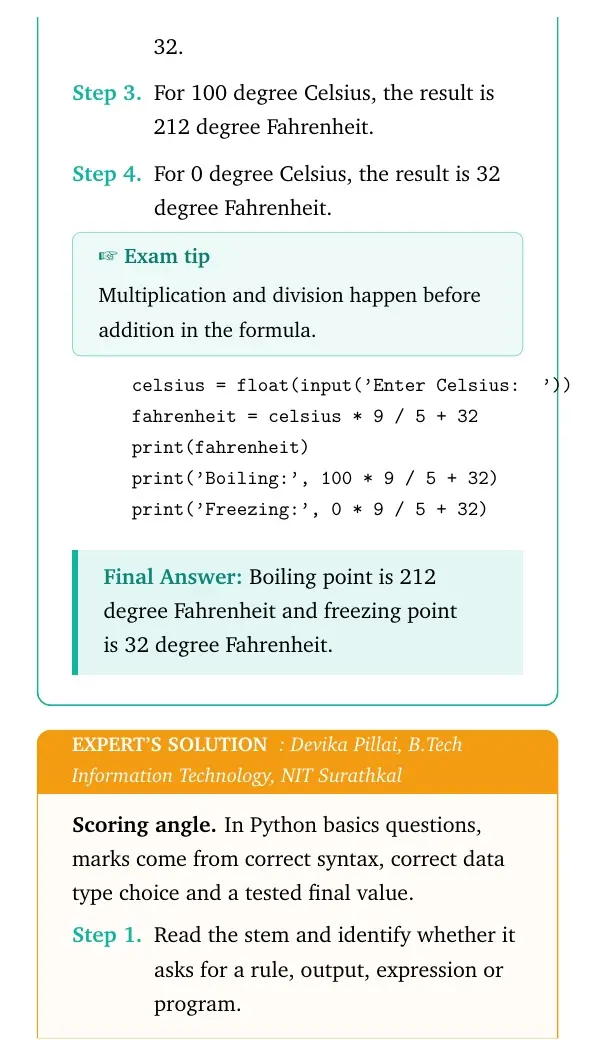
Write a Python program to convert Celsius to Fahrenheit and find boiling and freezing points of water on the Fahrenheit scale.
- Read or assign the Celsius value.
- Apply fahrenheit = celsius * 9 / 5 + 32.
- For 100 degree Celsius, the result is 212 degree Fahrenheit.
- For 0 degree Celsius, the result is 32 degree Fahrenheit.
celsius = float(input('Enter Celsius: '))
fahrenheit = celsius * 9 / 5 + 32
print(fahrenheit)
print('Boiling:', 100 * 9 / 5 + 32)
print('Freezing:', 0 * 9 / 5 + 32)
Answer: Boiling point is 212 degree Fahrenheit and freezing point is 32 degree Fahrenheit.
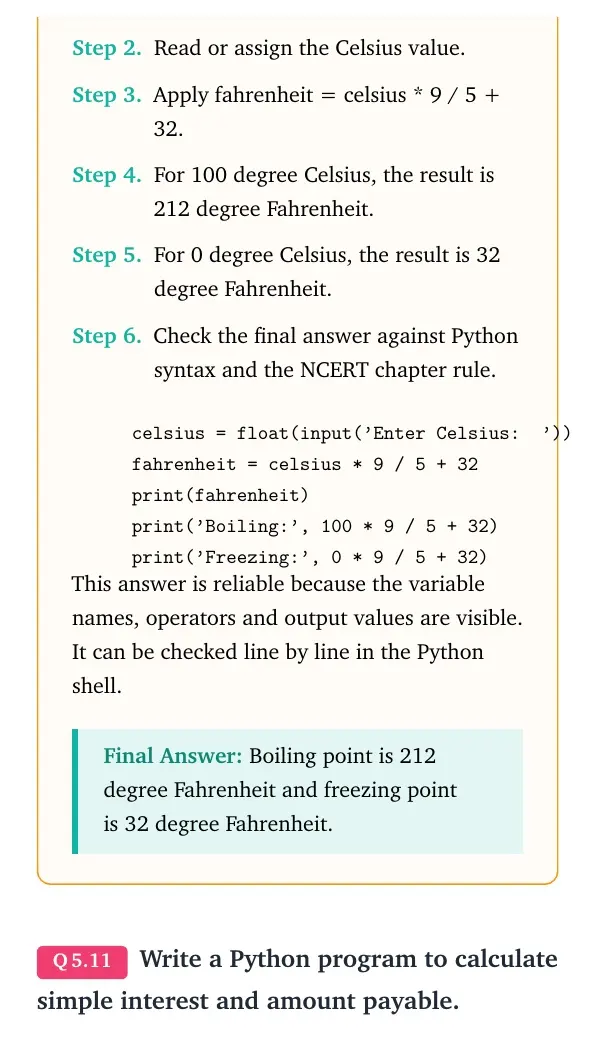
Expert view: Read the NCERT keyword in the stem first, then test the Python rule in a small dry run.
- Read or assign the Celsius value.
- Apply fahrenheit = celsius * 9 / 5 + 32.
- For 100 degree Celsius, the result is 212 degree Fahrenheit.
- For 0 degree Celsius, the result is 32 degree Fahrenheit.
celsius = float(input('Enter Celsius: '))
fahrenheit = celsius * 9 / 5 + 32
print(fahrenheit)
print('Boiling:', 100 * 9 / 5 + 32)
print('Freezing:', 0 * 9 / 5 + 32)
Answer: Boiling point is 212 degree Fahrenheit and freezing point is 32 degree Fahrenheit.
Question 11
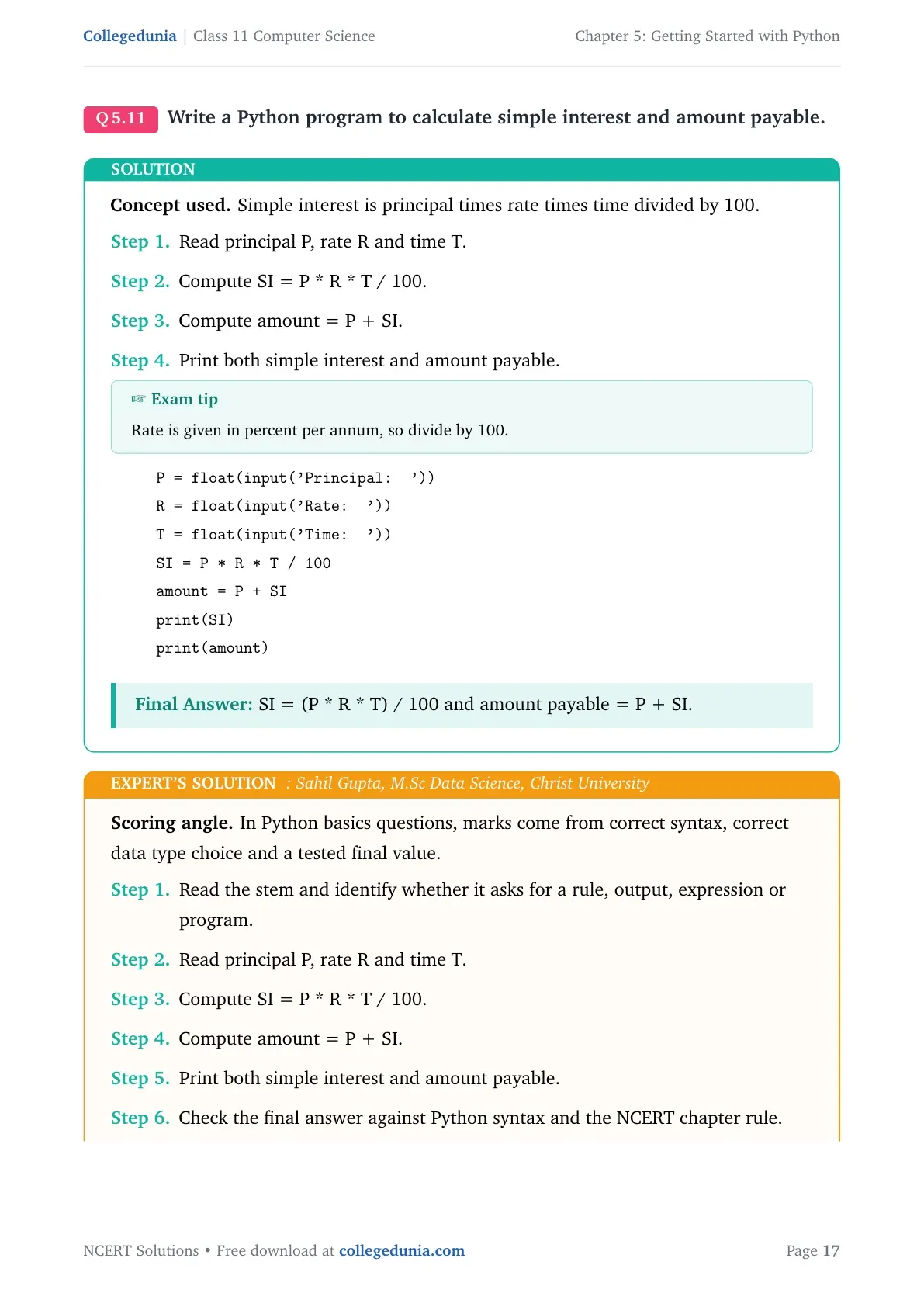
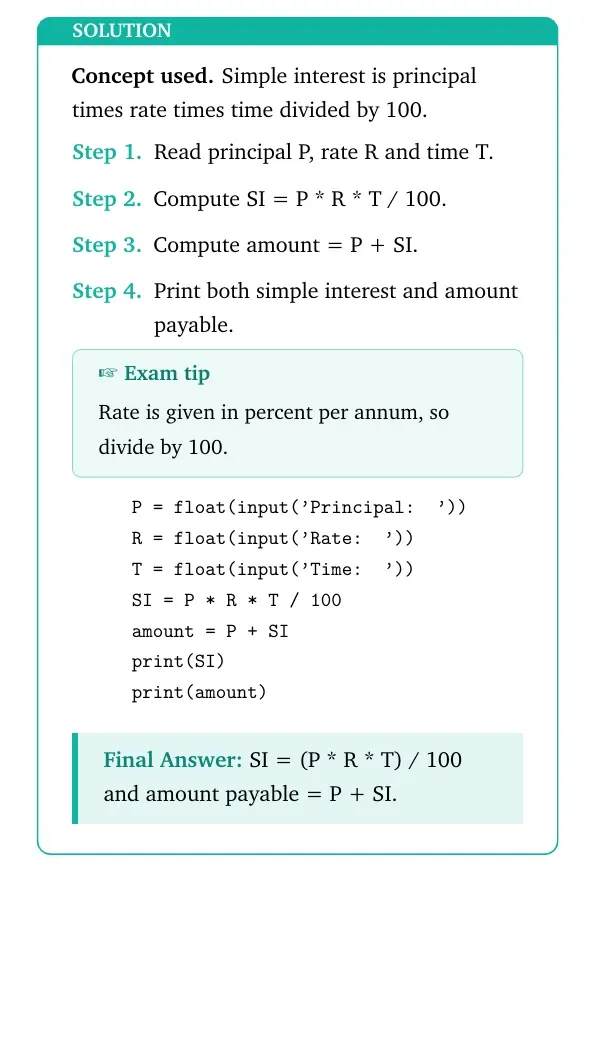
Write a Python program to calculate simple interest and amount payable.
- Read principal P, rate R and time T.
- Compute SI = P * R * T / 100.
- Compute amount = P + SI.
- Print both simple interest and amount payable.
P = float(input('Principal: '))
R = float(input('Rate: '))
T = float(input('Time: '))
SI = P * R * T / 100
amount = P + SI
print(SI)
print(amount)
Answer: SI = (P * R * T) / 100 and amount payable = P + SI.
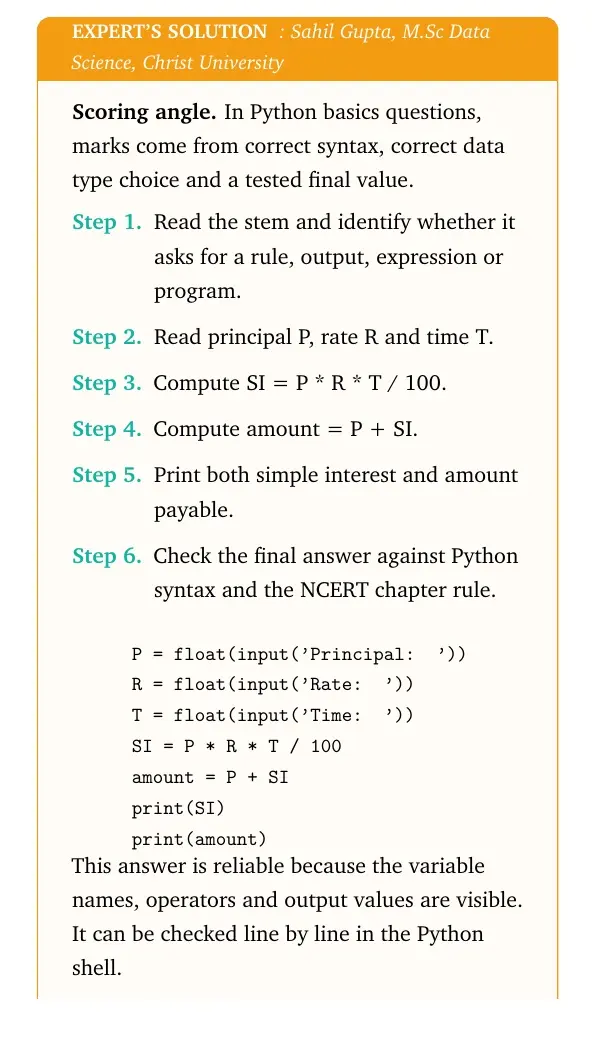
Expert view: Read the NCERT keyword in the stem first, then test the Python rule in a small dry run.
- Read principal P, rate R and time T.
- Compute SI = P * R * T / 100.
- Compute amount = P + SI.
- Print both simple interest and amount payable.
P = float(input('Principal: '))
R = float(input('Rate: '))
T = float(input('Time: '))
SI = P * R * T / 100
amount = P + SI
print(SI)
print(amount)
Answer: SI = (P * R * T) / 100 and amount payable = P + SI.
Question 12
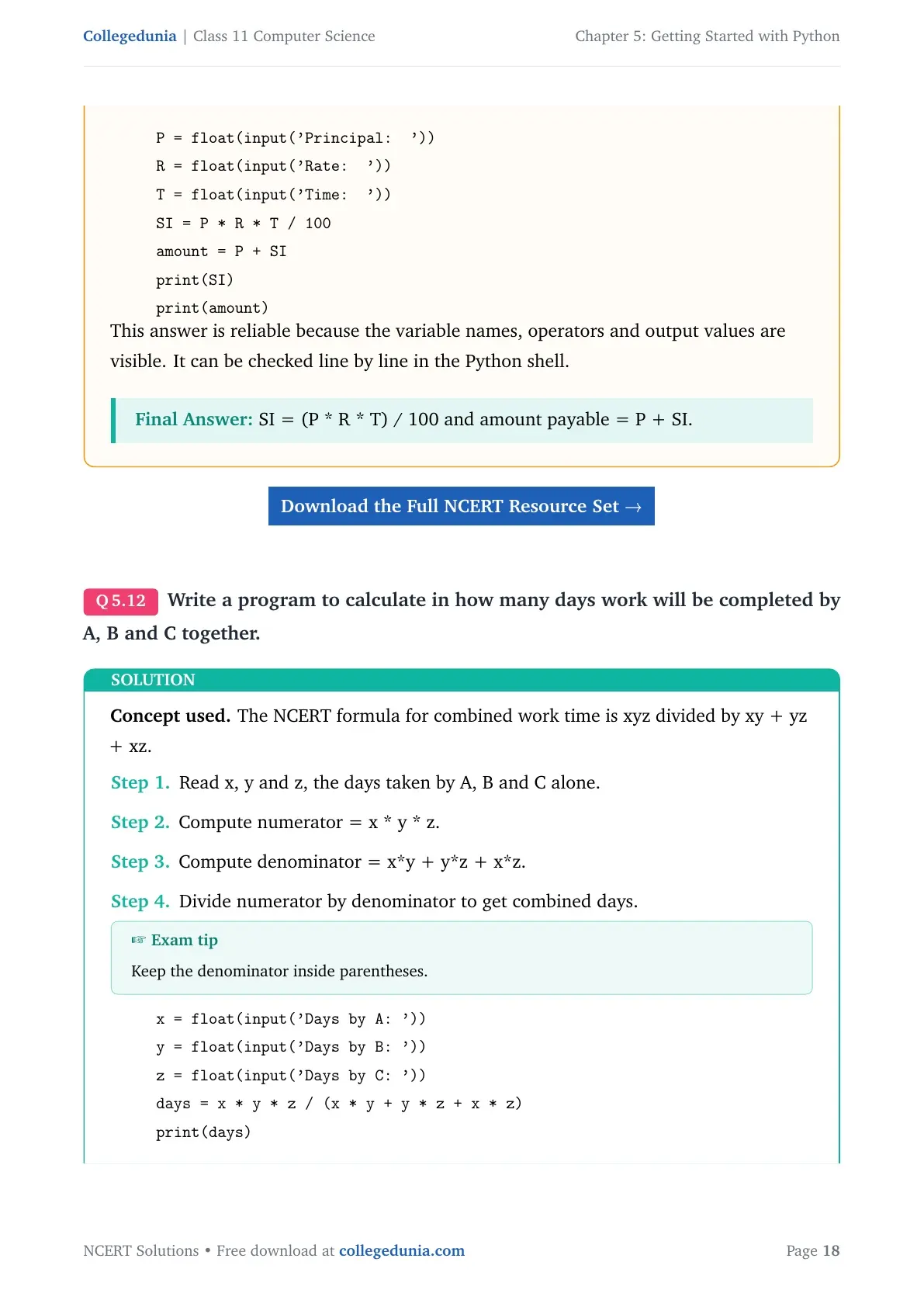
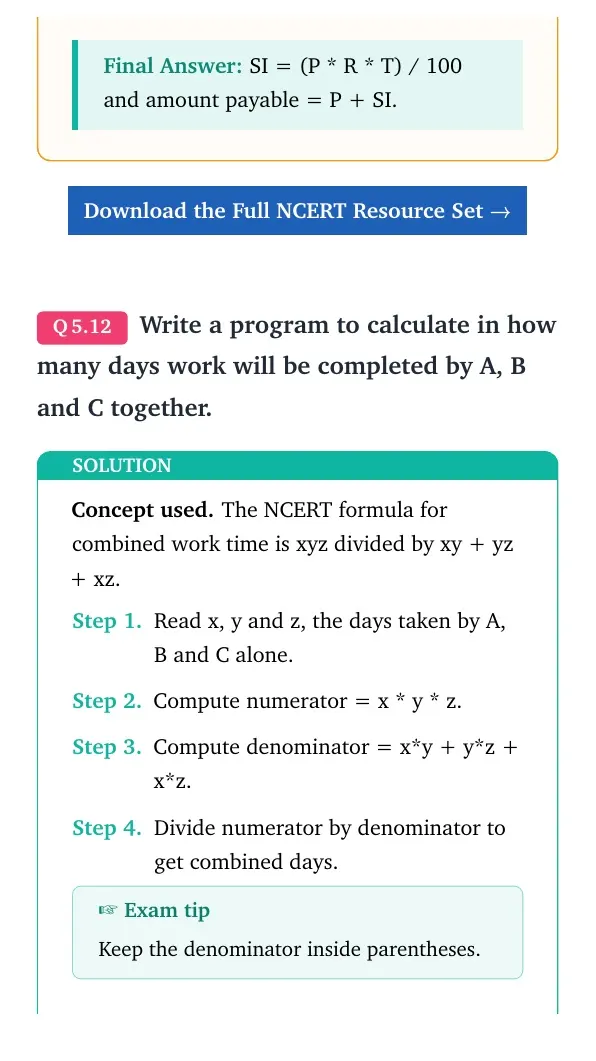
Write a program to calculate in how many days work will be completed by A, B and C together.
- Read x, y and z, the days taken by A, B and C alone.
- Compute numerator = x * y * z.
- Compute denominator = x*y + y*z + x*z.
- Divide numerator by denominator to get combined days.
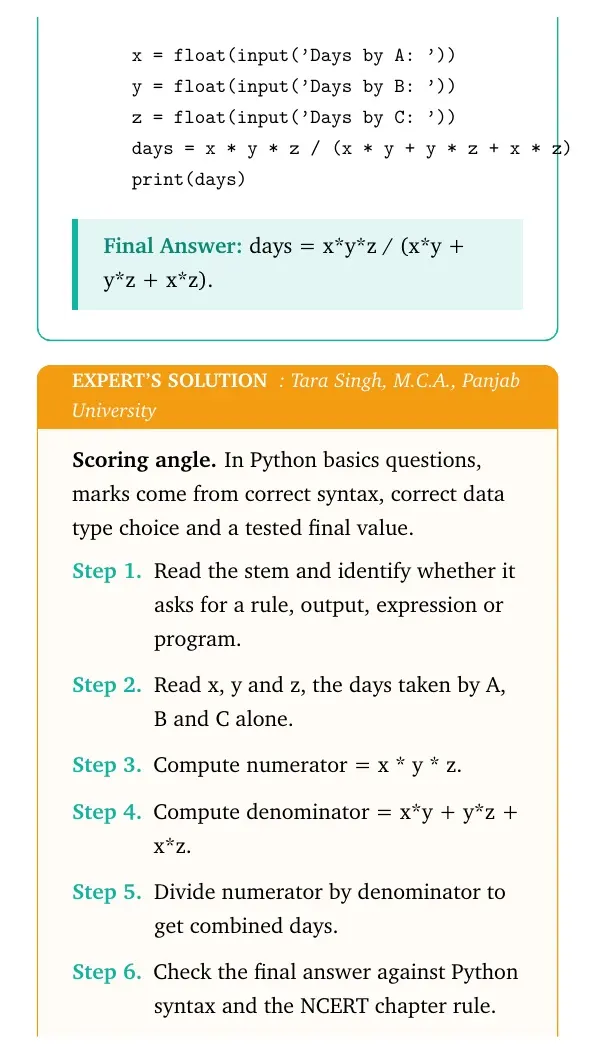
x = float(input('Days by A: '))
y = float(input('Days by B: '))
z = float(input('Days by C: '))
days = x * y * z / (x * y + y * z + x * z)
print(days)
Answer: days = x*y*z / (x*y + y*z + x*z).
Expert view: Read the NCERT keyword in the stem first, then test the Python rule in a small dry run.
- Read x, y and z, the days taken by A, B and C alone.
- Compute numerator = x * y * z.
- Compute denominator = x*y + y*z + x*z.
- Divide numerator by denominator to get combined days.
x = float(input('Days by A: '))
y = float(input('Days by B: '))
z = float(input('Days by C: '))
days = x * y * z / (x * y + y * z + x * z)
print(days)
Answer: days = x*y*z / (x*y + y*z + x*z).
Question 13
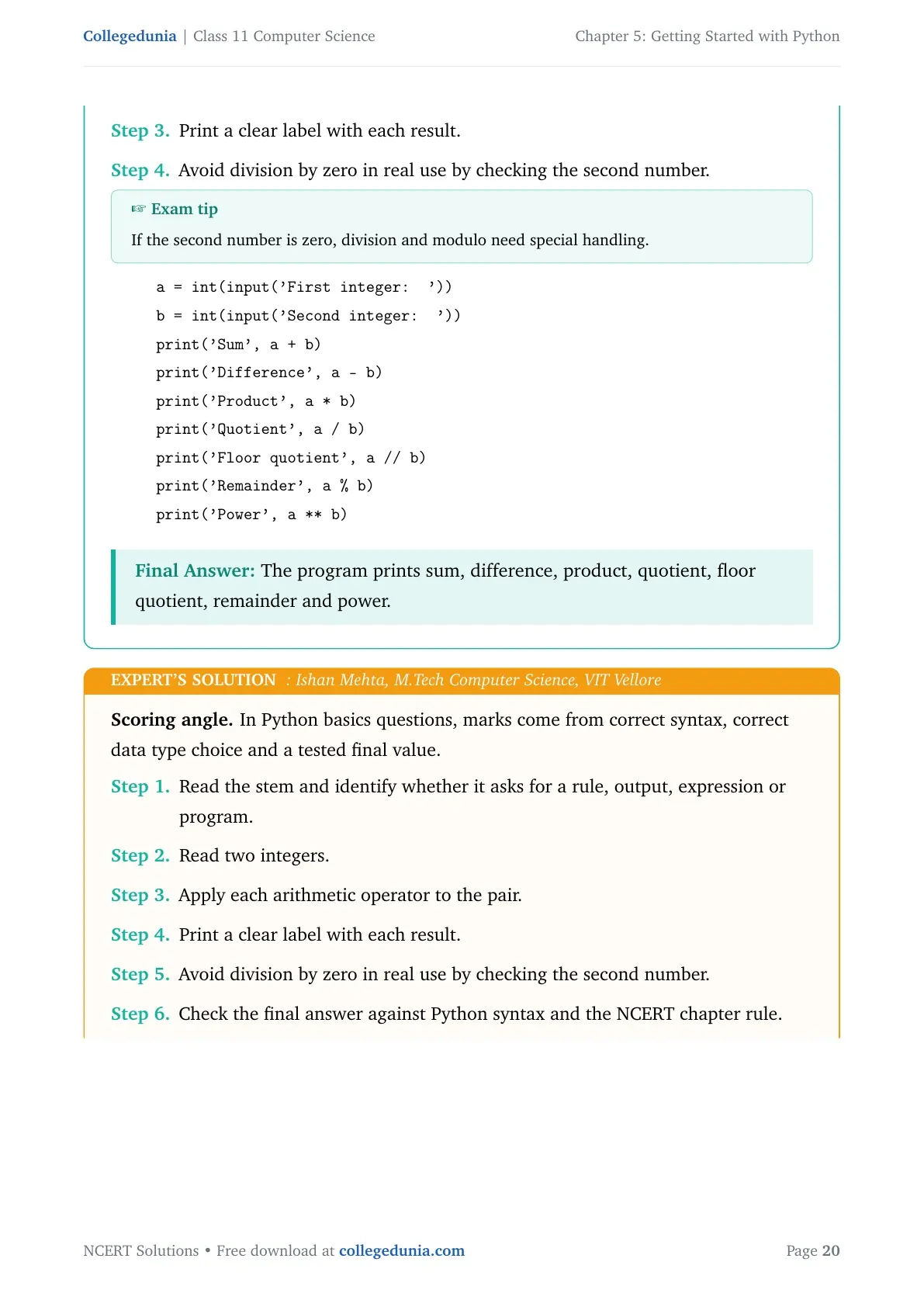
Write a program to enter two integers and perform all arithmetic operations on them.
- Read two integers.
- Apply each arithmetic operator to the pair.
- Print a clear label with each result.
- Avoid division by zero in real use by checking the second number.
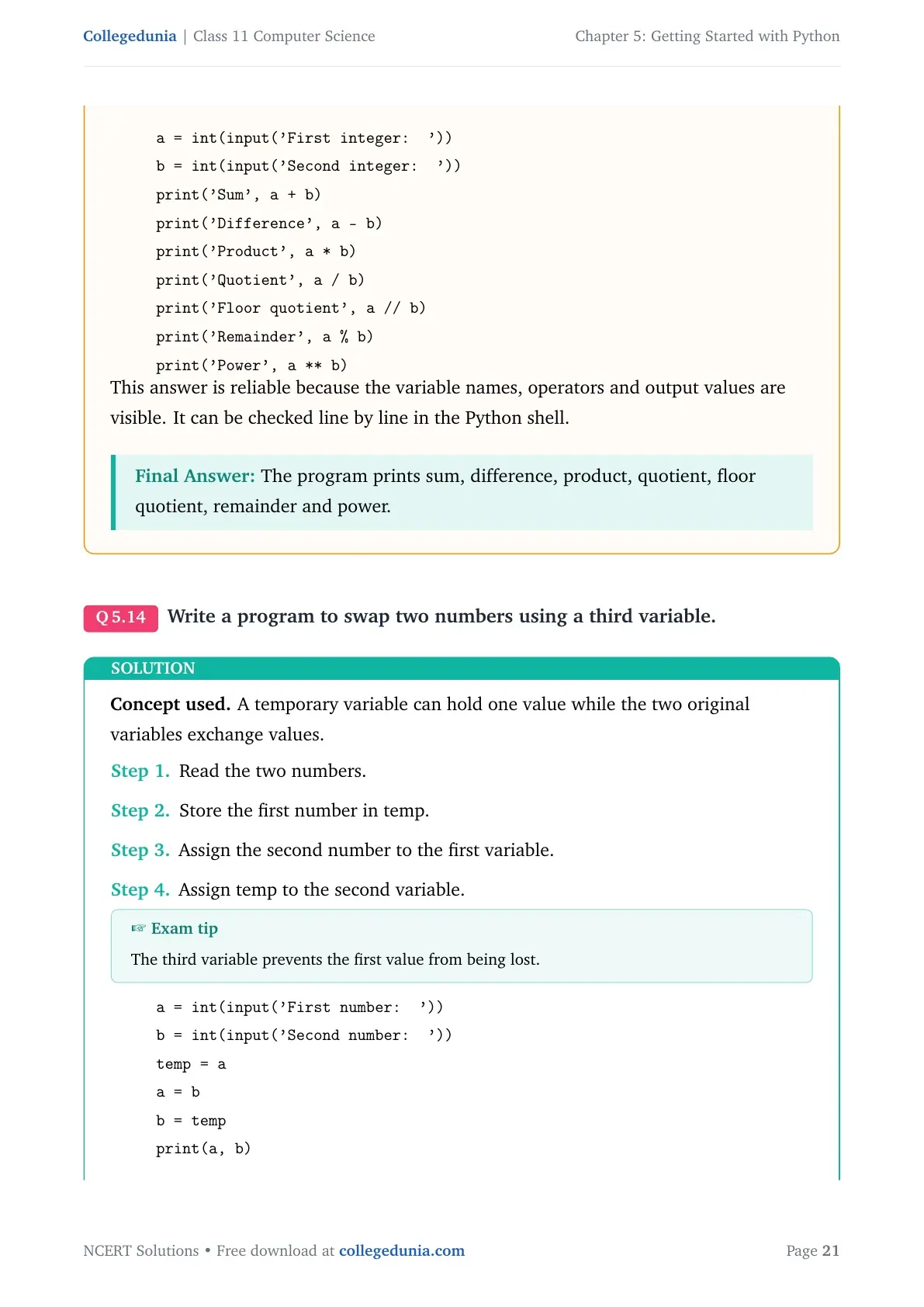
a = int(input('First integer: '))
b = int(input('Second integer: '))
print('Sum', a + b)
print('Difference', a - b)
print('Product', a * b)
print('Quotient', a / b)
print('Floor quotient', a // b)
print('Remainder', a % b)
print('Power', a ** b)
Answer: The program prints sum, difference, product, quotient, floor quotient, remainder and power.
Expert view: Read the NCERT keyword in the stem first, then test the Python rule in a small dry run.
- Read two integers.
- Apply each arithmetic operator to the pair.
- Print a clear label with each result.
- Avoid division by zero in real use by checking the second number.
a = int(input('First integer: '))
b = int(input('Second integer: '))
print('Sum', a + b)
print('Difference', a - b)
print('Product', a * b)
print('Quotient', a / b)
print('Floor quotient', a // b)
print('Remainder', a % b)
print('Power', a ** b)
Answer: The program prints sum, difference, product, quotient, floor quotient, remainder and power.
Question 14
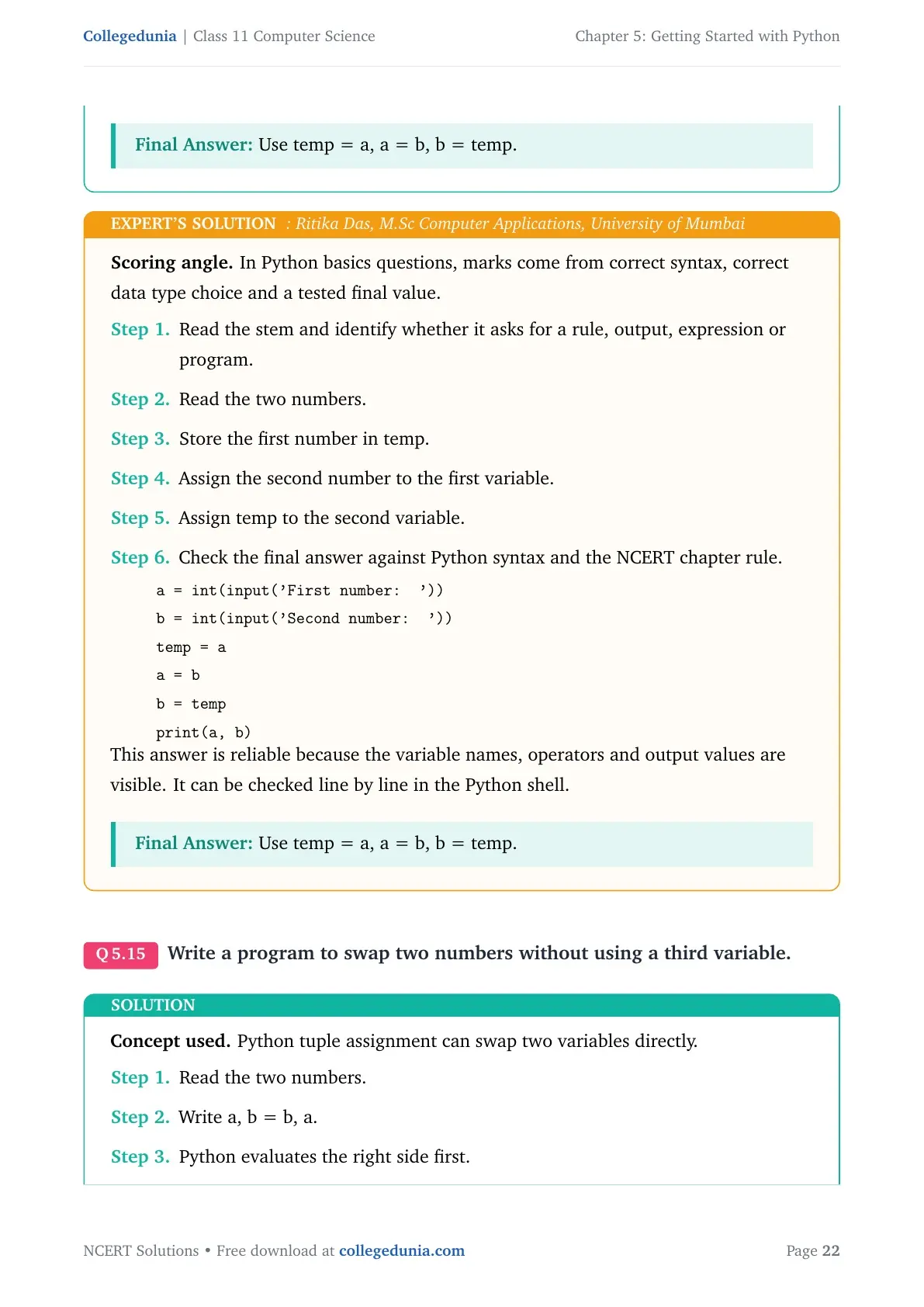
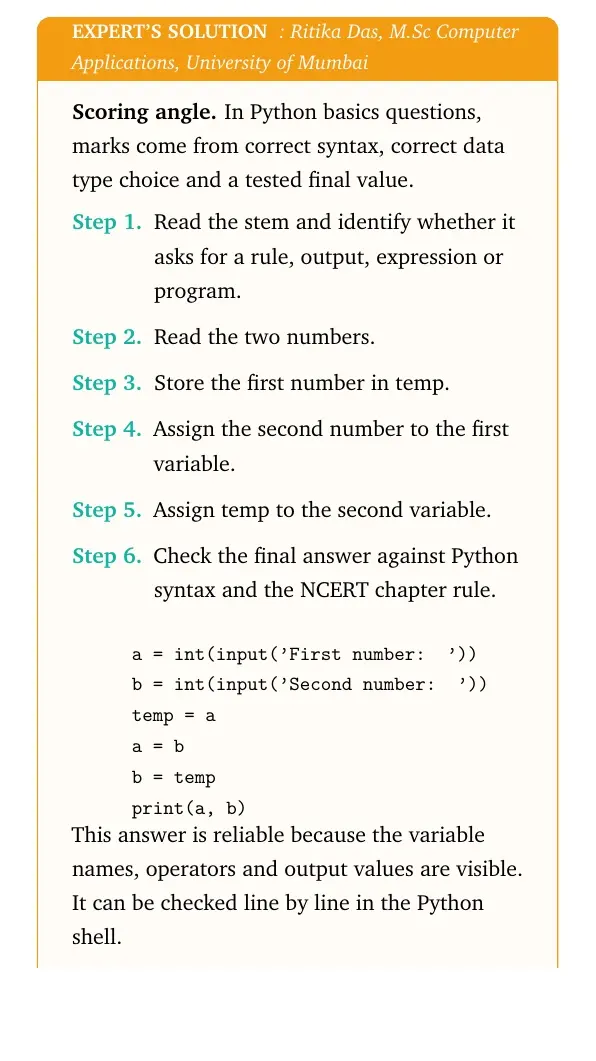
Write a program to swap two numbers using a third variable.
- Read the two numbers.
- Store the first number in temp.
- Assign the second number to the first variable.
- Assign temp to the second variable.
a = int(input('First number: '))
b = int(input('Second number: '))
temp = a
a = b
b = temp
print(a, b)
Answer: Use temp = a, a = b, b = temp.
Expert view: Read the NCERT keyword in the stem first, then test the Python rule in a small dry run.
- Read the two numbers.
- Store the first number in temp.
- Assign the second number to the first variable.
- Assign temp to the second variable.
a = int(input('First number: '))
b = int(input('Second number: '))
temp = a
a = b
b = temp
print(a, b)
Answer: Use temp = a, a = b, b = temp.
Question 15
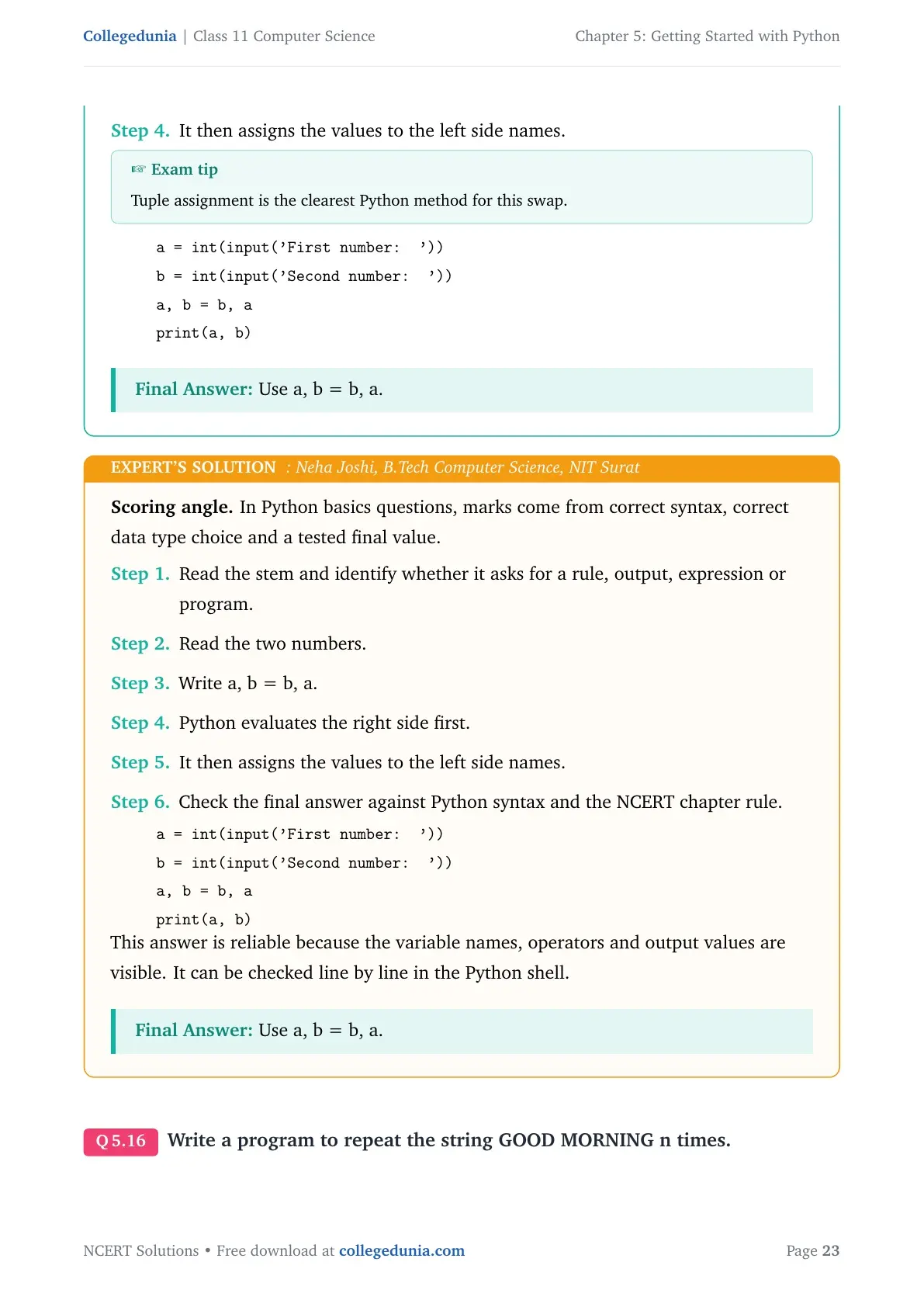
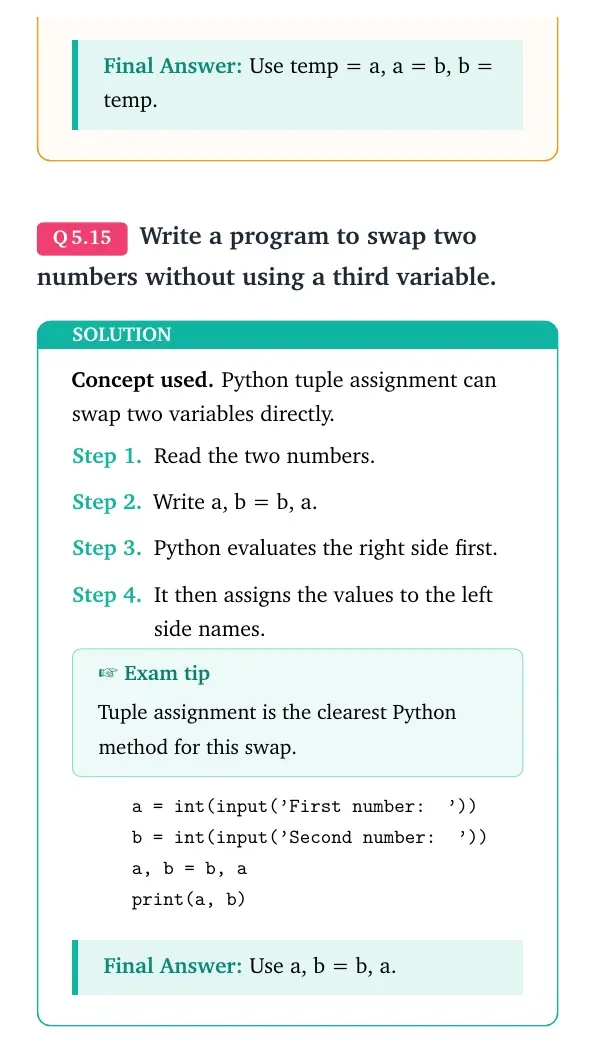
Write a program to swap two numbers without using a third variable.
- Read the two numbers.
- Write a, b = b, a.
- Python evaluates the right side first.
- It then assigns the values to the left side names.
a = int(input('First number: '))
b = int(input('Second number: '))
a, b = b, a
print(a, b)
Answer: Use a, b = b, a.
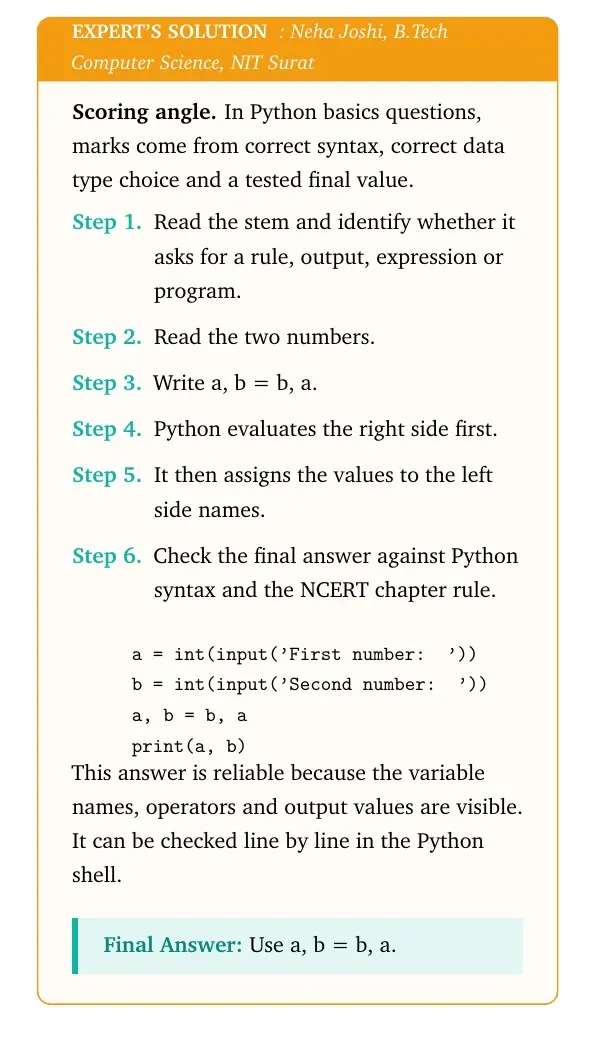
Expert view: Read the NCERT keyword in the stem first, then test the Python rule in a small dry run.
- Read the two numbers.
- Write a, b = b, a.
- Python evaluates the right side first.
- It then assigns the values to the left side names.
a = int(input('First number: '))
b = int(input('Second number: '))
a, b = b, a
print(a, b)
Answer: Use a, b = b, a.
Question 16
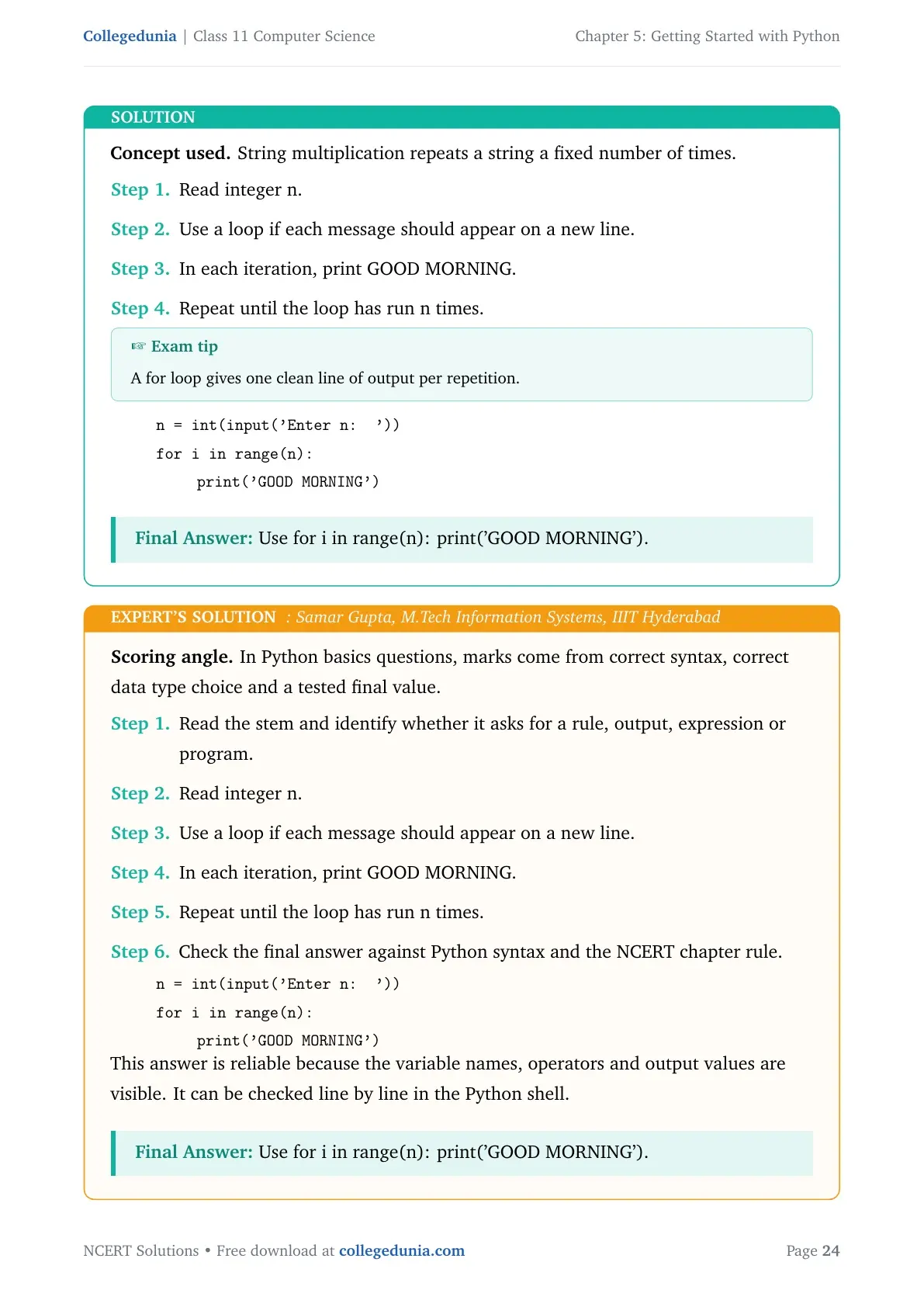
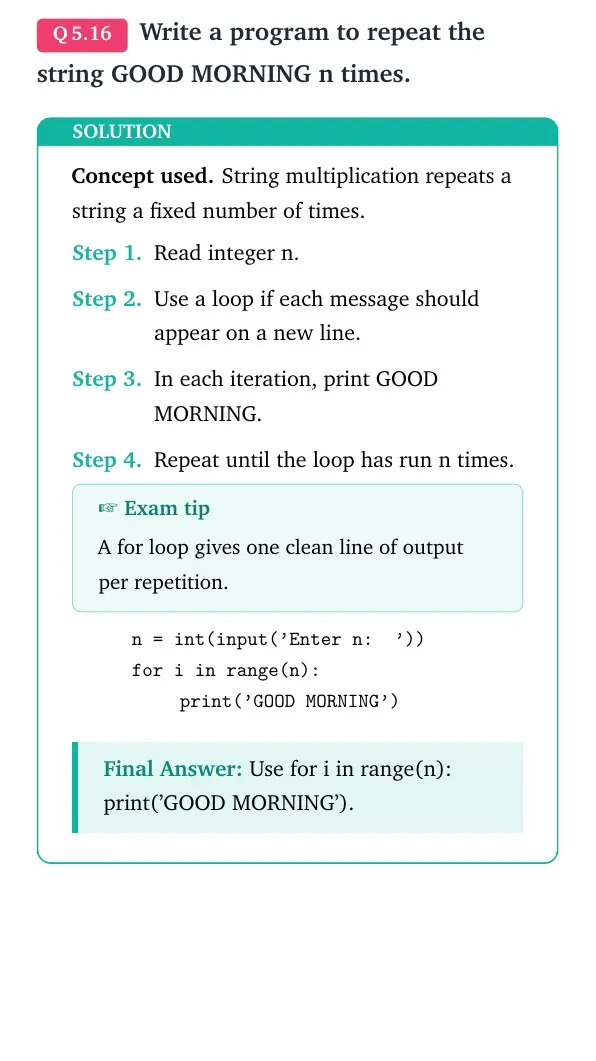
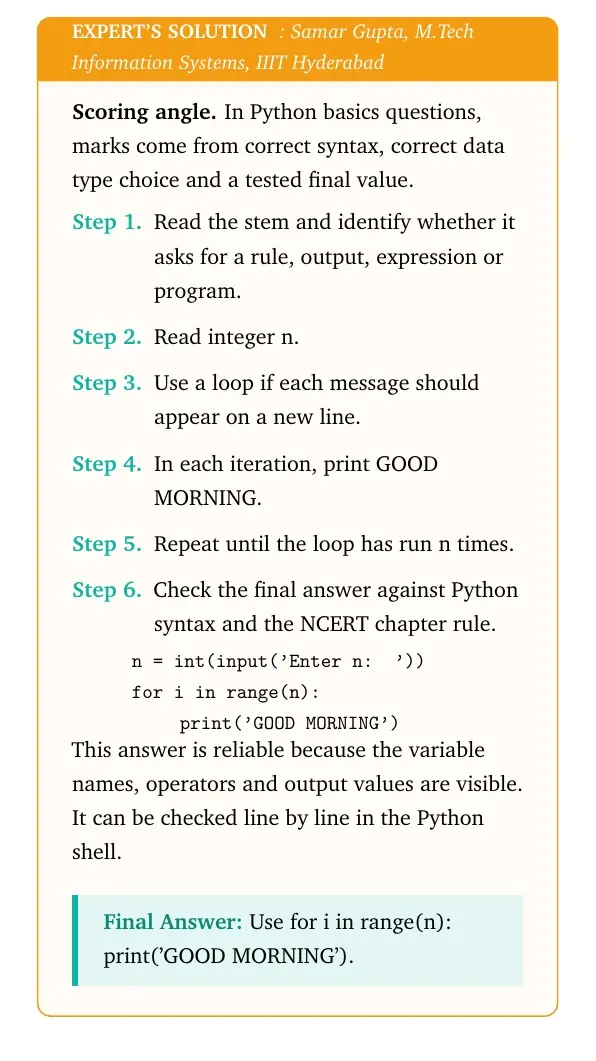
Write a program to repeat the string GOOD MORNING n times.
- Read integer n.
- Use a loop if each message should appear on a new line.
- In each iteration, print GOOD MORNING.
- Repeat until the loop has run n times.
n = int(input('Enter n: '))
for i in range(n):
    print('GOOD MORNING')
Answer: Use for i in range(n): print('GOOD MORNING').
Expert view: Read the NCERT keyword in the stem first, then test the Python rule in a small dry run.
- Read integer n.
- Use a loop if each message should appear on a new line.
- In each iteration, print GOOD MORNING.
- Repeat until the loop has run n times.
n = int(input('Enter n: '))
for i in range(n):
    print('GOOD MORNING')
Answer: Use for i in range(n): print('GOOD MORNING').
Question 17
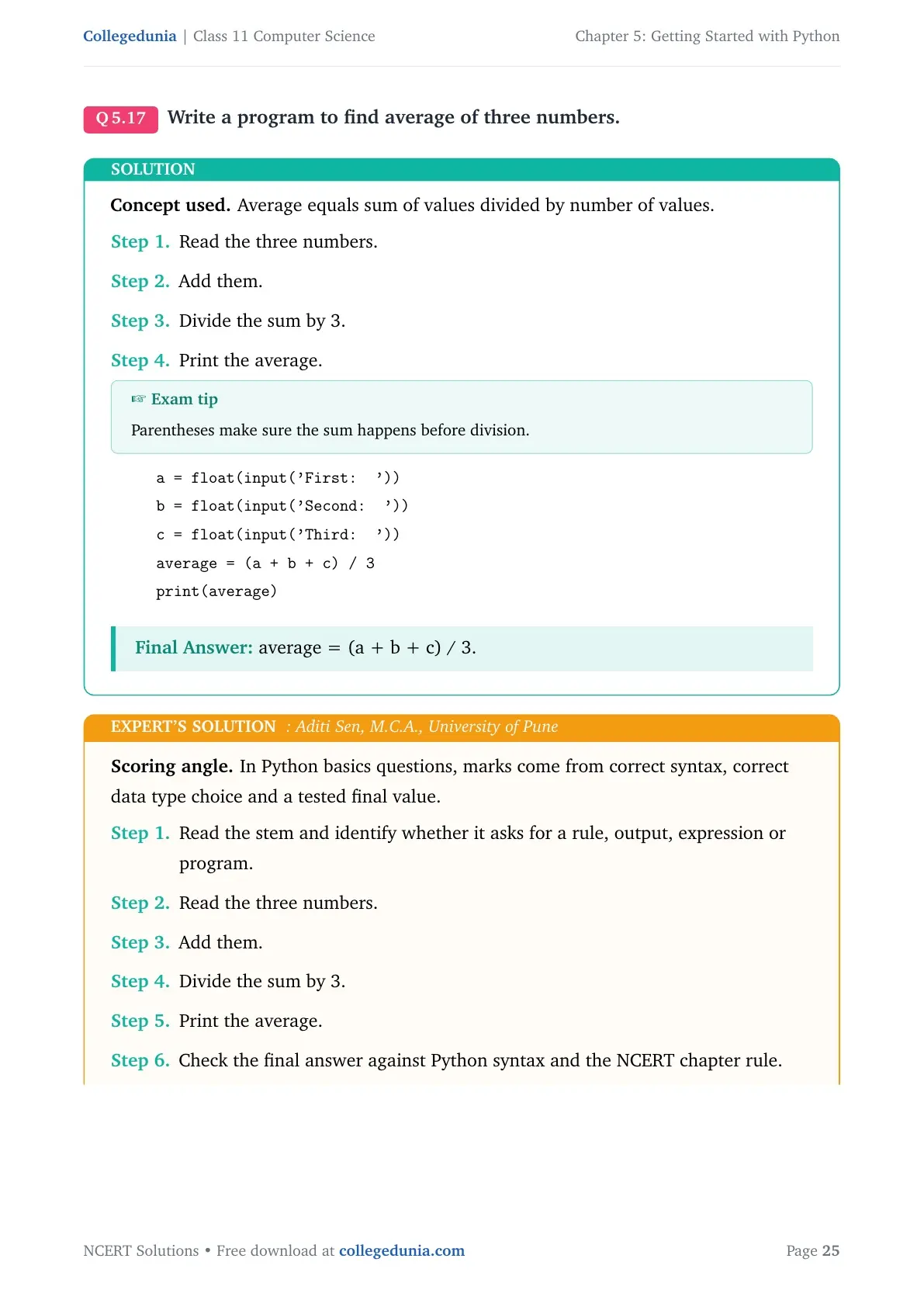
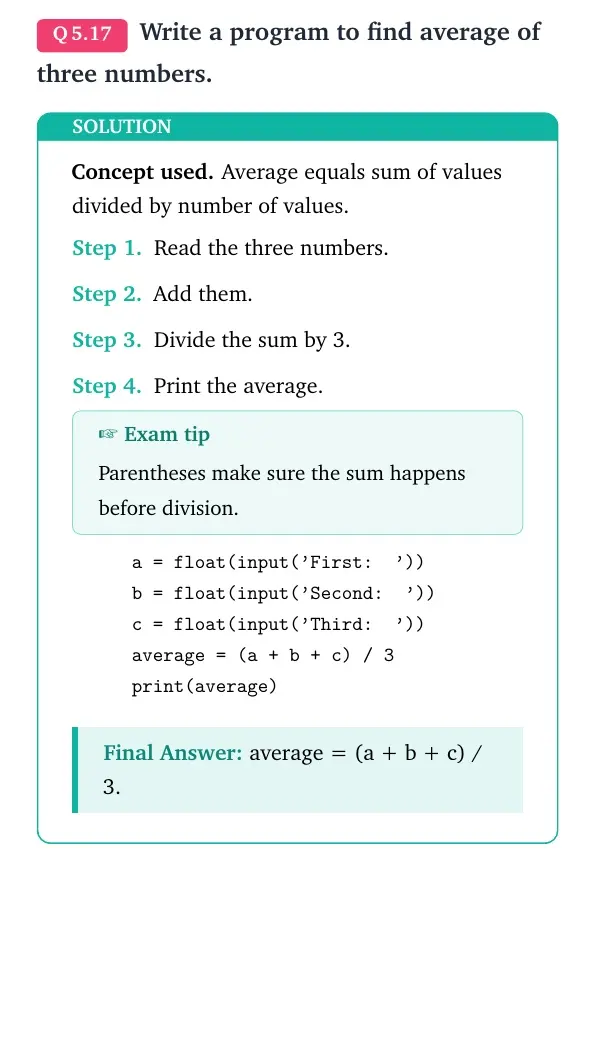
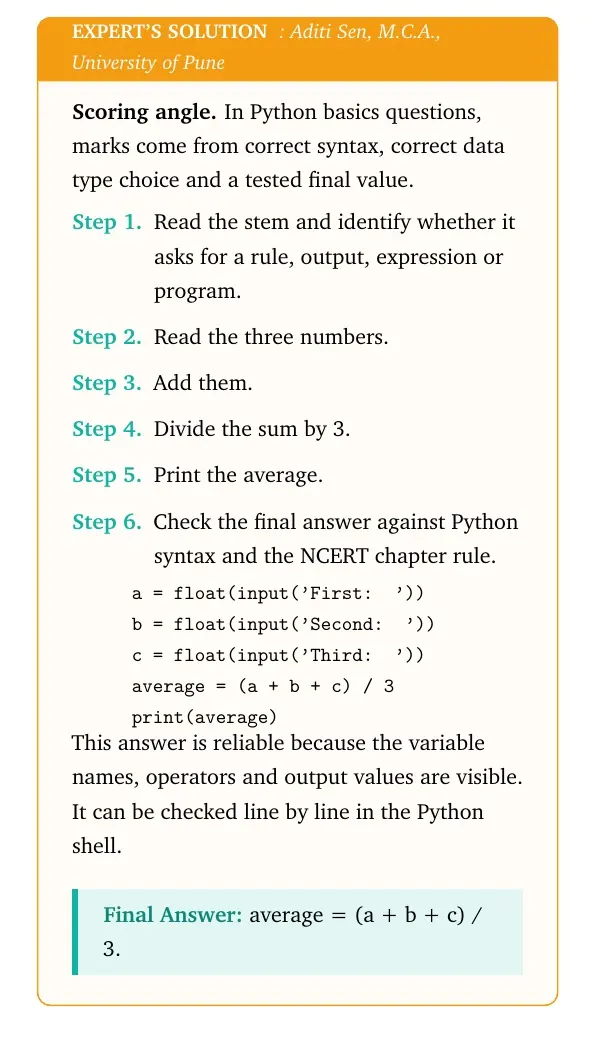
Write a program to find average of three numbers.
- Read the three numbers.
- Add them.
- Divide the sum by 3.
- Print the average.
a = float(input('First: '))
b = float(input('Second: '))
c = float(input('Third: '))
average = (a + b + c) / 3
print(average)
Answer: average = (a + b + c) / 3.
Expert view: Read the NCERT keyword in the stem first, then test the Python rule in a small dry run.
- Read the three numbers.
- Add them.
- Divide the sum by 3.
- Print the average.
a = float(input('First: '))
b = float(input('Second: '))
c = float(input('Third: '))
average = (a + b + c) / 3
print(average)
Answer: average = (a + b + c) / 3.
Question 18
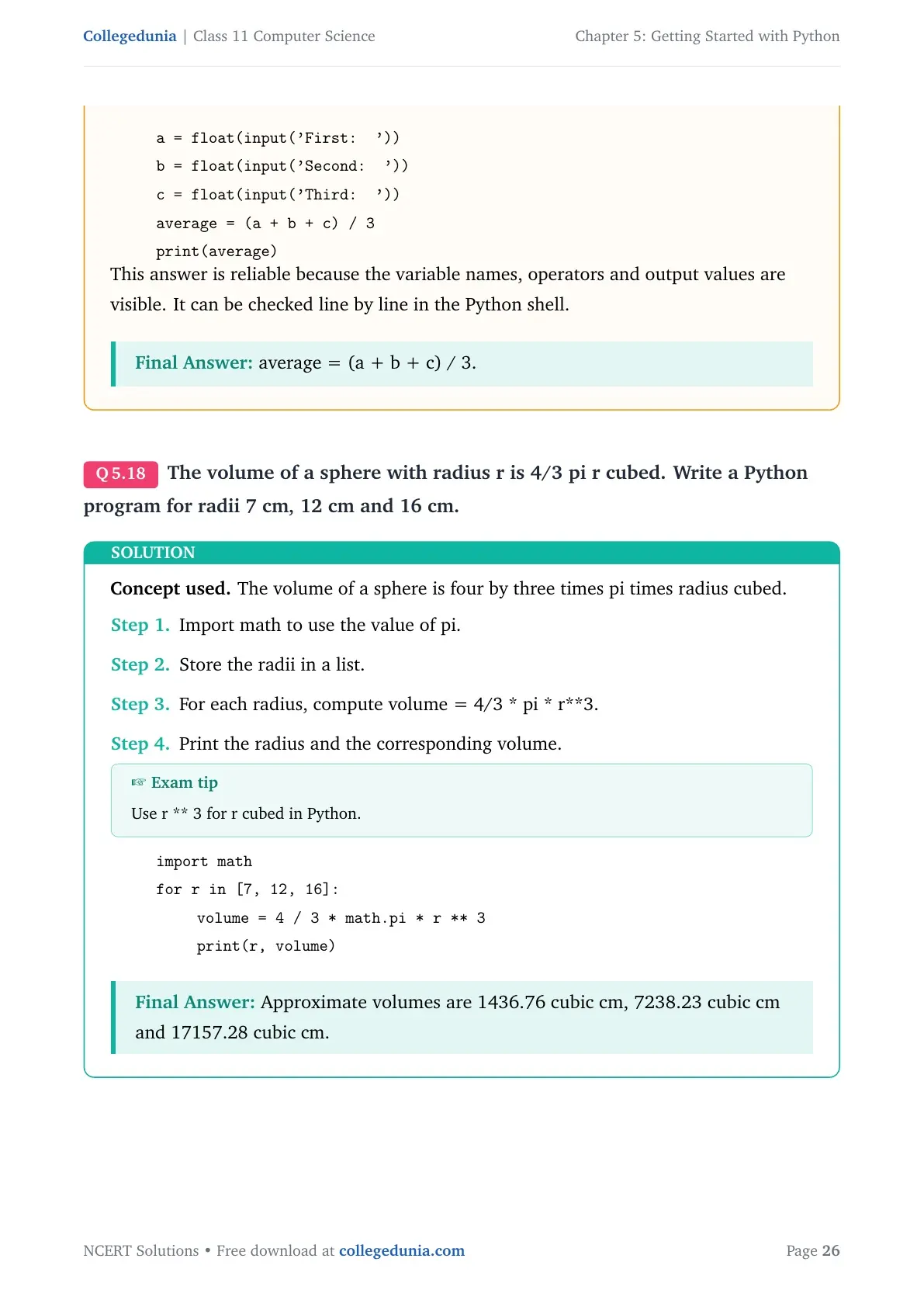
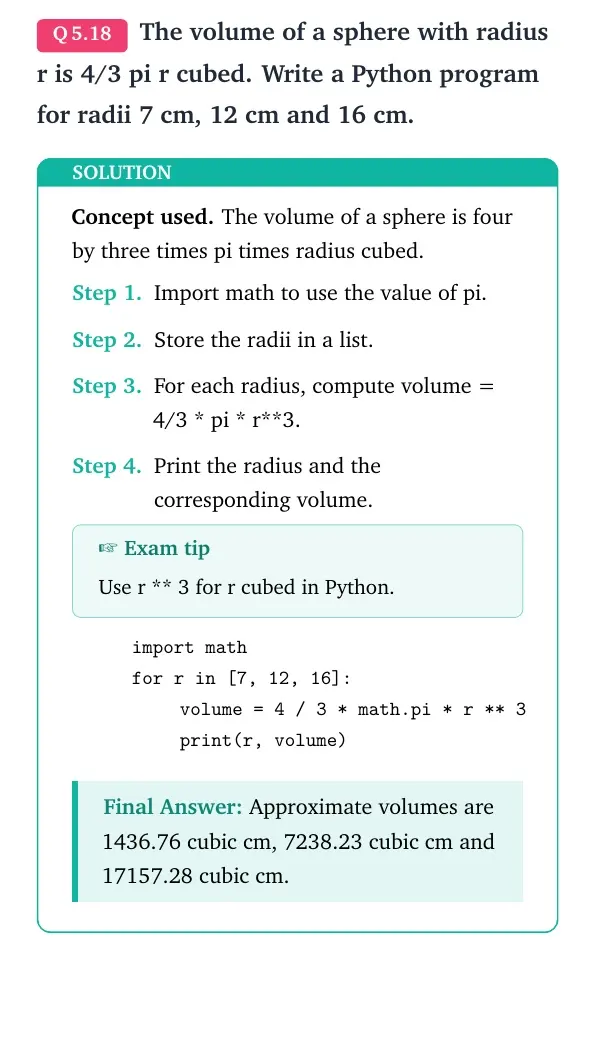
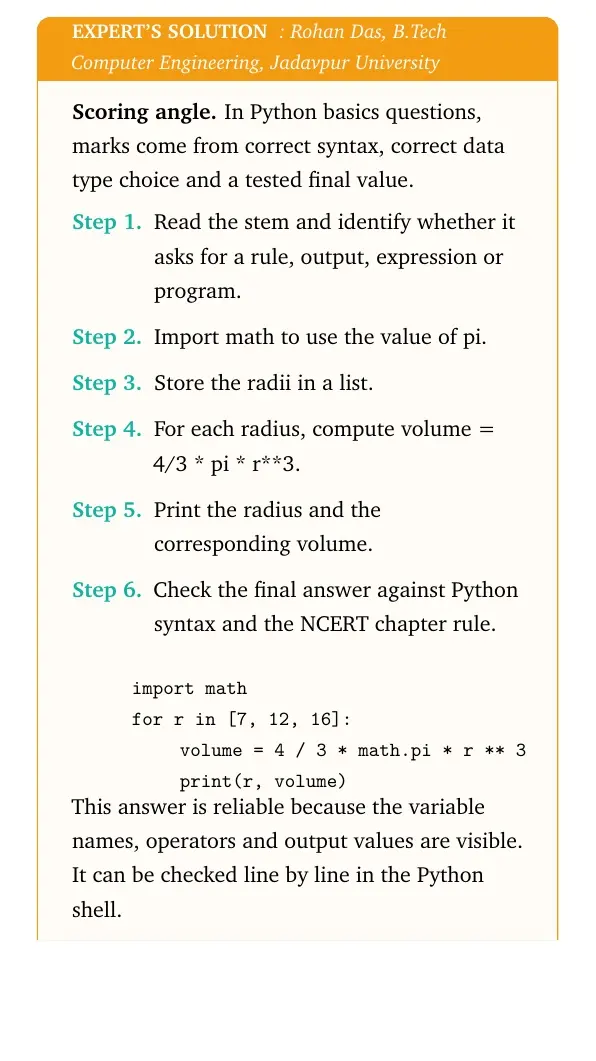
The volume of a sphere with radius r is 4/3 pi r cubed. Write a Python program for radii 7 cm, 12 cm and 16 cm.
- Import math to use the value of pi.
- Store the radii in a list.
- For each radius, compute volume = 4/3 * pi * r**3.
- Print the radius and the corresponding volume.
import math
for r in [7, 12, 16]:
    volume = 4 / 3 * math.pi * r ** 3
    print(r, volume)
Answer: Approximate volumes are 1436.76 cubic cm, 7238.23 cubic cm and 17157.28 cubic cm.
Expert view: Read the NCERT keyword in the stem first, then test the Python rule in a small dry run.
- Import math to use the value of pi.
- Store the radii in a list.
- For each radius, compute volume = 4/3 * pi * r**3.
- Print the radius and the corresponding volume.
import math
for r in [7, 12, 16]:
    volume = 4 / 3 * math.pi * r ** 3
    print(r, volume)
Answer: Approximate volumes are 1436.76 cubic cm, 7238.23 cubic cm and 17157.28 cubic cm.
Question 19
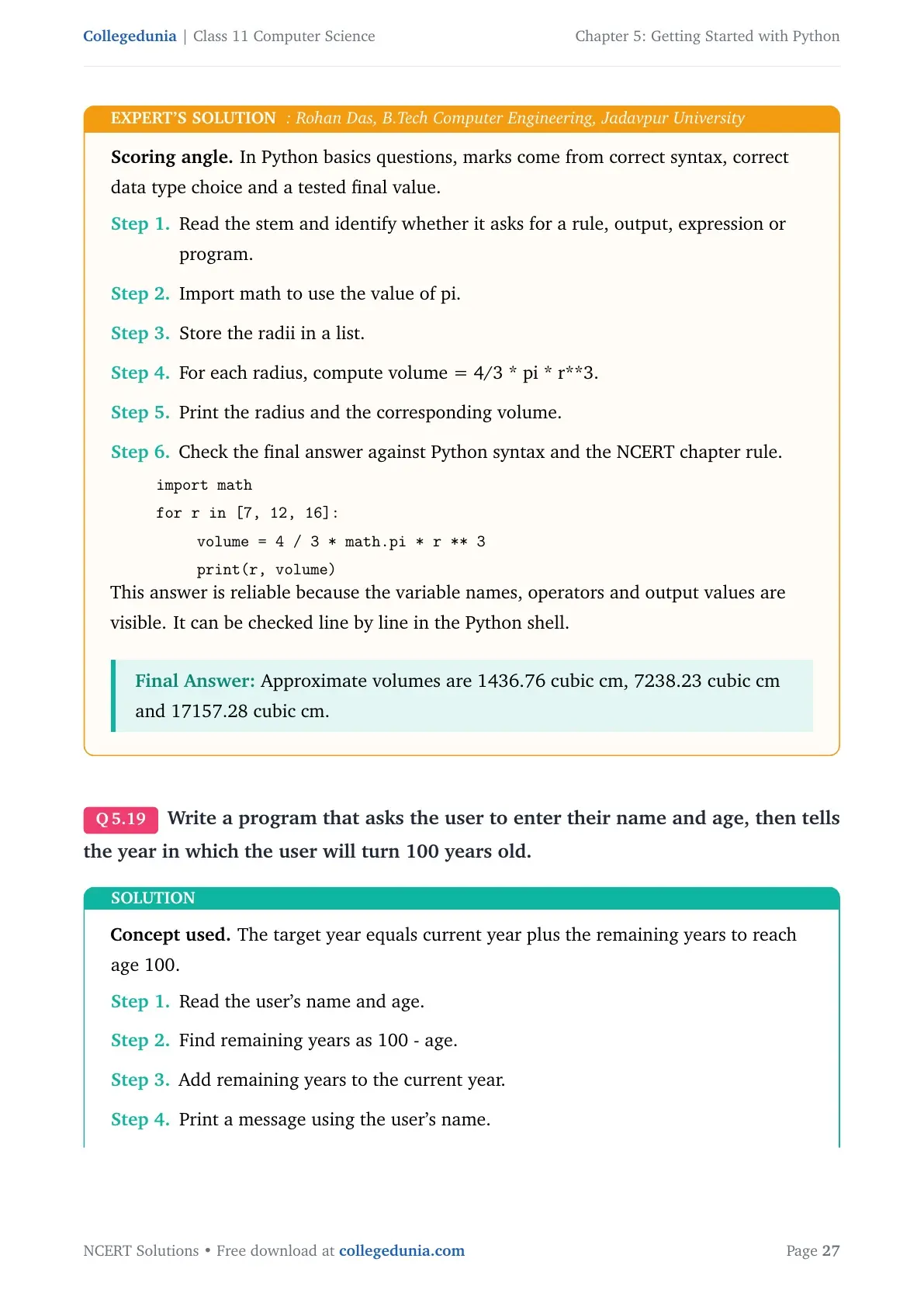
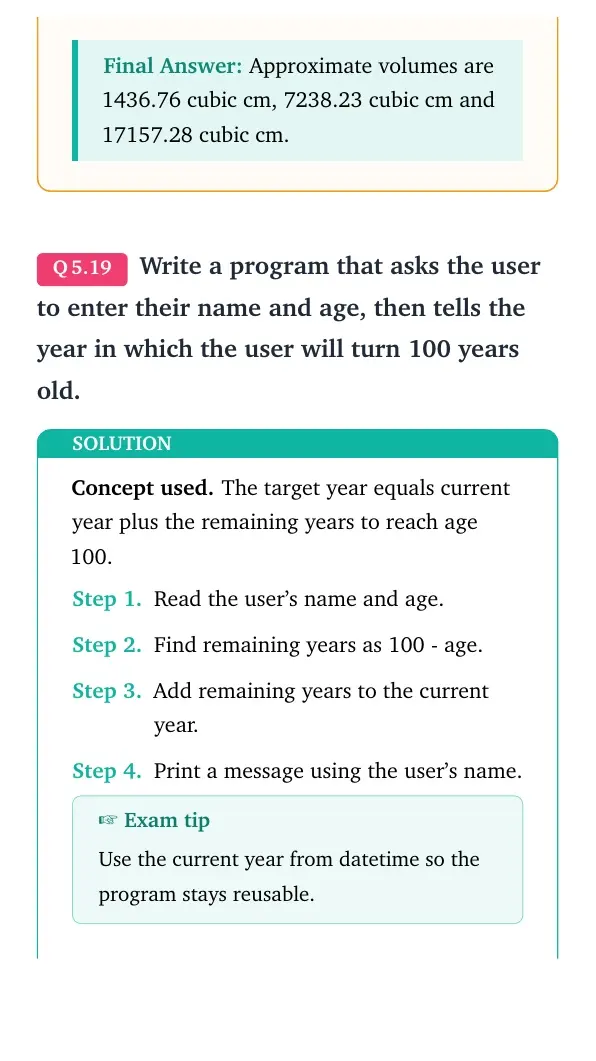
Write a program that asks the user to enter their name and age, then tells the year in which the user will turn 100 years old.
- Read the user's name and age.
- Find remaining years as 100 - age.
- Add remaining years to the current year.
- Print a message using the user's name.
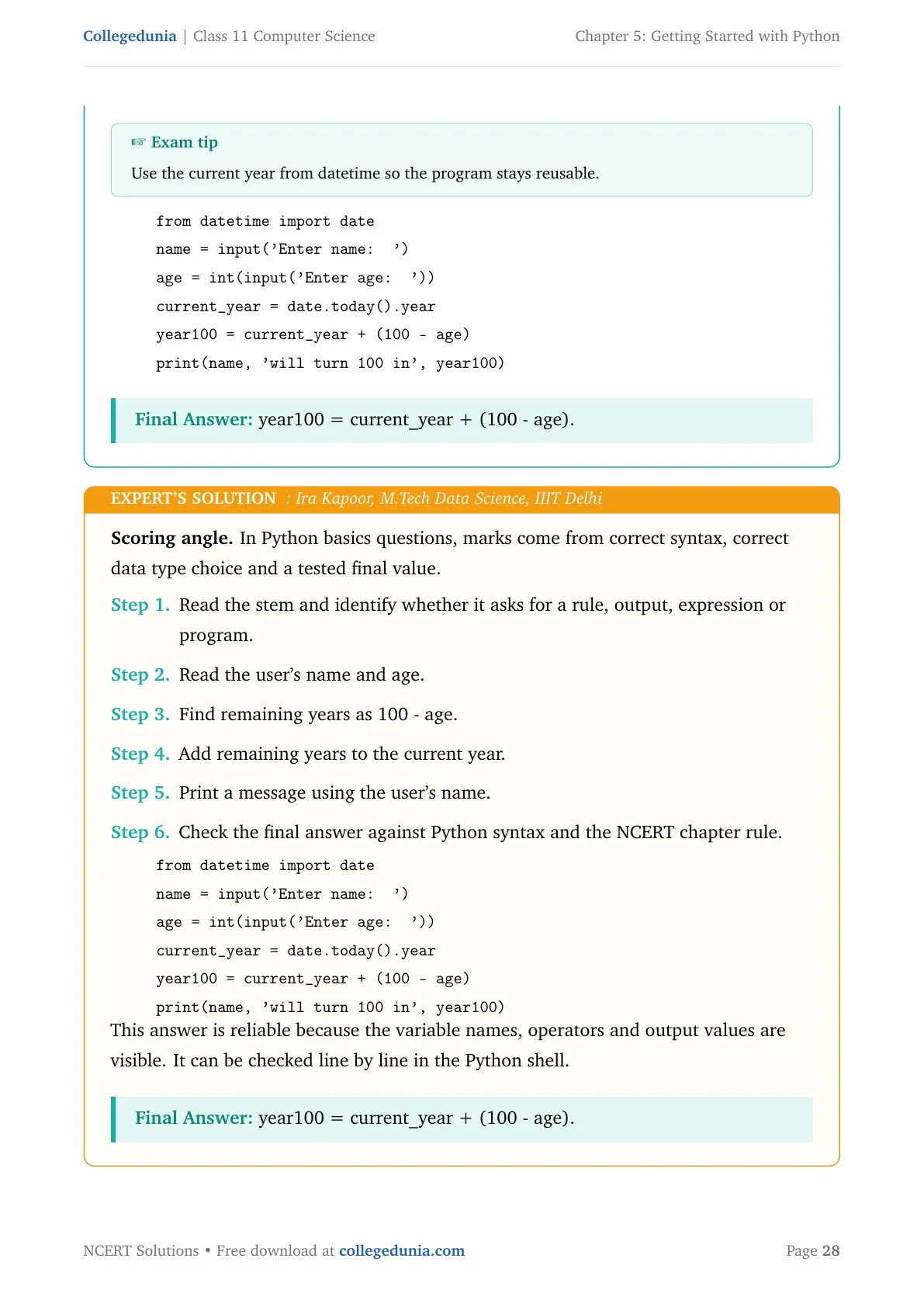
from datetime import date
name = input('Enter name: ')
age = int(input('Enter age: '))
current_year = date.today().year
year100 = current_year + (100 - age)
print(name, 'will turn 100 in', year100)
Answer: year100 = current_year + (100 - age).
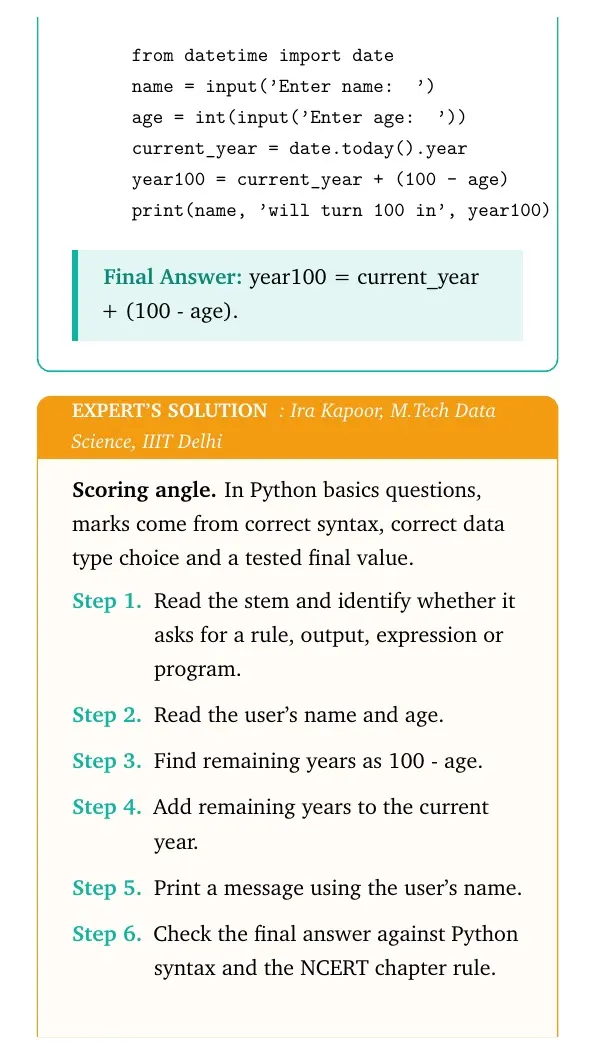
Expert view: Read the NCERT keyword in the stem first, then test the Python rule in a small dry run.
- Read the user's name and age.
- Find remaining years as 100 - age.
- Add remaining years to the current year.
- Print a message using the user's name.
from datetime import date
name = input('Enter name: ')
age = int(input('Enter age: '))
current_year = date.today().year
year100 = current_year + (100 - age)
print(name, 'will turn 100 in', year100)
Answer: year100 = current_year + (100 - age).
Question 20
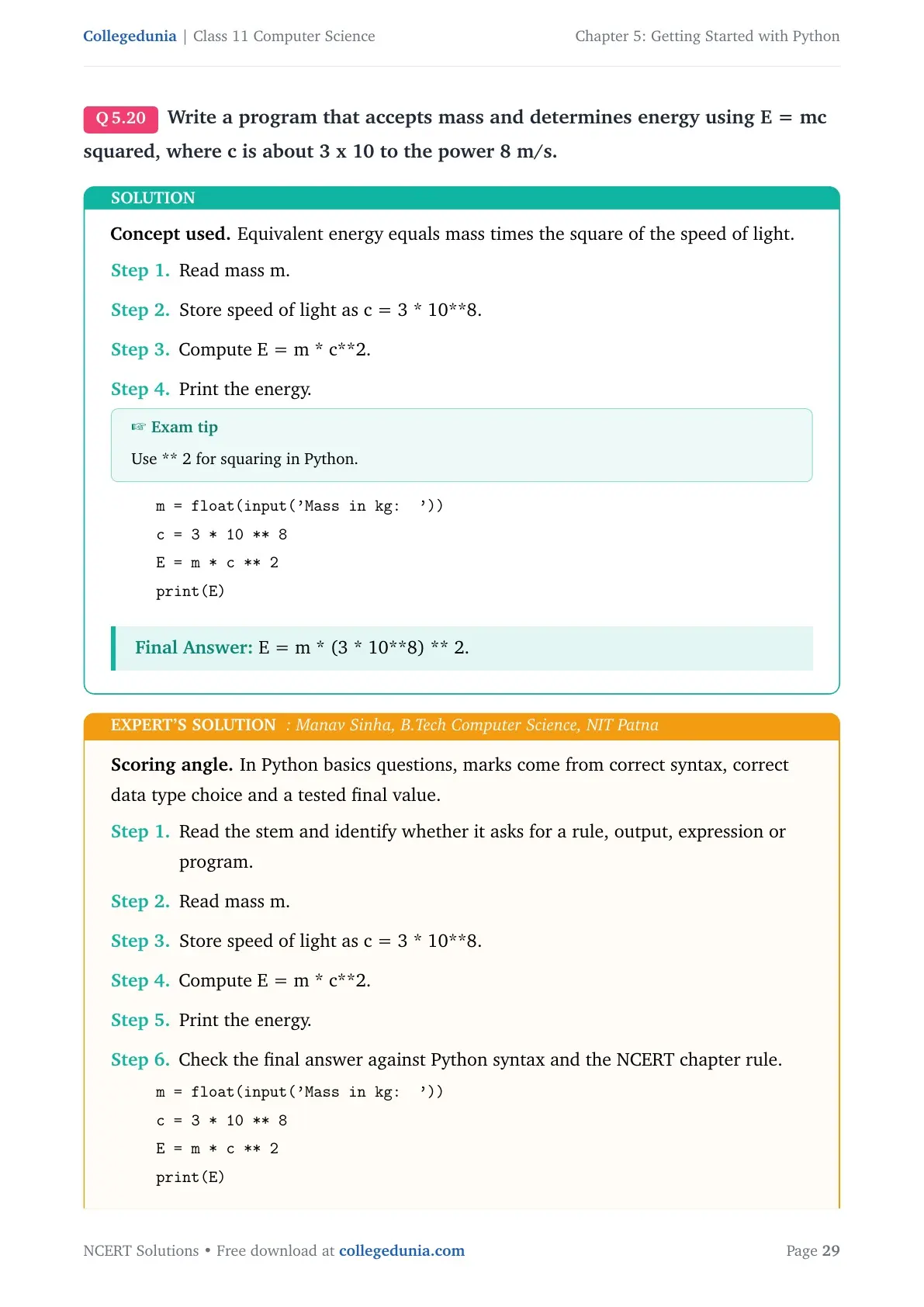
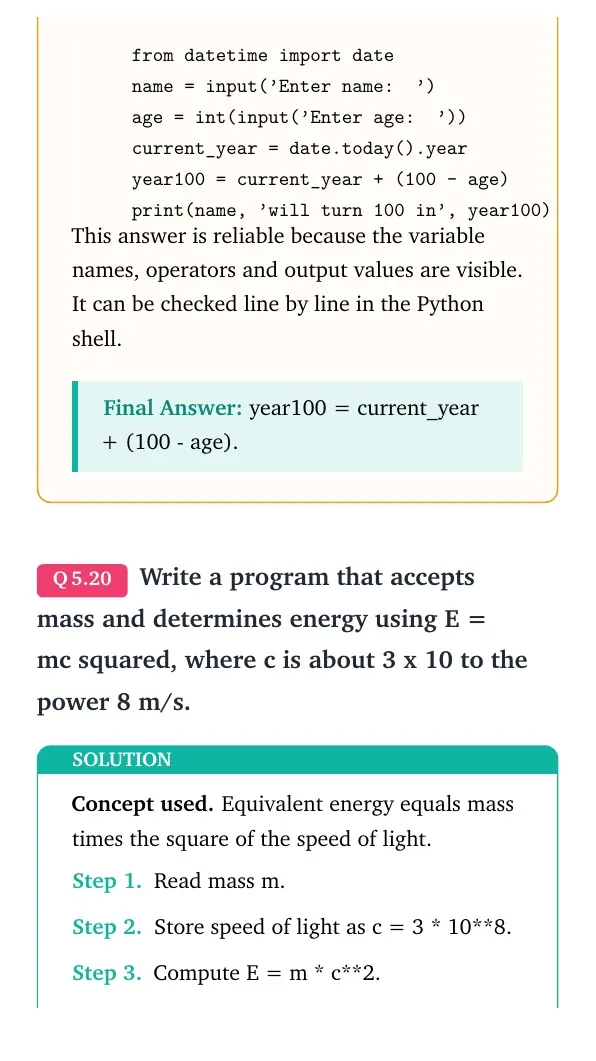
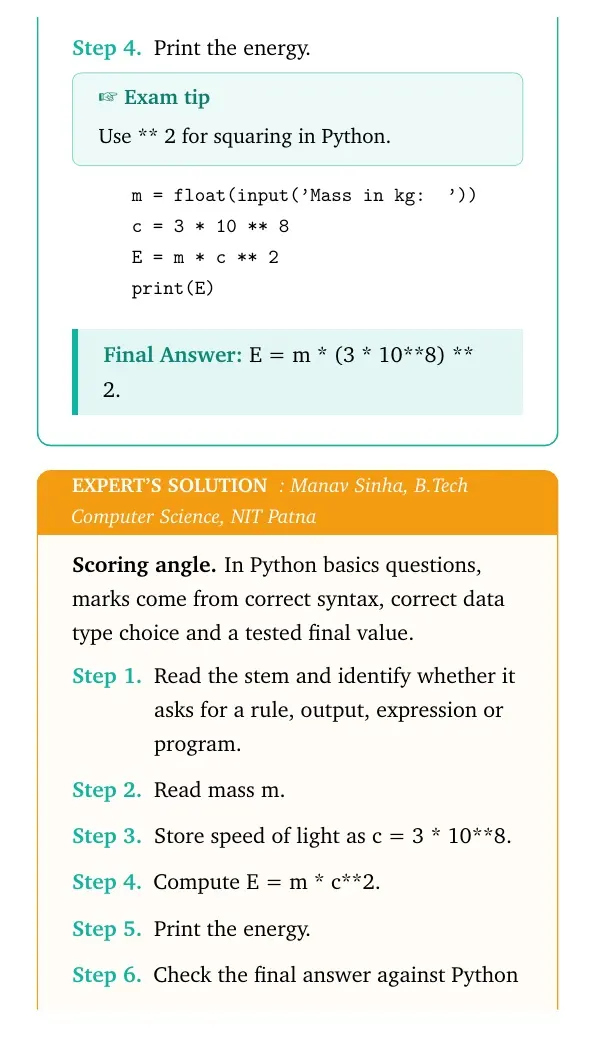
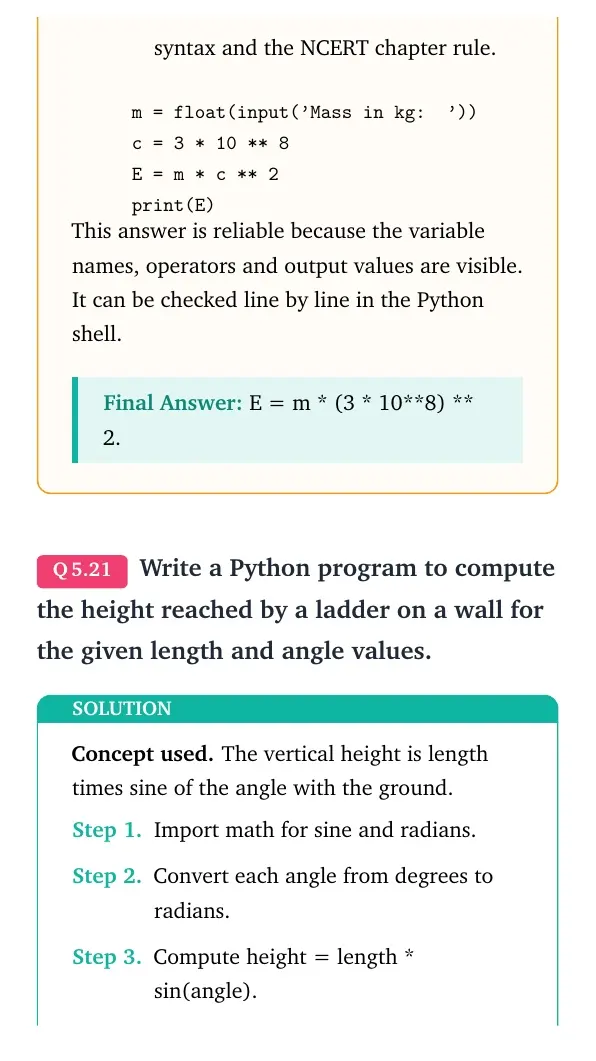
Write a program that accepts mass and determines energy using E = mc squared, where c is about 3 x 10 to the power 8 m/s.
- Read mass m.
- Store speed of light as c = 3 * 10**8.
- Compute E = m * c**2.
- Print the energy.
m = float(input('Mass in kg: '))
c = 3 * 10 ** 8
E = m * c ** 2
print(E)
Answer: E = m * (3 * 10**8) ** 2.
Expert view: Read the NCERT keyword in the stem first, then test the Python rule in a small dry run.
- Read mass m.
- Store speed of light as c = 3 * 10**8.
- Compute E = m * c**2.
- Print the energy.
m = float(input('Mass in kg: '))
c = 3 * 10 ** 8
E = m * c ** 2
print(E)
Answer: E = m * (3 * 10**8) ** 2.
Question 21
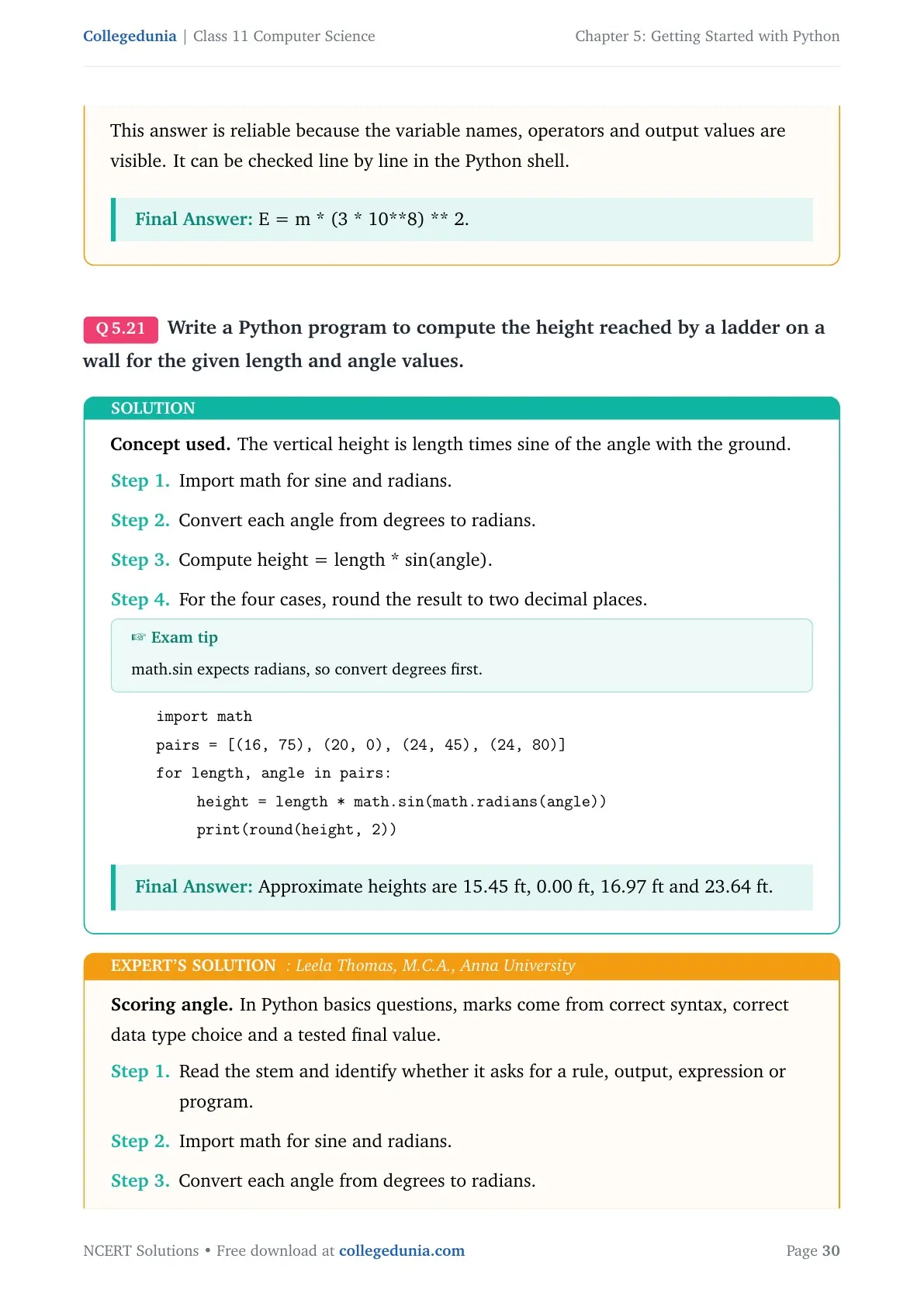
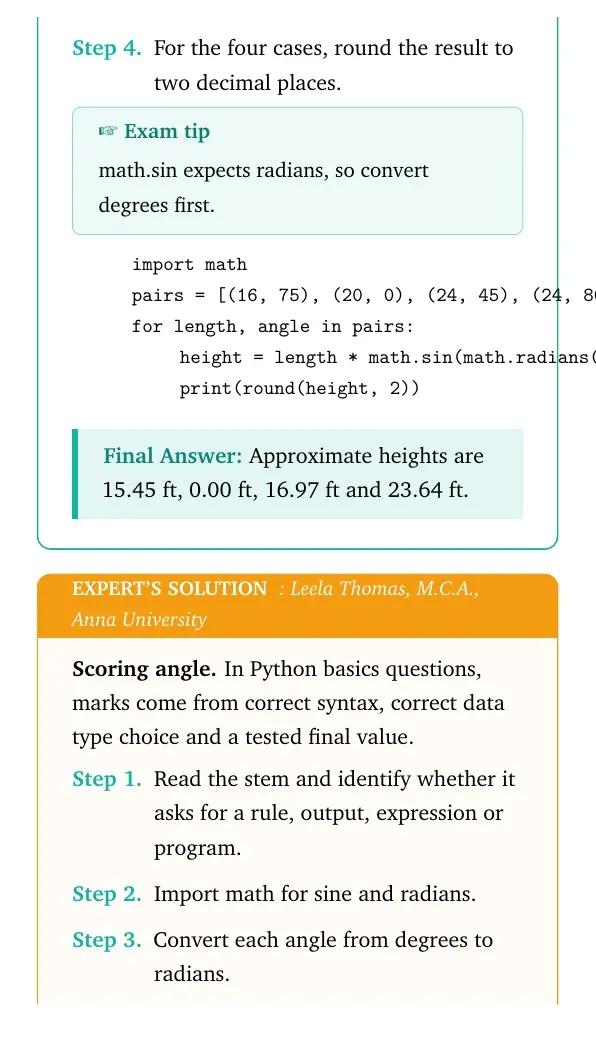
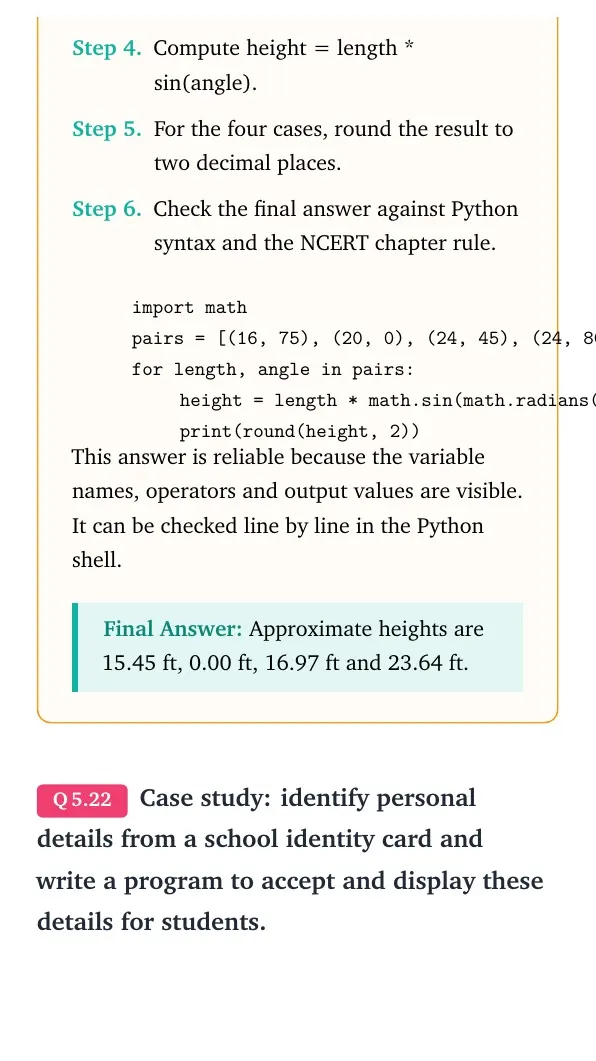
Write a Python program to compute the height reached by a ladder on a wall for the given length and angle values.
- Import math for sine and radians.
- Convert each angle from degrees to radians.
- Compute height = length * sin(angle).
- For the four cases, round the result to two decimal places.
import math
pairs = [(16, 75), (20, 0), (24, 45), (24, 80)]
for length, angle in pairs:
    height = length * math.sin(math.radians(angle))
    print(round(height, 2))
Answer: Approximate heights are 15.45 ft, 0.00 ft, 16.97 ft and 23.64 ft.
Expert view: Read the NCERT keyword in the stem first, then test the Python rule in a small dry run.
- Import math for sine and radians.
- Convert each angle from degrees to radians.
- Compute height = length * sin(angle).
- For the four cases, round the result to two decimal places.
import math
pairs = [(16, 75), (20, 0), (24, 45), (24, 80)]
for length, angle in pairs:
    height = length * math.sin(math.radians(angle))
    print(round(height, 2))
Answer: Approximate heights are 15.45 ft, 0.00 ft, 16.97 ft and 23.64 ft.
Question 22
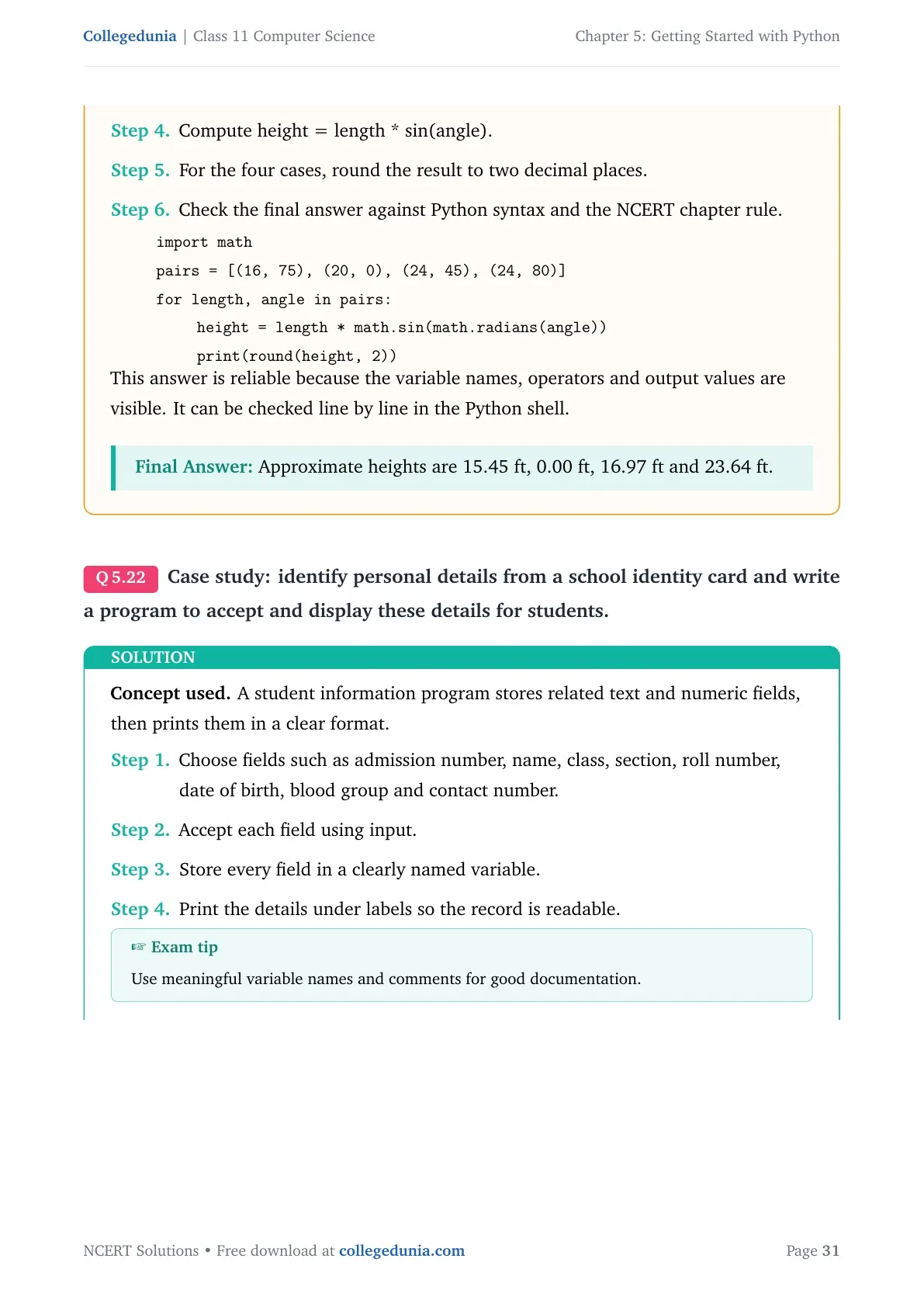
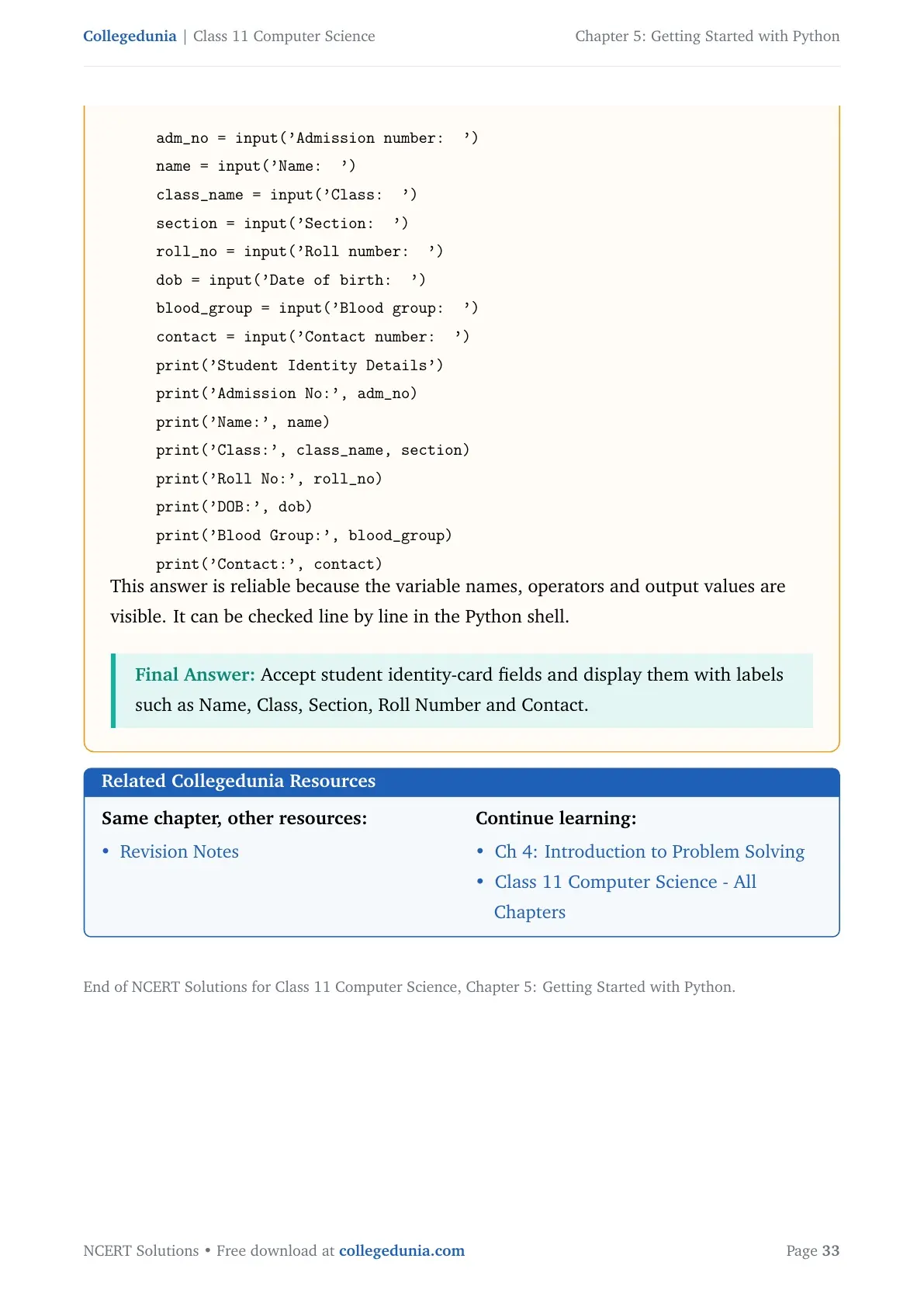
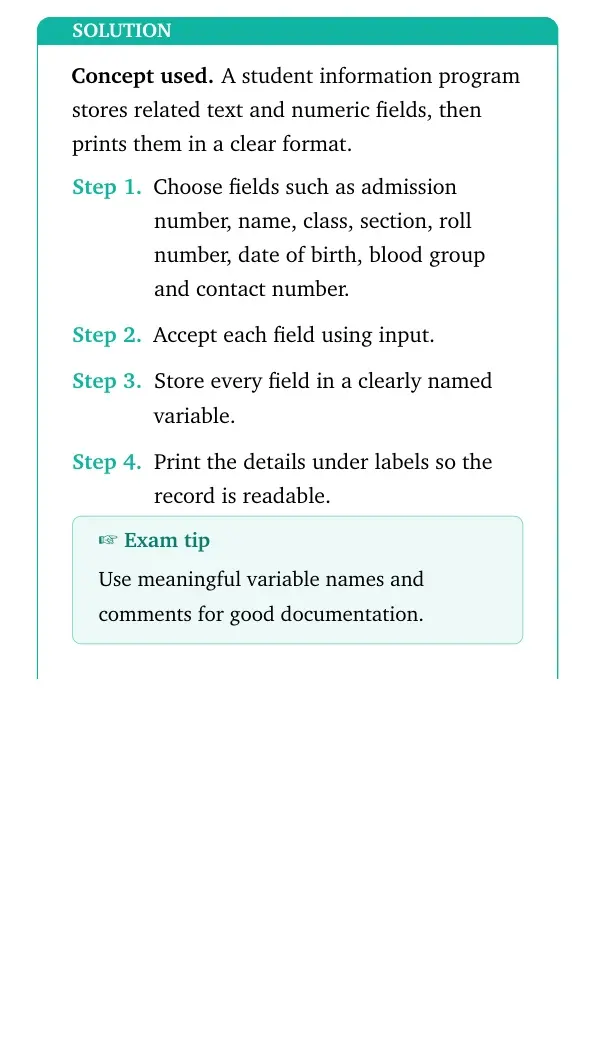
Case study: identify personal details from a school identity card and write a program to accept and display these details for students.
- Choose fields such as admission number, name, class, section, roll number, date of birth, blood group and contact number.
- Accept each field using input.
- Store every field in a clearly named variable.
- Print the details under labels so the record is readable.
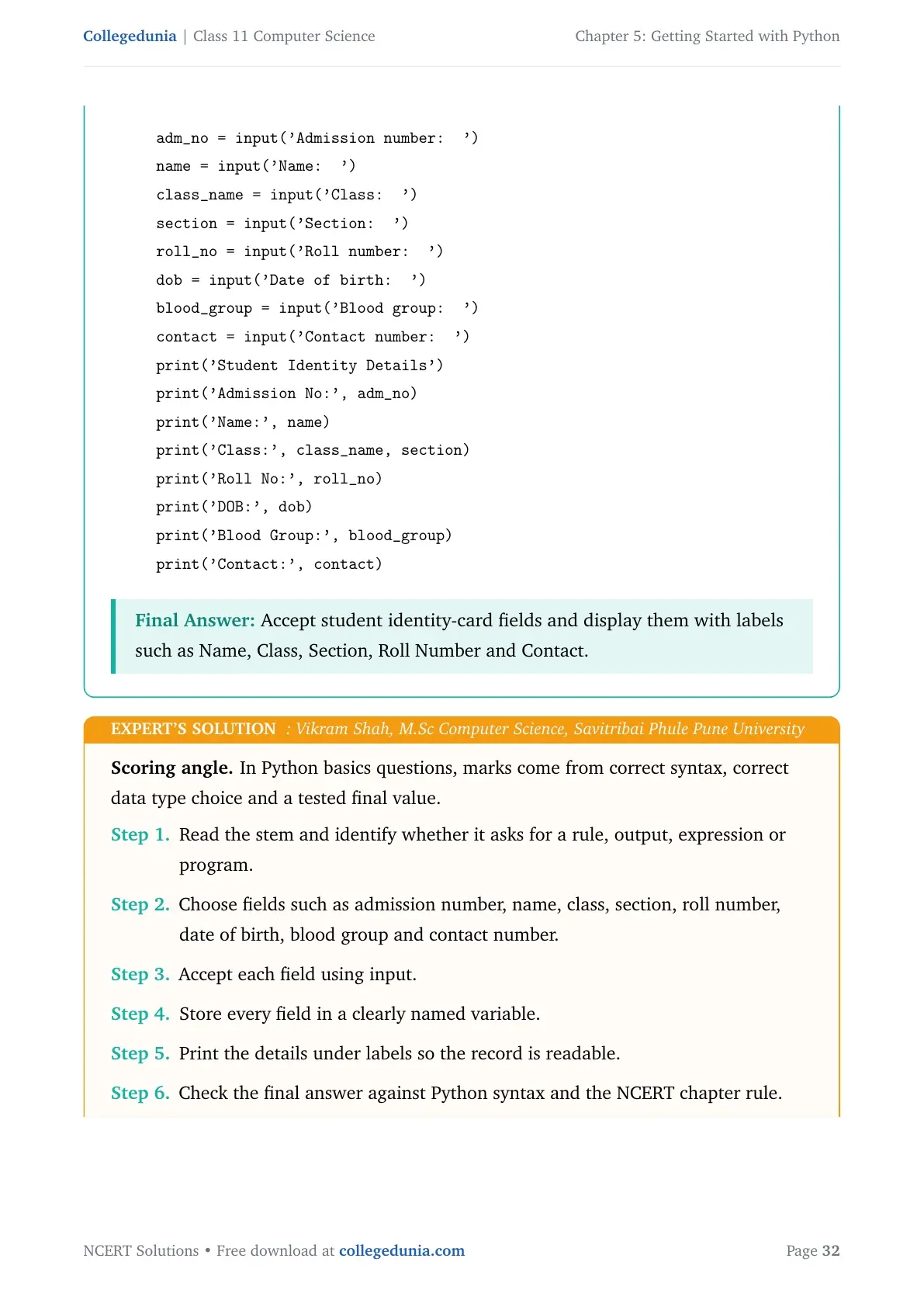
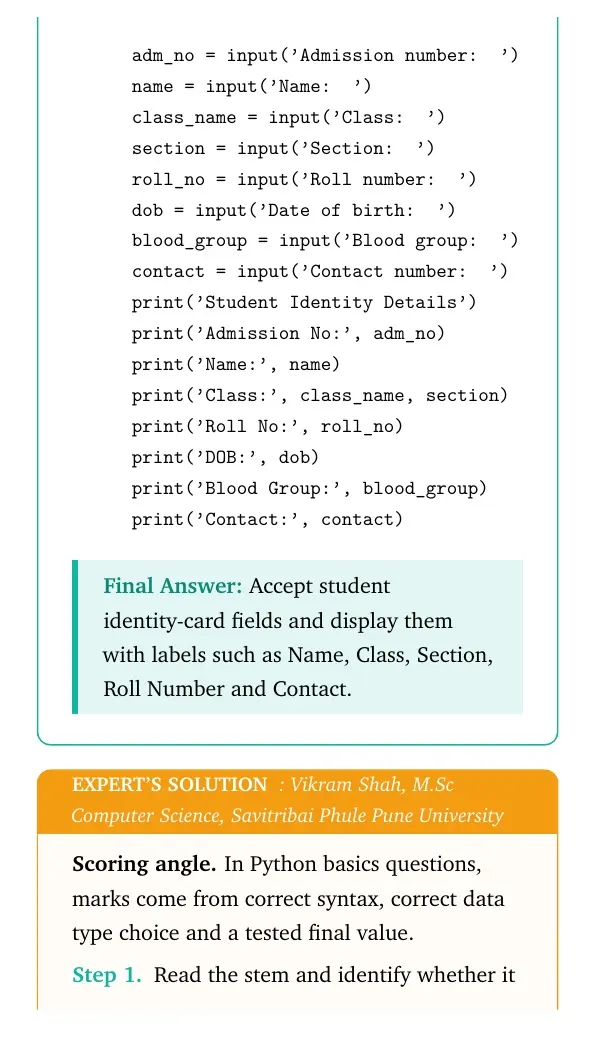
adm_no = input('Admission number: ')
name = input('Name: ')
class_name = input('Class: ')
section = input('Section: ')
roll_no = input('Roll number: ')
dob = input('Date of birth: ')
blood_group = input('Blood group: ')
contact = input('Contact number: ')
print('Student Identity Details')
print('Admission No:', adm_no)
print('Name:', name)
print('Class:', class_name, section)
print('Roll No:', roll_no)
print('DOB:', dob)
print('Blood Group:', blood_group)
print('Contact:', contact)
Answer: Accept student identity-card fields and display them with labels such as Name, Class, Section, Roll Number and Contact.
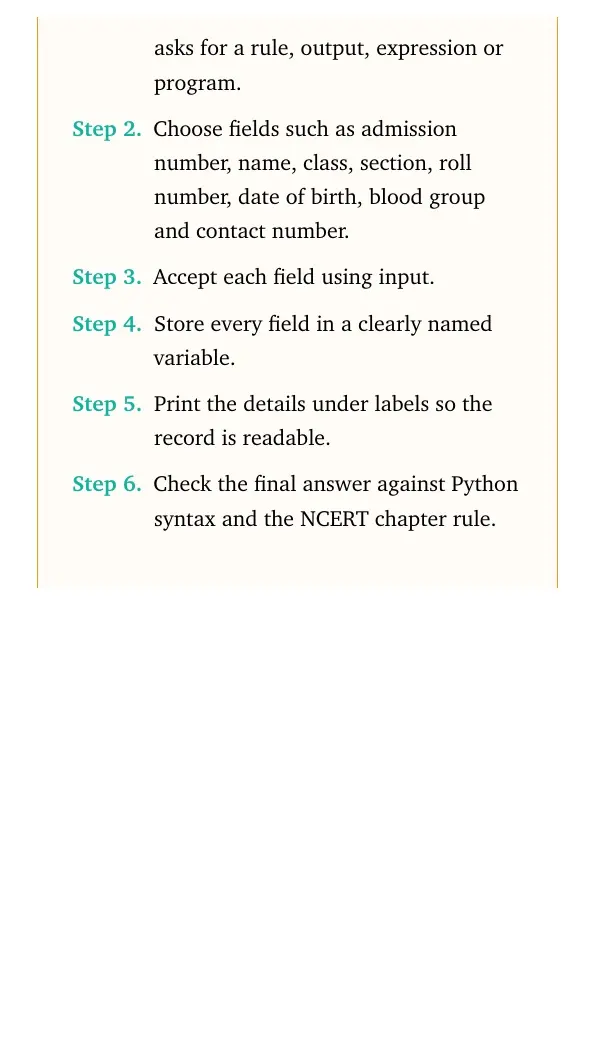
Expert view: Read the NCERT keyword in the stem first, then test the Python rule in a small dry run.
- Choose fields such as admission number, name, class, section, roll number, date of birth, blood group and contact number.
- Accept each field using input.
- Store every field in a clearly named variable.
- Print the details under labels so the record is readable.
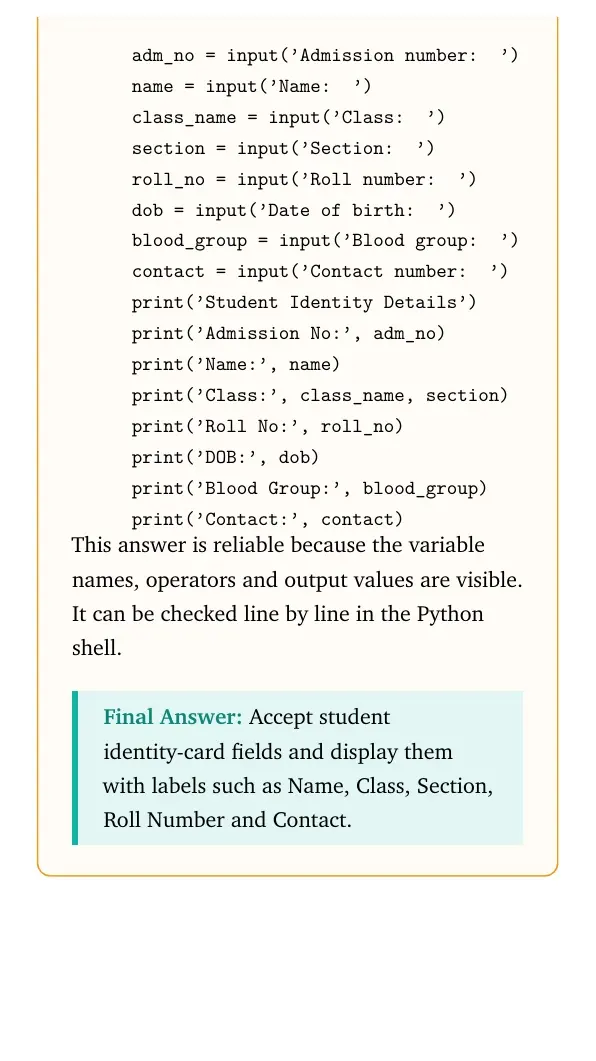
adm_no = input('Admission number: ')
name = input('Name: ')
class_name = input('Class: ')
section = input('Section: ')
roll_no = input('Roll number: ')
dob = input('Date of birth: ')
blood_group = input('Blood group: ')
contact = input('Contact number: ')
print('Student Identity Details')
print('Admission No:', adm_no)
print('Name:', name)
print('Class:', class_name, section)
print('Roll No:', roll_no)
print('DOB:', dob)
print('Blood Group:', blood_group)
print('Contact:', contact)
Answer: Accept student identity-card fields and display them with labels such as Name, Class, Section, Roll Number and Contact.
Getting Started with Python Class 11 NCERT Solutions FAQs
Ques. How many questions are solved in Class 11 Computer Science Chapter 5?
Ans. The PDF solves all NCERT exercise questions from Getting Started with Python, including the case study task.
Ques. What are the main topics in Getting Started with Python?
Ans. The chapter covers Python keywords, identifiers, variables, data types, operators, expressions, input, output, type conversion and debugging.
Ques. Does this page follow the 2026-27 NCERT Computer Science chapter?
Ans. Yes. The answers follow the 2026-27 NCERT Class 11 Computer Science Chapter 5 exercise.
Ques. Which part of Chapter 5 needs the most practice?
Ans. Output tracing and formula-based programs need the most practice because they test assignment order, type conversion and operator precedence.



Comments