The NCERT Solutions for Class 11 Computer Science Chapter 6 Flow of Control cover all 21 textbook exercise questions for the 2026-27 NCERT chapter. The PDF gives step-by-step answers for if statements, nested conditions, for loops, while loops, range values, break, continue and Python pattern programs.
Use these solutions after reading the NCERT examples on selection and iteration.
The PDF includes every exercise question with a short solution and an expert solution.
Trace each loop in a small table before matching the final Python output.
Each answer in this Class 11 Computer Science Chapter 6 NCERT Solutions PDF follows the 2026-27 NCERT exercise and keeps Python control-flow syntax visible.
Student Feedback: In a Collegedunia student check of 9,360 Class 11 Computer Science students, 76% said loop-output questions became easier when they traced one variable table before writing the answer.
Flow of Control explains how a Python program chooses a path and repeats instructions. Students should revise relational operators, indentation and the range function before solving the program questions.
Exercise group
What the solution covers
Best revision habit
Questions 1-4
Concepts, valid statements, debugging and short answers
Check indentation and condition order
Questions 5-10
Output tracing with if, for, while, break and continue
Make a dry-run table for every changing variable
Questions 11-18
Programs for loops, divisibility, sums and pattern logic
Decide the loop boundary before coding
Questions 19-21
Pattern printing, grading and a ticket-entry case study
Test boundary values and output layout
Flow of Control Python Programs Video for Class 11
Source: Magnet Brains
If Else and Nested Conditions in Flow of Control
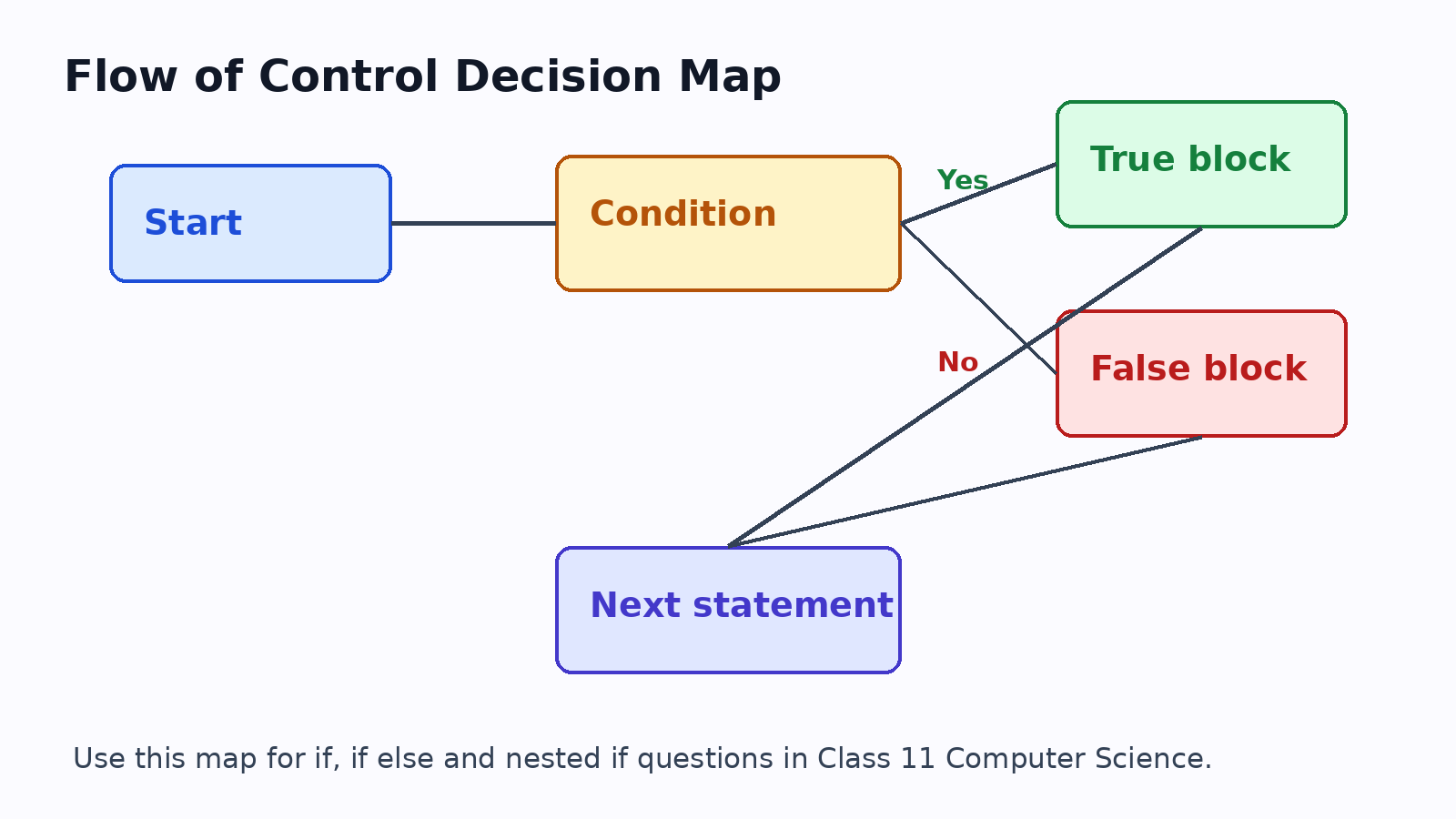
Selection statements decide which block runs. Python uses indentation to show the block controlled by each condition. A correct condition with wrong indentation still gives the wrong program behaviour.
Use if when one block may run.
Use if else when exactly one of two paths must run.
Use nested if only when the second test depends on the first result.
For Loop, While Loop and Range in Chapter 6 Solutions
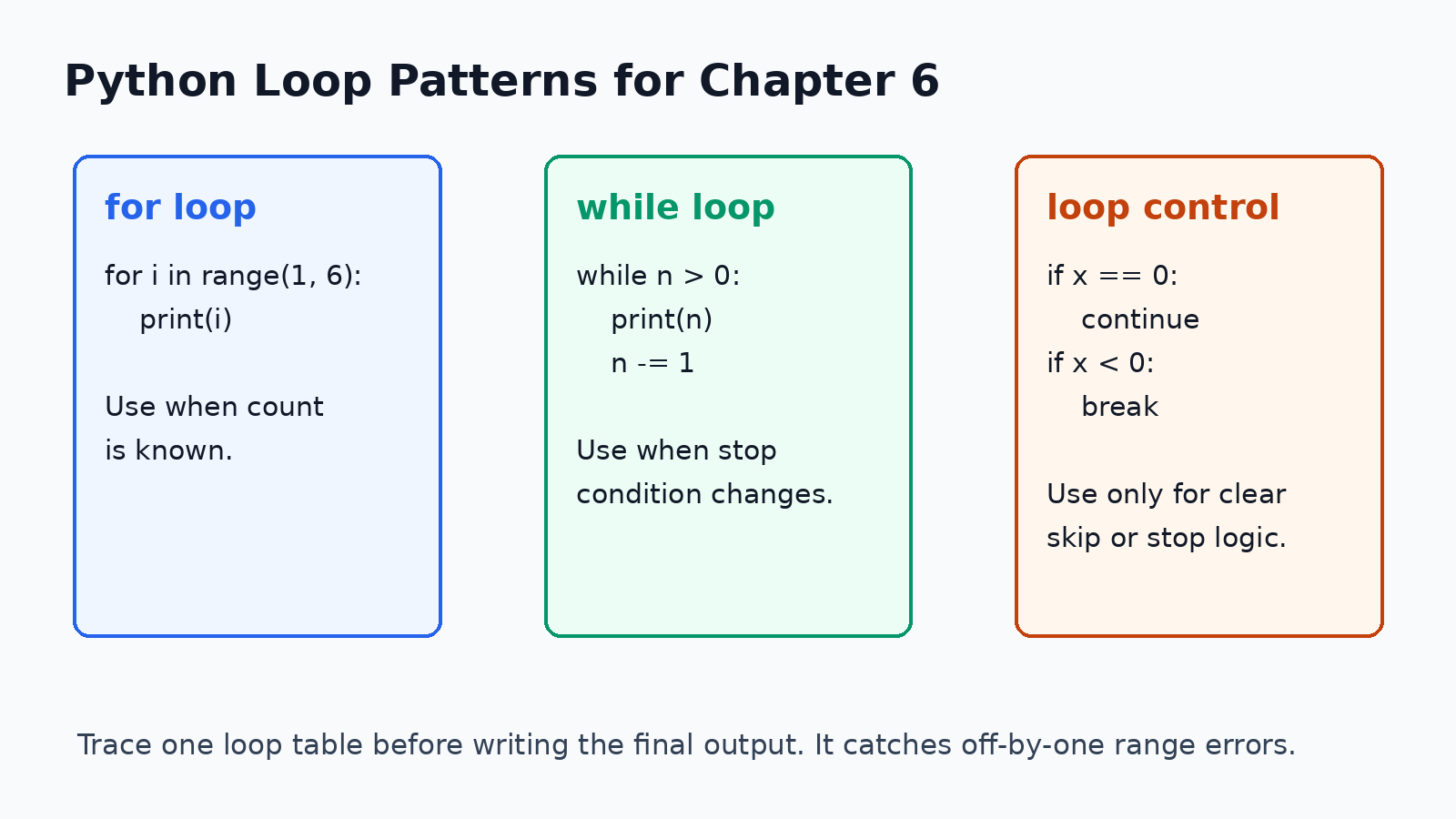
Iteration questions become easier when students separate the loop variable, the stopping condition and the repeated statement. The value where a Python range stops is not included.
Use a for loop with range() when the number of repetitions is known.
Use a while loop when repetition depends on a condition changing during the loop.
Use break to stop a loop and continue to skip only the current turn.
Common Mistakes in Flow of Control NCERT Solutions
Most mistakes happen because students run the loop one time too many or one time too few. Always test the first value, last value and one middle value.
Do not forget the colon after if, else, for or while.
Do not assume range(1, 10) prints 10.
Do not place break before work that must happen in the current turn.
Do not print pattern spaces after the stars when the required shape depends on alignment.
Related NCERT Class 11 Computer Science Chapter 6 Resources
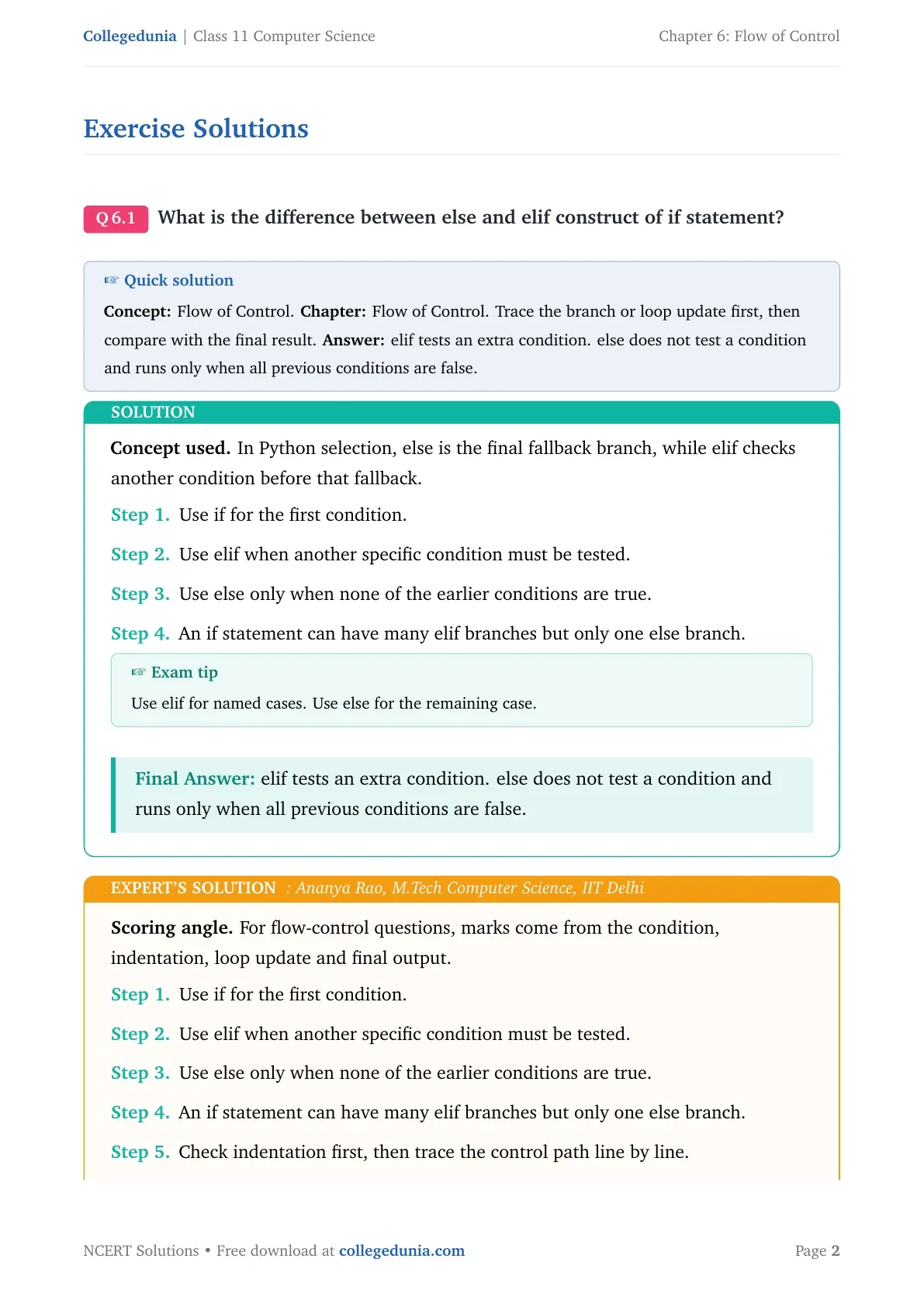
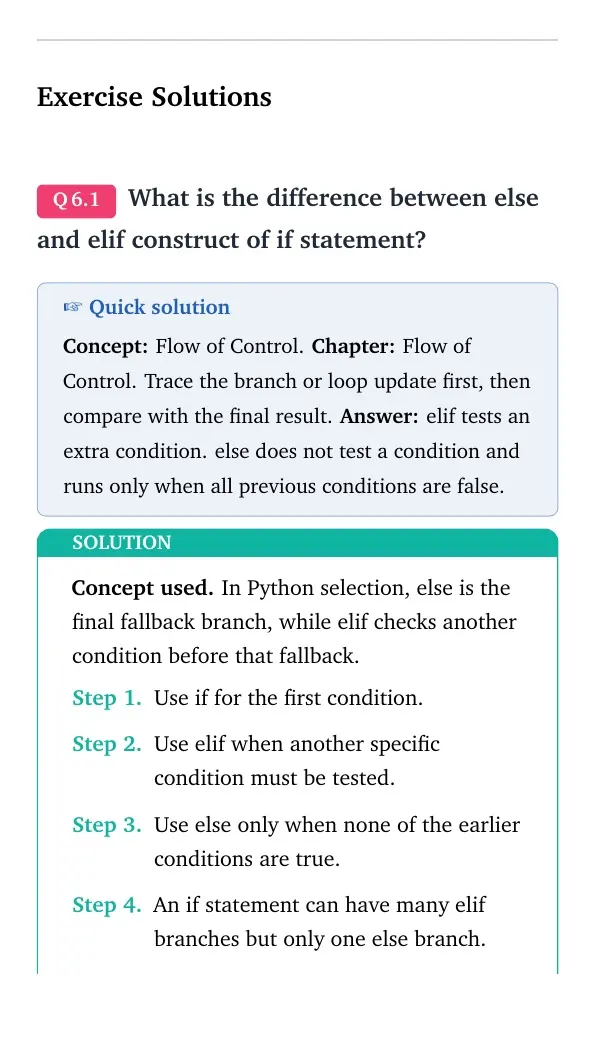
What is the difference between else and elif construct of if statement?
Concept used. In Python selection, else is the final fallback branch, while elif checks another condition before that fallback.
Use if for the first condition.
Use elif when another specific condition must be tested.
Use else only when none of the earlier conditions are true.
An if statement can have many elif branches but only one else branch.
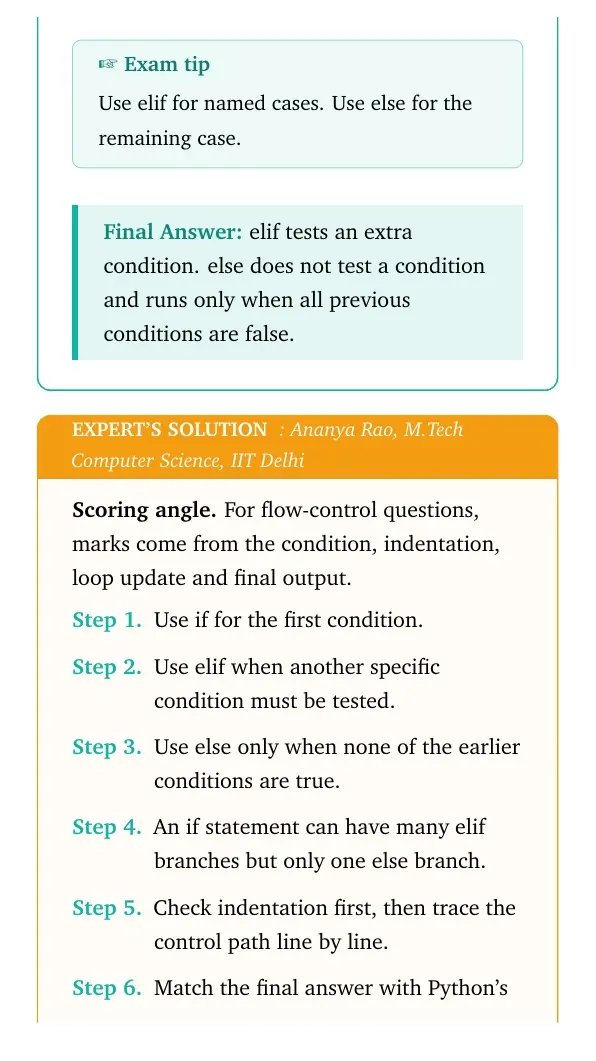
Exam tip
Use elif for named cases. Use else for the remaining case.
elif tests an extra condition. else does not test a condition and runs only when all previous conditions are false.
AR
Ananya Rao
M.Tech Computer Science, IIT Delhi
Verified Expert
Scoring angle. For flow-control questions, marks come from the condition, indentation, loop update and final output.
Use if for the first condition.
Use elif when another specific condition must be tested.
Use else only when none of the earlier conditions are true.
An if statement can have many elif branches but only one else branch.
Check indentation first, then trace the control path line by line.
Match the final answer with Python's loop and selection rules.
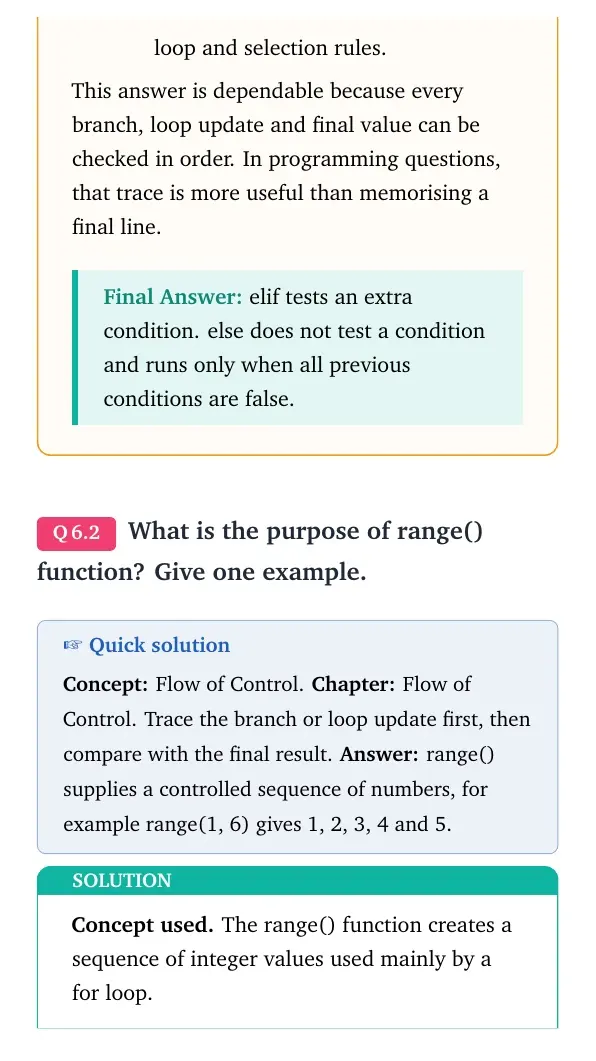
This answer is dependable because every branch, loop update and final value can be checked in order. In programming questions, that trace is more useful than memorising a final line.
elif tests an extra condition. else does not test a condition and runs only when all previous conditions are false.
Q 6.2
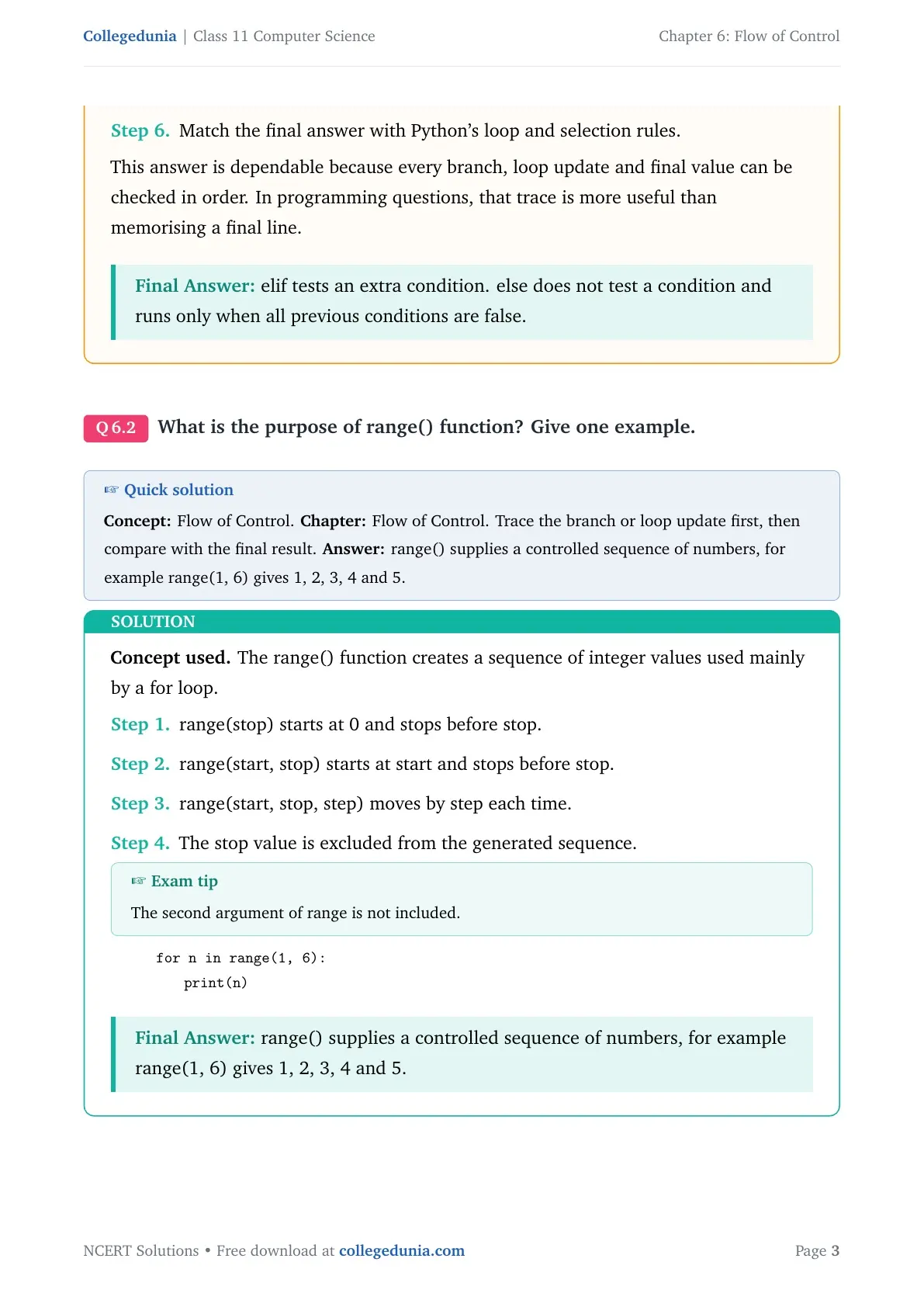
What is the purpose of range() function? Give one example.
Concept used. The range() function creates a sequence of integer values used mainly by a for loop.
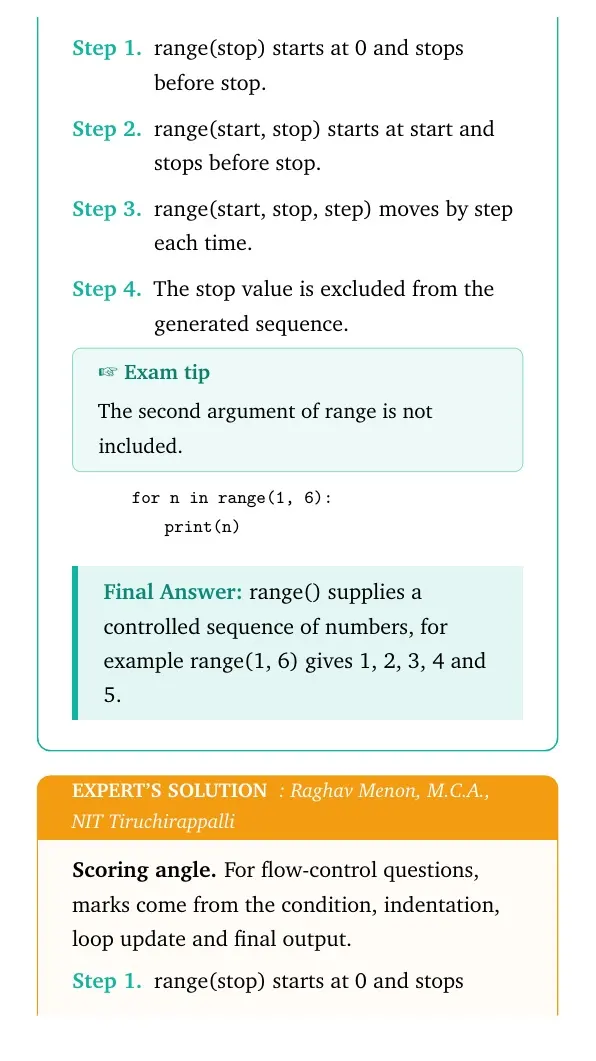
range(stop) starts at 0 and stops before stop.
range(start, stop) starts at start and stops before stop.
range(start, stop, step) moves by step each time.
The stop value is excluded from the generated sequence.
Exam tip
The second argument of range is not included.
quote0pt
tabular@l@
0.0emfor n in range(1, 6):
1.8emprint(n)
tabularquote
range() supplies a controlled sequence of numbers, for example range(1, 6) gives 1, 2, 3, 4 and 5.
RM
Raghav Menon
M.C.A., NIT Tiruchirappalli
Verified Expert
Scoring angle. For flow-control questions, marks come from the condition, indentation, loop update and final output.
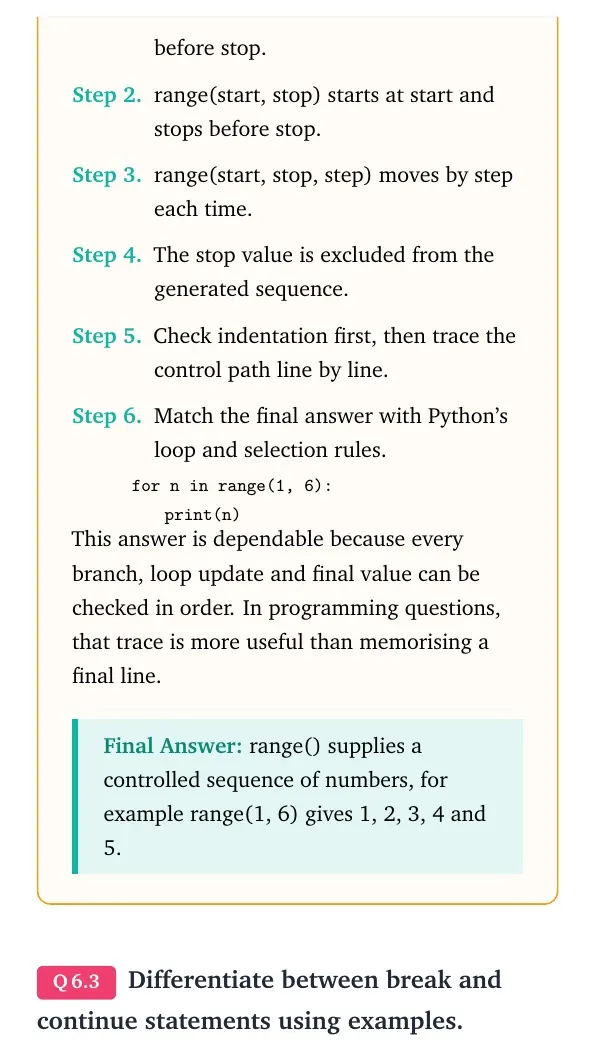
range(stop) starts at 0 and stops before stop.
range(start, stop) starts at start and stops before stop.
range(start, stop, step) moves by step each time.
The stop value is excluded from the generated sequence.
Check indentation first, then trace the control path line by line.
Match the final answer with Python's loop and selection rules.
quote0pt
tabular@l@
0.0emfor n in range(1, 6):
1.8emprint(n)
tabularquote
This answer is dependable because every branch, loop update and final value can be checked in order. In programming questions, that trace is more useful than memorising a final line.
range() supplies a controlled sequence of numbers, for example range(1, 6) gives 1, 2, 3, 4 and 5.
Q 6.3
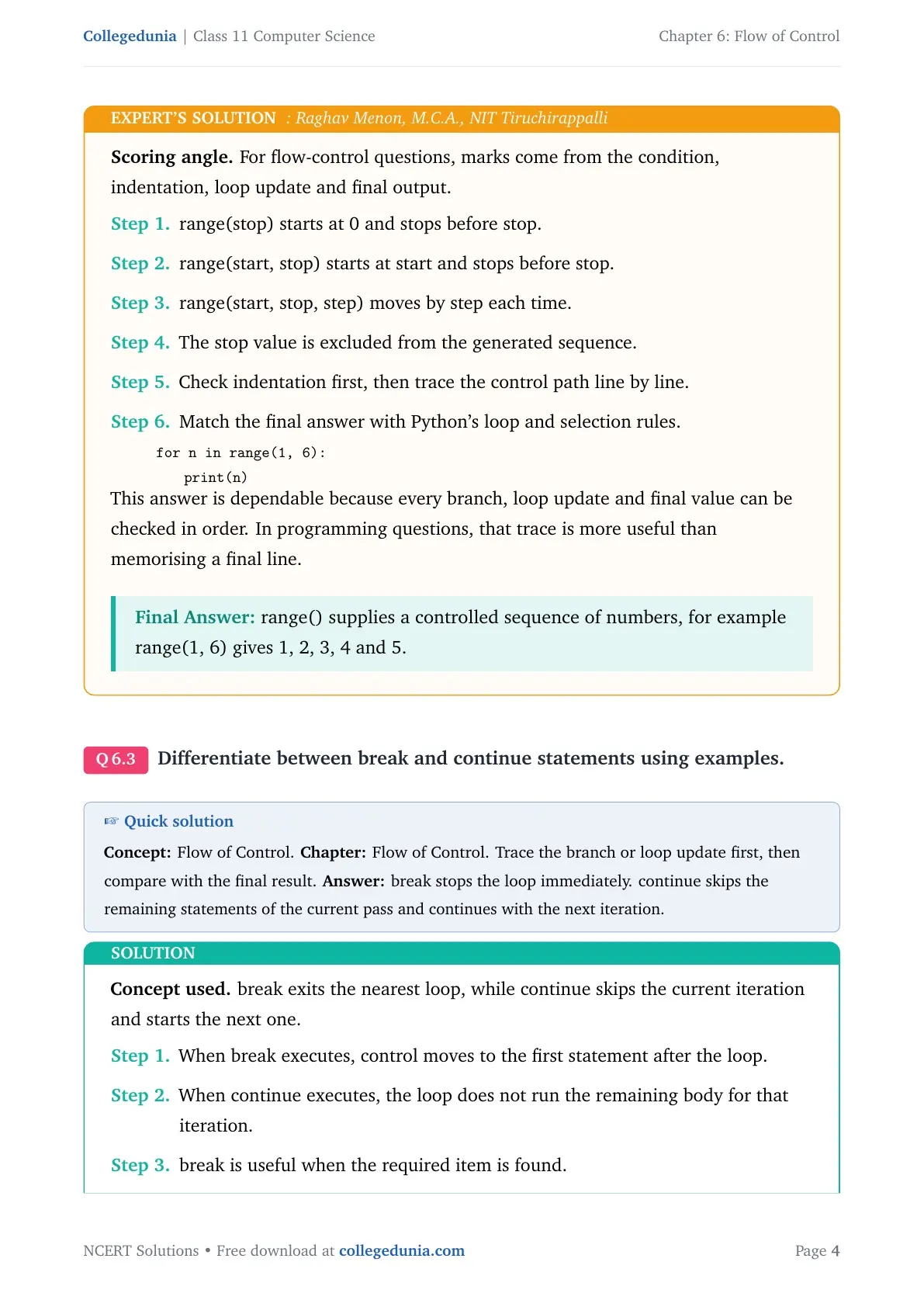
Differentiate between break and continue statements using examples.
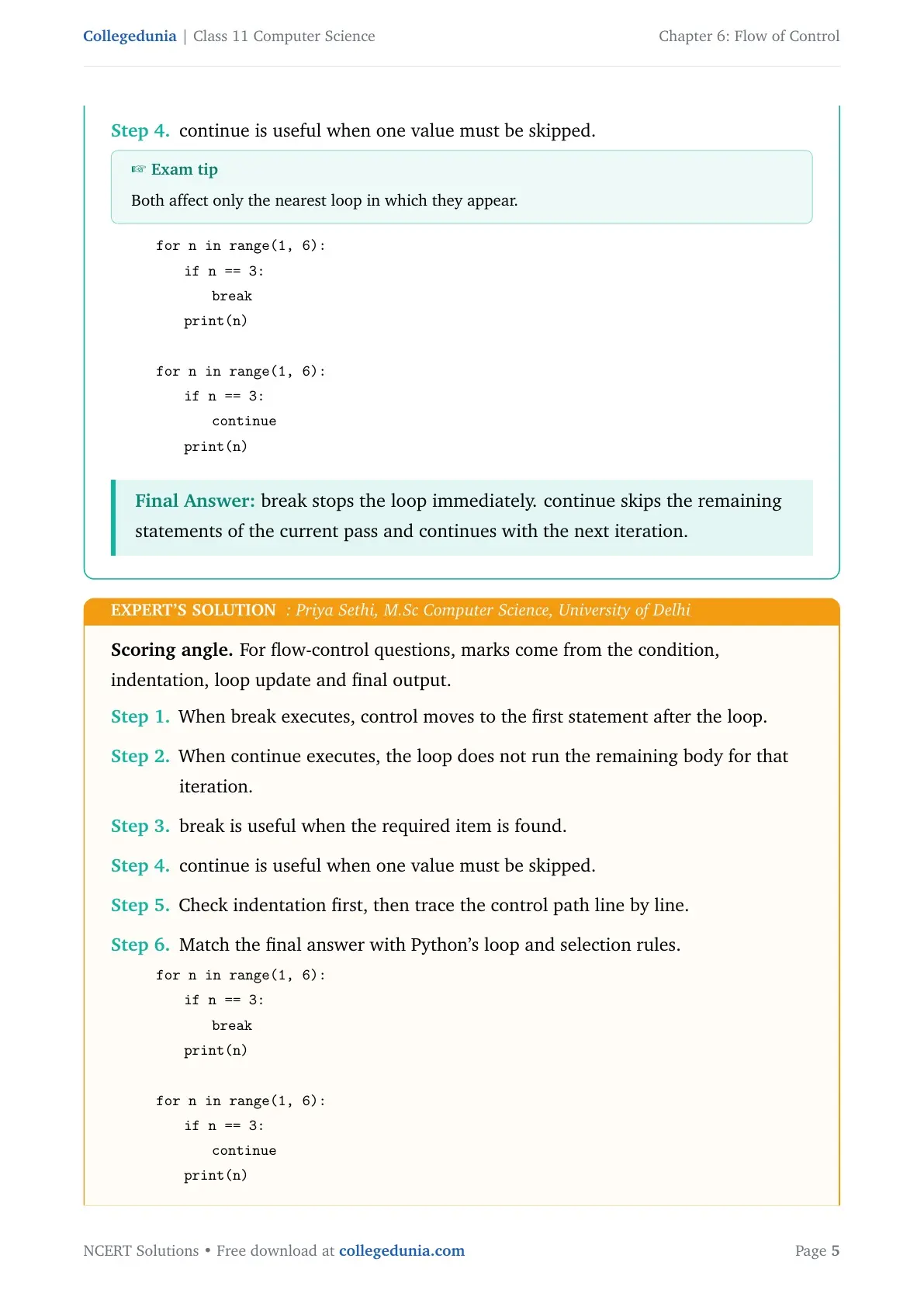
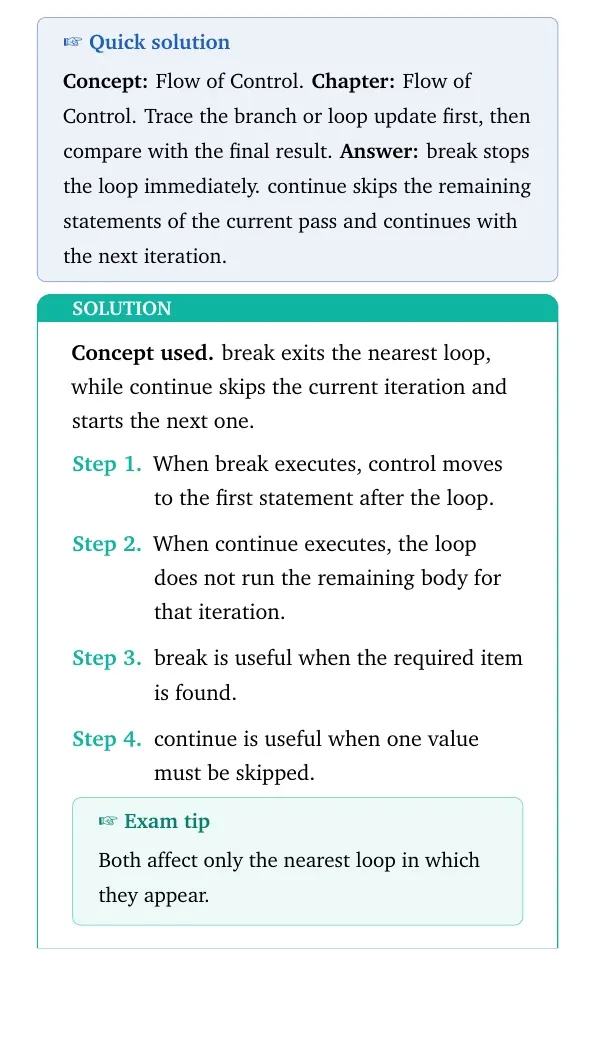
Concept used. break exits the nearest loop, while continue skips the current iteration and starts the next one.
When break executes, control moves to the first statement after the loop.
When continue executes, the loop does not run the remaining body for that iteration.
break is useful when the required item is found.
continue is useful when one value must be skipped.
Exam tip
Both affect only the nearest loop in which they appear.
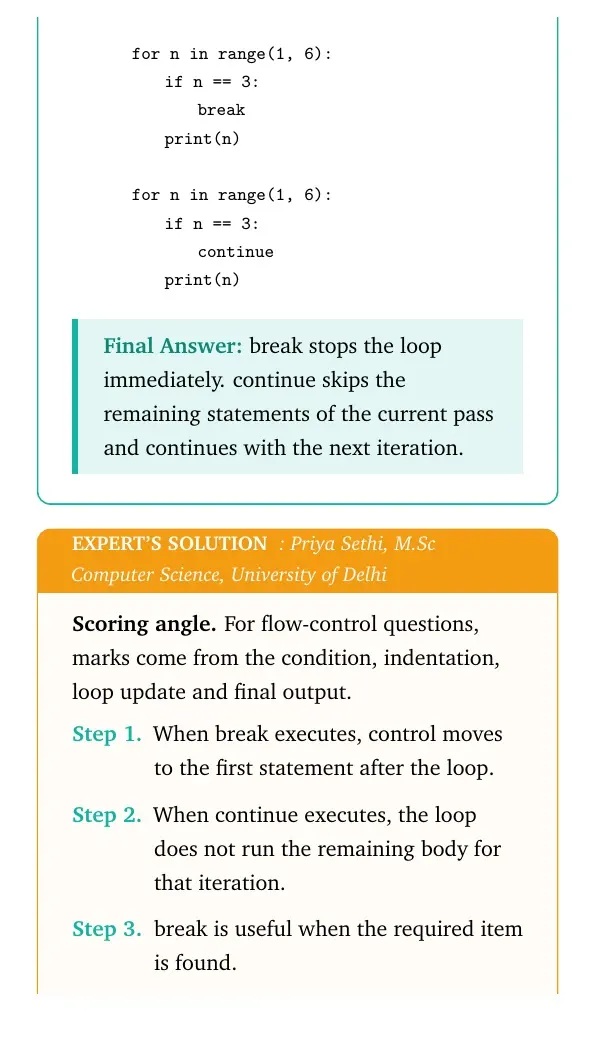
quote0pt
tabular@l@
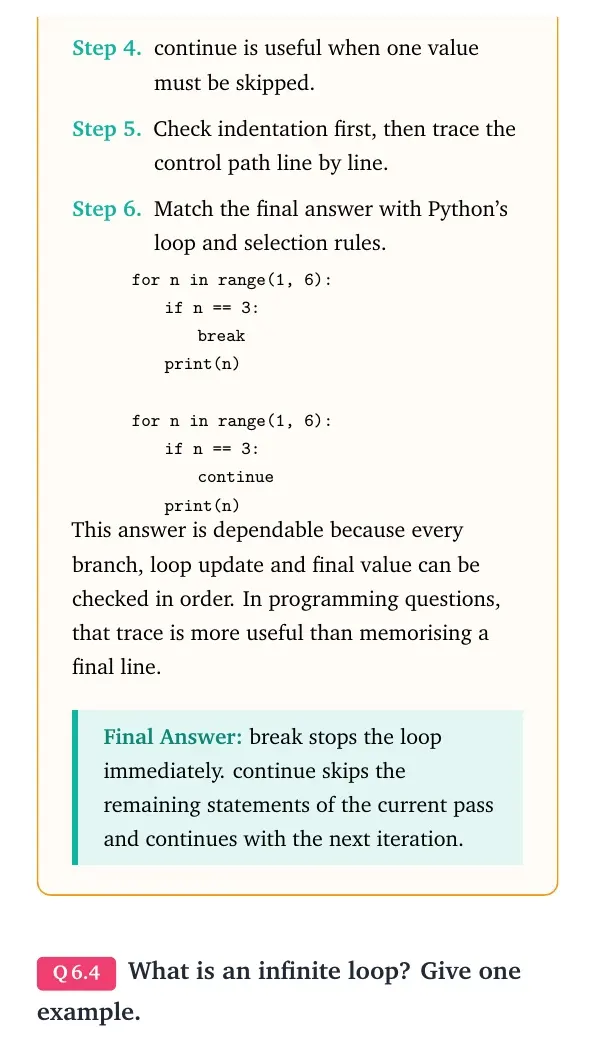
0.0emfor n in range(1, 6):
1.8emif n == 3:
3.6embreak
1.8emprint(n)
0.0em
0.0emfor n in range(1, 6):
1.8emif n == 3:
3.6emcontinue
1.8emprint(n)
tabularquote
break stops the loop immediately. continue skips the remaining statements of the current pass and continues with the next iteration.
PS
Priya Sethi
M.Sc Computer Science, University of Delhi
Verified Expert
Scoring angle. For flow-control questions, marks come from the condition, indentation, loop update and final output.
When break executes, control moves to the first statement after the loop.
When continue executes, the loop does not run the remaining body for that iteration.
break is useful when the required item is found.
continue is useful when one value must be skipped.
Check indentation first, then trace the control path line by line.
Match the final answer with Python's loop and selection rules.
quote0pt
tabular@l@
0.0emfor n in range(1, 6):
1.8emif n == 3:
3.6embreak
1.8emprint(n)
0.0em
0.0emfor n in range(1, 6):
1.8emif n == 3:
3.6emcontinue
1.8emprint(n)
tabularquote
This answer is dependable because every branch, loop update and final value can be checked in order. In programming questions, that trace is more useful than memorising a final line.
break stops the loop immediately. continue skips the remaining statements of the current pass and continues with the next iteration.
Q 6.4
What is an infinite loop? Give one example.
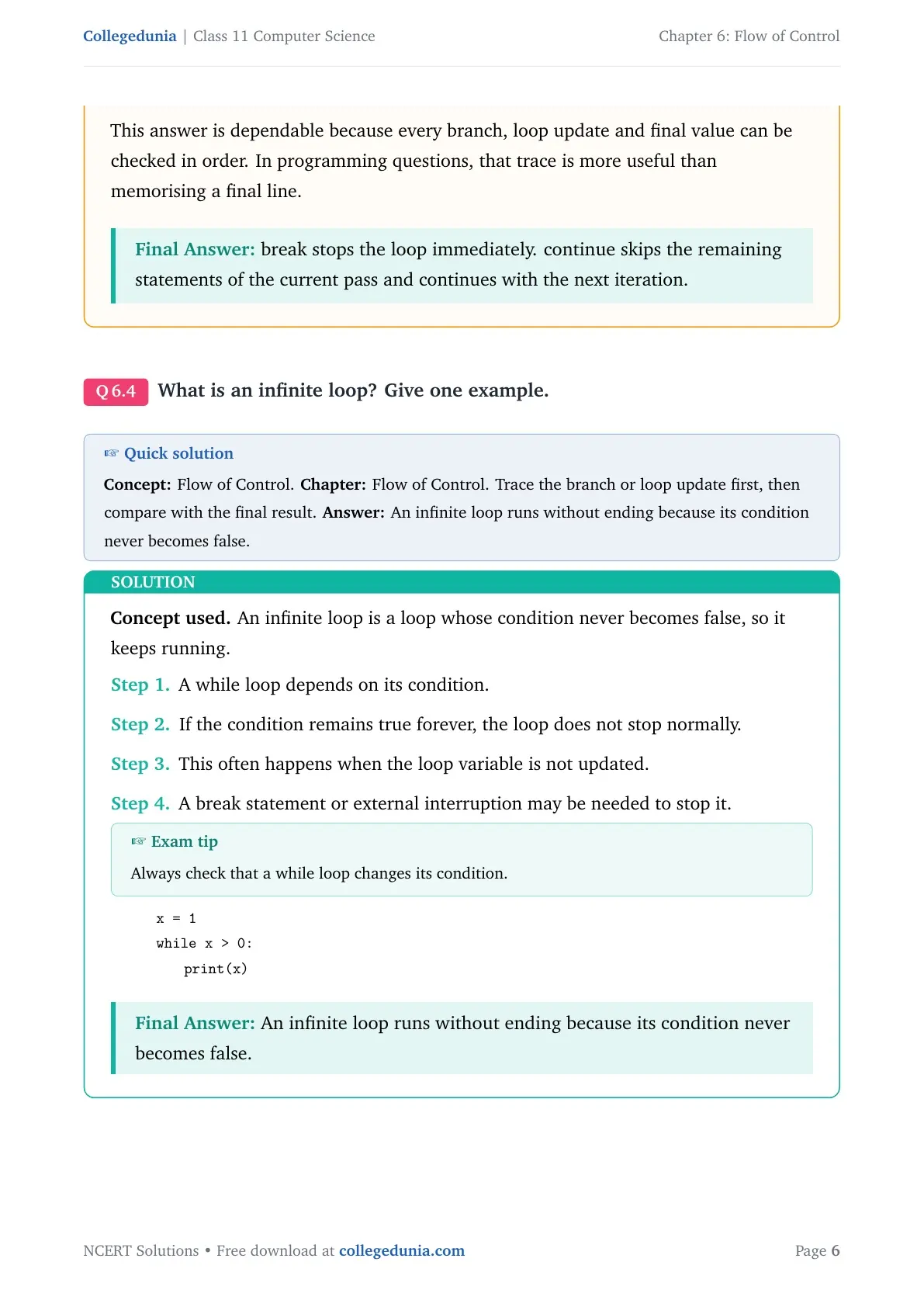
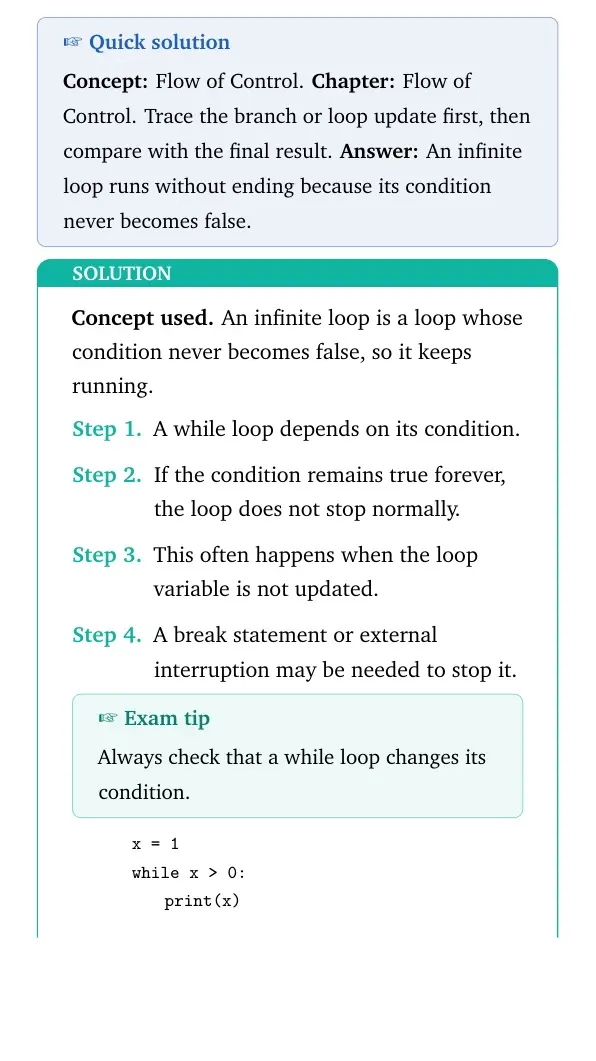
Concept used. An infinite loop is a loop whose condition never becomes false, so it keeps running.
A while loop depends on its condition.
If the condition remains true forever, the loop does not stop normally.
This often happens when the loop variable is not updated.
A break statement or external interruption may be needed to stop it.
Exam tip
Always check that a while loop changes its condition.
This answer is dependable because every branch, loop update and final value can be checked in order. In programming questions, that trace is more useful than memorising a final line.
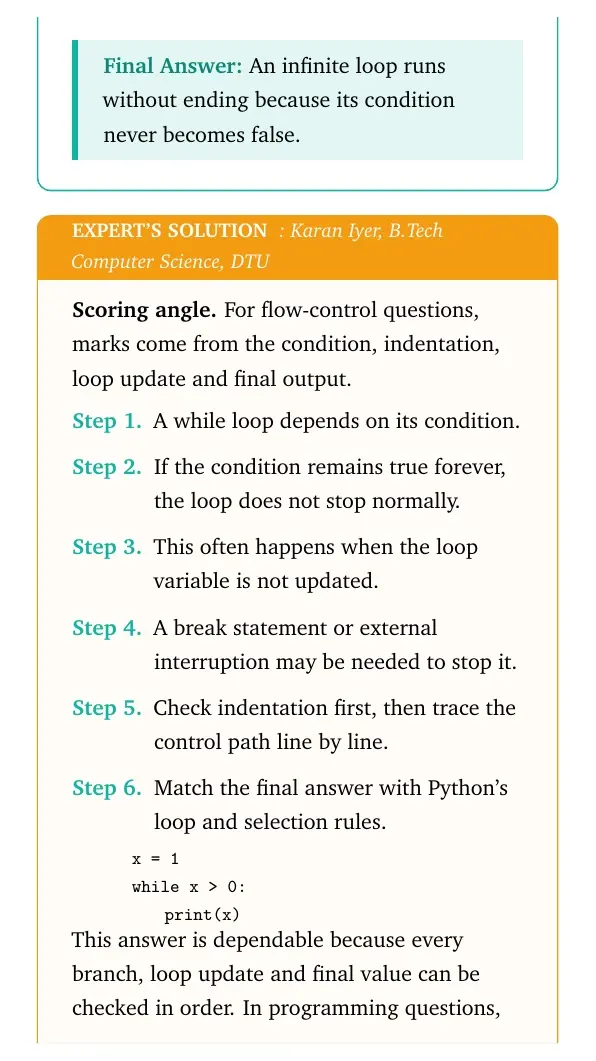
An infinite loop runs without ending because its condition never becomes false.
Q 6.5
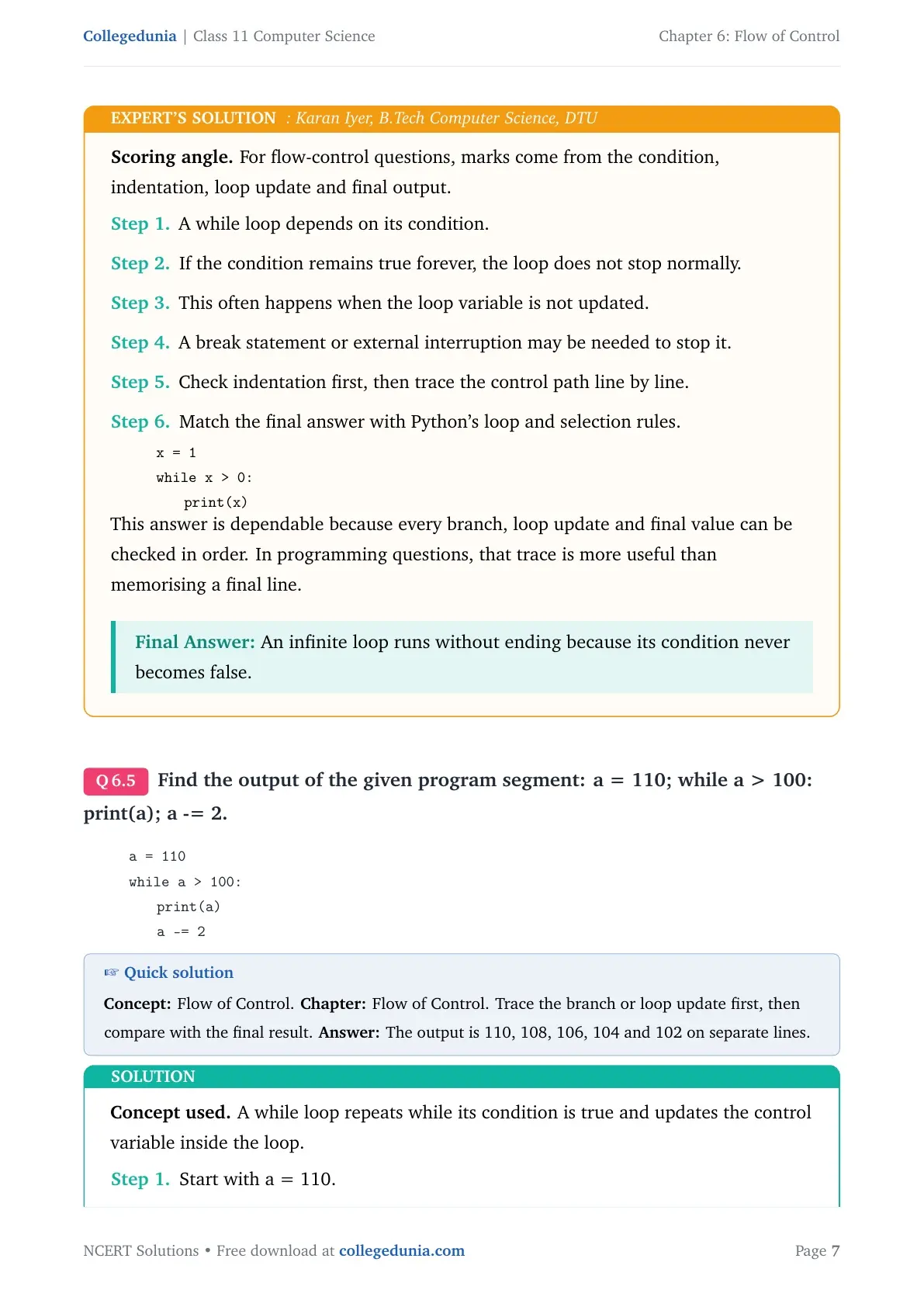
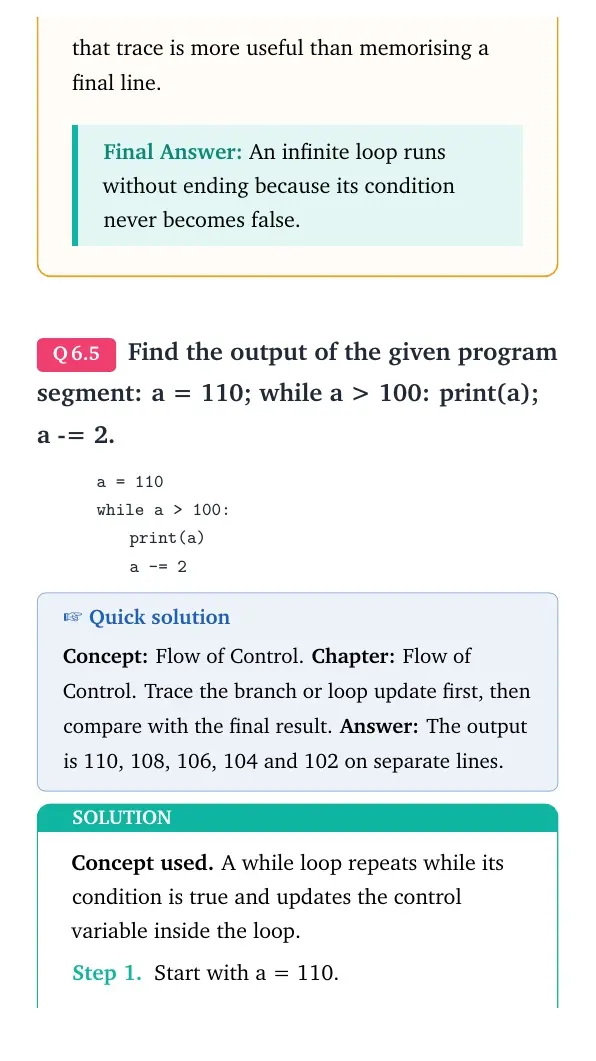
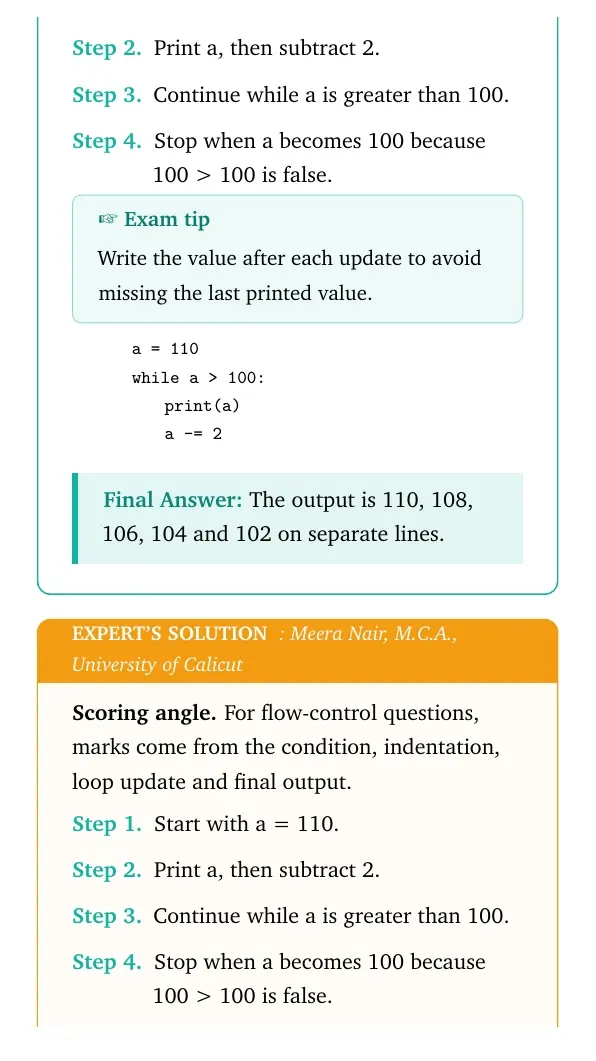
Find the output of the given program segment: a = 110; while a > 100: print(a); a -= 2.
Concept used. A while loop repeats while its condition is true and updates the control variable inside the loop.
Start with a = 110.
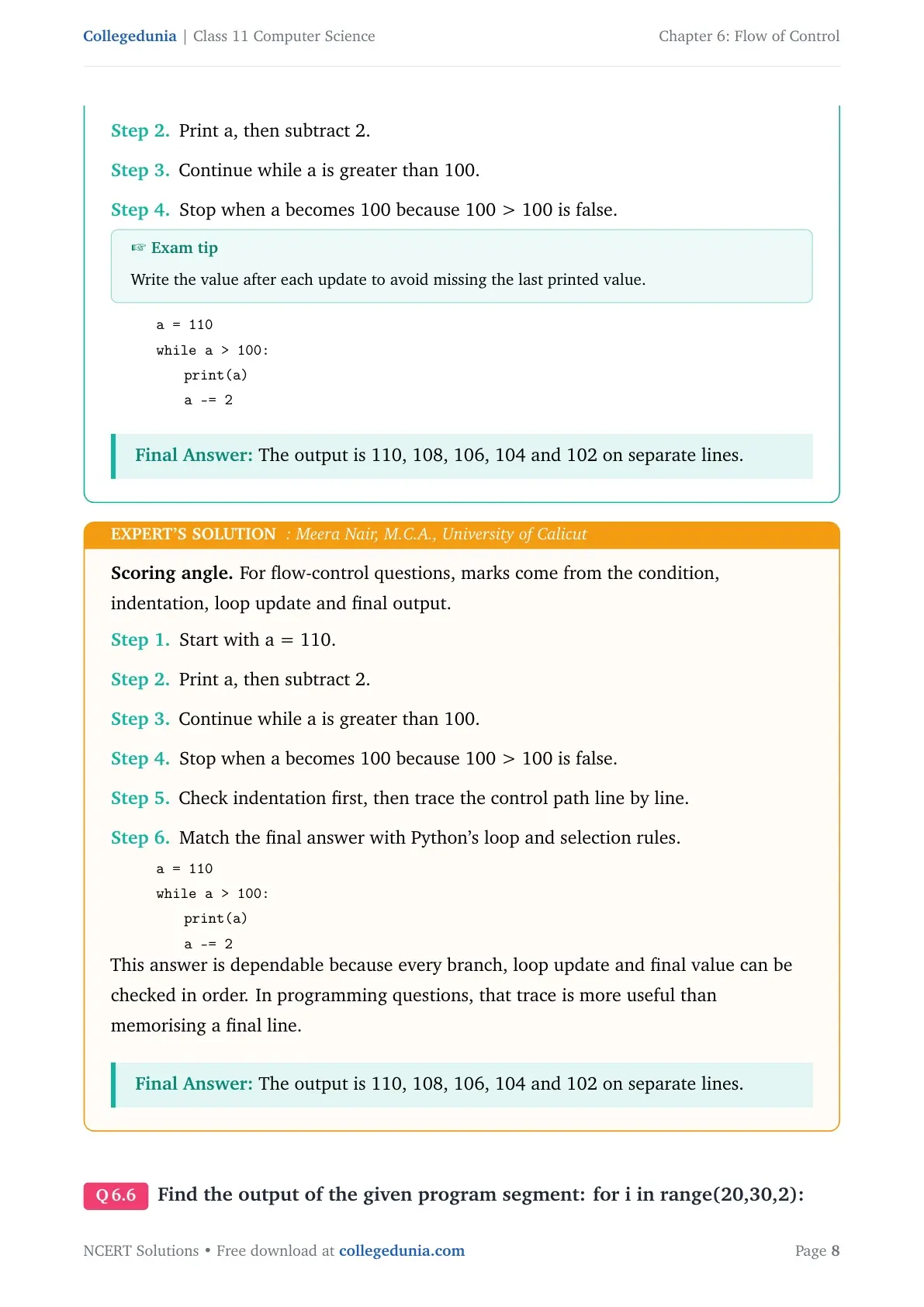
Print a, then subtract 2.
Continue while a is greater than 100.
Stop when a becomes 100 because 100 > 100 is false.
Exam tip
Write the value after each update to avoid missing the last printed value.
This answer is dependable because every branch, loop update and final value can be checked in order. In programming questions, that trace is more useful than memorising a final line.
The output is 110, 108, 106, 104 and 102 on separate lines.
Q 6.6
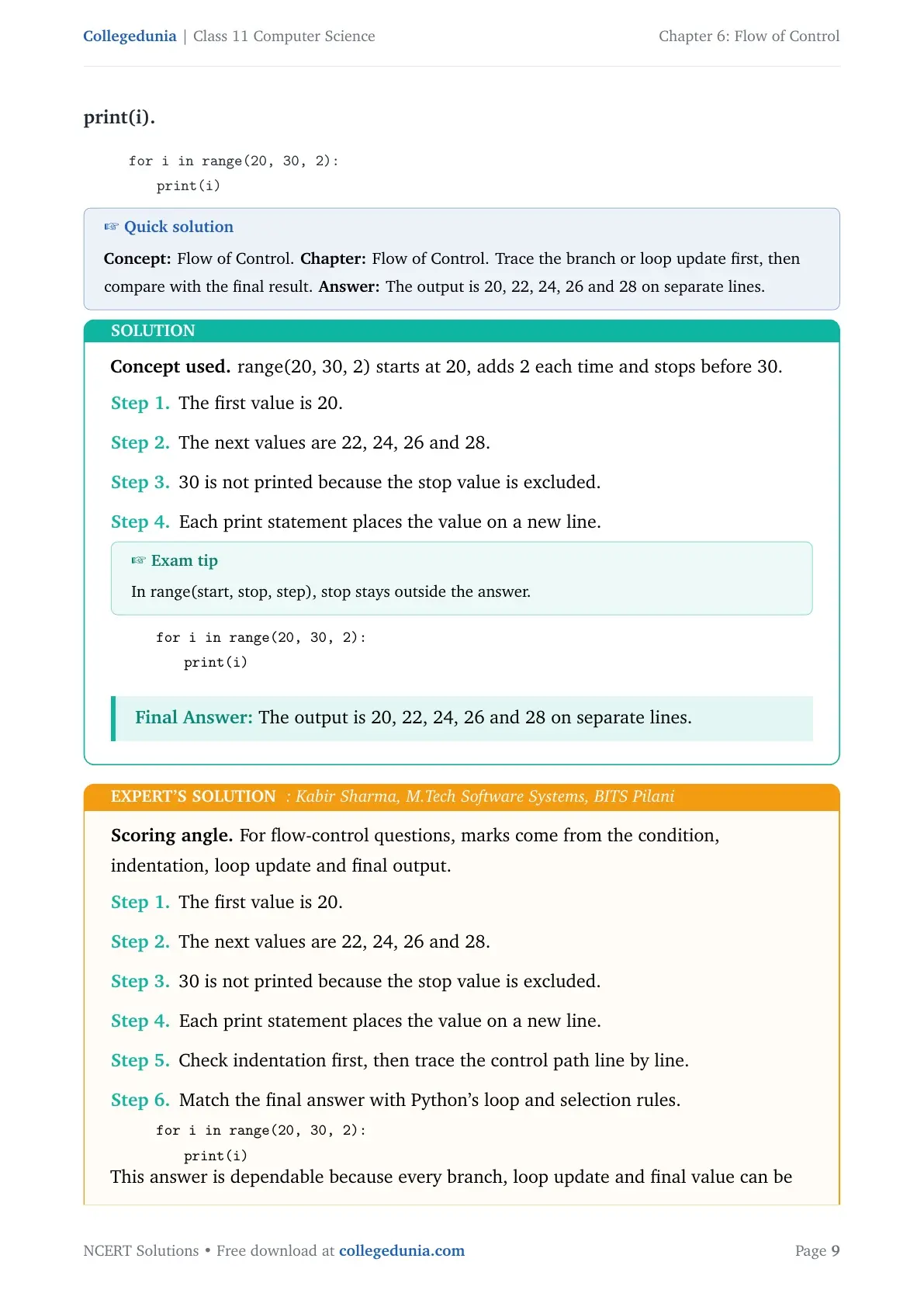
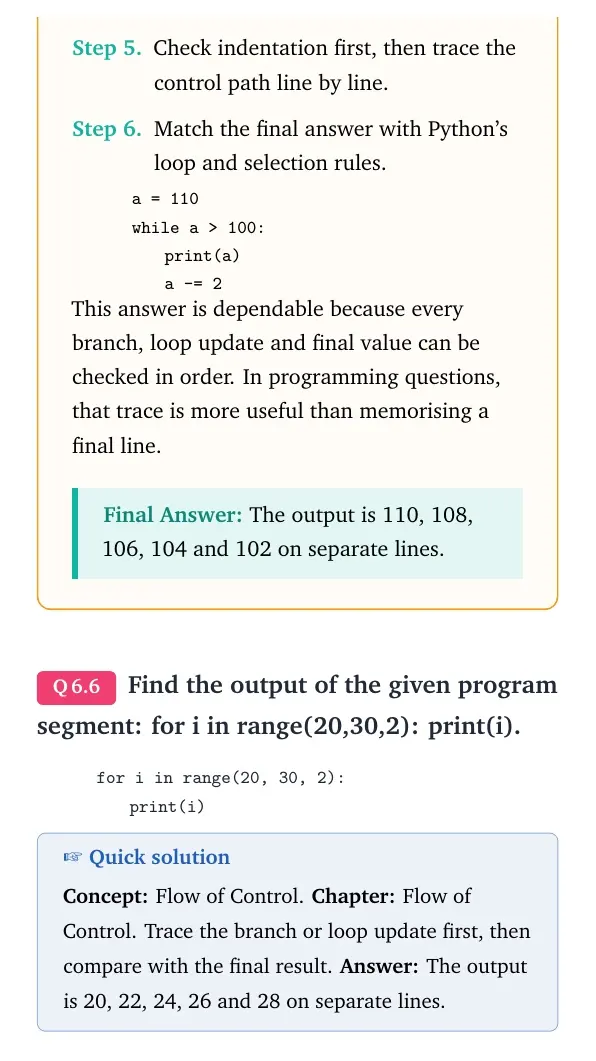
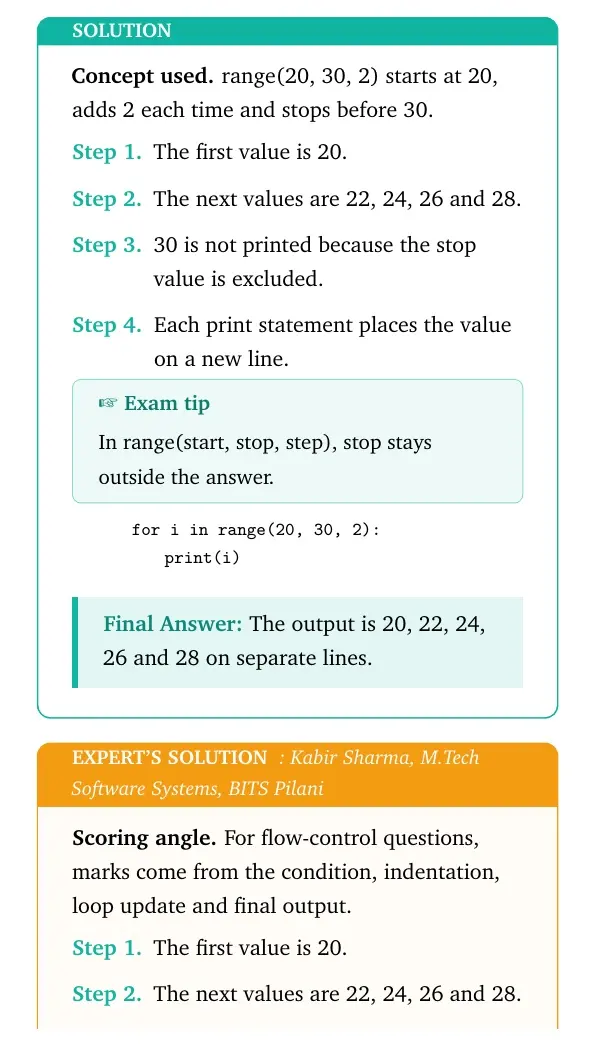
Find the output of the given program segment: for i in range(20,30,2): print(i).
Concept used. range(20, 30, 2) starts at 20, adds 2 each time and stops before 30.
The first value is 20.
The next values are 22, 24, 26 and 28.
30 is not printed because the stop value is excluded.
Each print statement places the value on a new line.
Exam tip
In range(start, stop, step), stop stays outside the answer.
quote0pt
tabular@l@
0.0emfor i in range(20, 30, 2):
1.8emprint(i)
tabularquote
The output is 20, 22, 24, 26 and 28 on separate lines.
KS
Kabir Sharma
M.Tech Software Systems, BITS Pilani
Verified Expert
Scoring angle. For flow-control questions, marks come from the condition, indentation, loop update and final output.
The first value is 20.
The next values are 22, 24, 26 and 28.
30 is not printed because the stop value is excluded.
Each print statement places the value on a new line.
Check indentation first, then trace the control path line by line.
Match the final answer with Python's loop and selection rules.
quote0pt
tabular@l@
0.0emfor i in range(20, 30, 2):
1.8emprint(i)
tabularquote
This answer is dependable because every branch, loop update and final value can be checked in order. In programming questions, that trace is more useful than memorising a final line.
The output is 20, 22, 24, 26 and 28 on separate lines.
Q 6.7
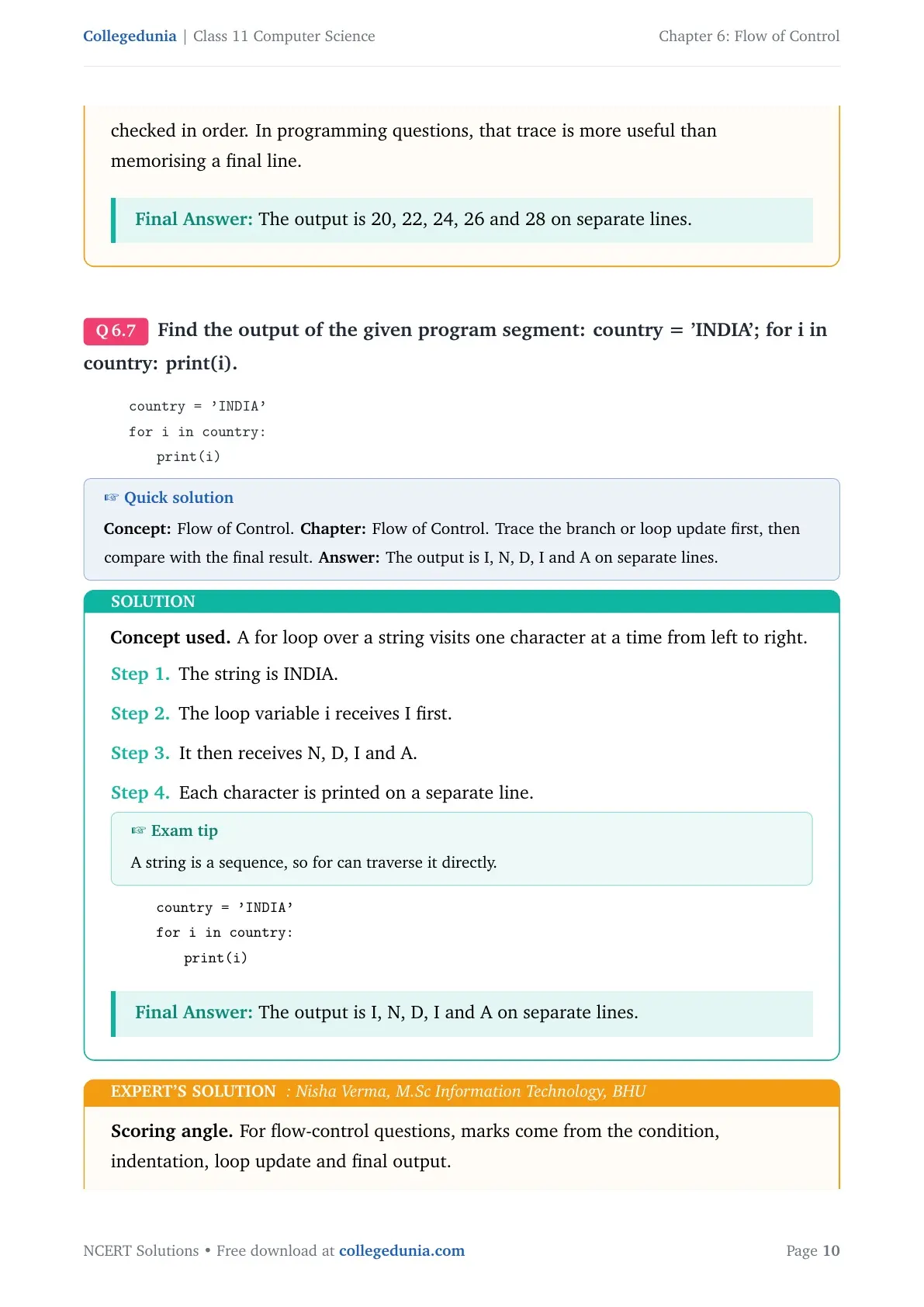
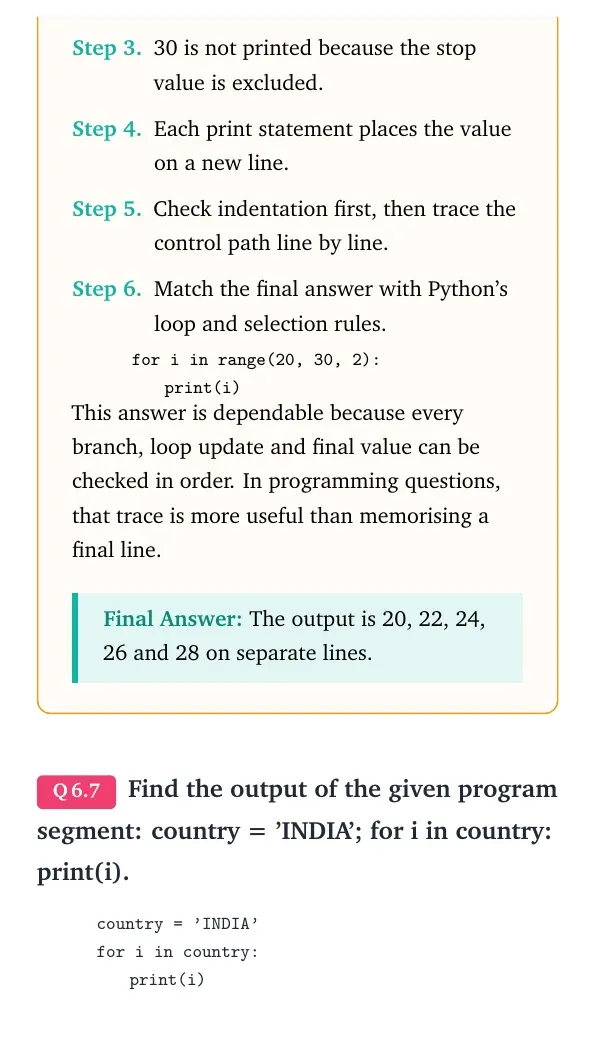
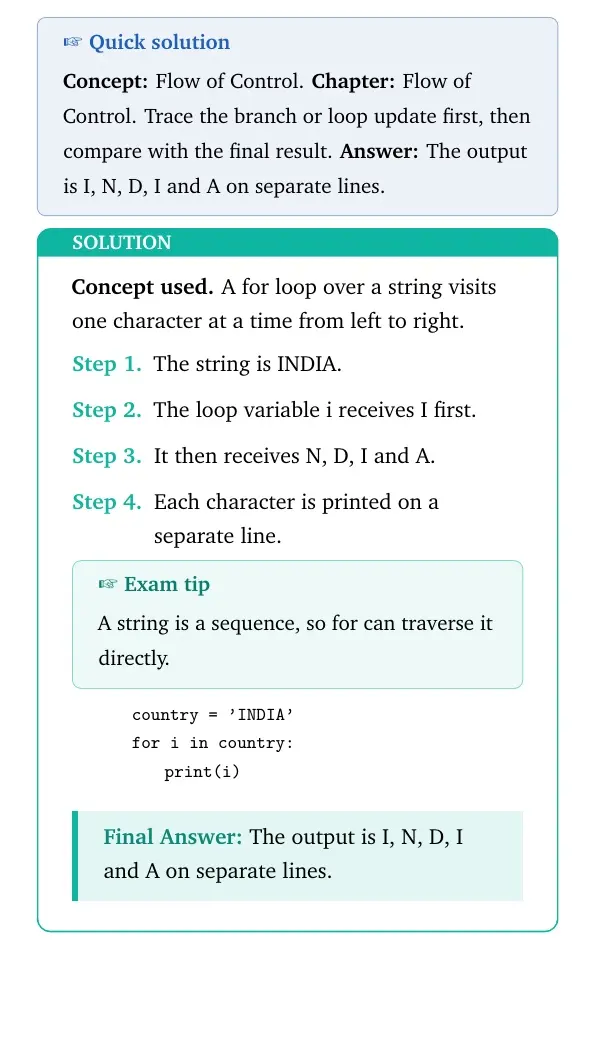
Find the output of the given program segment: country='INDIA'; for i in country: print(i).
Concept used. A for loop over a string visits one character at a time from left to right.
The string is INDIA.
The loop variable i receives I first.
It then receives N, D, I and A.
Each character is printed on a separate line.
Exam tip
A string is a sequence, so for can traverse it directly.
quote0pt
tabular@l@
0.0emcountry='INDIA'
0.0emfor i in country:
1.8emprint(i)
tabularquote
The output is I, N, D, I and A on separate lines.
NV
Nisha Verma
M.Sc Information Technology, BHU
Verified Expert
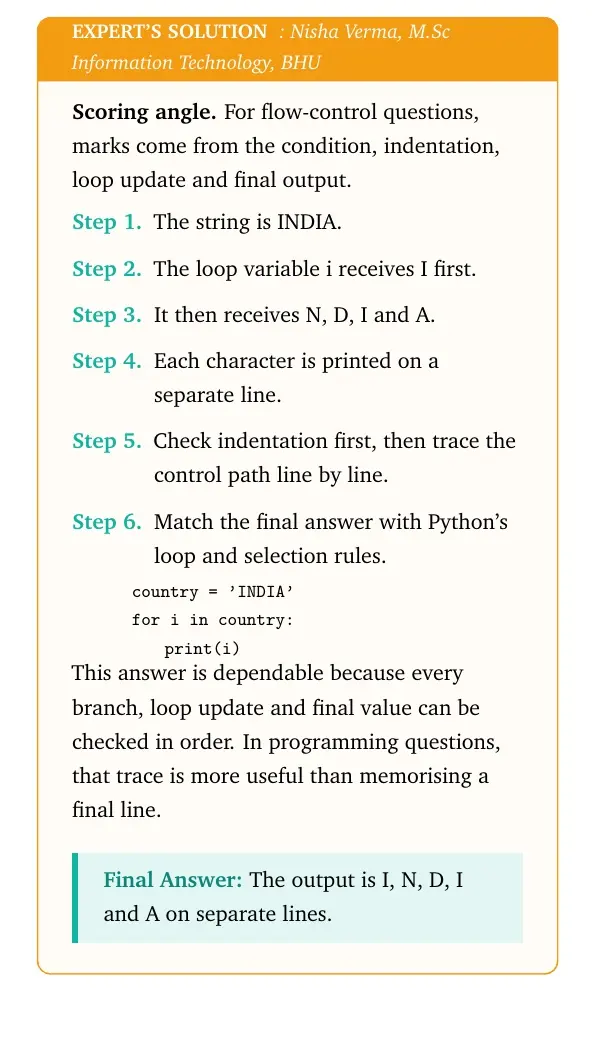
Scoring angle. For flow-control questions, marks come from the condition, indentation, loop update and final output.
The string is INDIA.
The loop variable i receives I first.
It then receives N, D, I and A.
Each character is printed on a separate line.
Check indentation first, then trace the control path line by line.
Match the final answer with Python's loop and selection rules.
quote0pt
tabular@l@
0.0emcountry='INDIA'
0.0emfor i in country:
1.8emprint(i)
tabularquote
This answer is dependable because every branch, loop update and final value can be checked in order. In programming questions, that trace is more useful than memorising a final line.
The output is I, N, D, I and A on separate lines.
Q 6.8
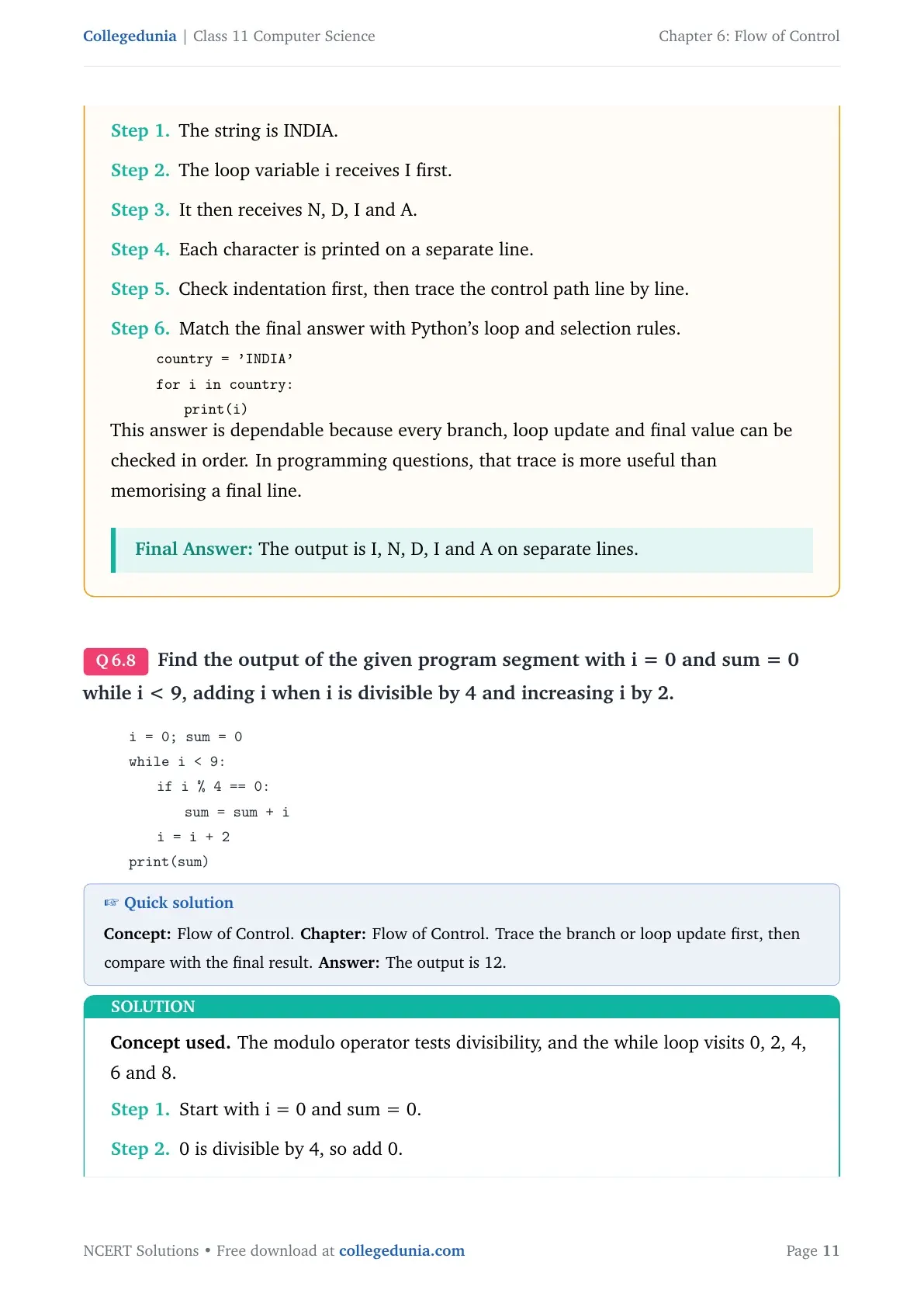
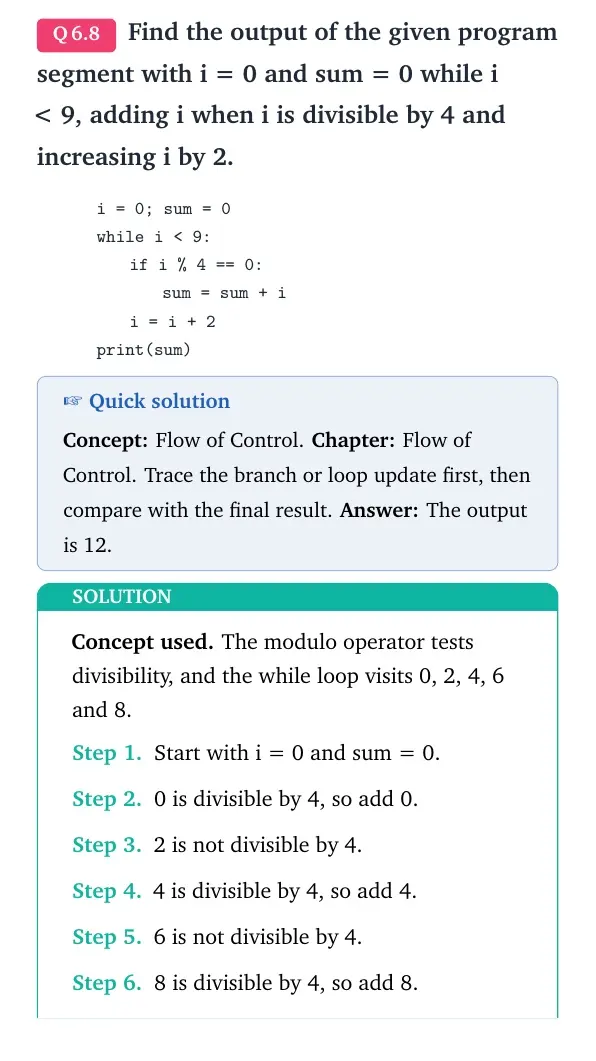
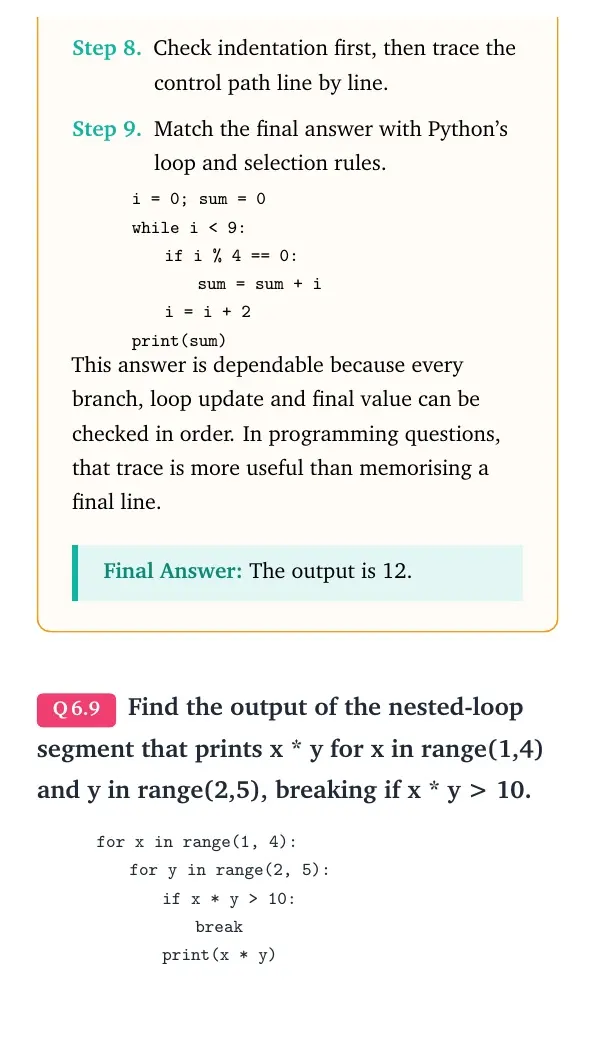
Find the output of the given program segment with i = 0 and sum = 0 while i < 9, adding i when i is divisible by 4 and increasing i by 2.
Concept used. The modulo operator tests divisibility, and the while loop visits 0, 2, 4, 6 and 8.
Start with i = 0 and sum = 0.
0 is divisible by 4, so add 0.
2 is not divisible by 4.
4 is divisible by 4, so add 4.
6 is not divisible by 4.
8 is divisible by 4, so add 8.
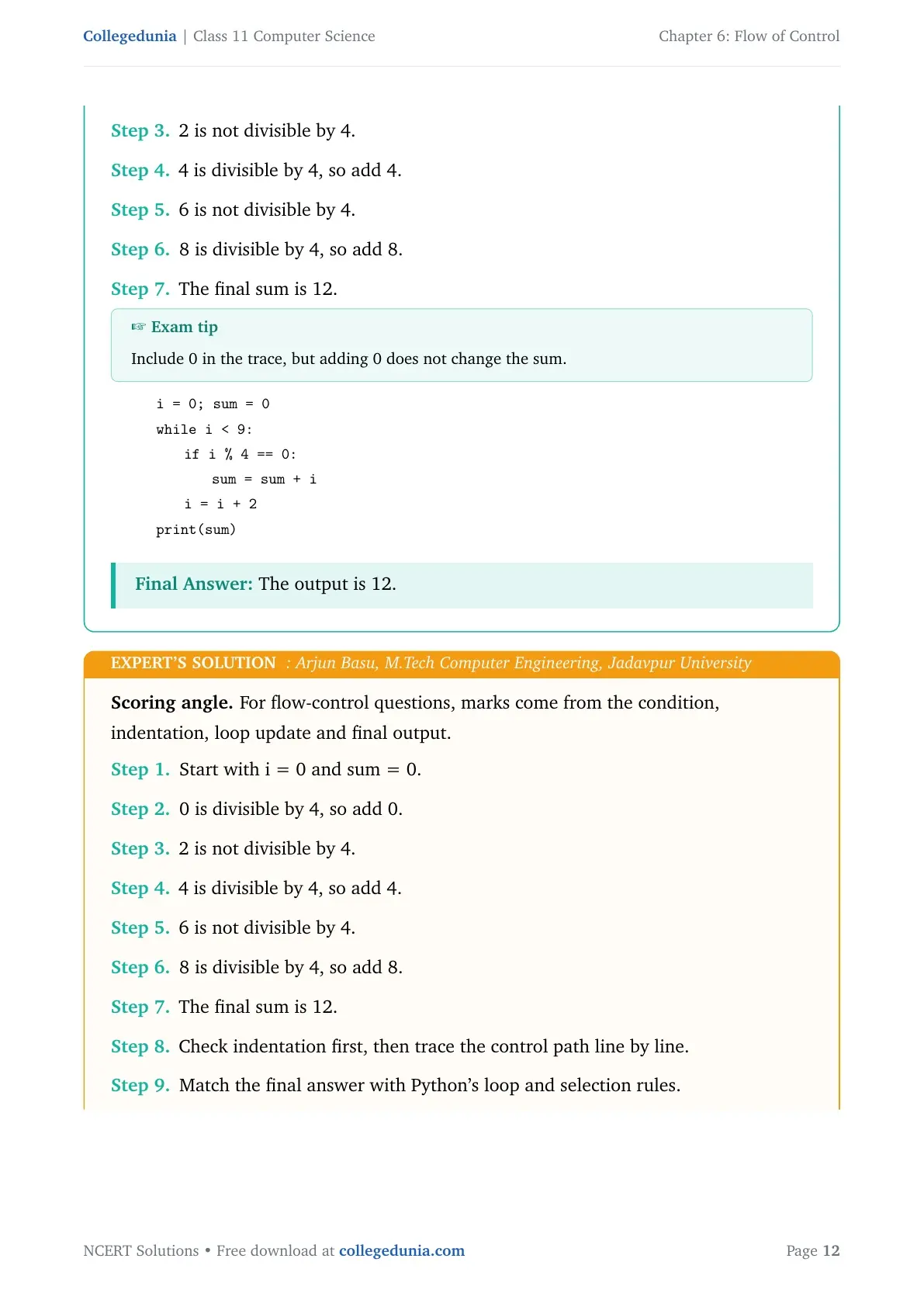
The final sum is 12.
Exam tip
Include 0 in the trace, but adding 0 does not change the sum.
quote0pt
tabular@l@
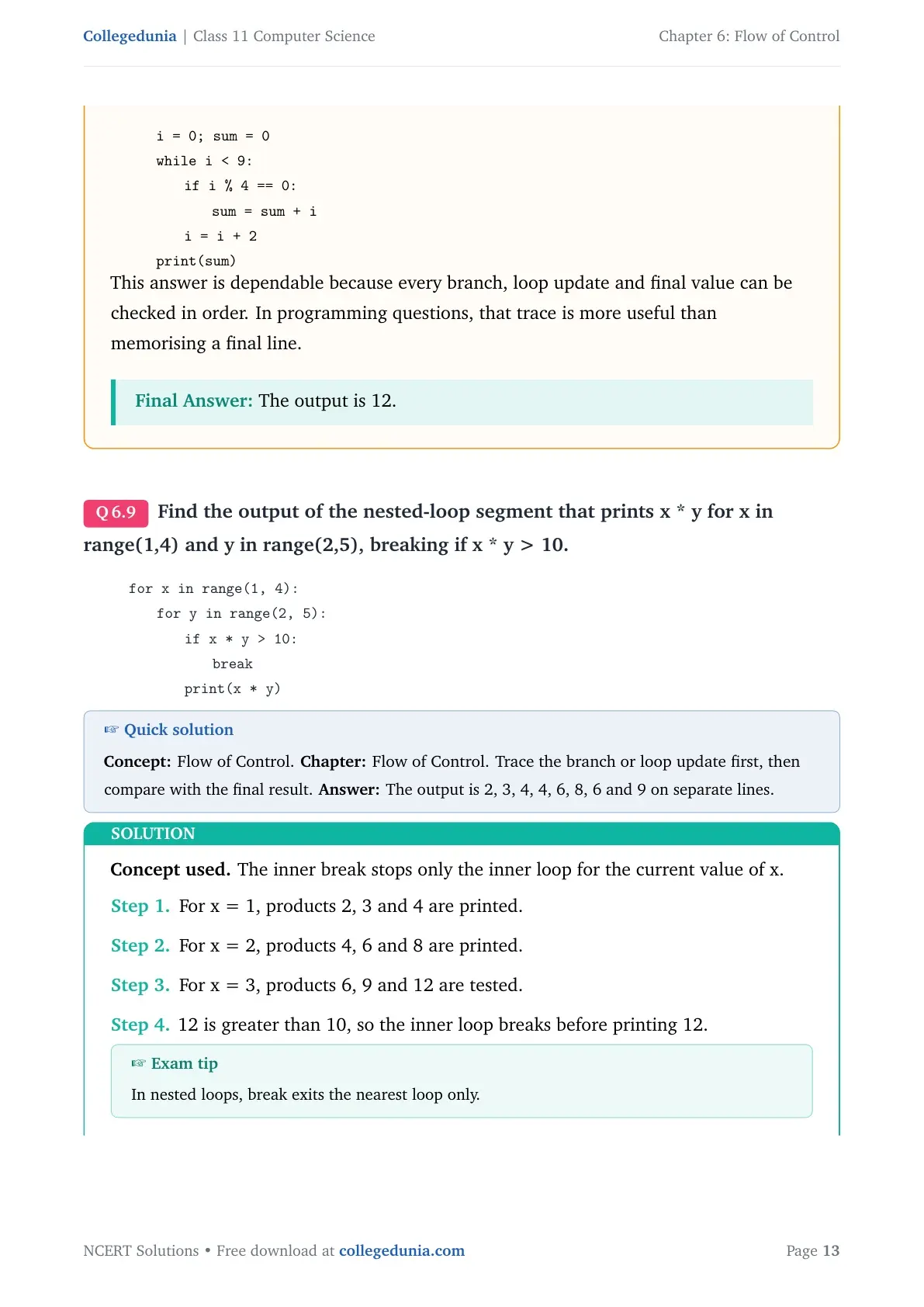
0.0emi = 0; sum = 0
0.0emwhile i < 9:
1.8emif i % 4 == 0:
3.6emsum = sum + i
1.8emi = i + 2
0.0emprint(sum)
tabularquote
The output is 12.
AB
Arjun Basu
M.Tech Computer Engineering, Jadavpur University
Verified Expert
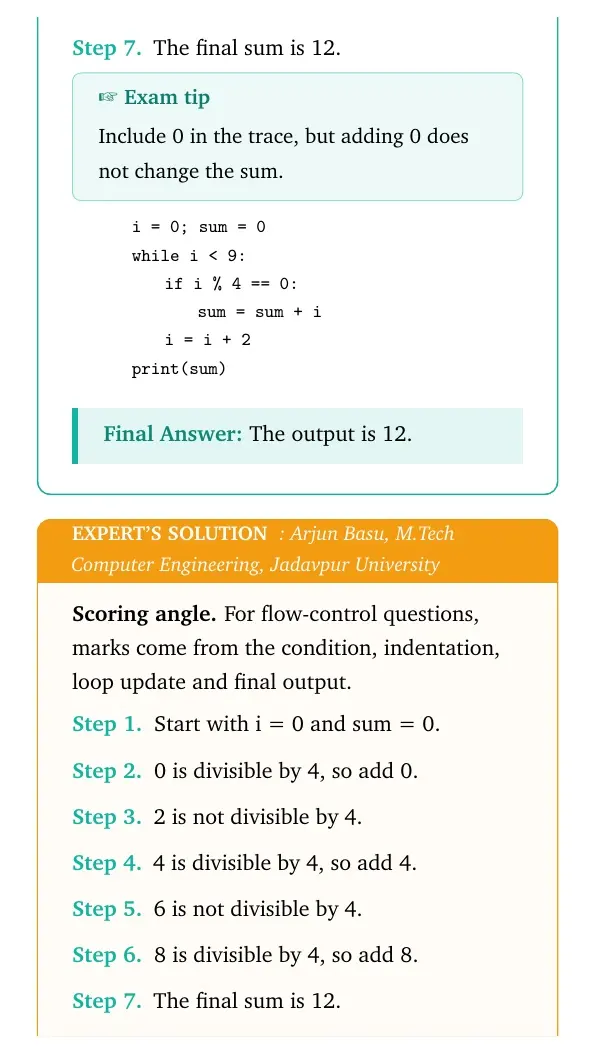
Scoring angle. For flow-control questions, marks come from the condition, indentation, loop update and final output.
Start with i = 0 and sum = 0.
0 is divisible by 4, so add 0.
2 is not divisible by 4.
4 is divisible by 4, so add 4.
6 is not divisible by 4.
8 is divisible by 4, so add 8.
The final sum is 12.
Check indentation first, then trace the control path line by line.
Match the final answer with Python's loop and selection rules.
quote0pt
tabular@l@
0.0emi = 0; sum = 0
0.0emwhile i < 9:
1.8emif i % 4 == 0:
3.6emsum = sum + i
1.8emi = i + 2
0.0emprint(sum)
tabularquote
This answer is dependable because every branch, loop update and final value can be checked in order. In programming questions, that trace is more useful than memorising a final line.
The output is 12.
Q 6.9
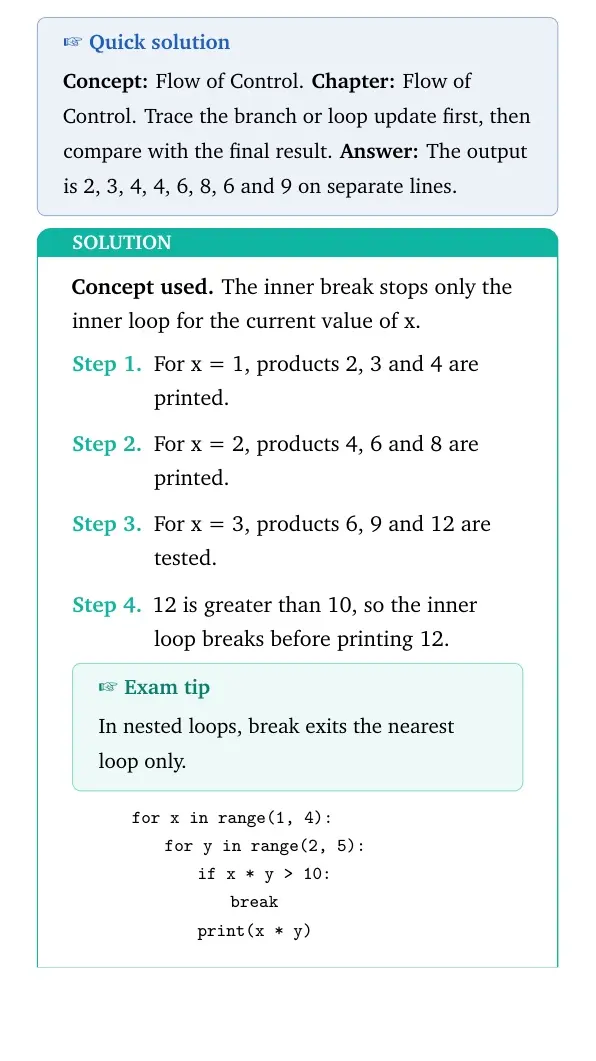
Find the output of the nested-loop segment that prints x * y for x in range(1,4) and y in range(2,5), breaking if x * y > 10.
Concept used. The inner break stops only the inner loop for the current value of x.
For x = 1, products 2, 3 and 4 are printed.
For x = 2, products 4, 6 and 8 are printed.
For x = 3, products 6, 9 and 12 are tested.
12 is greater than 10, so the inner loop breaks before printing 12.
Exam tip
In nested loops, break exits the nearest loop only.
quote0pt
tabular@l@
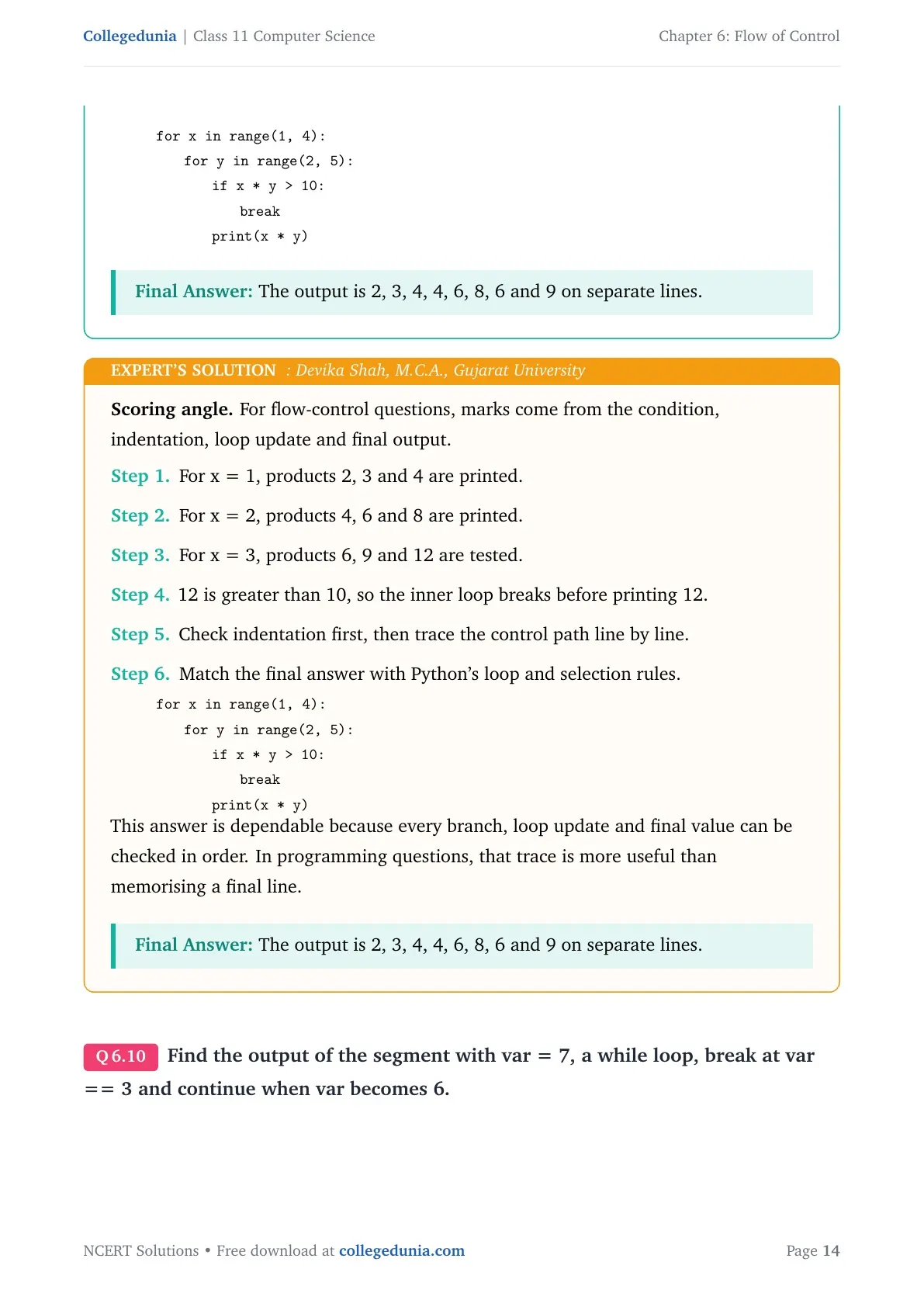
0.0emfor x in range(1, 4):
1.8emfor y in range(2, 5):
3.6emif x * y > 10:
5.4embreak
3.6emprint(x * y)
tabularquote
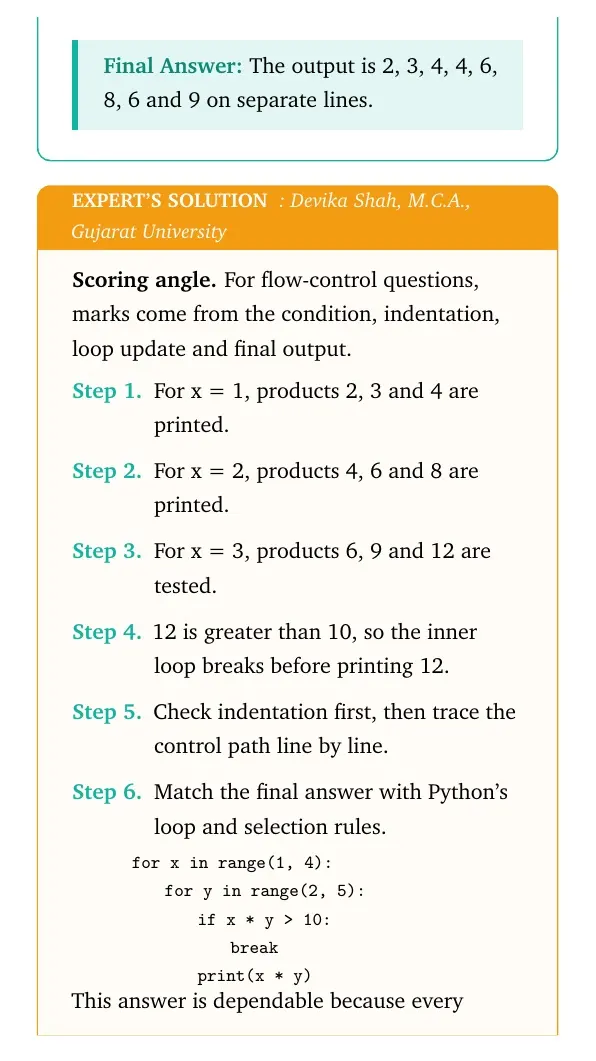
The output is 2, 3, 4, 4, 6, 8, 6 and 9 on separate lines.
DS
Devika Shah
M.C.A., Gujarat University
Verified Expert
Scoring angle. For flow-control questions, marks come from the condition, indentation, loop update and final output.
For x = 1, products 2, 3 and 4 are printed.
For x = 2, products 4, 6 and 8 are printed.
For x = 3, products 6, 9 and 12 are tested.
12 is greater than 10, so the inner loop breaks before printing 12.
Check indentation first, then trace the control path line by line.
Match the final answer with Python's loop and selection rules.
quote0pt
tabular@l@
0.0emfor x in range(1, 4):
1.8emfor y in range(2, 5):
3.6emif x * y > 10:
5.4embreak
3.6emprint(x * y)
tabularquote
This answer is dependable because every branch, loop update and final value can be checked in order. In programming questions, that trace is more useful than memorising a final line.
The output is 2, 3, 4, 4, 6, 8, 6 and 9 on separate lines.
Q 6.10
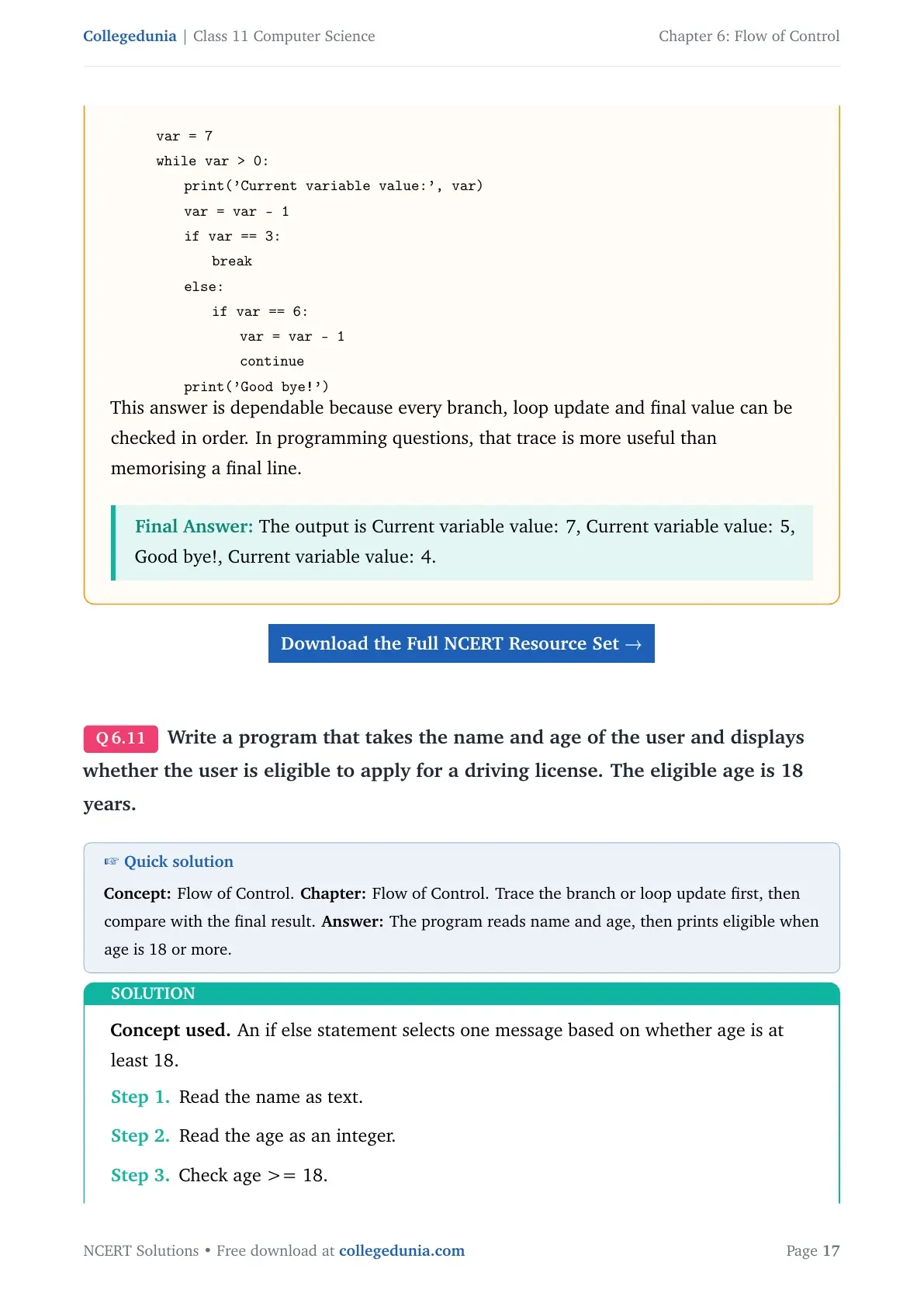
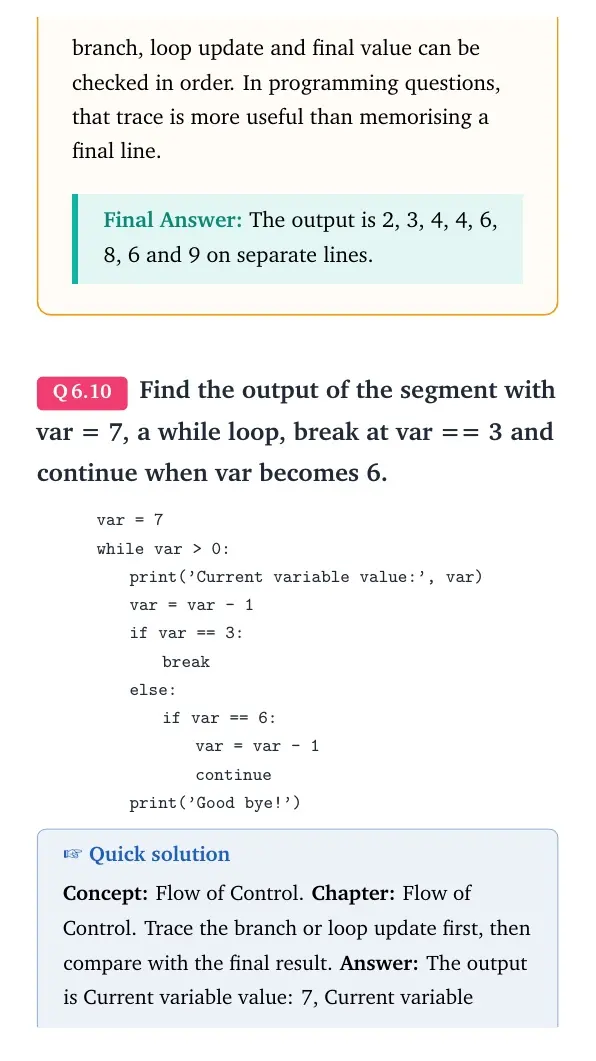
Find the output of the segment with var = 7, a while loop, break at var == 3 and continue when var becomes 6.
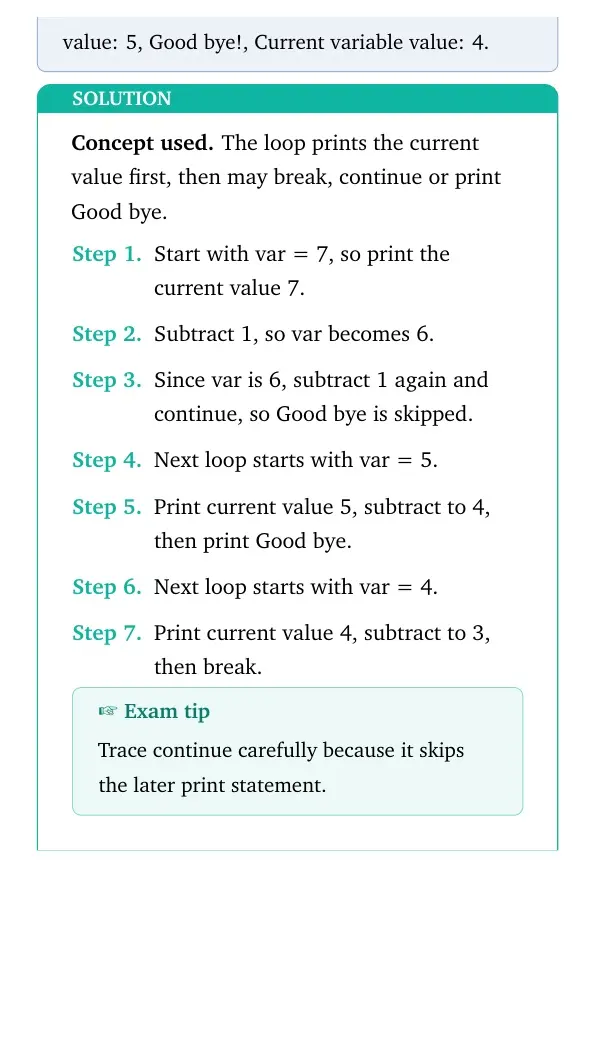
Concept used. The loop prints the current value first, then may break, continue or print Good bye.
Start with var = 7, so print the current value 7.
Subtract 1, so var becomes 6.
Since var is 6, subtract 1 again and continue, so Good bye is skipped.
Next loop starts with var = 5.
Print current value 5, subtract to 4, then print Good bye.
Next loop starts with var = 4.
Print current value 4, subtract to 3, then break.
Exam tip
Trace continue carefully because it skips the later print statement.
quote0pt
tabular@l@
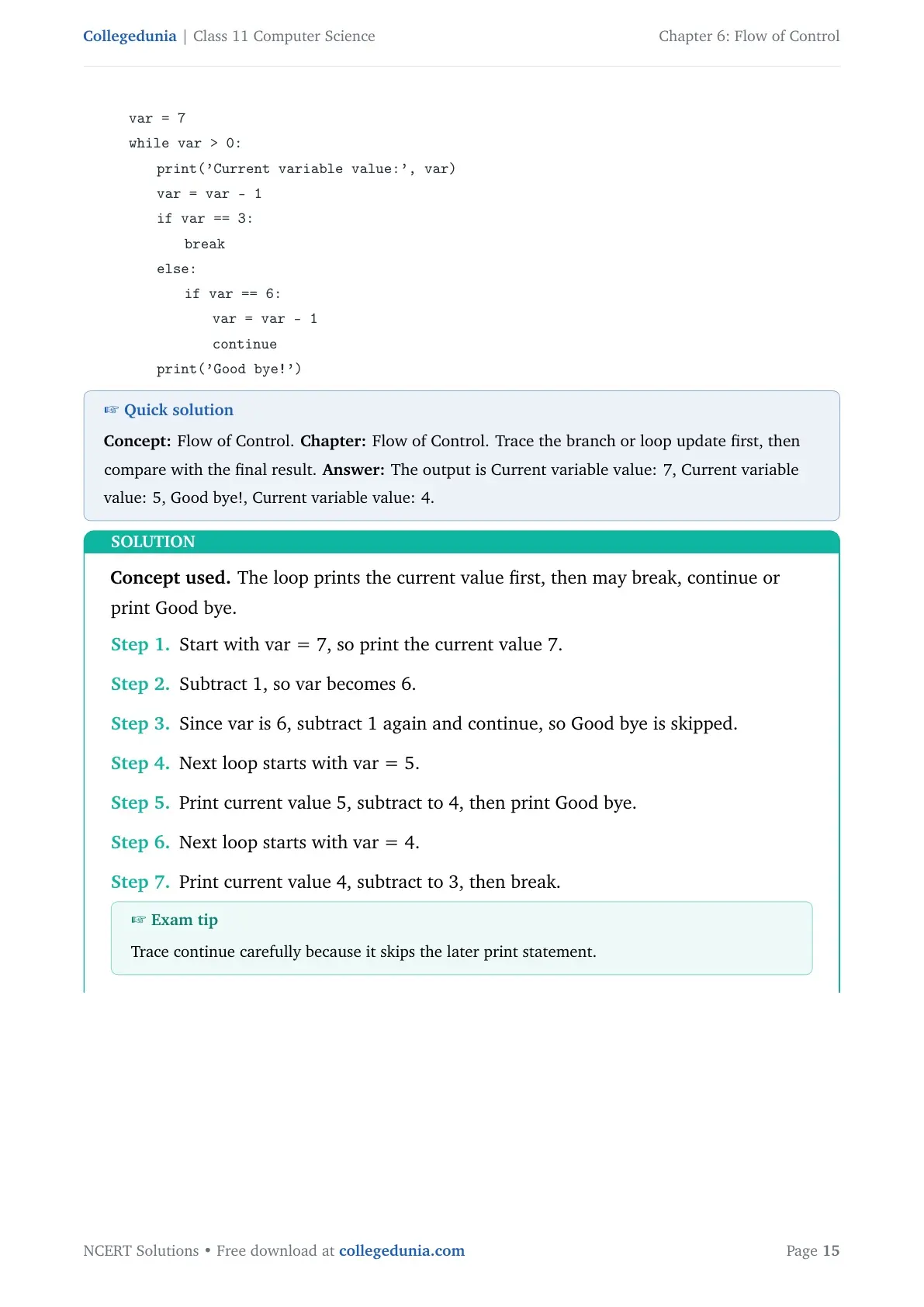
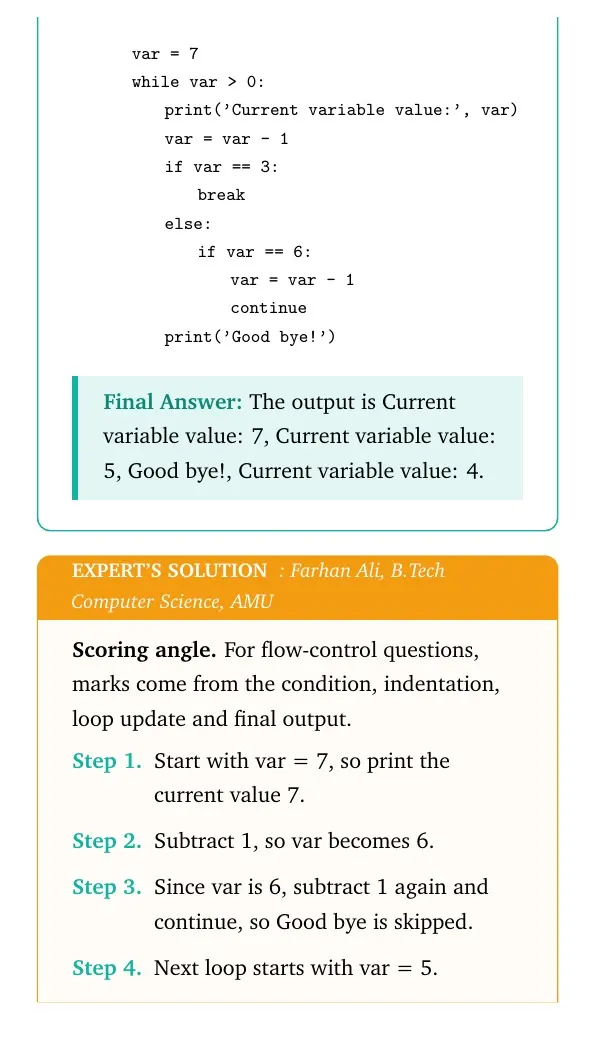
0.0emvar = 7
0.0emwhile var > 0:
1.8emprint('Current variable value:', var)
1.8emvar = var - 1
1.8emif var == 3:
3.6embreak
1.8emelse:
3.6emif var == 6:
5.4emvar = var - 1
5.4emcontinue
1.8emprint('Good bye!')
tabularquote
The output is Current variable value: 7, Current variable value: 5, Good bye!, Current variable value: 4.
FA
Farhan Ali
B.Tech Computer Science, AMU
Verified Expert
Scoring angle. For flow-control questions, marks come from the condition, indentation, loop update and final output.
Start with var = 7, so print the current value 7.
Subtract 1, so var becomes 6.
Since var is 6, subtract 1 again and continue, so Good bye is skipped.
Next loop starts with var = 5.
Print current value 5, subtract to 4, then print Good bye.
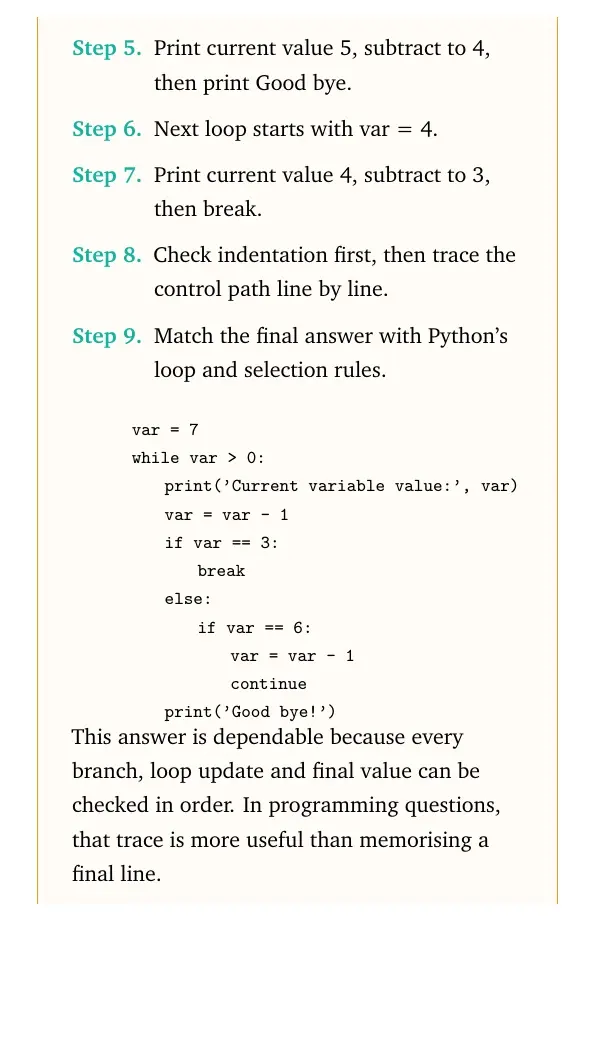
Next loop starts with var = 4.
Print current value 4, subtract to 3, then break.
Check indentation first, then trace the control path line by line.
Match the final answer with Python's loop and selection rules.
quote0pt
tabular@l@
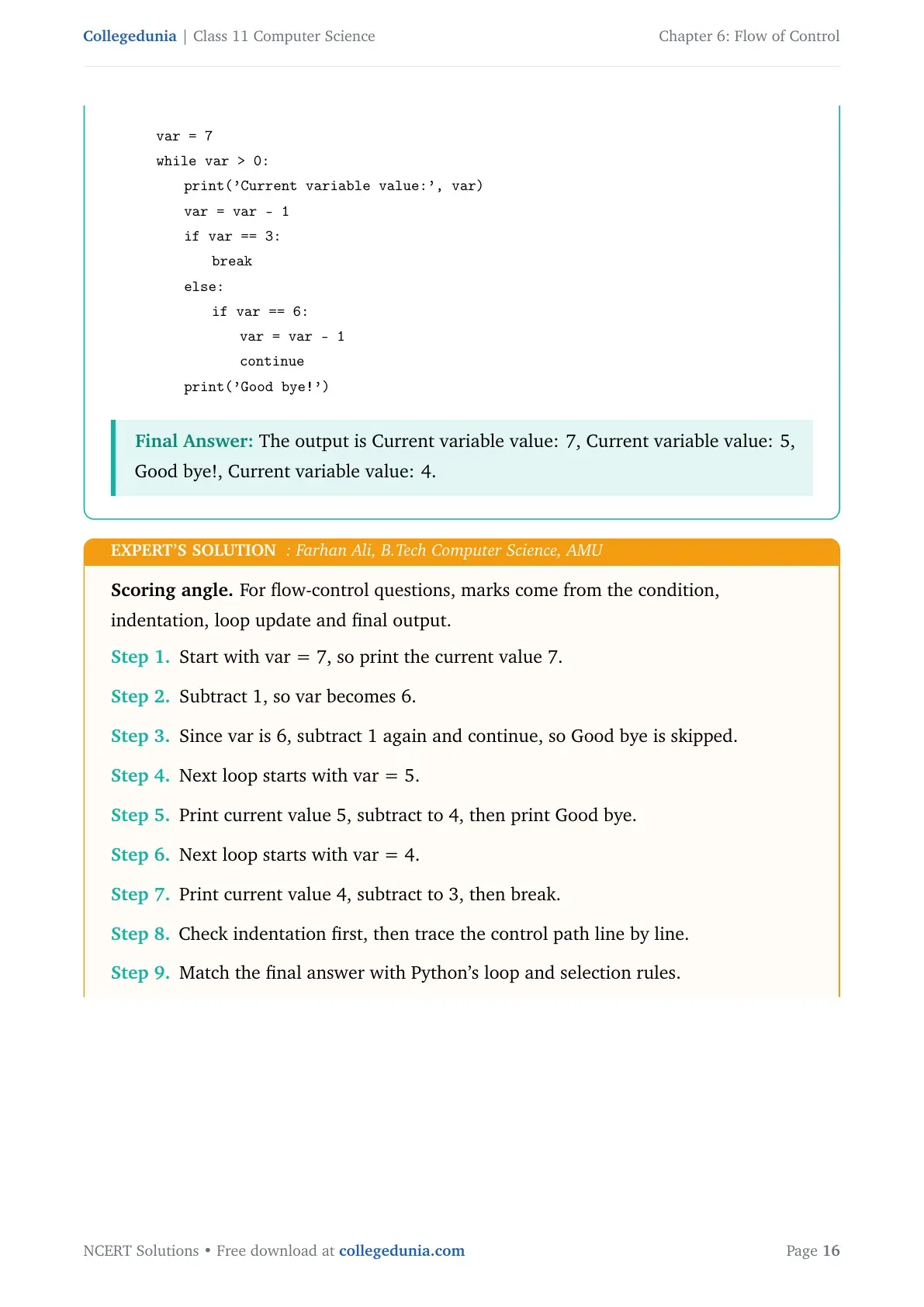
0.0emvar = 7
0.0emwhile var > 0:
1.8emprint('Current variable value:', var)
1.8emvar = var - 1
1.8emif var == 3:
3.6embreak
1.8emelse:
3.6emif var == 6:
5.4emvar = var - 1
5.4emcontinue
1.8emprint('Good bye!')
tabularquote
This answer is dependable because every branch, loop update and final value can be checked in order. In programming questions, that trace is more useful than memorising a final line.
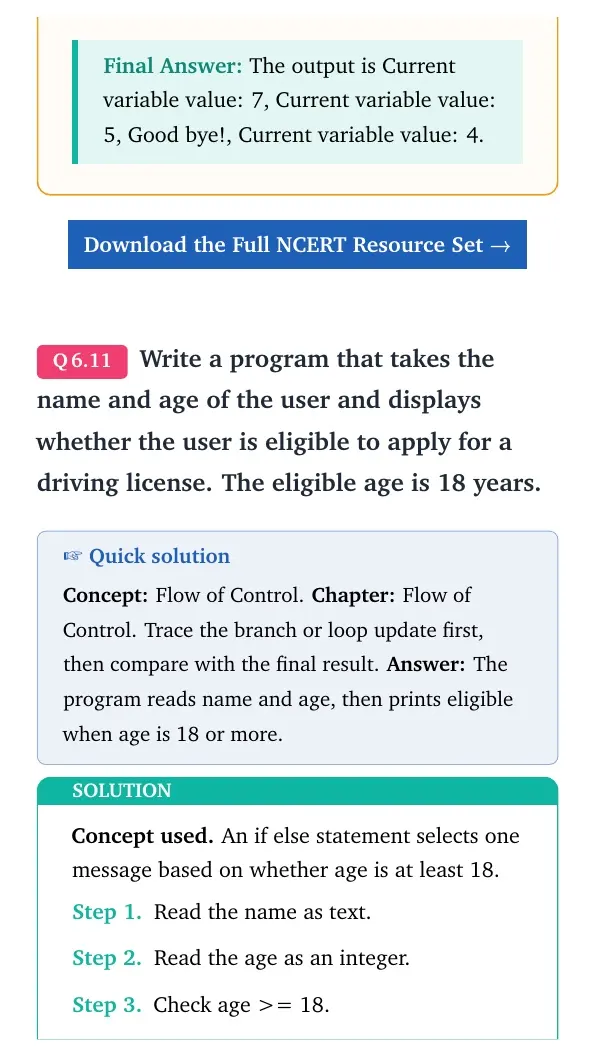
The output is Current variable value: 7, Current variable value: 5, Good bye!, Current variable value: 4.
Q 6.11
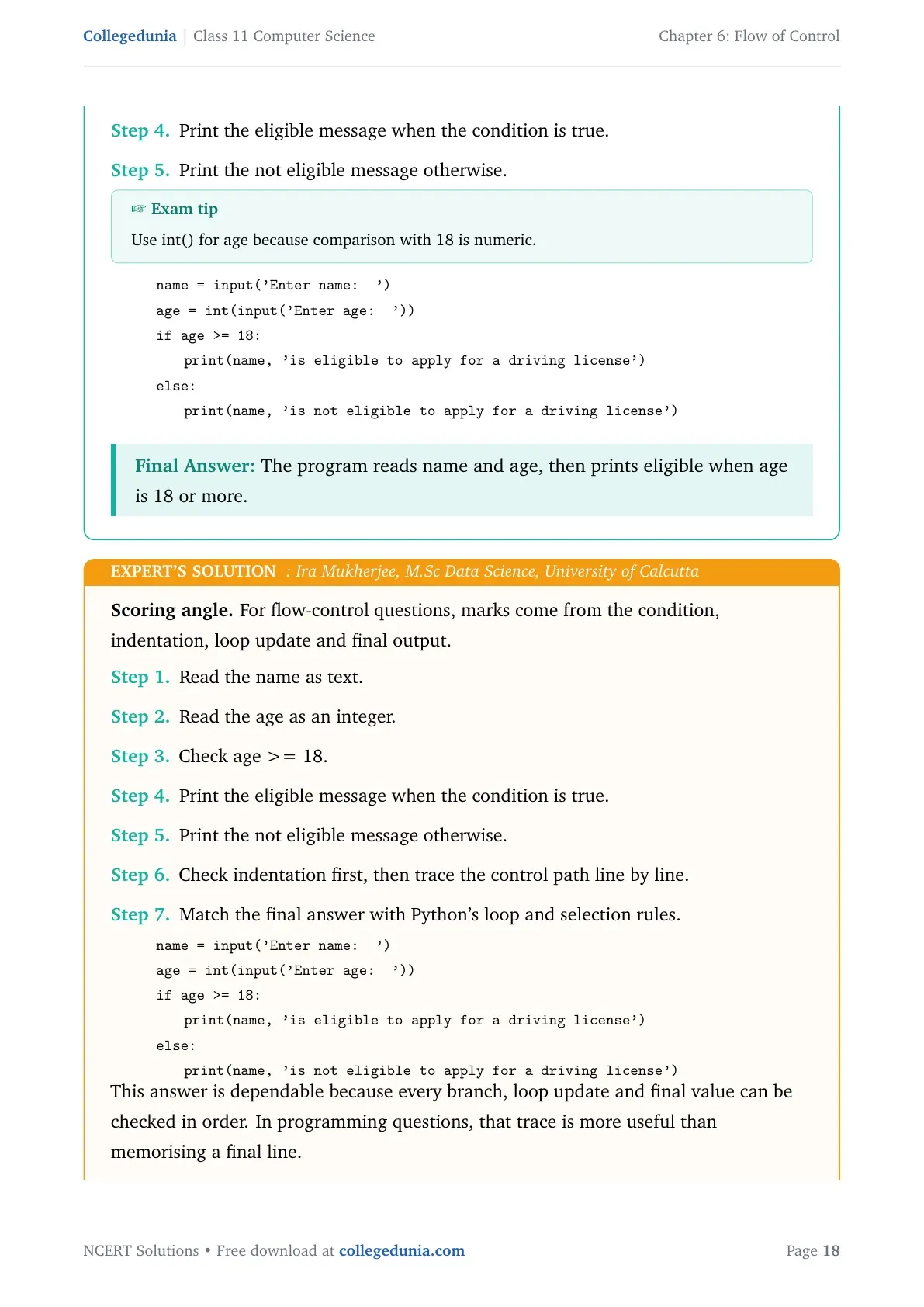
Write a program that takes the name and age of the user and displays whether the user is eligible to apply for a driving license. The eligible age is 18 years.
Concept used. An if else statement selects one message based on whether age is at least 18.
Read the name as text.
Read the age as an integer.
Check age >= 18.
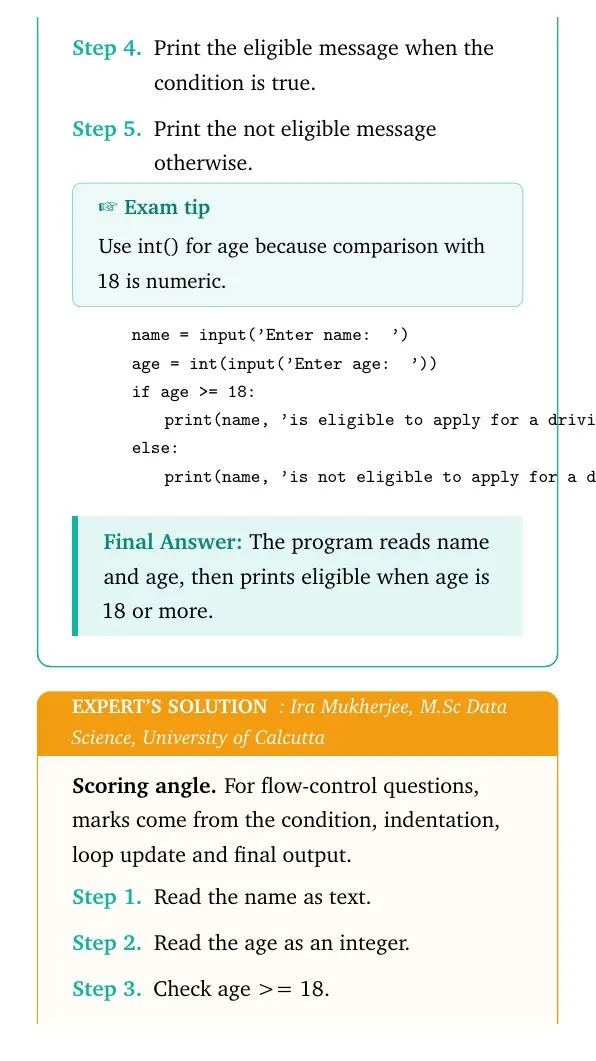
Print the eligible message when the condition is true.
Print the not eligible message otherwise.
Exam tip
Use int() for age because comparison with 18 is numeric.
quote0pt
tabular@l@
0.0emname = input('Enter name: ')
0.0emage = int(input('Enter age: '))
0.0emif age >= 18:
1.8emprint(name, 'is eligible to apply for a driving license')
0.0emelse:
1.8emprint(name, 'is not eligible to apply for a driving license')
tabularquote
The program reads name and age, then prints eligible when age is 18 or more.
IM
Ira Mukherjee
M.Sc Data Science, University of Calcutta
Verified Expert
Scoring angle. For flow-control questions, marks come from the condition, indentation, loop update and final output.
Read the name as text.
Read the age as an integer.
Check age >= 18.
Print the eligible message when the condition is true.
Print the not eligible message otherwise.
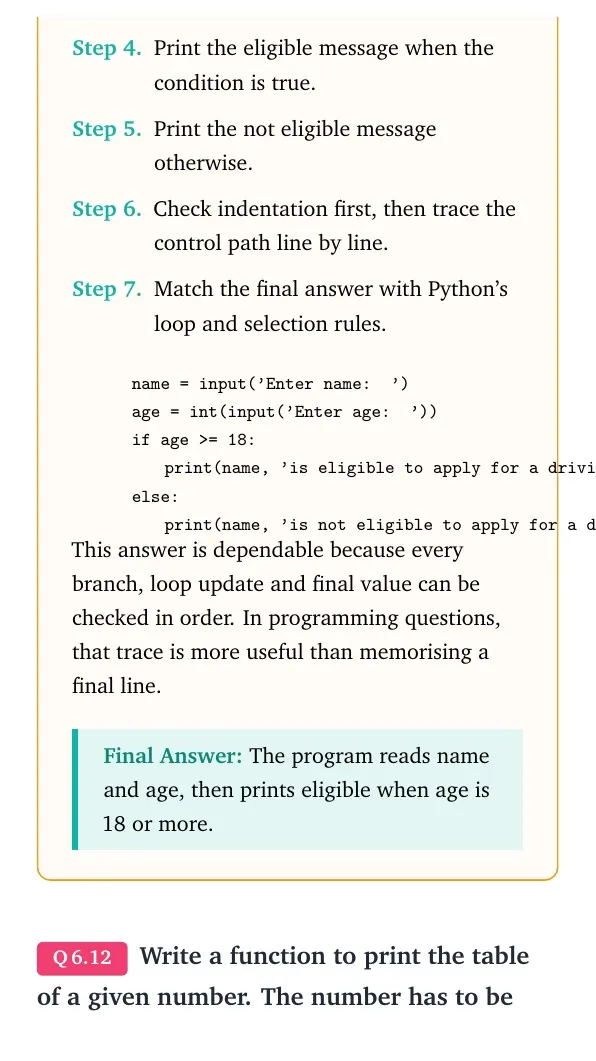
Check indentation first, then trace the control path line by line.
Match the final answer with Python's loop and selection rules.
quote0pt
tabular@l@
0.0emname = input('Enter name: ')
0.0emage = int(input('Enter age: '))
0.0emif age >= 18:
1.8emprint(name, 'is eligible to apply for a driving license')
0.0emelse:
1.8emprint(name, 'is not eligible to apply for a driving license')
tabularquote
This answer is dependable because every branch, loop update and final value can be checked in order. In programming questions, that trace is more useful than memorising a final line.
The program reads name and age, then prints eligible when age is 18 or more.
Q 6.12
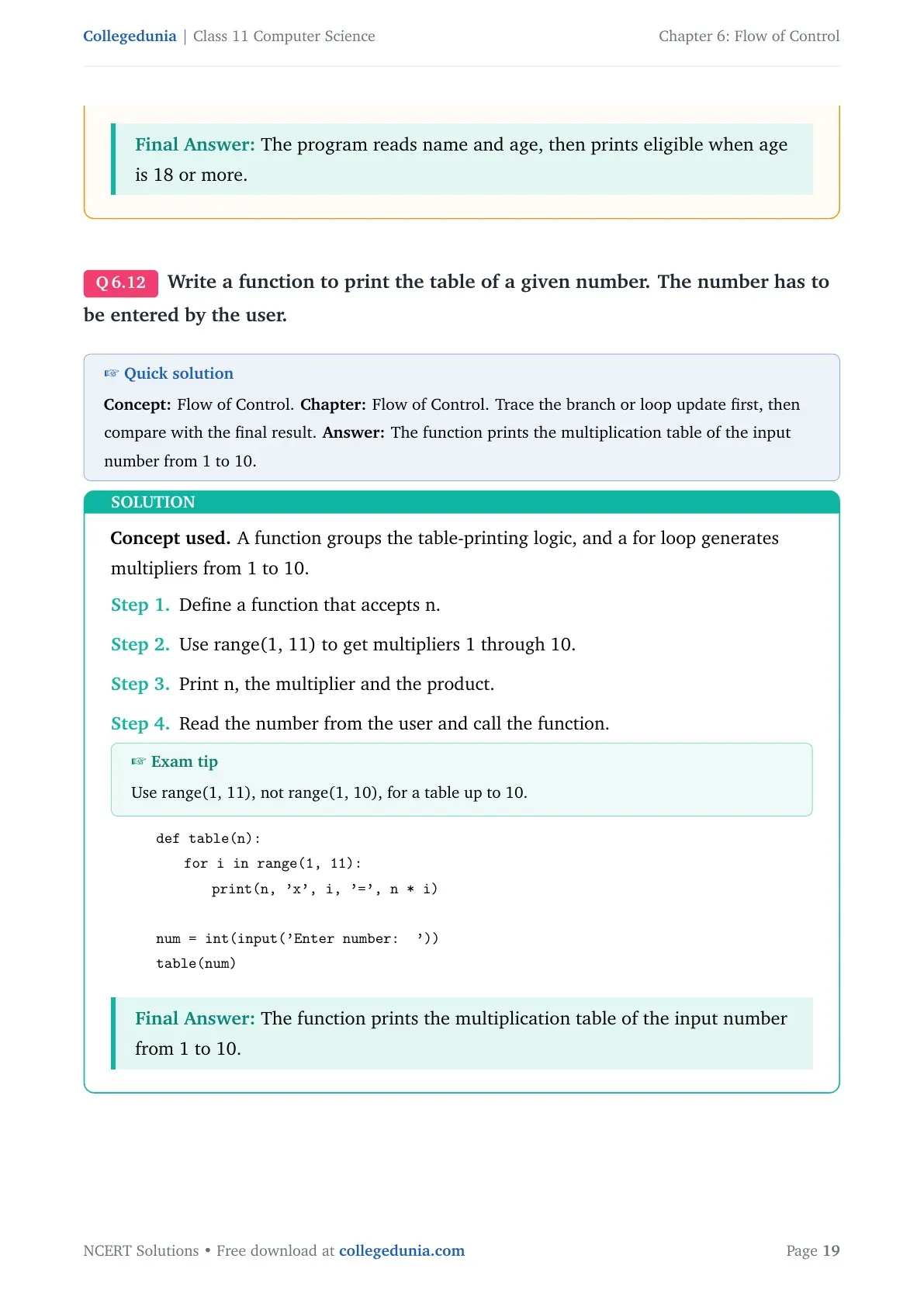
Write a function to print the table of a given number. The number has to be entered by the user.
Concept used. A function groups the table-printing logic, and a for loop generates multipliers from 1 to 10.
Define a function that accepts n.
Use range(1, 11) to get multipliers 1 through 10.
Print n, the multiplier and the product.
Read the number from the user and call the function.
Exam tip
Use range(1, 11), not range(1, 10), for a table up to 10.
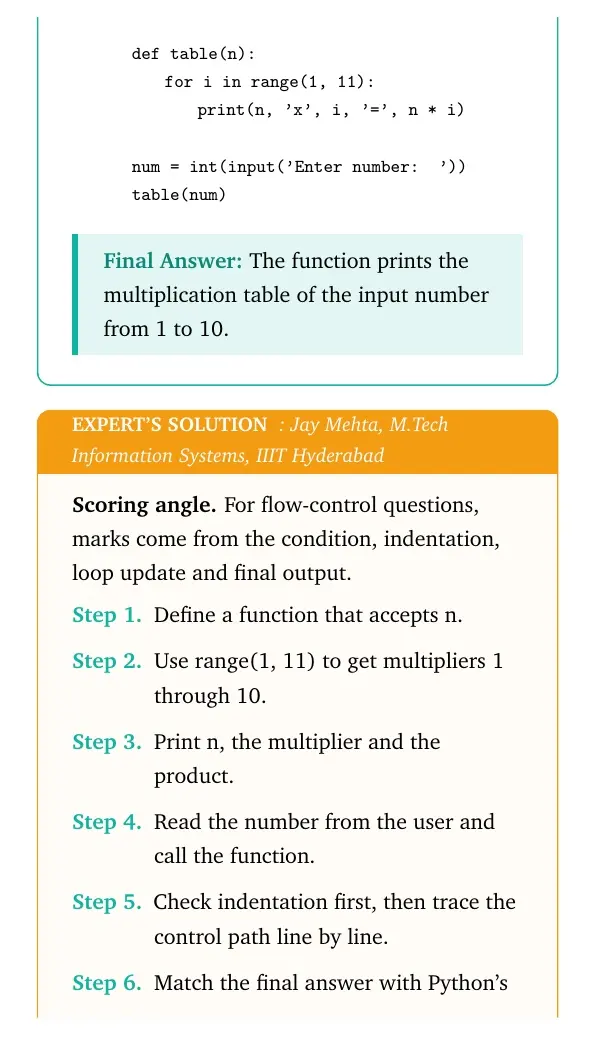
quote0pt
tabular@l@
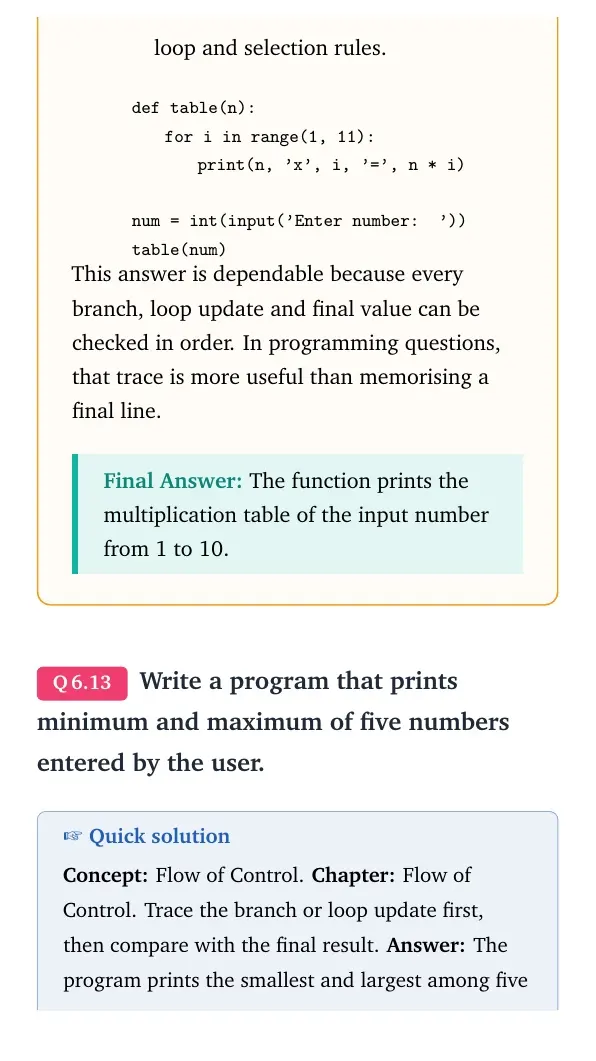
0.0emdef table(n):
1.8emfor i in range(1, 11):
3.6emprint(n, 'x', i, '=', n * i)
0.0em
0.0emnum = int(input('Enter number: '))
0.0emtable(num)
tabularquote
The function prints the multiplication table of the input number from 1 to 10.
JM
Jay Mehta
M.Tech Information Systems, IIIT Hyderabad
Verified Expert
Scoring angle. For flow-control questions, marks come from the condition, indentation, loop update and final output.
Define a function that accepts n.
Use range(1, 11) to get multipliers 1 through 10.
Print n, the multiplier and the product.
Read the number from the user and call the function.
Check indentation first, then trace the control path line by line.
Match the final answer with Python's loop and selection rules.
quote0pt
tabular@l@
0.0emdef table(n):
1.8emfor i in range(1, 11):
3.6emprint(n, 'x', i, '=', n * i)
0.0em
0.0emnum = int(input('Enter number: '))
0.0emtable(num)
tabularquote
This answer is dependable because every branch, loop update and final value can be checked in order. In programming questions, that trace is more useful than memorising a final line.
The function prints the multiplication table of the input number from 1 to 10.
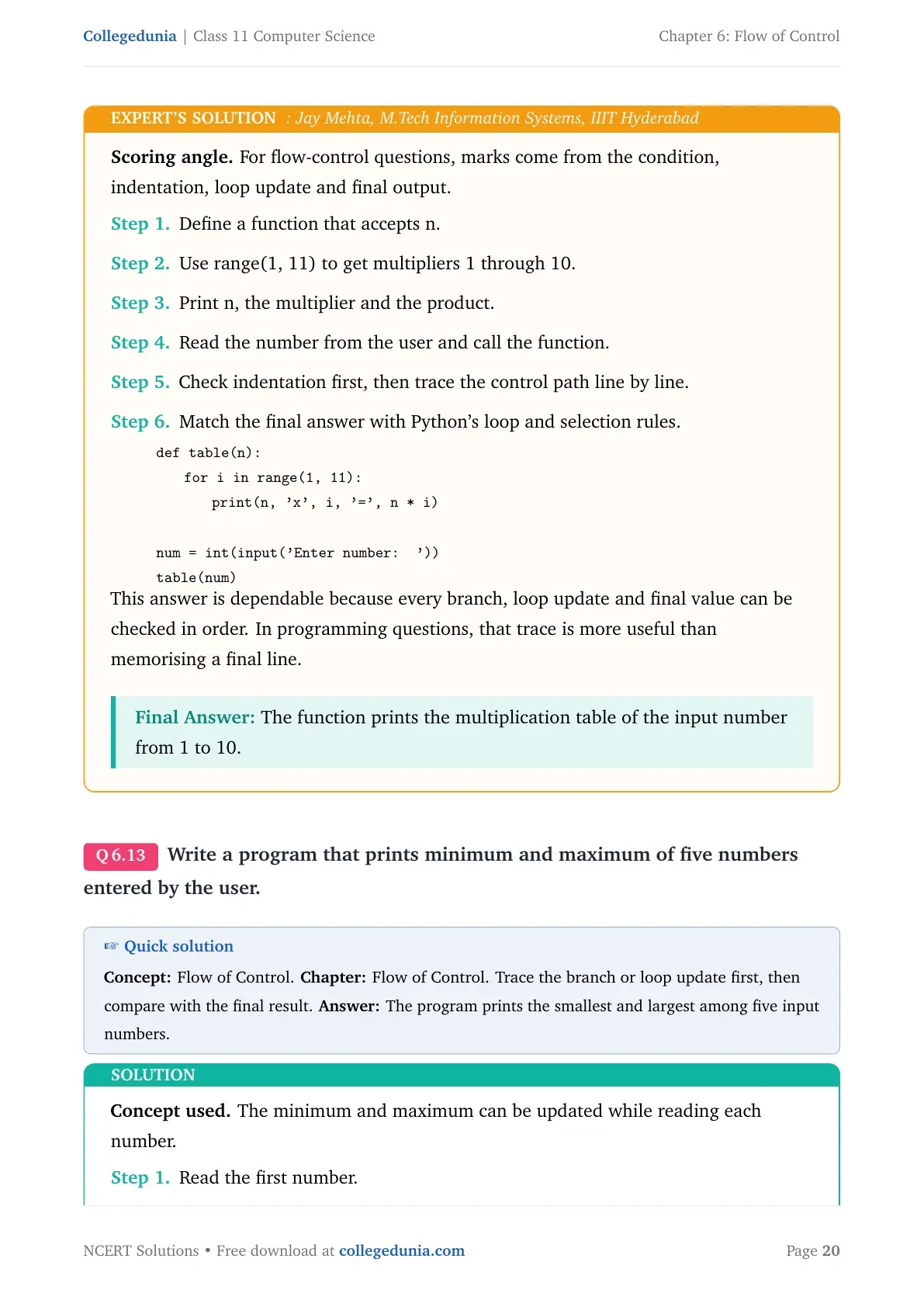
Q 6.13
Write a program that prints minimum and maximum of five numbers entered by the user.
Concept used. The minimum and maximum can be updated while reading each number.
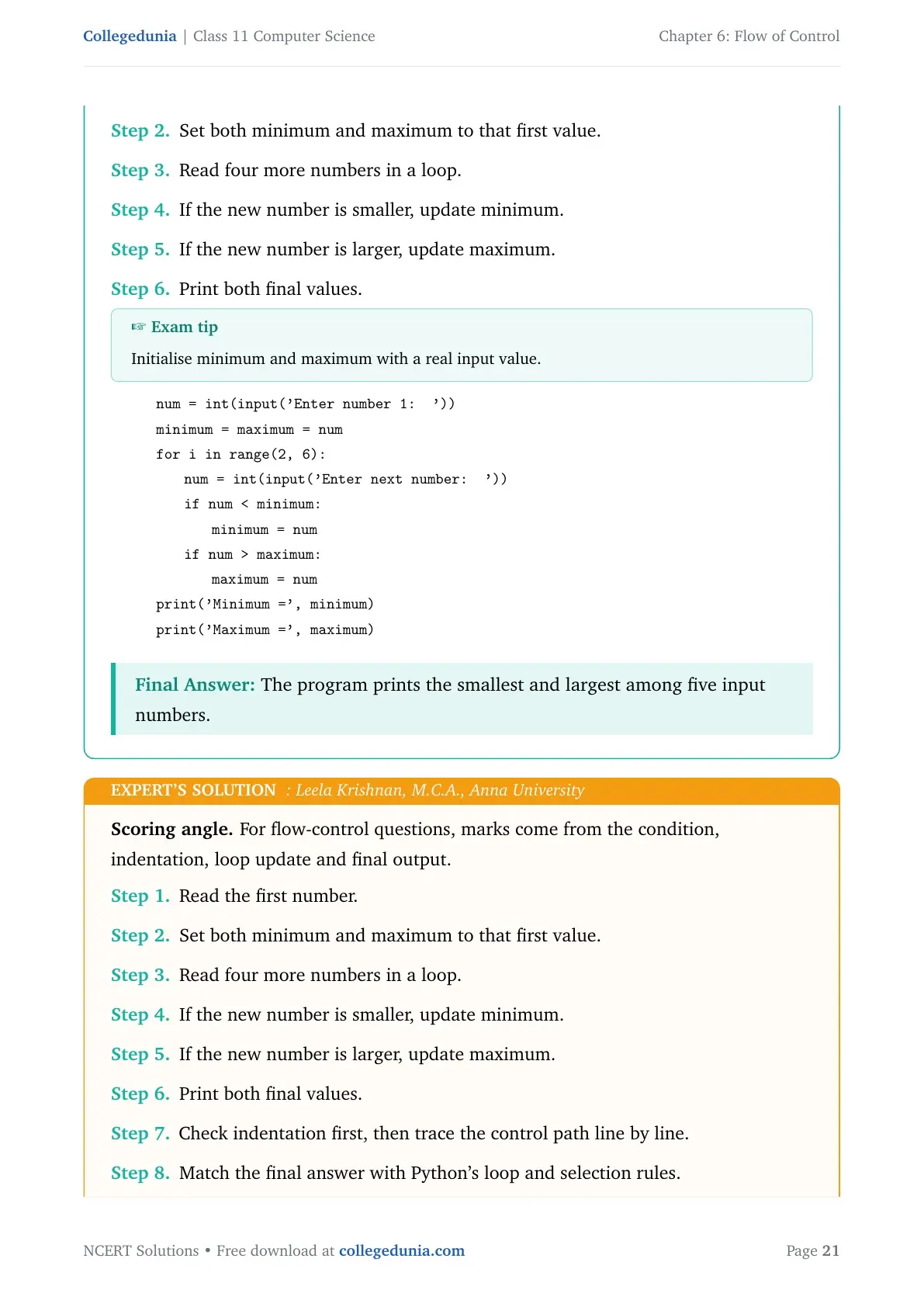
Read the first number.
Set both minimum and maximum to that first value.
Read four more numbers in a loop.
If the new number is smaller, update minimum.
If the new number is larger, update maximum.
Print both final values.
Exam tip
Initialise minimum and maximum with a real input value.
quote0pt
tabular@l@
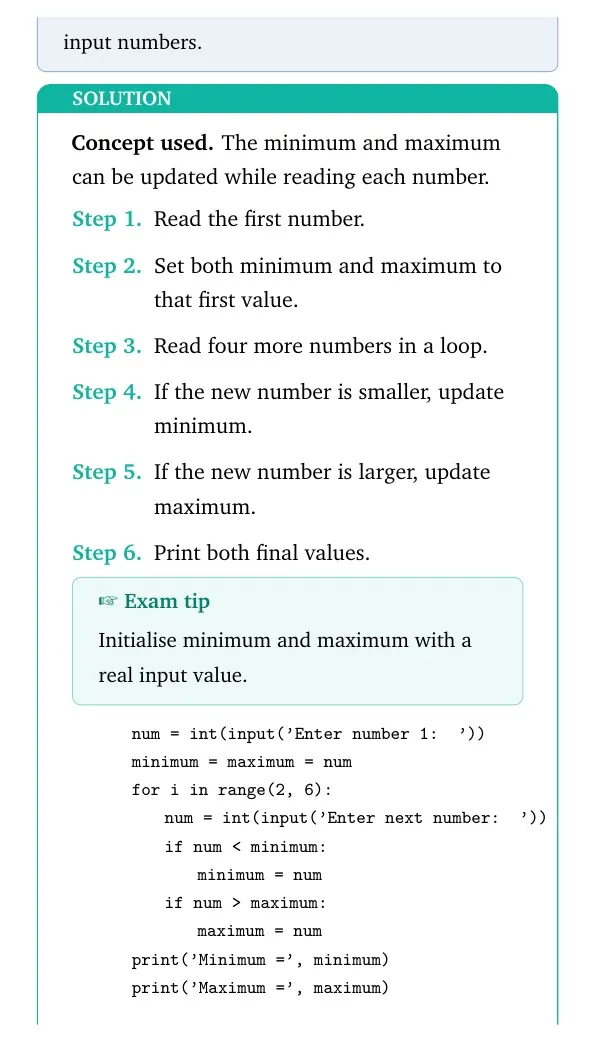
0.0emnum = int(input('Enter number 1: '))
0.0emminimum = maximum = num
0.0emfor i in range(2, 6):
1.8emnum = int(input('Enter next number: '))
1.8emif num < minimum:
3.6emminimum = num
1.8emif num > maximum:
3.6emmaximum = num
0.0emprint('Minimum=', minimum)
0.0emprint('Maximum=', maximum)
tabularquote
The program prints the smallest and largest among five input numbers.
LK
Leela Krishnan
M.C.A., Anna University
Verified Expert
Scoring angle. For flow-control questions, marks come from the condition, indentation, loop update and final output.
Read the first number.
Set both minimum and maximum to that first value.
Read four more numbers in a loop.
If the new number is smaller, update minimum.
If the new number is larger, update maximum.
Print both final values.
Check indentation first, then trace the control path line by line.
Match the final answer with Python's loop and selection rules.
quote0pt
tabular@l@
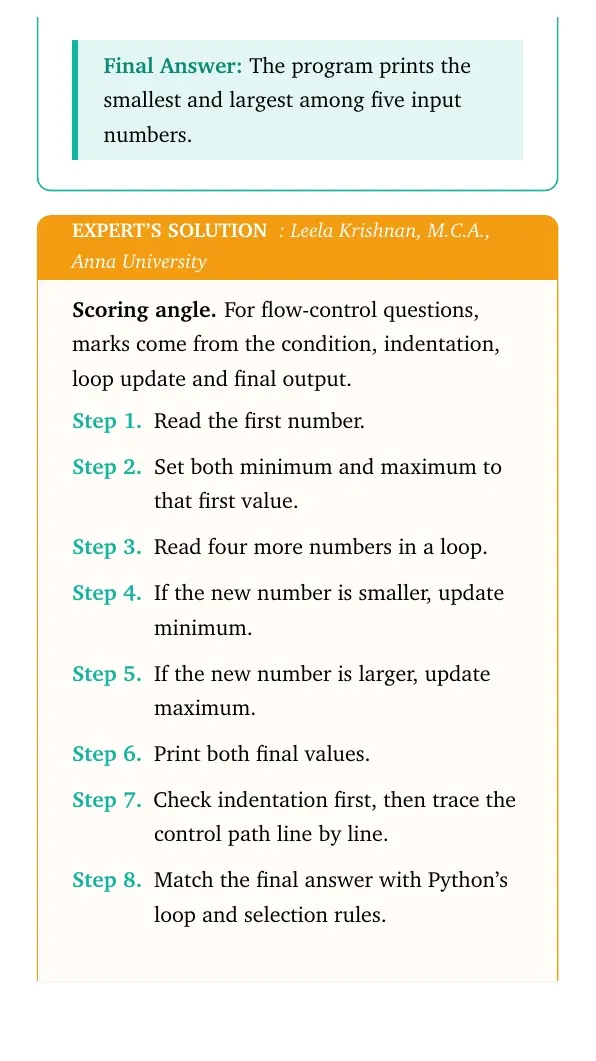
0.0emnum = int(input('Enter number 1: '))
0.0emminimum = maximum = num
0.0emfor i in range(2, 6):
1.8emnum = int(input('Enter next number: '))
1.8emif num < minimum:
3.6emminimum = num
1.8emif num > maximum:
3.6emmaximum = num
0.0emprint('Minimum=', minimum)
0.0emprint('Maximum=', maximum)
tabularquote
This answer is dependable because every branch, loop update and final value can be checked in order. In programming questions, that trace is more useful than memorising a final line.
The program prints the smallest and largest among five input numbers.
Q 6.14
Write a program to check if the year entered by the user is a leap year or not.
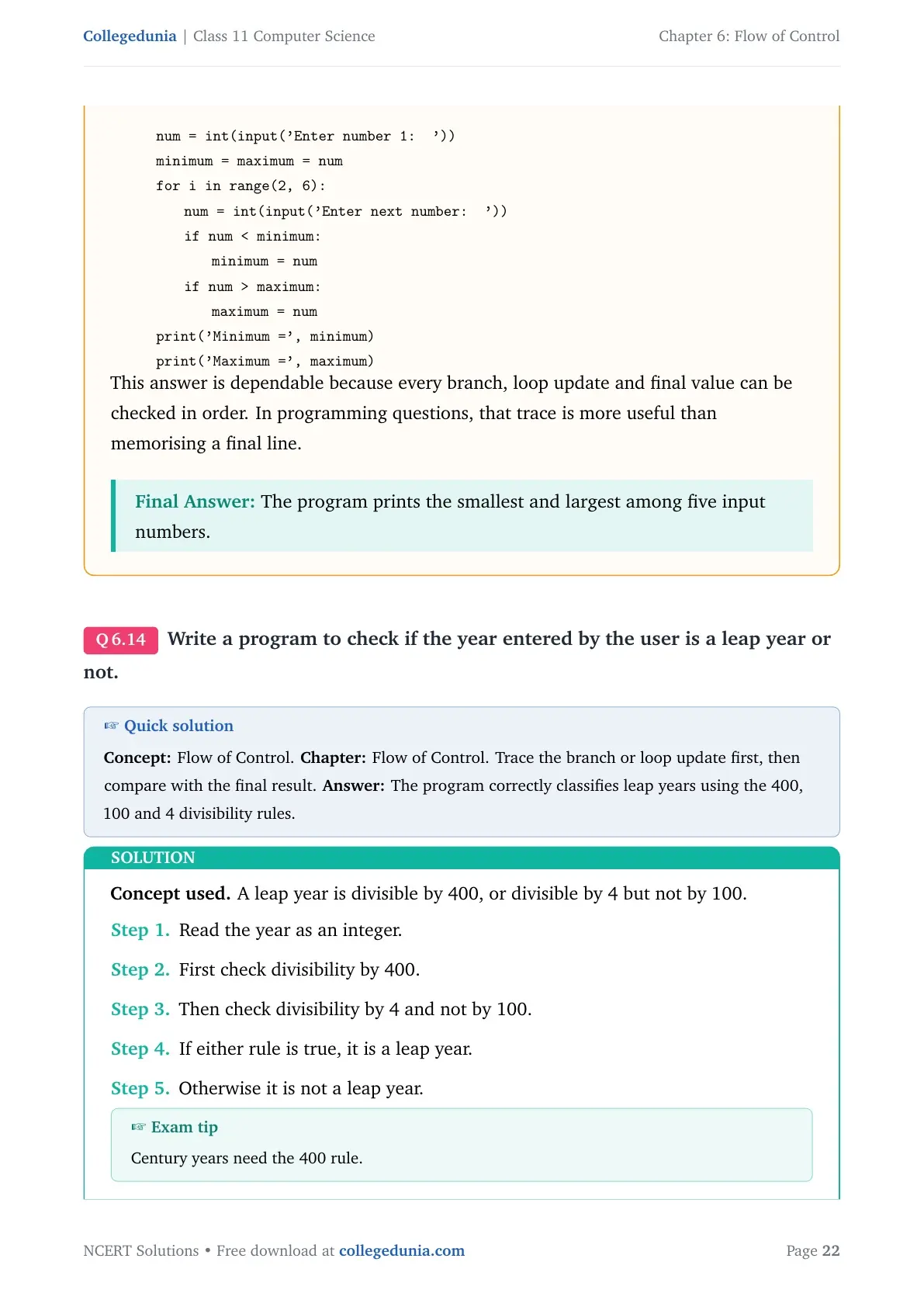
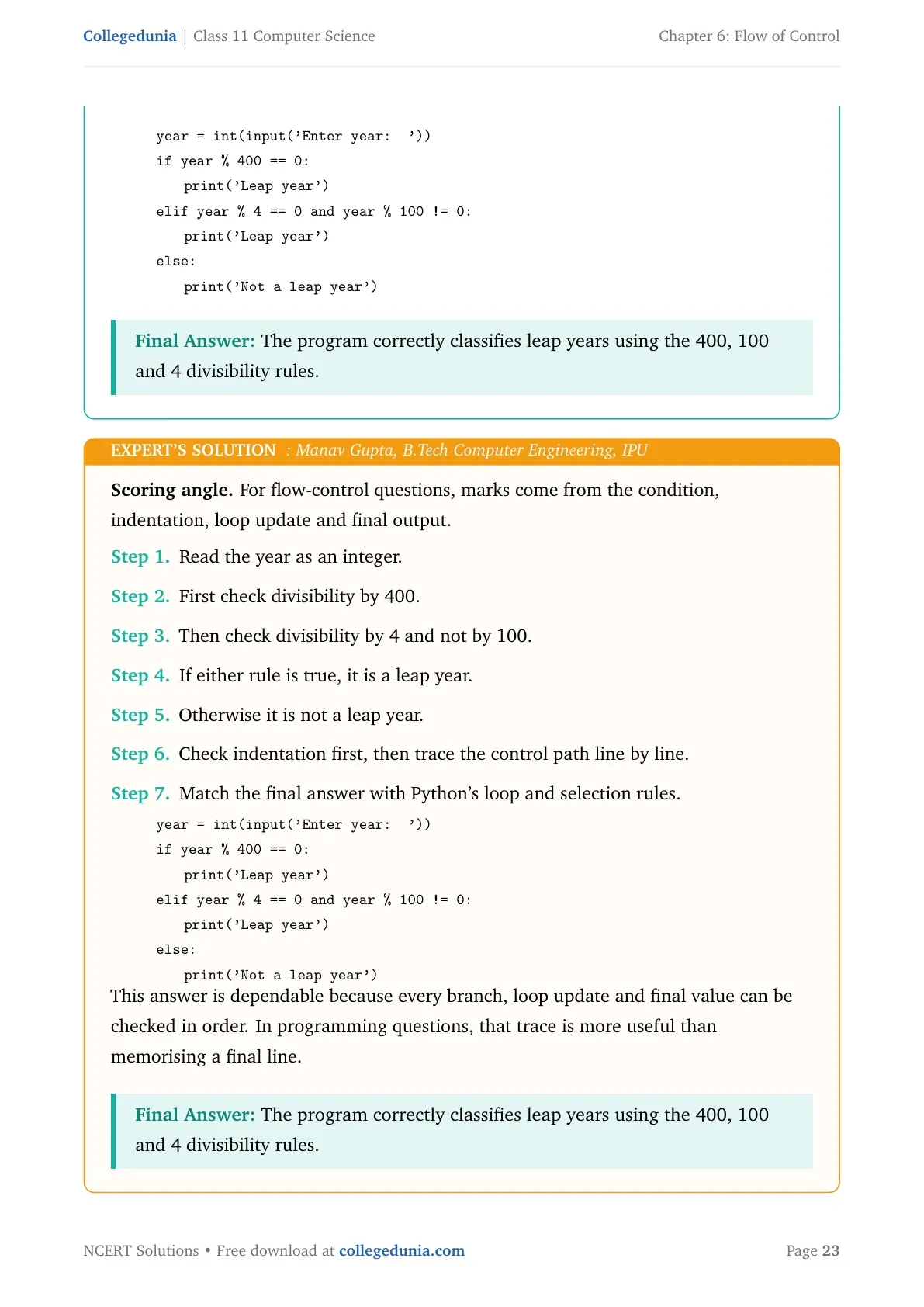
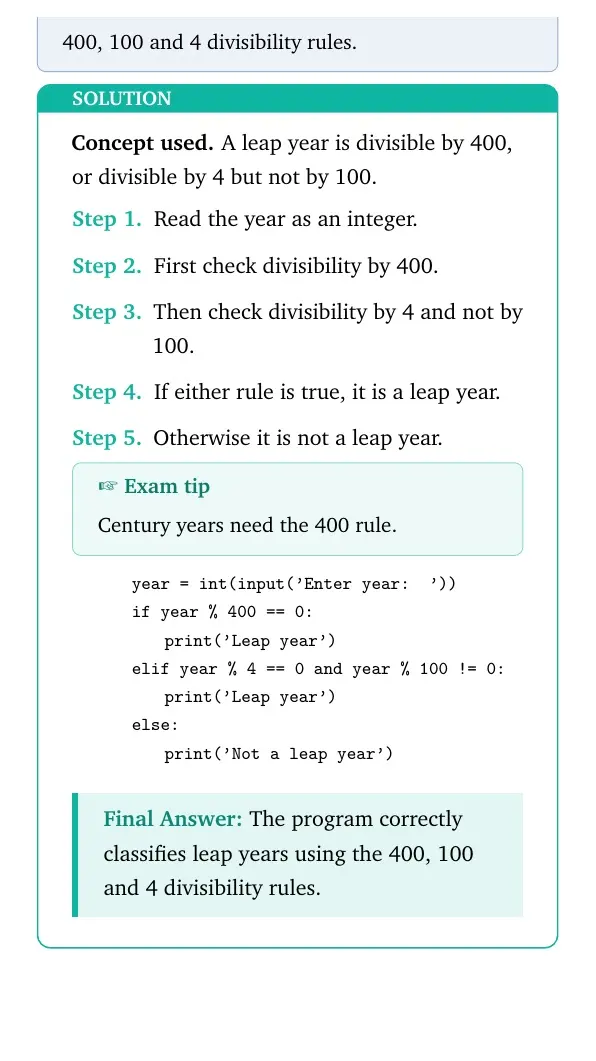
Concept used. A leap year is divisible by 400, or divisible by 4 but not by 100.
Read the year as an integer.
First check divisibility by 400.
Then check divisibility by 4 and not by 100.
If either rule is true, it is a leap year.
Otherwise it is not a leap year.
Exam tip
Century years need the 400 rule.
quote0pt
tabular@l@
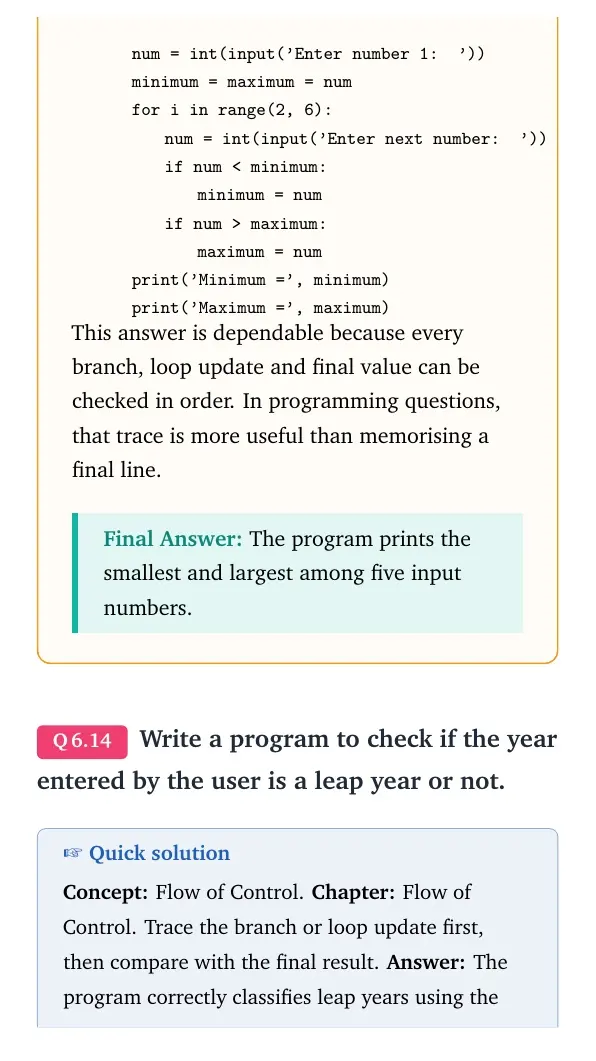
0.0emyear = int(input('Enter year: '))
0.0emif year % 400 == 0:
1.8emprint('Leap year')
0.0emelif year % 4 == 0 and year % 100 != 0:
1.8emprint('Leap year')
0.0emelse:
1.8emprint('Not a leap year')
tabularquote
The program correctly classifies leap years using the 400, 100 and 4 divisibility rules.
MG
Manav Gupta
B.Tech Computer Engineering, IPU
Verified Expert
Scoring angle. For flow-control questions, marks come from the condition, indentation, loop update and final output.
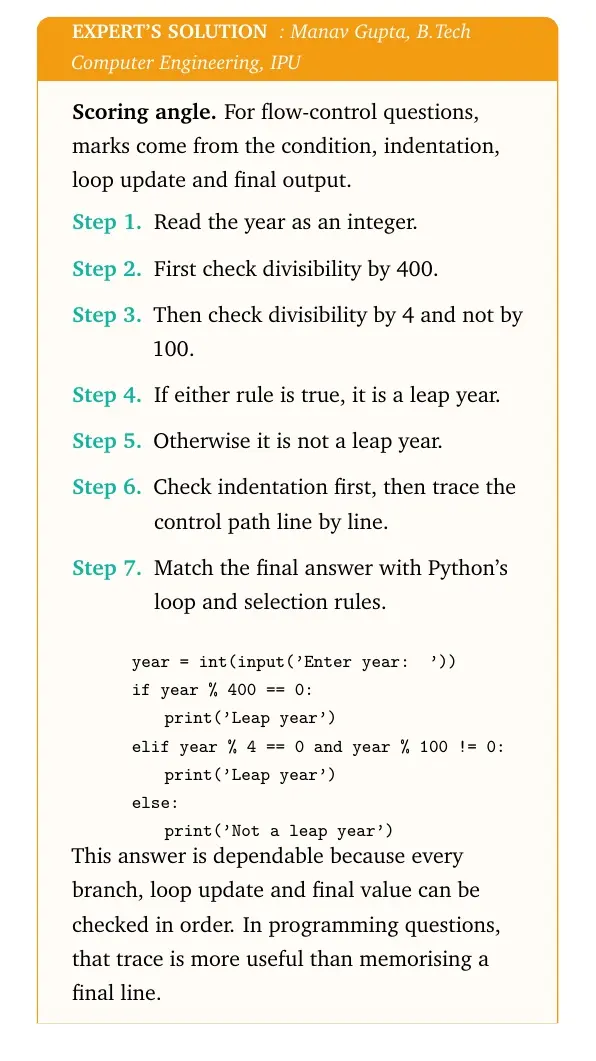
Read the year as an integer.
First check divisibility by 400.
Then check divisibility by 4 and not by 100.
If either rule is true, it is a leap year.
Otherwise it is not a leap year.
Check indentation first, then trace the control path line by line.
Match the final answer with Python's loop and selection rules.
quote0pt
tabular@l@
0.0emyear = int(input('Enter year: '))
0.0emif year % 400 == 0:
1.8emprint('Leap year')
0.0emelif year % 4 == 0 and year % 100 != 0:
1.8emprint('Leap year')
0.0emelse:
1.8emprint('Not a leap year')
tabularquote
This answer is dependable because every branch, loop update and final value can be checked in order. In programming questions, that trace is more useful than memorising a final line.
The program correctly classifies leap years using the 400, 100 and 4 divisibility rules.
Q 6.15
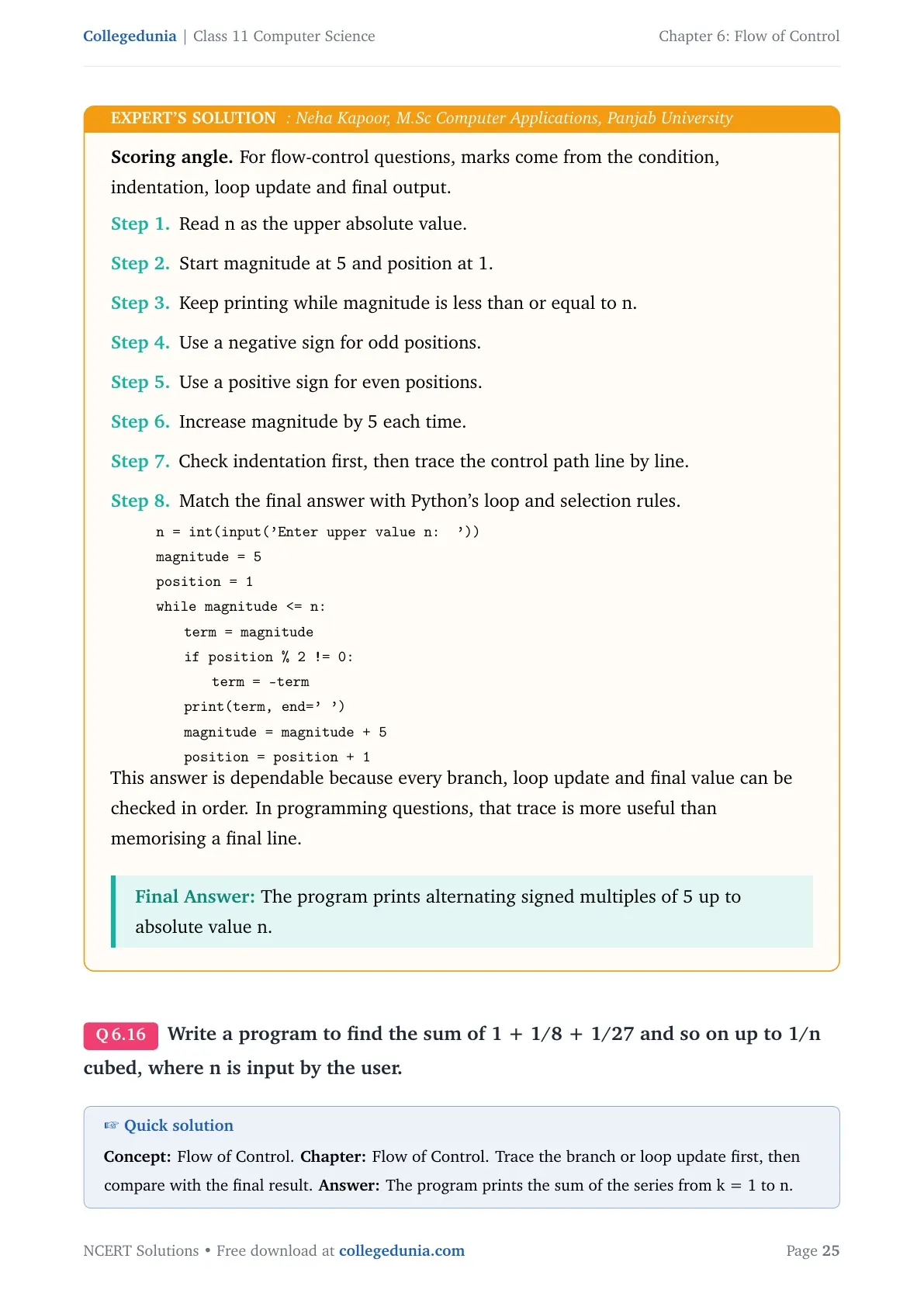
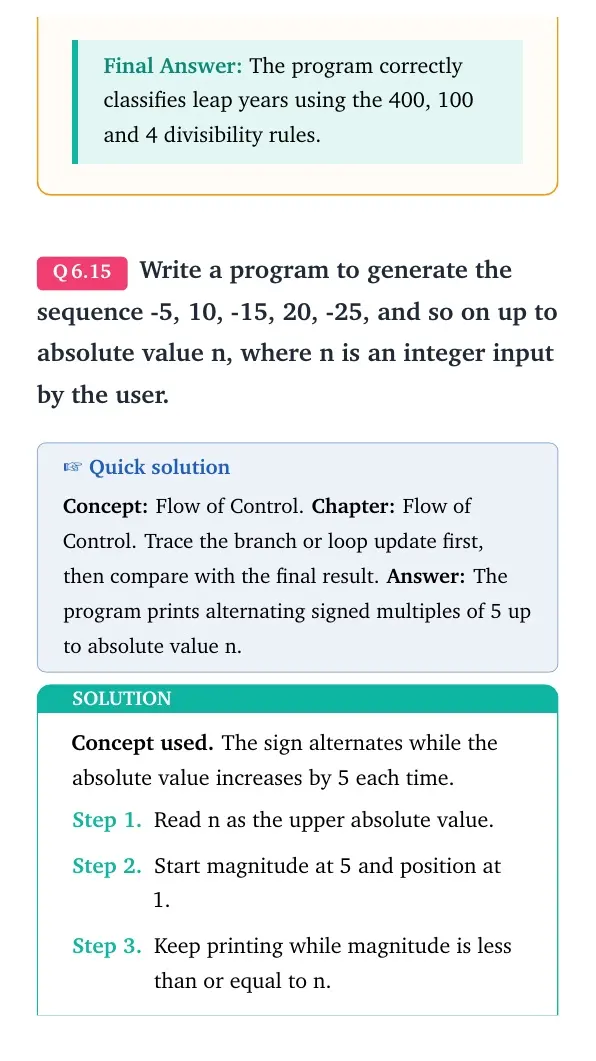
Write a program to generate the sequence -5, 10, -15, 20, -25, and so on up to absolute value n, where n is an integer input by the user.
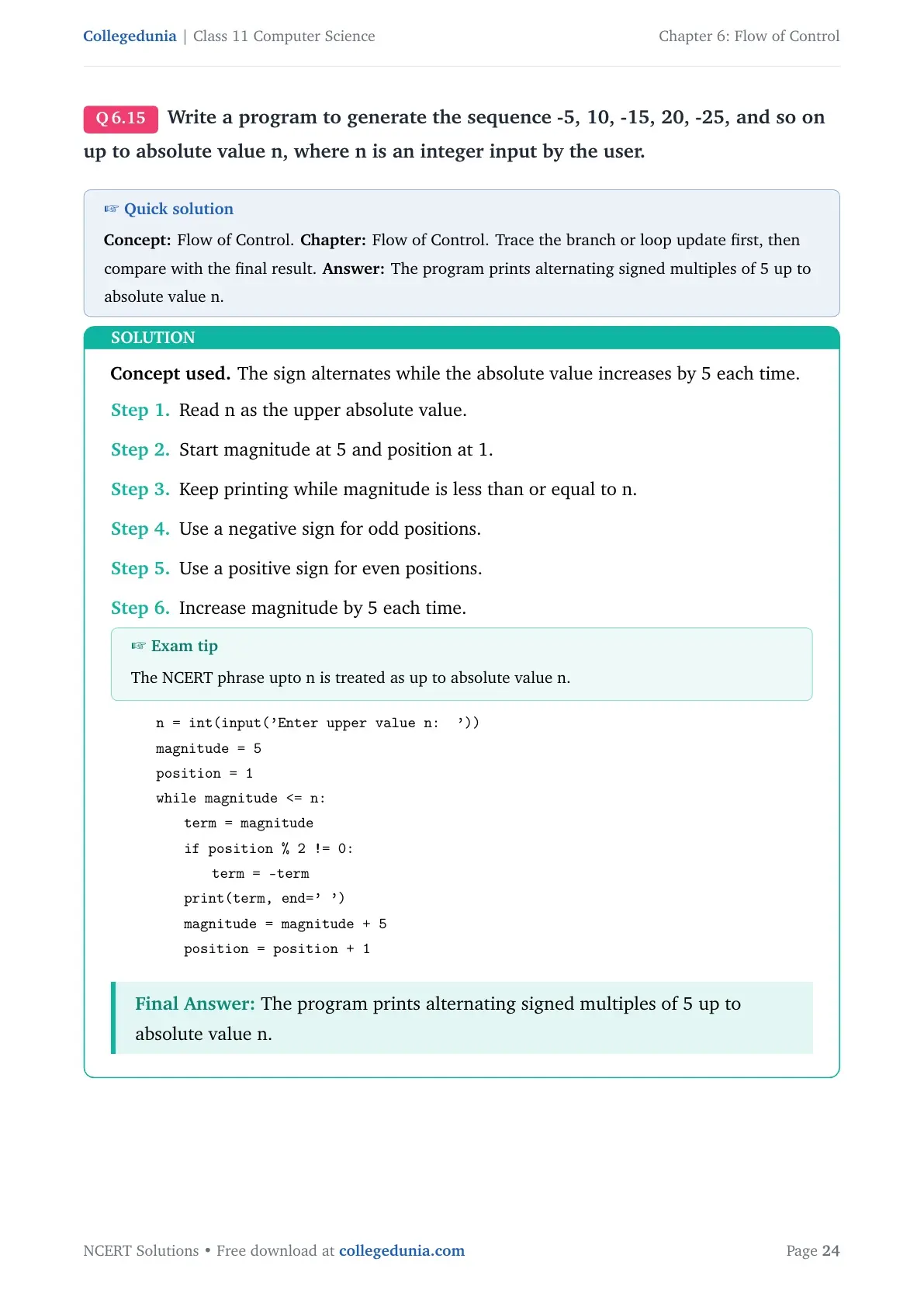
Concept used. The sign alternates while the absolute value increases by 5 each time.
Read n as the upper absolute value.
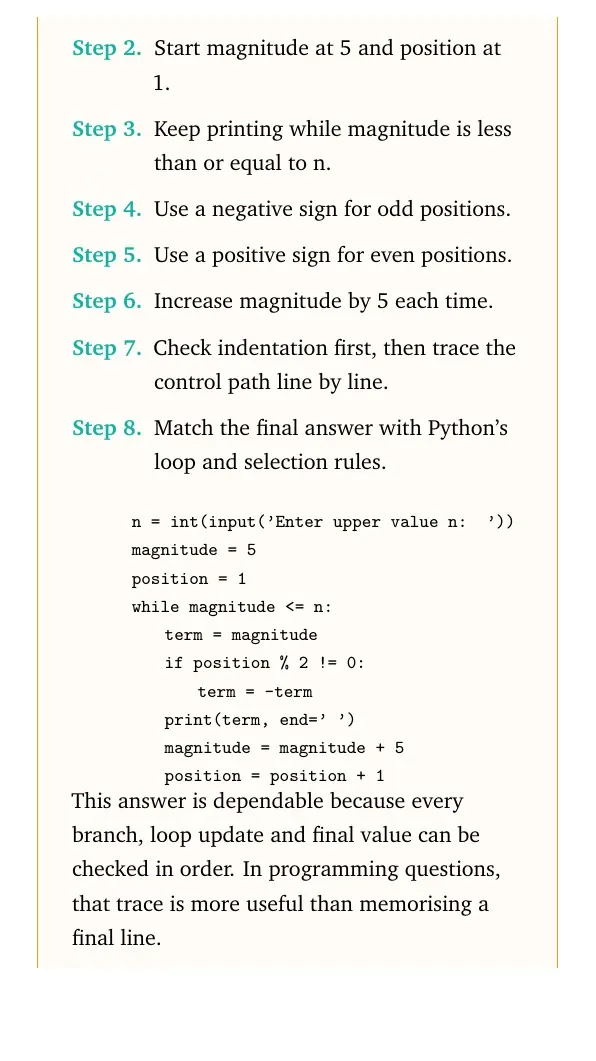
Start magnitude at 5 and position at 1.
Keep printing while magnitude is less than or equal to n.
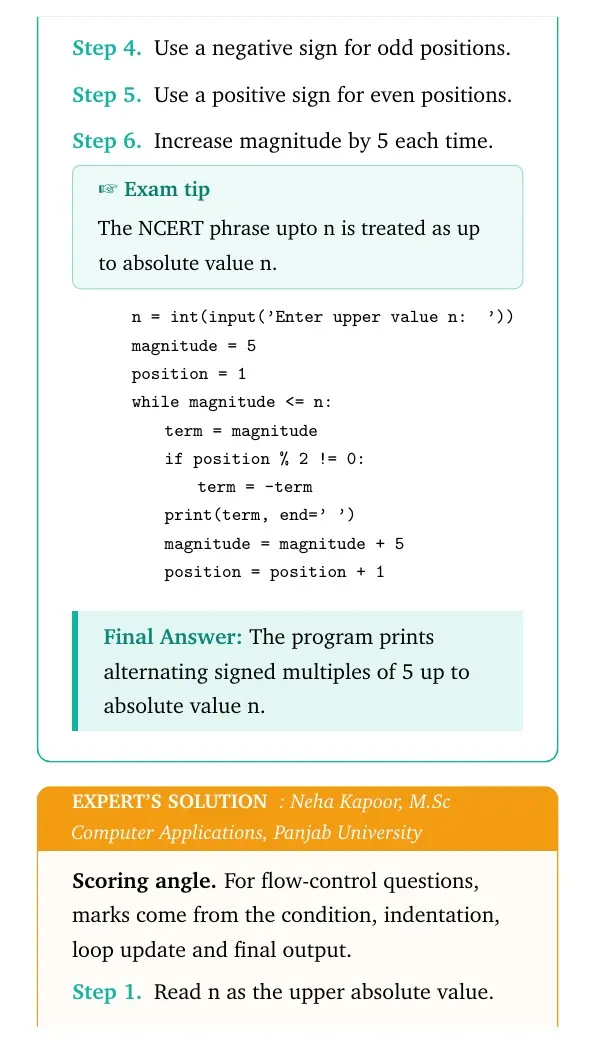
Use a negative sign for odd positions.
Use a positive sign for even positions.
Increase magnitude by 5 each time.
Exam tip
The NCERT phrase upto n is treated as up to absolute value n.
This answer is dependable because every branch, loop update and final value can be checked in order. In programming questions, that trace is more useful than memorising a final line.
The program prints alternating signed multiples of 5 up to absolute value n.
Q 6.16
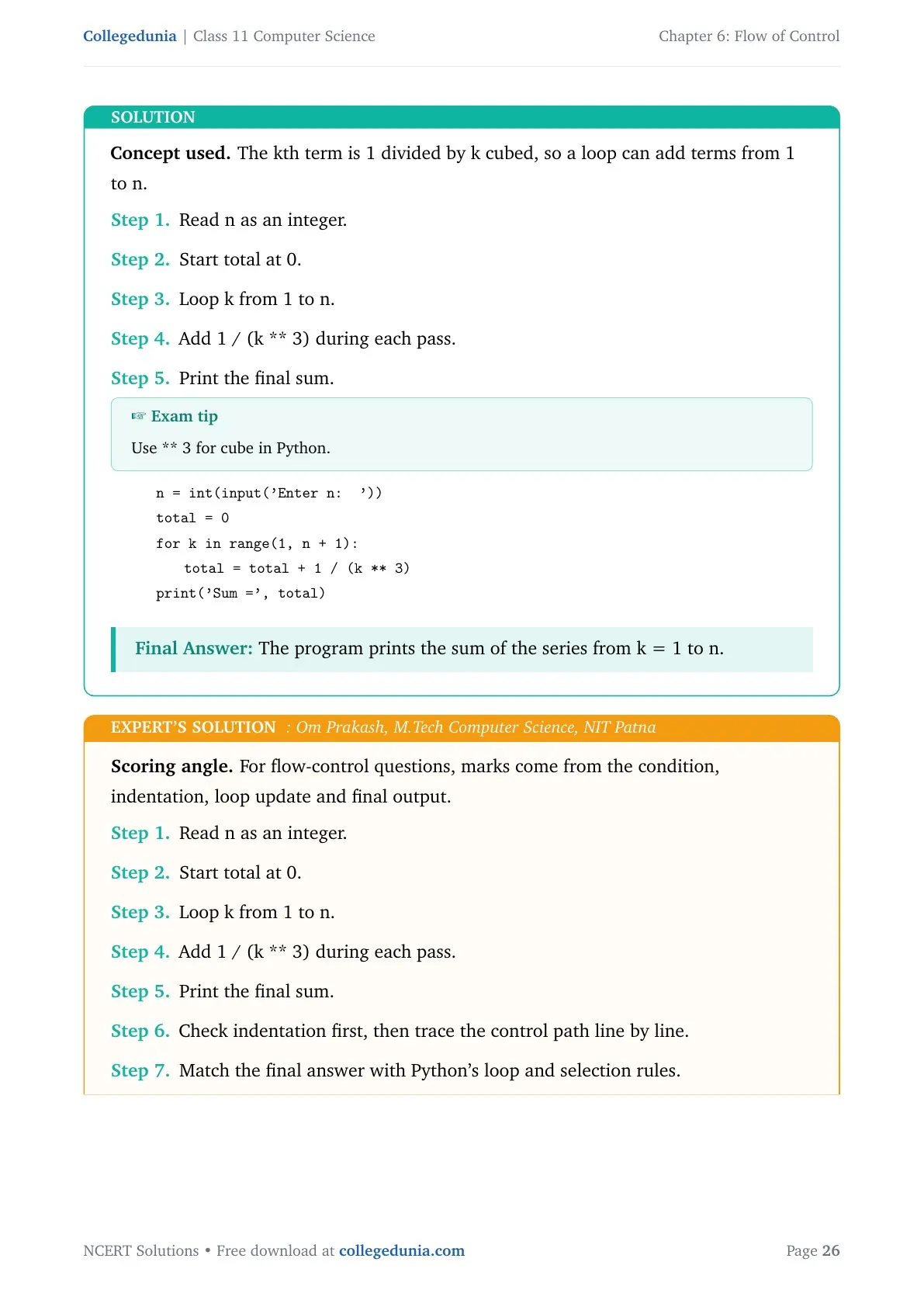
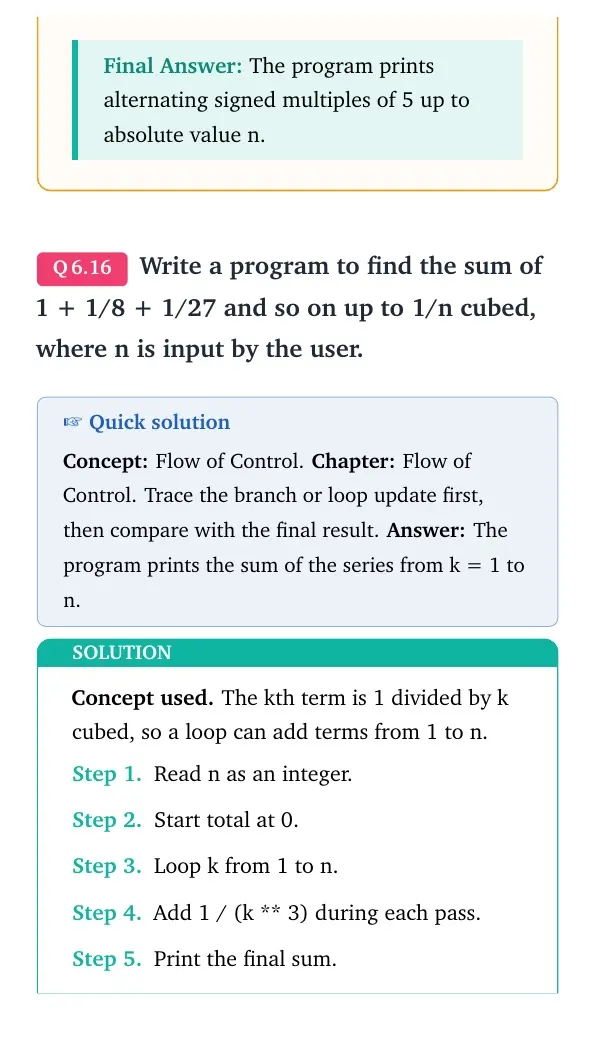
Write a program to find the sum of 1 + 1/8 + 1/27 and so on up to 1/n cubed, where n is input by the user.
Concept used. The kth term is 1 divided by k cubed, so a loop can add terms from 1 to n.
Read n as an integer.
Start total at 0.
Loop k from 1 to n.
Add 1 / (k ** 3) during each pass.
Print the final sum.
Exam tip
Use ** 3 for cube in Python.
quote0pt
tabular@l@
0.0emn = int(input('Enter n: '))
0.0emtotal = 0
0.0emfor k in range(1, n + 1):
1.8emtotal = total + 1 / (k ** 3)
0.0emprint('Sum=', total)
tabularquote
The program prints the sum of the series from k = 1 to n.
OP
Om Prakash
M.Tech Computer Science, NIT Patna
Verified Expert
Scoring angle. For flow-control questions, marks come from the condition, indentation, loop update and final output.
Read n as an integer.
Start total at 0.
Loop k from 1 to n.
Add 1 / (k ** 3) during each pass.
Print the final sum.
Check indentation first, then trace the control path line by line.
Match the final answer with Python's loop and selection rules.
quote0pt
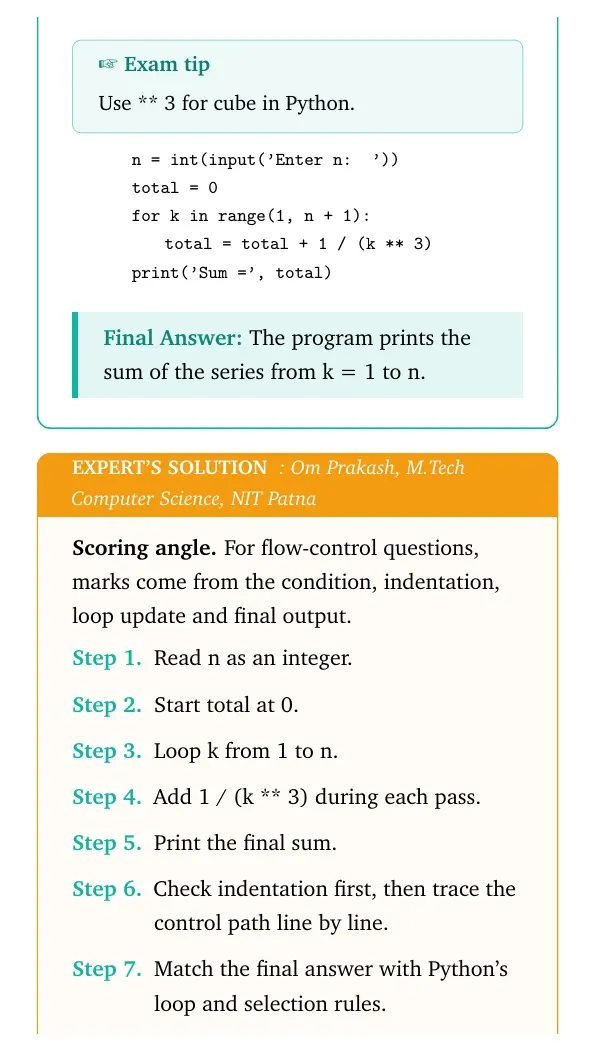
tabular@l@
0.0emn = int(input('Enter n: '))
0.0emtotal = 0
0.0emfor k in range(1, n + 1):
1.8emtotal = total + 1 / (k ** 3)
0.0emprint('Sum=', total)
tabularquote
This answer is dependable because every branch, loop update and final value can be checked in order. In programming questions, that trace is more useful than memorising a final line.
The program prints the sum of the series from k = 1 to n.
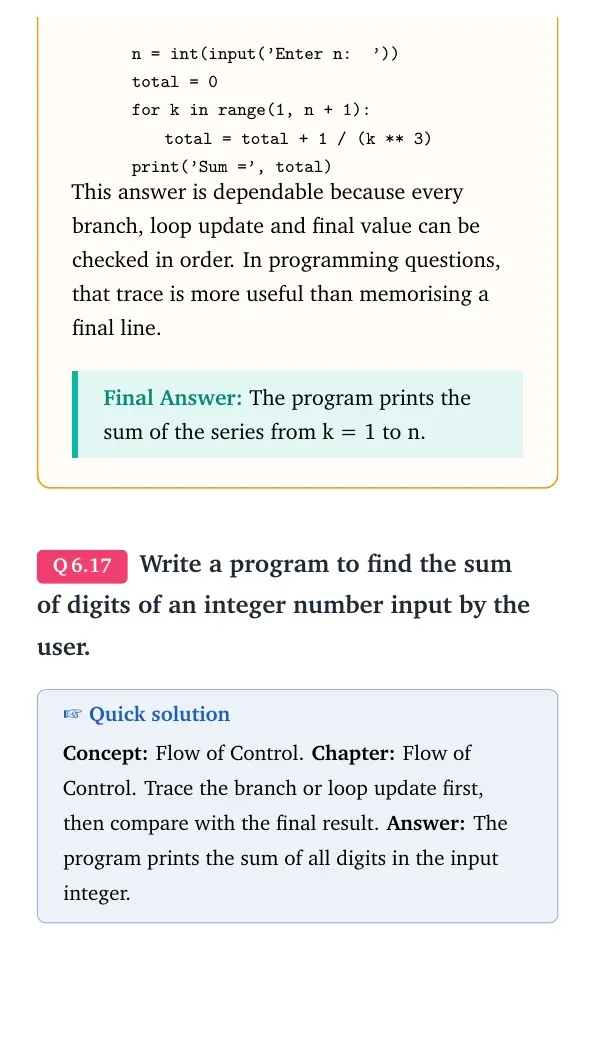
Q 6.17
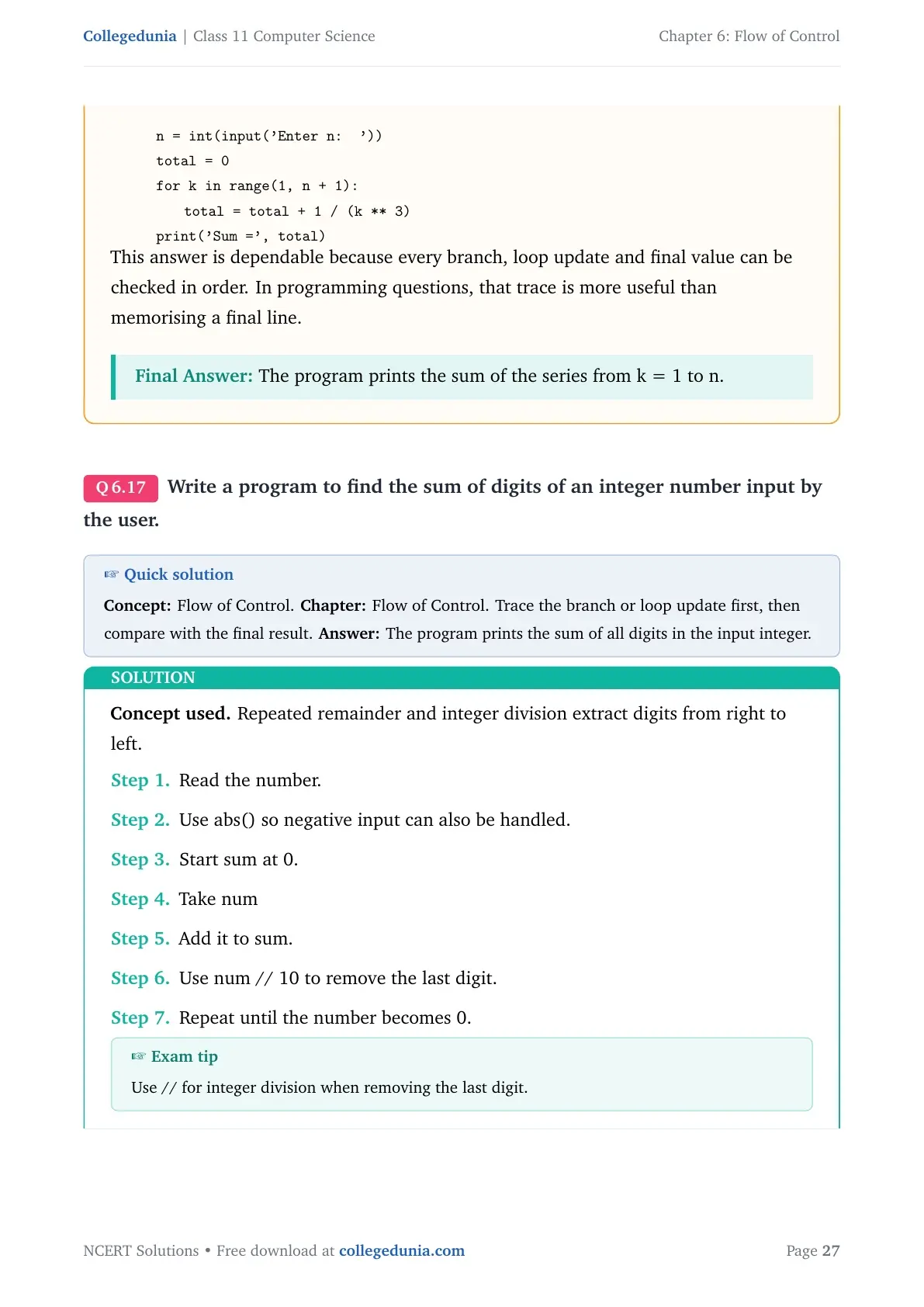
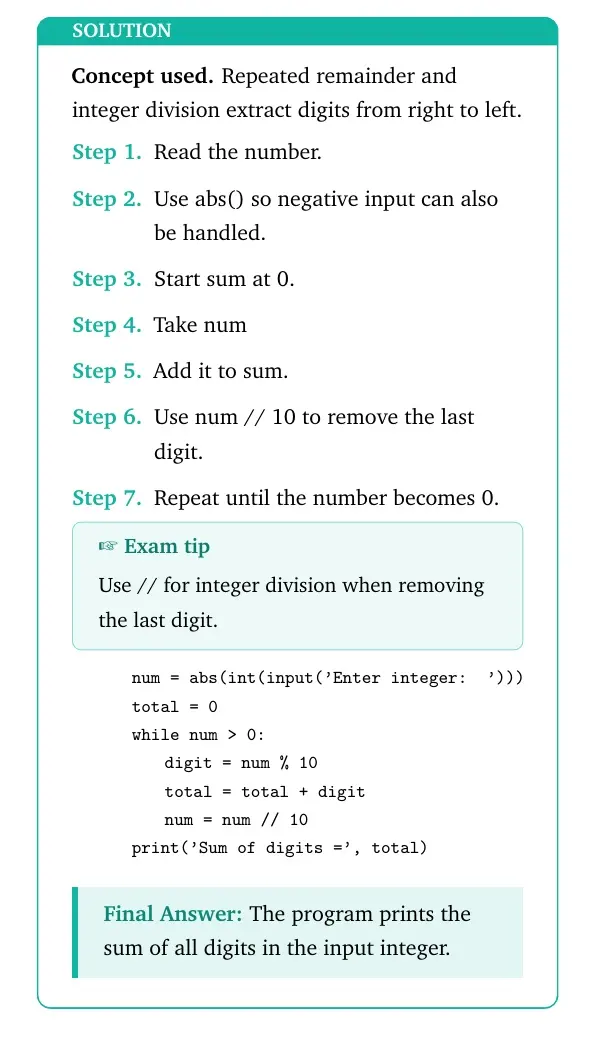
Write a program to find the sum of digits of an integer number input by the user.
Concept used. Repeated remainder and integer division extract digits from right to left.
Read the number.
Use abs() so negative input can also be handled.
Start sum at 0.
Take num % 10 to get the last digit.
Add it to sum.
Use num // 10 to remove the last digit.
Repeat until the number becomes 0.
Exam tip
Use // for integer division when removing the last digit.
quote0pt
tabular@l@
0.0emnum = abs(int(input('Enter integer: ')))
0.0emtotal = 0
0.0emwhile num > 0:
1.8emdigit = num % 10
1.8emtotal = total + digit
1.8emnum = num // 10
0.0emprint('Sum of digits=', total)
tabularquote
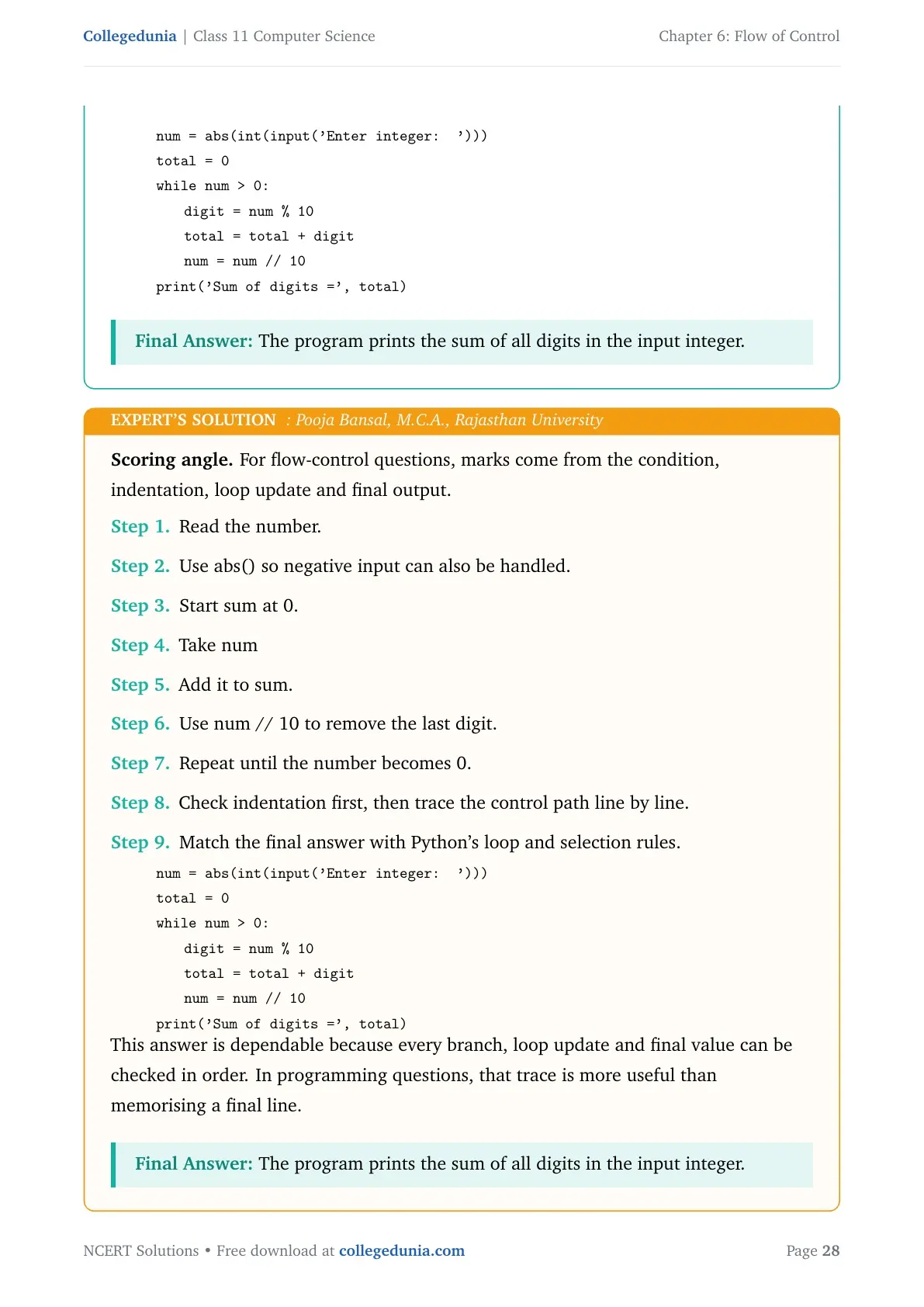
The program prints the sum of all digits in the input integer.
PB
Pooja Bansal
M.C.A., Rajasthan University
Verified Expert
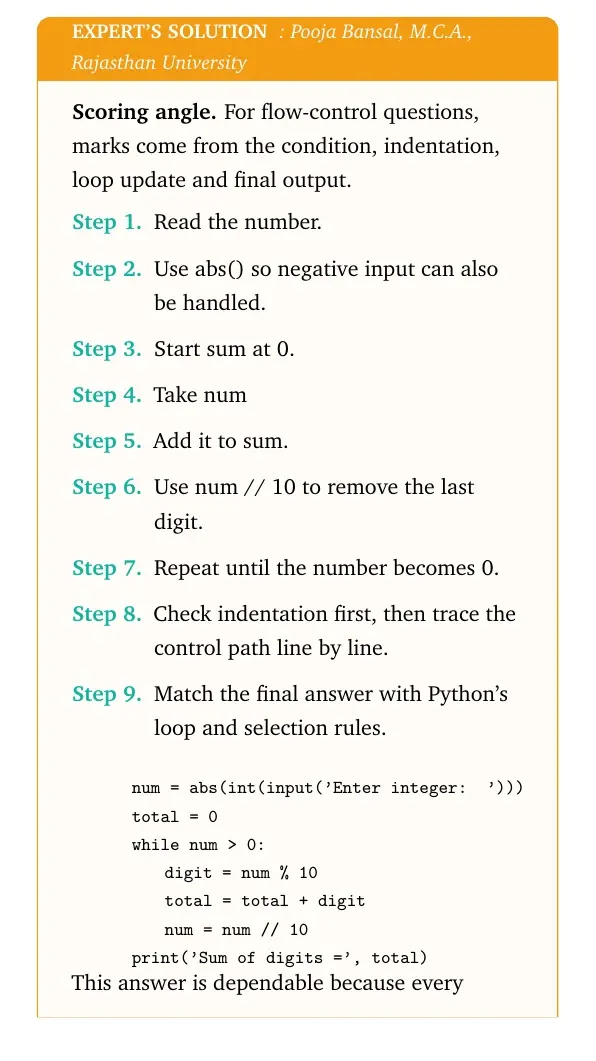
Scoring angle. For flow-control questions, marks come from the condition, indentation, loop update and final output.
Read the number.
Use abs() so negative input can also be handled.
Start sum at 0.
Take num % 10 to get the last digit.
Add it to sum.
Use num // 10 to remove the last digit.
Repeat until the number becomes 0.
Check indentation first, then trace the control path line by line.
Match the final answer with Python's loop and selection rules.
quote0pt
tabular@l@
0.0emnum = abs(int(input('Enter integer: ')))
0.0emtotal = 0
0.0emwhile num > 0:
1.8emdigit = num % 10
1.8emtotal = total + digit
1.8emnum = num // 10
0.0emprint('Sum of digits=', total)
tabularquote
This answer is dependable because every branch, loop update and final value can be checked in order. In programming questions, that trace is more useful than memorising a final line.
The program prints the sum of all digits in the input integer.
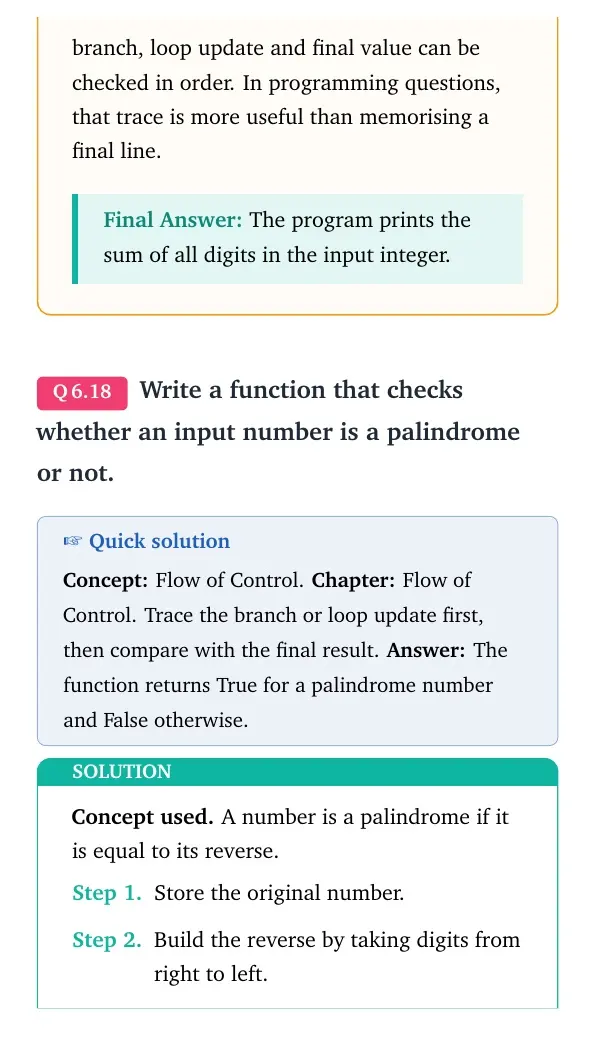
Q 6.18
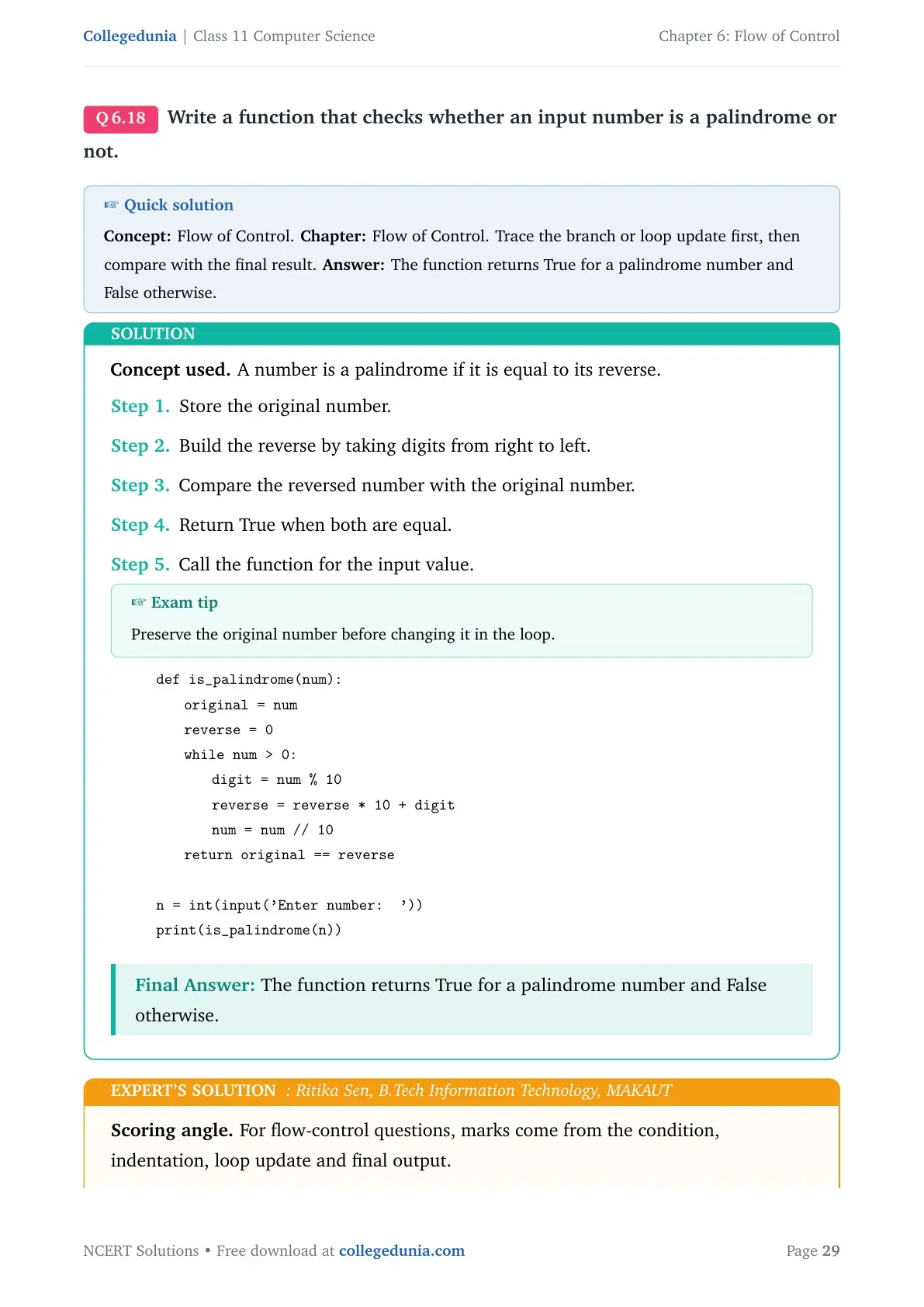
Write a function that checks whether an input number is a palindrome or not.
Concept used. A number is a palindrome if it is equal to its reverse.
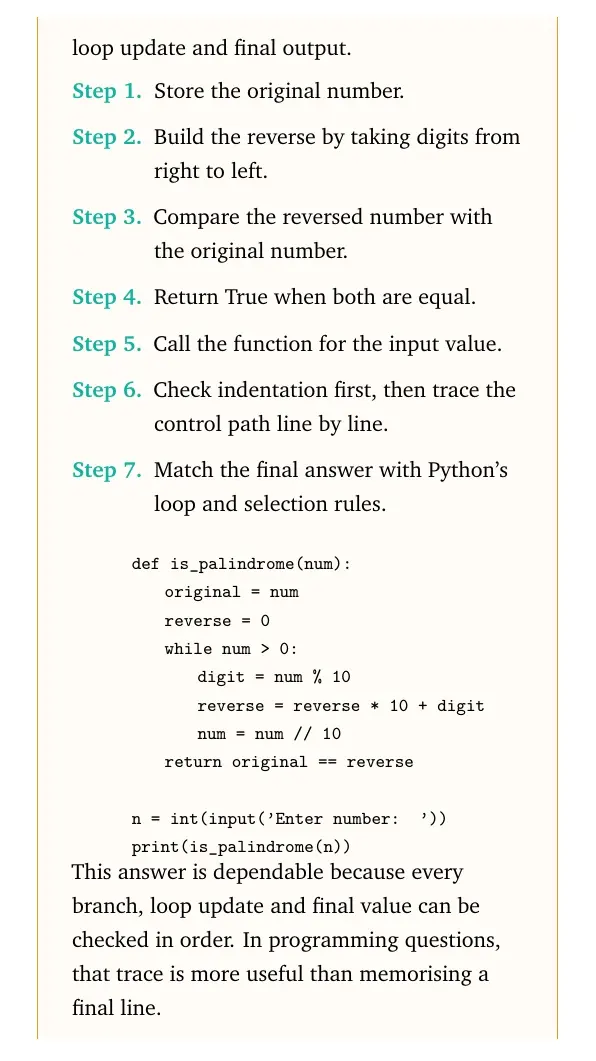
Store the original number.
Build the reverse by taking digits from right to left.
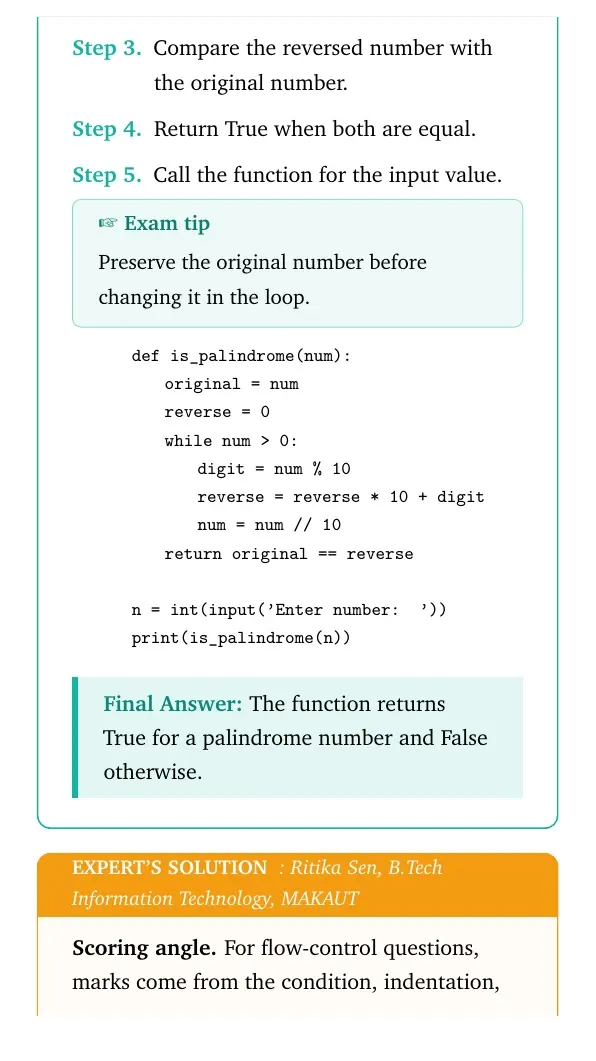
Compare the reversed number with the original number.
Return True when both are equal.
Call the function for the input value.
Exam tip
Preserve the original number before changing it in the loop.
quote0pt
tabular@l@
0.0emdef is_palindrome(num):
1.8emoriginal = num
1.8emreverse = 0
1.8emwhile num > 0:
3.6emdigit = num % 10
3.6emreverse = reverse * 10 + digit
3.6emnum = num // 10
1.8emreturn original == reverse
0.0em
0.0emn = int(input('Enter number: '))
0.0emprint(is_palindrome(n))
tabularquote
The function returns True for a palindrome number and False otherwise.
RS
Ritika Sen
B.Tech Information Technology, MAKAUT
Verified Expert
Scoring angle. For flow-control questions, marks come from the condition, indentation, loop update and final output.
Store the original number.
Build the reverse by taking digits from right to left.
Compare the reversed number with the original number.
Return True when both are equal.
Call the function for the input value.
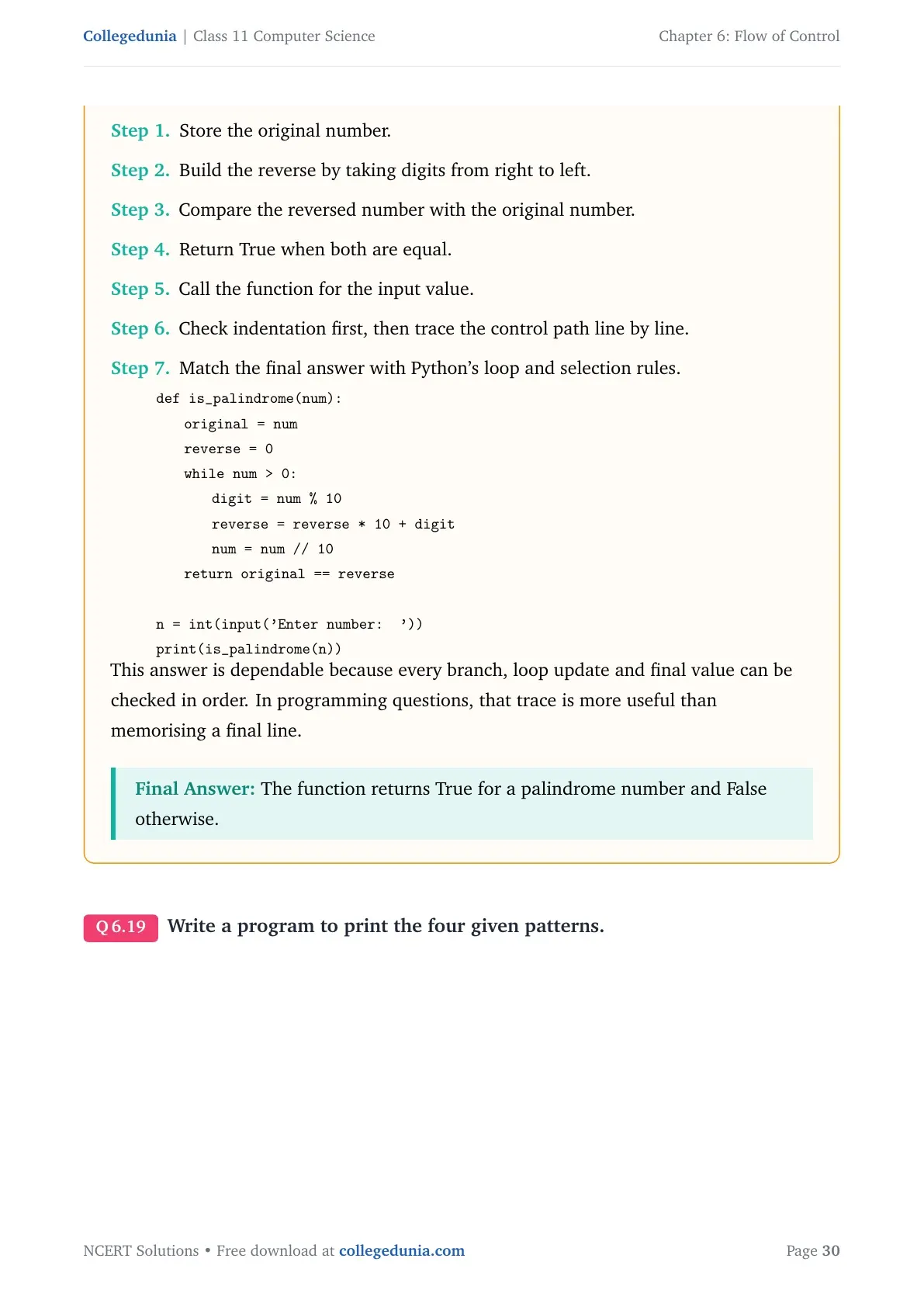
Check indentation first, then trace the control path line by line.
Match the final answer with Python's loop and selection rules.
quote0pt
tabular@l@
0.0emdef is_palindrome(num):
1.8emoriginal = num
1.8emreverse = 0
1.8emwhile num > 0:
3.6emdigit = num % 10
3.6emreverse = reverse * 10 + digit
3.6emnum = num // 10
1.8emreturn original == reverse
0.0em
0.0emn = int(input('Enter number: '))
0.0emprint(is_palindrome(n))
tabularquote
This answer is dependable because every branch, loop update and final value can be checked in order. In programming questions, that trace is more useful than memorising a final line.
The function returns True for a palindrome number and False otherwise.
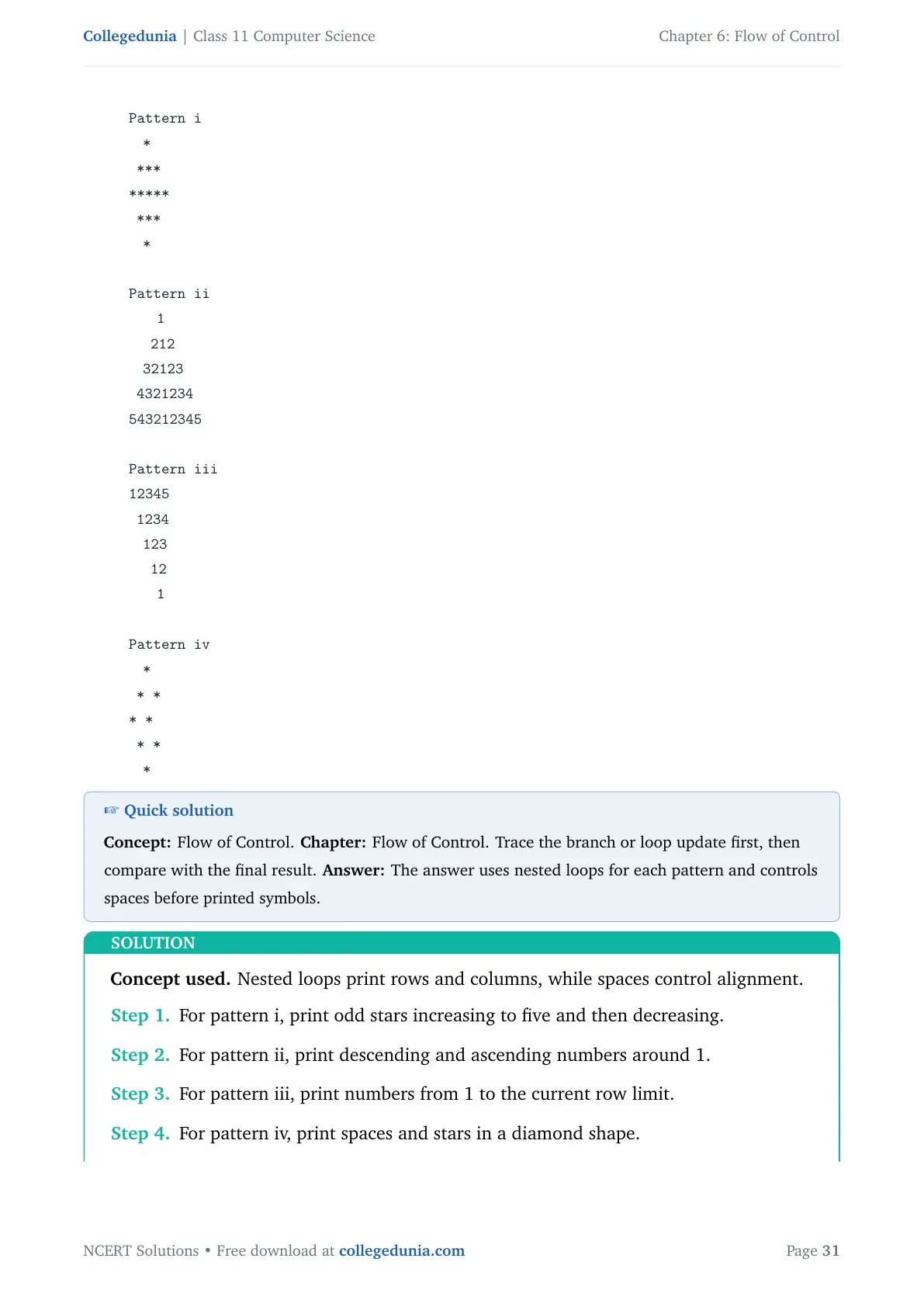
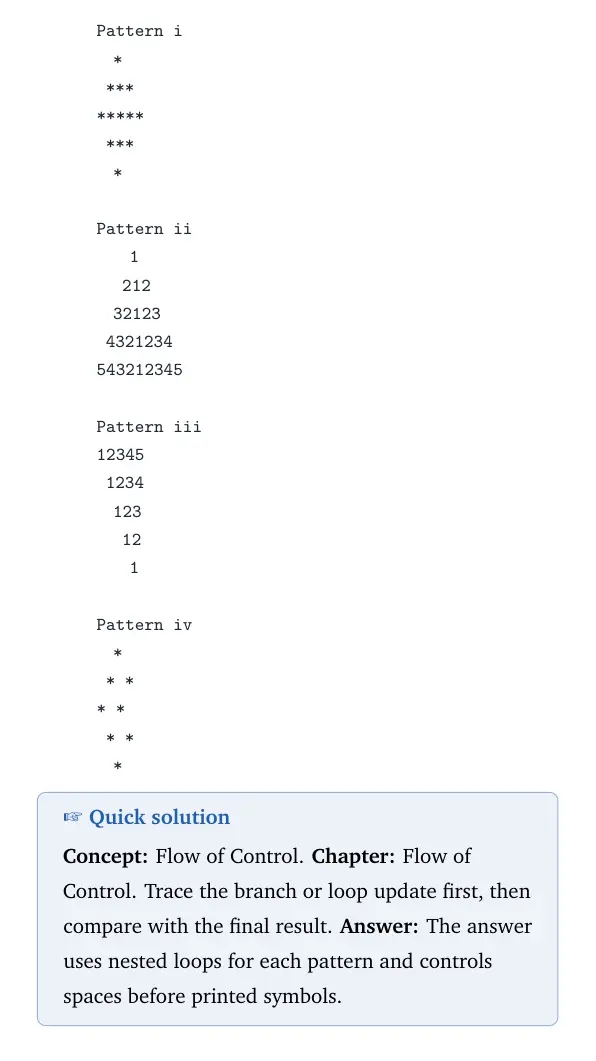
Q 6.19
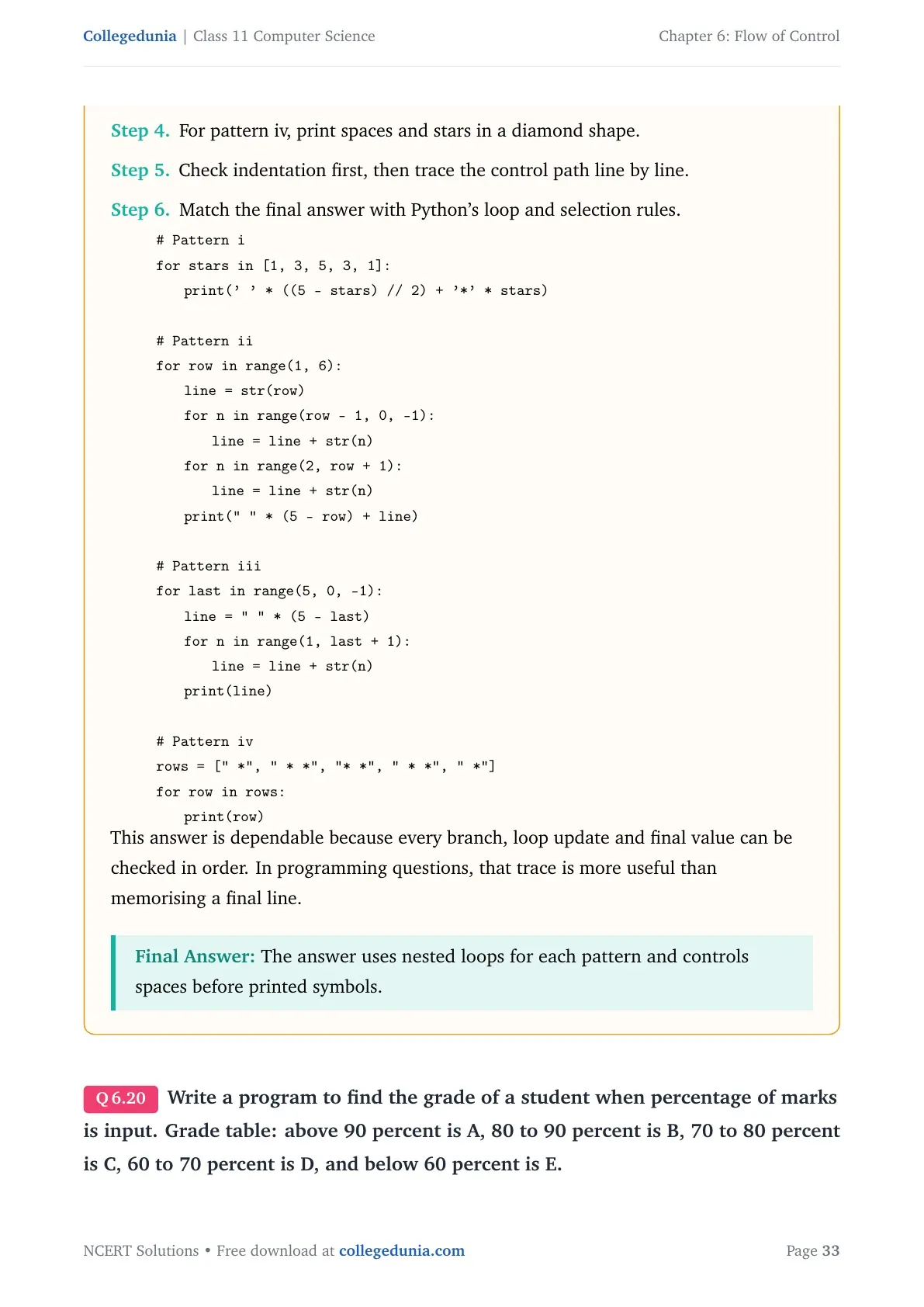
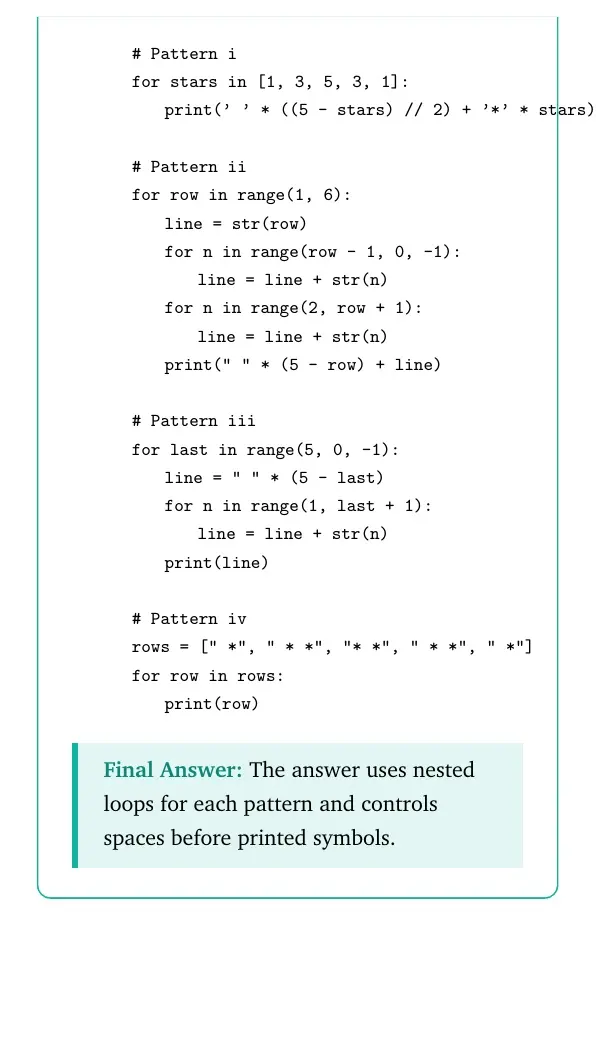
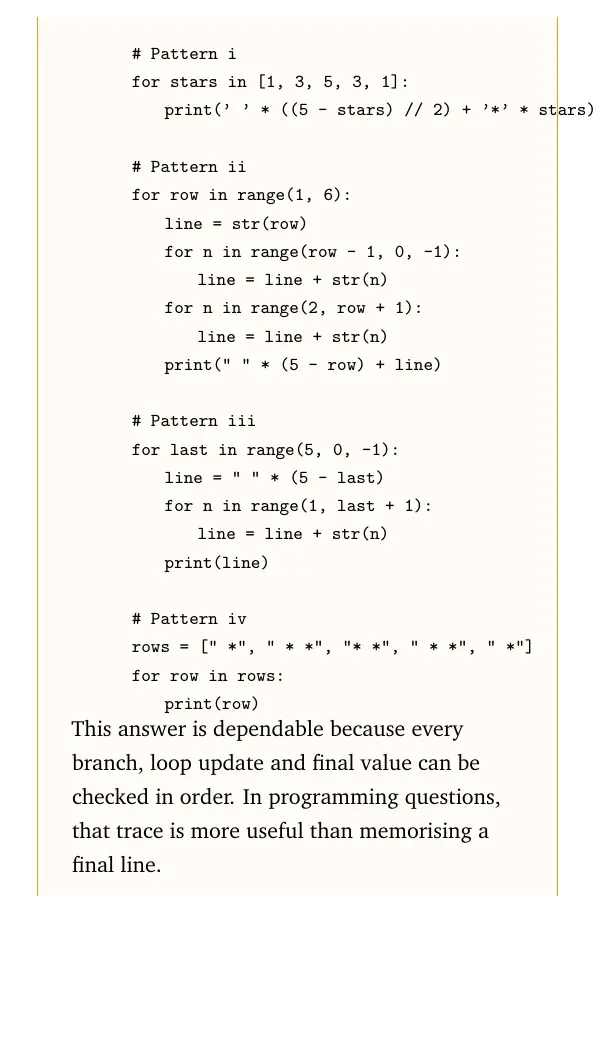
Write a program to print the four given patterns.
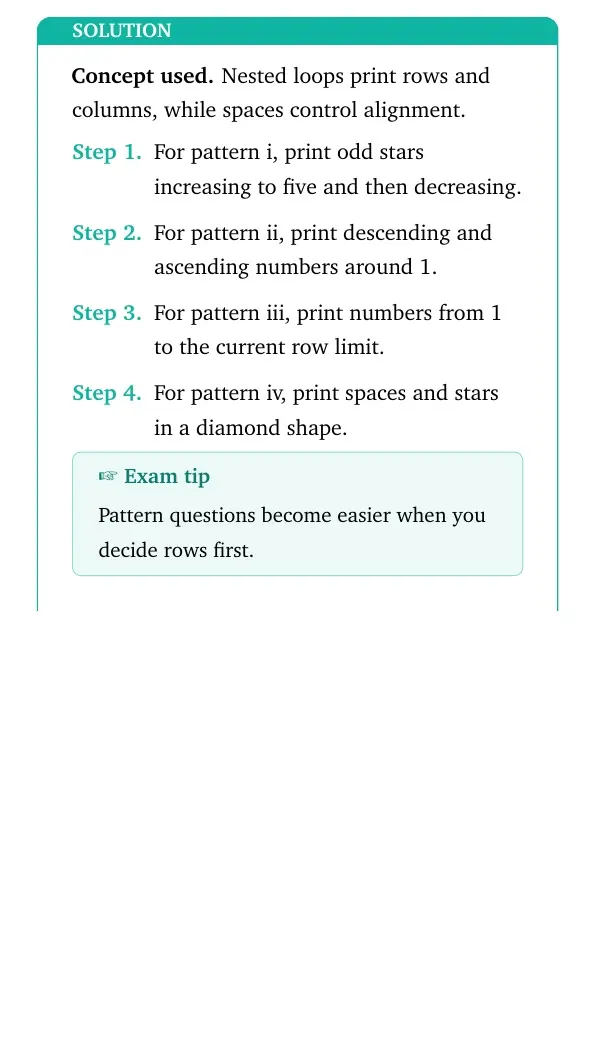
Concept used. Nested loops print rows and columns, while spaces control alignment.
For pattern i, print odd stars increasing to five and then decreasing.
For pattern ii, print descending and ascending numbers around 1.
For pattern iii, print numbers from 1 to the current row limit.
For pattern iv, print spaces and stars in a diamond shape.
Exam tip
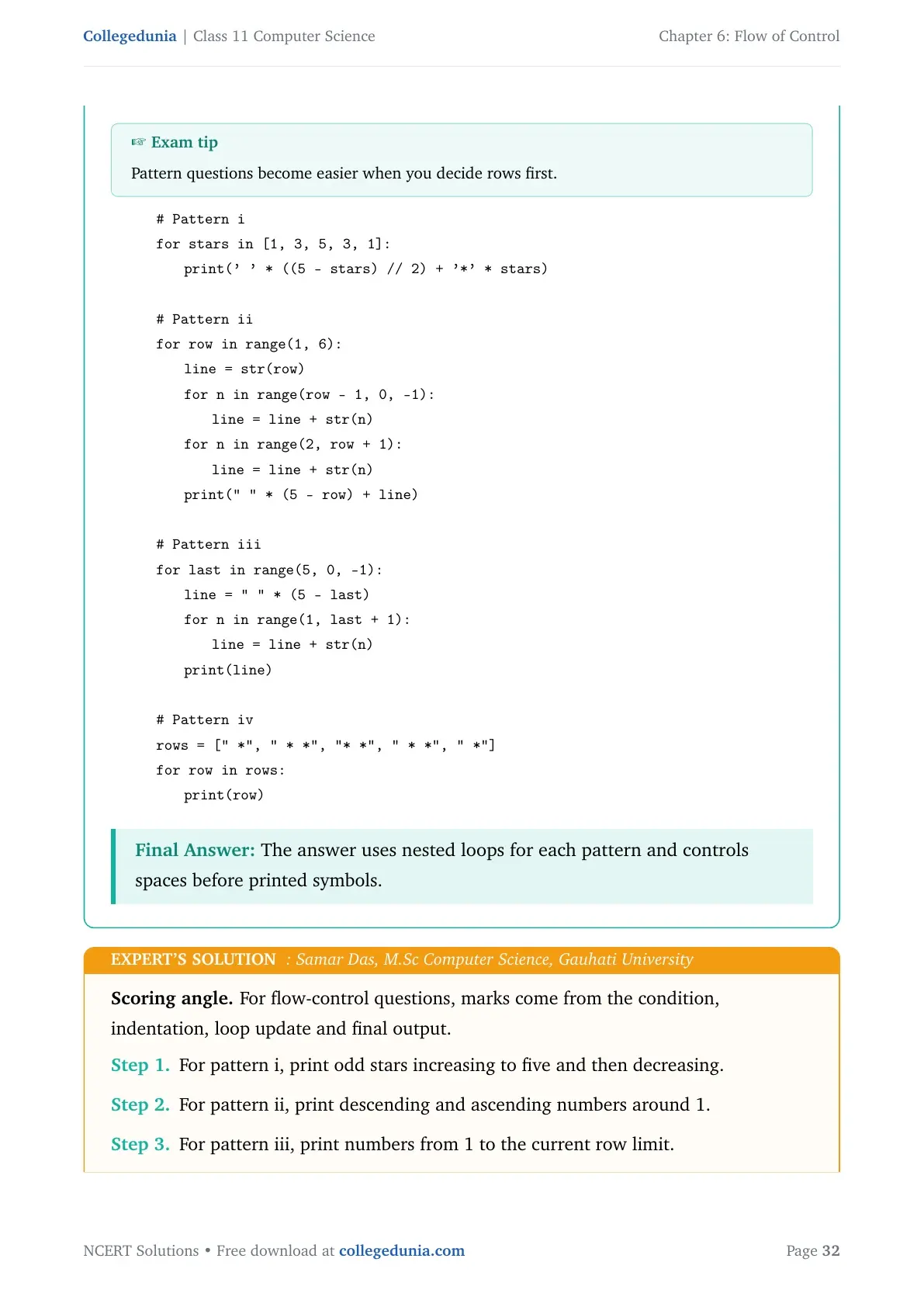
Pattern questions become easier when you decide rows first.
quote0pt
tabular@l@
0.0em# Pattern i
0.0emfor stars in [1, 3, 5, 3, 1]:
1.8emprint(' ' * ((5 - stars) // 2) + '*' * stars)
0.0em
0.0em# Pattern ii
0.0emfor row in range(1, 6):
1.8emline = str(row)
1.8emfor n in range(row - 1, 0, -1):
3.6emline = line + str(n)
1.8emfor n in range(2, row + 1):
3.6emline = line + str(n)
1.8emprint(" " * (5 - row) + line)
0.0em
0.0em# Pattern iii
0.0emfor last in range(5, 0, -1):
1.8emline=" " * (5 - last)
1.8emfor n in range(1, last + 1):
3.6emline = line + str(n)
1.8emprint(line)
0.0em
0.0em# Pattern iv
0.0emrows = [" *", " * *", "* *", " * *", " *"]
0.0emfor row in rows:
1.8emprint(row)
tabularquote
The answer uses nested loops for each pattern and controls spaces before printed symbols.
SD
Samar Das
M.Sc Computer Science, Gauhati University
Verified Expert
Scoring angle. For flow-control questions, marks come from the condition, indentation, loop update and final output.
For pattern i, print odd stars increasing to five and then decreasing.
For pattern ii, print descending and ascending numbers around 1.
For pattern iii, print numbers from 1 to the current row limit.
For pattern iv, print spaces and stars in a diamond shape.
Check indentation first, then trace the control path line by line.
Match the final answer with Python's loop and selection rules.
quote0pt
tabular@l@
0.0em# Pattern i
0.0emfor stars in [1, 3, 5, 3, 1]:
1.8emprint(' ' * ((5 - stars) // 2) + '*' * stars)
0.0em
0.0em# Pattern ii
0.0emfor row in range(1, 6):
1.8emline = str(row)
1.8emfor n in range(row - 1, 0, -1):
3.6emline = line + str(n)
1.8emfor n in range(2, row + 1):
3.6emline = line + str(n)
1.8emprint(" " * (5 - row) + line)
0.0em
0.0em# Pattern iii
0.0emfor last in range(5, 0, -1):
1.8emline=" " * (5 - last)
1.8emfor n in range(1, last + 1):
3.6emline = line + str(n)
1.8emprint(line)
0.0em
0.0em# Pattern iv
0.0emrows = [" *", " * *", "* *", " * *", " *"]
0.0emfor row in rows:
1.8emprint(row)
tabularquote
This answer is dependable because every branch, loop update and final value can be checked in order. In programming questions, that trace is more useful than memorising a final line.
The answer uses nested loops for each pattern and controls spaces before printed symbols.
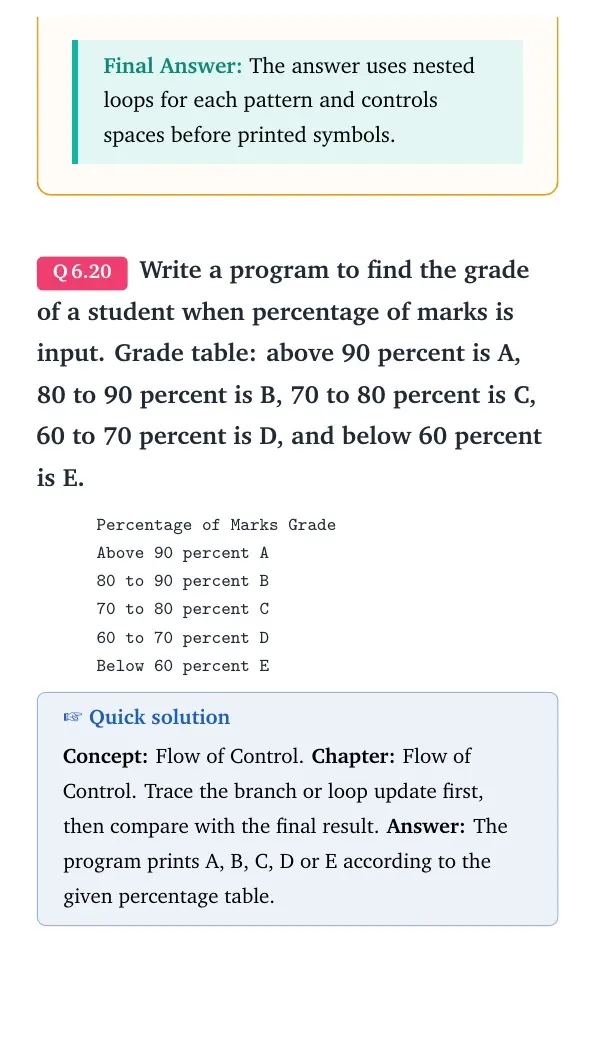
Q 6.20
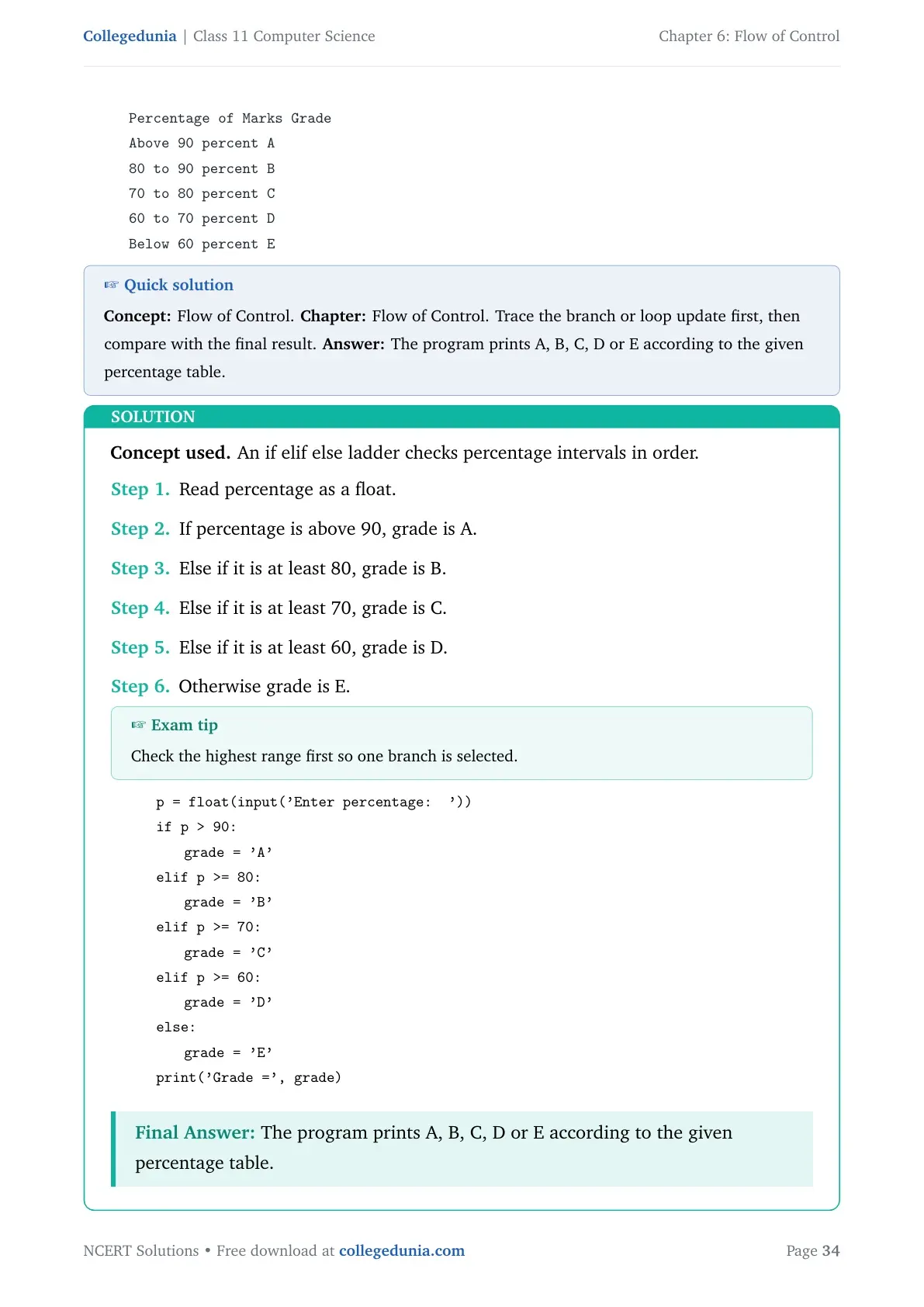
Write a program to find the grade of a student when percentage of marks is input. Grade table: above 90 percent is A, 80 to 90 percent is B, 70 to 80 percent is C, 60 to 70 percent is D, and below 60 percent is E.
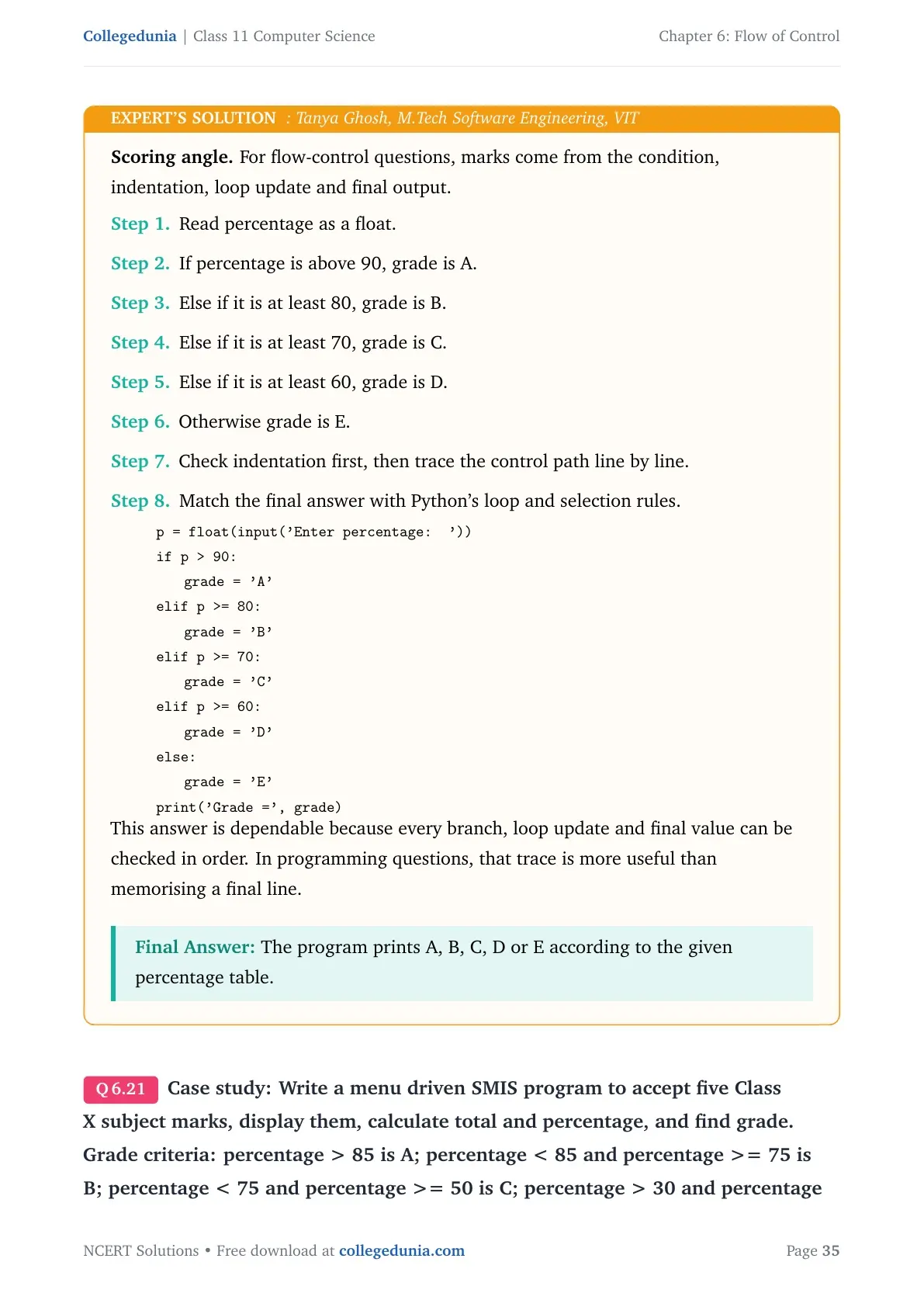
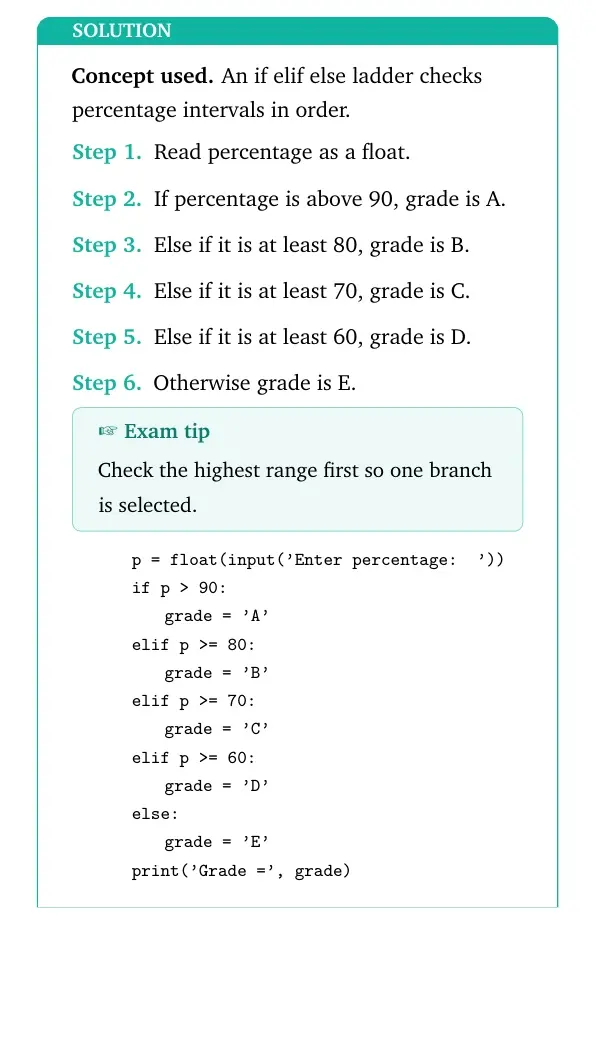
Concept used. An if elif else ladder checks percentage intervals in order.
Read percentage as a float.
If percentage is above 90, grade is A.
Else if it is at least 80, grade is B.
Else if it is at least 70, grade is C.
Else if it is at least 60, grade is D.
Otherwise grade is E.
Exam tip
Check the highest range first so one branch is selected.
quote0pt
tabular@l@
0.0emp = float(input('Enter percentage: '))
0.0emif p > 90:
1.8emgrade='A'
0.0emelif p >= 80:
1.8emgrade='B'
0.0emelif p >= 70:
1.8emgrade='C'
0.0emelif p >= 60:
1.8emgrade='D'
0.0emelse:
1.8emgrade='E'
0.0emprint('Grade=', grade)
tabularquote
The program prints A, B, C, D or E according to the given percentage table.
TG
Tanya Ghosh
M.Tech Software Engineering, VIT
Verified Expert
Scoring angle. For flow-control questions, marks come from the condition, indentation, loop update and final output.
Read percentage as a float.
If percentage is above 90, grade is A.
Else if it is at least 80, grade is B.
Else if it is at least 70, grade is C.
Else if it is at least 60, grade is D.
Otherwise grade is E.
Check indentation first, then trace the control path line by line.
Match the final answer with Python's loop and selection rules.
quote0pt
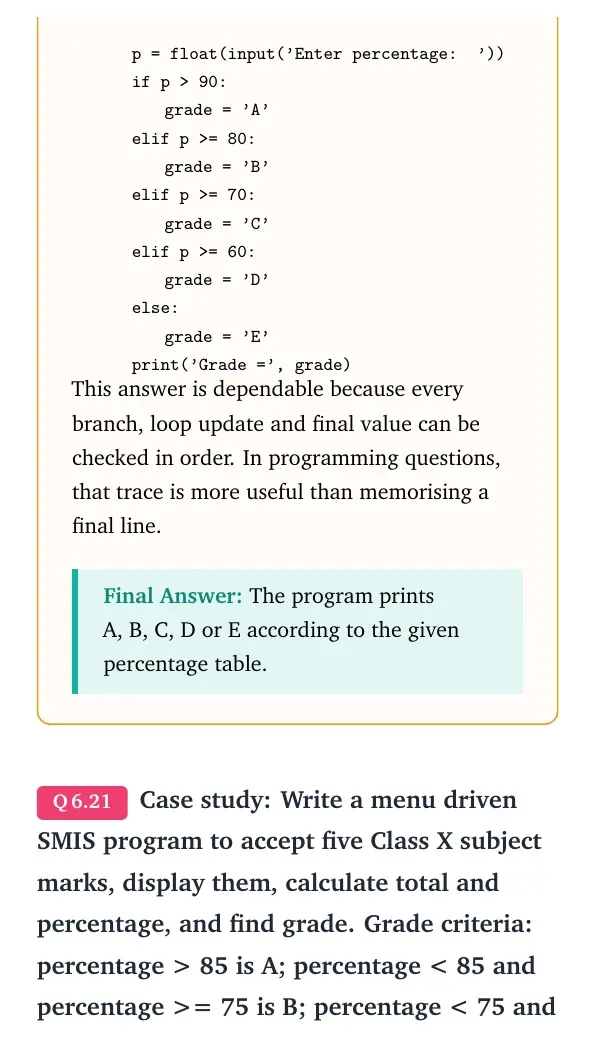
tabular@l@
0.0emp = float(input('Enter percentage: '))
0.0emif p > 90:
1.8emgrade='A'
0.0emelif p >= 80:
1.8emgrade='B'
0.0emelif p >= 70:
1.8emgrade='C'
0.0emelif p >= 60:
1.8emgrade='D'
0.0emelse:
1.8emgrade='E'
0.0emprint('Grade=', grade)
tabularquote
This answer is dependable because every branch, loop update and final value can be checked in order. In programming questions, that trace is more useful than memorising a final line.
The program prints A, B, C, D or E according to the given percentage table.
Q 6.21
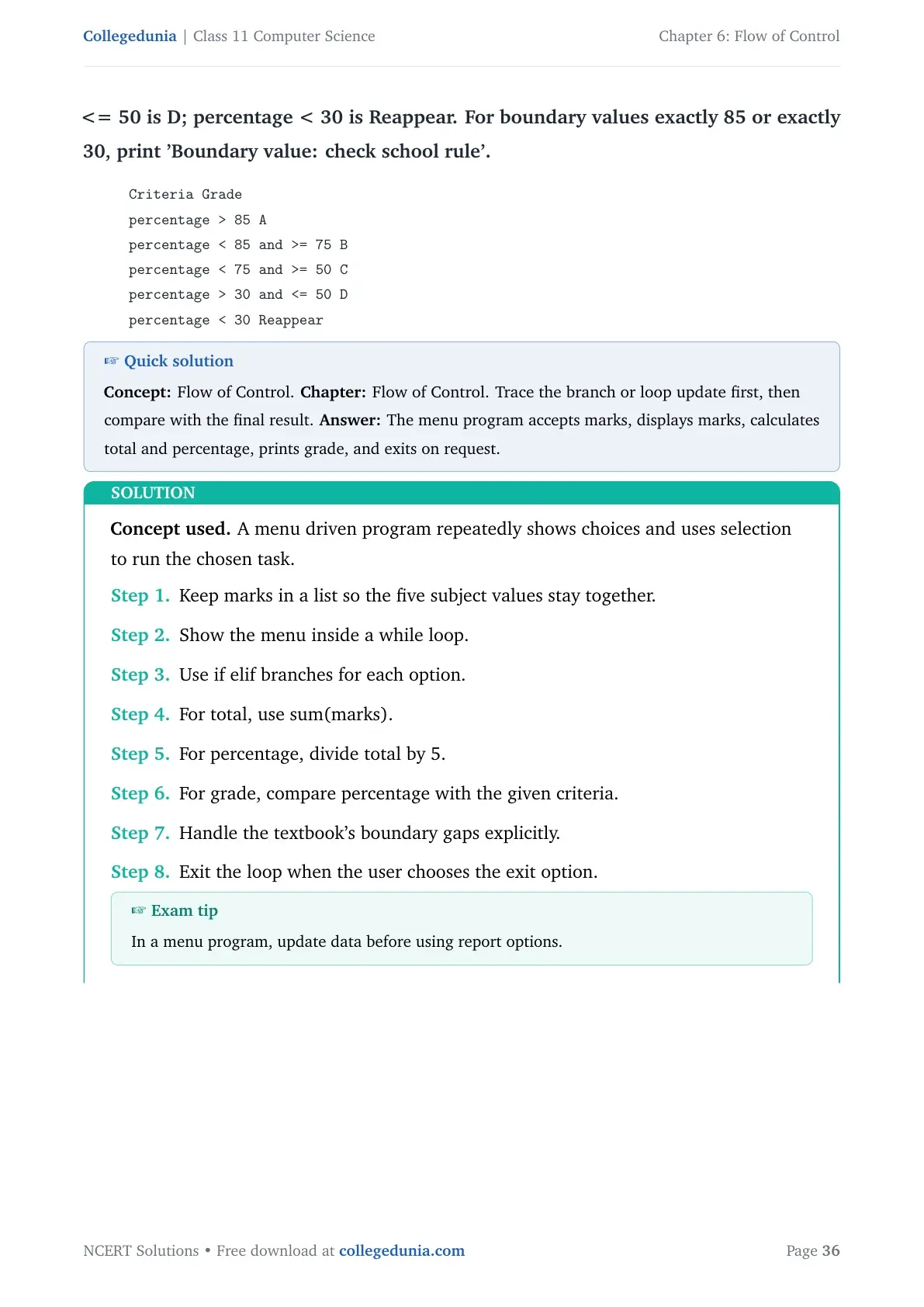
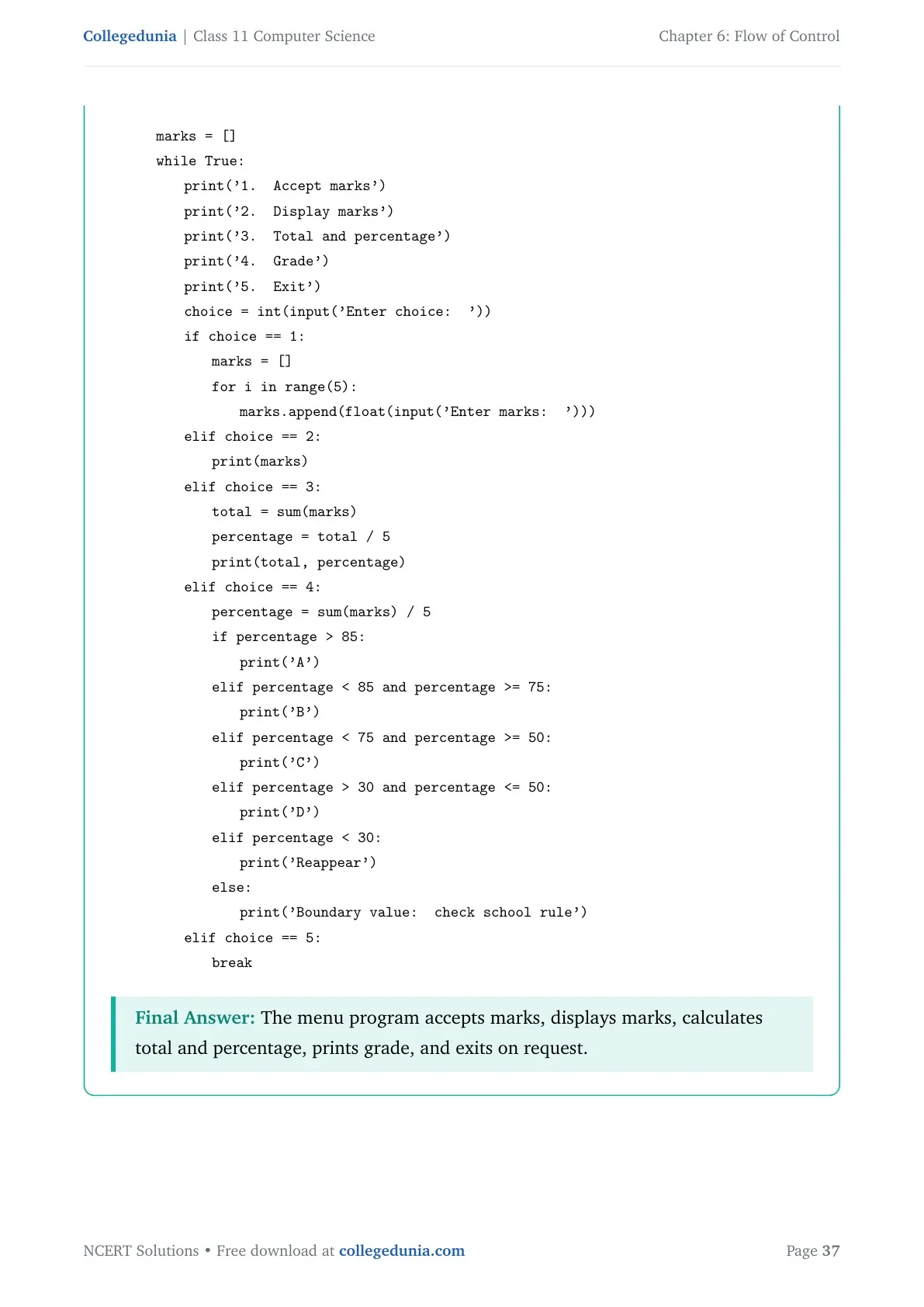
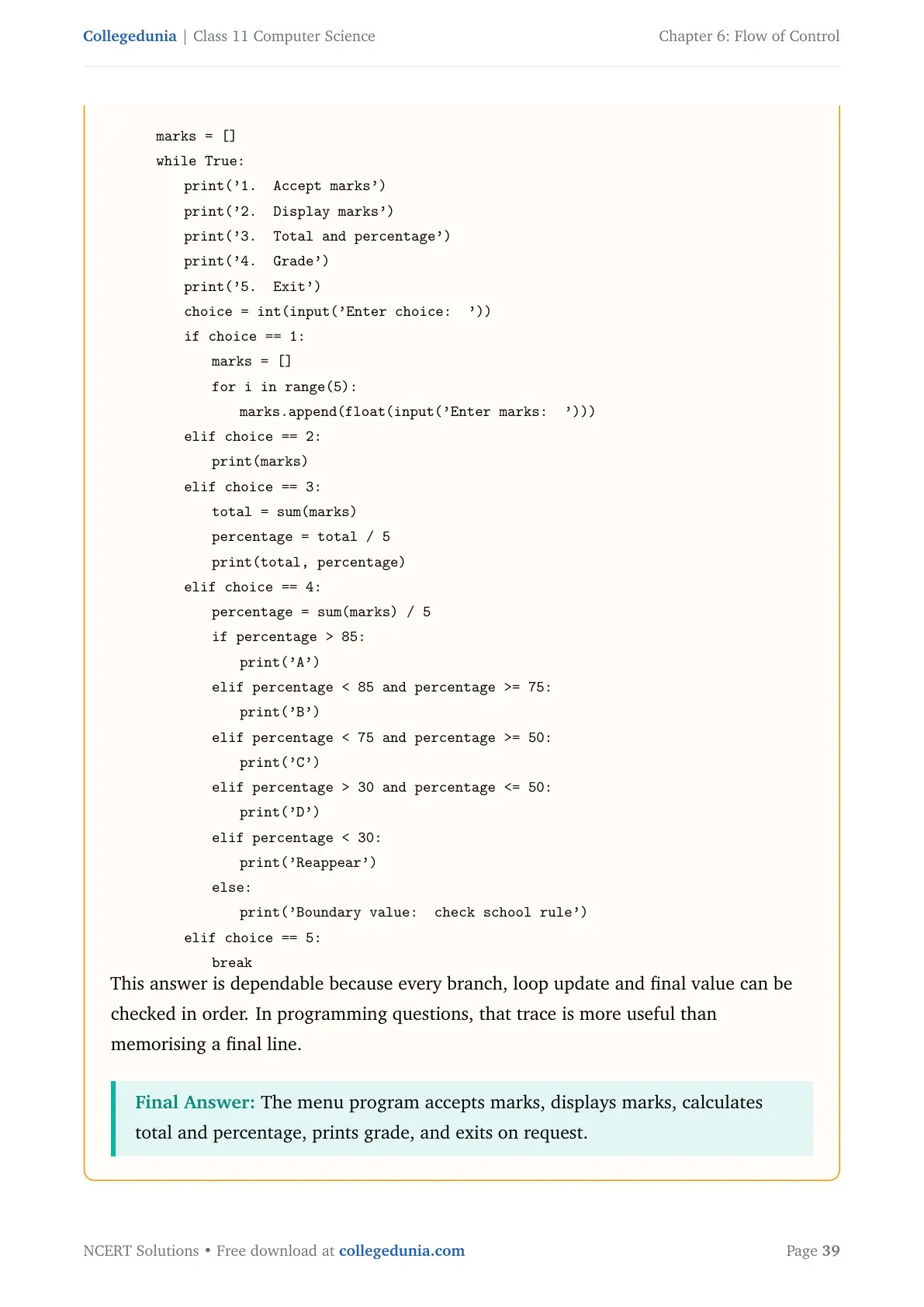
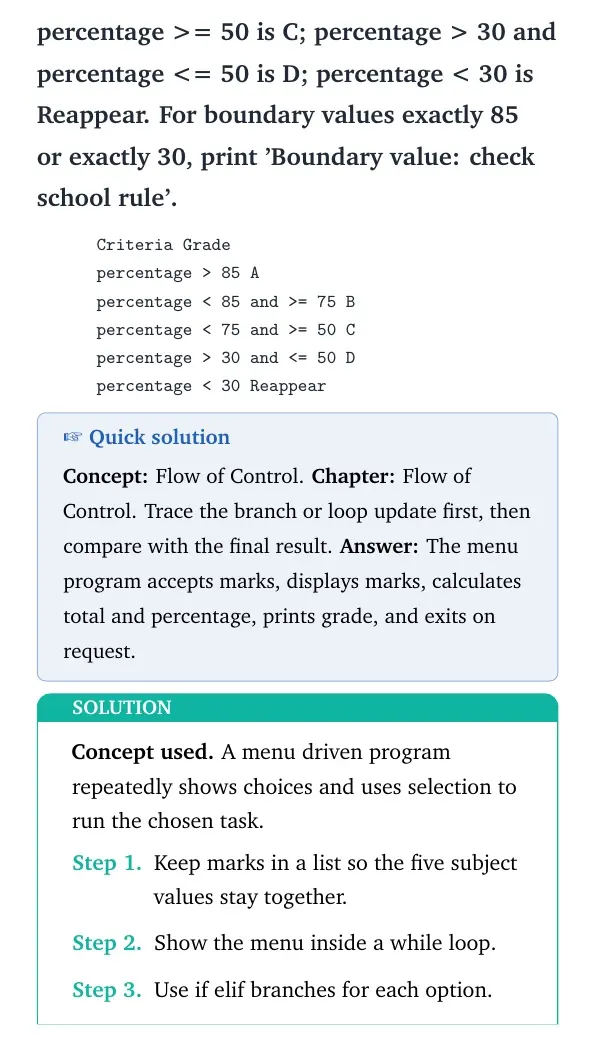
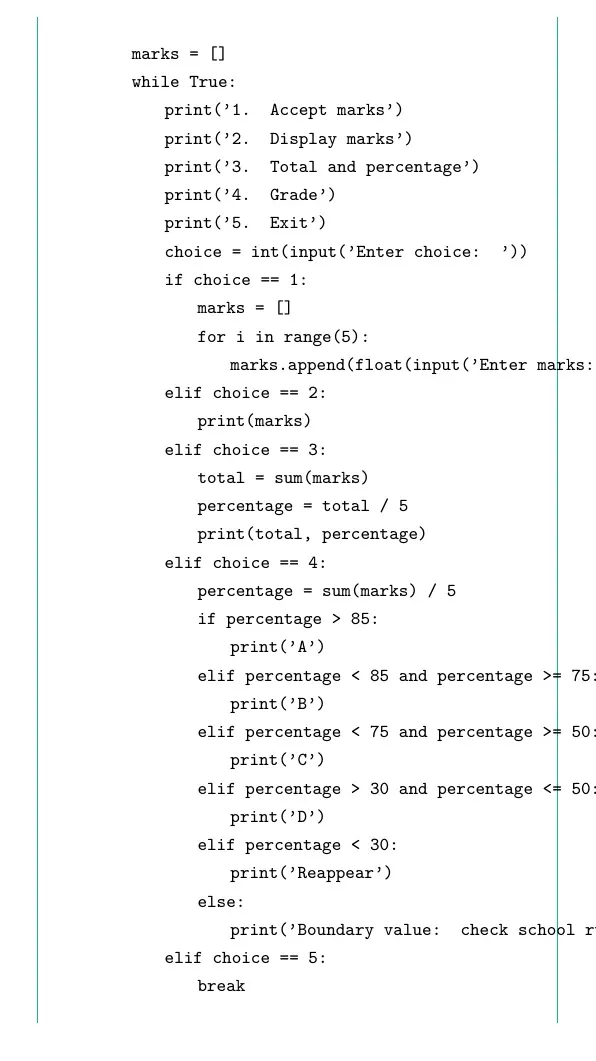
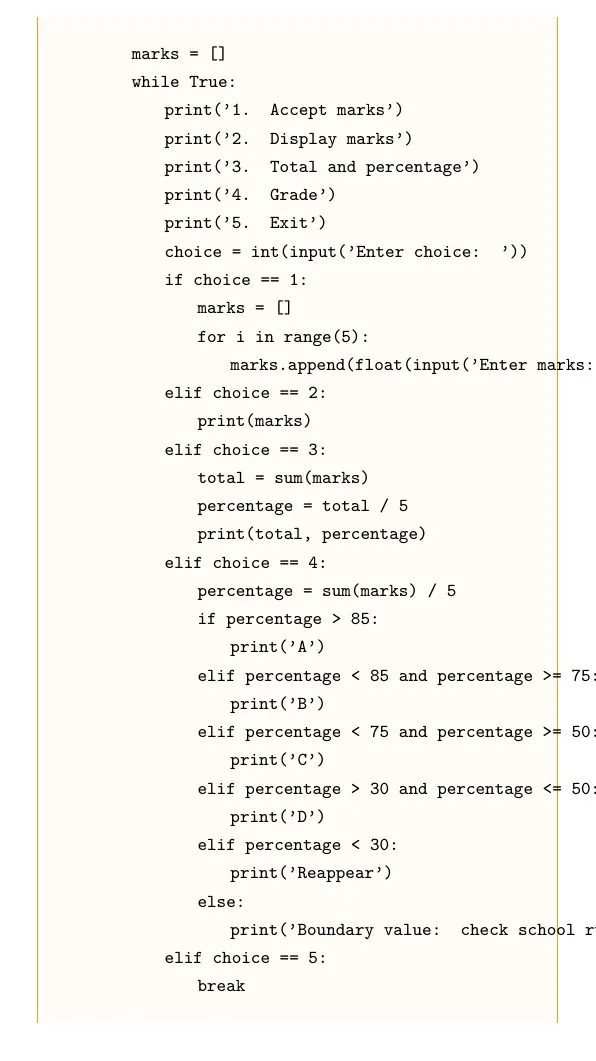
Case study: Write a menu driven SMIS program to accept five Class X subject marks, display them, calculate total and percentage, and find grade. Grade criteria: percentage > 85 is A; percentage < 85 and percentage >= 75 is B; percentage < 75 and percentage >= 50 is C; percentage > 30 and percentage <= 50 is D; percentage < 30 is Reappear. For boundary values exactly 85 or exactly 30, print 'Boundary value: check school rule'.
Concept used. A menu driven program repeatedly shows choices and uses selection to run the chosen task.
Keep marks in a list so the five subject values stay together.
Show the menu inside a while loop.
Use if elif branches for each option.
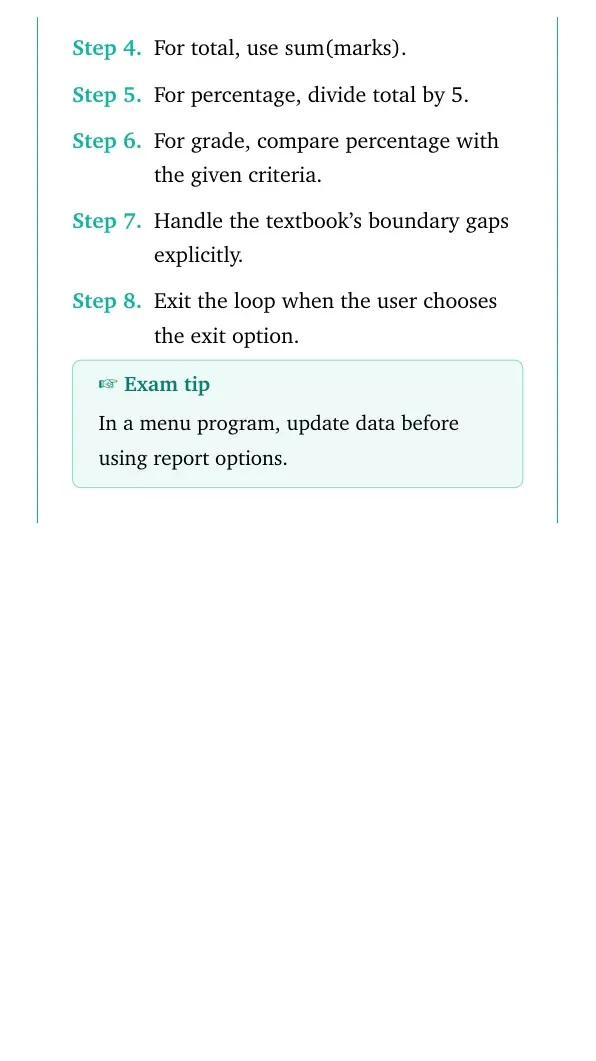
For total, use sum(marks).
For percentage, divide total by 5.
For grade, compare percentage with the given criteria.
Handle the textbook's boundary gaps explicitly.
Exit the loop when the user chooses the exit option.
Exam tip
In a menu program, update data before using report options.
This answer is dependable because every branch, loop update and final value can be checked in order. In programming questions, that trace is more useful than memorising a final line.
The menu program accepts marks, displays marks, calculates total and percentage, prints grade, and exits on request.
Flow of Control Class 11 NCERT Solutions FAQs
Ques. How many questions are solved in Class 11 Computer Science Chapter 6?
Ans. The PDF solves all 21 NCERT exercise questions from Flow of Control, including output tracing, pattern programs and the case study task.
Ques. What are the main topics in Flow of Control?
Ans. The chapter covers if statements, nested conditions, for loops, while loops, range values, break, continue and loop-based Python programs.
Ques. Does this page follow the 2026-27 NCERT Computer Science chapter?
Ans. Yes. The answers follow the 2026-27 NCERT Class 11 Computer Science Chapter 6 exercise.
Ques. Which part of Chapter 6 needs the most practice?
Ans. Output tracing and pattern printing need the most practice because they test range boundaries, indentation and loop control statements.







Comments