The NCERT Solutions for Class 11 Computer Science Chapter 8 Strings cover all 7 textbook exercise and programming questions for the 2026-27 NCERT chapter. The PDF gives step-by-step answers for indexing, slicing, string methods, output tracing and Python programs that use traversal, counters and returned strings.
Use these solutions after reading the NCERT examples on string indexing and slicing.
The PDF includes every exercise question with a detailed solution and expert solution.
Python 3 behaviour is used for string methods, errors and program outputs.
Student Feedback: In a Collegedunia student survey of 11,420 Class 11 Computer Science students conducted before the 2026 school exams, 76% said string slicing became easier after writing the positive and negative index map first.
Class 11 Computer Science Strings NCERT Solutions PDF
Strings explains how Python stores text as an ordered sequence of characters. Students should revise indexing, negative indexing and slicing before solving the exercise.
Important: most output mistakes in this chapter come from forgetting that the slice stop position is excluded.
Part
What to revise
Why it matters
Indexing
0, len(s)-1 and -1
Finds one exact character
Slicing
start, stop and step
Predicts substring output
String methods
lower, upper, count, find, split and replace
Solves method-output questions
Programs
Traversal, counters and returned strings
Handles all programming problems
Strings Output Questions: Indexing, Slicing and Methods
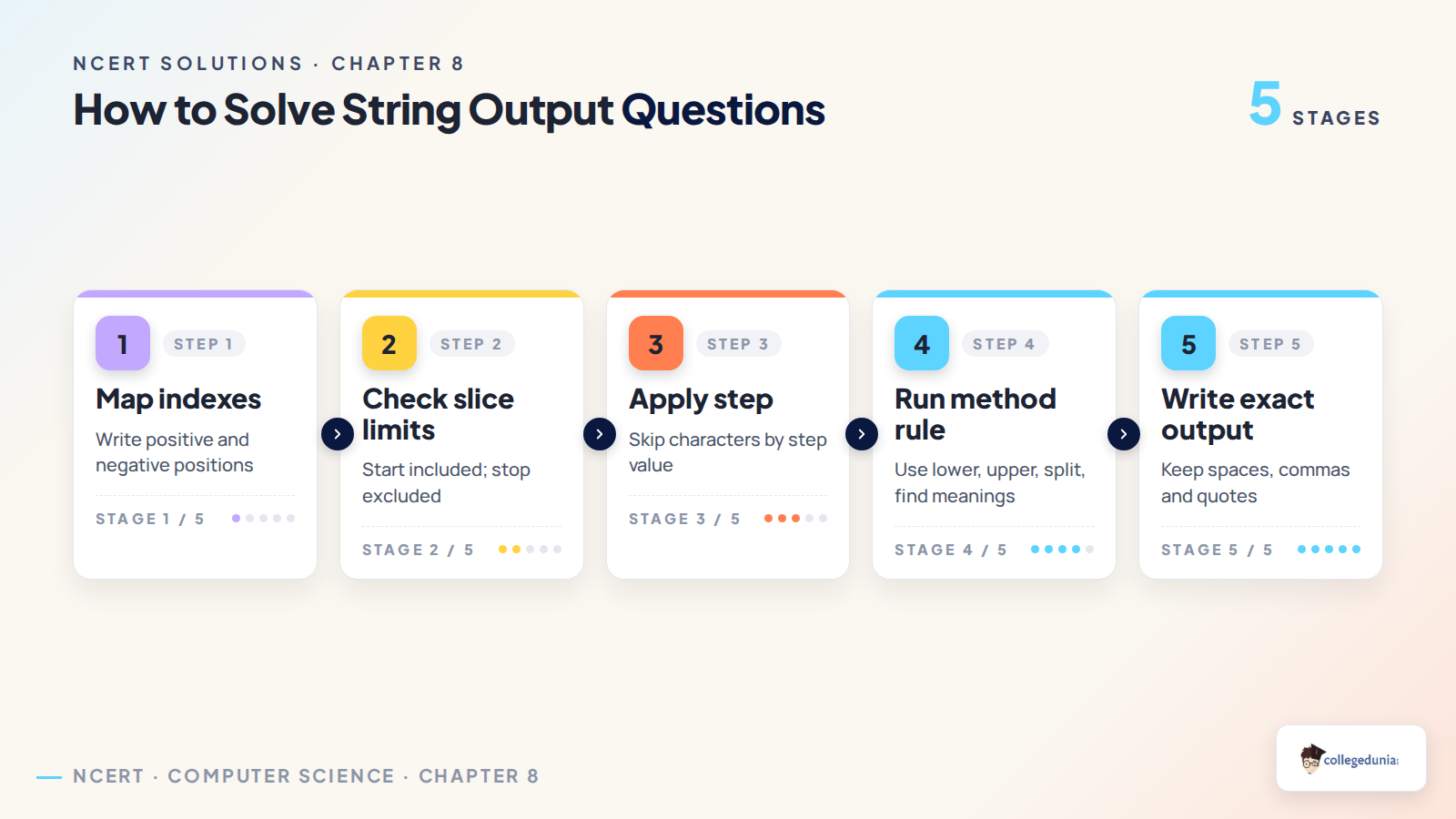
Output questions in this chapter are best solved by writing the index row before evaluating the expression. This method works for positive indexes, negative indexes and step-based slices.
For indexing: count every character, including spaces and punctuation.
For slicing: include the start index and exclude the stop index.
For methods: remember whether the method returns a value, a list, a tuple or an error.
Strings Video Explanation for Class 11 Computer Science
The solved PDF covers both direct output questions and programming problems. It uses short steps so students can compare each answer with the NCERT exercise.
Exercise Q1: output of slicing, repetition, reverse slicing and string checks.
Exercise Q2: output of case conversion, count, find, split, replace, partition and index.
Programming set: character counters, title case, character deletion, digit sum and hyphen replacement.
Class 11 Computer Science Strings Related Resources
All 7 questions with collapsible Solution and Expert Solution. Tap a button to reveal the working.
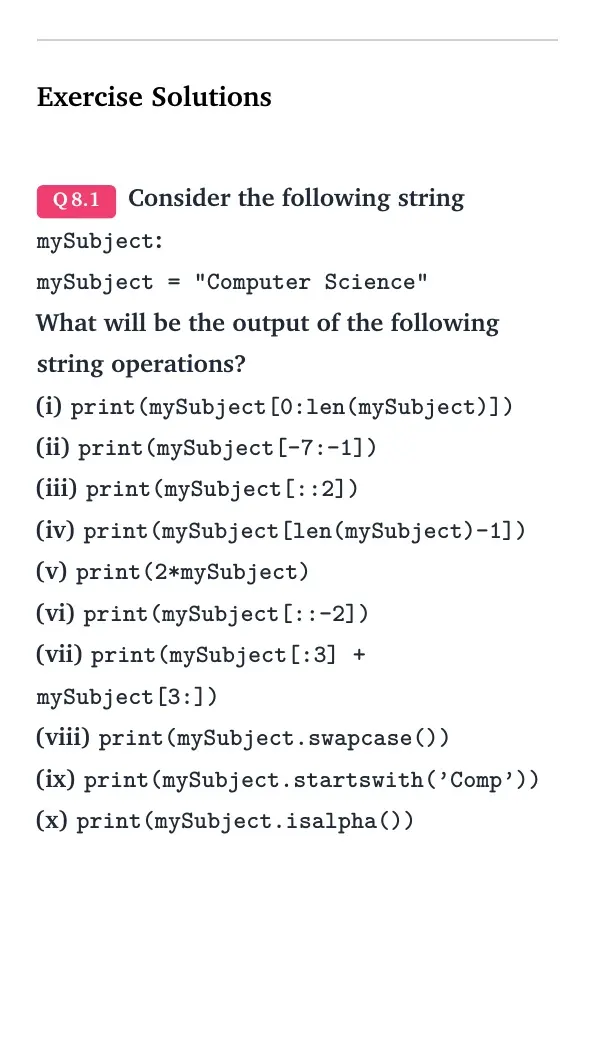
Exercise Solutions
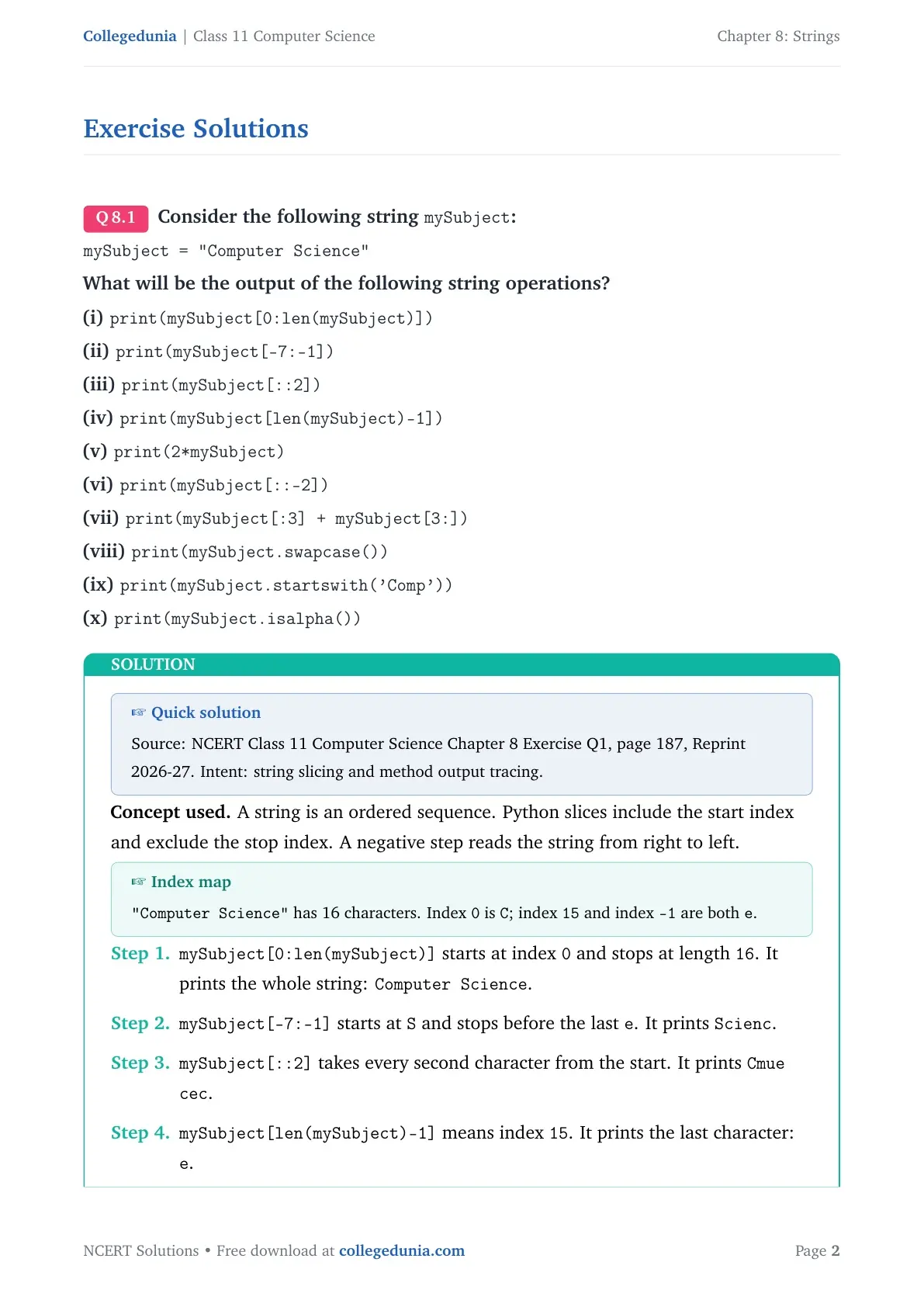
Q 8.1
Consider the following string mySubject:
mySubject="Computer Science"
What will be the output of the following string operations?
(i) print(mySubject[0:len(mySubject)])
(ii) print(mySubject[-7:-1])
(iii) print(mySubject[::2])
(iv) print(mySubject[len(mySubject)-1])
(v) print(2*mySubject)
(vi) print(mySubject[::-2])
(vii) print(mySubject[:3] + mySubject[3:])
(viii) print(mySubject.swapcase())
(ix) print(mySubject.startswith('Comp'))
(x) print(mySubject.isalpha())
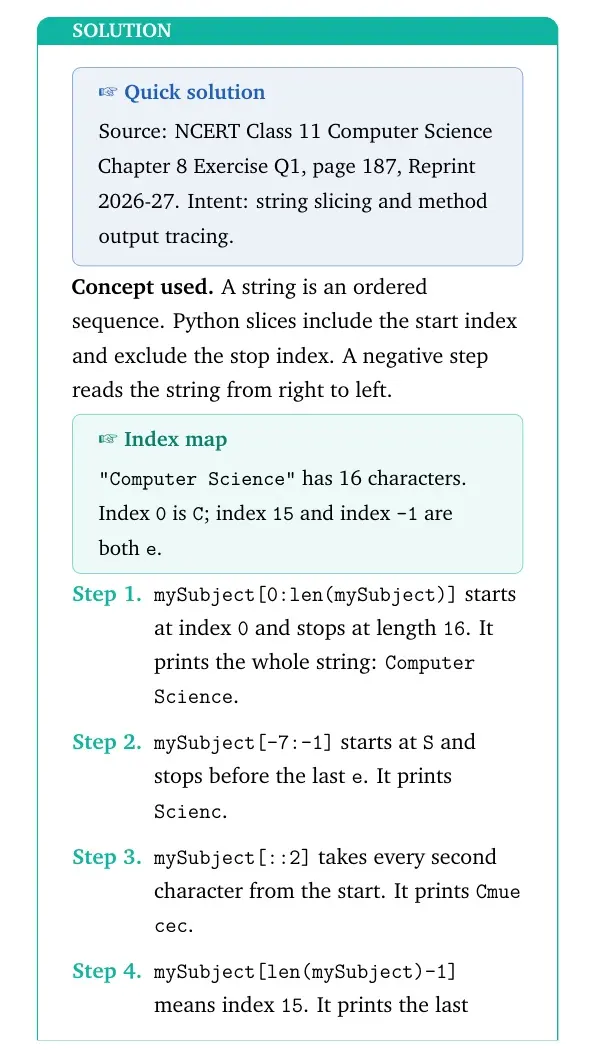
Concept used. A string is an ordered sequence. Python slices include the start index and exclude the stop index. A negative step reads the string from right to left.
Index map
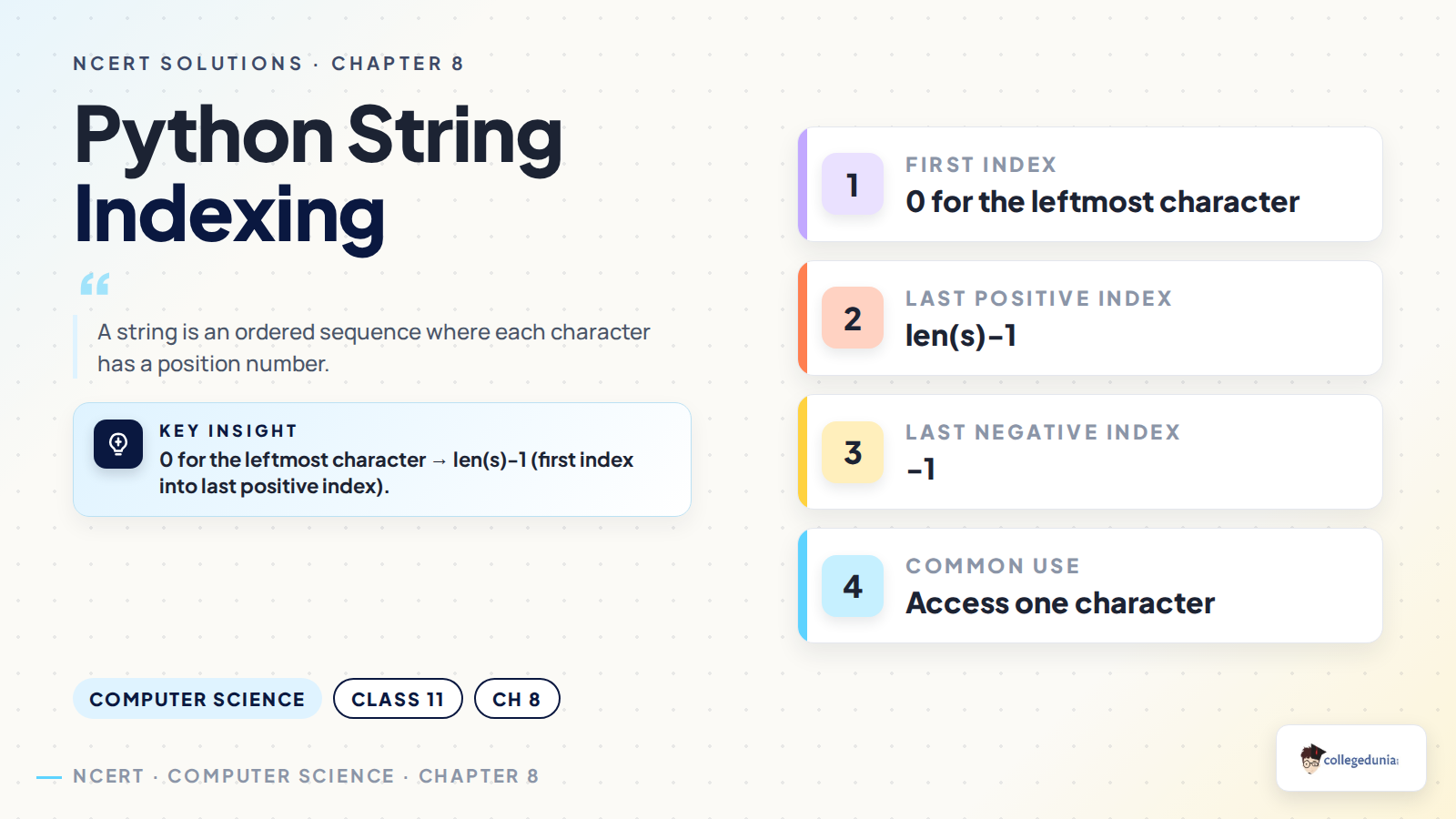
"Computer Science" has 16 characters. Index 0 is C; index 15 and index -1 are both e.
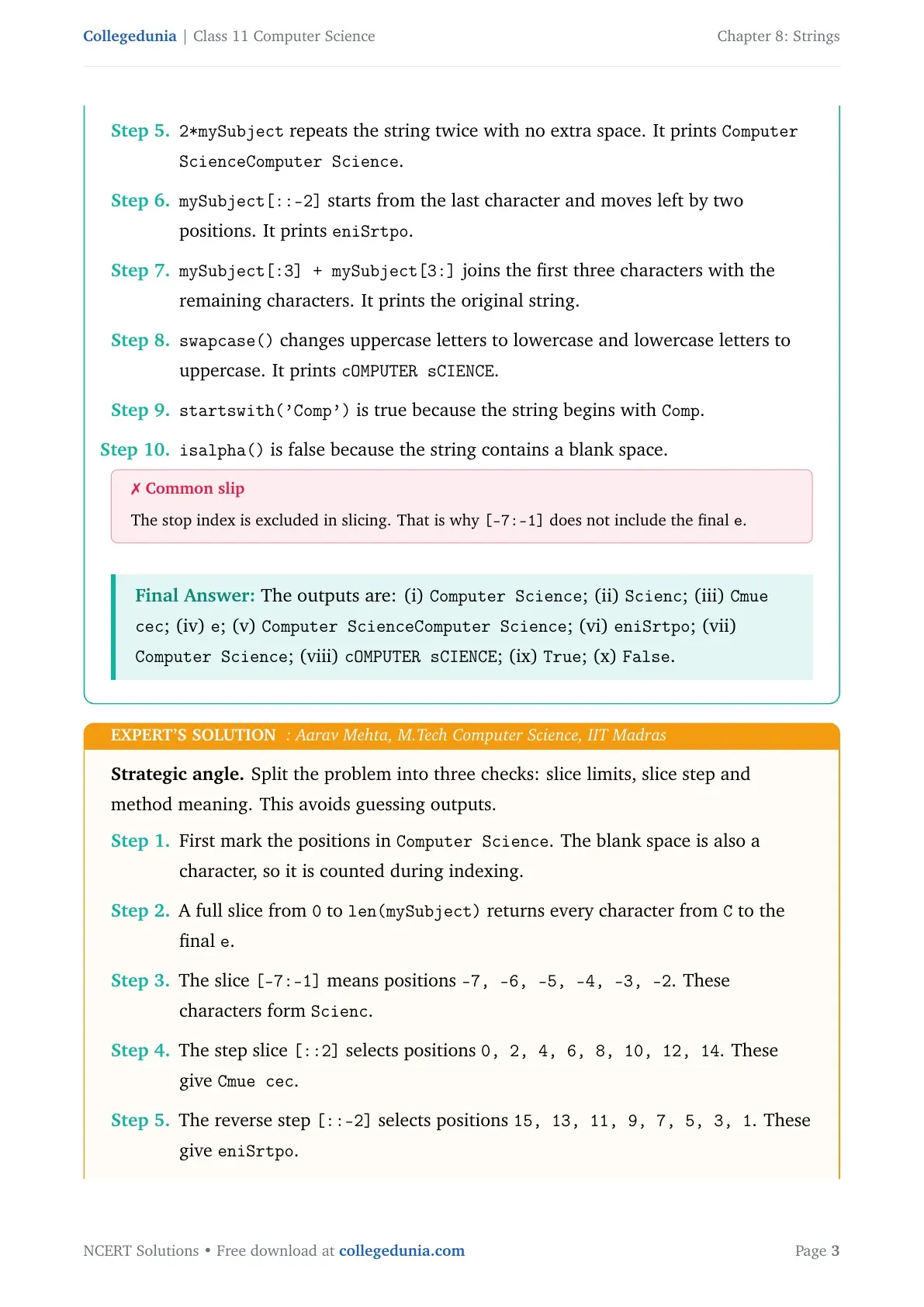
mySubject[0:len(mySubject)] starts at index 0 and stops at length 16. It prints the whole string: Computer Science.
mySubject[-7:-1] starts at S and stops before the last e. It prints Scienc.
mySubject[::2] takes every second character from the start. It prints Cmue cec.
mySubject[len(mySubject)-1] means index 15. It prints the last character: e.
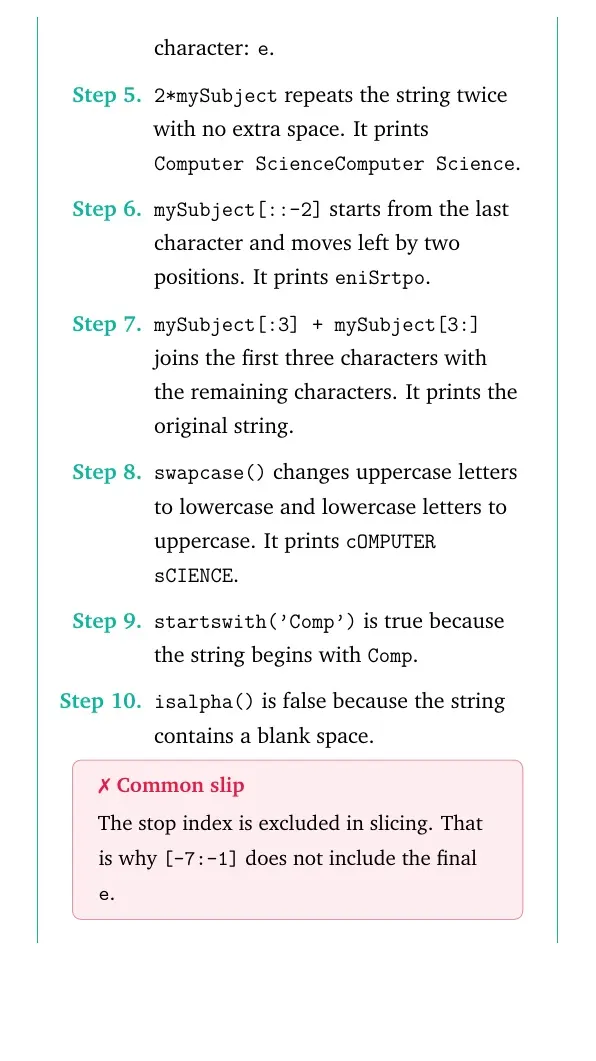
2*mySubject repeats the string twice with no extra space. It prints Computer ScienceComputer Science.
mySubject[::-2] starts from the last character and moves left by two positions. It prints eniSrtpo.
mySubject[:3] + mySubject[3:] joins the first three characters with the remaining characters. It prints the original string.
swapcase() changes uppercase letters to lowercase and lowercase letters to uppercase. It prints cOMPUTER sCIENCE.
startswith('Comp') is true because the string begins with Comp.
isalpha() is false because the string contains a blank space.
Common slip
The stop index is excluded in slicing. That is why [-7:-1] does not include the final e.
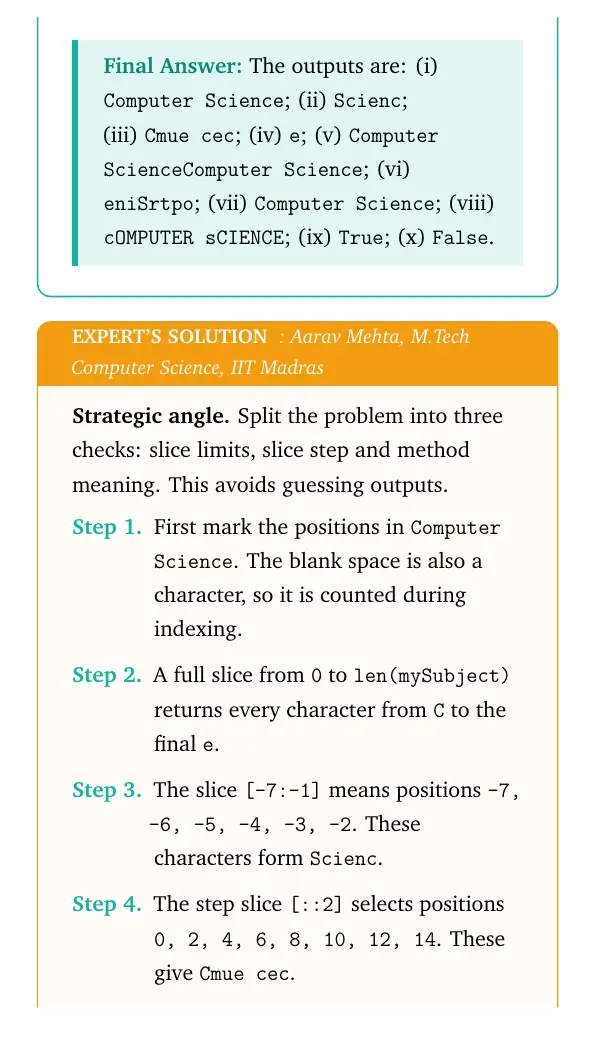
Strategic angle. Split the problem into three checks: slice limits, slice step and method meaning. This avoids guessing outputs.
First mark the positions in Computer Science. The blank space is also a character, so it is counted during indexing.
A full slice from 0 to len(mySubject) returns every character from C to the final e.
The slice [-7:-1] means positions -7, -6, -5, -4, -3, -2. These characters form Scienc.
The step slice [::2] selects positions 0, 2, 4, 6, 8, 10, 12, 14. These give Cmue cec.
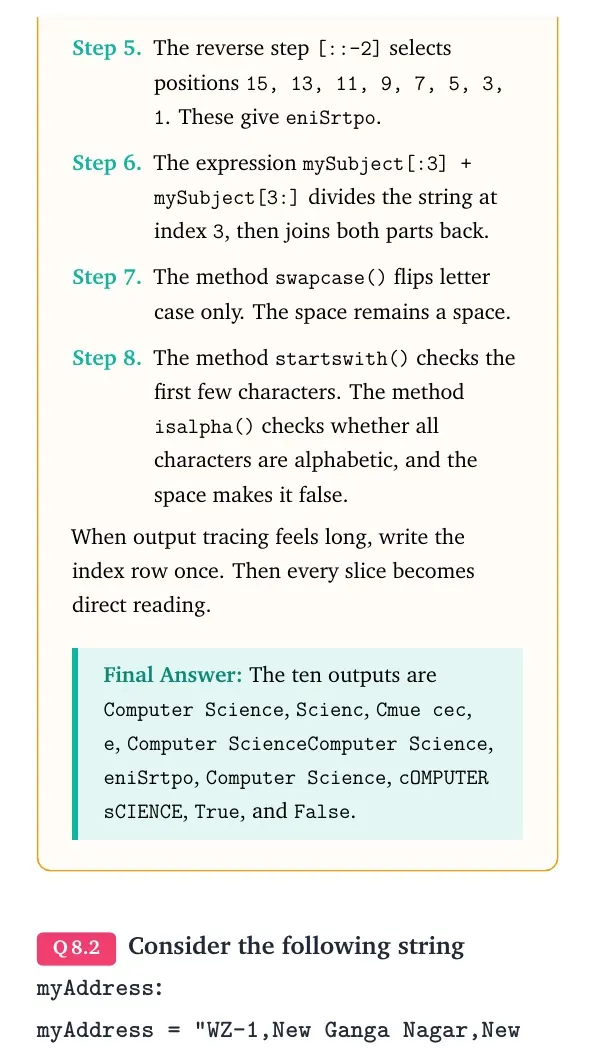
The reverse step [::-2] selects positions 15, 13, 11, 9, 7, 5, 3, 1. These give eniSrtpo.
The expression mySubject[:3] + mySubject[3:] divides the string at index 3, then joins both parts back.
The method swapcase() flips letter case only. The space remains a space.
The method startswith() checks the first few characters. The method isalpha() checks whether all characters are alphabetic, and the space makes it false.
When output tracing feels long, write the index row once. Then every slice becomes direct reading.
The ten outputs are Computer Science, Scienc, Cmue cec, e, Computer ScienceComputer Science, eniSrtpo, Computer Science, cOMPUTER sCIENCE, True, and False.
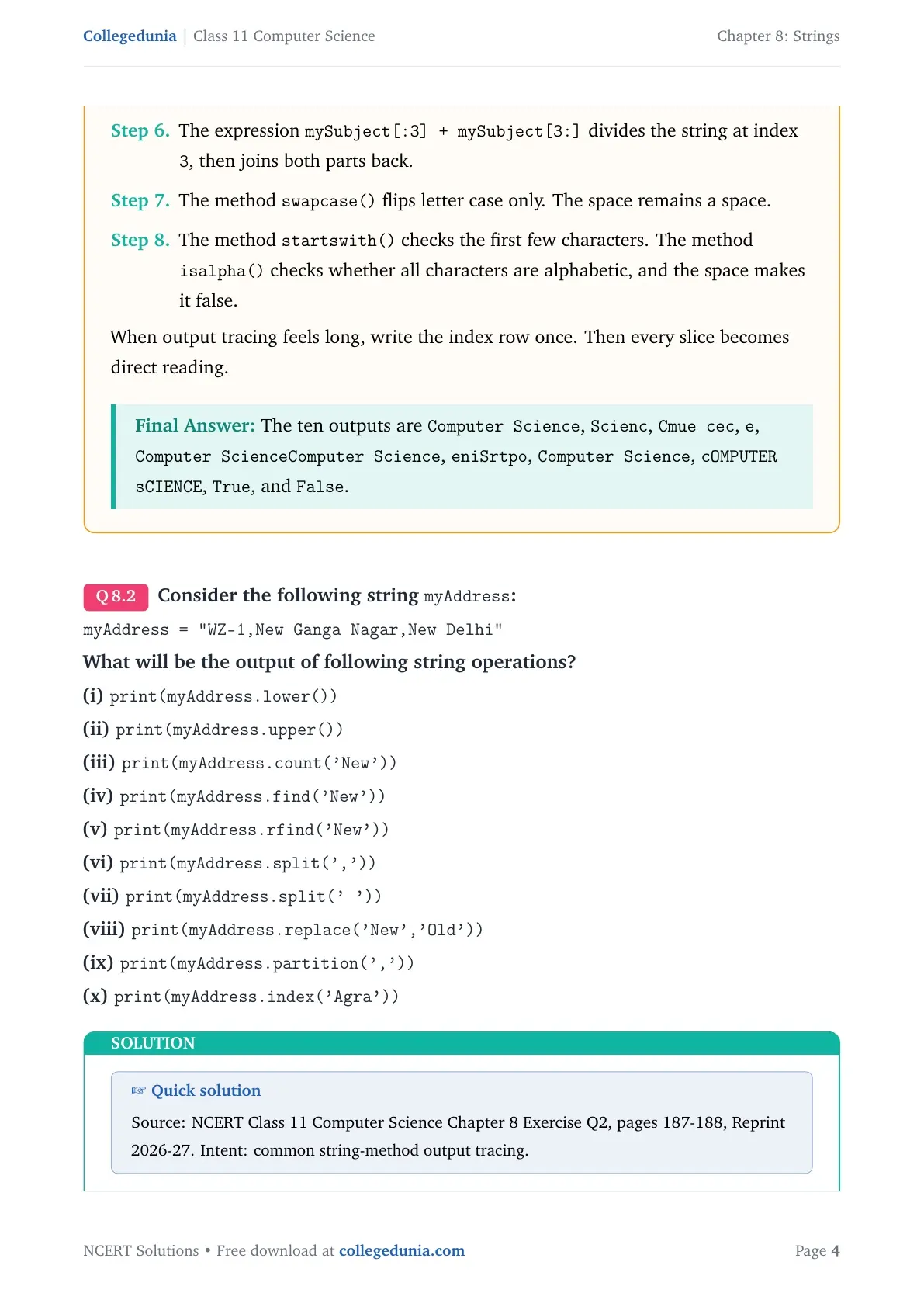
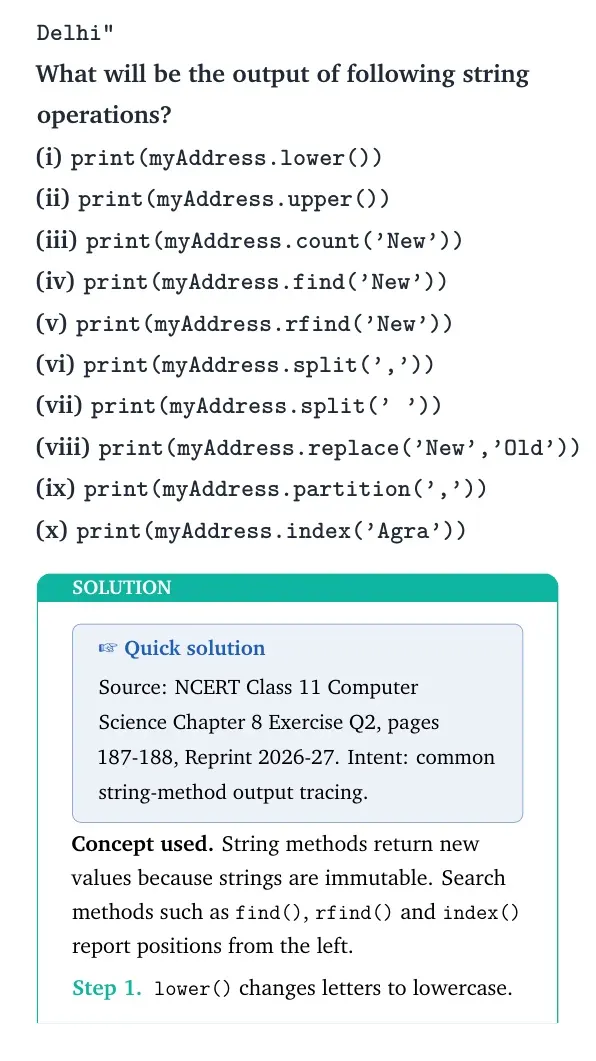
Q 8.2
Consider the following string myAddress:
myAddress="WZ-1,New Ganga Nagar,New Delhi"
What will be the output of following string operations?
(i) print(myAddress.lower())
(ii) print(myAddress.upper())
(iii) print(myAddress.count('New'))
(iv) print(myAddress.find('New'))
(v) print(myAddress.rfind('New'))
(vi) print(myAddress.split(','))
(vii) print(myAddress.split(' '))
(viii) print(myAddress.replace('New','Old'))
(ix) print(myAddress.partition(','))
(x) print(myAddress.index('Agra'))
Quick solution
Source: NCERT Class 11 Computer Science Chapter 8 Exercise Q2, pages 187-188, Reprint 2026-27. Intent: common string-method output tracing.
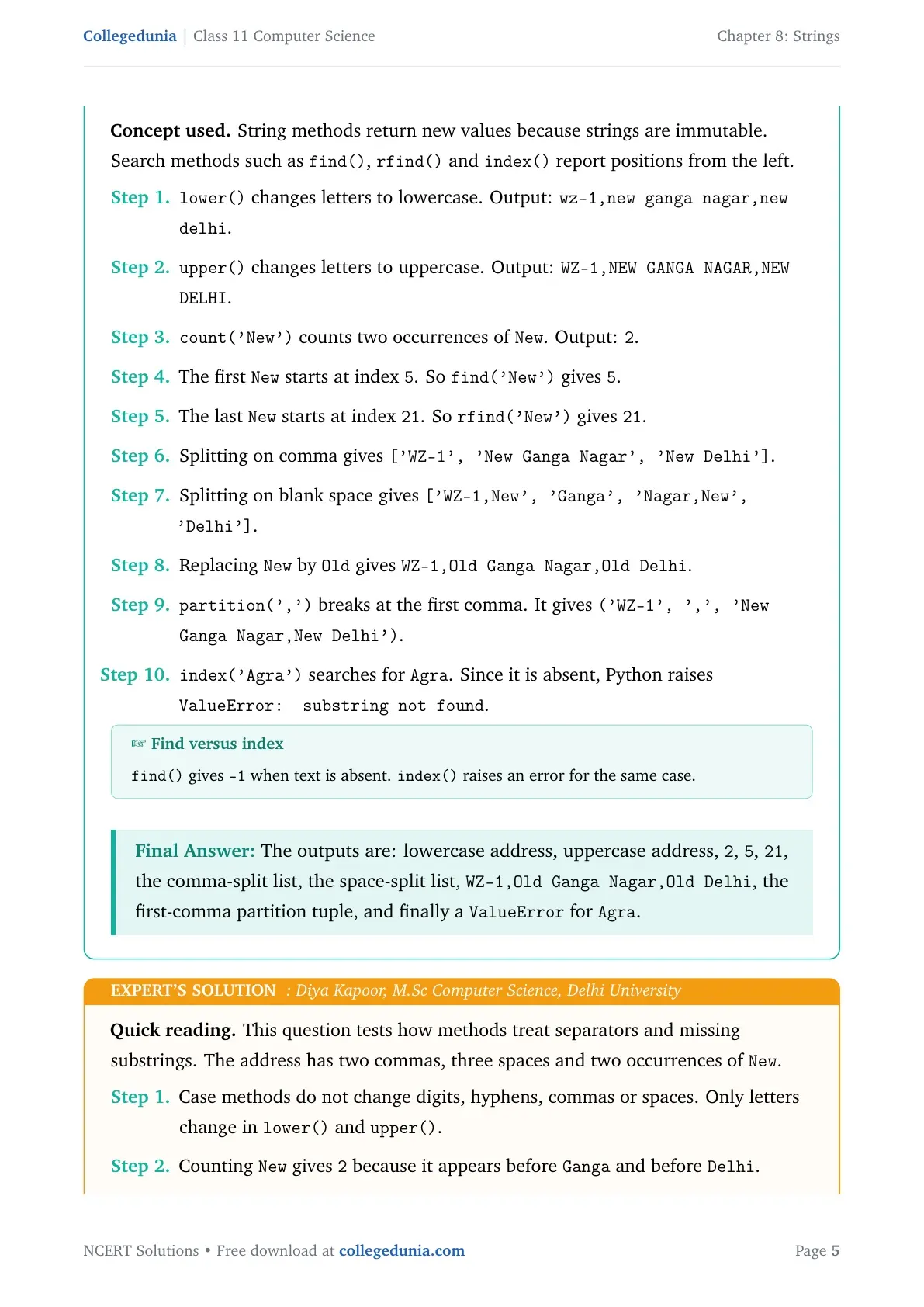
Concept used. String methods return new values because strings are immutable. Search methods such as find(), rfind() and index() report positions from the left.
lower() changes letters to lowercase. Output: wz-1,new ganga nagar,new delhi.
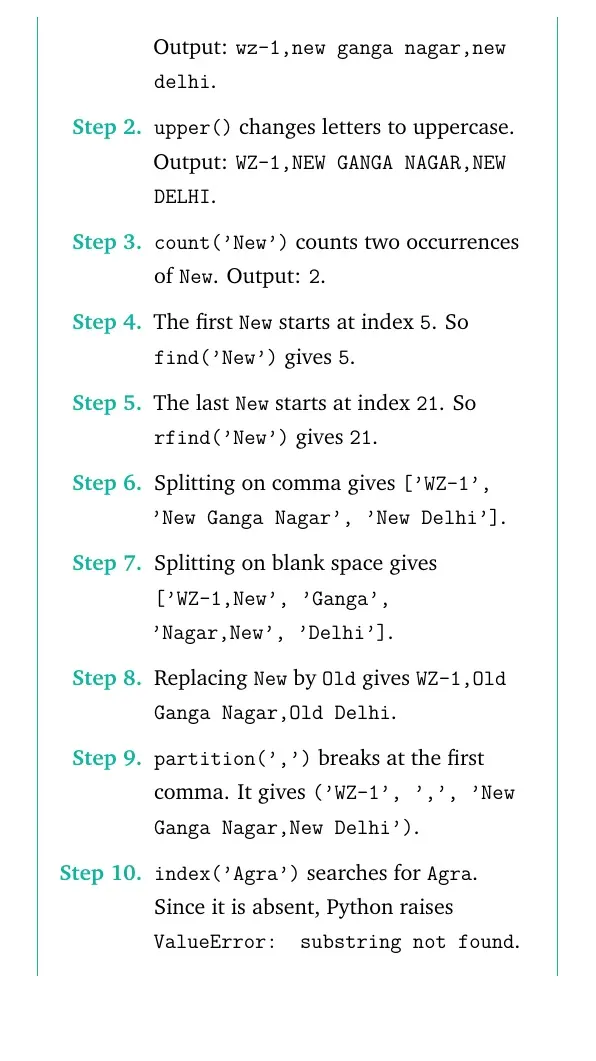
upper() changes letters to uppercase. Output: WZ-1,NEW GANGA NAGAR,NEW DELHI.
count('New') counts two occurrences of New. Output: 2.
The first New starts at index 5. So find('New') gives 5.
The last New starts at index 21. So rfind('New') gives 21.
Splitting on comma gives ['WZ-1', 'New Ganga Nagar', 'New Delhi'].
Splitting on blank space gives ['WZ-1,New', 'Ganga', 'Nagar,New', 'Delhi'].
Replacing New by Old gives WZ-1,Old Ganga Nagar,Old Delhi.
partition(',') breaks at the first comma. It gives ('WZ-1', ',', 'New Ganga Nagar,New Delhi').
index('Agra') searches for Agra. Since it is absent, Python raises ValueError: substring not found.
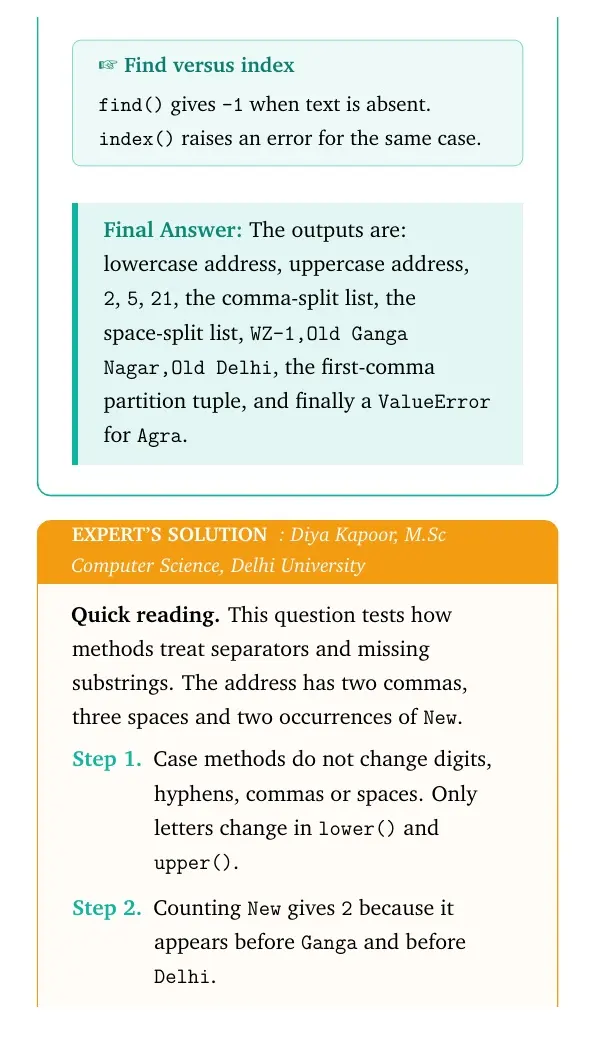
Find versus index
find() gives -1 when text is absent. index() raises an error for the same case.
The outputs are: lowercase address, uppercase address, 2, 5, 21, the comma-split list, the space-split list, WZ-1,Old Ganga Nagar,Old Delhi, the first-comma partition tuple, and finally a ValueError for Agra.
DK
Diya Kapoor
M.Sc Computer Science, Delhi University
Verified Expert
Quick reading. This question tests how methods treat separators and missing substrings. The address has two commas, three spaces and two occurrences of New.
Case methods do not change digits, hyphens, commas or spaces. Only letters change in lower() and upper().
Counting New gives 2 because it appears before Ganga and before Delhi.
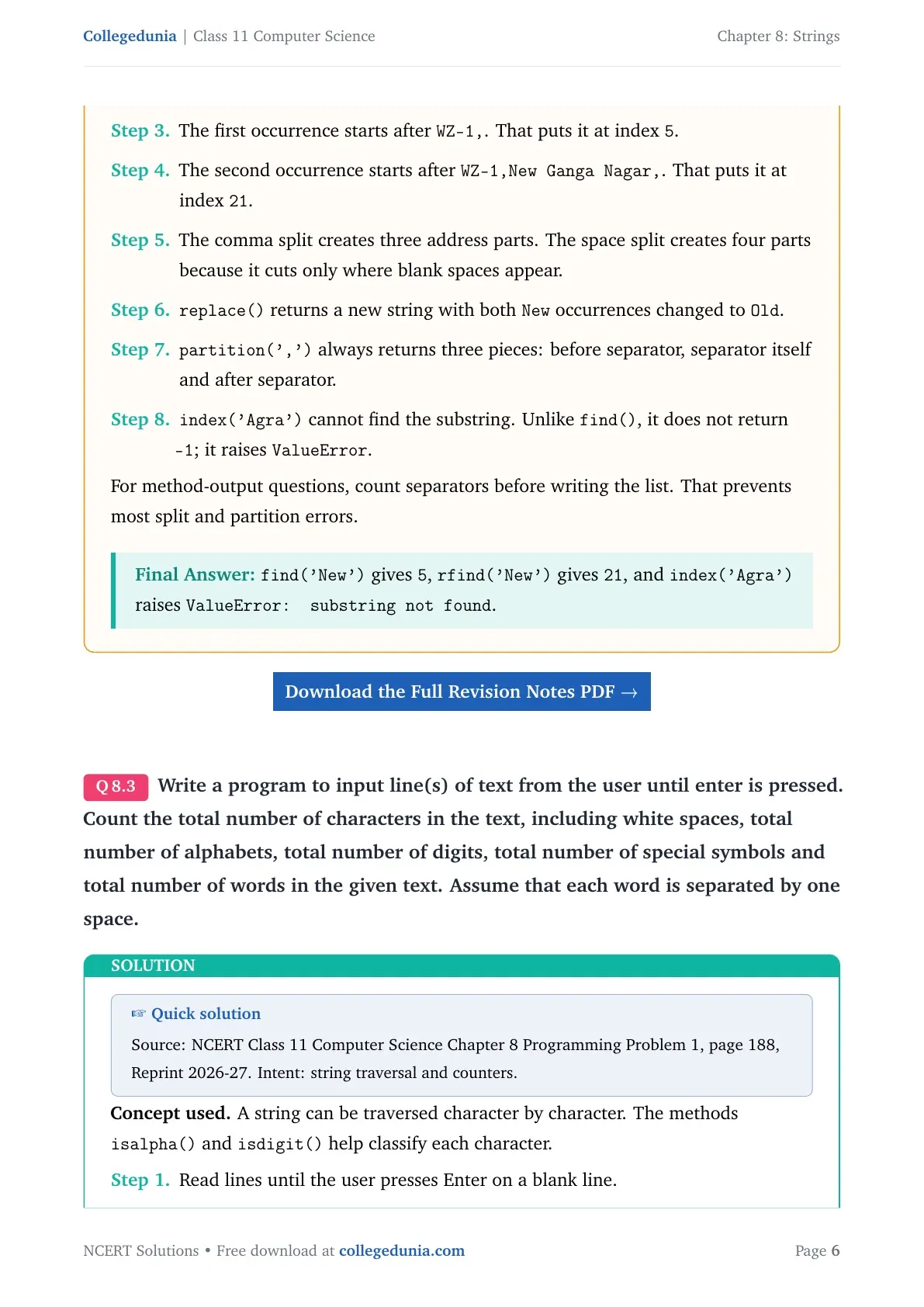
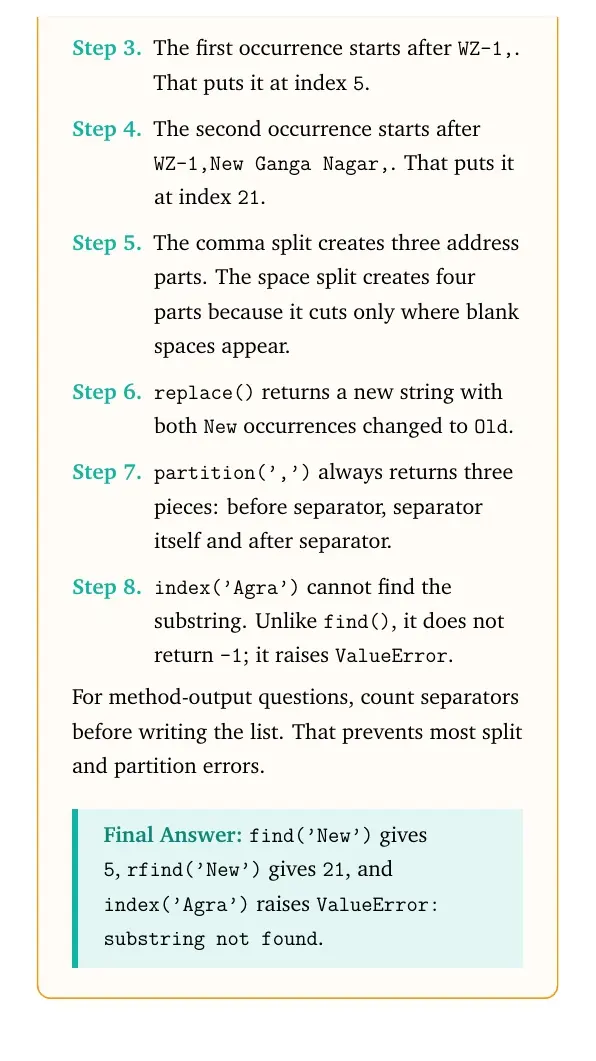
The first occurrence starts after WZ-1,. That puts it at index 5.
The second occurrence starts after WZ-1,New Ganga Nagar,. That puts it at index 21.
The comma split creates three address parts. The space split creates four parts because it cuts only where blank spaces appear.
replace() returns a new string with both New occurrences changed to Old.
partition(',') always returns three pieces: before separator, separator itself and after separator.
index('Agra') cannot find the substring. Unlike find(), it does not return -1; it raises ValueError.
For method-output questions, count separators before writing the list. That prevents most split and partition errors.
find('New') gives 5, rfind('New') gives 21, and index('Agra') raises ValueError: substring not found.
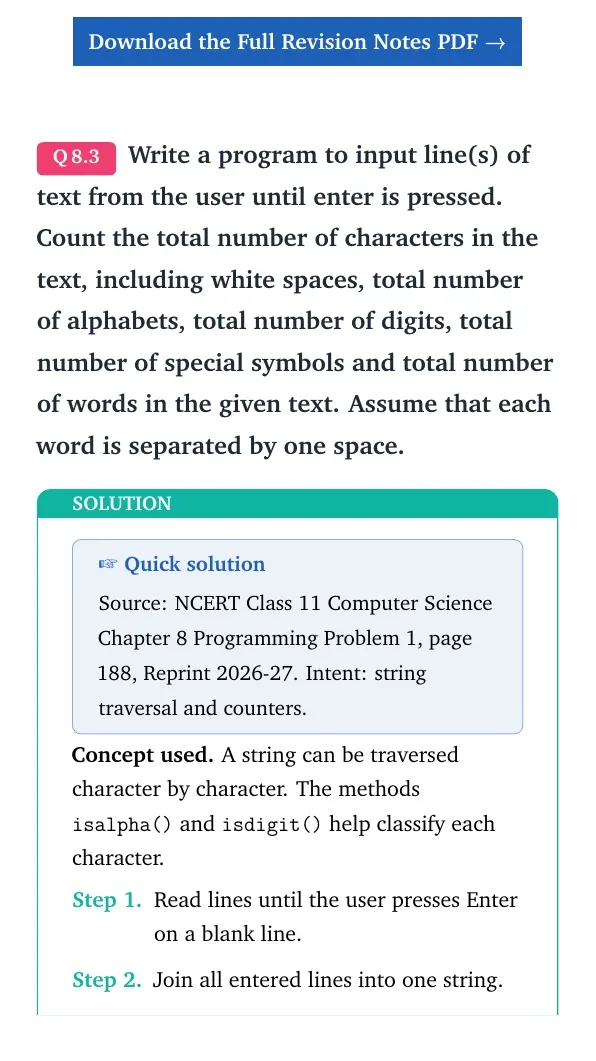
Q 8.3
Write a program to input line(s) of text from the user until enter is pressed. Count the total number of characters in the text, including white spaces, total number of alphabets, total number of digits, total number of special symbols and total number of words in the given text. Assume that each word is separated by one space.
Quick solution
Source: NCERT Class 11 Computer Science Chapter 8 Programming Problem 1, page 188, Reprint 2026-27. Intent: string traversal and counters.
Concept used. A string can be traversed character by character. The methods isalpha() and isdigit() help classify each character.
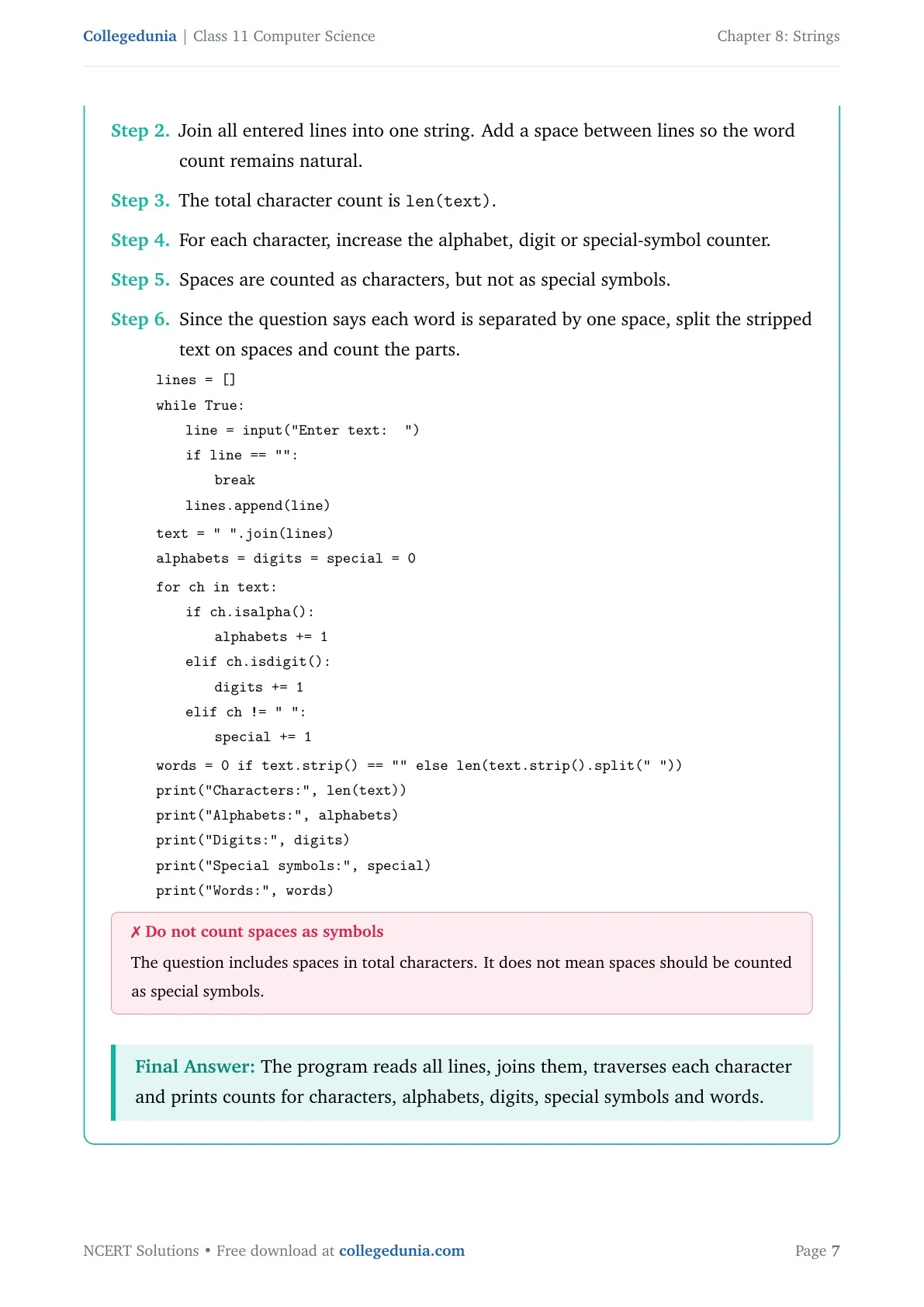
Read lines until the user presses Enter on a blank line.
Join all entered lines into one string. Add a space between lines so the word count remains natural.
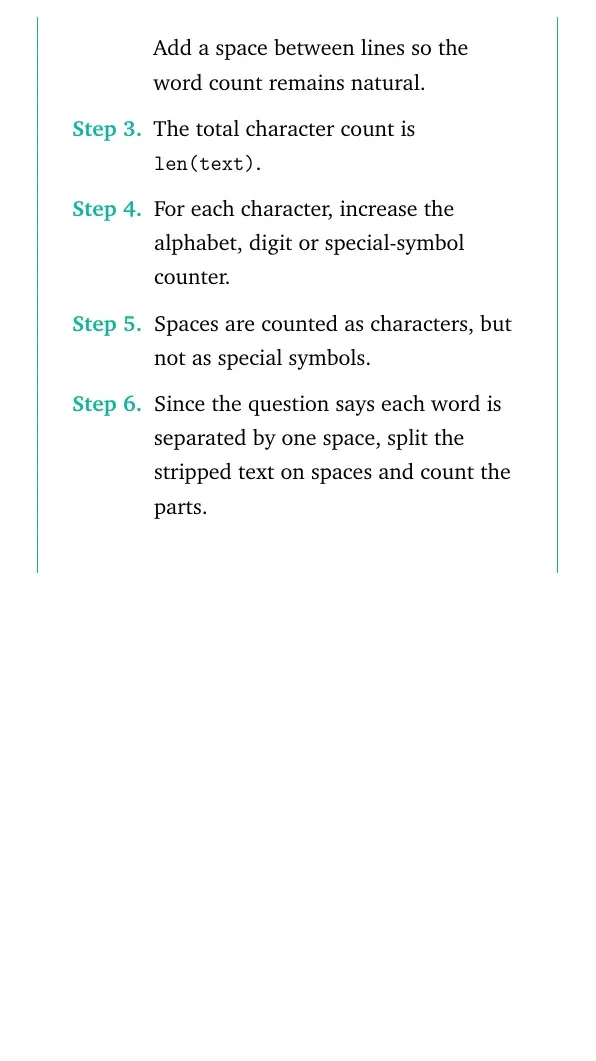
The total character count is len(text).
For each character, increase the alphabet, digit or special-symbol counter.
Spaces are counted as characters, but not as special symbols.
Since the question says each word is separated by one space, split the stripped text on spaces and count the parts.
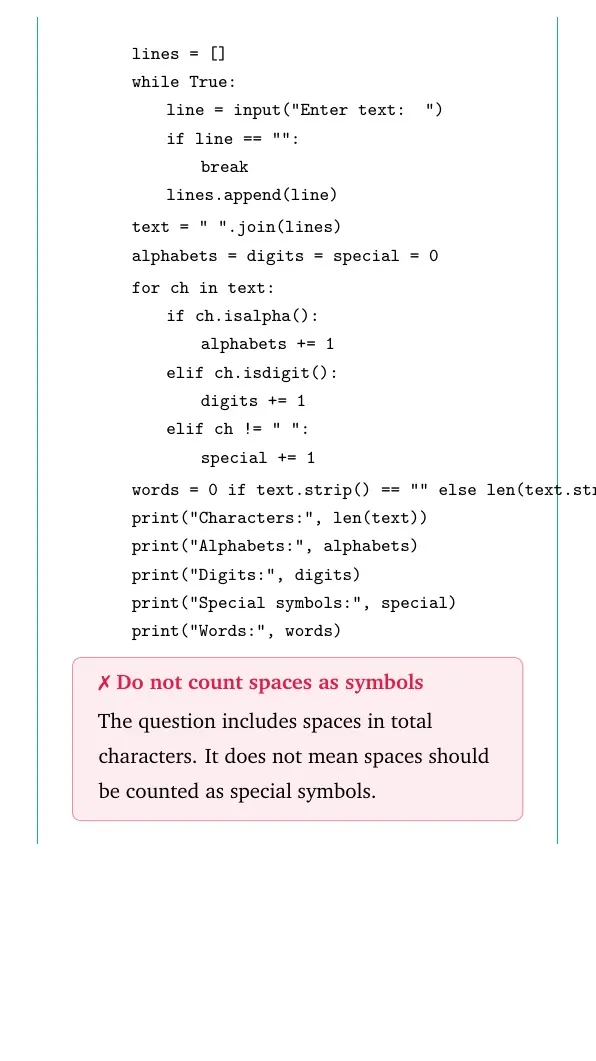
The question includes spaces in total characters. It does not mean spaces should be counted as special symbols.
The program reads all lines, joins them, traverses each character and prints counts for characters, alphabets, digits, special symbols and words.
RI
Rohit Iyer
B.Tech Computer Science, IIT Roorkee
Verified Expert
Structural observation. This program has two separate jobs. First collect text. Then classify the collected text.
The input loop should stop only when the user gives a blank line.
The counting loop should not ask for input again.
The word count should be calculated after the full text is ready.
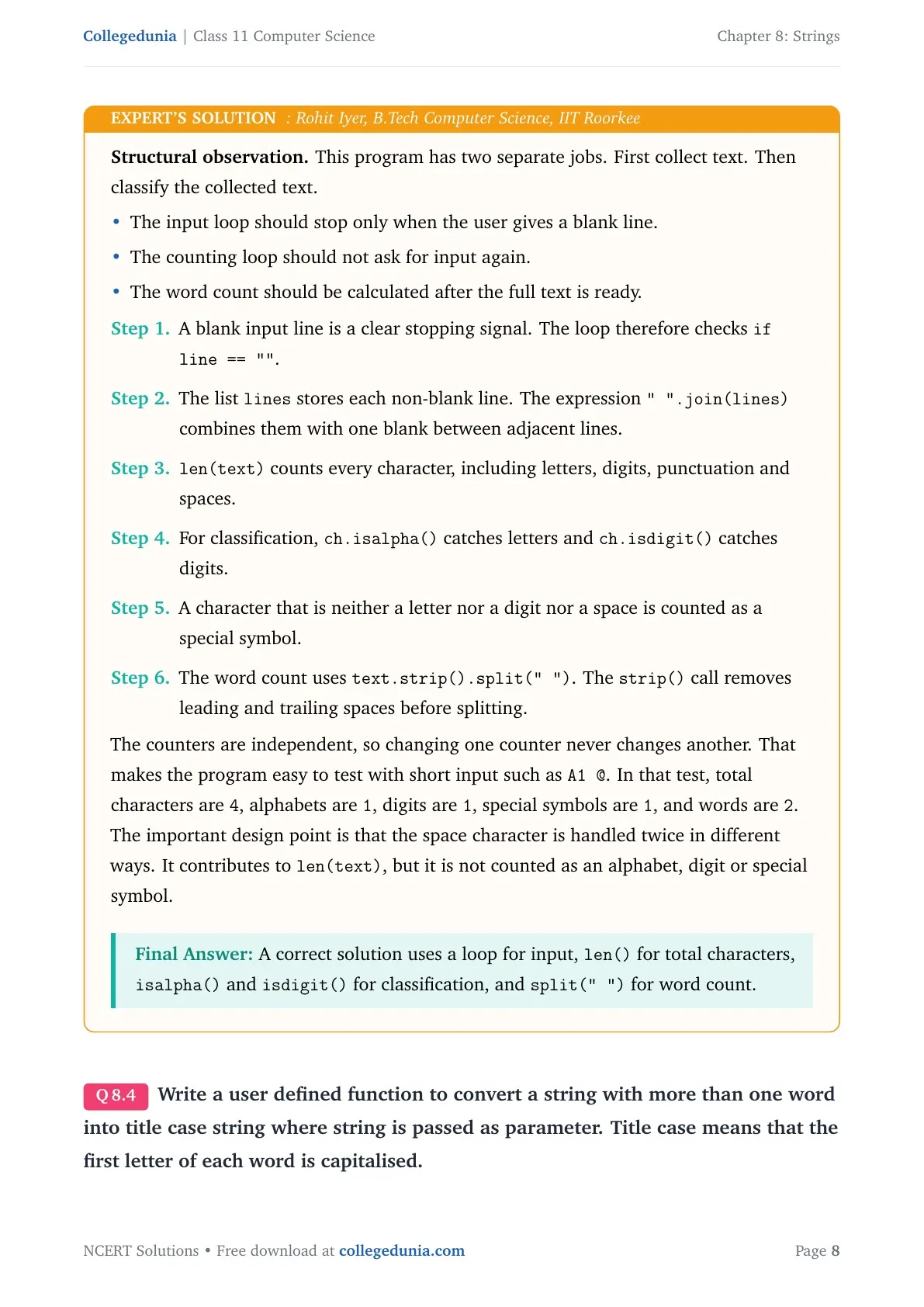
A blank input line is a clear stopping signal. The loop therefore checks if line == "".
The list lines stores each non-blank line. The expression " ".join(lines) combines them with one blank between adjacent lines.
len(text) counts every character, including letters, digits, punctuation and spaces.
For classification, ch.isalpha() catches letters and ch.isdigit() catches digits.
A character that is neither a letter nor a digit nor a space is counted as a special symbol.
The word count uses text.strip().split(" "). The strip() call removes leading and trailing spaces before splitting.
The counters are independent, so changing one counter never changes another. That makes the program easy to test with short input such as A1 @. In that test, total characters are 4, alphabets are 1, digits are 1, special symbols are 1, and words are 2.
The important design point is that the space character is handled twice in different ways. It contributes to len(text), but it is not counted as an alphabet, digit or special symbol.
A correct solution uses a loop for input, len() for total characters, isalpha() and isdigit() for classification, and split(" ") for word count.
Q 8.4
Write a user defined function to convert a string with more than one word into title case string where string is passed as parameter. Title case means that the first letter of each word is capitalised.
Quick solution
Source: NCERT Class 11 Computer Science Chapter 8 Programming Problem 2, page 188, Reprint 2026-27. Intent: user-defined function with string splitting and joining.
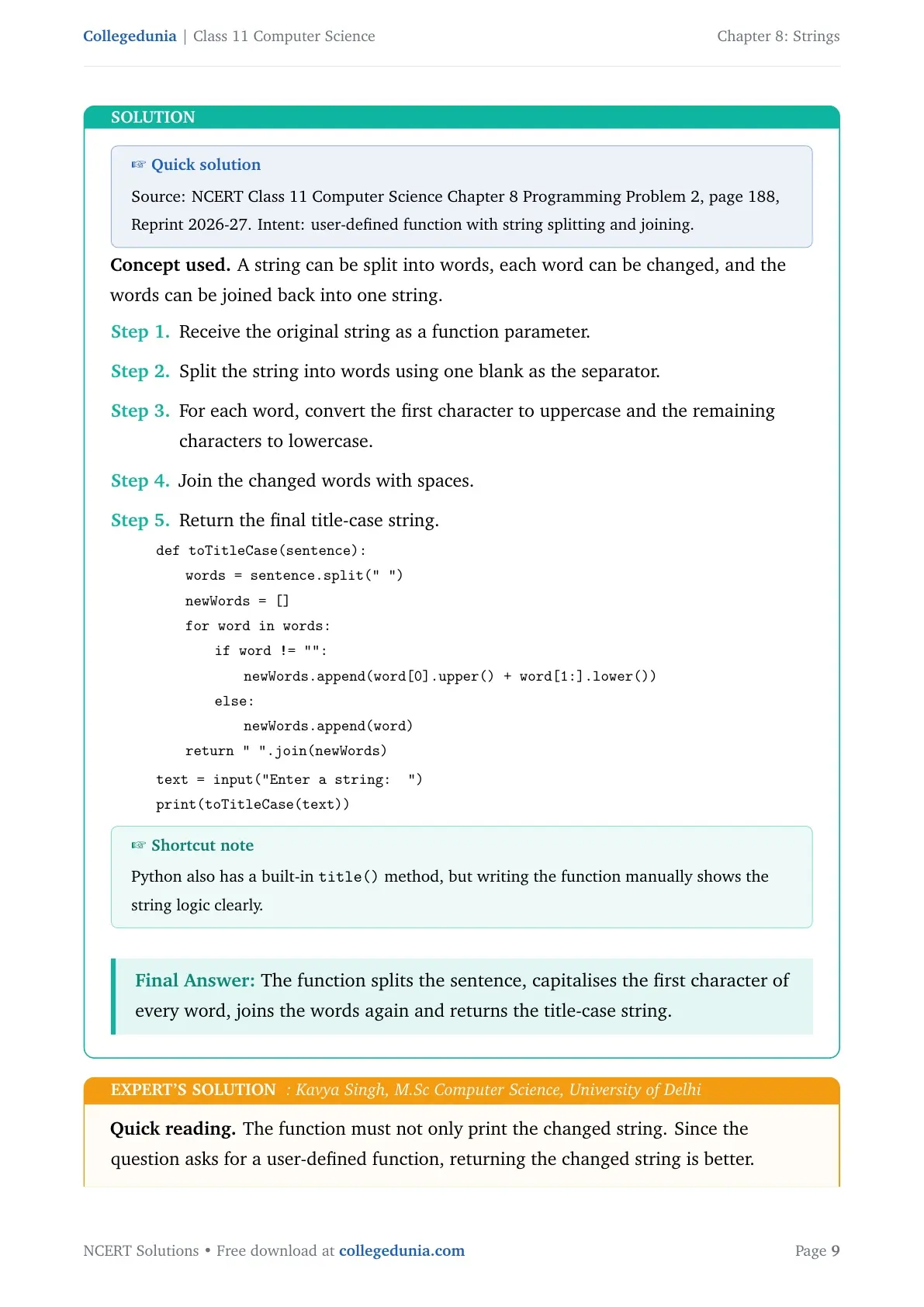
Concept used. A string can be split into words, each word can be changed, and the words can be joined back into one string.
Receive the original string as a function parameter.
Split the string into words using one blank as the separator.
For each word, convert the first character to uppercase and the remaining characters to lowercase.
Join the changed words with spaces.
Return the final title-case string.
quote
tabular@l@
def toTitleCase(sentence):
1.8emwords = sentence.split(" ")
1.8emnewWords = []
1.8emfor word in words:
3.6emif word != "":
5.4emnewWords.append(word[0].upper() + word[1:].lower())
3.6emelse:
5.4emnewWords.append(word)
1.8emreturn " ".join(newWords) [2pt]
text = input("Enter a string: ")
print(toTitleCase(text))
tabular
quote
Shortcut note
Python also has a built-in title() method, but writing the function manually shows the string logic clearly.
The function splits the sentence, capitalises the first character of every word, joins the words again and returns the title-case string.
KS
Kavya Singh
M.Sc Computer Science, University of Delhi
Verified Expert
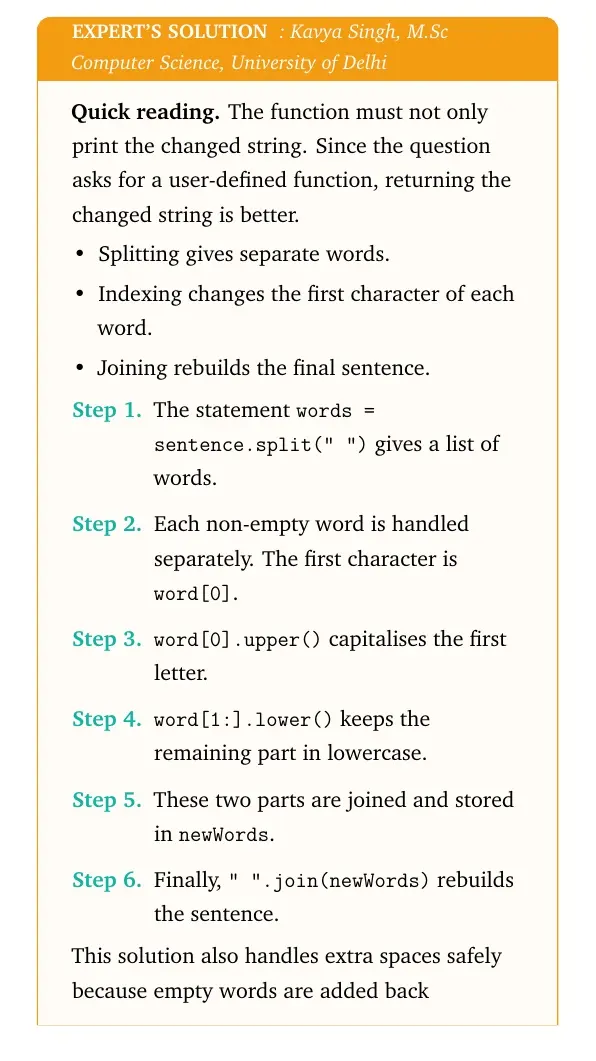
Quick reading. The function must not only print the changed string. Since the question asks for a user-defined function, returning the changed string is better.
Splitting gives separate words.
Indexing changes the first character of each word.
Joining rebuilds the final sentence.
The statement words = sentence.split(" ") gives a list of words.
Each non-empty word is handled separately. The first character is word[0].
word[0].upper() capitalises the first letter.
word[1:].lower() keeps the remaining part in lowercase.
These two parts are joined and stored in newWords.
Finally, " ".join(newWords) rebuilds the sentence.
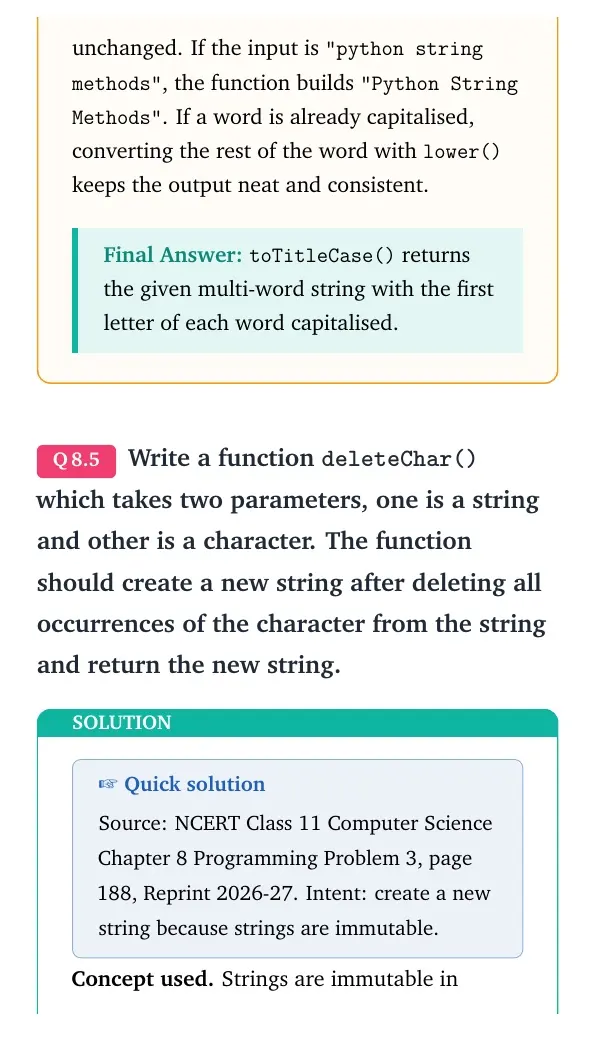
This solution also handles extra spaces safely because empty words are added back unchanged. If the input is "python string methods", the function builds "Python String Methods". If a word is already capitalised, converting the rest of the word with lower() keeps the output neat and consistent.
toTitleCase() returns the given multi-word string with the first letter of each word capitalised.
Q 8.5
Write a function deleteChar() which takes two parameters, one is a string and other is a character. The function should create a new string after deleting all occurrences of the character from the string and return the new string.
Quick solution
Source: NCERT Class 11 Computer Science Chapter 8 Programming Problem 3, page 188, Reprint 2026-27. Intent: create a new string because strings are immutable.
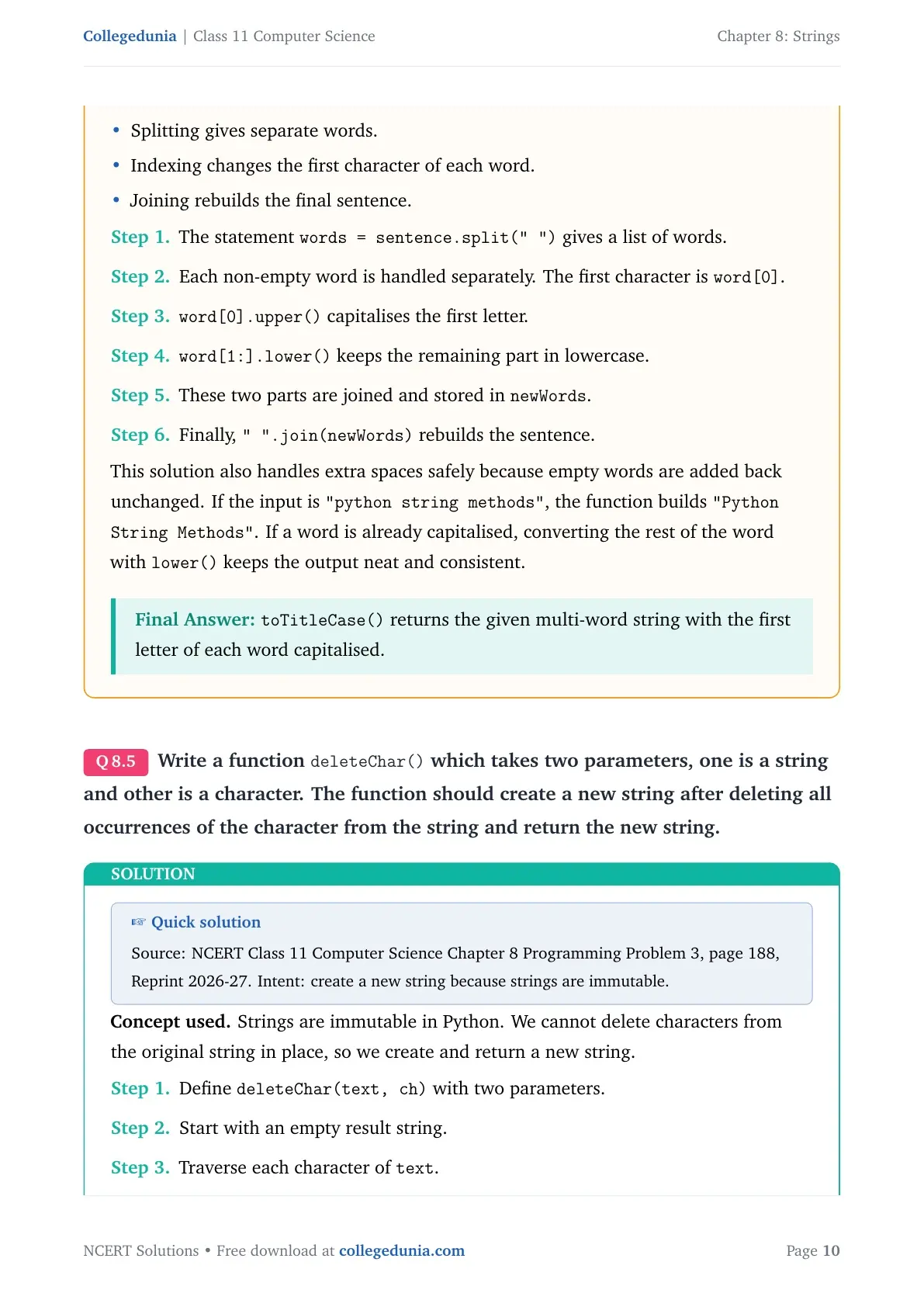
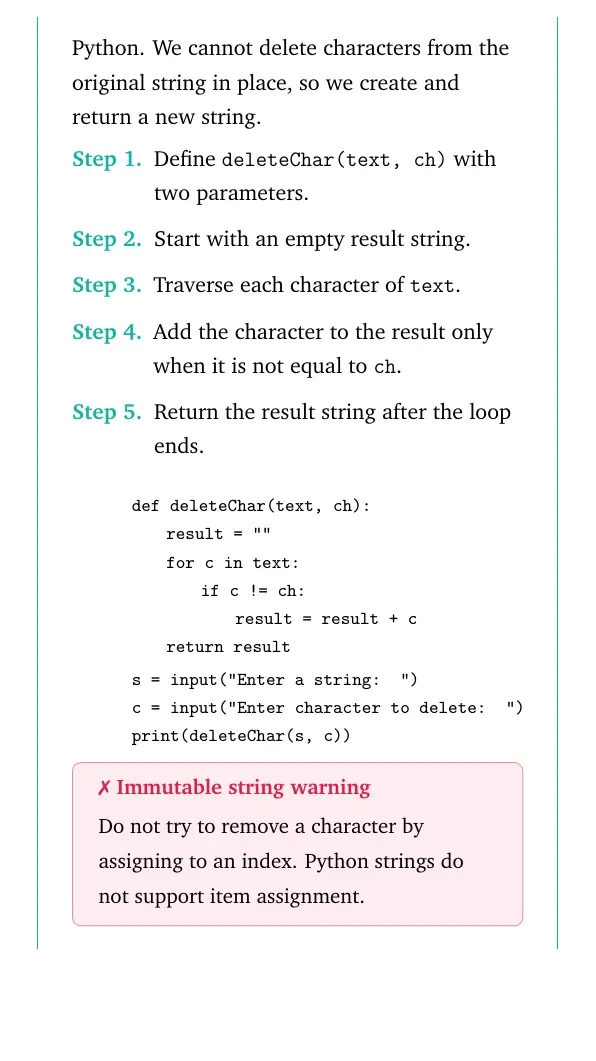
Concept used. Strings are immutable in Python. We cannot delete characters from the original string in place, so we create and return a new string.
Define deleteChar(text, ch) with two parameters.
Start with an empty result string.
Traverse each character of text.
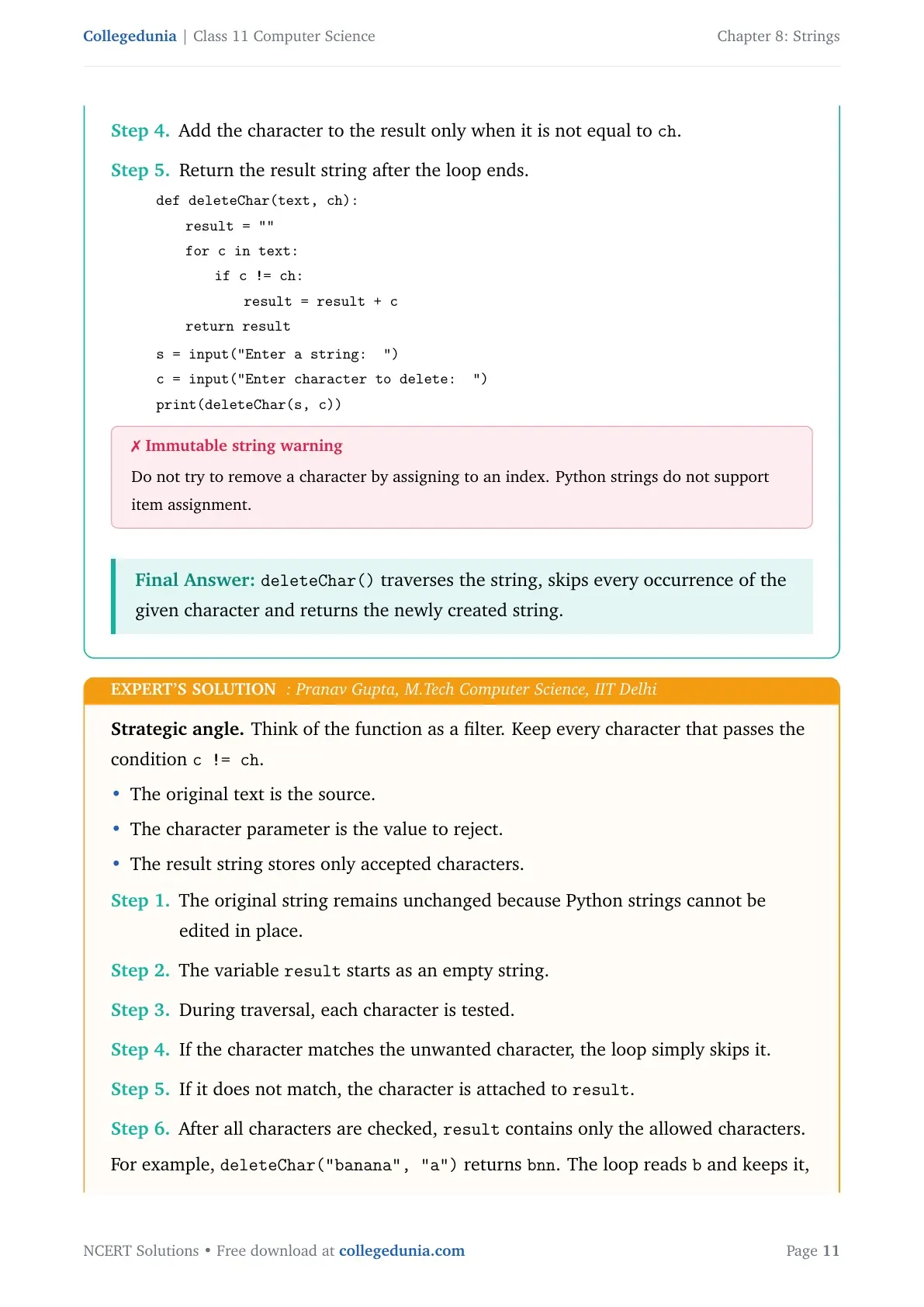
Add the character to the result only when it is not equal to ch.
Return the result string after the loop ends.
quote
tabular@l@
def deleteChar(text, ch):
1.8emresult=""
1.8emfor c in text:
3.6emif c != ch:
5.4emresult = result + c
1.8emreturn result [2pt]
s = input("Enter a string: ")
c = input("Enter character to delete: ")
print(deleteChar(s, c))
tabular
quote
Immutable string warning
Do not try to remove a character by assigning to an index. Python strings do not support item assignment.
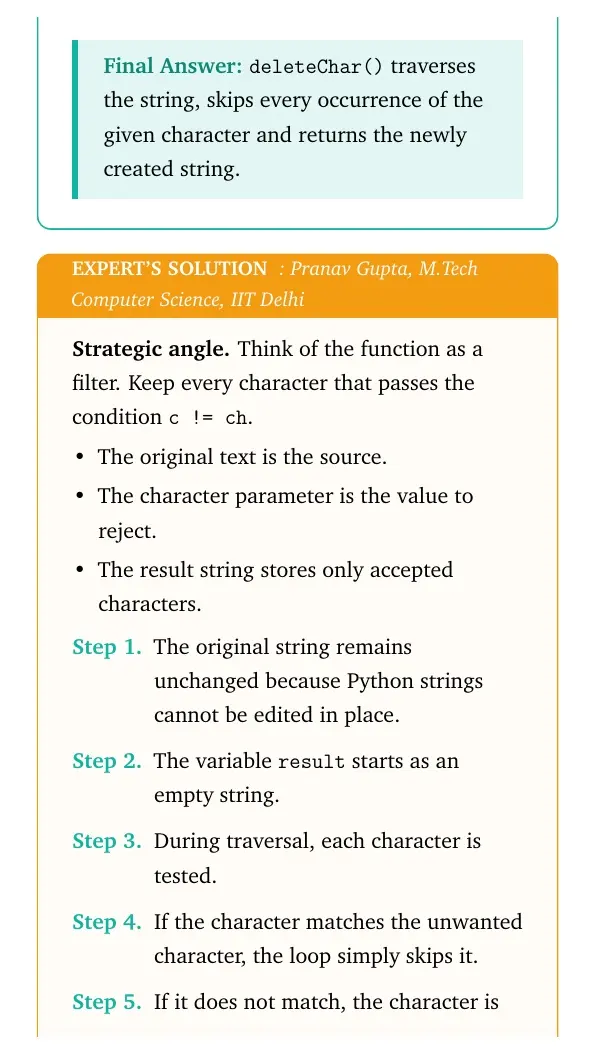
deleteChar() traverses the string, skips every occurrence of the given character and returns the newly created string.
PG
Pranav Gupta
M.Tech Computer Science, IIT Delhi
Verified Expert
Strategic angle. Think of the function as a filter. Keep every character that passes the condition c != ch.
The original text is the source.
The character parameter is the value to reject.
The result string stores only accepted characters.
The original string remains unchanged because Python strings cannot be edited in place.
The variable result starts as an empty string.
During traversal, each character is tested.
If the character matches the unwanted character, the loop simply skips it.
If it does not match, the character is attached to result.
After all characters are checked, result contains only the allowed characters.
For example, deleteChar("banana", "a") returns bnn. The loop reads b and keeps it, reads a and skips it, reads n and keeps it, then repeats the same check until the string ends.
This method also removes consecutive copies. If the input is "book" and the character is "o", both o characters are skipped, so the returned string is bk.
The function returns a new string with all copies of the selected character removed.
Q 8.6
Input a string having some digits. Write a function to return the sum of digits present in this string.
Quick solution
Source: NCERT Class 11 Computer Science Chapter 8 Programming Problem 4, page 188, Reprint 2026-27. Intent: identify digit characters and add their integer values.
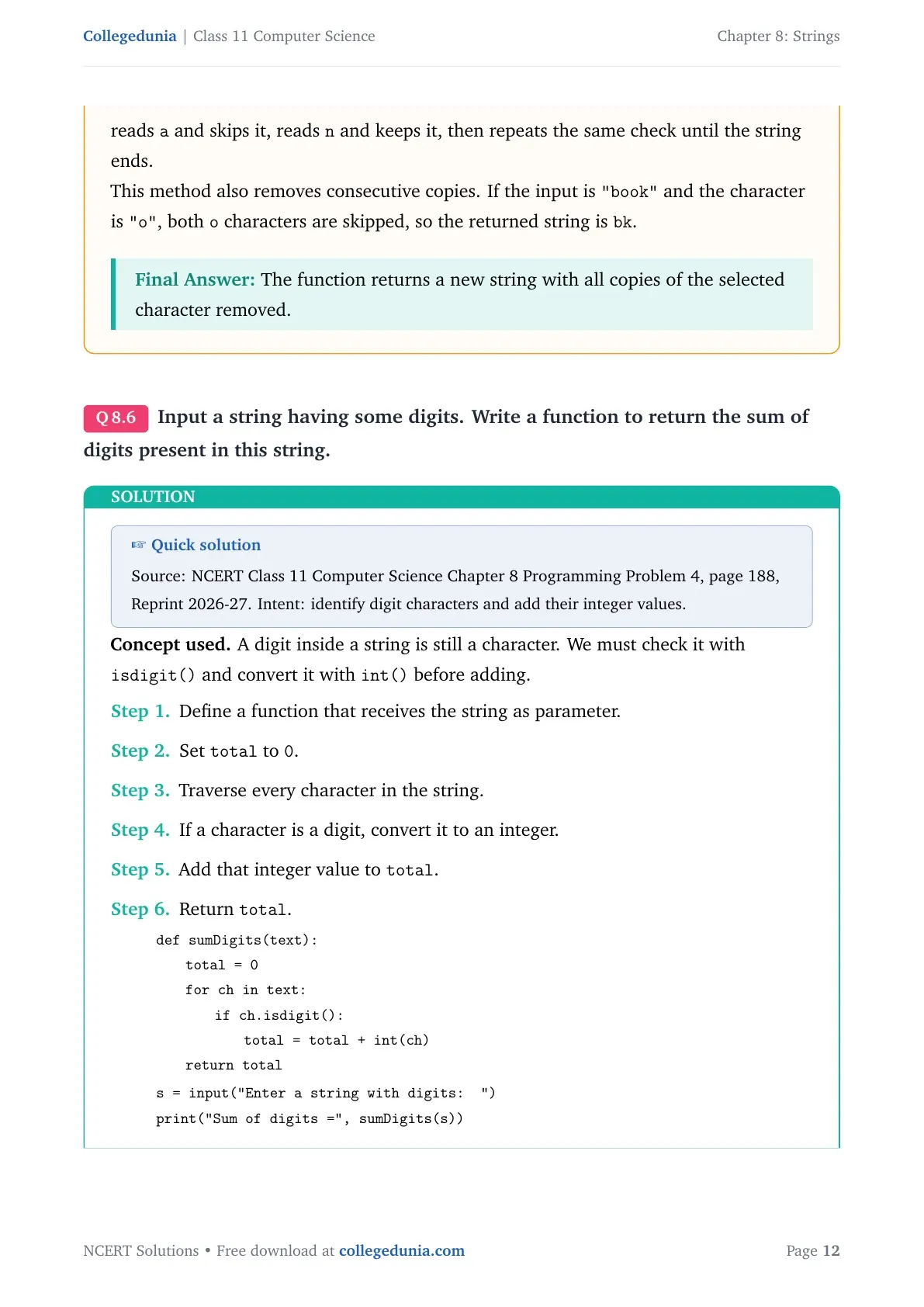
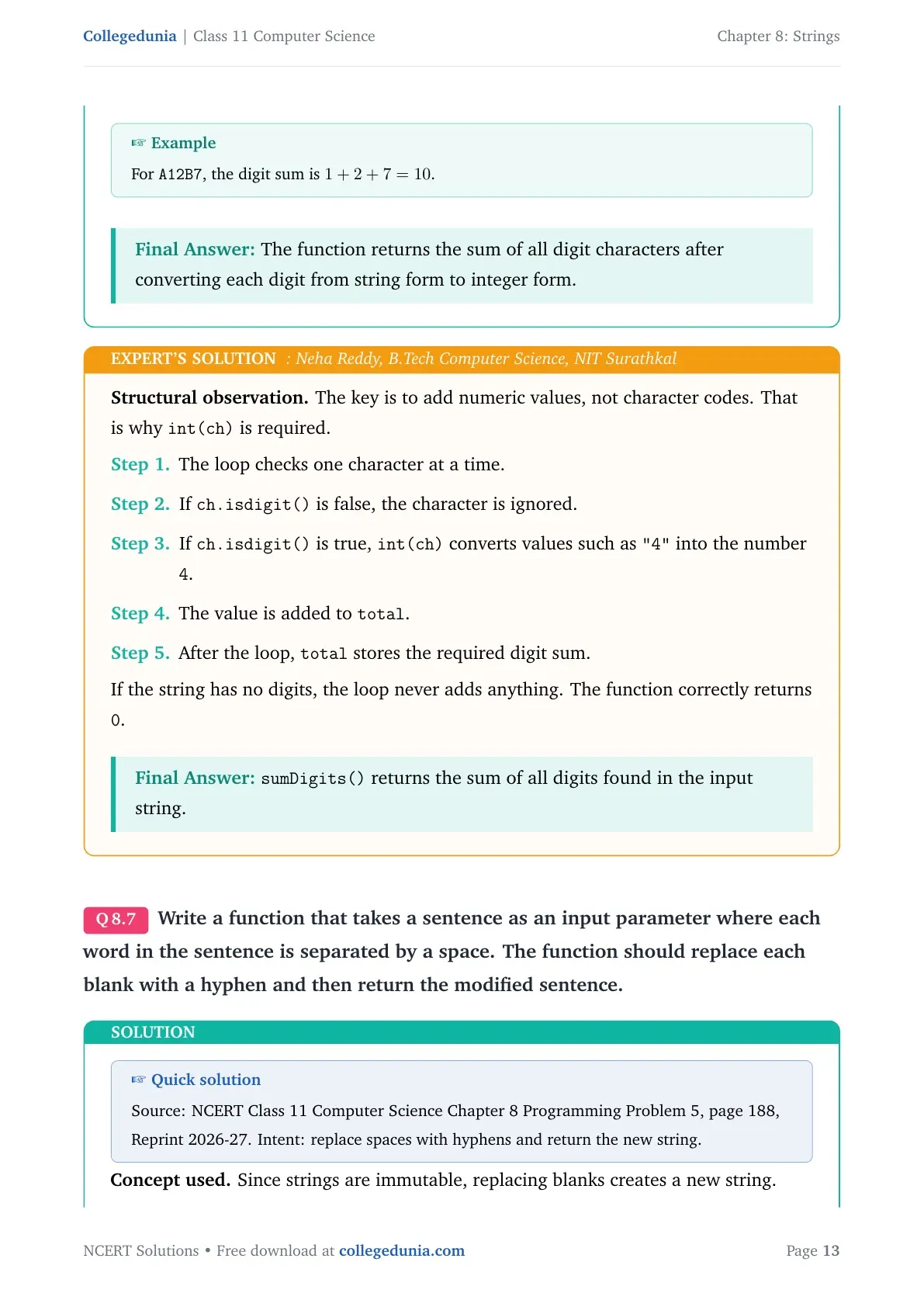
Concept used. A digit inside a string is still a character. We must check it with isdigit() and convert it with int() before adding.
Define a function that receives the string as parameter.
Set total to 0.
Traverse every character in the string.
If a character is a digit, convert it to an integer.
Add that integer value to total.
Return total.
quote
tabular@l@
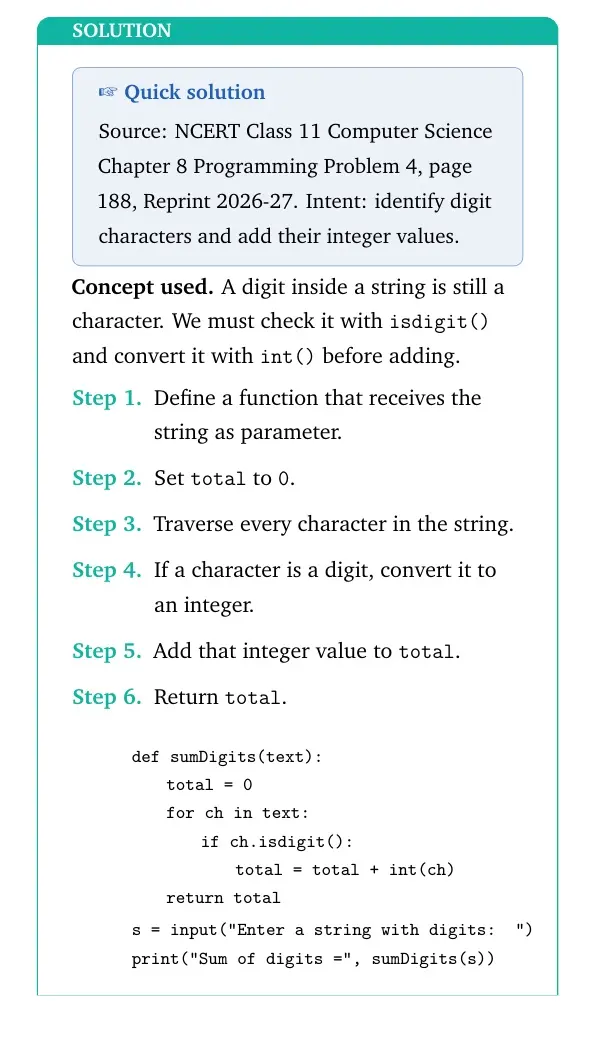
def sumDigits(text):
1.8emtotal = 0
1.8emfor ch in text:
3.6emif ch.isdigit():
5.4emtotal = total + int(ch)
1.8emreturn total [2pt]
s = input("Enter a string with digits: ")
print("Sum of digits=", sumDigits(s))
tabular
quote
Example
For A12B7, the digit sum is 1 + 2 + 7 = 10.
The function returns the sum of all digit characters after converting each digit from string form to integer form.
NR
Neha Reddy
B.Tech Computer Science, NIT Surathkal
Verified Expert
Structural observation. The key is to add numeric values, not character codes. That is why int(ch) is required.
The loop checks one character at a time.
If ch.isdigit() is false, the character is ignored.
If ch.isdigit() is true, int(ch) converts values such as "4" into the number 4.
The value is added to total.
After the loop, total stores the required digit sum.
If the string has no digits, the loop never adds anything. The function correctly returns 0.
sumDigits() returns the sum of all digits found in the input string.
Q 8.7
Write a function that takes a sentence as an input parameter where each word in the sentence is separated by a space. The function should replace each blank with a hyphen and then return the modified sentence.
Quick solution
Source: NCERT Class 11 Computer Science Chapter 8 Programming Problem 5, page 188, Reprint 2026-27. Intent: replace spaces with hyphens and return the new string.
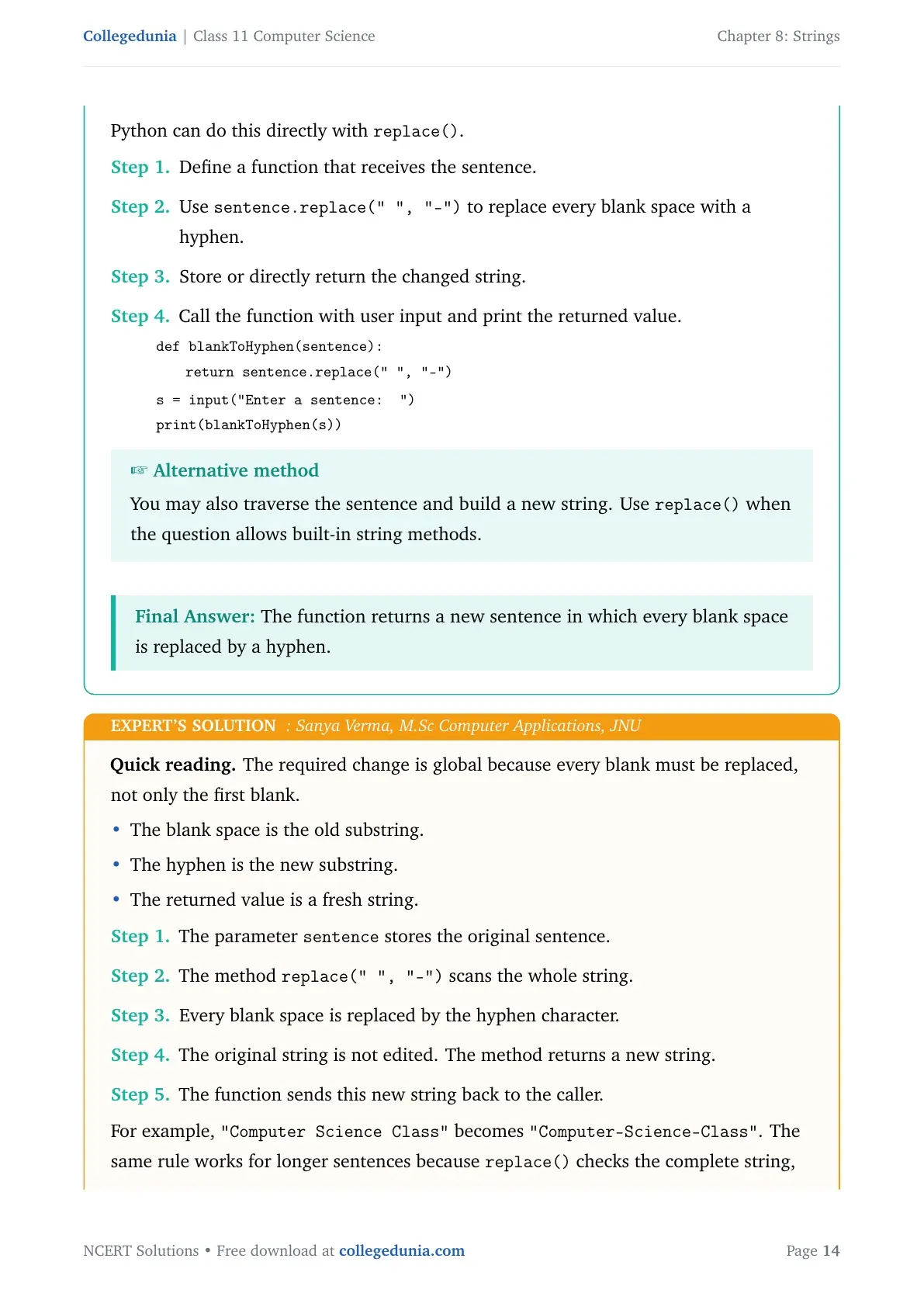
Concept used. Since strings are immutable, replacing blanks creates a new string. Python can do this directly with replace().
Define a function that receives the sentence.
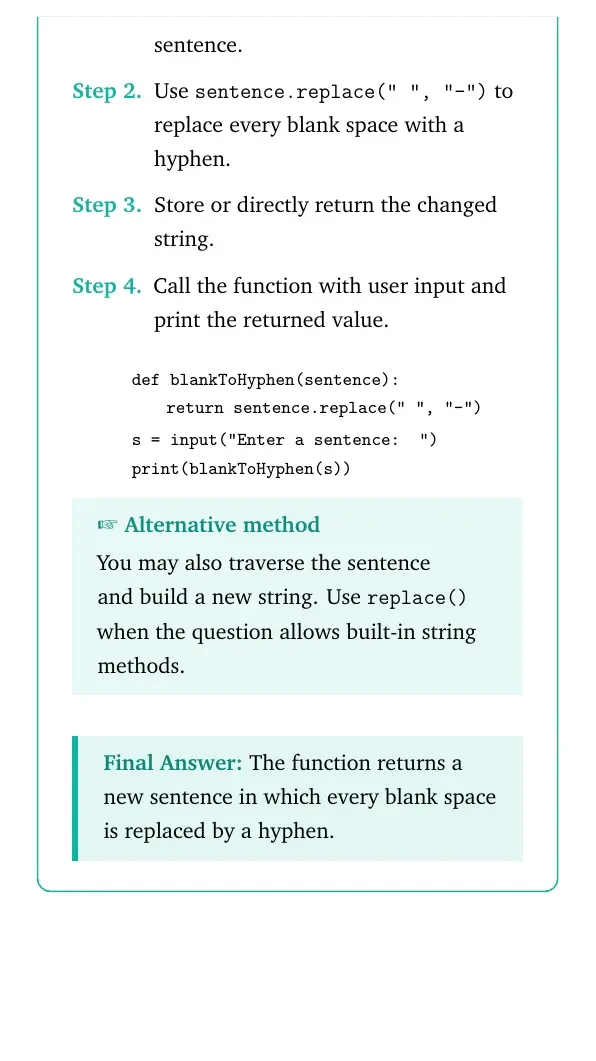
Use sentence.replace(" ", "-") to replace every blank space with a hyphen.
Store or directly return the changed string.
Call the function with user input and print the returned value.
quote
tabular@l@
def blankToHyphen(sentence):
1.8emreturn sentence.replace(" ", "-") [2pt]
s = input("Enter a sentence: ")
print(blankToHyphen(s))
tabular
quote
Alternative method
You may also traverse the sentence and build a new string. Use replace() when the question allows built-in string methods.
The function returns a new sentence in which every blank space is replaced by a hyphen.
SV
Sanya Verma
M.Sc Computer Applications, JNU
Verified Expert
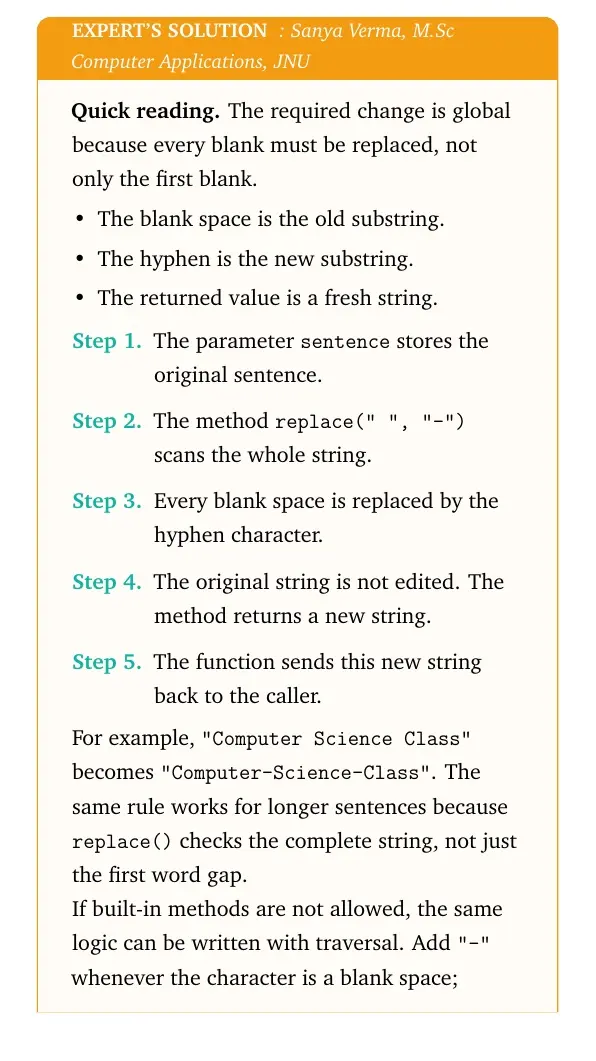
Quick reading. The required change is global because every blank must be replaced, not only the first blank.
The blank space is the old substring.
The hyphen is the new substring.
The returned value is a fresh string.
The parameter sentence stores the original sentence.
The method replace(" ", "-") scans the whole string.
Every blank space is replaced by the hyphen character.
The original string is not edited. The method returns a new string.
The function sends this new string back to the caller.
For example, "Computer Science Class" becomes "Computer-Science-Class". The same rule works for longer sentences because replace() checks the complete string, not just the first word gap.
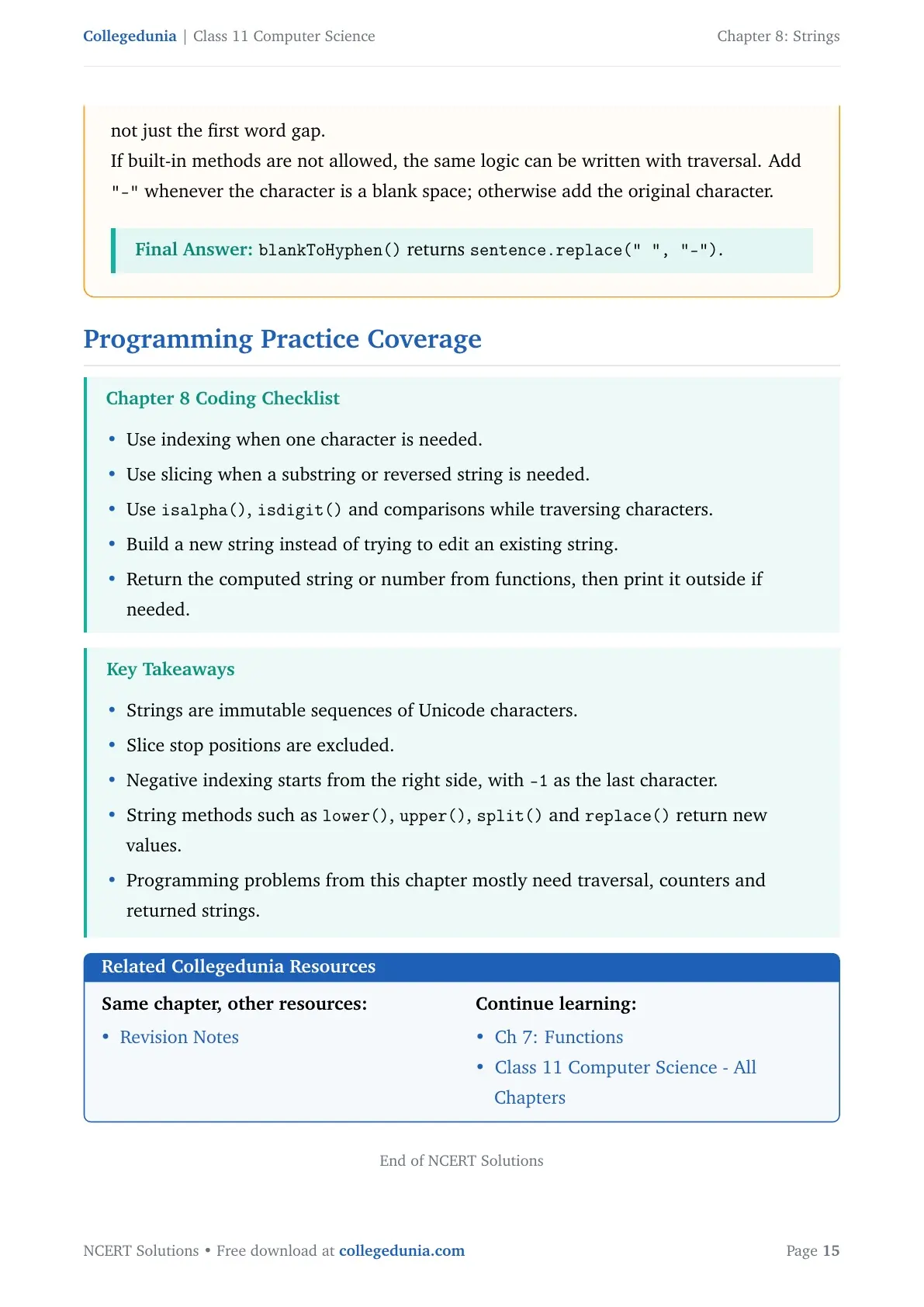
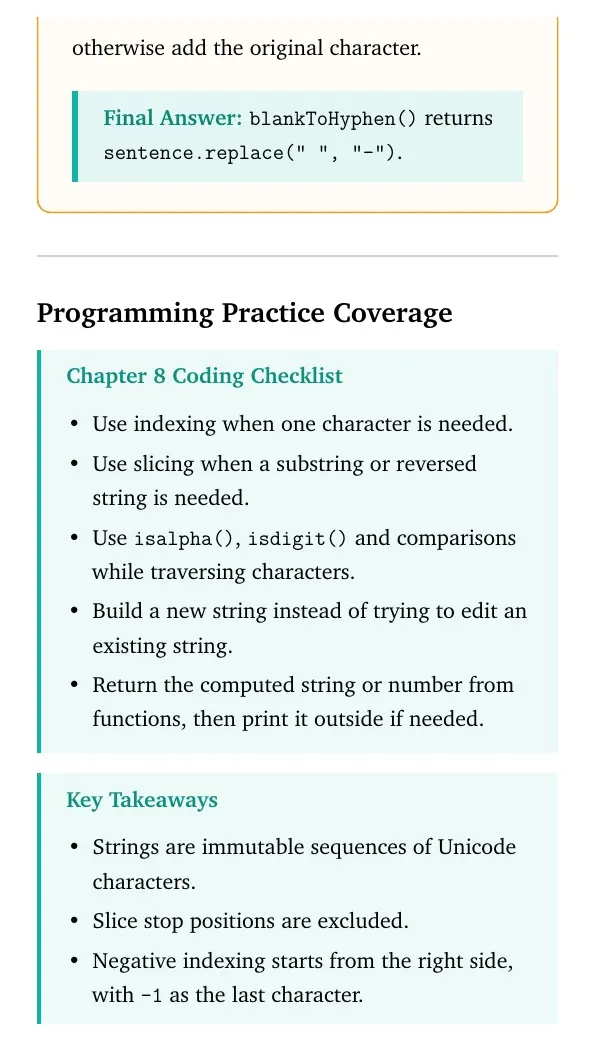
If built-in methods are not allowed, the same logic can be written with traversal. Add "-" whenever the character is a blank space; otherwise add the original character.







Comments