



| Updated On - Aug 1, 2026
KEA will conduct Karnataka NEET UG 2026 counselling document verification from August 4 to 8 at its Malleswaram office in Bengaluru. Slot booking opens on August 2 at cetonline.karnataka.gov.in for eligible candidates.
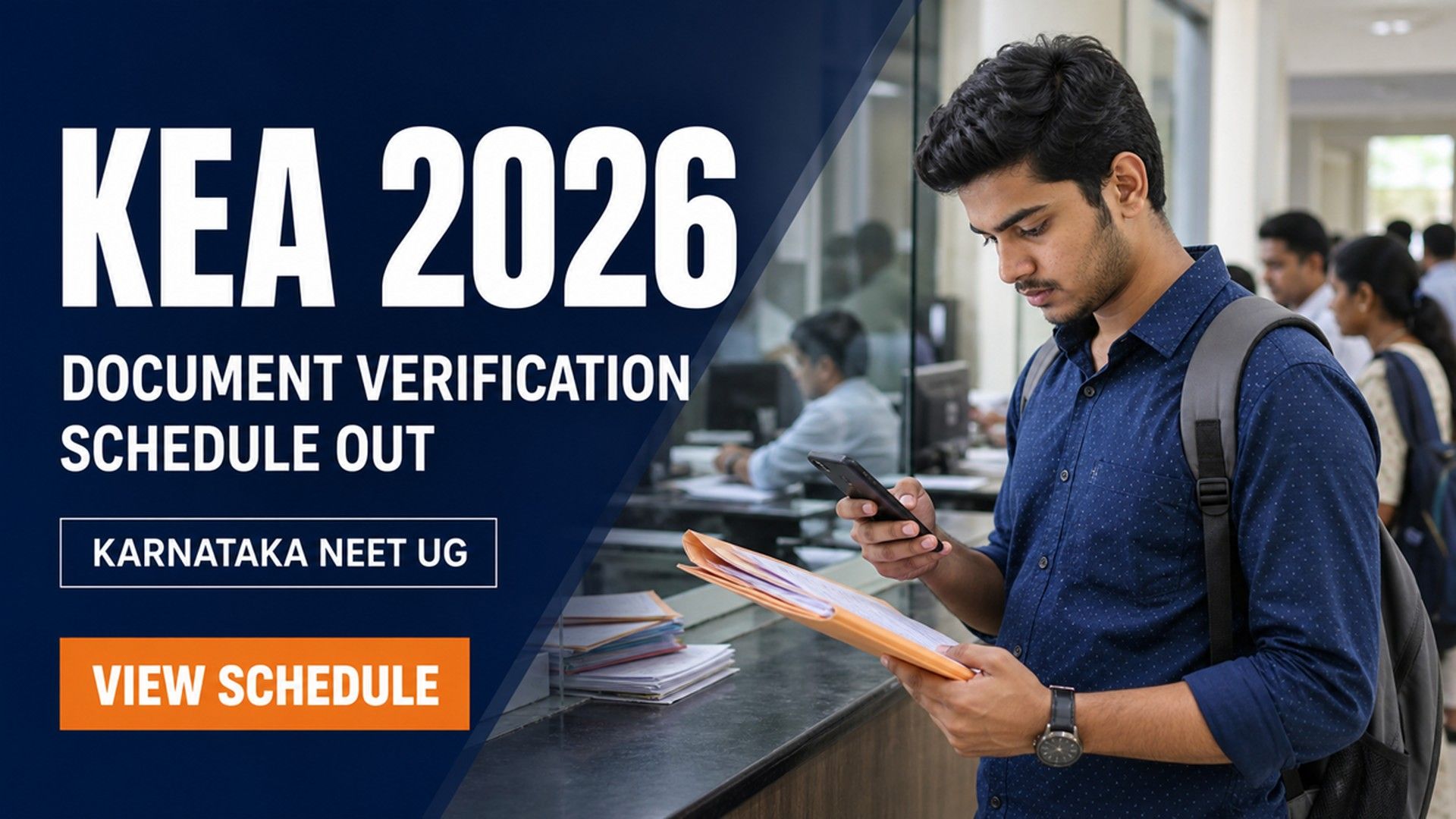
The Karnataka Examinations Authority (KEA) has released the NEET UG 2026 counselling document verification schedule. The verification will run from August 4 to August 8, 2026. It will be held at the KEA office in Malleswaram, Bengaluru. The official notification was issued on August 1, 2026.
The schedule applies to newly registered candidates and reserved category applicants. Candidates must first book a slot online. Slot booking opens on August 2, 2026 on the KEA portal at cetonline.karnataka.gov.in. Only those who book a slot can attend verification.
Karnataka NEET UG 2026 Verification Key Dates
| Event | Date |
|---|---|
| Notification released by KEA | August 1, 2026 |
| Slot booking link activated | August 2, 2026 |
| Document verification window | August 4 to August 8, 2026 |
Who Must Attend the Document Verification?
The KEA notification lists specific groups that must appear in person. These include:
- Candidates claiming NRI Ward, NRI, or Foreign National categories
- Candidates with pending Kannada, Rural, Linguistic Minority, or Religious Minority claims
- Newly registered candidates claiming Kannada, rural, or minority reservations
- St John's Medical College applicants under Categories RC-2 to RC-8
Candidates must attend in person. No proxy or representative is allowed at the venue.
Who Is Exempt from the Verification?
- Candidates who have already downloaded their verification slips
- Newly registered candidates claiming no reservation
- St John's Medical College applicants under Categories RC-1 and RC-9
Karnataka NEET UG 2026 Verification Venues
| Candidate Group | Venue |
|---|---|
| General candidates in the eligible list | KEA Office, 18th Cross, Malleswaram, Bengaluru |
| St John's applicants (RC-2 to RC-8) | Medical College Council Room, Ground Floor, St John's Medical College, Koramangala, Bengaluru |
How to Book the Verification Slot?
- Visit the official KEA portal at cetonline.karnataka.gov.in
- Click on the UGNEET 2026 slot booking link
- Log in with your NEET UG roll number and password
- Pick a date and time within August 4 to 8
- Confirm and download the slot booking slip for your records
What Documents Should Candidates Carry?
KEA has directed candidates to refer to the Information Booklet. The booklet is dated January 17, 2026. It is available on the KEA website.
Typical documents include the NEET UG scorecard and admit card. Candidates must also carry Class 10 and Class 12 marksheets. Identity proof and category or reservation certificates are also required. Study certificates are needed for Karnataka domicile claims. Carry both originals and self-attested photocopies.
Where to Get Help with Queries?
KEA has shared its official helpline for candidate support. You can call 080-23460460 on weekdays between 10:30 and 17:30. Queries can also be sent to keauthority-ka@nic.in for a written response.
Slot booking is mandatory before verification. Candidates who skip this step will not be allowed inside. Missing the window can block your seat allotment in later rounds.
Action Plan for Candidates
- Check the KEA portal on August 2, 2026 for the slot link.
- Book your verification slot for a date between August 4 and 8.
- Collect all originals and self-attested photocopies as listed in the booklet.
- Reach the assigned venue at least 30 minutes before your slot.
- Carry the printed slot booking slip and your NEET UG admit card.
Watch the KEA portal for the seat matrix and option entry dates. These are expected after verification closes on August 8.
.jpeg?h=127&w=254&mode=stretch)





.jpeg?h=40&w=40&mode=stretch)
.jpeg?h=40&w=40&mode=stretch)


.jpeg?h=40&w=40&mode=stretch)


.jpeg?h=40&w=40&mode=stretch)



Comments