The NCERT Solutions for Class 11 Informatics Practices Chapter 3 Brief Overview of Python explain identifiers, expressions and short programs. Use this page with the 2026-27 NCERT reprint to check your answers. Collegedunia's solutions show how to trace variable values, recognise errors and write programs that accept input and display results.
Coverage: 11 numbered exercise questions, their subparts and the Student Management Information System case study.
Source: The exercise and case study appear on textbook pages 51 to 54.
Practice: Python data types, operators, input, conditions, loops and error handling.
Student Feedback: Check your progress
After each attempt, note the step you found difficult: choosing a data type, tracing a loop or correcting an error. Use that note to select your next practice question.
The question order follows NCERT's Brief Overview of Python exercise in the 2026-27 reprint.
Brief Overview of Python Exercise Coverage and Question Types
The exercise moves from naming rules to complete programs. Start with Questions 1 to 5 before writing the longer answers. For each output question, record the value and type of every variable after an assignment.
Questions
What to practise
Check in your answer
1 to 3
Identifiers, assignments and data types
Valid names, quotation marks and suitable types
4 and 5
Expression output and errors
Operator order, changing values and exception names
6 to 9
Simple interest, repetition, averages and age
Inputs, calculations and meaningful output
10 and 11
Conditions and loop traces
Branch conditions, indentation and loop limits
Case study
Student information program
Suitable fields, data types and displayed records
Keep the printed questions beside your work. Question 4 includes an undefined variable, c, so an error is part of the answer. State whether you are tracing consecutive lines or testing a fresh expression.
Python Input, Calculation and Output in Short Programs
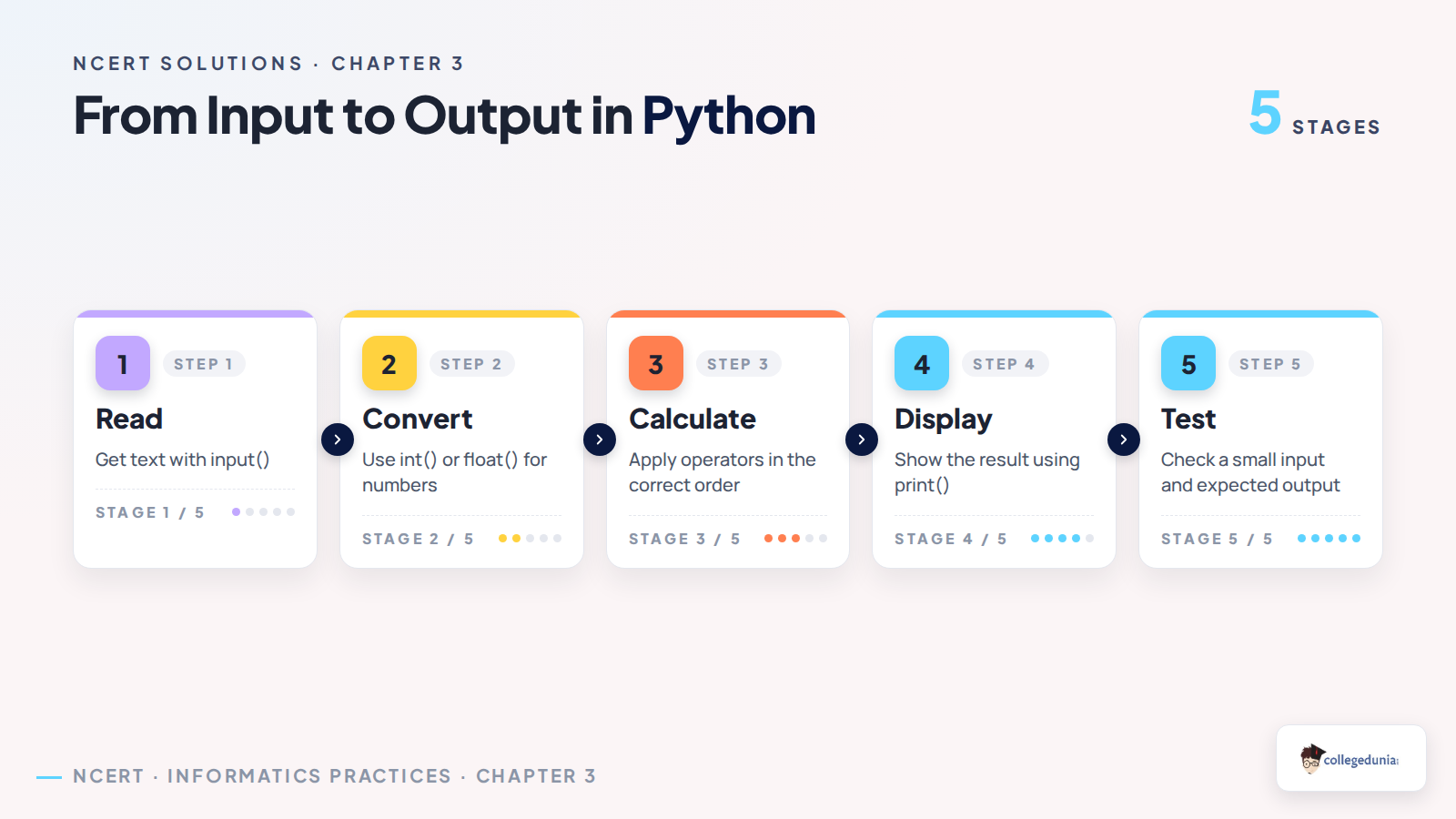
A short program is easier to check when you separate its input, calculation and output. The input() function returns a string. Convert a numeric entry before using it in arithmetic. Use meaningful names such as principal rather than unrelated letters in your practice programs.
List the values the program needs from the person entering data.
Choose int() for whole numbers or float() when decimal values are needed.
Write the calculation using parentheses where they make the order clearer.
Print the result with a label, then check it using a small example.
For the simple-interest question, enter the annual rate as a percentage, such as 5 for five percent. Compute interest first, then add it to the principal. Keep the time value in years to match the given formula.
Python Operators and Data Types That Need Care
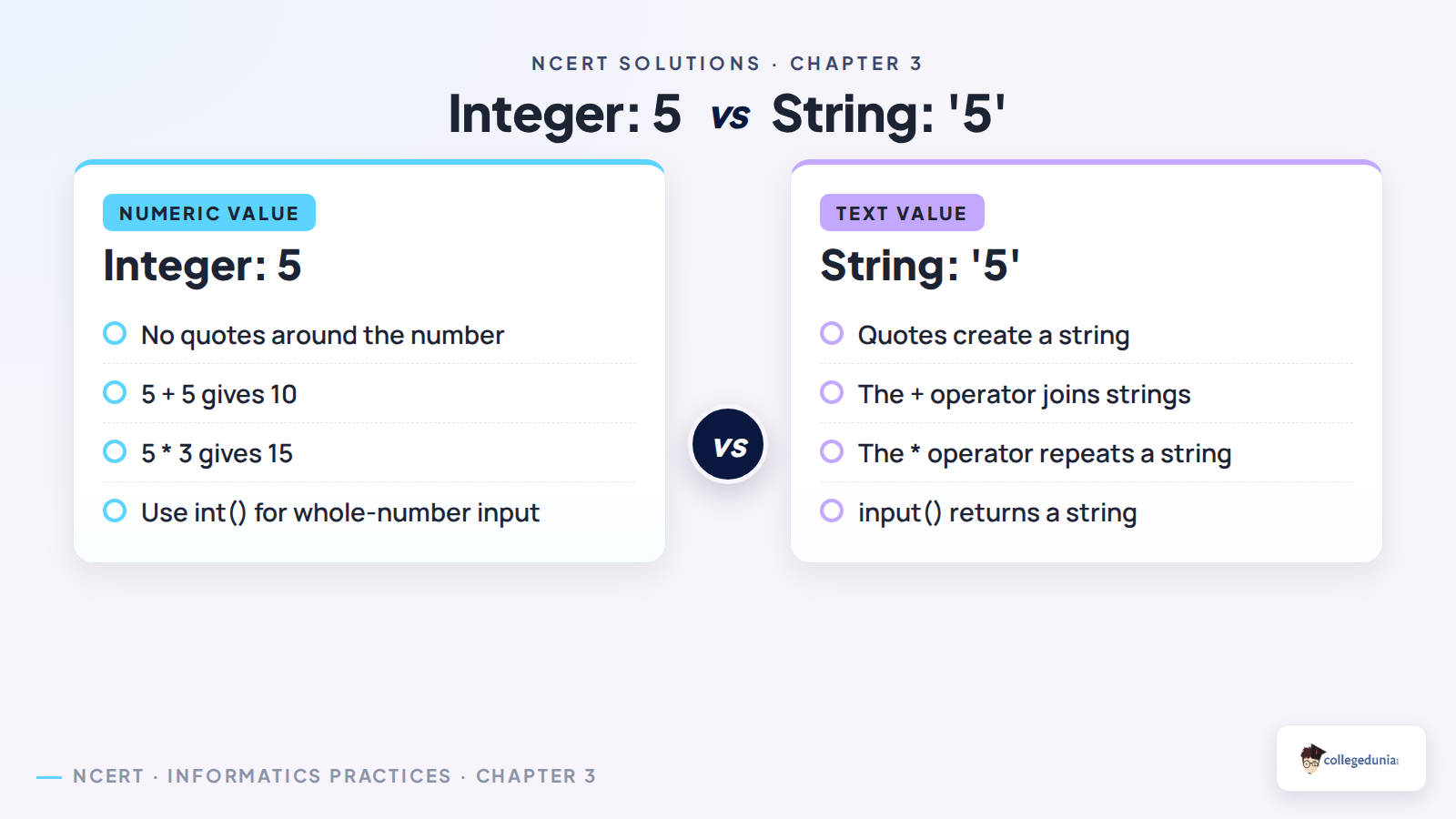
Similar-looking expressions can produce different answers because their data types differ. A quoted number is text. Before calculating an output, check quotes, parentheses and the operators in the expression.
Pair
Difference
5 + 5 and '5' + '5'
The first adds numbers to give 10; the second joins strings to give '55'.
= and ==
The first assigns a value; the second compares values.
An elif branch tests another condition; else handles the remaining case.
Use a string for a mobile number when its digits identify a person rather than measure a quantity. This also preserves a leading zero or a country-code prefix. Choose a type based on what the program does with the value.
Brief Overview of Python Loop Tracing: A Solved Example
Consider a loop that prints each value from range(20, 30, 2). The three arguments give the start, stop and step. The stop value is excluded. List the values before running the code, then compare your prediction with Python.
for number in range(20, 30, 2):
    print(number)
The output is 20, 22, 24, 26 and 28, each on its own line. Adding the step again would give 30. That value reaches the excluded stop, so the loop ends.
Write one row per iteration when a loop updates an accumulated total.
For a while loop, check the condition before each iteration.
Keep an update inside the intended block so the loop can finish.
Brief Overview of Python: Common Answer-Writing Errors
A correct final number does not explain how a program reached it. Include the variable changes in an output answer. For a program, keep indentation visible and use ordinary straight quotes around strings.
Do not treat True as a freely available variable name; it is a reserved keyword.
Do not use a variable before assigning it a value.
Classify division by zero as a runtime error, not a syntax error.
int('3.14') raises ValueError because the string does not represent an integer literal.
Use Collegedunia's answers after your own attempt. Re-run the failed example with a corrected input or expression. This makes the difference between a syntax error, a runtime error and a wrong calculation easier to remember.
More Brief Overview of Python Resources for Class 11
Use the chapter text for definitions and the notes for revision. These resources support the same Python exercise.
All NCERT Solutions for Class 11 Informatics Practices Chapter 3 Brief Overview of Python with Step-by-Step Solutions
Open Check Solution for the detailed answer or Alternative Solution for a second explanation.
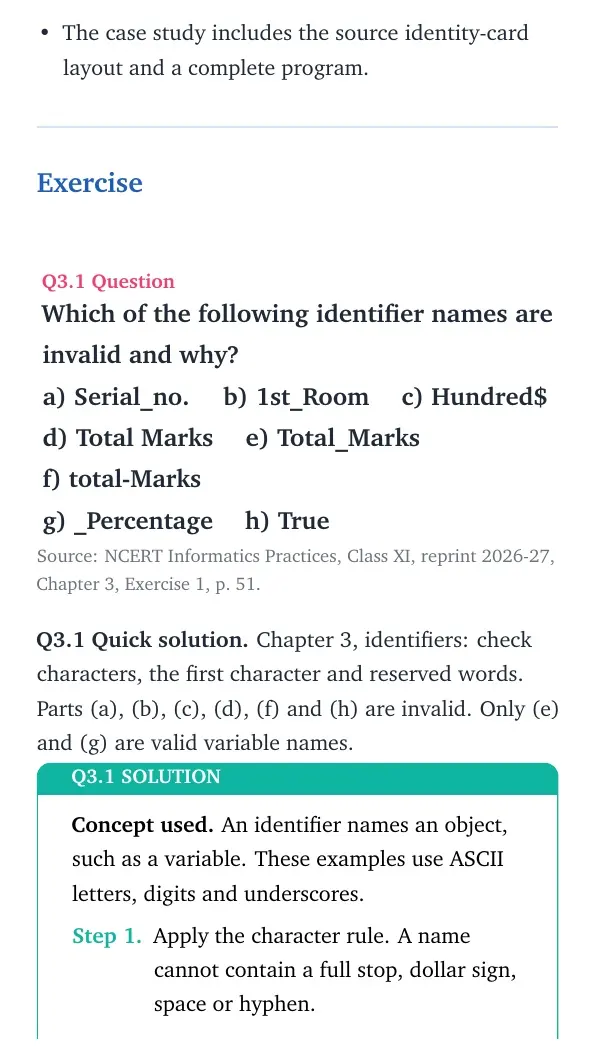
Exercise
Question 1
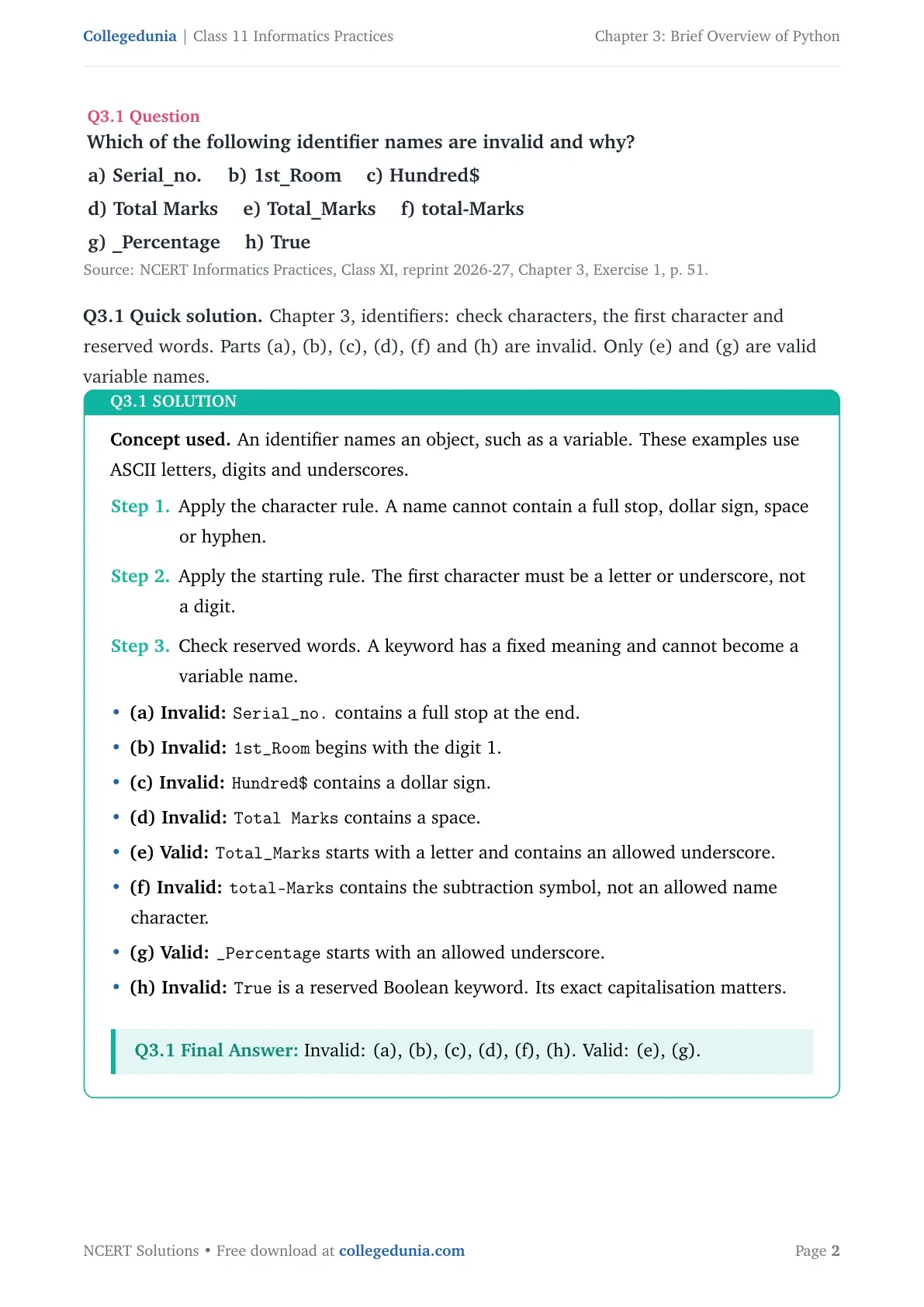
Which of the following identifier names are invalid and why?
a) Serial_no. b) 1st_Room c) Hundred$
d) Total Marks e) Total_Marks f) total-Marks
g) _Percentage h) True
Concept used. An identifier names an object, such as a variable. These examples use ASCII letters, digits and underscores.
Apply the character rule. A name cannot contain a full stop, dollar sign, space or hyphen.
Apply the starting rule. The first character must be a letter or underscore, not a digit.
Check reserved words. A keyword has a fixed meaning and cannot become a variable name.
(a) Invalid:Serial_no. contains a full stop at the end.
(b) Invalid:1st_Room begins with the digit 1.
(c) Invalid:Hundred$ contains a dollar sign.
(d) Invalid:Total Marks contains a space.
(e) Valid:Total_Marks starts with a letter and contains an allowed underscore.
(f) Invalid:total-Marks contains the subtraction symbol, not an allowed name character.
(g) Valid:_Percentage starts with an allowed underscore.
(h) Invalid:True is a reserved Boolean keyword. Its exact capitalisation matters.
An underscore is allowed. A space, full stop and hyphen are different characters and are not allowed here.
Structural observation.Concept used. A valid name must pass both the identifier-shape test and the reserved-word test.
Inspect punctuation first. The dot in (a), dollar sign in (c), space in (d) and hyphen in (f) fail. Removing these characters or replacing them with underscores can repair the names.
Inspect the first character. In (b), the leading 1 fails, even though the later letters and underscore are allowed. A repair is Room1.
Inspect the remaining candidates. Both Total_Marks and _Percentage have legal characters and legal starts. Neither is a keyword.
Treat True separately. Its letters form a possible identifier shape, but Python reserves the whole word. Thus a shape check alone is insufficient.
Possible repairs are Serial_no, Room1, Hundred, Total_Marks and total_Marks. Use a meaningful name such as is_ready instead of assigning to True.
Method result: Six names fail: (a), (b), (c), (d), (f) and (h). The underscore names in (e) and (g) pass.
Question 2
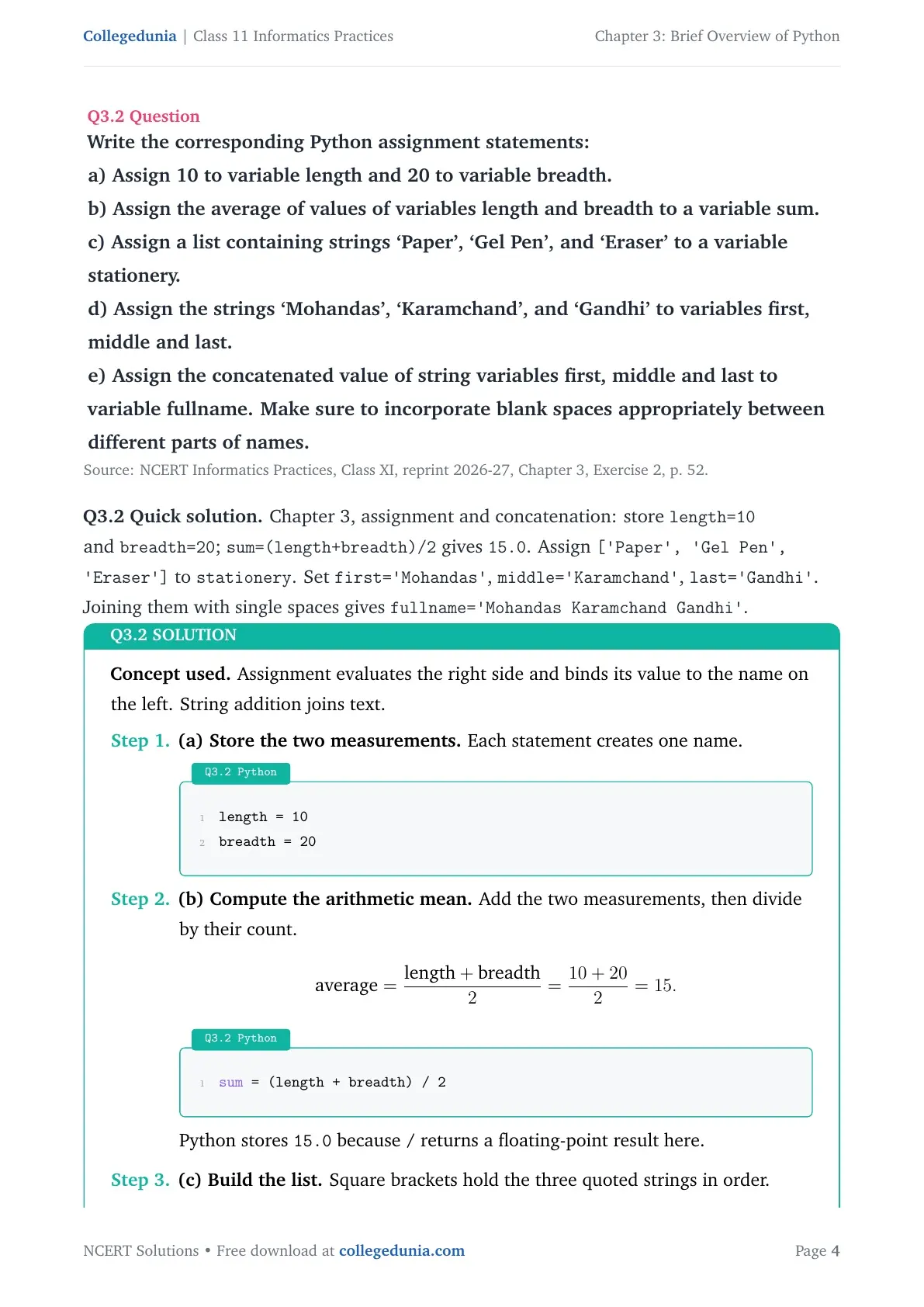
Write the corresponding Python assignment statements:
a) Assign 10 to variable length and 20 to variable breadth.
b) Assign the average of values of variables length and breadth to a variable sum.
c) Assign a list containing strings `Paper', `Gel Pen', and `Eraser' to a variable stationery.
d) Assign the strings `Mohandas', `Karamchand', and `Gandhi' to variables first, middle and last.
e) Assign the concatenated value of string variables first, middle and last to variable fullname. Make sure to incorporate blank spaces appropriately between different parts of names.
Concept used. Assignment evaluates the right side and binds its value to the name on the left. String addition joins text.
(a) Store the two measurements. Each statement creates one name.
Python
length = 10
breadth = 20
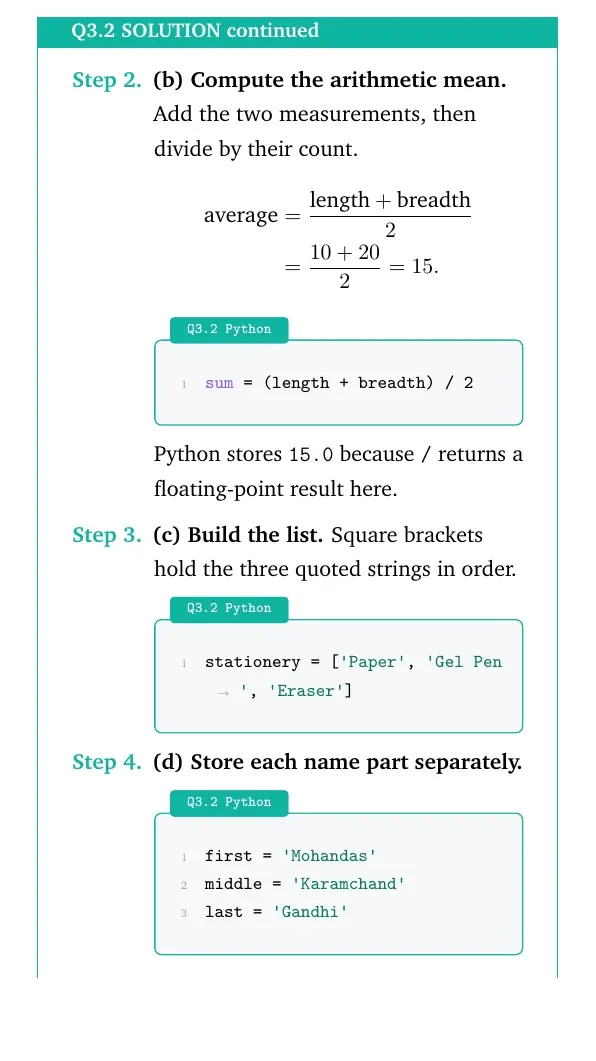
(b) Compute the arithmetic mean. Add the two measurements, then divide by their count.
average=length+breadth2=10+202=15.
Python
sum = (length + breadth) / 2
Python stores 15.0 because / returns a floating-point result here.
(c) Build the list. Square brackets hold the three quoted strings in order.
Python
stationery = ['Paper', 'Gel Pen', 'Eraser']
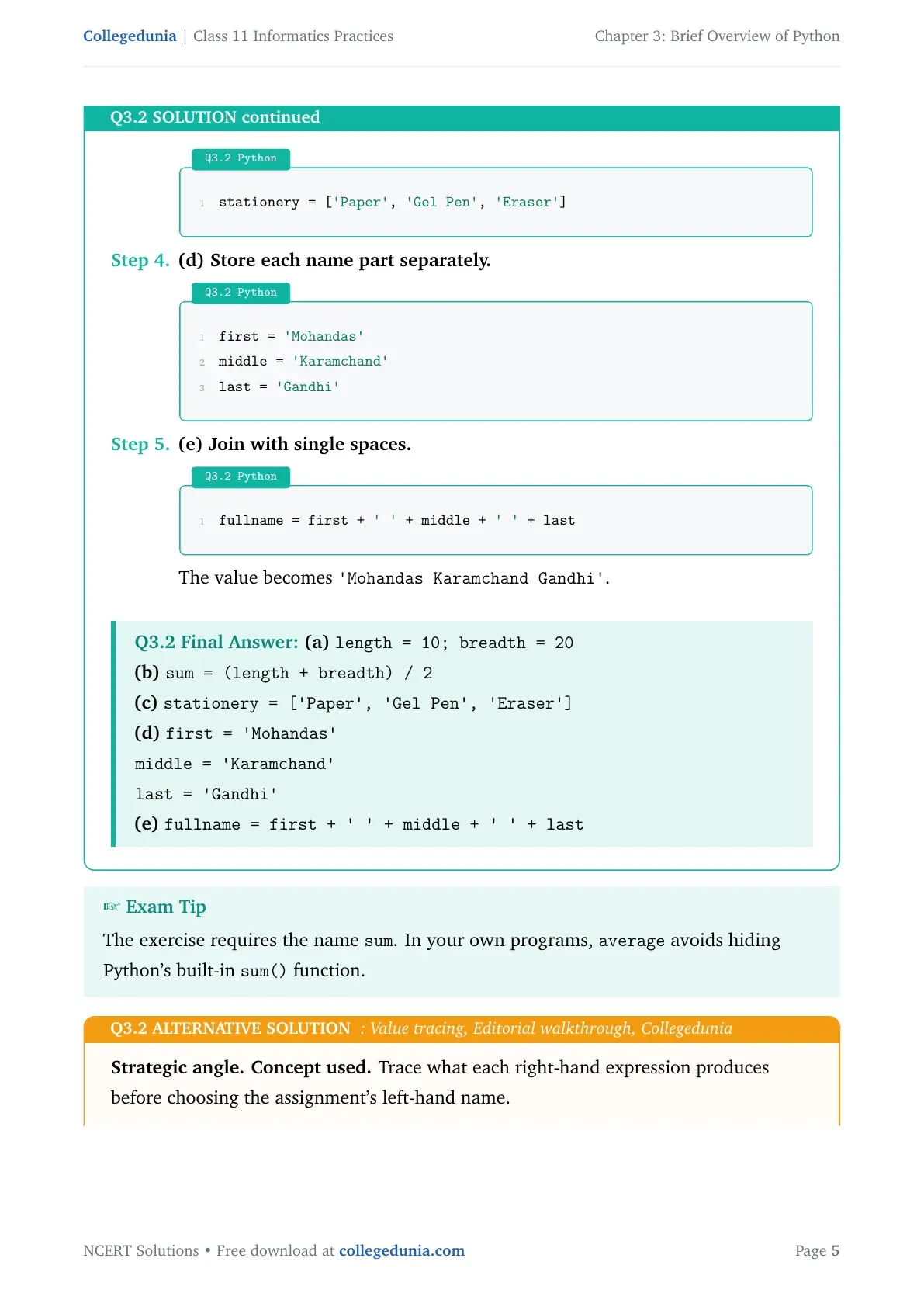
(d) Store each name part separately.
Python
first = 'Mohandas'
middle = 'Karamchand'
last = 'Gandhi'
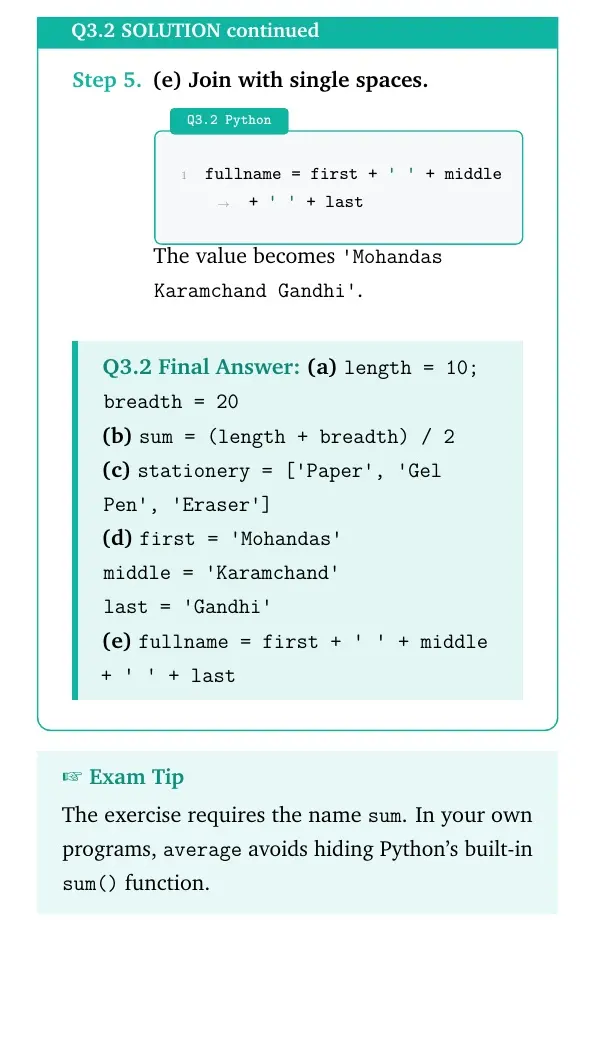
(e) Join with single spaces.
Python
fullname = first + ' ' + middle + ' ' + last
The value becomes 'Mohandas Karamchand Gandhi'.
Final answer
(a)length = 10; breadth = 20
(b)sum = (length + breadth) / 2
(c)stationery = ['Paper', 'Gel Pen', 'Eraser']
(d)first = 'Mohandas'
middle = 'Karamchand'
last = 'Gandhi'
(e)fullname = first + ' ' + middle + ' ' + last
The exercise requires the name sum. In your own programs, average avoids hiding Python's built-in sum() function.
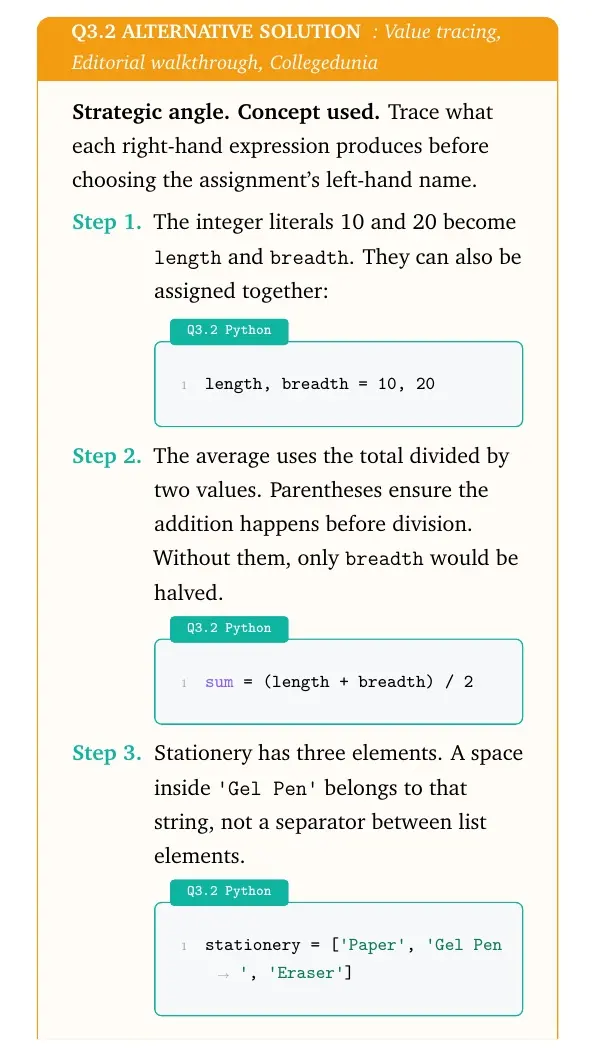
Strategic angle.Concept used. Trace what each right-hand expression produces before choosing the assignment's left-hand name.
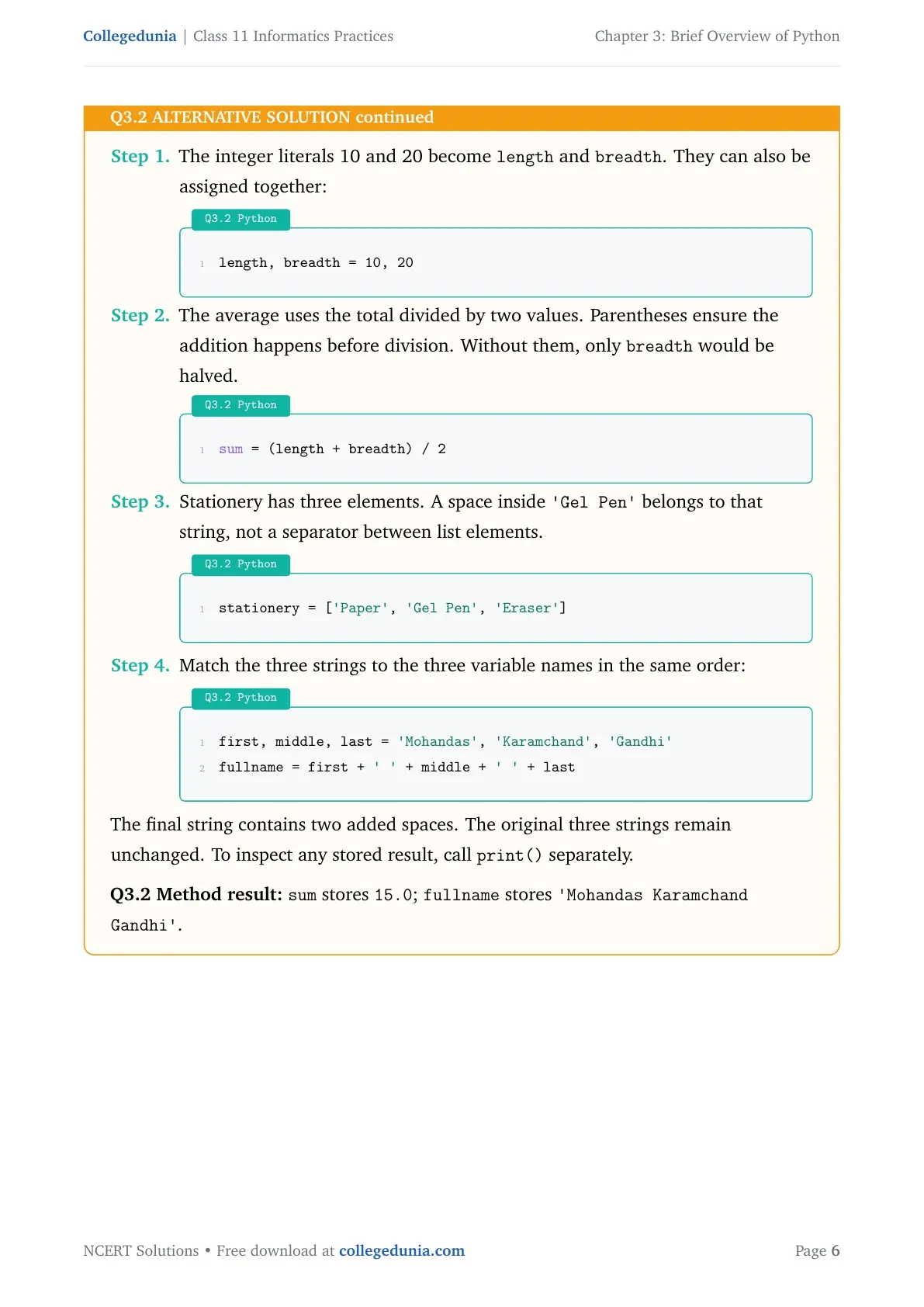
The integer literals 10 and 20 become length and breadth. They can also be assigned together:
Python
length, breadth = 10, 20
The average uses the total divided by two values. Parentheses ensure the addition happens before division. Without them, only breadth would be halved.
Python
sum = (length + breadth) / 2
Stationery has three elements. A space inside 'Gel Pen' belongs to that string, not a separator between list elements.
Python
stationery = ['Paper', 'Gel Pen', 'Eraser']
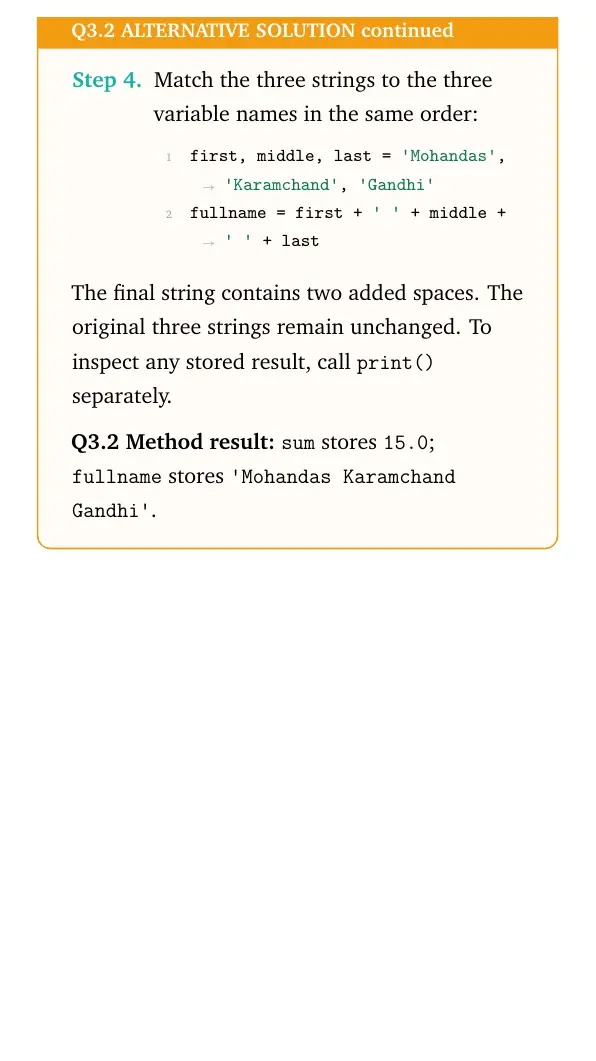
Match the three strings to the three variable names in the same order:
Python
first, middle, last = 'Mohandas', 'Karamchand', 'Gandhi'
fullname = first + ' ' + middle + ' ' + last
The final string contains two added spaces. The original three strings remain unchanged. To inspect any stored result, call print() separately.
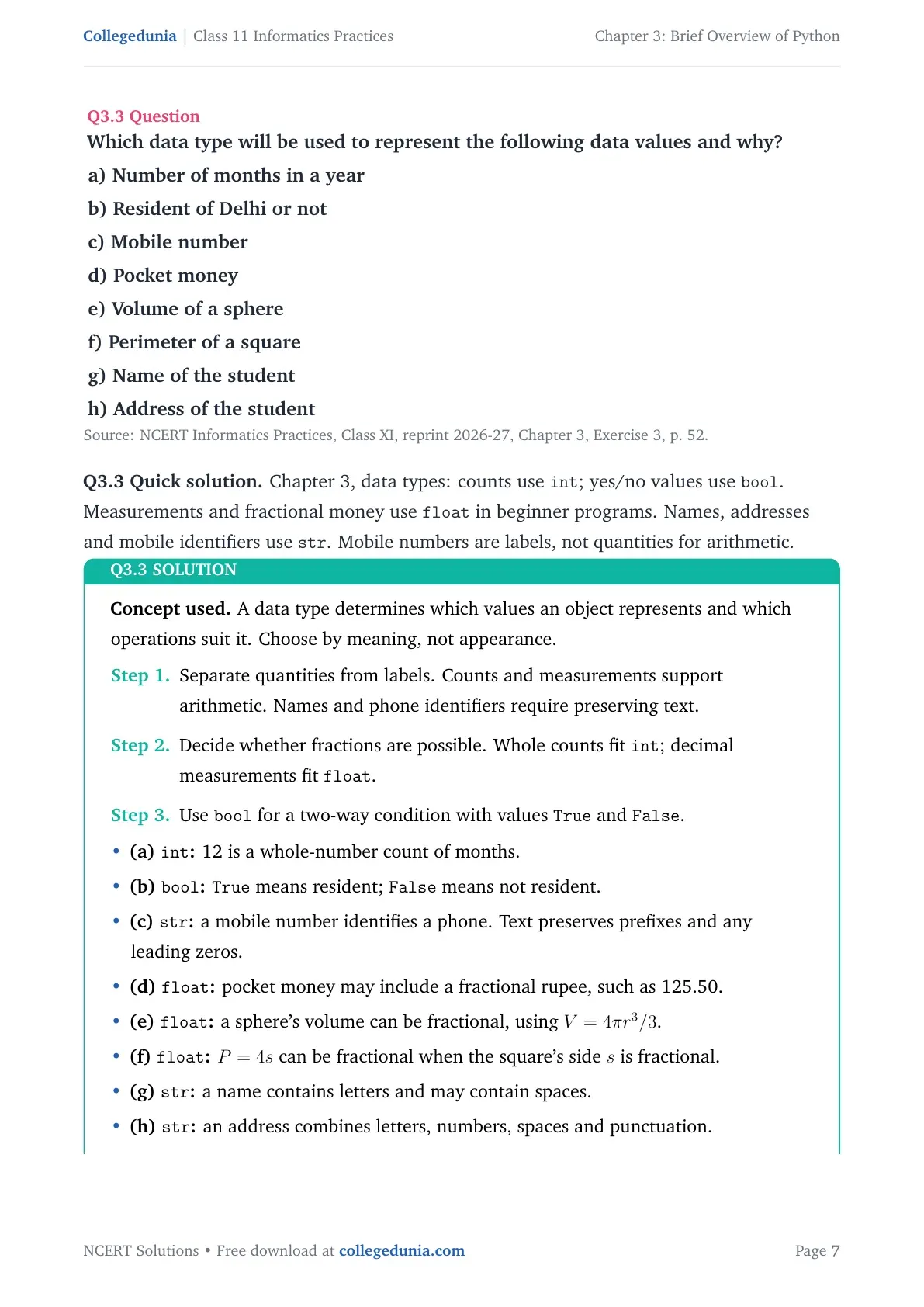
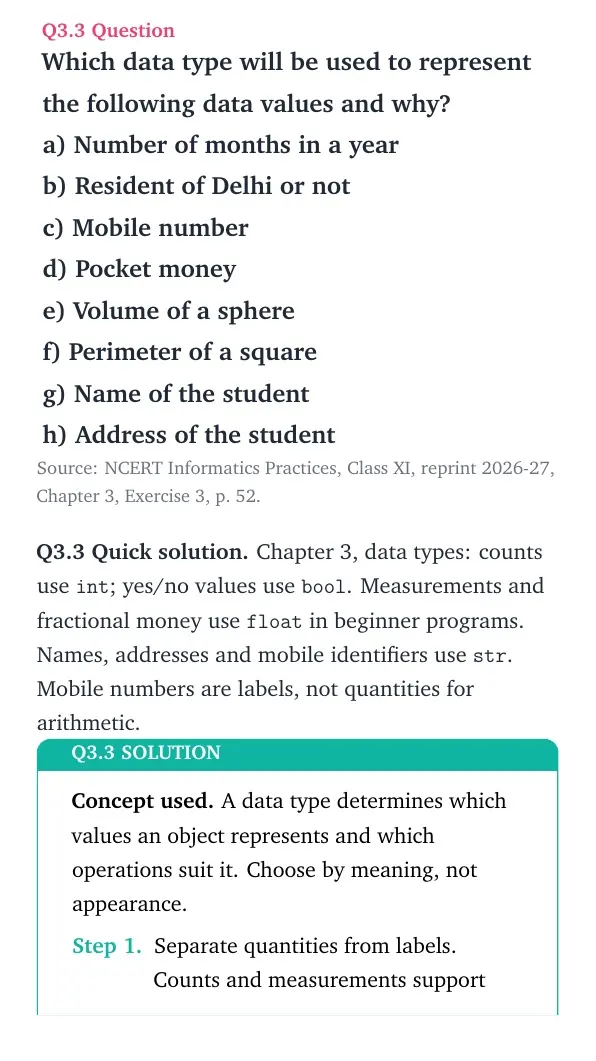
Which data type will be used to represent the following data values and why?
a) Number of months in a year b) Resident of Delhi or not c) Mobile number d) Pocket money e) Volume of a sphere f) Perimeter of a square g) Name of the student h) Address of the student
Concept used. A data type determines which values an object represents and which operations suit it. Choose by meaning, not appearance.
Separate quantities from labels. Counts and measurements support arithmetic. Names and phone identifiers require preserving text.
Decide whether fractions are possible. Whole counts fit int; decimal measurements fit float.
Use bool for a two-way condition with values True and False.
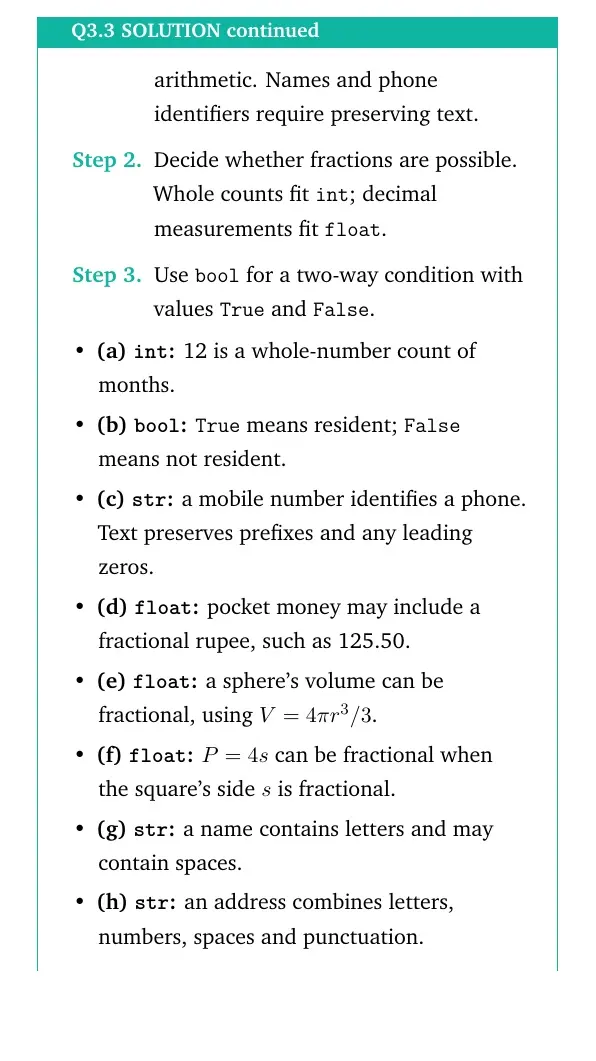
(a) int: 12 is a whole-number count of months.
(b) bool:True means resident; False means not resident.
(c) str: a mobile number identifies a phone. Text preserves prefixes and any leading zeros.
(d) float: pocket money may include a fractional rupee, such as 125.50.
(e) float: a sphere's volume can be fractional, using V=4π r3/3.
(f) float:P=4s can be fractional when the square's side s is fractional.
(g) str: a name contains letters and may contain spaces.
(h) str: an address combines letters, numbers, spaces and punctuation.
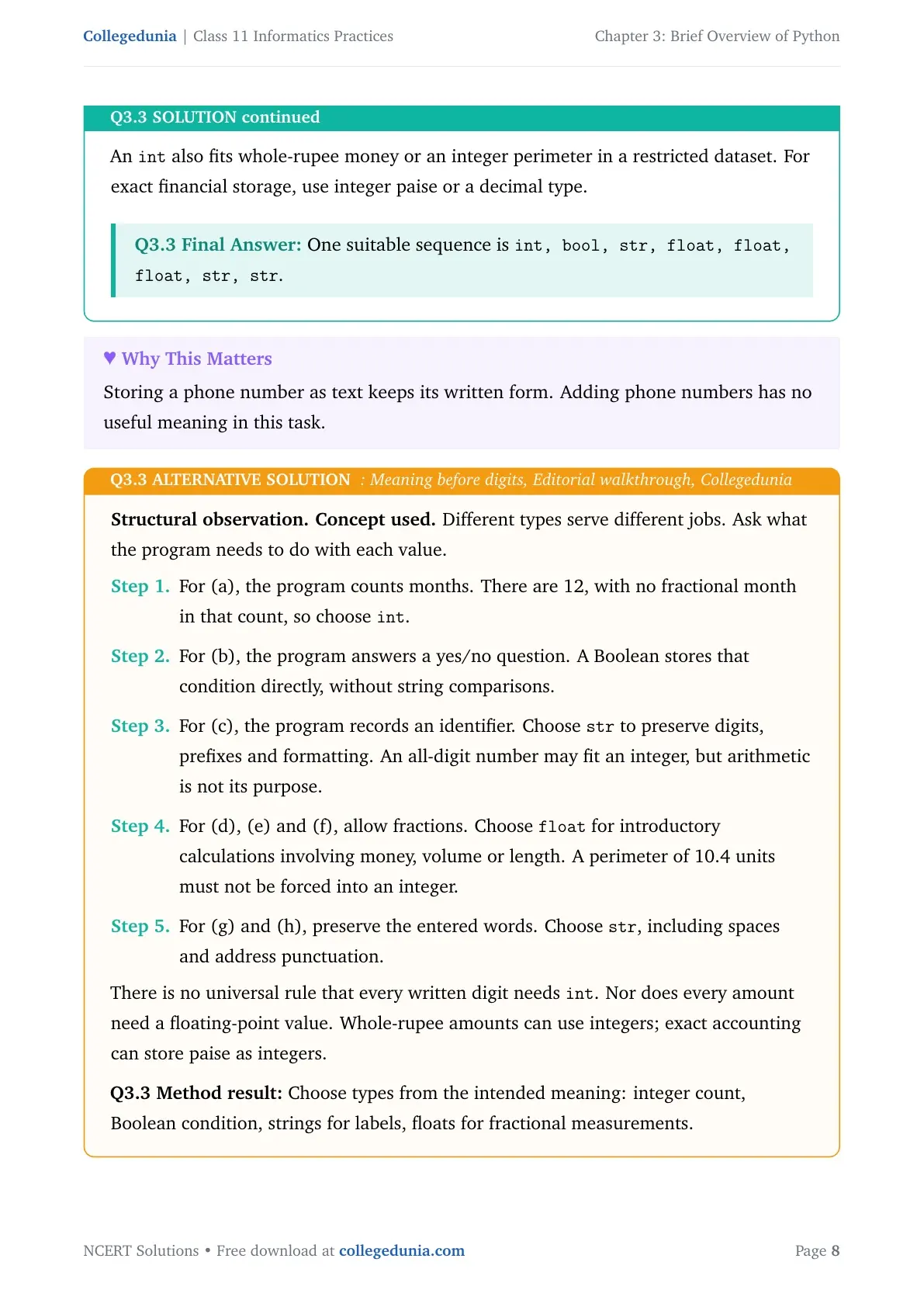
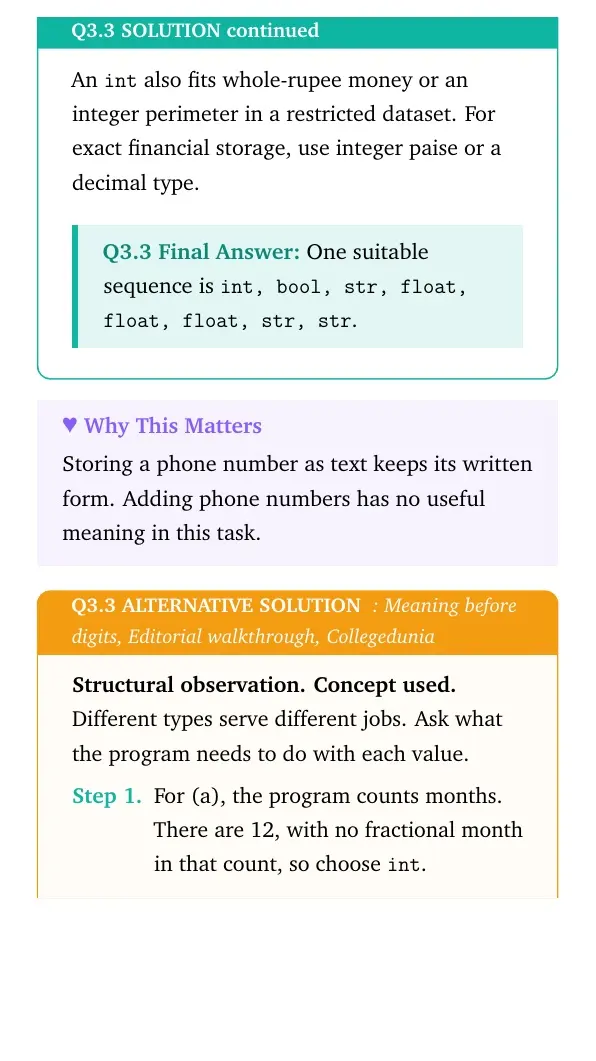
An int also fits whole-rupee money or an integer perimeter in a restricted dataset. For exact financial storage, use integer paise or a decimal type.
One suitable sequence is int, bool, str, float, float, float, str, str.
Storing a phone number as text keeps its written form. Adding phone numbers has no useful meaning in this task.
Structural observation.Concept used. Different types serve different jobs. Ask what the program needs to do with each value.
For (a), the program counts months. There are 12, with no fractional month in that count, so choose int.
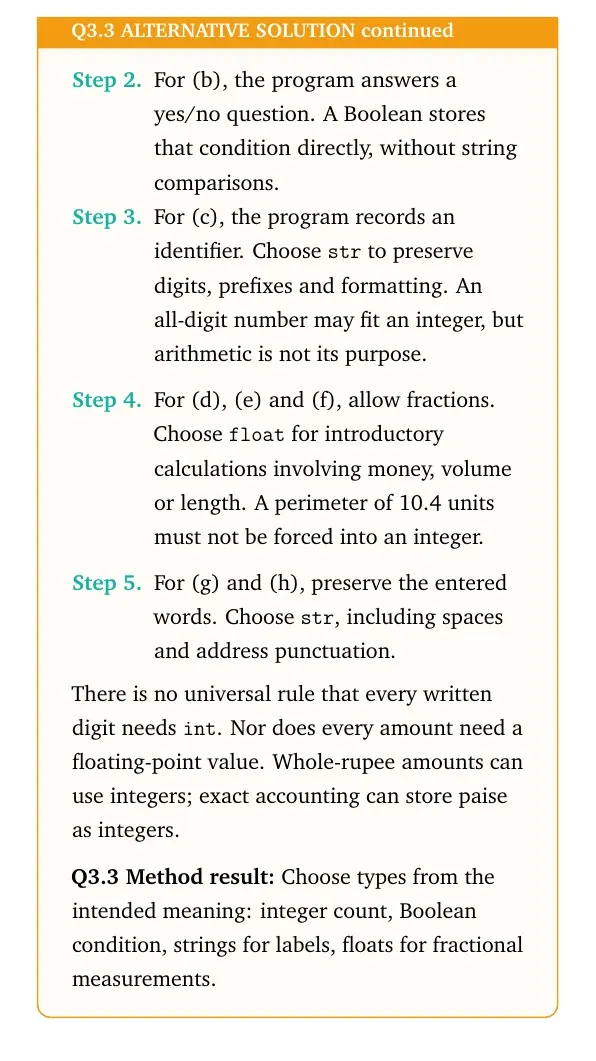
For (b), the program answers a yes/no question. A Boolean stores that condition directly, without string comparisons.
For (c), the program records an identifier. Choose str to preserve digits, prefixes and formatting. An all-digit number may fit an integer, but arithmetic is not its purpose.
For (d), (e) and (f), allow fractions. Choose float for introductory calculations involving money, volume or length. A perimeter of 10.4 units must not be forced into an integer.
For (g) and (h), preserve the entered words. Choose str, including spaces and address punctuation.
There is no universal rule that every written digit needs int. Nor does every amount need a floating-point value. Whole-rupee amounts can use integers; exact accounting can store paise as integers.
Method result: Choose types from the intended meaning: integer count, Boolean condition, strings for labels, floats for fractional measurements.
Question 4
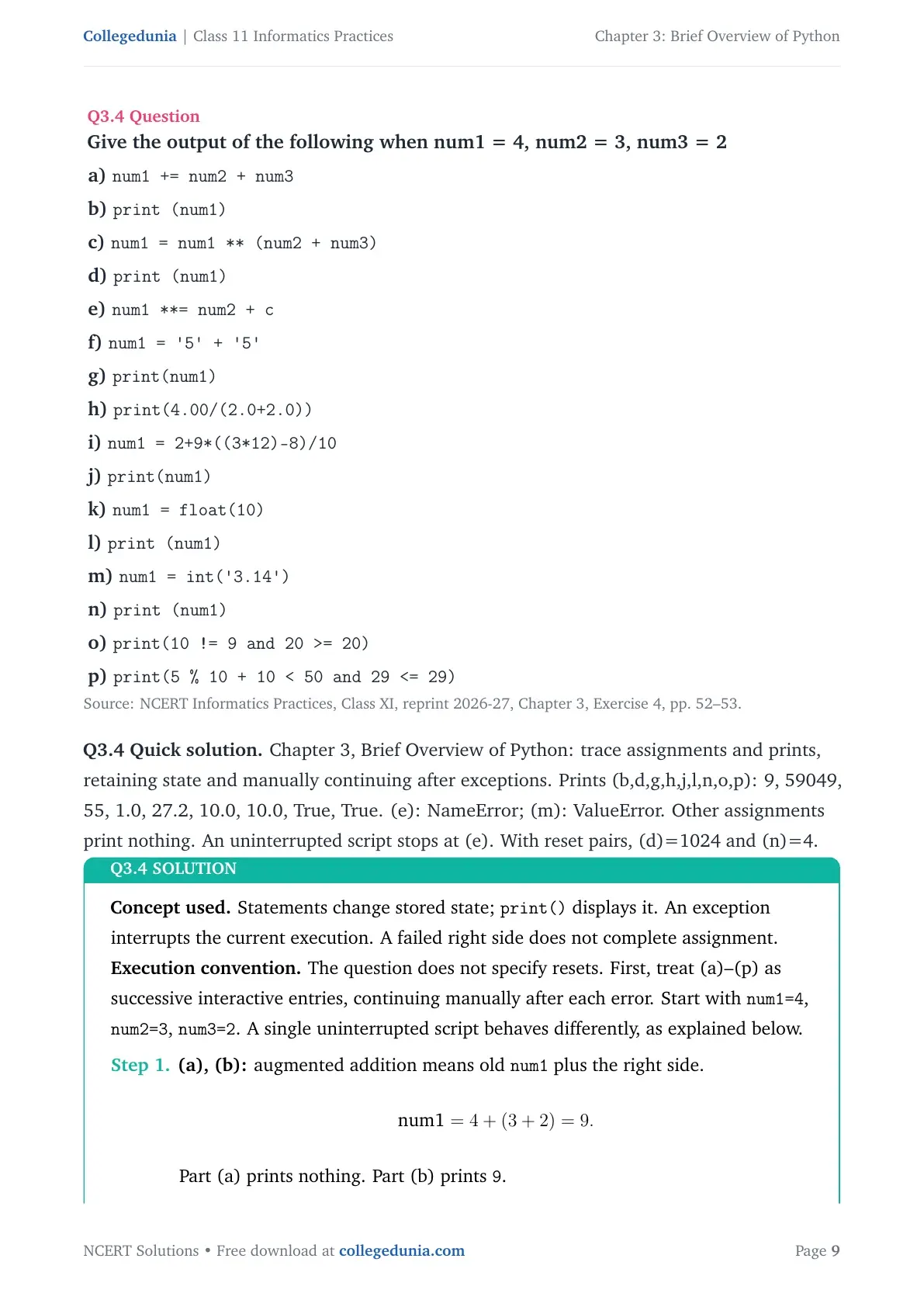
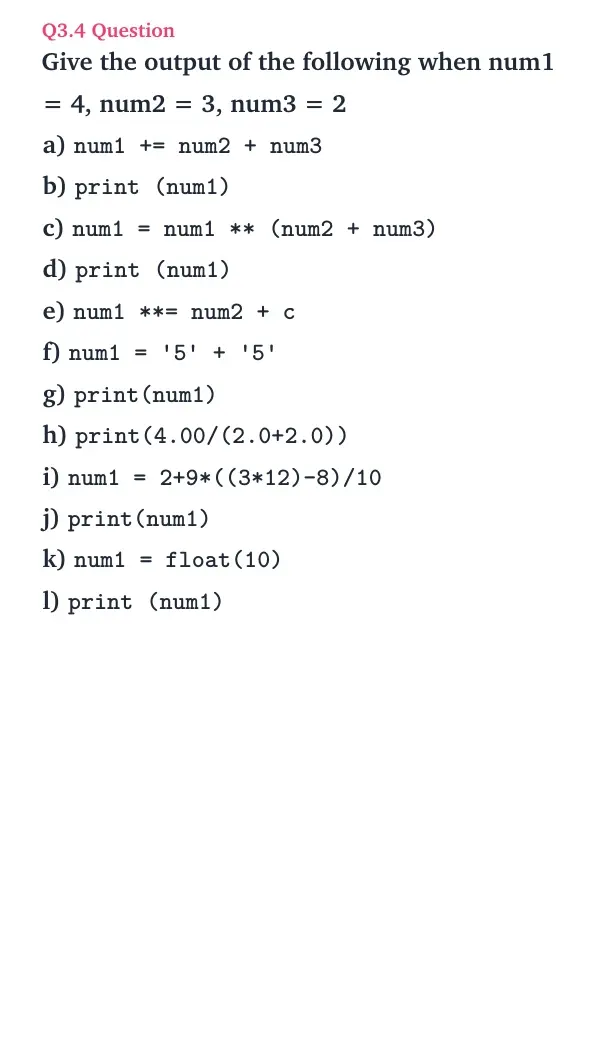
Give the output of the following when num1 = 4, num2 = 3, num3 = 2
a) num1 += num2 + num3 b) print (num1)
c) num1 = num1 ** (num2 + num3) d) print (num1)
e) num1 **= num2 + c f) num1 = '5' + '5' g) print(num1)
h) print(4.00/(2.0+2.0)) i) num1 = 2+9*((3*12)-8)/10 j) print(num1)
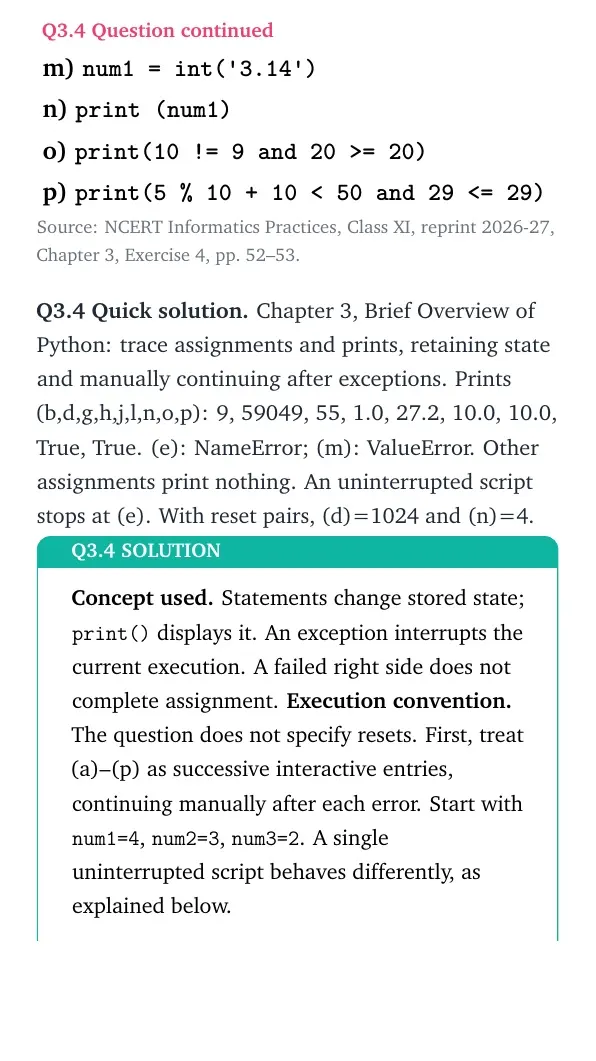
k) num1 = float(10) l) print (num1) m) num1 = int('3.14') n) print (num1)
o) print(10 != 9 and 20 >= 20) p) print(5 % 10 + 10 < 50 and 29 <= 29)
Concept used. Statements change stored state; print() displays it. An exception interrupts the current execution. A failed right side does not complete assignment.
Execution convention. The question does not specify resets. First, treat (a)–(p) as successive interactive entries, continuing manually after each error. Start with num1=4, num2=3, num3=2. A single uninterrupted script behaves differently, as explained below.
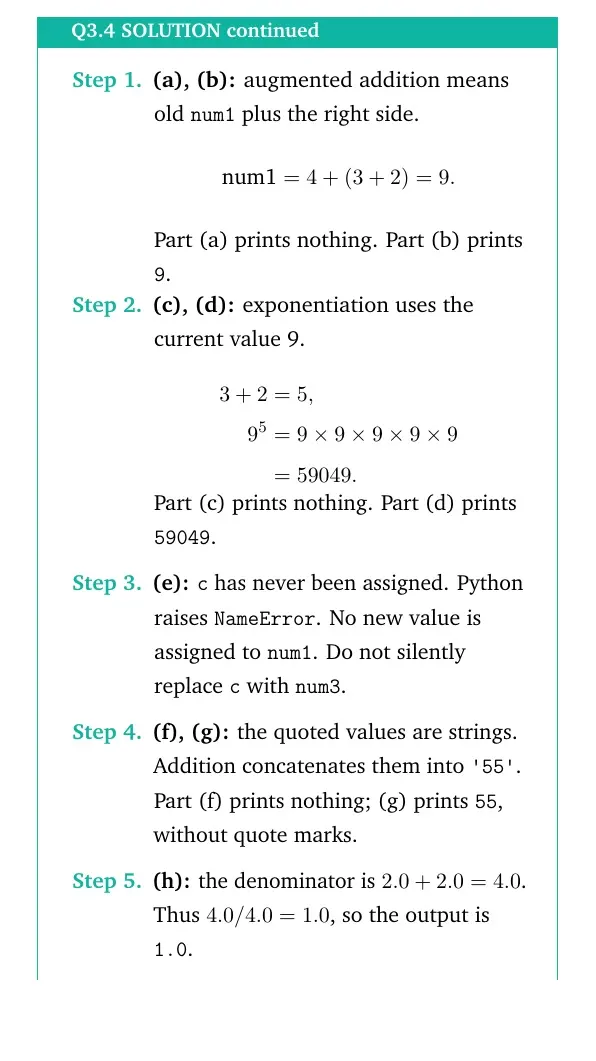
(a), (b): augmented addition means old num1 plus the right side.
num1=4+(3+2)=9.
Part (a) prints nothing. Part (b) prints 9.
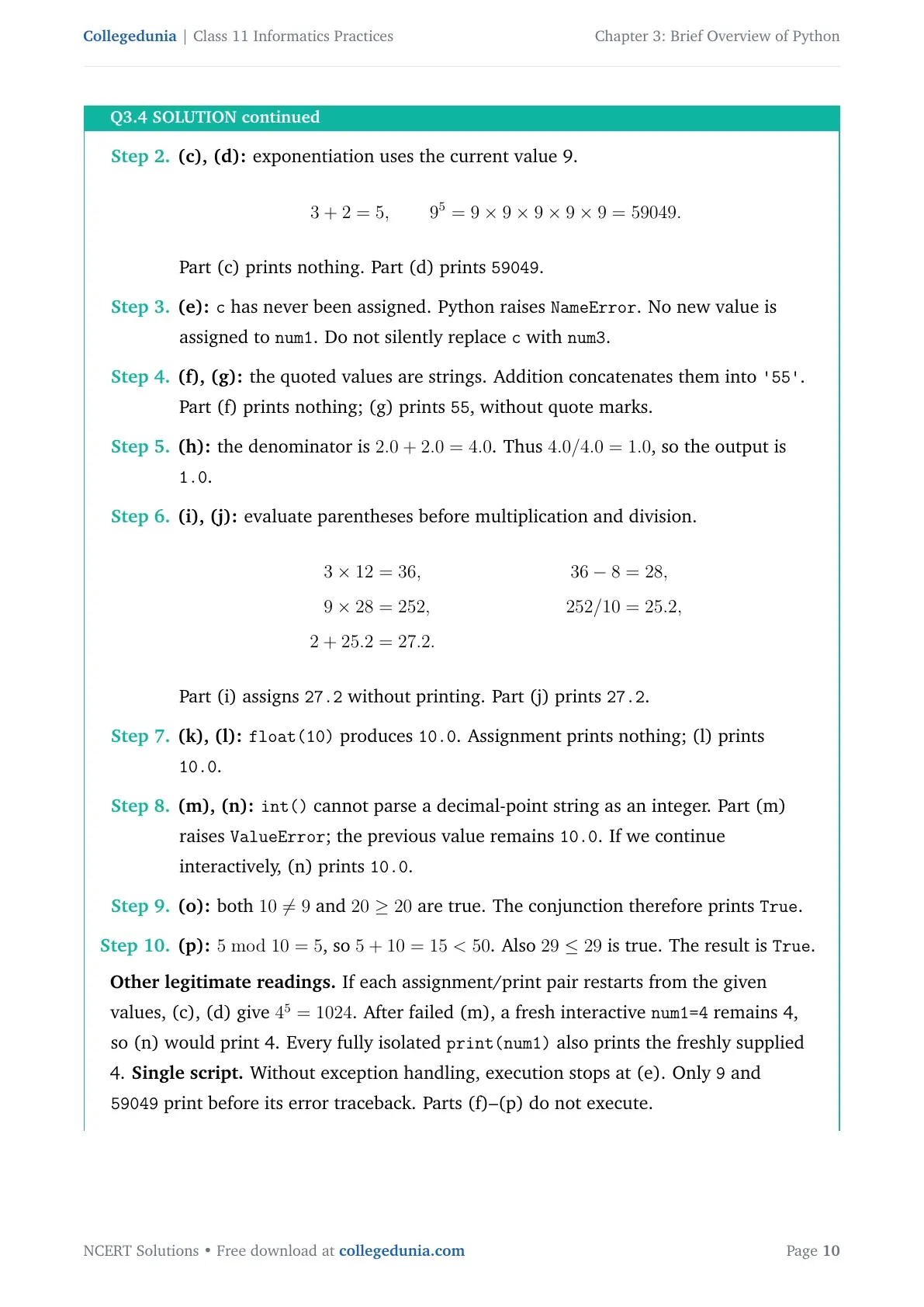
(c), (d): exponentiation uses the current value 9.
3+2=5, 95=99999=59049.
Part (c) prints nothing. Part (d) prints 59049.
(e):c has never been assigned. Python raises NameError. No new value is assigned to num1. Do not silently replace c with num3.
(f), (g): the quoted values are strings. Addition concatenates them into '55'. Part (f) prints nothing; (g) prints 55, without quote marks.
(h): the denominator is 2.0+2.0=4.0. Thus 4.0/4.0=1.0, so the output is 1.0.
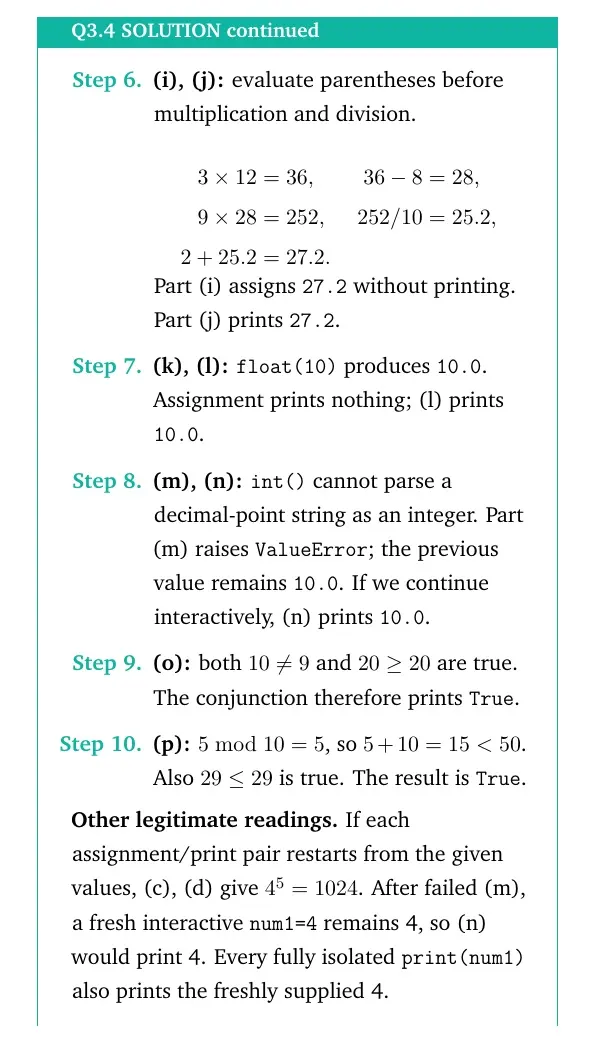
(i), (j): evaluate parentheses before multiplication and division.
aligned
312&=36, &36-8&=28,
928&=252, &252/10&=25.2,
2+25.2&=27.2.
aligned
Part (i) assigns 27.2 without printing. Part (j) prints 27.2.
(k), (l):float(10) produces 10.0. Assignment prints nothing; (l) prints 10.0.
(m), (n):int() cannot parse a decimal-point string as an integer. Part (m) raises ValueError; the previous value remains 10.0. If we continue interactively, (n) prints 10.0.
(o): both 109 and 2020 are true. The conjunction therefore prints True.
(p):510=5, so 5+10=15<50. Also 2929 is true. The result is True.
Other legitimate readings. If each assignment/print pair restarts from the given values, (c), (d) give 45=1024. After failed (m), a fresh interactive num1=4 remains 4, so (n) would print 4. Every fully isolated print(num1) also prints the freshly supplied 4.
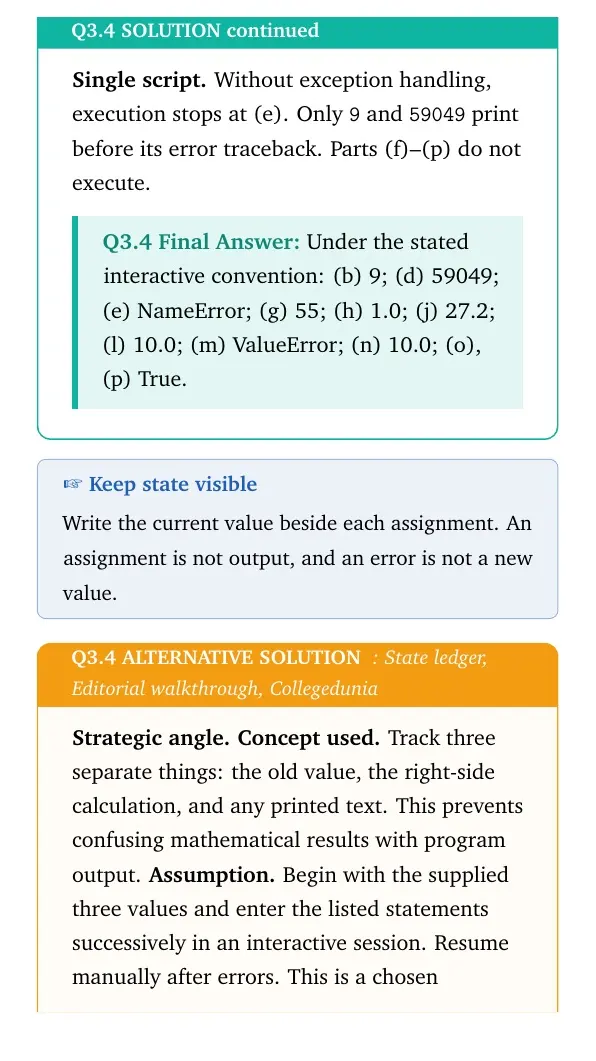
Single script. Without exception handling, execution stops at (e). Only 9 and 59049 print before its error traceback. Parts (f)–(p) do not execute.
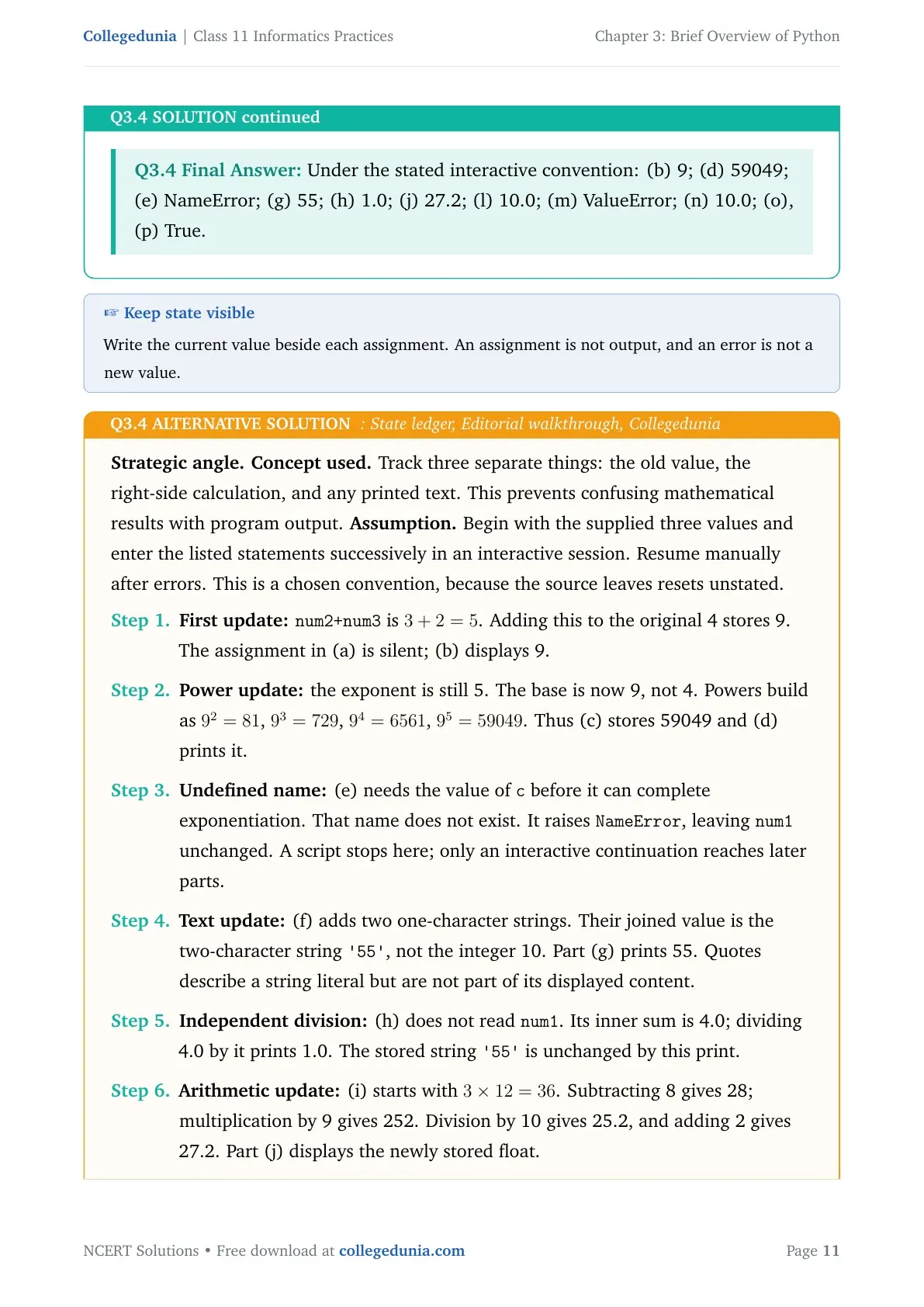
Under the stated interactive convention: (b) 9; (d) 59049; (e) NameError; (g) 55; (h) 1.0; (j) 27.2; (l) 10.0; (m) ValueError; (n) 10.0; (o), (p) True.
Keep state visible
Write the current value beside each assignment. An assignment is not output, and an error is not a new value.
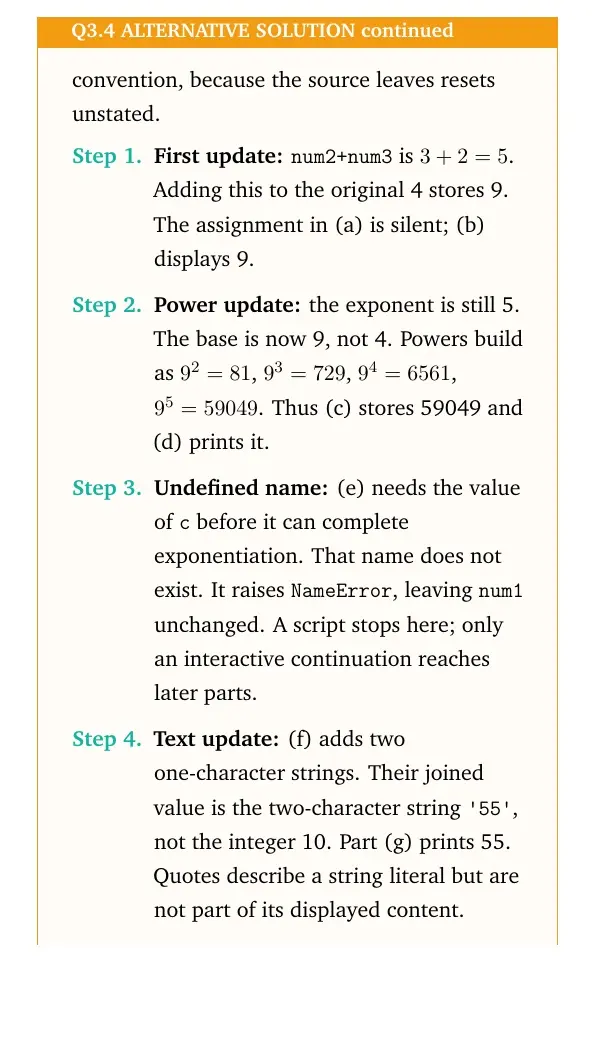
Strategic angle.Concept used. Track three separate things: the old value, the right-side calculation, and any printed text. This prevents confusing mathematical results with program output.
Assumption. Begin with the supplied three values and enter the listed statements successively in an interactive session. Resume manually after errors. This is a chosen convention, because the source leaves resets unstated.
First update:num2+num3 is 3+2=5. Adding this to the original 4 stores 9. The assignment in (a) is silent; (b) displays 9.
Power update: the exponent is still 5. The base is now 9, not 4. Powers build as 92=81, 93=729, 94=6561, 95=59049. Thus (c) stores 59049 and (d) prints it.
Undefined name: (e) needs the value of c before it can complete exponentiation. That name does not exist. It raises NameError, leaving num1 unchanged. A script stops here; only an interactive continuation reaches later parts.
Text update: (f) adds two one-character strings. Their joined value is the two-character string '55', not the integer 10. Part (g) prints 55. Quotes describe a string literal but are not part of its displayed content.
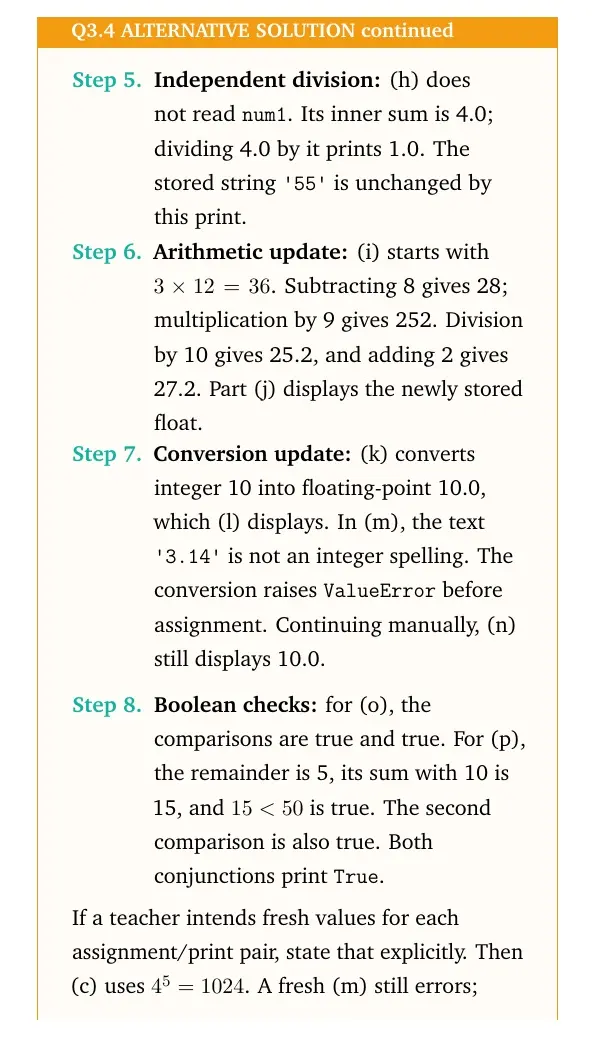
Independent division: (h) does not read num1. Its inner sum is 4.0; dividing 4.0 by it prints 1.0. The stored string '55' is unchanged by this print.
Arithmetic update: (i) starts with 312=36. Subtracting 8 gives 28; multiplication by 9 gives 252. Division by 10 gives 25.2, and adding 2 gives 27.2. Part (j) displays the newly stored float.
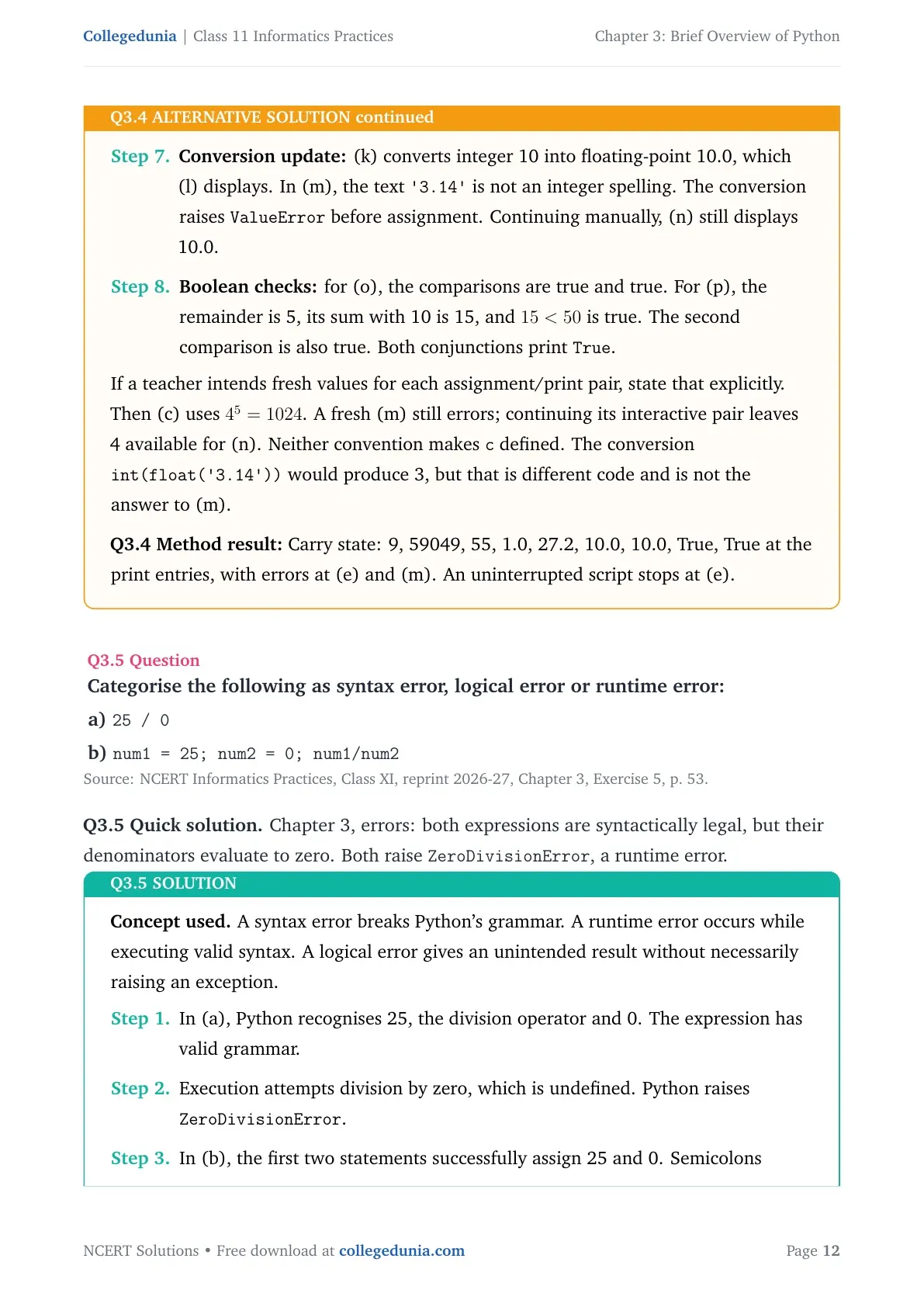
Conversion update: (k) converts integer 10 into floating-point 10.0, which (l) displays. In (m), the text '3.14' is not an integer spelling. The conversion raises ValueError before assignment. Continuing manually, (n) still displays 10.0.
Boolean checks: for (o), the comparisons are true and true. For (p), the remainder is 5, its sum with 10 is 15, and 15<50 is true. The second comparison is also true. Both conjunctions print True.
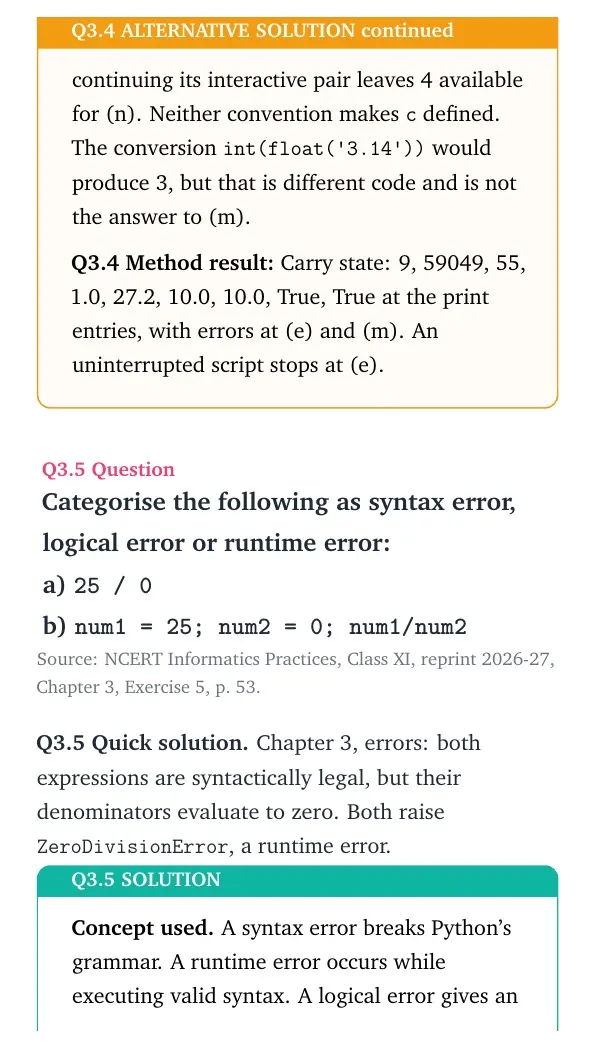
If a teacher intends fresh values for each assignment/print pair, state that explicitly. Then (c) uses 45=1024. A fresh (m) still errors; continuing its interactive pair leaves 4 available for (n). Neither convention makes c defined.
The conversion int(float('3.14')) would produce 3, but that is different code and is not the answer to (m).
Method result: Carry state: 9, 59049, 55, 1.0, 27.2, 10.0, 10.0, True, True at the print entries, with errors at (e) and (m). An uninterrupted script stops at (e).
Question 5
Categorise the following as syntax error, logical error or runtime error: a) 25 / 0 b) num1 = 25; num2 = 0; num1/num2
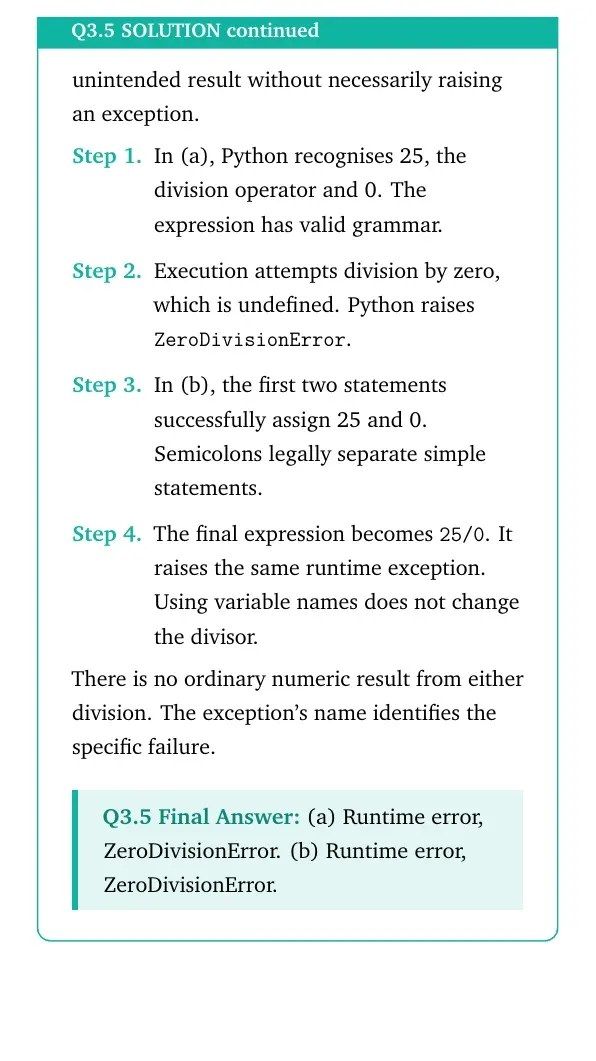
Concept used. A syntax error breaks Python's grammar. A runtime error occurs while executing valid syntax. A logical error gives an unintended result without necessarily raising an exception.
In (a), Python recognises 25, the division operator and 0. The expression has valid grammar.
Execution attempts division by zero, which is undefined. Python raises ZeroDivisionError.
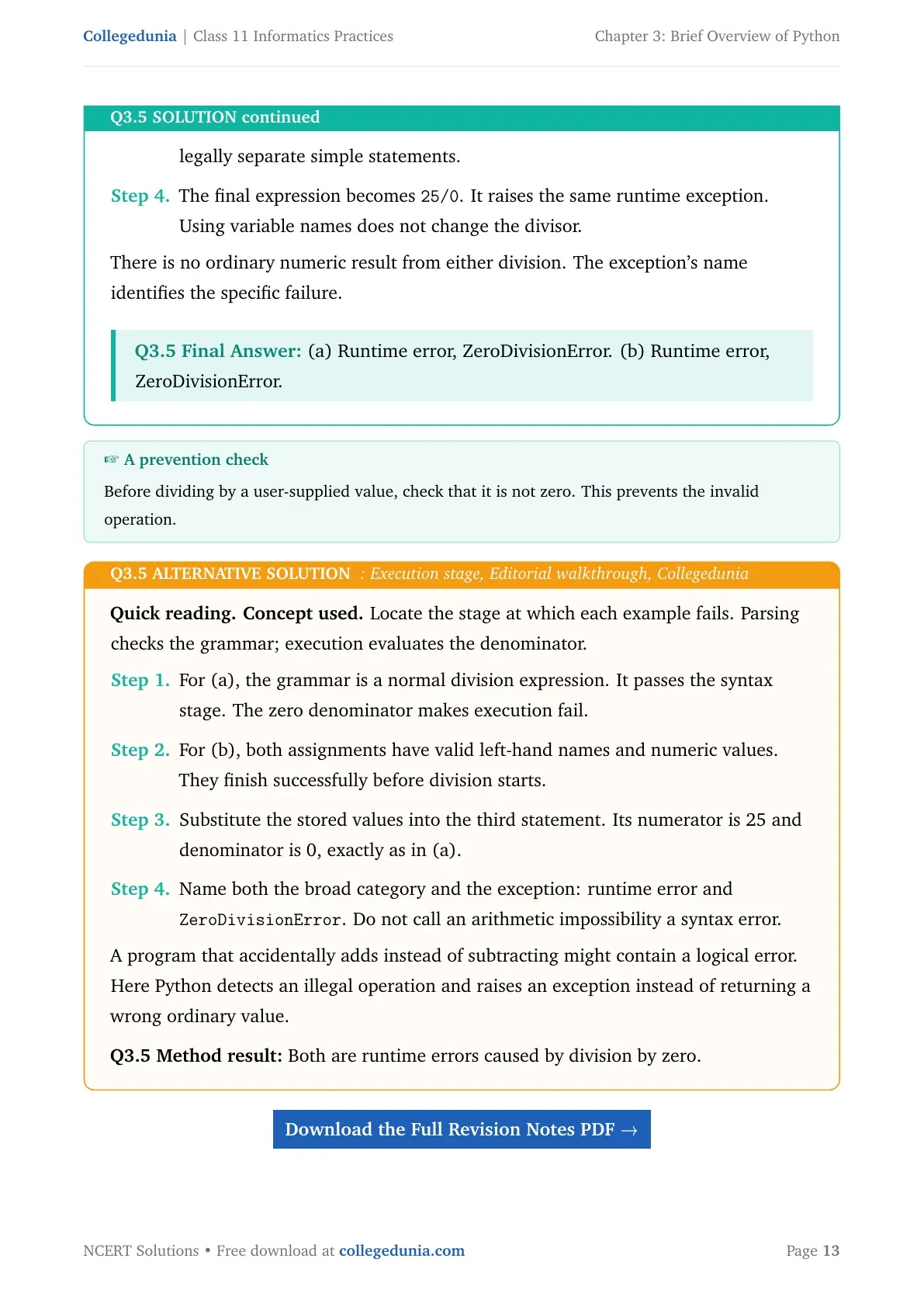
In (b), the first two statements successfully assign 25 and 0. Semicolons legally separate simple statements.
The final expression becomes 25/0. It raises the same runtime exception. Using variable names does not change the divisor.
There is no ordinary numeric result from either division. The exception's name identifies the specific failure.
(a) Runtime error, ZeroDivisionError. (b) Runtime error, ZeroDivisionError.
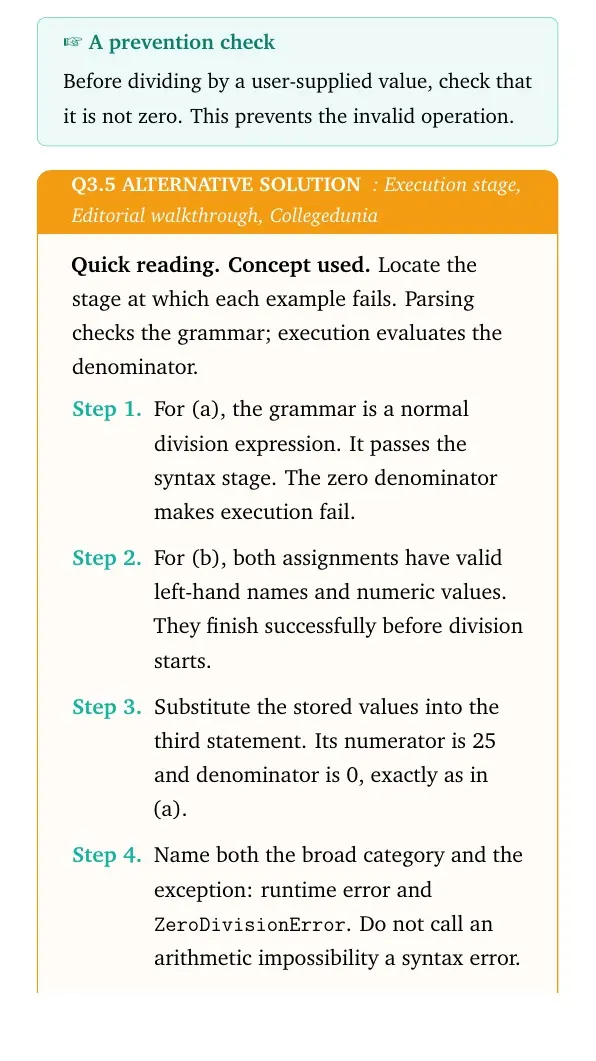
A prevention check
Before dividing by a user-supplied value, check that it is not zero. This prevents the invalid operation.
Quick reading.Concept used. Locate the stage at which each example fails. Parsing checks the grammar; execution evaluates the denominator.
For (a), the grammar is a normal division expression. It passes the syntax stage. The zero denominator makes execution fail.
For (b), both assignments have valid left-hand names and numeric values. They finish successfully before division starts.
Substitute the stored values into the third statement. Its numerator is 25 and denominator is 0, exactly as in (a).
Name both the broad category and the exception: runtime error and ZeroDivisionError. Do not call an arithmetic impossibility a syntax error.
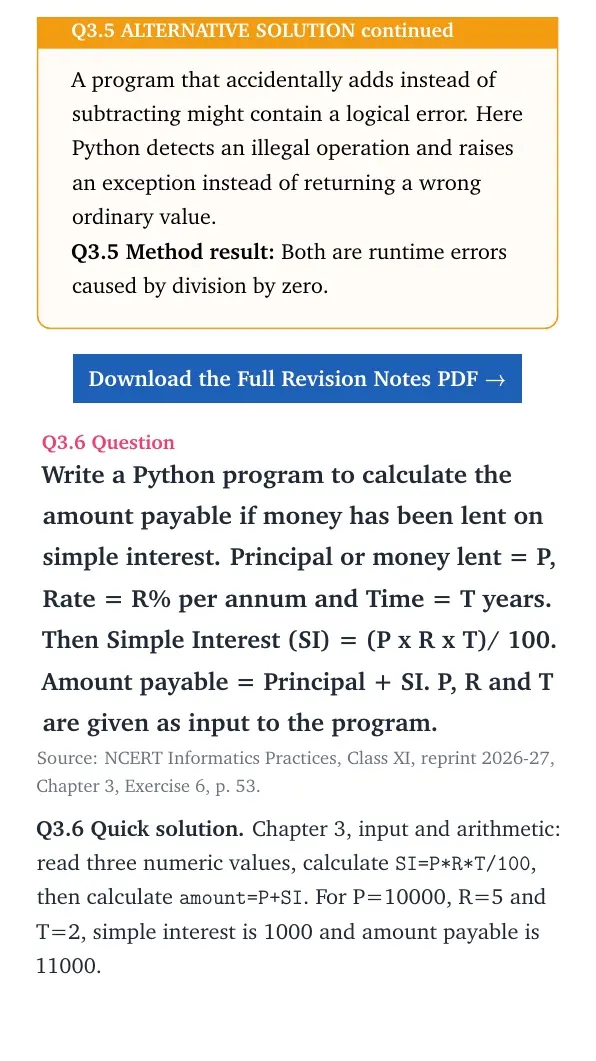
A program that accidentally adds instead of subtracting might contain a logical error. Here Python detects an illegal operation and raises an exception instead of returning a wrong ordinary value.
Method result: Both are runtime errors caused by division by zero.
Question 6
Write a Python program to calculate the amount payable if money has been lent on simple interest. Principal or money lent = P, Rate = R% per annum and Time = T years. Then Simple Interest (SI) = (P x R x T)/ 100. Amount payable = Principal + SI. P, R and T are given as input to the program.
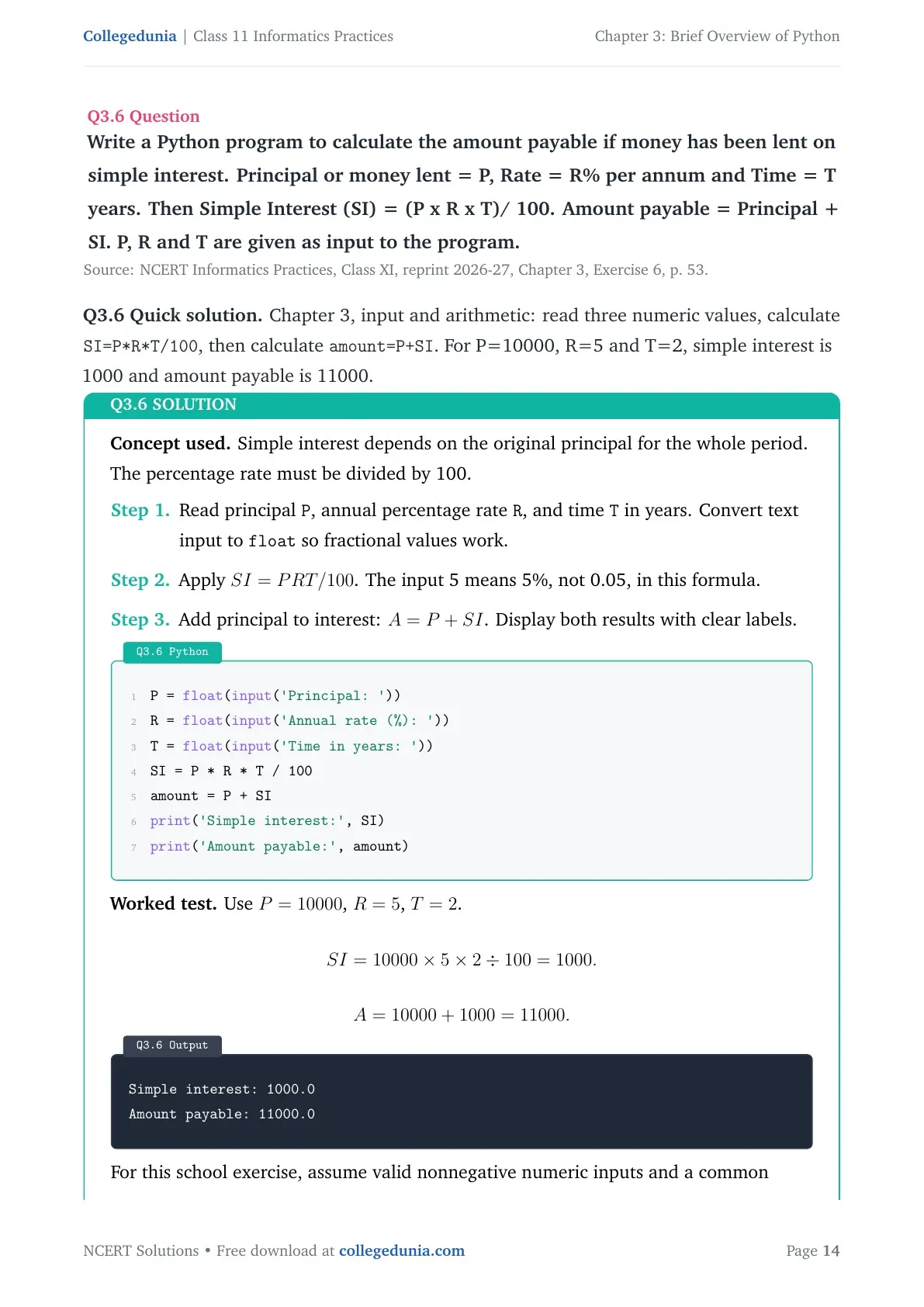
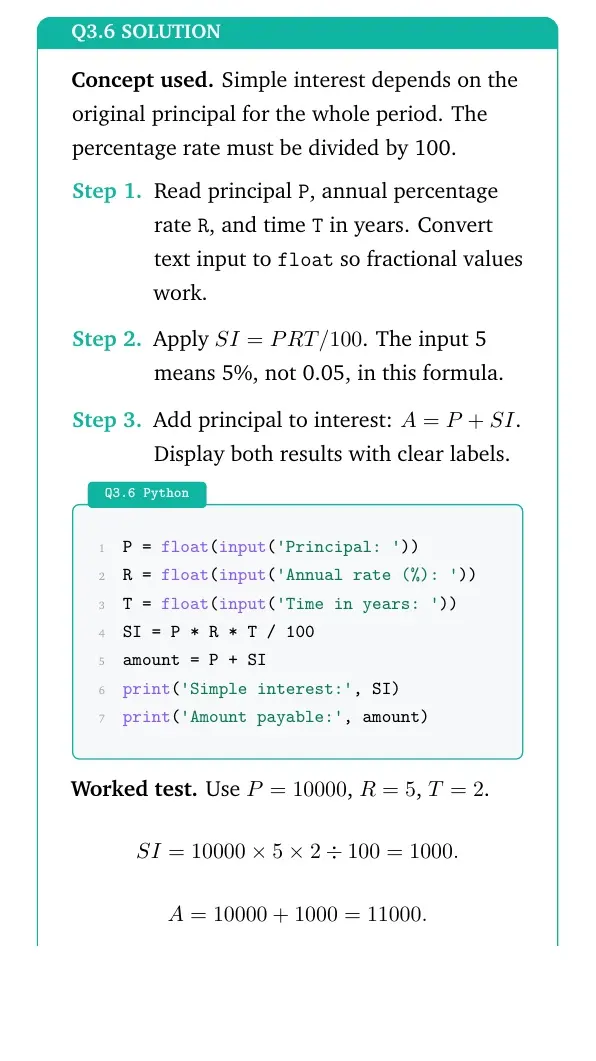
Concept used. Simple interest depends on the original principal for the whole period. The percentage rate must be divided by 100.
Read principal P, annual percentage rate R, and time T in years. Convert text input to float so fractional values work.
Apply SI=PRT/100. The input 5 means 5%, not 0.05, in this formula.
Add principal to interest: A=P+SI. Display both results with clear labels.
Python
P = float(input('Principal: '))
R = float(input('Annual rate (%): '))
T = float(input('Time in years: '))
SI = P * R * T / 100
amount = P + SI
print('Simple interest:', SI)
print('Amount payable:', amount)
Worked test. Use P=10000, R=5, T=2.
SI=1000052100=1000.A=10000+1000=11000.
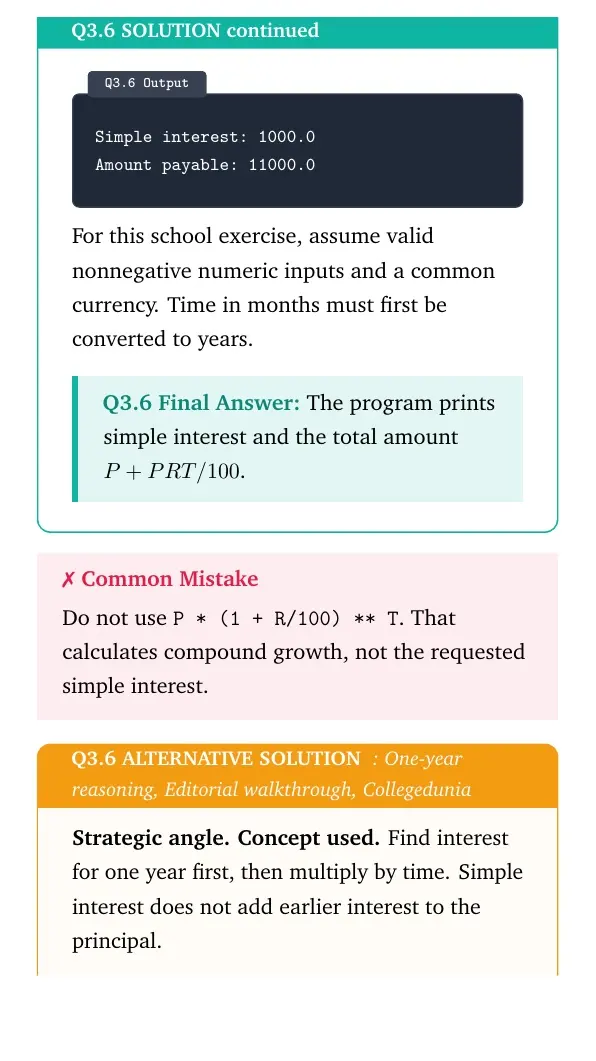
Output
Simple interest: 1000.0
Amount payable: 11000.0
For this school exercise, assume valid nonnegative numeric inputs and a common currency. Time in months must first be converted to years.
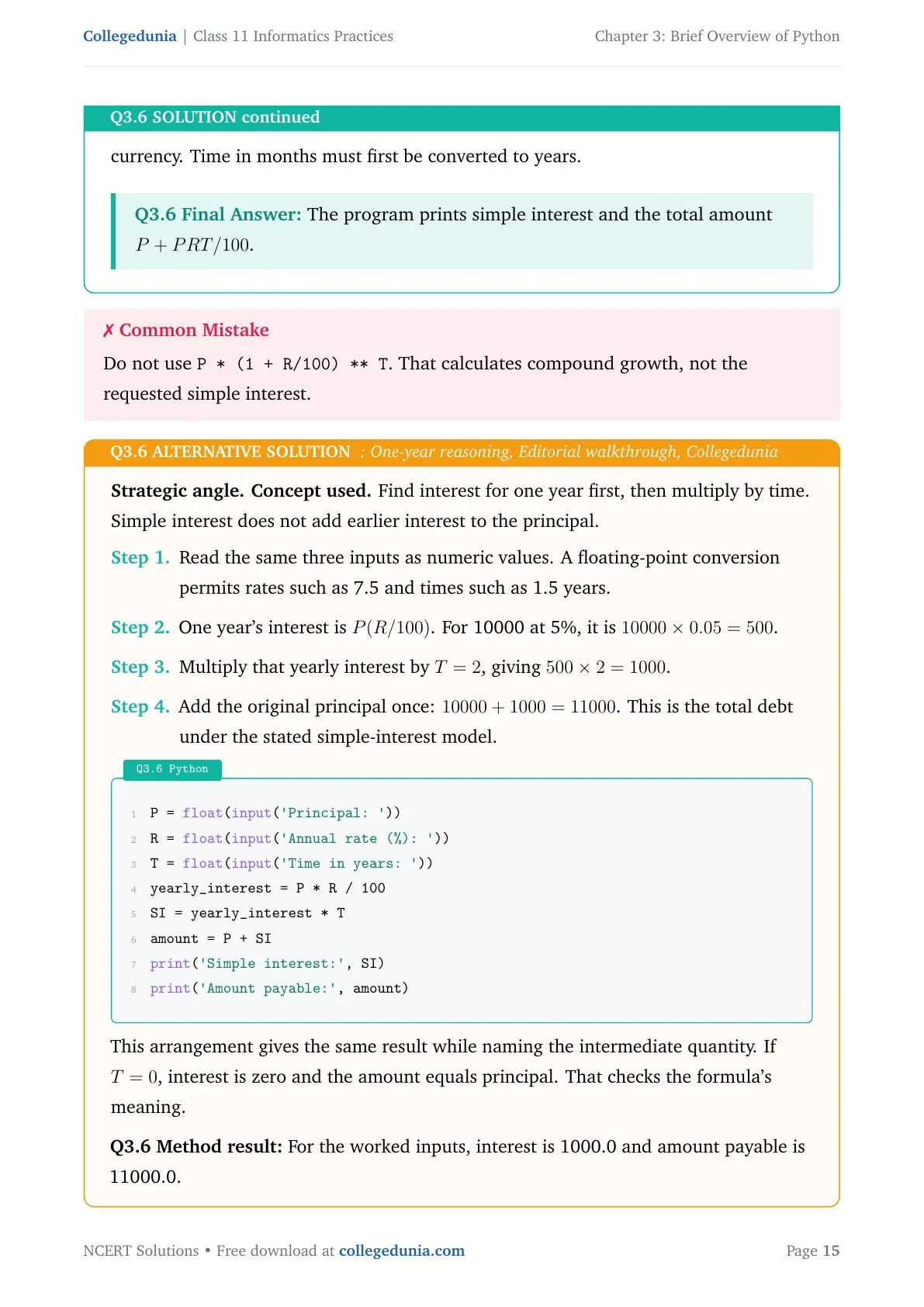
The program prints simple interest and the total amount P+PRT/100.
Do not use P * (1 + R/100) ** T. That calculates compound growth, not the requested simple interest.
Strategic angle.Concept used. Find interest for one year first, then multiply by time. Simple interest does not add earlier interest to the principal.
Read the same three inputs as numeric values. A floating-point conversion permits rates such as 7.5 and times such as 1.5 years.
One year's interest is P(R/100). For 10000 at 5%, it is 100000.05=500.
Multiply that yearly interest by T=2, giving 5002=1000.
Add the original principal once: 10000+1000=11000. This is the total debt under the stated simple-interest model.
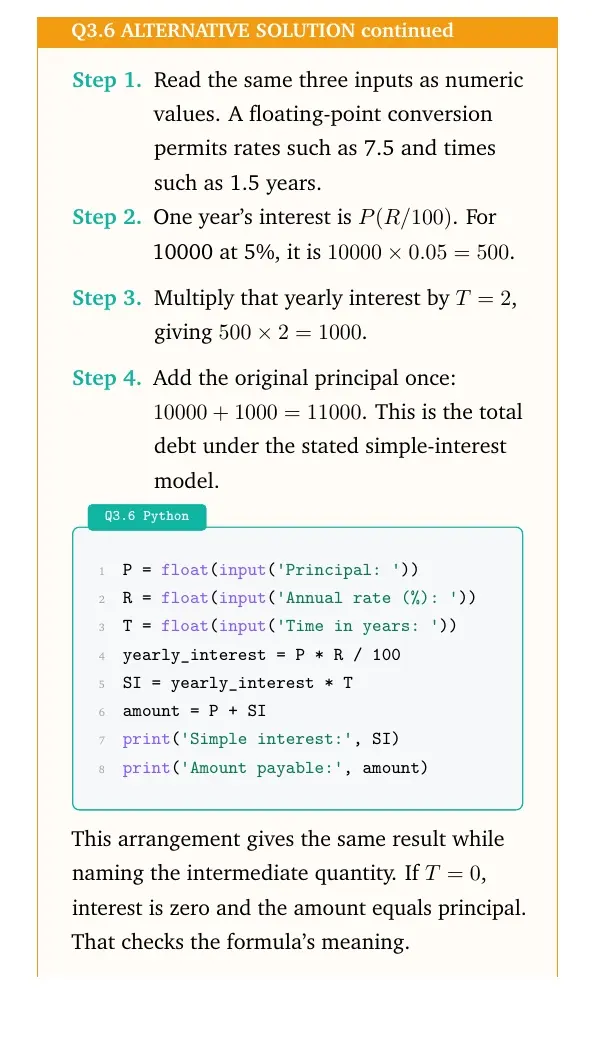
Python
P = float(input('Principal: '))
R = float(input('Annual rate (%): '))
T = float(input('Time in years: '))
yearly_interest = P * R / 100
SI = yearly_interest * T
amount = P + SI
print('Simple interest:', SI)
print('Amount payable:', amount)
This arrangement gives the same result while naming the intermediate quantity. If T=0, interest is zero and the amount equals principal. That checks the formula's meaning.
Method result: For the worked inputs, interest is 1000.0 and amount payable is 11000.0.
Question 7
Write a program to repeat the string “GOOD MORNING” n times. Here n is an integer entered by the user.
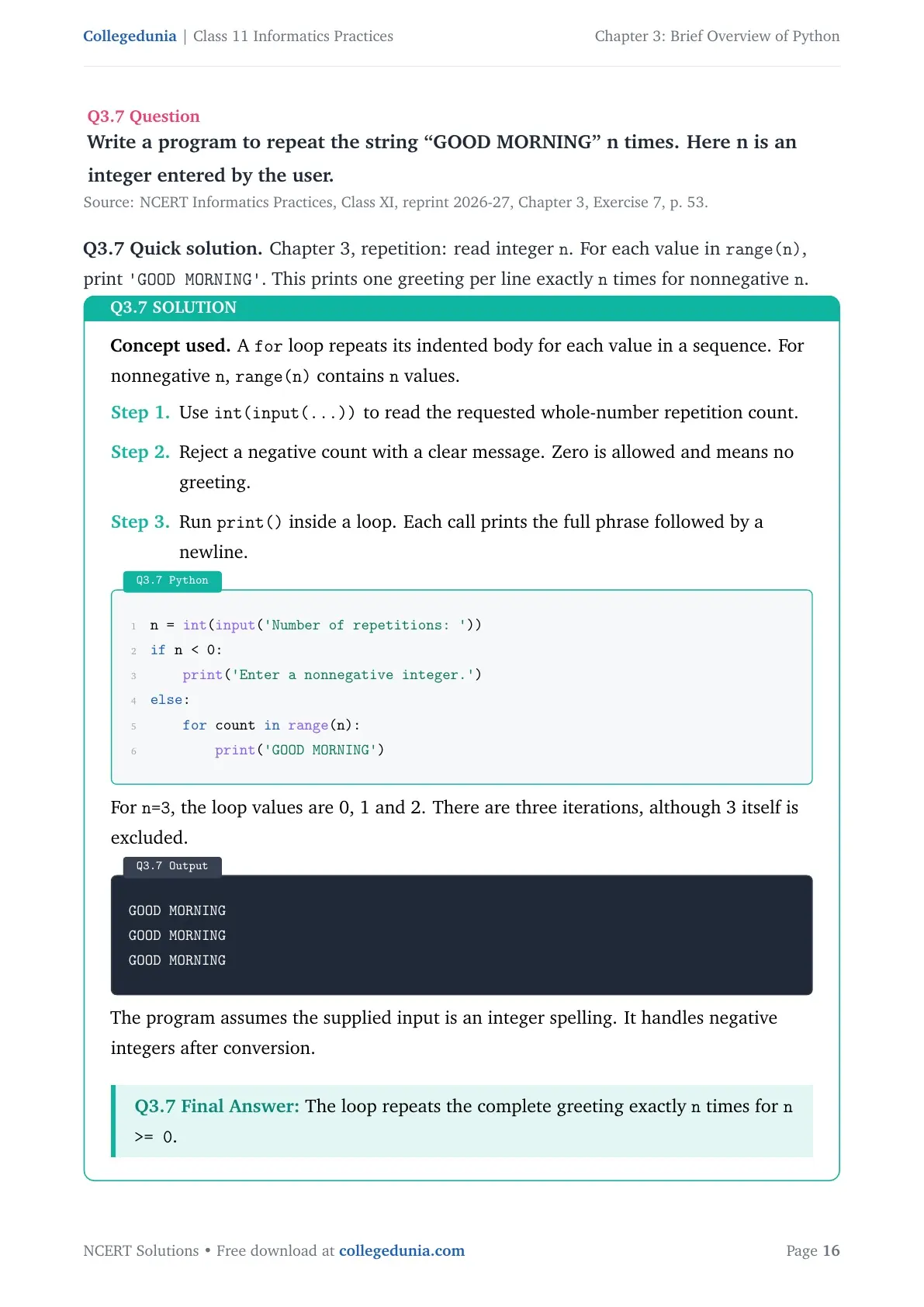
Concept used. A for loop repeats its indented body for each value in a sequence. For nonnegative n, range(n) contains n values.
Use int(input(...)) to read the requested whole-number repetition count.
Reject a negative count with a clear message. Zero is allowed and means no greeting.
Run print() inside a loop. Each call prints the full phrase followed by a newline.
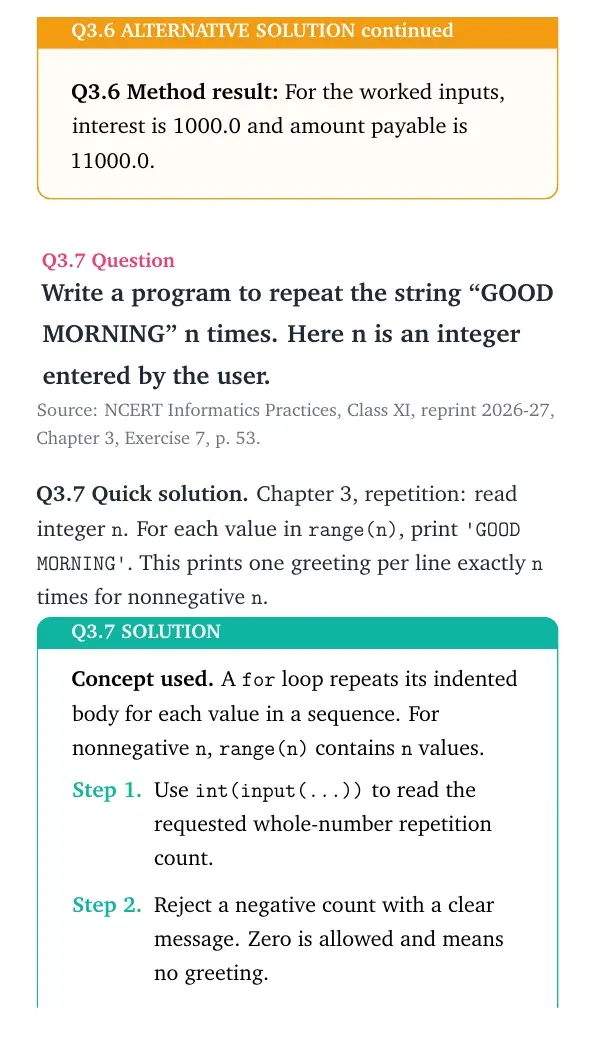
Python
n = int(input('Number of repetitions: '))
if n < 0:
    print('Enter a nonnegative integer.')
else:
    for count in range(n):
        print('GOOD MORNING')
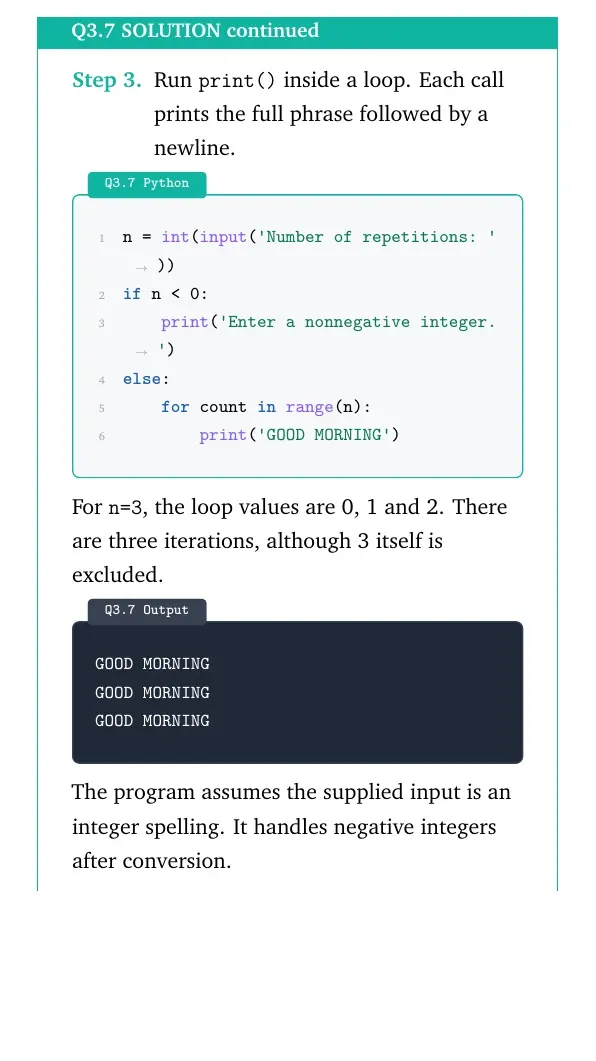
For n=3, the loop values are 0, 1 and 2. There are three iterations, although 3 itself is excluded.
Output
GOOD MORNING
GOOD MORNING
GOOD MORNING
The program assumes the supplied input is an integer spelling. It handles negative integers after conversion.
The loop repeats the complete greeting exactly n times for n >= 0.
Keep print() indented inside the loop. Outside the loop, it would run only once.
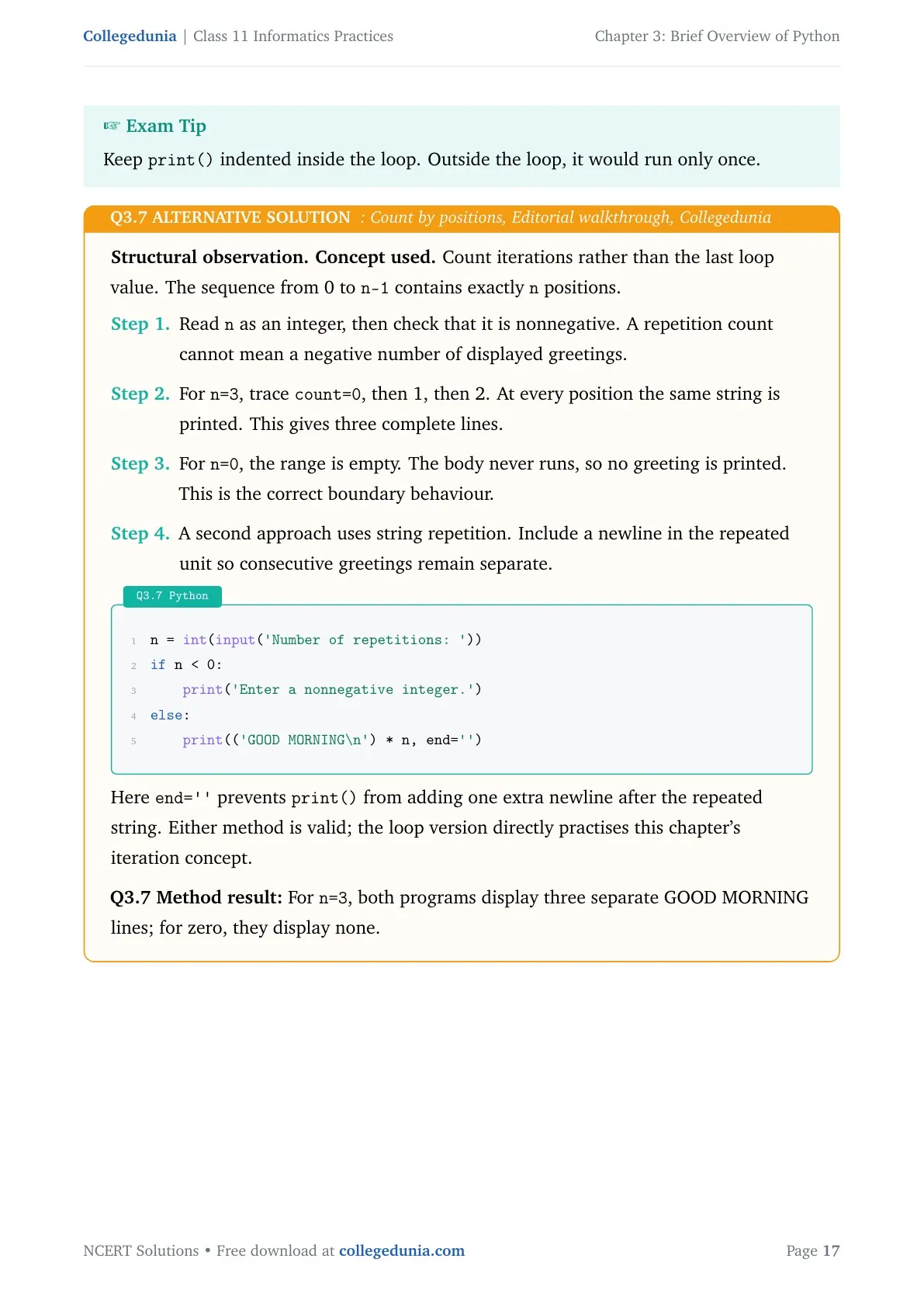
Structural observation.Concept used. Count iterations rather than the last loop value. The sequence from 0 to n-1 contains exactly n positions.
Read n as an integer, then check that it is nonnegative. A repetition count cannot mean a negative number of displayed greetings.
For n=3, trace count=0, then 1, then 2. At every position the same string is printed. This gives three complete lines.
For n=0, the range is empty. The body never runs, so no greeting is printed. This is the correct boundary behaviour.
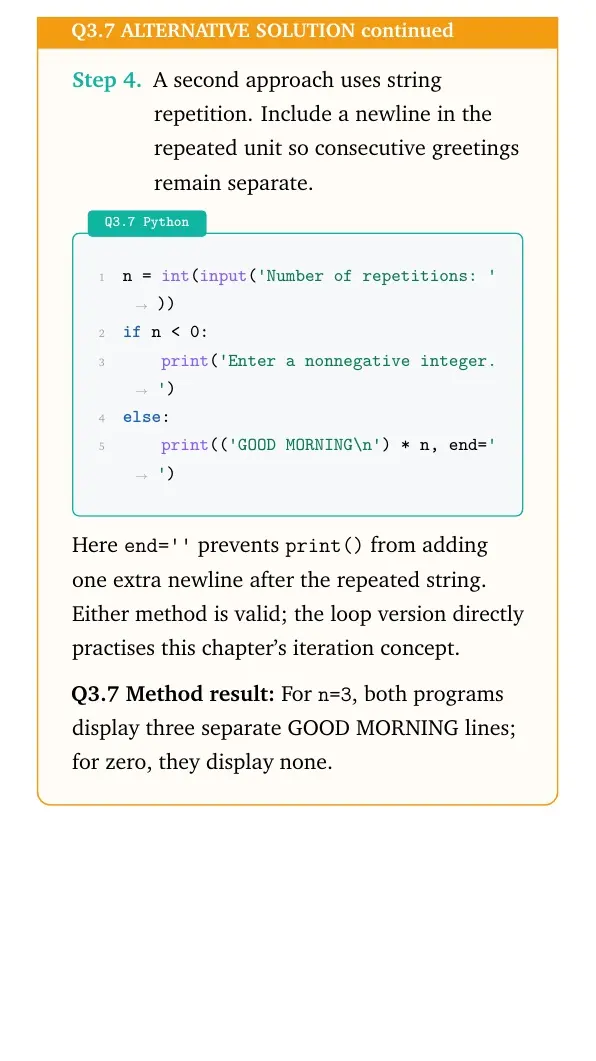
A second approach uses string repetition. Include a newline in the repeated unit so consecutive greetings remain separate.
Python
n = int(input('Number of repetitions: '))
if n < 0:
    print('Enter a nonnegative integer.')
else:
    print(('GOOD MORNING\n') * n, end='')
Here end='' prevents print() from adding one extra newline after the repeated string. Either method is valid; the loop version directly practises this chapter's iteration concept.
Method result: For n=3, both programs display three separate GOOD MORNING lines; for zero, they display none.
Question 8
Write a program to find the average of 3 numbers.
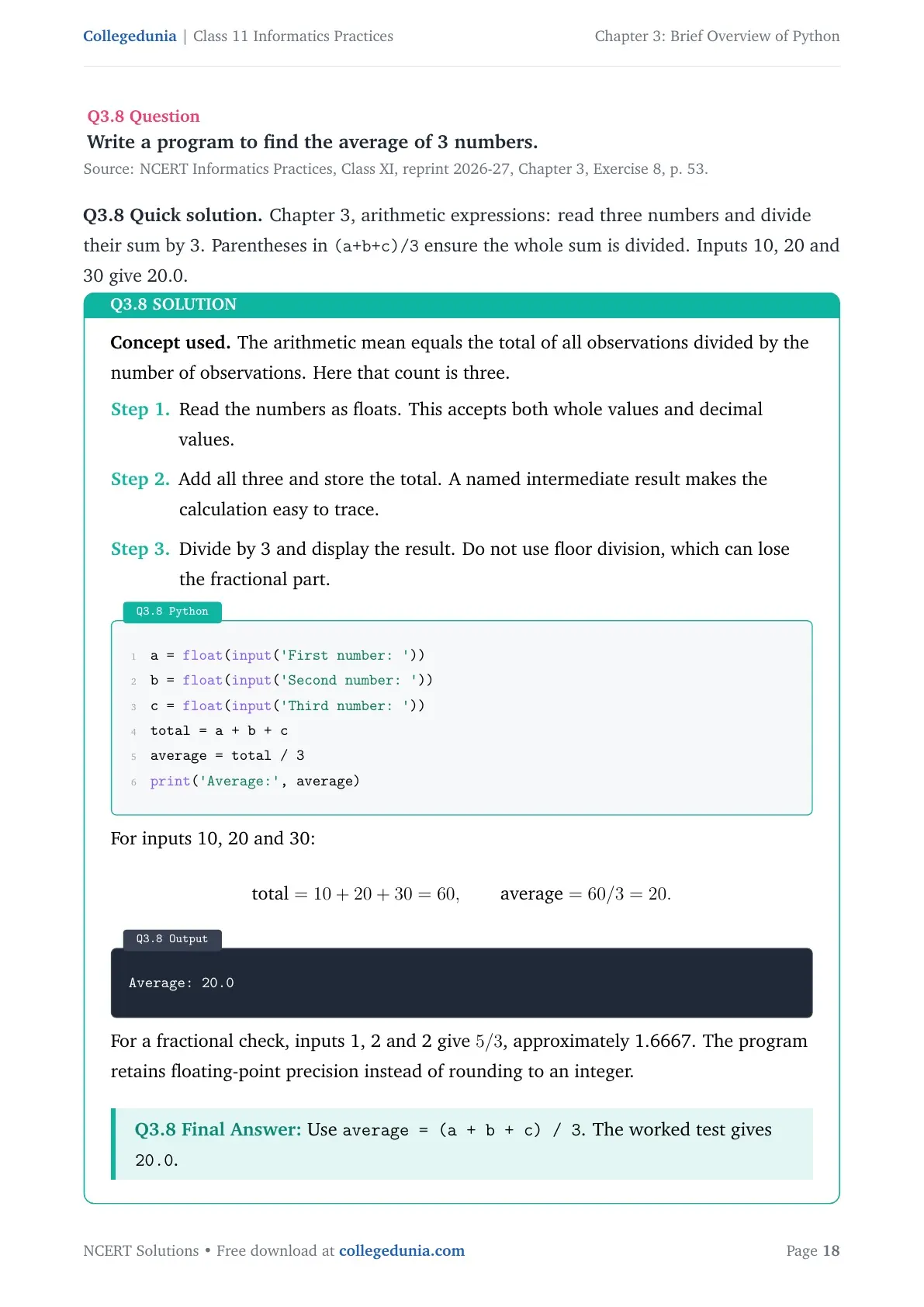
Concept used. The arithmetic mean equals the total of all observations divided by the number of observations. Here that count is three.
Read the numbers as floats. This accepts both whole values and decimal values.
Add all three and store the total. A named intermediate result makes the calculation easy to trace.
Divide by 3 and display the result. Do not use floor division, which can lose the fractional part.
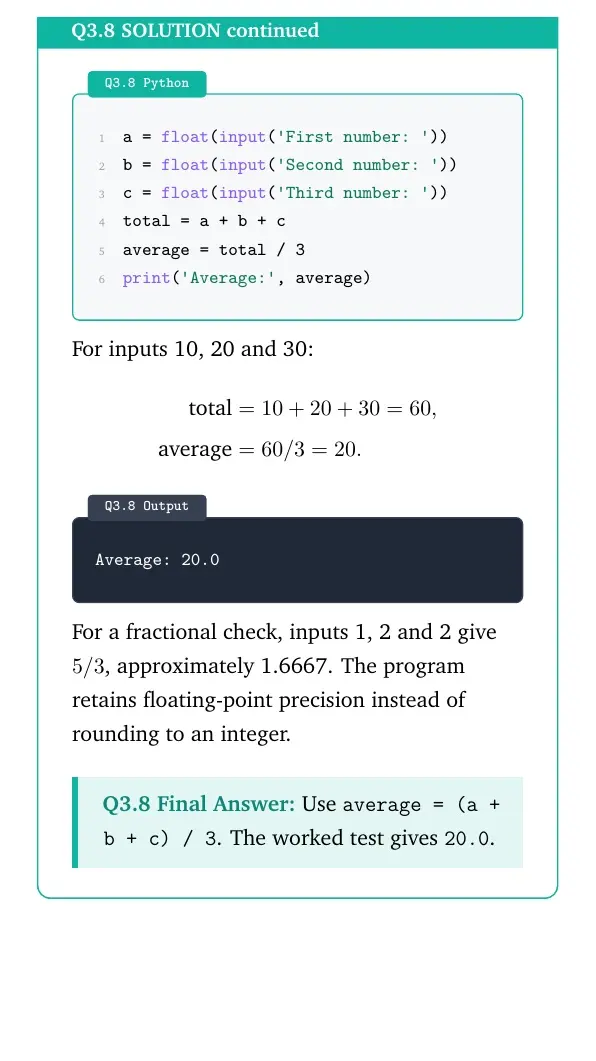
Python
a = float(input('First number: '))
b = float(input('Second number: '))
c = float(input('Third number: '))
total = a + b + c
average = total / 3
print('Average:', average)
For inputs 10, 20 and 30:
total=10+20+30=60, average=60/3=20.
Output
Average: 20.0
For a fractional check, inputs 1, 2 and 2 give 5/3, approximately 1.6667. The program retains floating-point precision instead of rounding to an integer.
Use average = (a + b + c) / 3. The worked test gives 20.0.
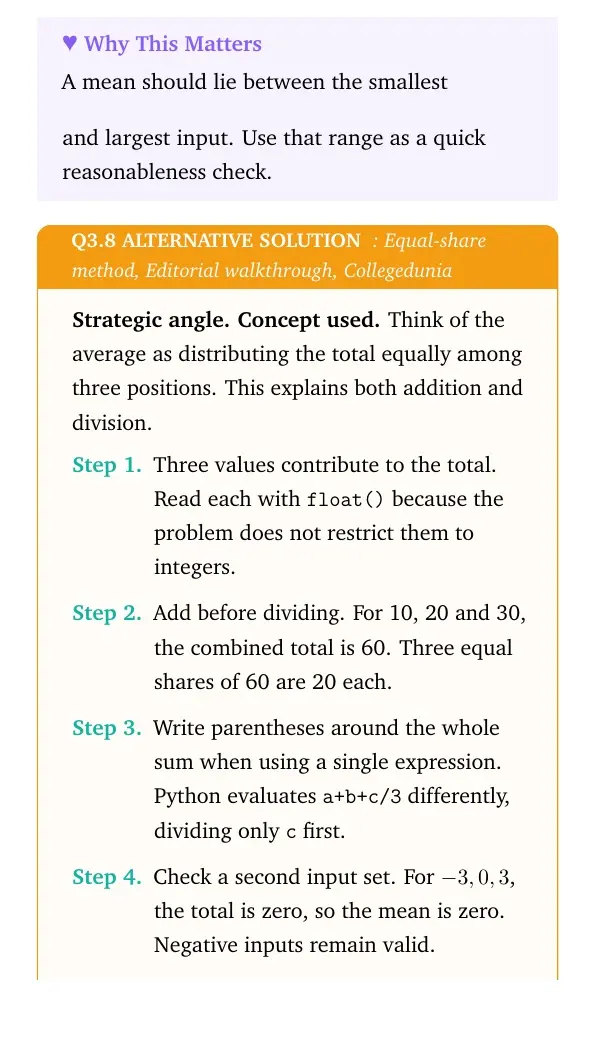
A mean should lie between the smallest and largest input. Use that range as a quick reasonableness check.
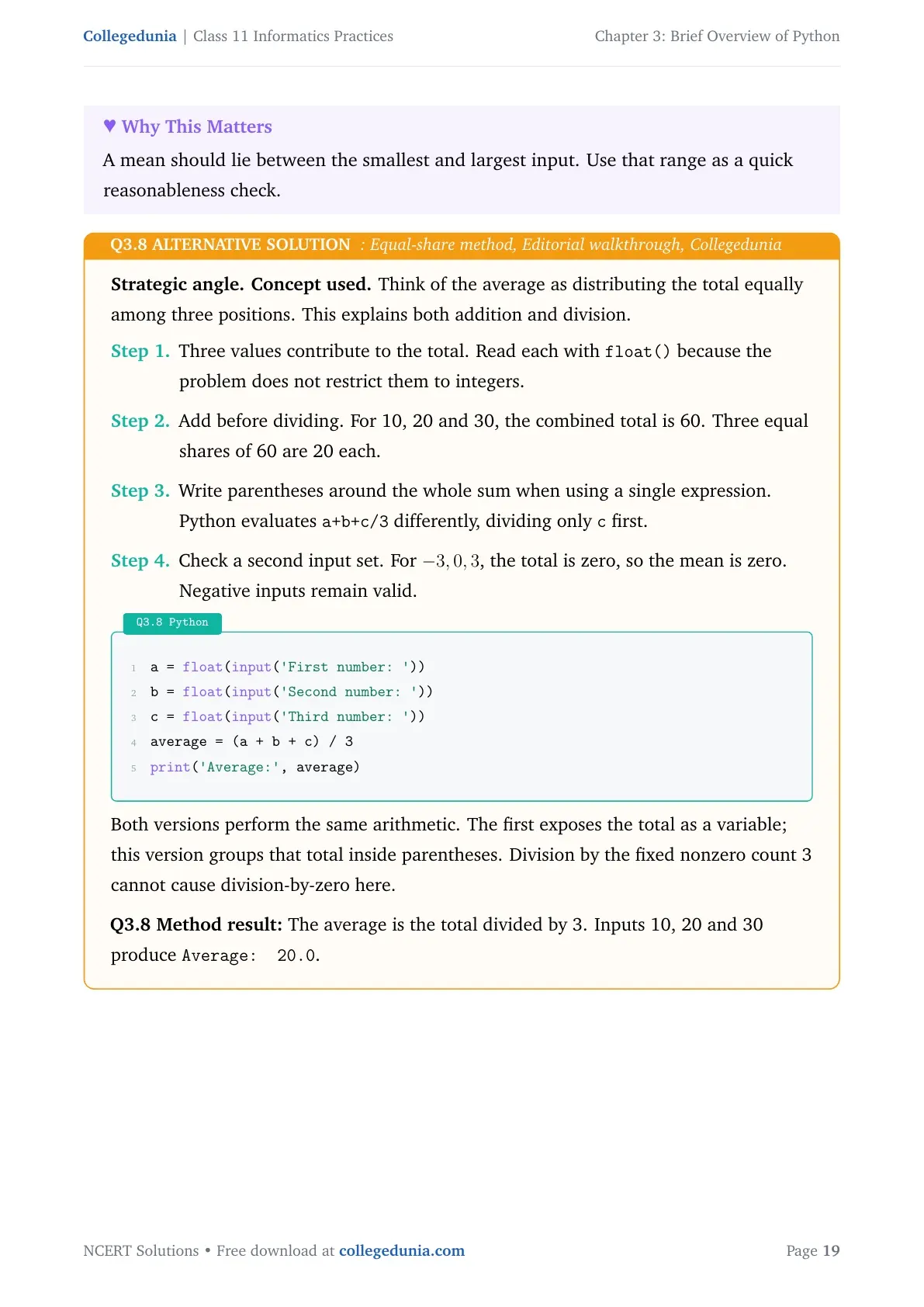
Strategic angle.Concept used. Think of the average as distributing the total equally among three positions. This explains both addition and division.
Three values contribute to the total. Read each with float() because the problem does not restrict them to integers.
Add before dividing. For 10, 20 and 30, the combined total is 60. Three equal shares of 60 are 20 each.
Write parentheses around the whole sum when using a single expression. Python evaluates a+b+c/3 differently, dividing only c first.
Check a second input set. For -3,0,3, the total is zero, so the mean is zero. Negative inputs remain valid.
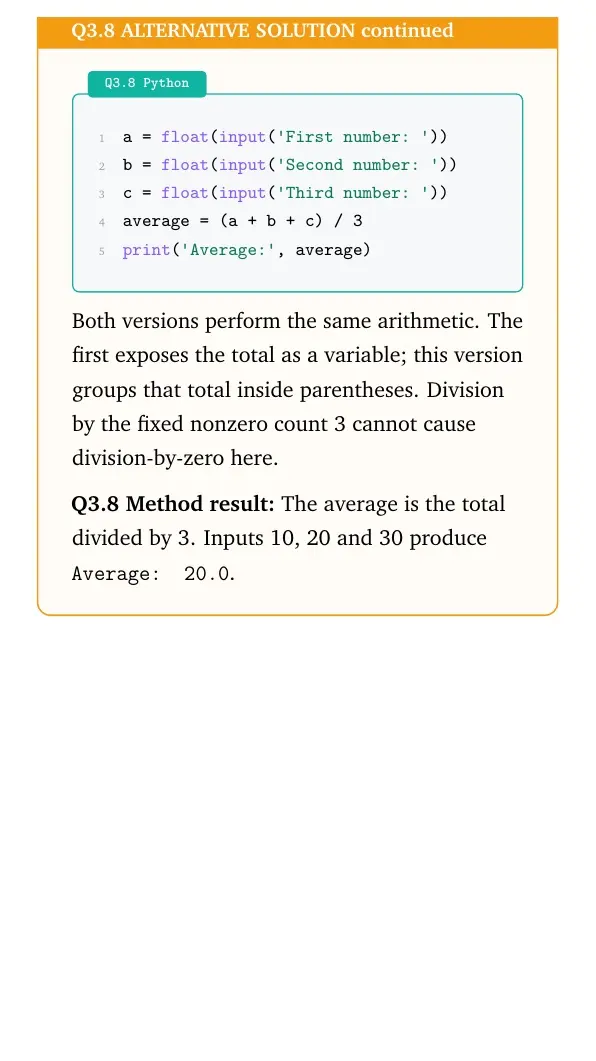
Python
a = float(input('First number: '))
b = float(input('Second number: '))
c = float(input('Third number: '))
average = (a + b + c) / 3
print('Average:', average)
Both versions perform the same arithmetic. The first exposes the total as a variable; this version groups that total inside parentheses. Division by the fixed nonzero count 3 cannot cause division-by-zero here.
Method result: The average is the total divided by 3. Inputs 10, 20 and 30 produce Average: 20.0.
Question 9
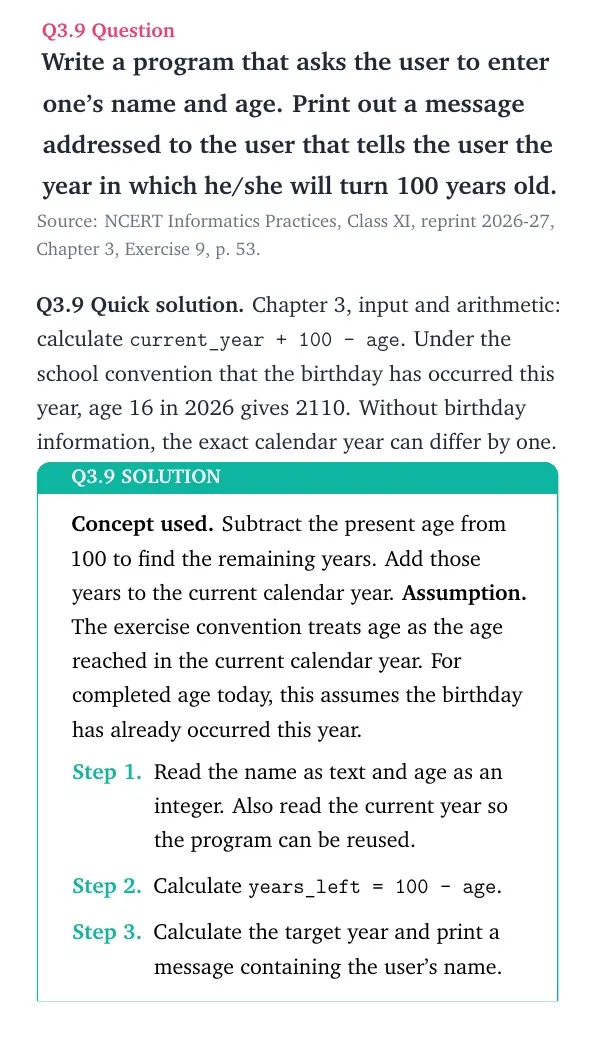
Write a program that asks the user to enter one's name and age. Print out a message addressed to the user that tells the user the year in which he/she will turn 100 years old.
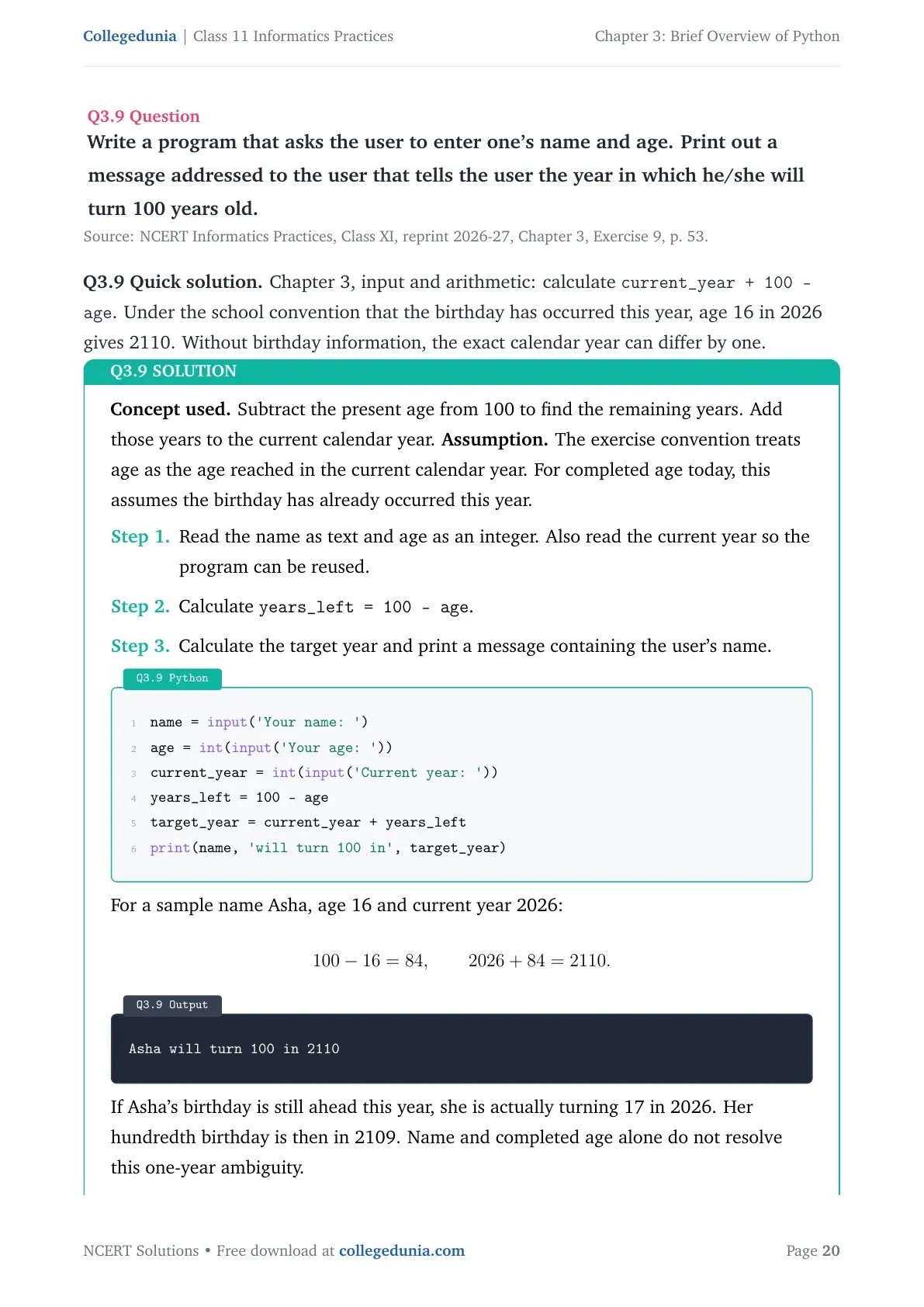
Concept used. Subtract the present age from 100 to find the remaining years. Add those years to the current calendar year.
Assumption. The exercise convention treats age as the age reached in the current calendar year. For completed age today, this assumes the birthday has already occurred this year.
Read the name as text and age as an integer. Also read the current year so the program can be reused.
Calculate years_left = 100 - age.
Calculate the target year and print a message containing the user's name.
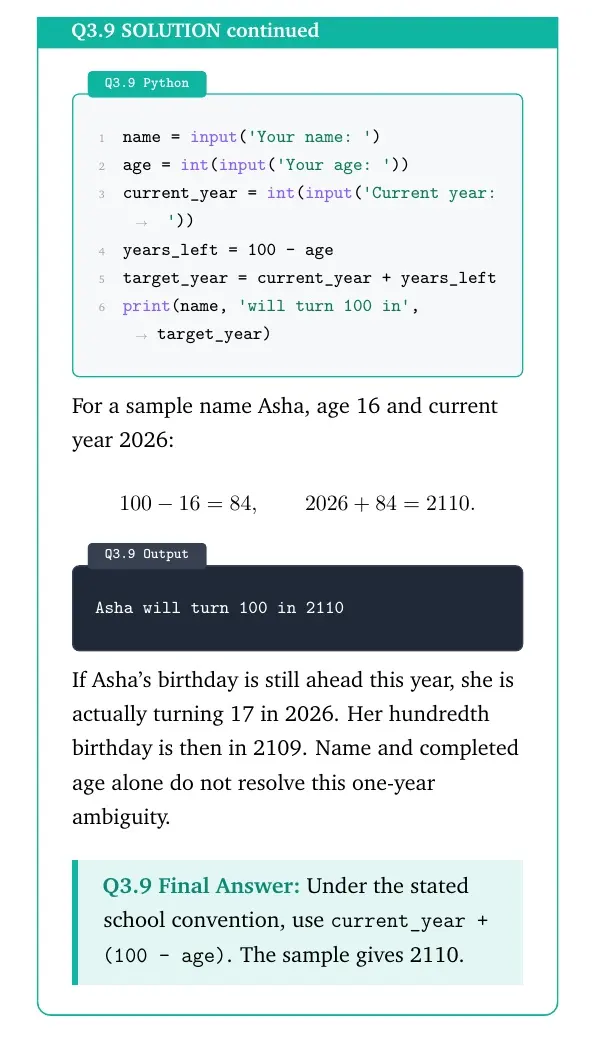
For a sample name Asha, age 16 and current year 2026:
100-16=84, 2026+84=2110.
Output
Asha will turn 100 in 2110
If Asha's birthday is still ahead this year, she is actually turning 17 in 2026. Her hundredth birthday is then in 2109. Name and completed age alone do not resolve this one-year ambiguity.
Under the stated school convention, use current_year + (100 - age). The sample gives 2110.
Calendar precision
For an exact year, also ask whether this year's birthday has occurred, or use the birth year.
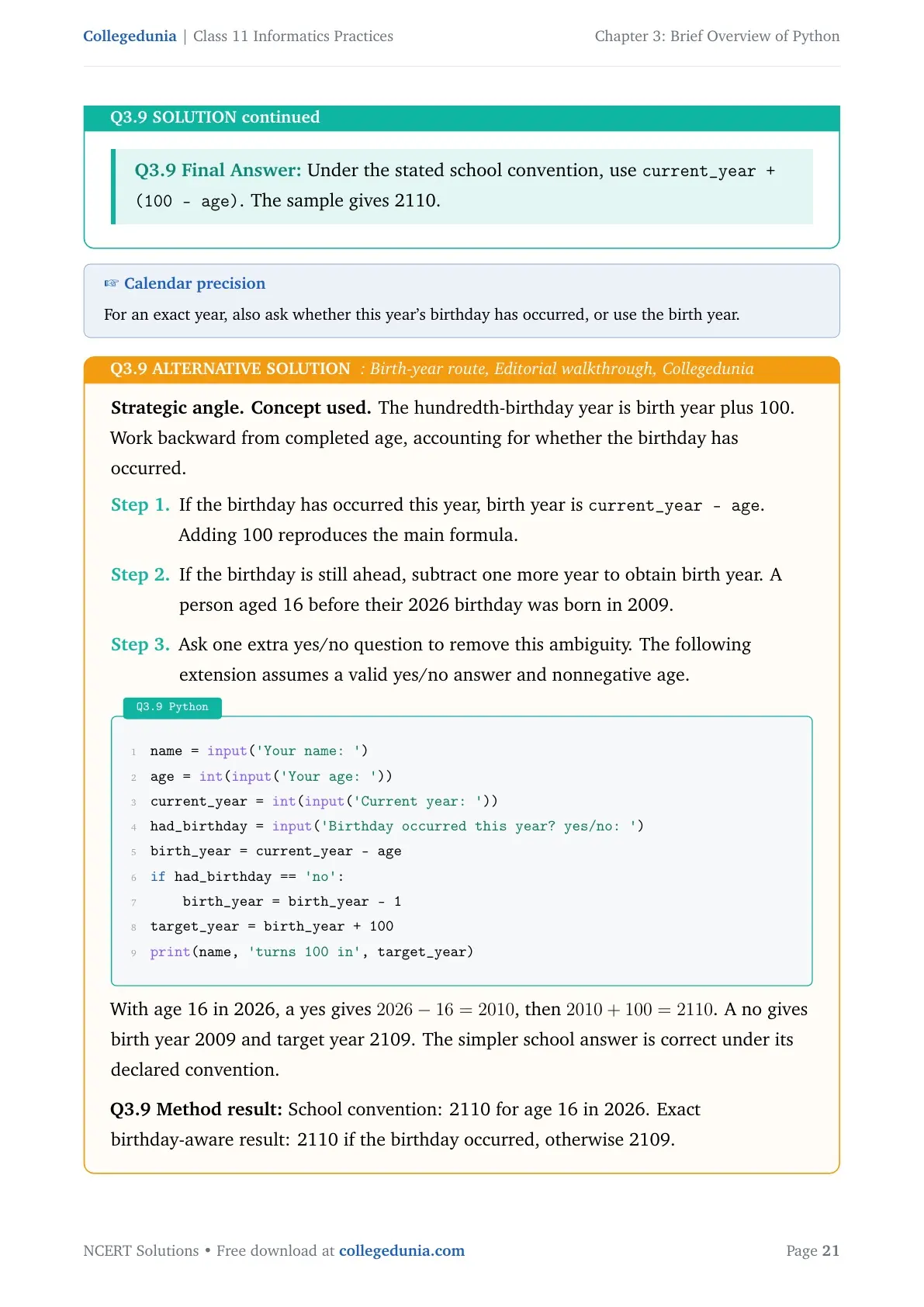
Strategic angle.Concept used. The hundredth-birthday year is birth year plus 100. Work backward from completed age, accounting for whether the birthday has occurred.
If the birthday has occurred this year, birth year is current_year - age. Adding 100 reproduces the main formula.
If the birthday is still ahead, subtract one more year to obtain birth year. A person aged 16 before their 2026 birthday was born in 2009.
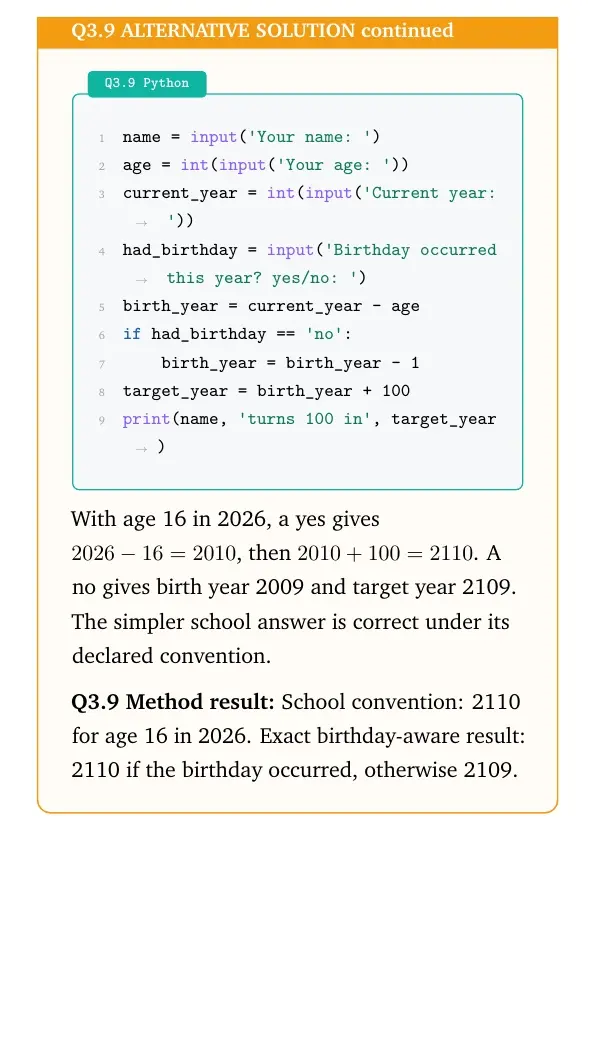
Ask one extra yes/no question to remove this ambiguity. The following extension assumes a valid yes/no answer and nonnegative age.
Python
name = input('Your name: ')
age = int(input('Your age: '))
current_year = int(input('Current year: '))
had_birthday = input('Birthday occurred this year? yes/no: ')
birth_year = current_year - age
if had_birthday == 'no':
    birth_year = birth_year - 1
target_year = birth_year + 100
print(name, 'turns 100 in', target_year)
With age 16 in 2026, a yes gives 2026-16=2010, then 2010+100=2110. A no gives birth year 2009 and target year 2109. The simpler school answer is correct under its declared convention.
Method result: School convention: 2110 for age 16 in 2026. Exact birthday-aware result: 2110 if the birthday occurred, otherwise 2109.
Question 10
What is the difference between else and elif construct of if statement?
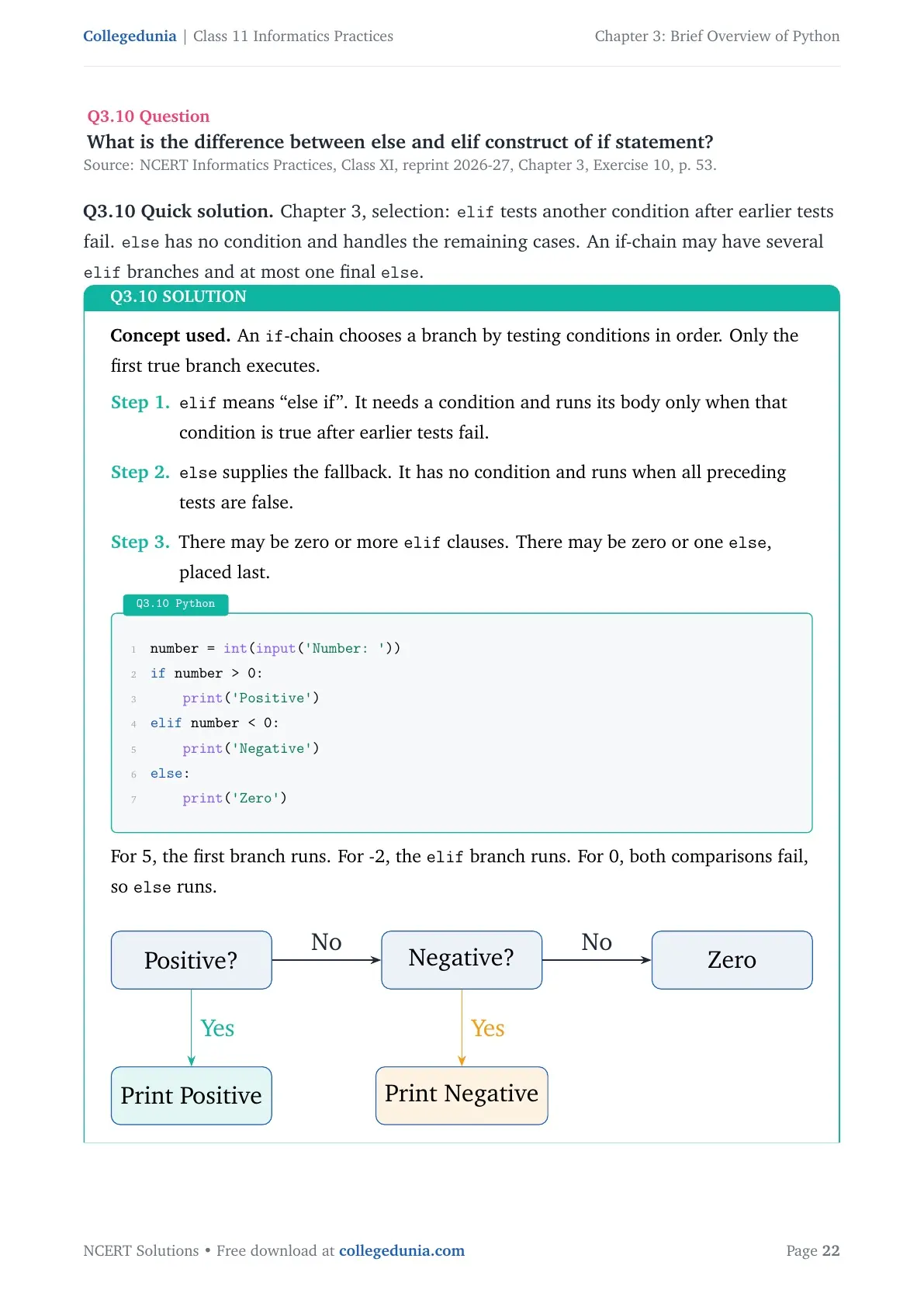
Concept used. An if-chain chooses a branch by testing conditions in order. Only the first true branch executes.
elif means “else if”. It needs a condition and runs its body only when that condition is true after earlier tests fail.
else supplies the fallback. It has no condition and runs when all preceding tests are false.
There may be zero or more elif clauses. There may be zero or one else, placed last.
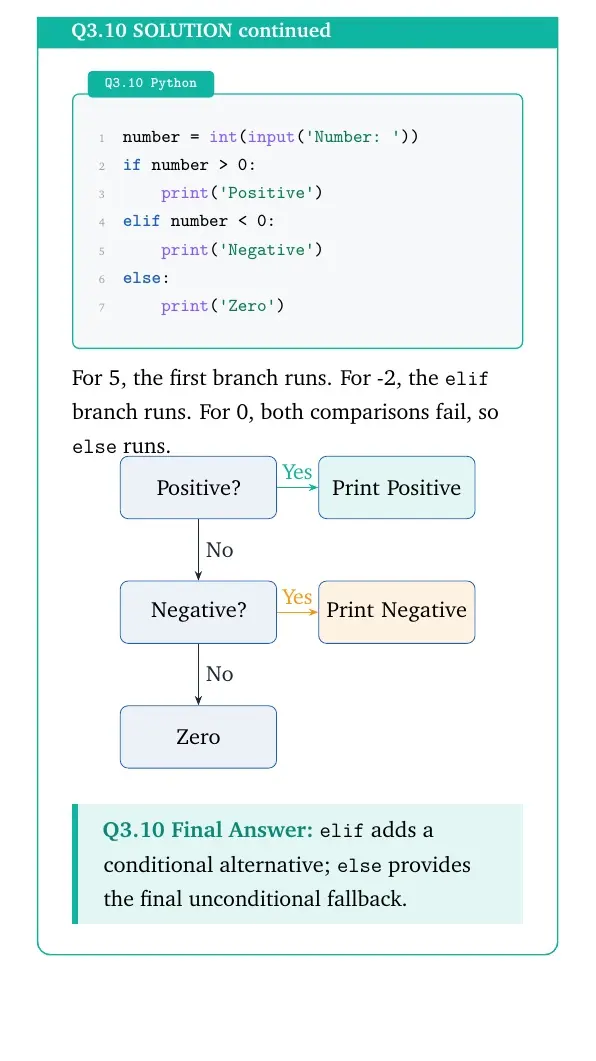
Python
number = int(input('Number: '))
if number > 0:
    print('Positive')
elif number < 0:
    print('Negative')
else:
    print('Zero')
For 5, the first branch runs. For -2, the elif branch runs. For 0, both comparisons fail, so else runs.
[See diagram in the PDF version]
elif adds a conditional alternative; else provides the final unconditional fallback.
Check the colon
Write elif condition: and else:. Indent each branch body consistently.
Structural observation.Concept used. Each failed test leaves a smaller set of possibilities for later branches. The final else accepts everything left.
In the sign example, the first condition accepts positive integers. If it succeeds, Python skips the remaining branches.
After that condition fails, the number is zero or negative. The elif number < 0: condition tests which of those possibilities applies.
If the second test also fails, zero is the only remaining integer case. The else body therefore prints Zero without needing another comparison.
Add several elif conditions when several distinct tests are needed. Their order matters because execution stops searching after the first true condition.
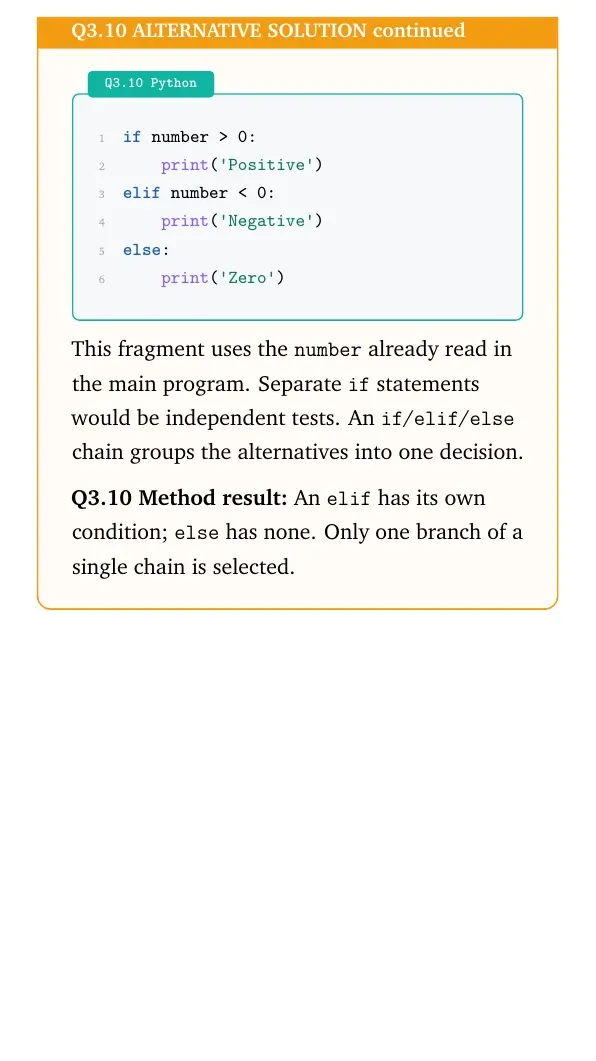
Python
if number > 0:
    print('Positive')
elif number < 0:
    print('Negative')
else:
    print('Zero')
This fragment uses the number already read in the main program. Separate if statements would be independent tests. An if/elif/else chain groups the alternatives into one decision.
Method result: An elif has its own condition; else has none. Only one branch of a single chain is selected.
Question 11
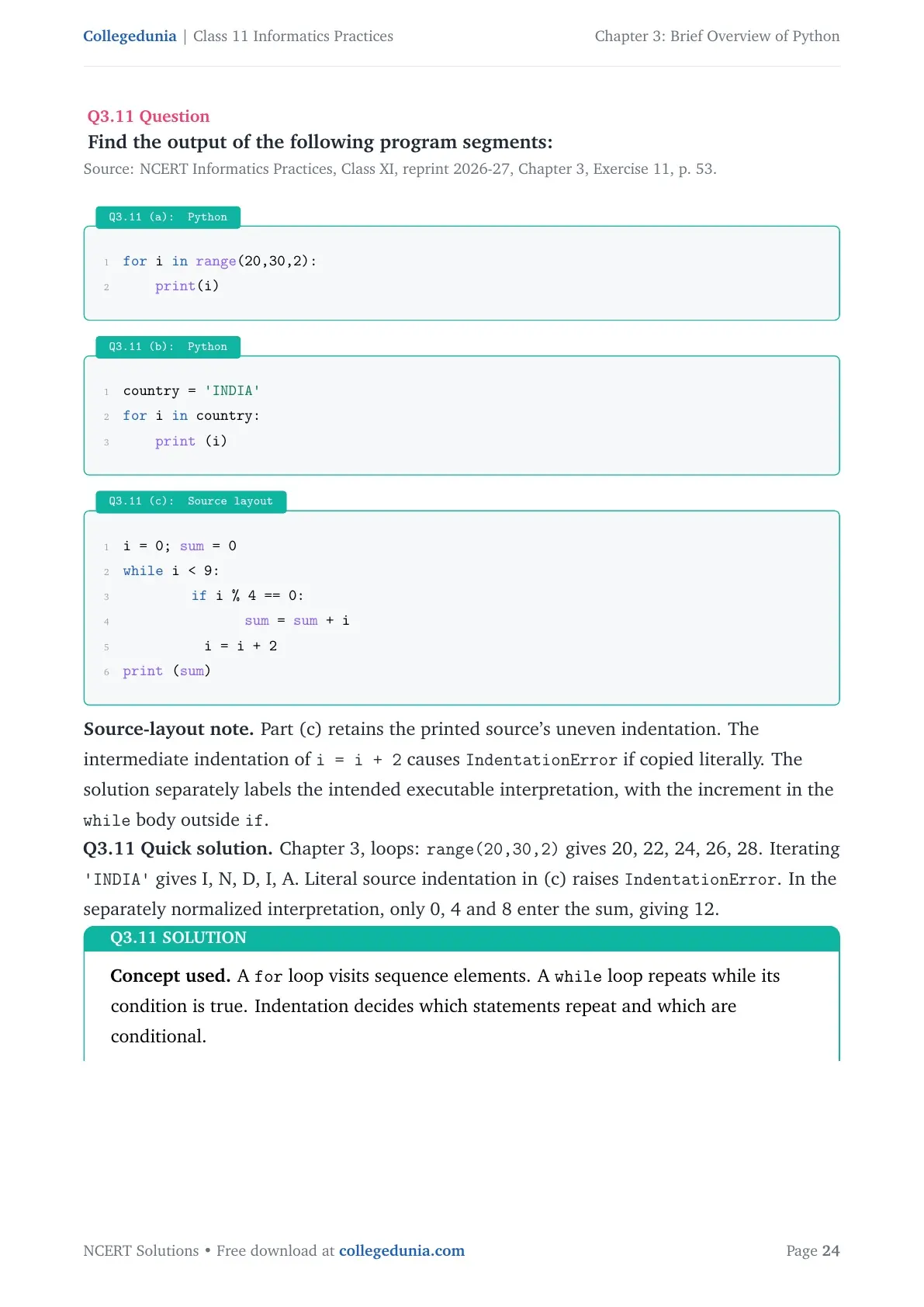
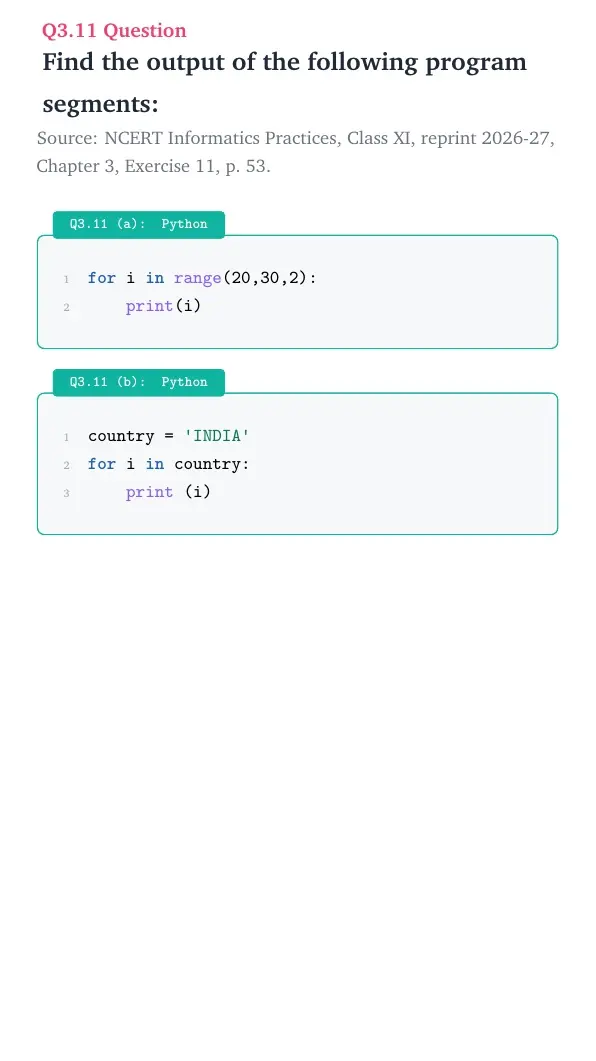
Find the output of the following program segments:
Q3.11 (a): Python
for i in range(20,30,2):
    print(i)
Q3.11 (b): Python
country = 'INDIA'
for i in country:
    print (i)
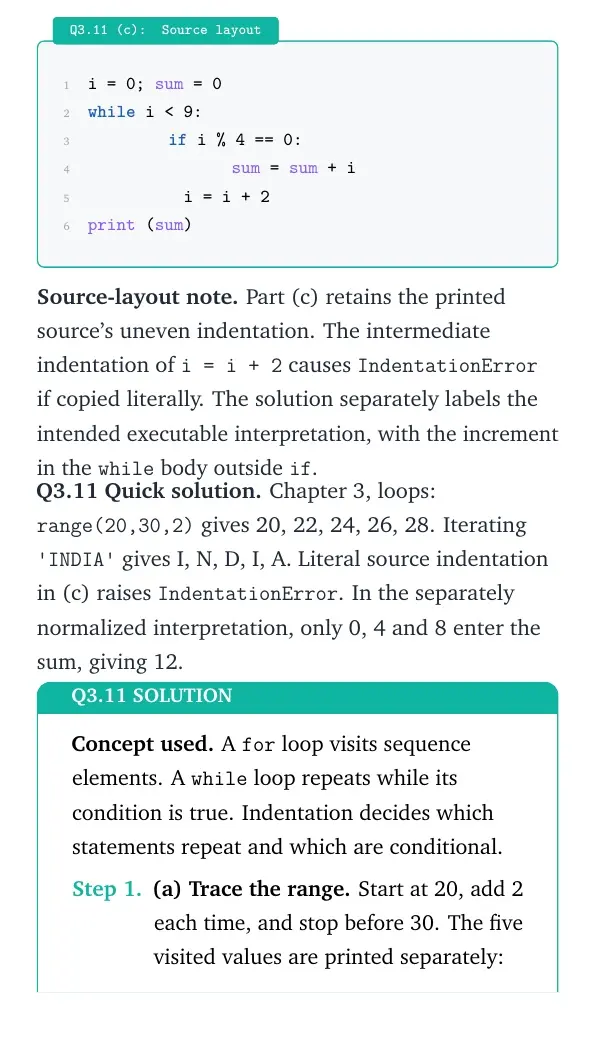
Q3.11 (c): Source layout
i = 0; sum = 0
while i < 9:
        if i % 4 == 0:
               sum = sum + i
          i = i + 2
print (sum)
Source-layout note. Part (c) retains the printed source's uneven indentation. The intermediate indentation of i = i + 2 causes IndentationError if copied literally. The solution separately labels the intended executable interpretation, with the increment in the while body outside if.
Concept used. A for loop visits sequence elements. A while loop repeats while its condition is true. Indentation decides which statements repeat and which are conditional.
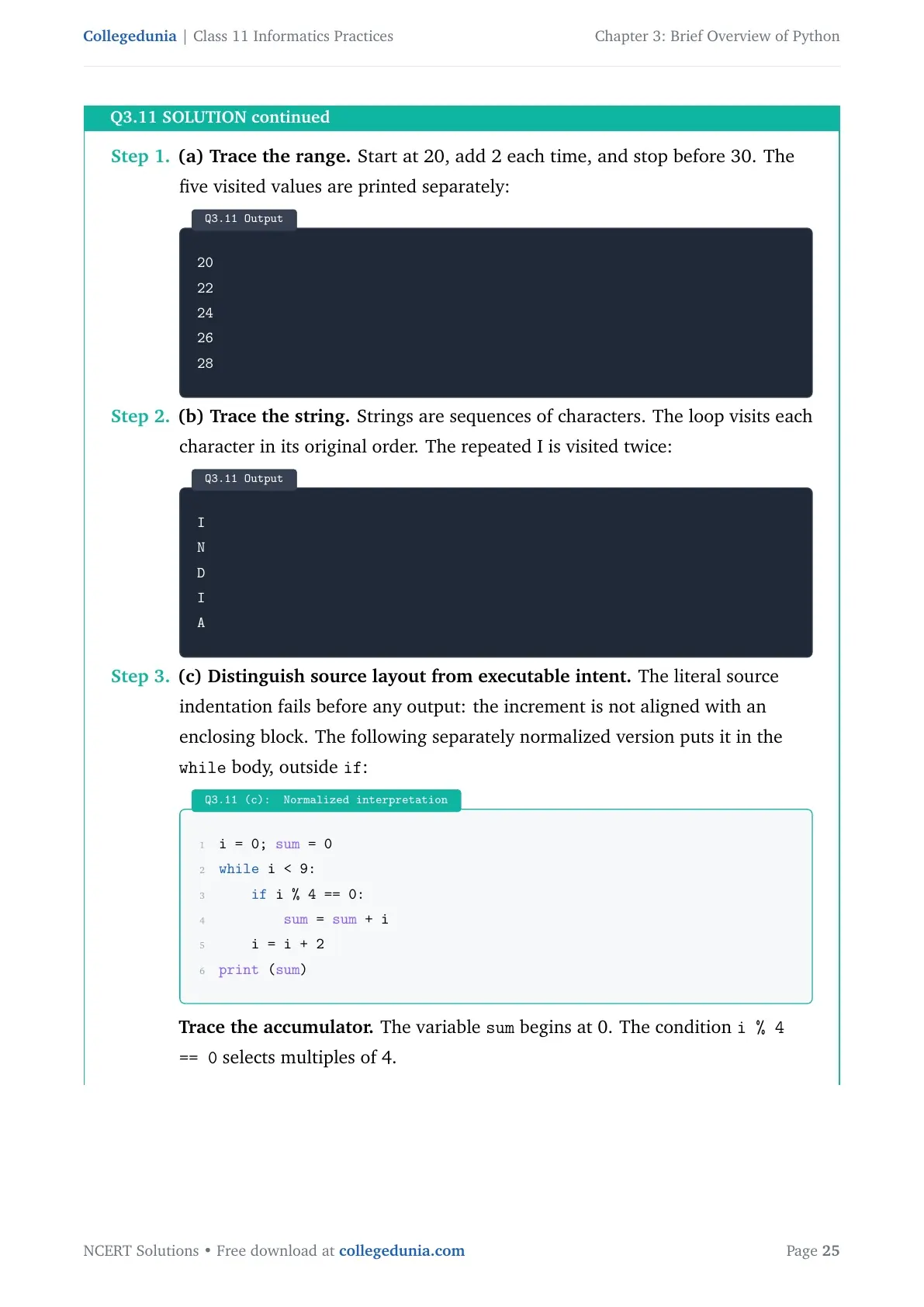
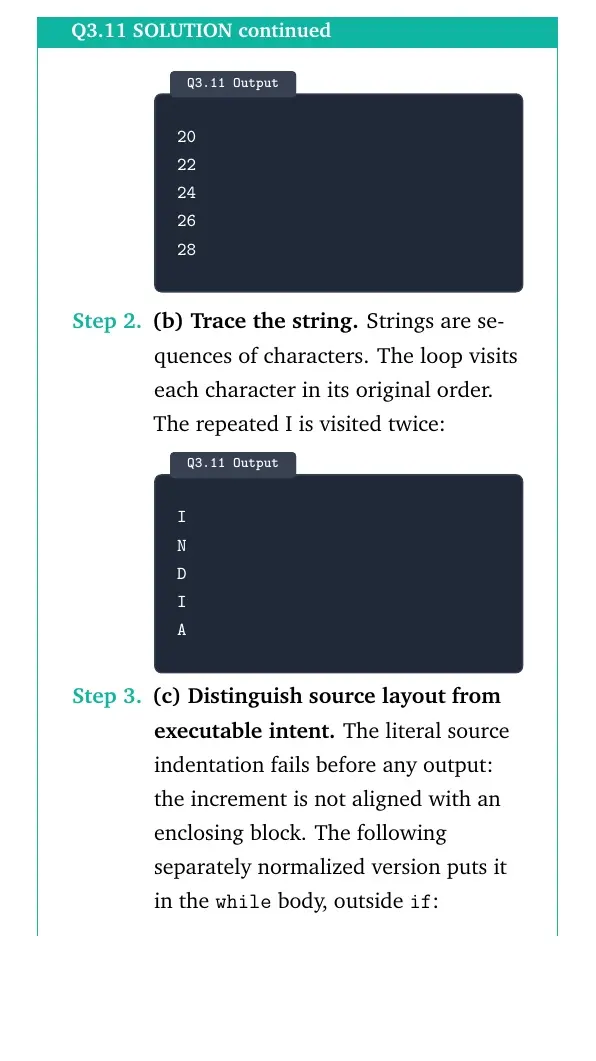
(a) Trace the range. Start at 20, add 2 each time, and stop before 30. The five visited values are printed separately:
Output
20
22
24
26
28
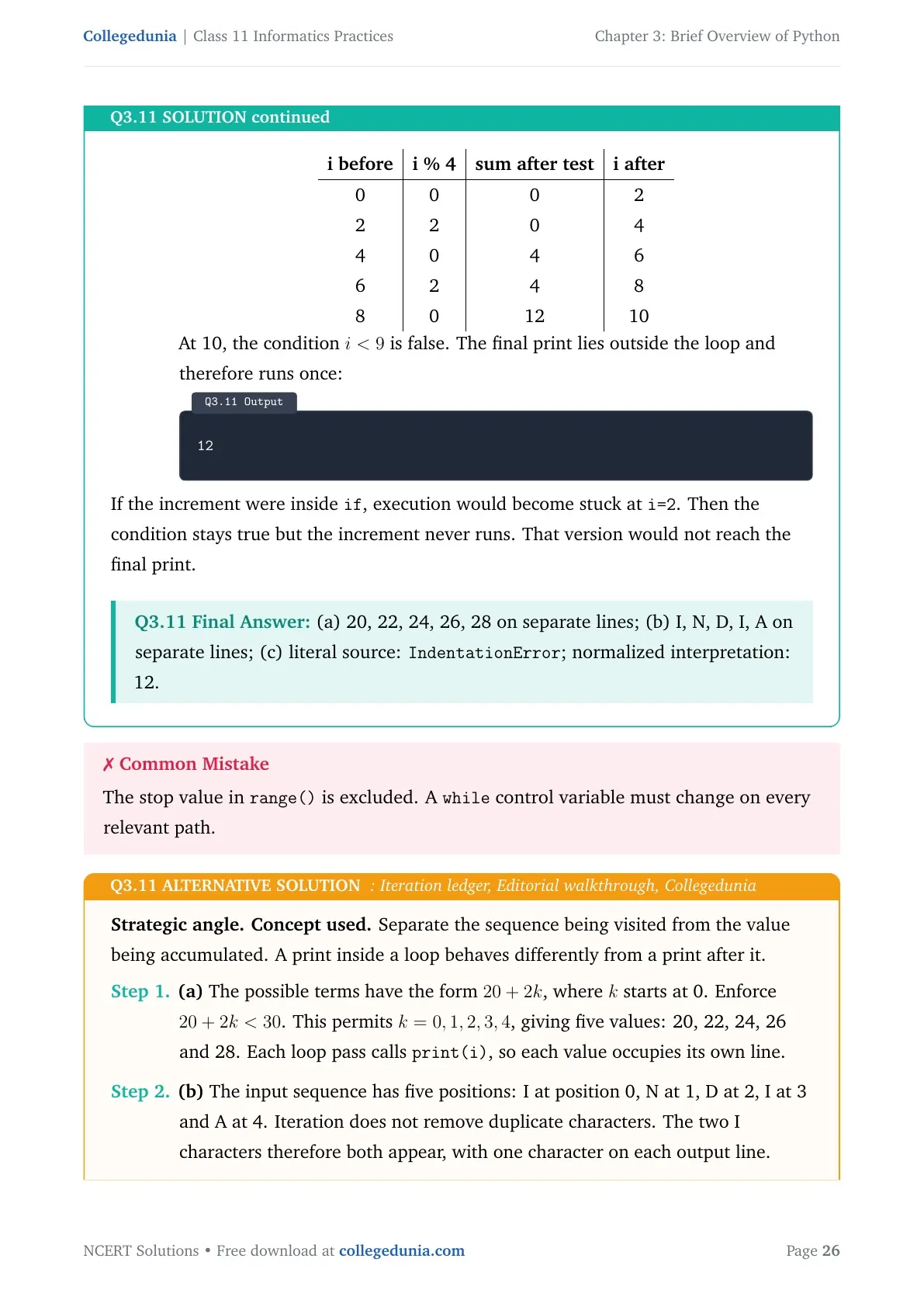
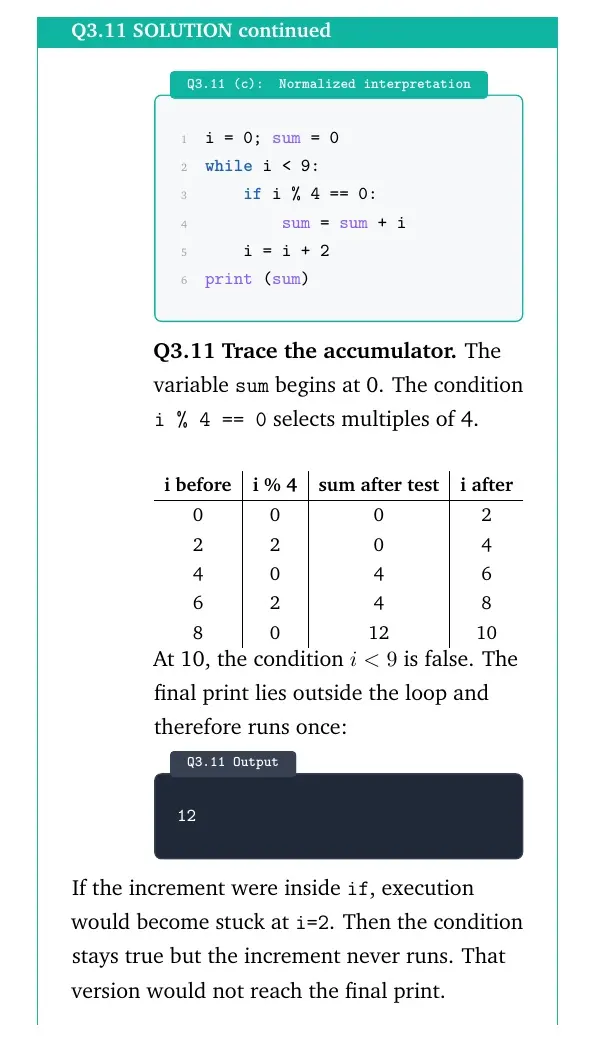
(b) Trace the string. Strings are sequences of characters. The loop visits each character in its original order. The repeated I is visited twice:
Output
I
N
D
I
A
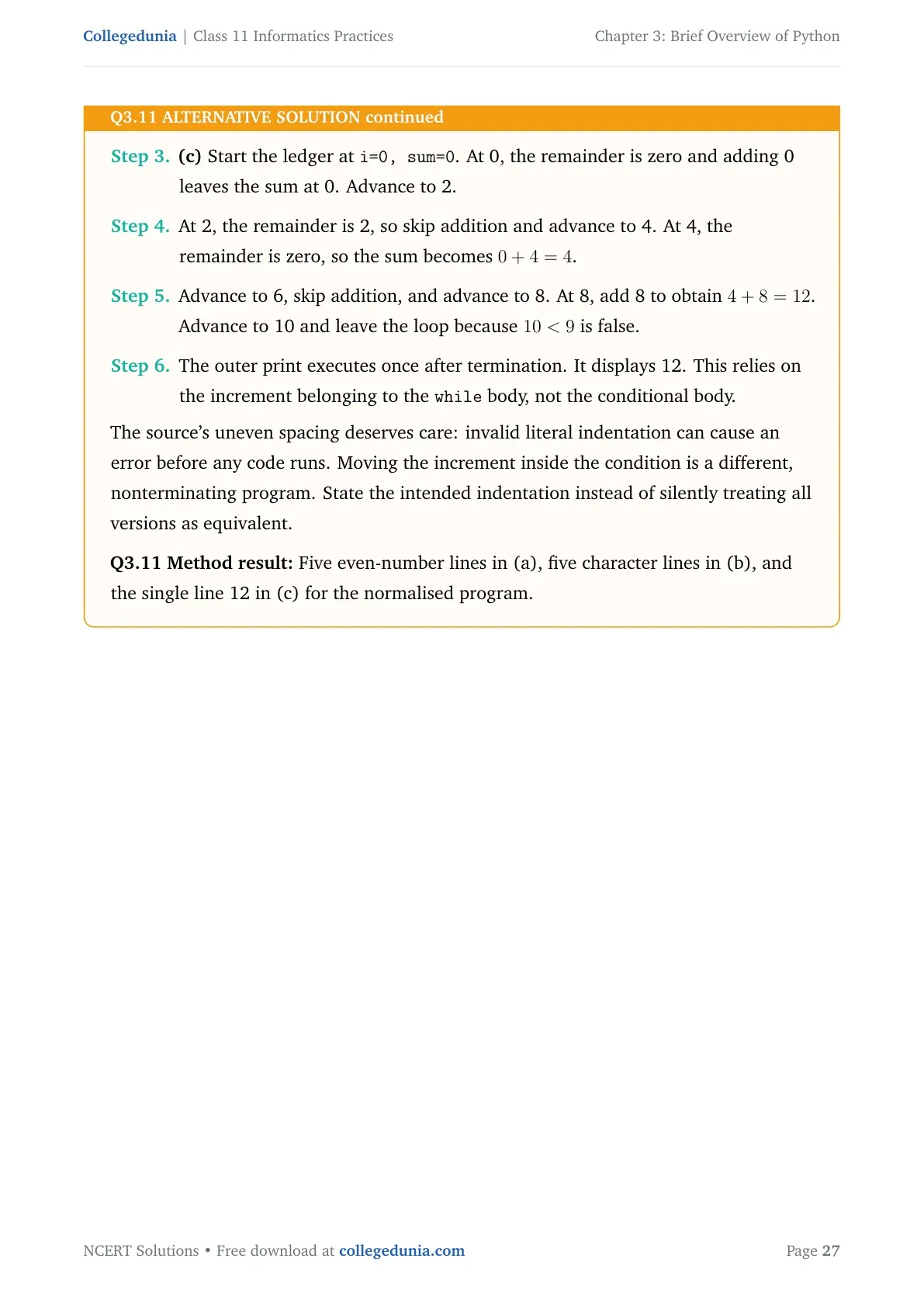
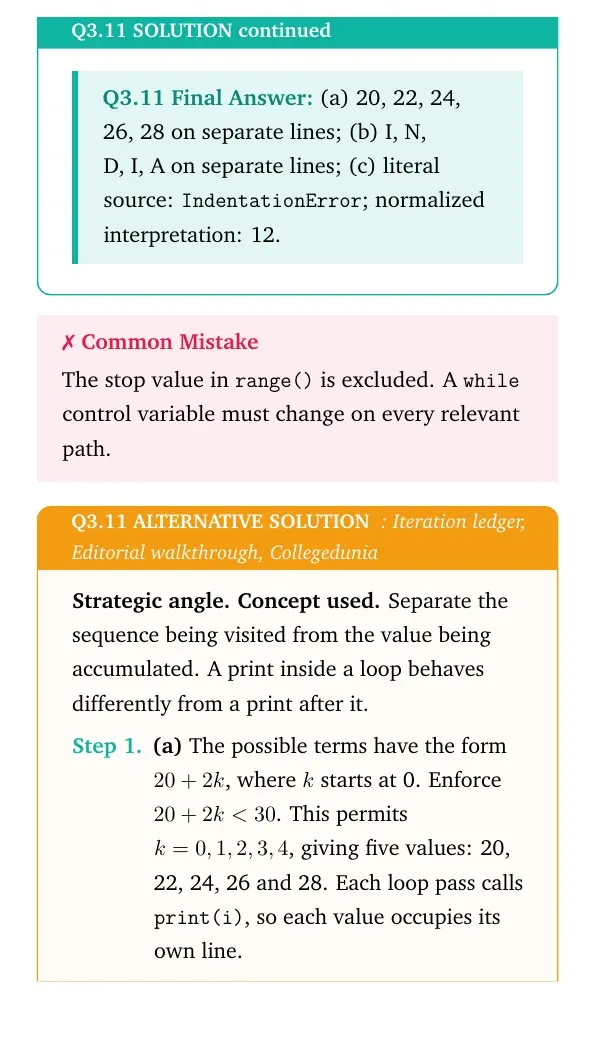
(c) Distinguish source layout from executable intent. The literal source indentation fails before any output: the increment is not aligned with an enclosing block. The following separately normalized version puts it in the while body, outside if:
Q3.11 (c): Normalized interpretation
i = 0; sum = 0
while i < 9:
    if i % 4 == 0:
        sum = sum + i
    i = i + 2
print (sum)
Trace the accumulator. The variable sum begins at 0. The condition i % 4 == 0 selects multiples of 4.
i before
i % 4
sum after test
i after
0
0
0
2
2
2
0
4
4
0
4
6
6
2
4
8
8
0
12
10
At 10, the condition i<9 is false. The final print lies outside the loop and therefore runs once:
Output
12
If the increment were inside if, execution would become stuck at i=2. Then the condition stays true but the increment never runs. That version would not reach the final print.
(a) 20, 22, 24, 26, 28 on separate lines; (b) I, N, D, I, A on separate lines; (c) literal source: IndentationError; normalized interpretation: 12.
The stop value in range() is excluded. A while control variable must change on every relevant path.
Strategic angle.Concept used. Separate the sequence being visited from the value being accumulated. A print inside a loop behaves differently from a print after it.
(a) The possible terms have the form 20+2k, where k starts at 0. Enforce 20+2k<30. This permits k=0,1,2,3,4, giving five values: 20, 22, 24, 26 and 28. Each loop pass calls print(i), so each value occupies its own line.
(b) The input sequence has five positions: I at position 0, N at 1, D at 2, I at 3 and A at 4. Iteration does not remove duplicate characters. The two I characters therefore both appear, with one character on each output line.
(c) Start the ledger at i=0, sum=0. At 0, the remainder is zero and adding 0 leaves the sum at 0. Advance to 2.
At 2, the remainder is 2, so skip addition and advance to 4. At 4, the remainder is zero, so the sum becomes 0+4=4.
Advance to 6, skip addition, and advance to 8. At 8, add 8 to obtain 4+8=12. Advance to 10 and leave the loop because 10<9 is false.
The outer print executes once after termination. It displays 12. This relies on the increment belonging to the while body, not the conditional body.
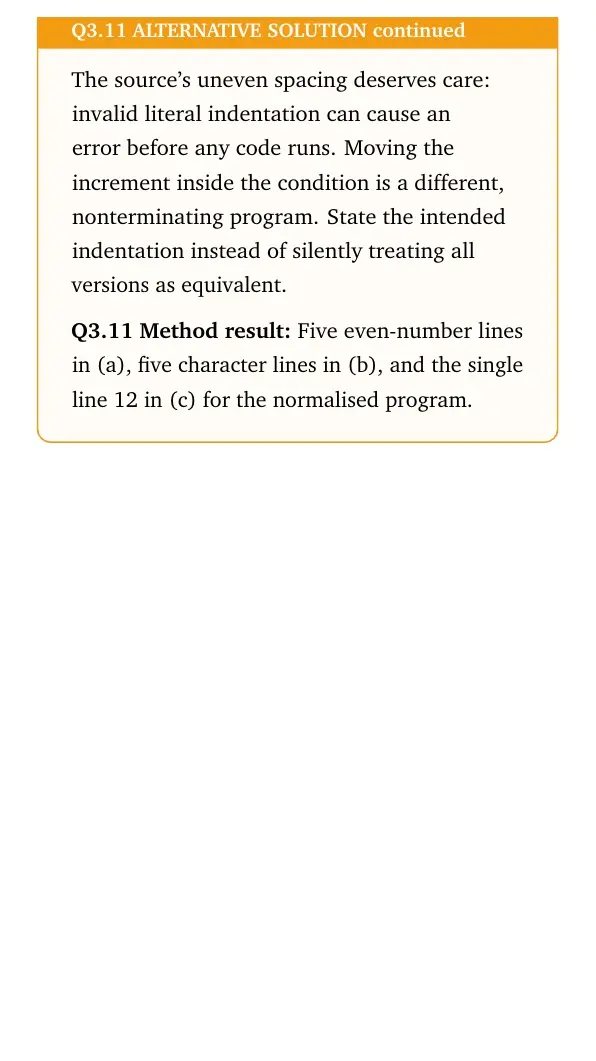
The source's uneven spacing deserves care: invalid literal indentation can cause an error before any code runs. Moving the increment inside the condition is a different, nonterminating program. State the intended indentation instead of silently treating all versions as equivalent.
Method result: Five even-number lines in (a), five character lines in (b), and the single line 12 in (c) for the normalised program.
Case Study Based Question
Case Study
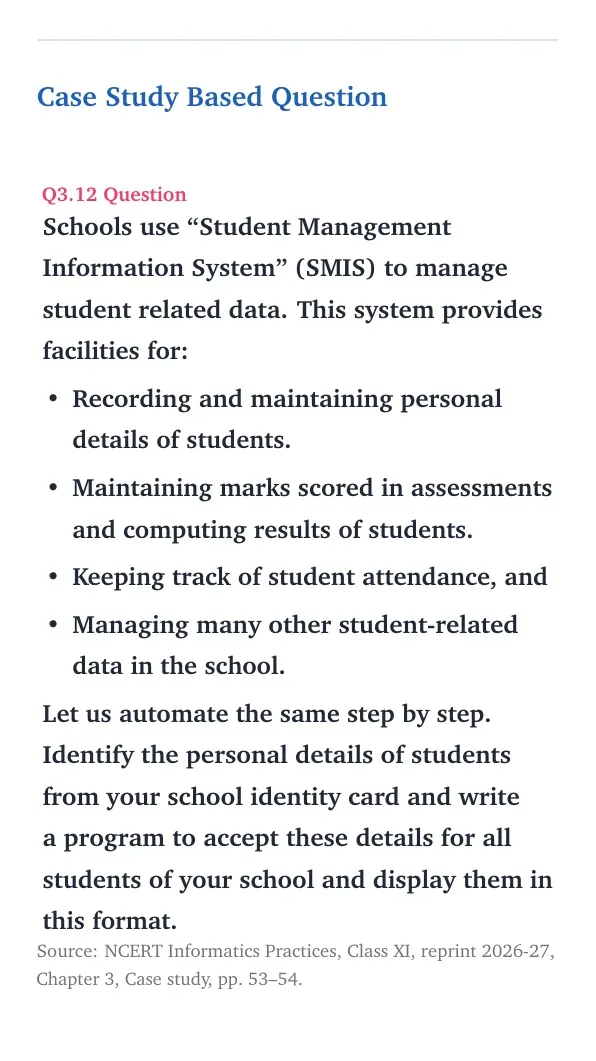
Schools use “Student Management Information System” (SMIS) to manage student related data. This system provides facilities for:
Recording and maintaining personal details of students.
Maintaining marks scored in assessments and computing results of students.
Keeping track of student attendance, and
Managing many other student-related data in the school.
Let us automate the same step by step.
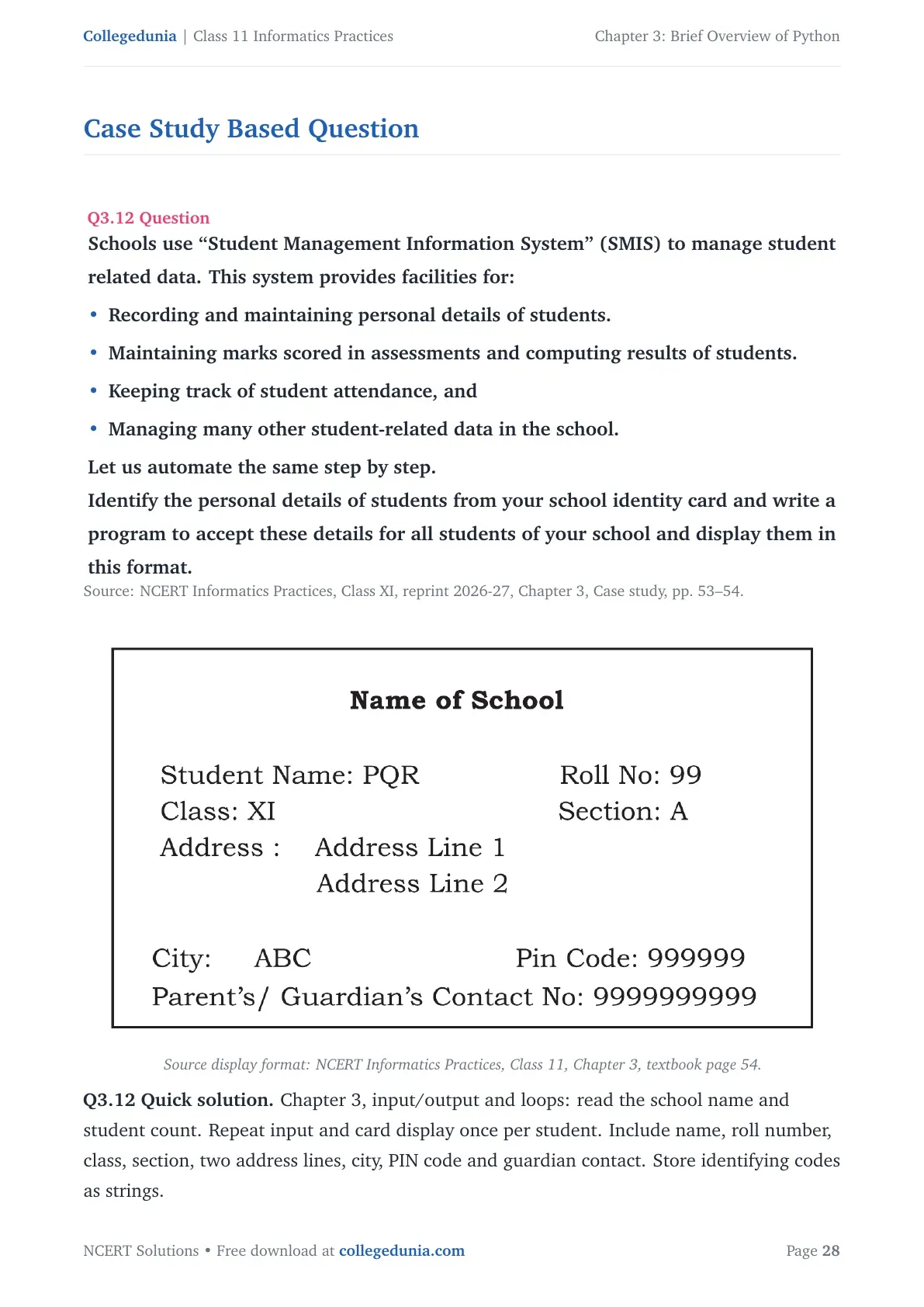
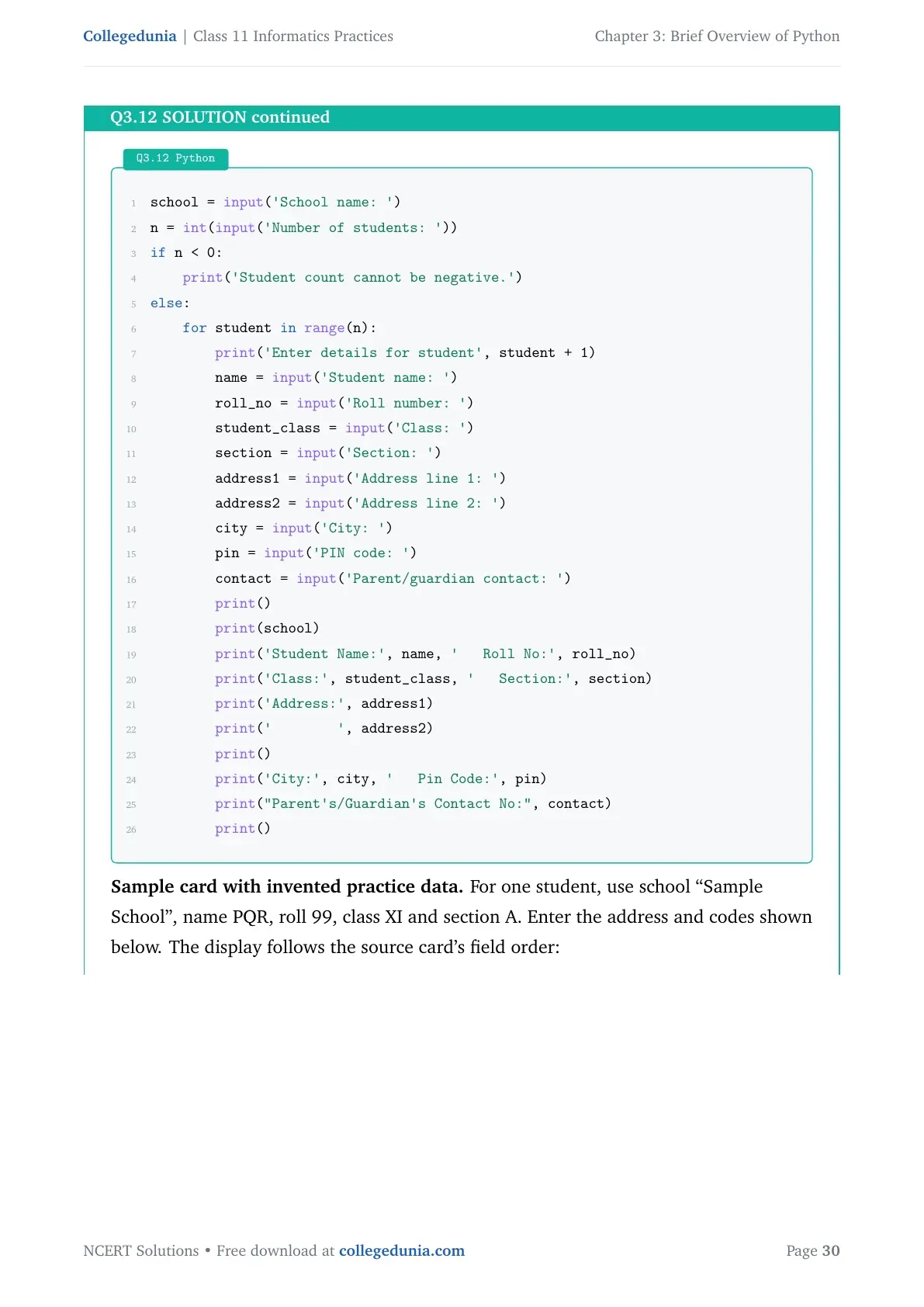
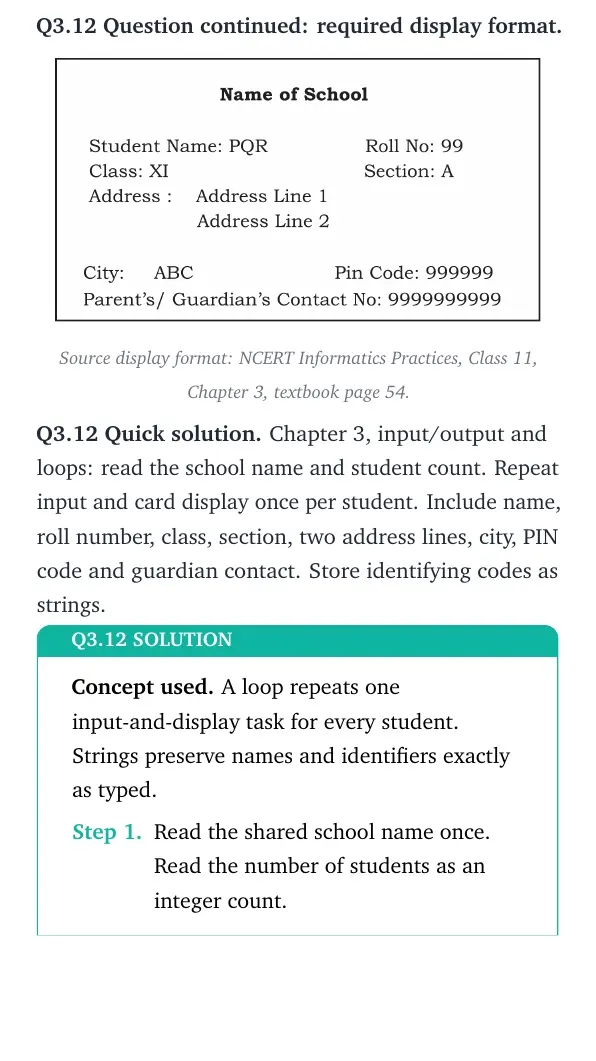
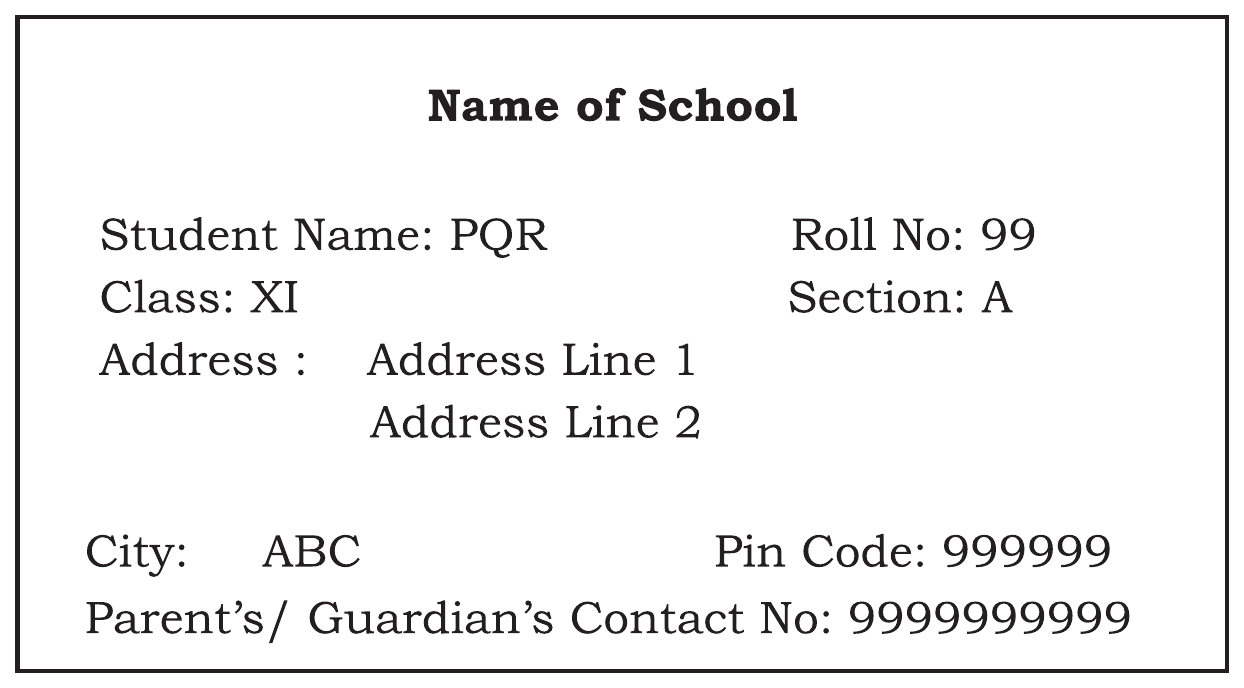
Identify the personal details of students from your school identity card and write a program to accept these details for all students of your school and display them in this format. Source display format: NCERT Informatics Practices, Class 11, Chapter 3, textbook page 54.
Concept used. A loop repeats one input-and-display task for every student. Strings preserve names and identifiers exactly as typed.
Read the shared school name once. Read the number of students as an integer count.
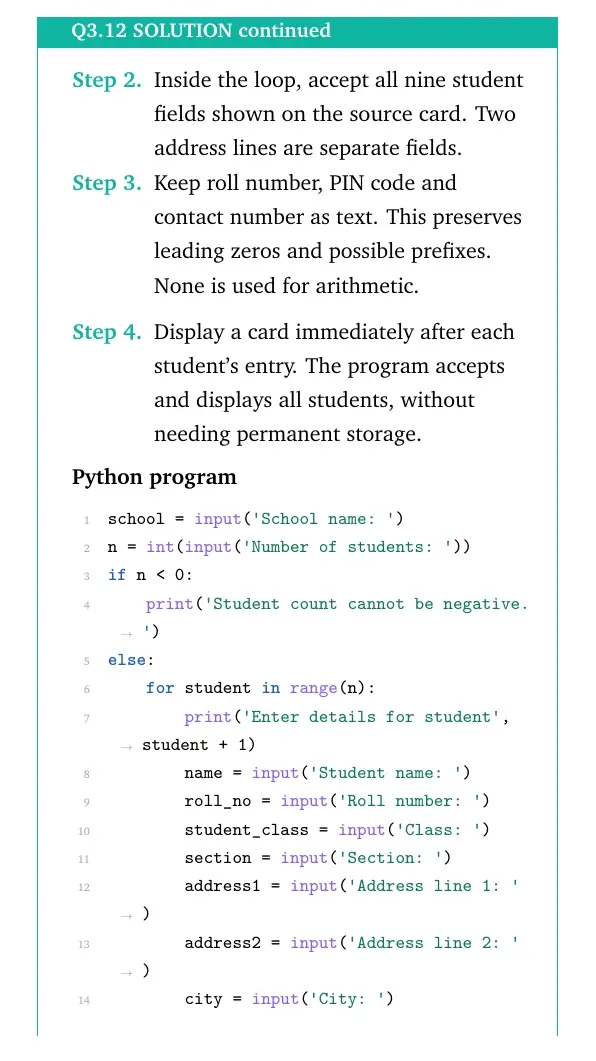
Inside the loop, accept all nine student fields shown on the source card. Two address lines are separate fields.
Keep roll number, PIN code and contact number as text. This preserves leading zeros and possible prefixes. None is used for arithmetic.
Display a card immediately after each student's entry. The program accepts and displays all students, without needing permanent storage.
Python
school = input('School name: ')
n = int(input('Number of students: '))
if n < 0:
    print('Student count cannot be negative.')
else:
    for student in range(n):
        print('Enter details for student', student + 1)
        name = input('Student name: ')
        roll_no = input('Roll number: ')
        student_class = input('Class: ')
        section = input('Section: ')
        address1 = input('Address line 1: ')
        address2 = input('Address line 2: ')
        city = input('City: ')
        pin = input('PIN code: ')
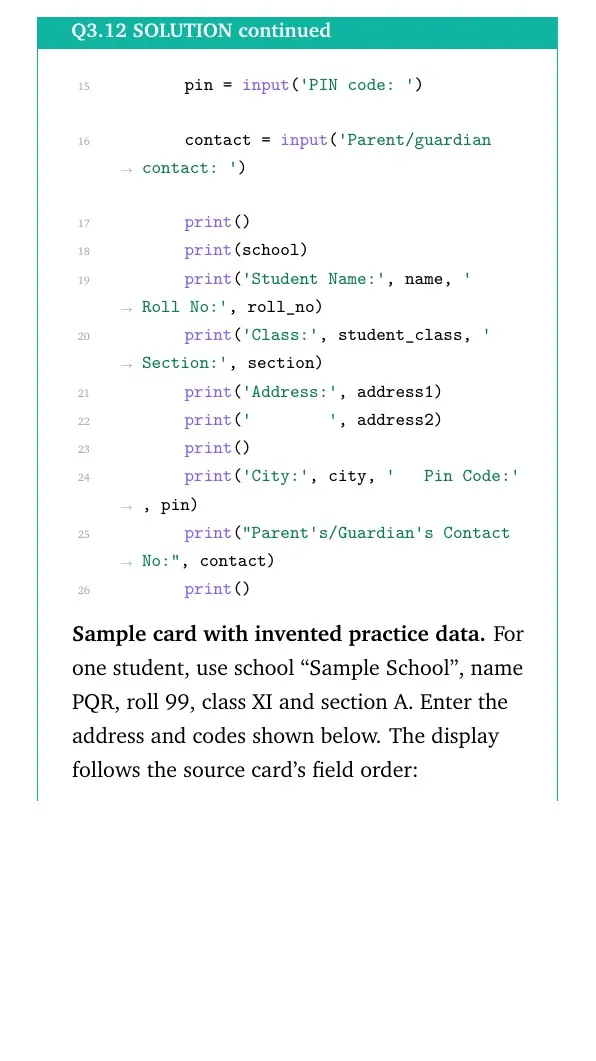
        contact = input('Parent/guardian contact: ')
        print()
        print(school)
        print('Student Name:', name, '   Roll No:', roll_no)
        print('Class:', student_class, '   Section:', section)
        print('Address:', address1)
        print('        ', address2)
        print()
        print('City:', city, '   Pin Code:', pin)
        print("Parent's/Guardian's Contact No:", contact)
        print()
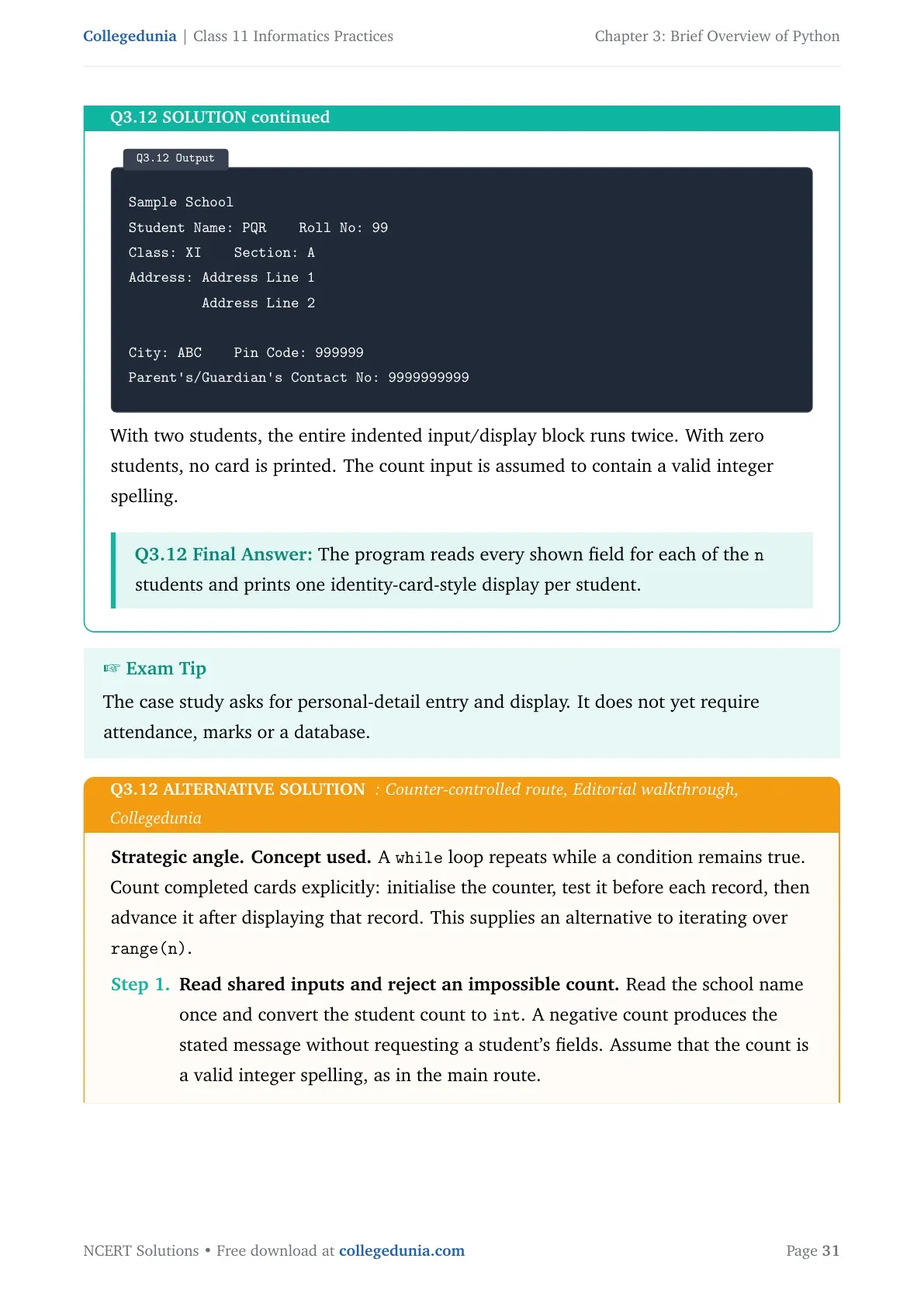
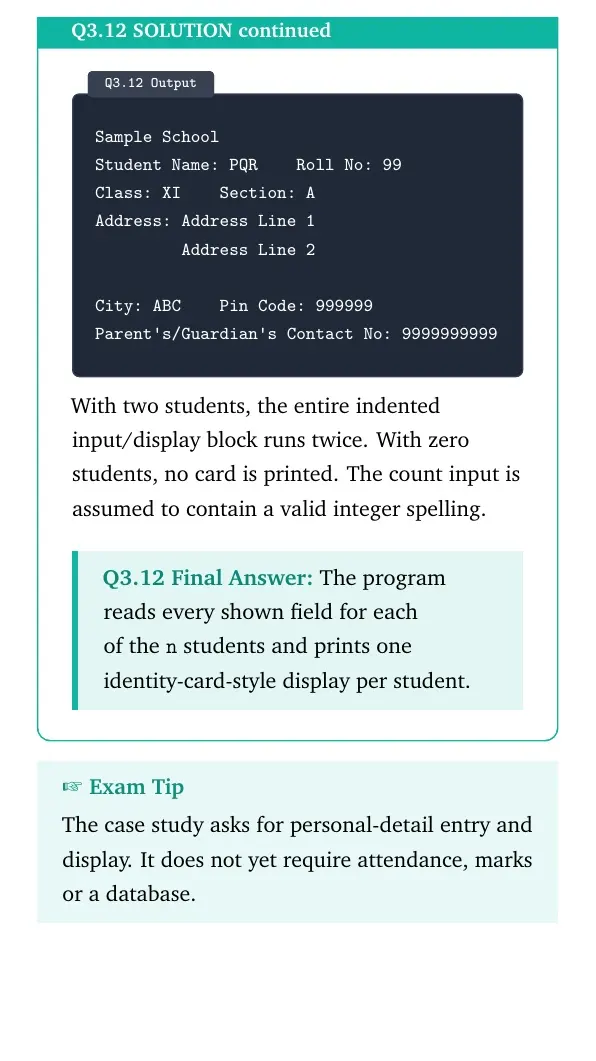
Sample card with invented practice data. For one student, use school “Sample School”, name PQR, roll 99, class XI and section A. Enter the address and codes shown below. The display follows the source card's field order:
Output
Sample School
Student Name: PQR    Roll No: 99
Class: XI    Section: A
Address: Address Line 1
         Address Line 2

City: ABC    Pin Code: 999999
Parent's/Guardian's Contact No: 9999999999
With two students, the entire indented input/display block runs twice. With zero students, no card is printed. The count input is assumed to contain a valid integer spelling.
The program reads every shown field for each of the n students and prints one identity-card-style display per student.
The case study asks for personal-detail entry and display. It does not yet require attendance, marks or a database.
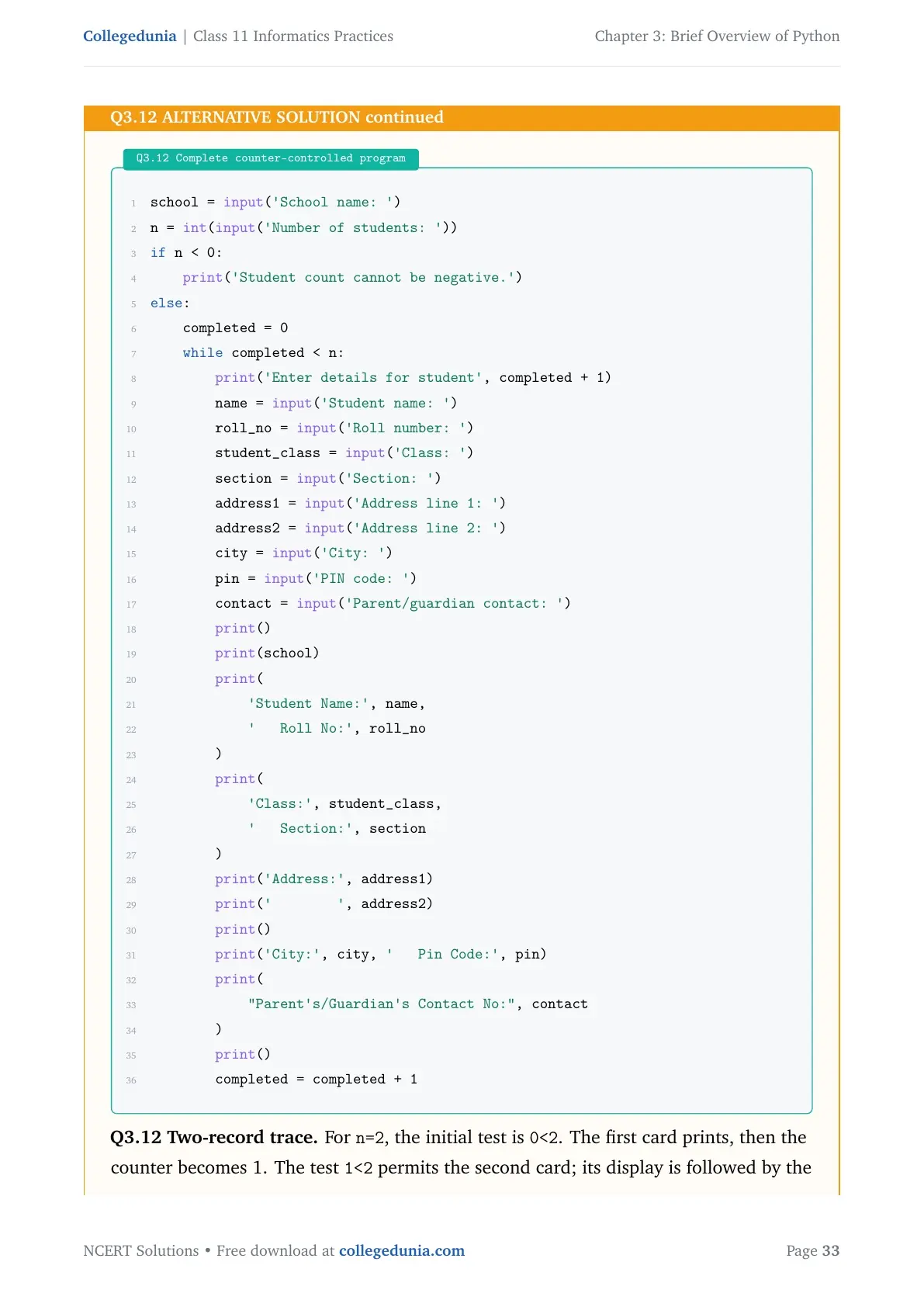
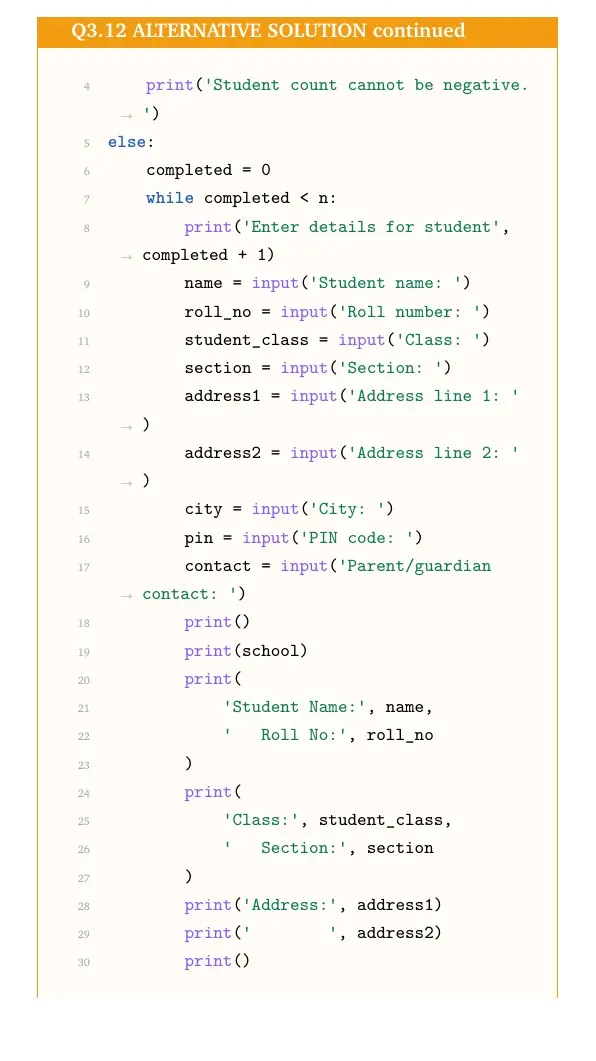
Strategic angle.Concept used. A while loop repeats while a condition remains true. Count completed cards explicitly: initialise the counter, test it before each record, then advance it after displaying that record. This supplies an alternative to iterating over range(n).
Read shared inputs and reject an impossible count. Read the school name once and convert the student count to int. A negative count produces the stated message without requesting a student's fields. Assume that the count is a valid integer spelling, as in the main route.
Define the counter before the loop. Set completed=0, meaning no cards have been displayed yet. The condition completed<n asks whether another record remains. The counter is an internal count; it is not the student's roll number.
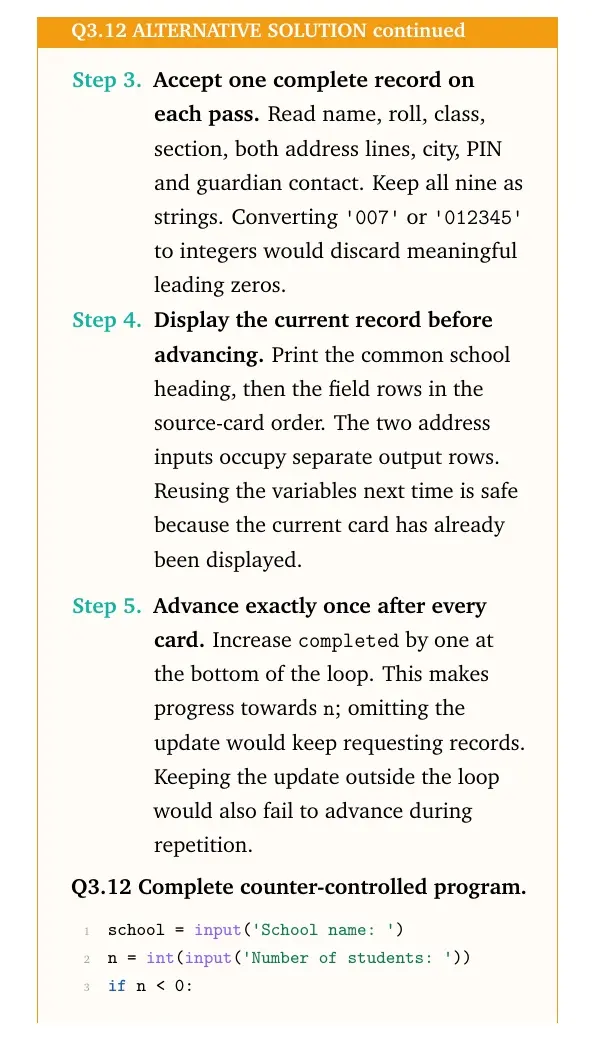
Accept one complete record on each pass. Read name, roll, class, section, both address lines, city, PIN and guardian contact. Keep all nine as strings. Converting '007' or '012345' to integers would discard meaningful leading zeros.
Display the current record before advancing. Print the common school heading, then the field rows in the source-card order. The two address inputs occupy separate output rows. Reusing the variables next time is safe because the current card has already been displayed.
Advance exactly once after every card. Increase completed by one at the bottom of the loop. This makes progress towards n; omitting the update would keep requesting records. Keeping the update outside the loop would also fail to advance during repetition.
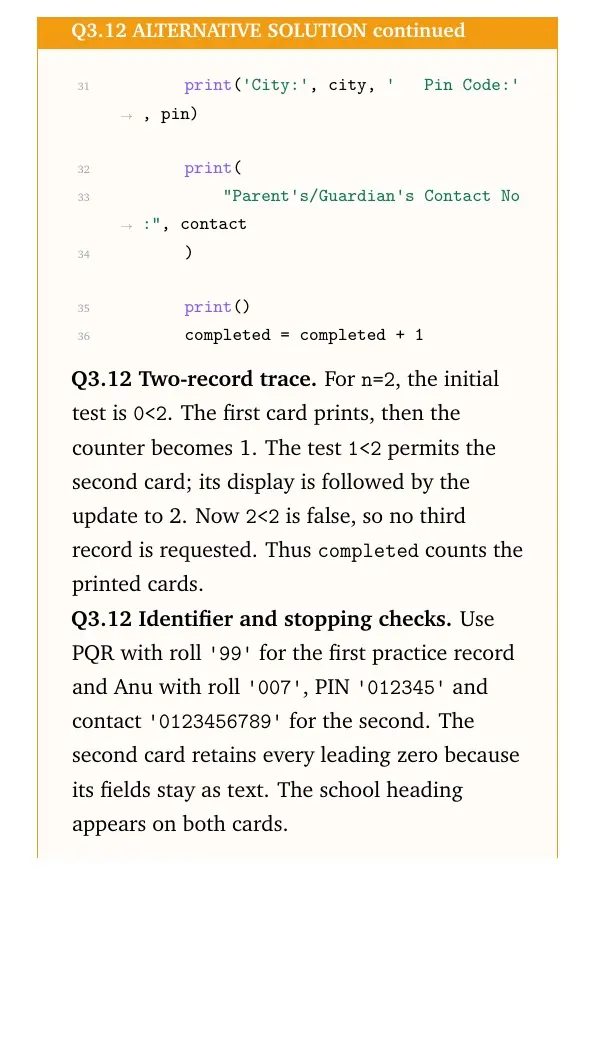
Q3.12 Complete counter-controlled program
school = input('School name: ')
n = int(input('Number of students: '))
if n < 0:
    print('Student count cannot be negative.')
else:
    completed = 0
    while completed < n:
        print('Enter details for student', completed + 1)
        name = input('Student name: ')
        roll_no = input('Roll number: ')
        student_class = input('Class: ')
        section = input('Section: ')
        address1 = input('Address line 1: ')
        address2 = input('Address line 2: ')
        city = input('City: ')
        pin = input('PIN code: ')
        contact = input('Parent/guardian contact: ')
        print()
        print(school)
        print(
            'Student Name:', name,
            '   Roll No:', roll_no
        )
        print(
            'Class:', student_class,
            '   Section:', section
        )
        print('Address:', address1)
        print('        ', address2)
        print()
        print('City:', city, '   Pin Code:', pin)
        print(
            "Parent's/Guardian's Contact No:", contact
        )
        print()
        completed = completed + 1
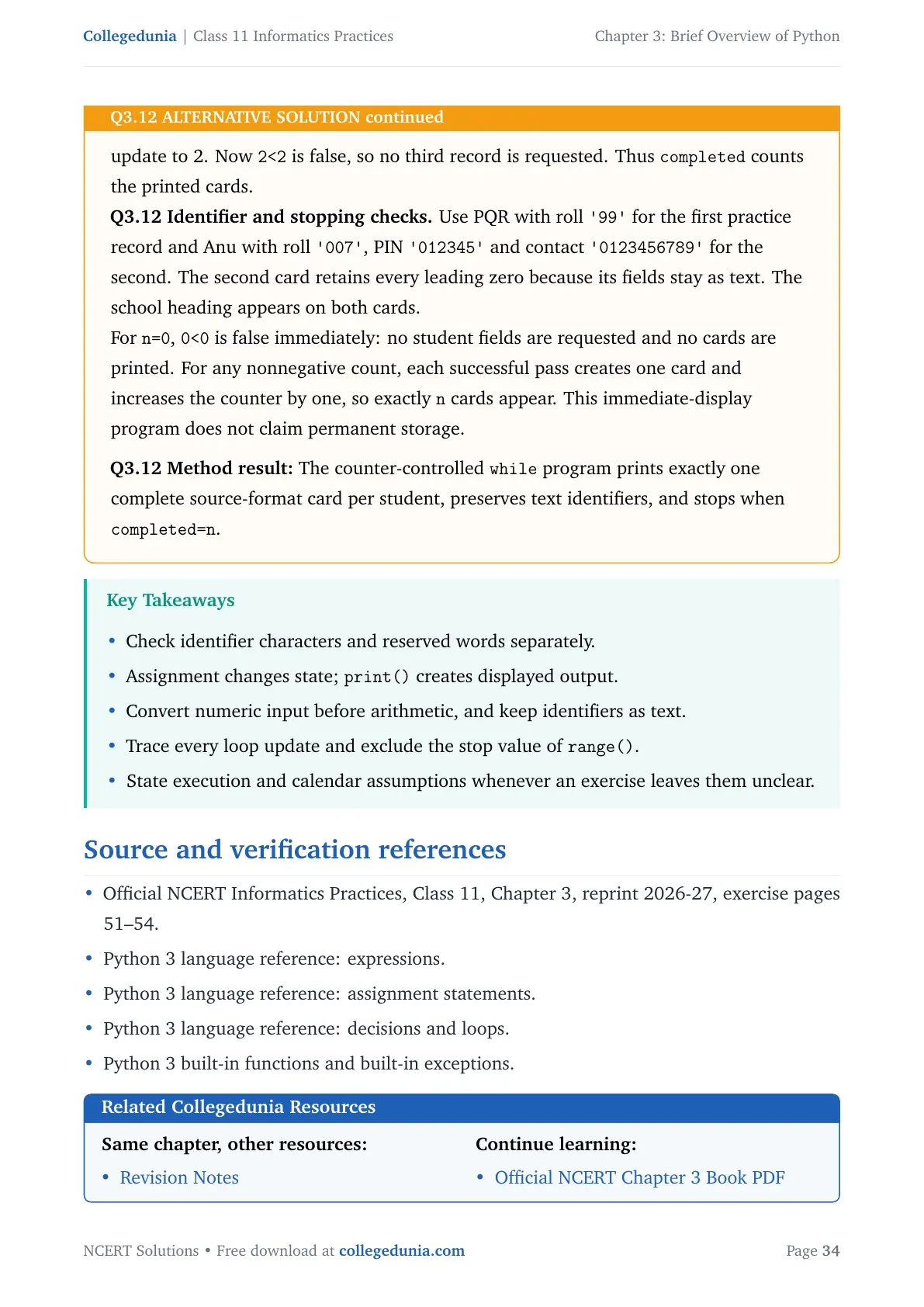
Q3.12 Two-record trace. For n=2, the initial test is 0<2. The first card prints, then the counter becomes 1. The test 1<2 permits the second card; its display is followed by the update to 2. Now 2<2 is false, so no third record is requested. Thus completed counts the printed cards.
Q3.12 Identifier and stopping checks. Use PQR with roll '99' for the first practice record and Anu with roll '007', PIN '012345' and contact '0123456789' for the second. The second card retains every leading zero because its fields stay as text. The school heading appears on both cards.
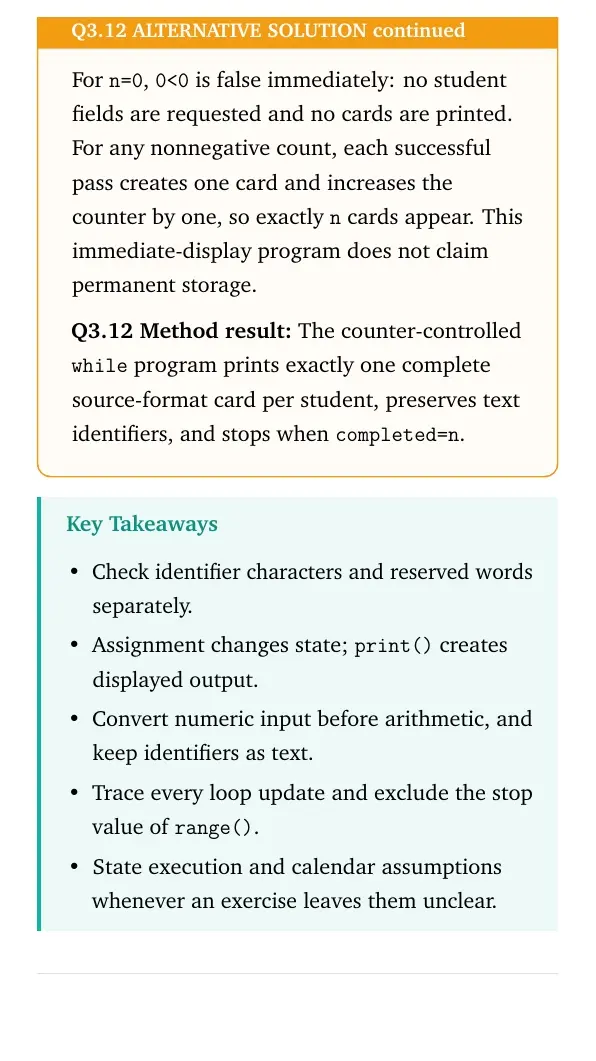
For n=0, 0<0 is false immediately: no student fields are requested and no cards are printed. For any nonnegative count, each successful pass creates one card and increases the counter by one, so exactly n cards appear. This immediate-display program does not claim permanent storage.
Method result: The counter-controlled while program prints exactly one complete source-format card per student, preserves text identifiers, and stops when completed=n.
Brief Overview of Python Class 11 NCERT Solutions FAQs
Ques. How many questions are in Brief Overview of Python?
Ans. NCERT has 11 numbered exercise questions, many with subparts. A separate Student Management Information System case study follows them.
Ques. Which NCERT edition does this page use?
Ans. This page uses the 2026-27 NCERT reprint of Class 11 Informatics Practices. The exercise begins on textbook page 51.
Ques. Can I download the Brief Overview of Python solutions?
Ans. Use the PDF download section near the top of this page. Attempt a question first, then compare your steps with the solution.
Ques. Why does input() need conversion for calculations?
Ans. input() returns a string. Use int() or float() when the entered value must be used as a number.
Ques. Does range(20, 30, 2) include 30?
Ans. No. The stop value is excluded, so the generated values are 20, 22, 24, 26 and 28.
Ques. Is a division-by-zero error a syntax error?
Ans. No. The expression can be syntactically valid, but evaluation raises ZeroDivisionError. This is a runtime error.
Ques. What is an identifier in Python?
Ans. An identifier is a name used for a variable or another program object. It cannot begin with a digit or be a reserved keyword.
Ques. What is a variable in Python?
Ans. A variable is a name bound to a value. Assignment creates or changes that binding.
Ques. What are loops in Python?
Ans. Loops repeat a block of instructions. A for loop visits items from an iterable; a while loop repeats while its condition is true.








Comments