



The NCERT Solutions for Class 12 Informatics Practices Chapter 6 Societal Impacts cover all 21 exercise questions, according to the latest 2026-27 CBSE syllabus. Every answer here is built on the four sets NCERT names directly: the two kinds of digital footprint, the three etiquettes a netizen must follow, the copyright, patent and trademark set under Intellectual Property Rights, and the Information Technology Act, 2000.
- Unit 4 Societal Impacts carries 8 of the 70 theory marks, and this is the only chapter in it.
- The exercise has 21 questions, and most of them give you a situation and ask you to justify your answer.
- Question 12 alone holds five difference pairs, and those five repeat almost every year.
Every answer on this page is written by Collegedunia subject experts from the 2026-27 NCERT print of the Societal Impacts chapter, and checked against the CBSE Class 12 Informatics Practices marking scheme.
Societal Impacts Exercise Questions and What Each One Tests
The back exercise is unlike any other chapter in the book. There is no code and no output to trace. Instead you get short stories about Atharv, Rishika, Shaurya, Sourabh, Preeti, Sunil, Jagdish, Neerja and Sumit, and you have to name the concept and defend the name. The word "justify" appears in five questions, and the justification is where the marks sit.
| Exercise Question | What it asks | Skill tested |
|---|---|---|
| Question 1 | Revaan sends messages from Atharv's open email account | Identifying identity theft and justifying it |
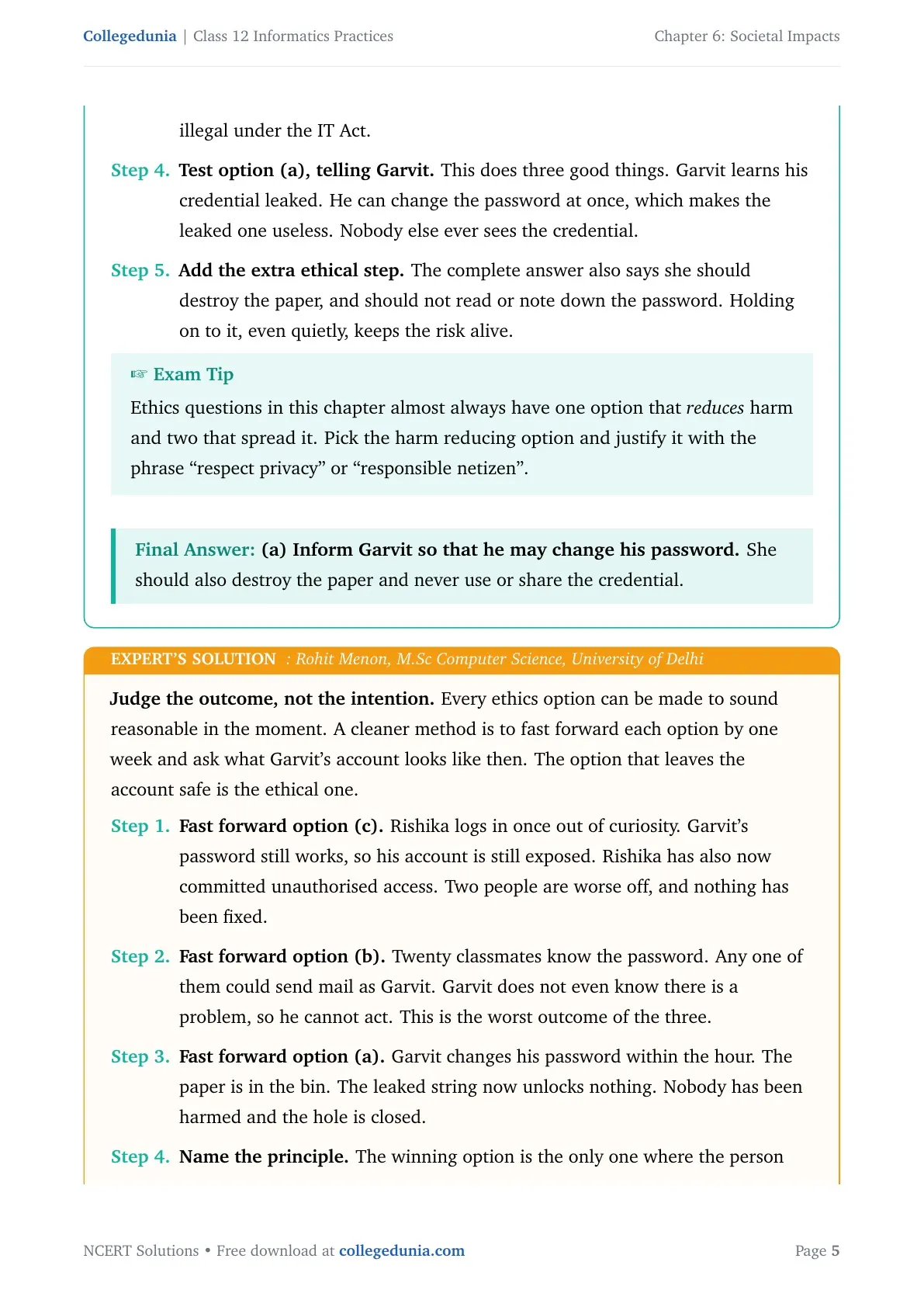
| Question 2 | Rishika finds a crumpled paper with Garvit's password | Ethical choice, not a legal one |
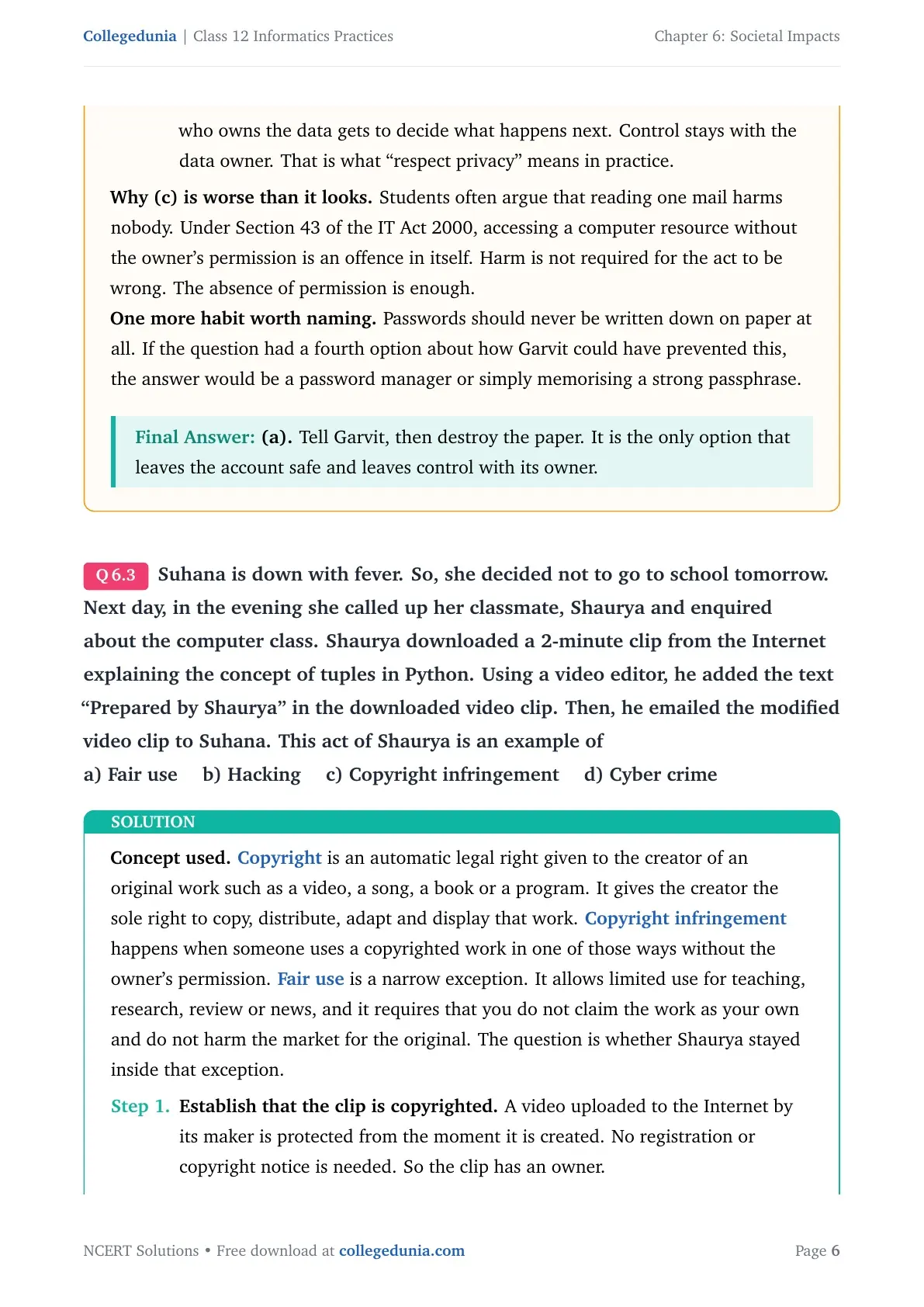
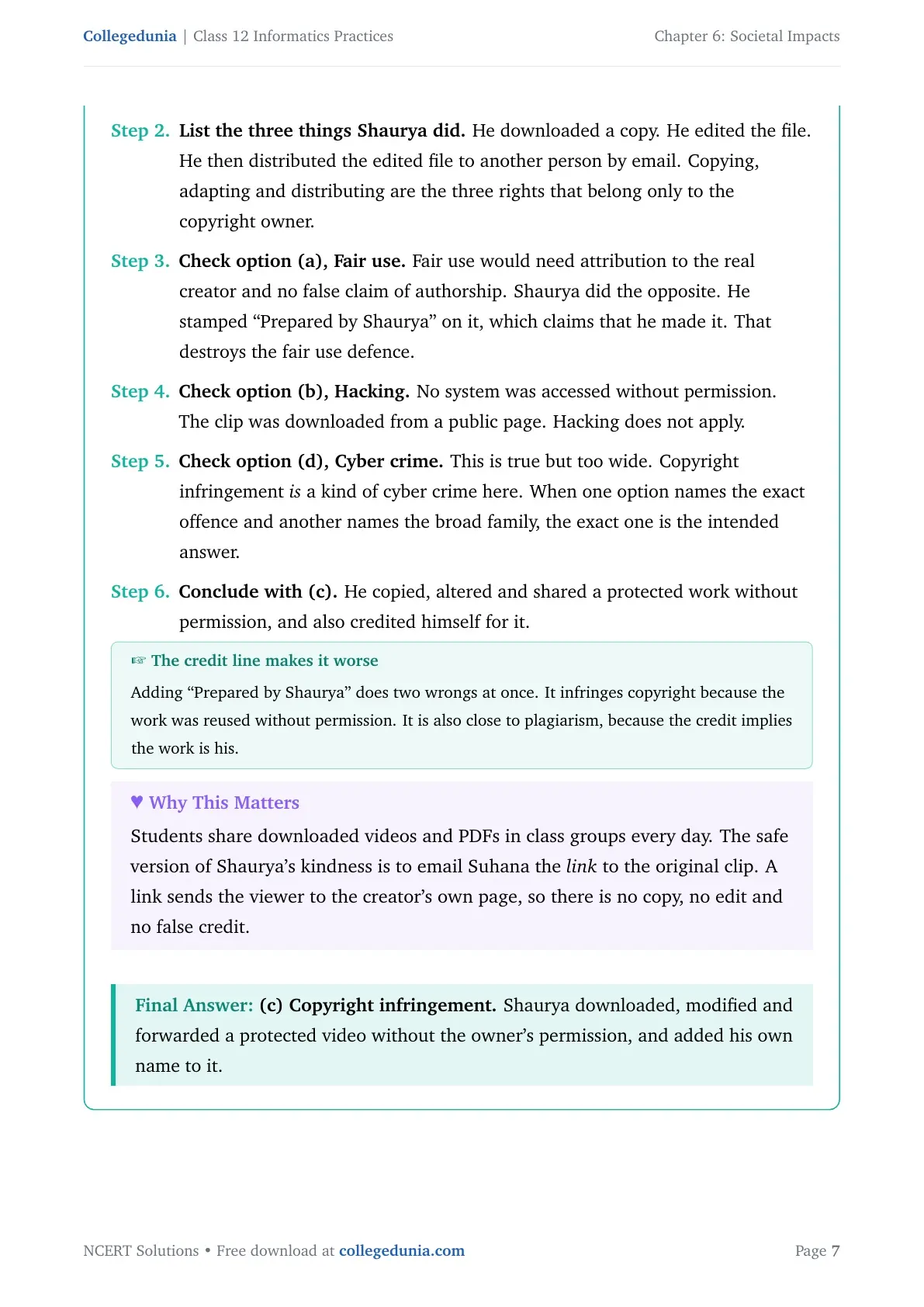
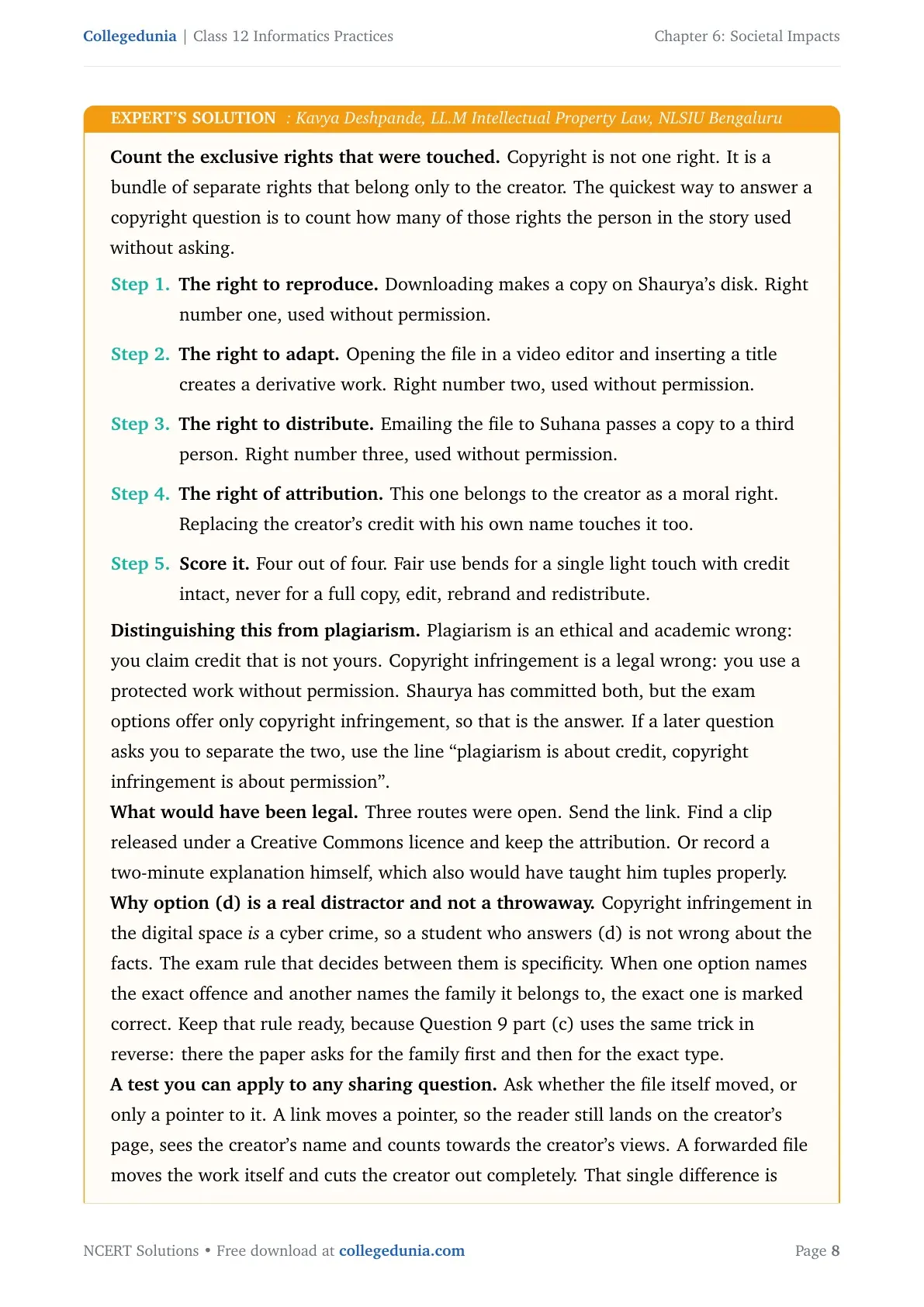
| Question 3 | Shaurya adds his name to a downloaded video clip | Copyright infringement against fair use |
| Questions 4 and 11 | Which act is not cyber bullying, and how to spot a bullied friend | Definition of cyber bullying plus the Information Technology Act |
| Question 5 | Sourabh rephrases text, makes a collage, pastes an icon | Separating plagiarism from copyright infringement |
| Question 6 | Match plagiarism, hacking, credit card fraud and digital footprint | Four one-line definitions |
| Questions 7 and 9 | A bank SMS asking for a PIN, and a school wifi password email | Recognising phishing and email spoofing |
| Questions 8 and 10 | Preeti's deleted photograph, and a holiday spent surfing | Why a digital footprint cannot be erased |
| Question 12 (a to e) | Five difference pairs, from copyright and patent to free software and open source | Two-column comparison writing |
| Questions 13 and 14 | Crediting a short web text, and finding free public domain pictures | Citation practice and Creative Commons search |
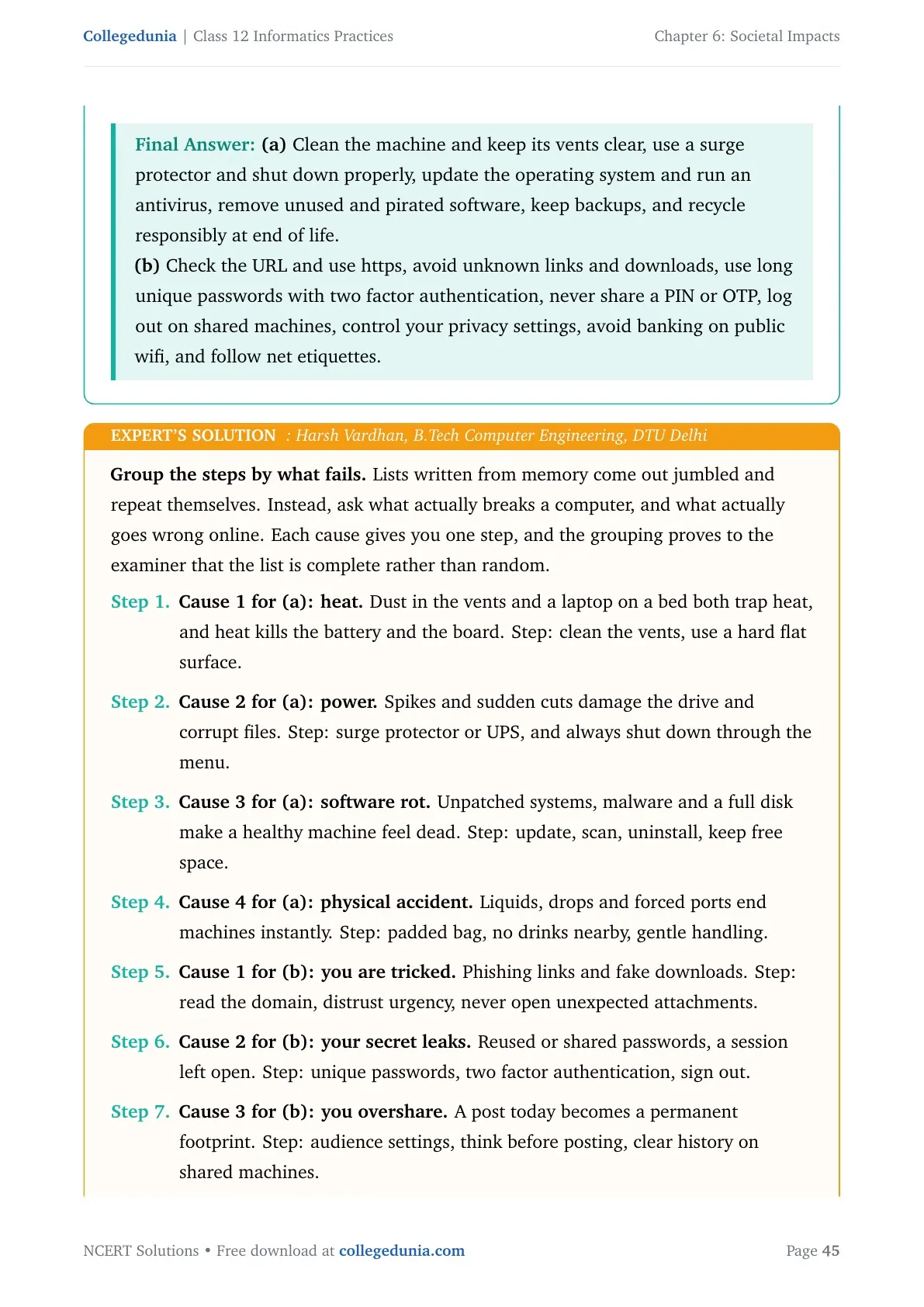
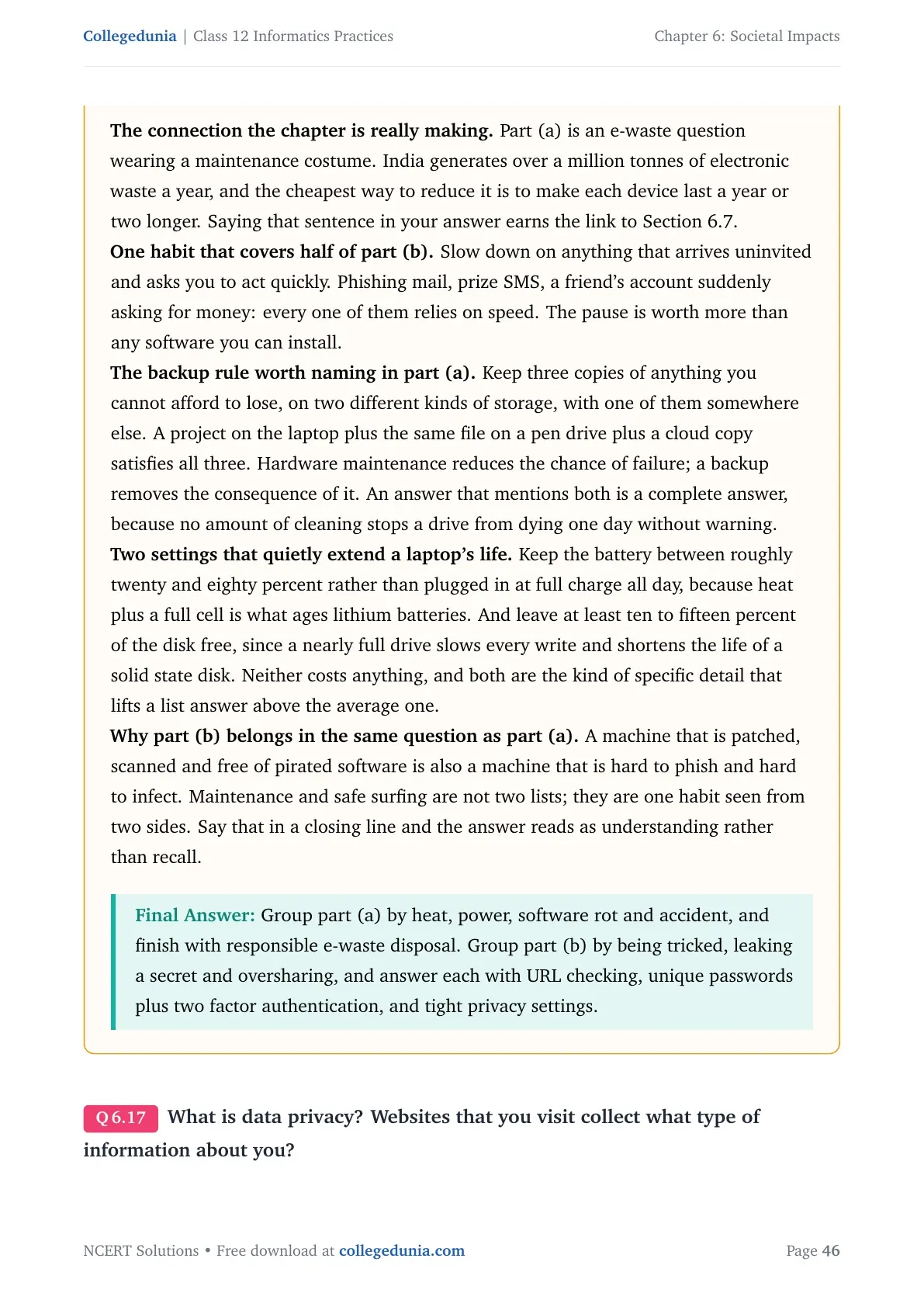
| Questions 15 and 16 | Securing a home router, and steps for safe surfing and device care | Listing practical safety measures |
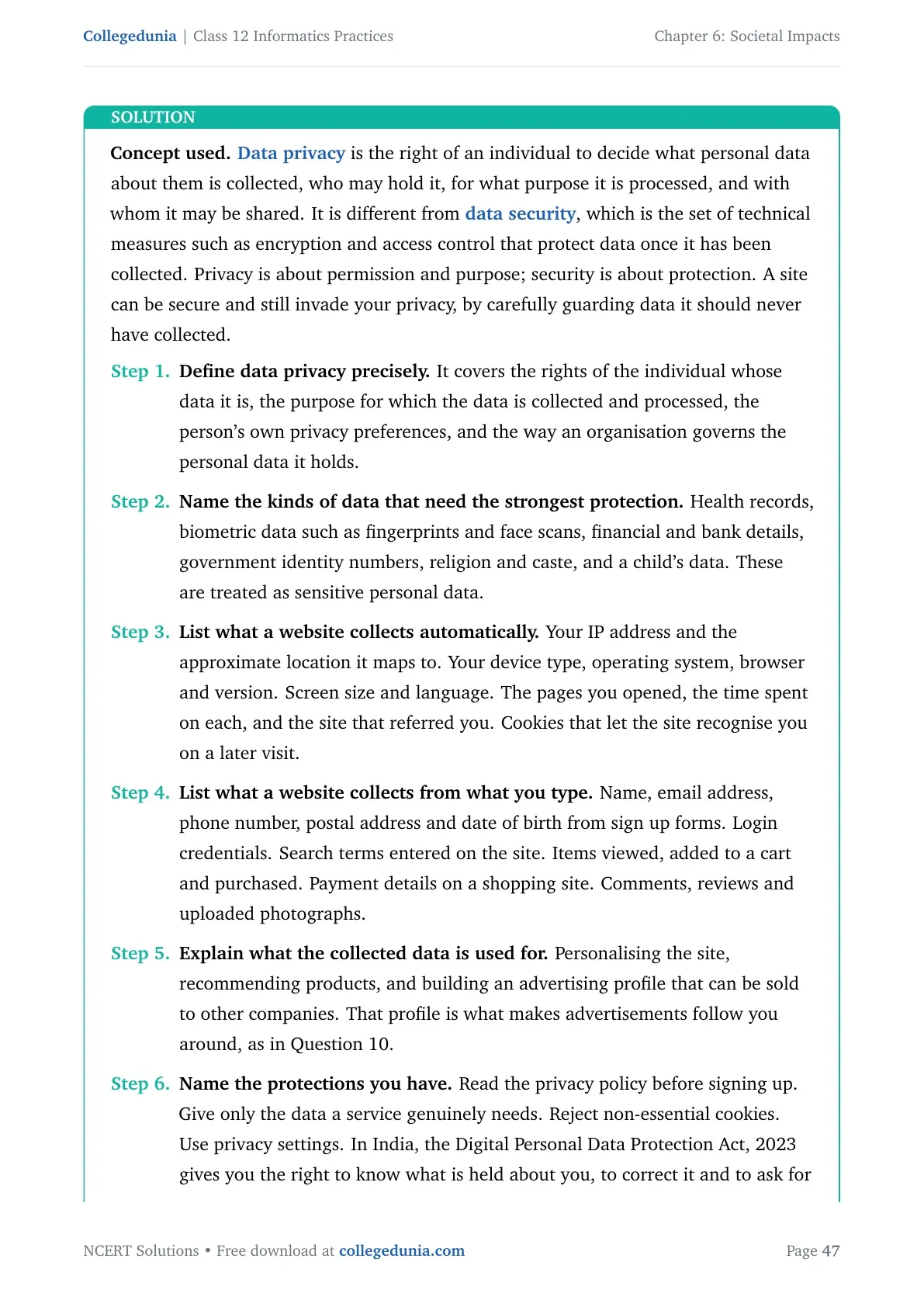
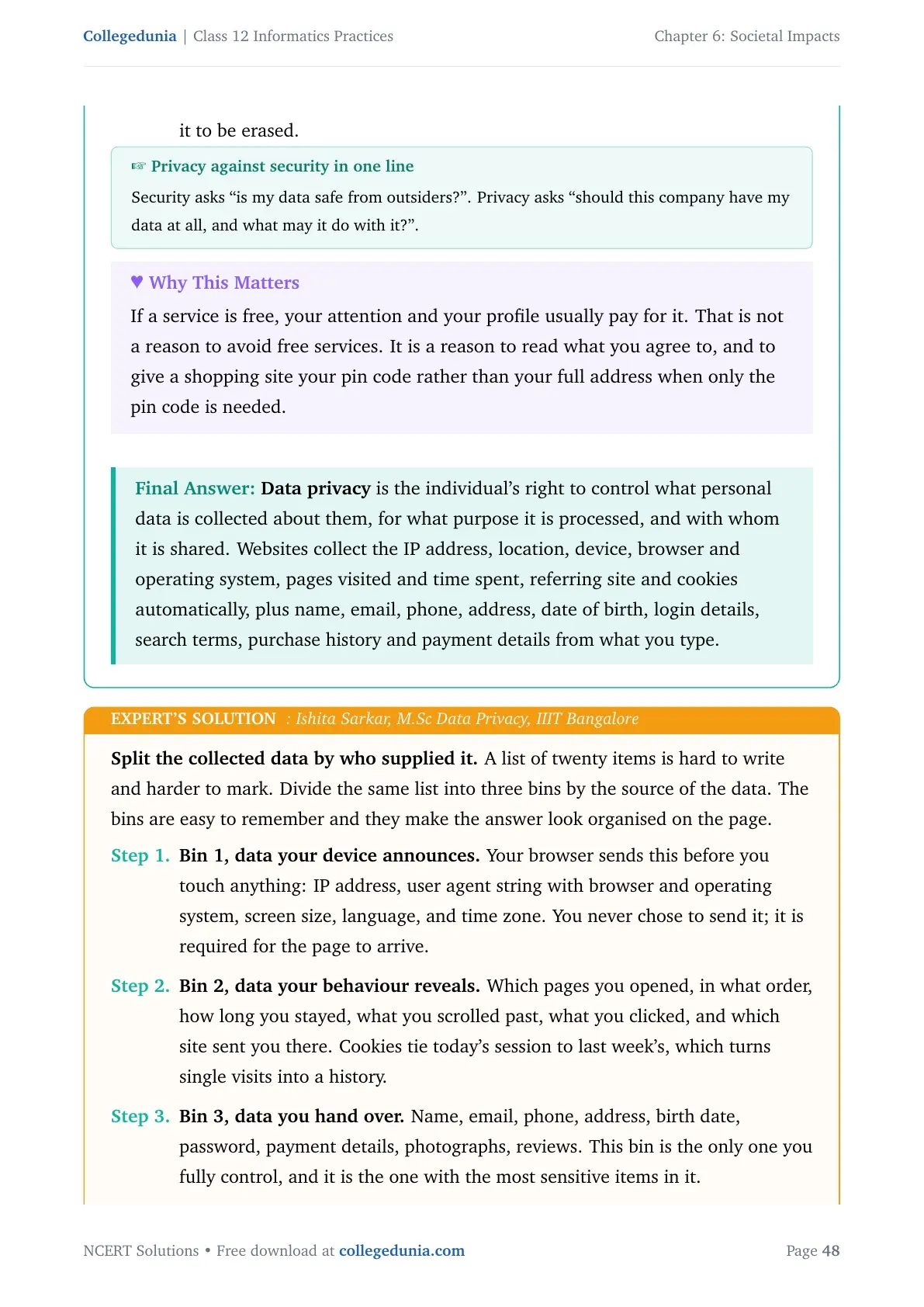
| Questions 17 and 19 | What data privacy means, and examples of identity and card theft | Sensitive data plus the legal remedy |
| Question 18 | Sunil uses Chrome and Google Docs; Jagdish uses Firefox and LibreOffice | Proprietary software against open source |
| Questions 20 and 21 | Missing email etiquettes, and the health hazards of laptop overuse | Email conventions and ergonomics |
Tip: Learn Question 12 first. All five of its difference pairs feed straight back into Questions 1, 3, 5, 18 and 19, so one table does the work of six answers.
Societal Impacts: Digital Footprint to IT Act Explained
Source: Magnet Brains on YouTube
Digital Footprints: What Active and Passive Trails Leave Behind
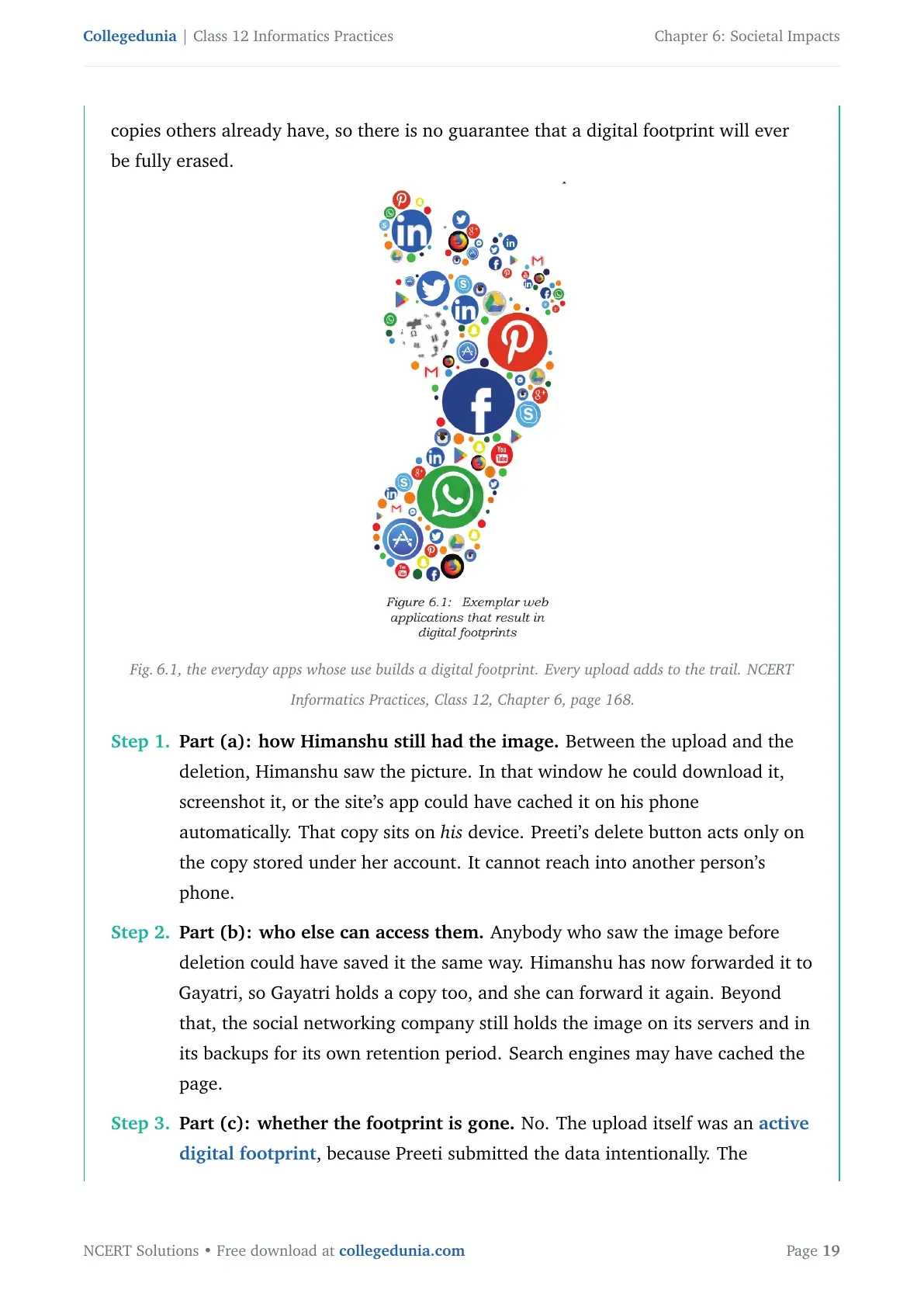
Whenever you surf the Internet on a phone, tablet or computer, you leave a trail of data behind. NCERT calls that trail your digital footprint. It holds the websites you visited, the emails you sent, anything you submitted online, plus the computer's IP address, its location and other device details.
The chapter splits the trail in two, and Question 12(d) asks for exactly this split.
- Active digital footprint: data you submit online on purpose, such as an email you write, a form you fill, or a post you make on a website or a mobile app.
- Passive digital footprint: data generated without your intention, such as the record left when you simply visit a website, use an app, or browse.
Question 10 uses this split. Surfing for the weather, air fares, places to visit and hotel deals creates a passive trail on every site you opened, and an active trail on any site where you typed a date, a city or your email. Every one of those four actions creates a digital footprint, so the answer is "all of them".
Question 8 is the one students argue about. Preeti deleted a birthday photograph, yet Himanshu still had it. Anything uploaded stays on the remote server even after you delete your copy, and anyone who saved or forwarded it before the deletion keeps their own copy. Deleting a post removes it from your view, not from your digital footprint. That is why the chapter keeps repeating the phrase "think before you upload".
Digital Society and Netizen: The Three Etiquettes You Must Follow Online
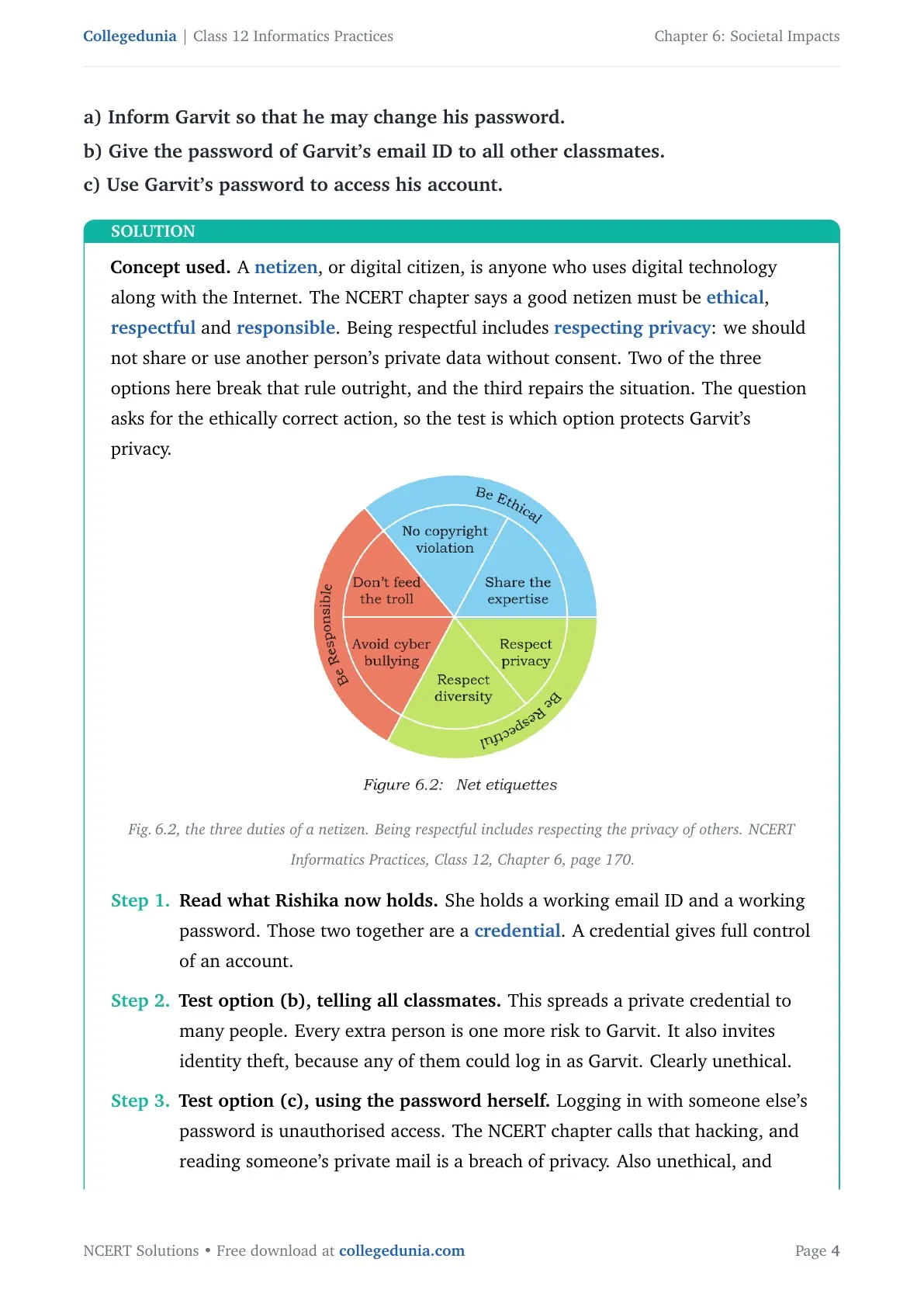
Anyone who uses digital technology along with the Internet is a digital citizen, or a netizen. Being a good netizen means using digital technology in a safe, ethical and legal way. NCERT groups the rules into three etiquettes, and the paper can ask for any one of them by name.
| Etiquette | Rules NCERT lists | What each rule means |
|---|---|---|
| Net etiquette | Be ethical, be respectful, be responsible | No copyright violation, share your expertise honestly, respect privacy and diversity, avoid cyber bullying, do not feed the troll |
| Communication etiquette | Be precise, be polite, be credible | Respect other people's time, respect data limits by sending compressed files or a cloud link, stay polite even in disagreement, build credibility through your posts |
| Social media etiquette | Be secure, be reliable | Choose a password wisely and change it often, know who you befriend, beware of fake information, think before you upload |
Two terms from this section come back as full questions. Cyber bullying is any insulting, degrading or intimidating online behaviour, repeated with the intention to hurt or embarrass a victim. It covers repeated rumours, online threats, posting the victim's personal information, and comments meant to ridicule someone in public.
An Internet troll is a different person. A troll deliberately starts quarrels or upsets people by posting inflammatory or off-topic messages, just for amusement. Trolls live on attention, so the chapter's advice is to give them none.
Question 4 asks which act is not cyber bullying. The email saying "I am sorry" is the answer, because it is neither repeated nor meant to hurt. The threatening message and the embarrassing picture both qualify. Question 20 sits in the same section: Neerja's email is missing the subject line, the formal greeting, self-explanatory terms, the identity of the sender and the closing regards.
Data Protection and Intellectual Property Rights: Copyright, Patent and Trademark
Data protection in this chapter means the privacy of data stored digitally. Any element of data that could cause substantial harm, embarrassment, inconvenience or unfairness to a person if it leaked is called sensitive data. Biometric records, health records, financial records and personal documents, images, audio or video all count.
That is the whole of Question 17. Data privacy is the right of a person to decide how their sensitive data is collected, stored, used and shared. Websites you visit collect your IP address, your location, your browser and device details, your browsing history, cookies, saved passwords, autofill entries, and anything you type into a form.
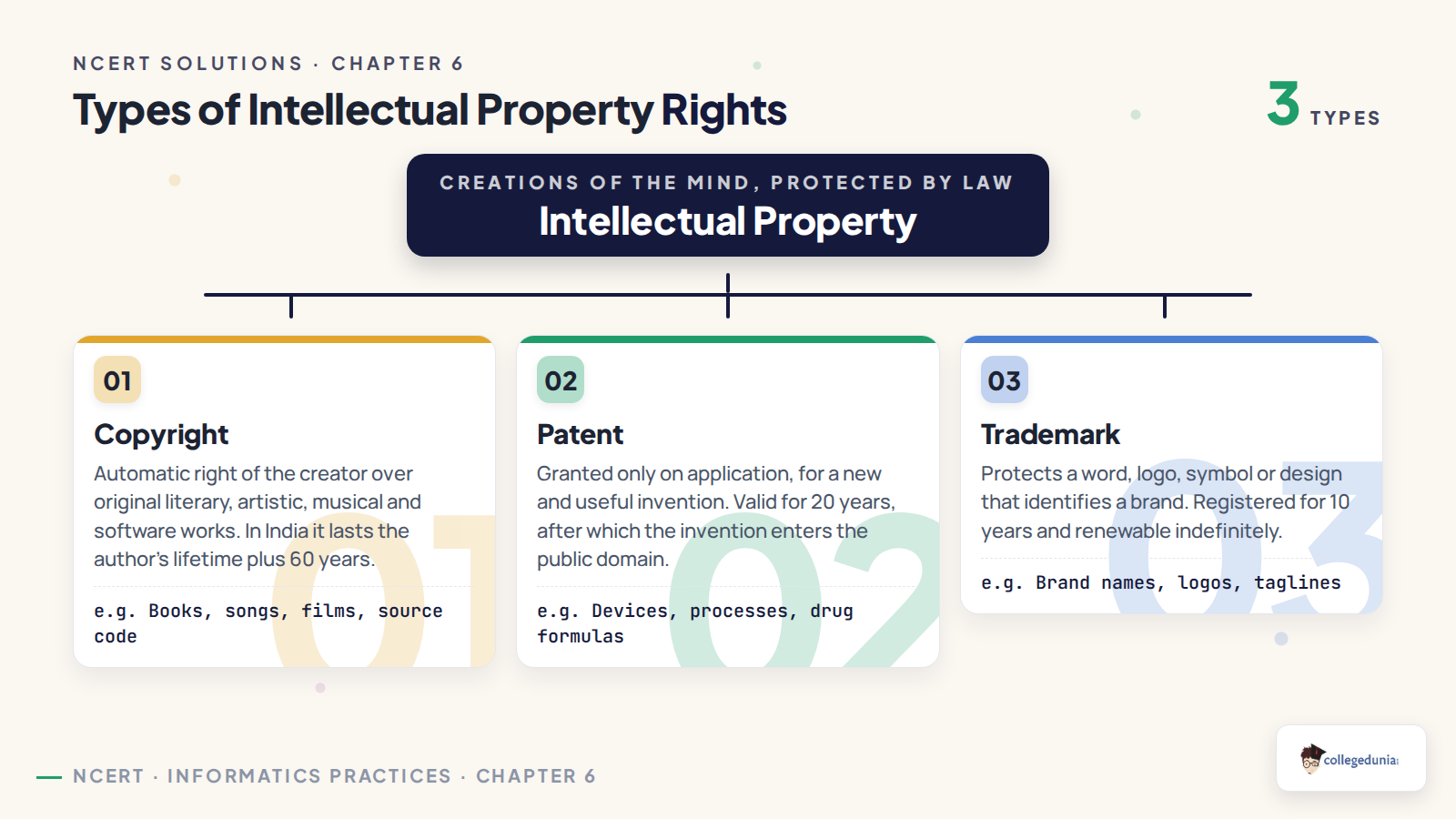
An original idea belongs to the person who created it, and that ownership is protected by law through Intellectual Property Rights. Question 12(a) asks for the copyright and patent comparison, so learn the three protections as one table.
| Protection | What it covers | How it is obtained | Point that scores the mark |
|---|---|---|---|
| Copyright | Original works such as writing, photographs, audio recordings, video, sculptures, architecture and computer software | Granted automatically to the creator, no application needed | Gives the right to copy, adapt, distribute, display and perform the work, and to stop others doing so |
| Patent | Inventions, that is the functional expression of an idea | The inventor must file an application for it | Protects the invention for 20 years, after which anyone may use it freely |
| Trademark | Any visual symbol, word, name, design, slogan or label that identifies a brand | Registered by the brand owner | Stops others using the mark, and also stops confusingly similar marks such as "Nikke" for "Nike" |
The chapter gives one clean software example that makes the three easy to keep apart. The code of a program is protected by copyright, the functional expression of its idea is protected by a patent, and the name and logo of the program come under a registered trademark. A licence is the contract that lets someone else use a copyrighted work, and only the copyright owner can sign one.
Violation of Intellectual Property Rights: Plagiarism, Copyright and Trademark Infringement
NCERT lists three ways Intellectual Property Rights are violated, and Question 5 makes you tell two of them apart in a single situation. Get the boundary right and the whole question follows.
| Violation | Definition | The test to apply |
|---|---|---|
| Plagiarism | Presenting someone else's idea or work as your own | Did you skip the citation? Then it is plagiarism, even for material that is free to use |
| Copyright infringement | Using another person's work without permission, or without paying for it when it is sold | Did you have permission or a licence? If not, it is infringement even when you credit the creator |
| Trademark infringement | Unauthorised use of another brand's trademark on your products or services | Did you use a registered mark, or one confusingly close to it? |
Now apply the test to Question 5. Sourabh rephrasing a paragraph in his own words without naming the source is plagiarism, because the idea is still someone else's. Downloading three images to make a collage and pasting the Digital India icon are both copyright infringement, because those images were used without permission from the copyright owner.
Question 3 is the mirror image. Shaurya downloaded a video clip, wrote "Prepared by Shaurya" on it, and mailed it out. He used the work without permission and also claimed it as his own, so the correct option is copyright infringement. Question 13 gives the fix in three steps: name the author, name the source or website, and give the date you accessed it, then place the quoted text inside quotation marks.
Being on the Internet does not make something free to use. Always check the copyright status of a work before you put it in a project, and cite the source even when the licence allows free use.
Public Licences, Free and Open Source Software and the Six Creative Commons Licences
When authors share their copyrighted work under a public licence, others may use it and even change it without asking each time. The chapter names two big families of public licence, and Question 14 sends you straight to one of them.
- Creative Commons (CC): used for every kind of creative work, such as websites, music, film, images and literature. It lets an author give others the right to share, use and build on their work.
- GNU General Public License (GPL): designed mainly for software. It gives users the freedom to run, study, share and modify a program, and keeps the same freedom in every version derived from it.
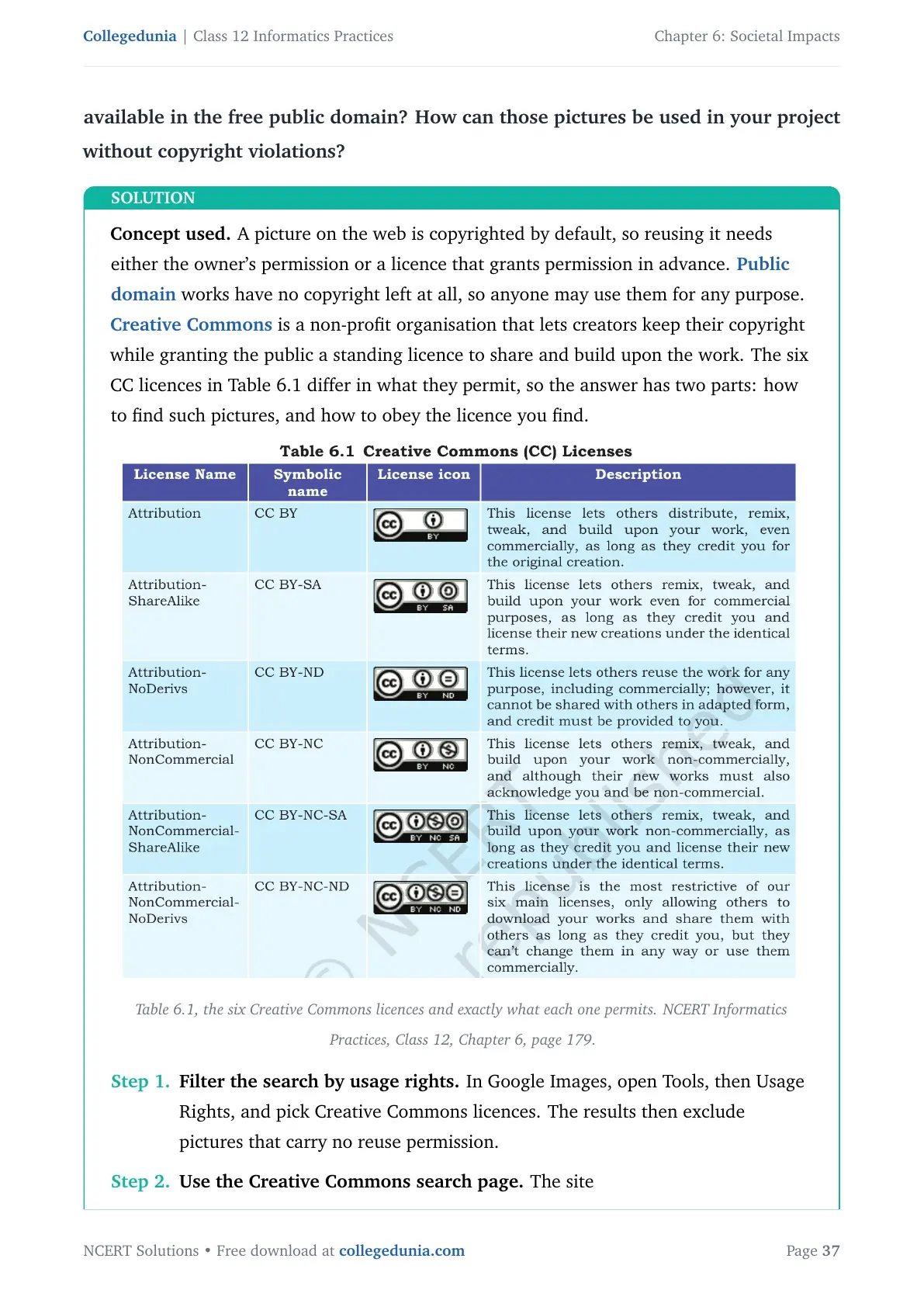
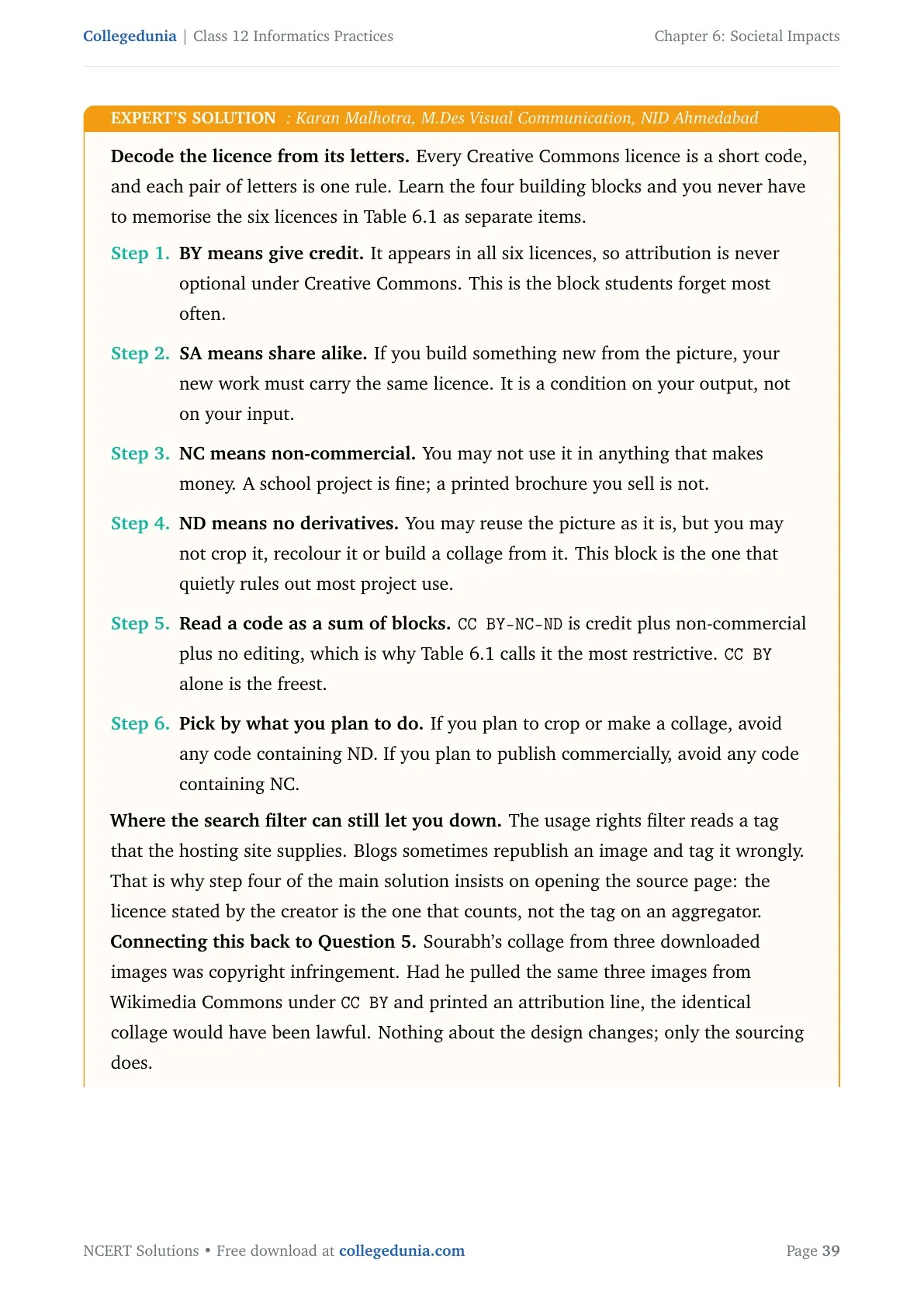
The Creative Commons organisation issues six licences free of charge, built by combining a few conditions. CC BY is the most open and CC BY-NC-ND is the most restrictive of the six.
| Licence | Short name | What others may do |
|---|---|---|
| Attribution | CC BY | Distribute, remix, tweak and build on the work, even commercially, if they credit you |
| Attribution ShareAlike | CC BY-SA | Same as above, but their new work must carry the identical licence |
| Attribution NoDerivs | CC BY-ND | Reuse for any purpose including commercial, but not in an adapted form |
| Attribution NonCommercial | CC BY-NC | Remix and build on the work non-commercially, with credit |
| Attribution NonCommercial ShareAlike | CC BY-NC-SA | Remix non-commercially, with credit, under the identical licence |
| Attribution NonCommercial NoDerivs | CC BY-NC-ND | Only download and share the work unchanged, with credit, and never commercially |
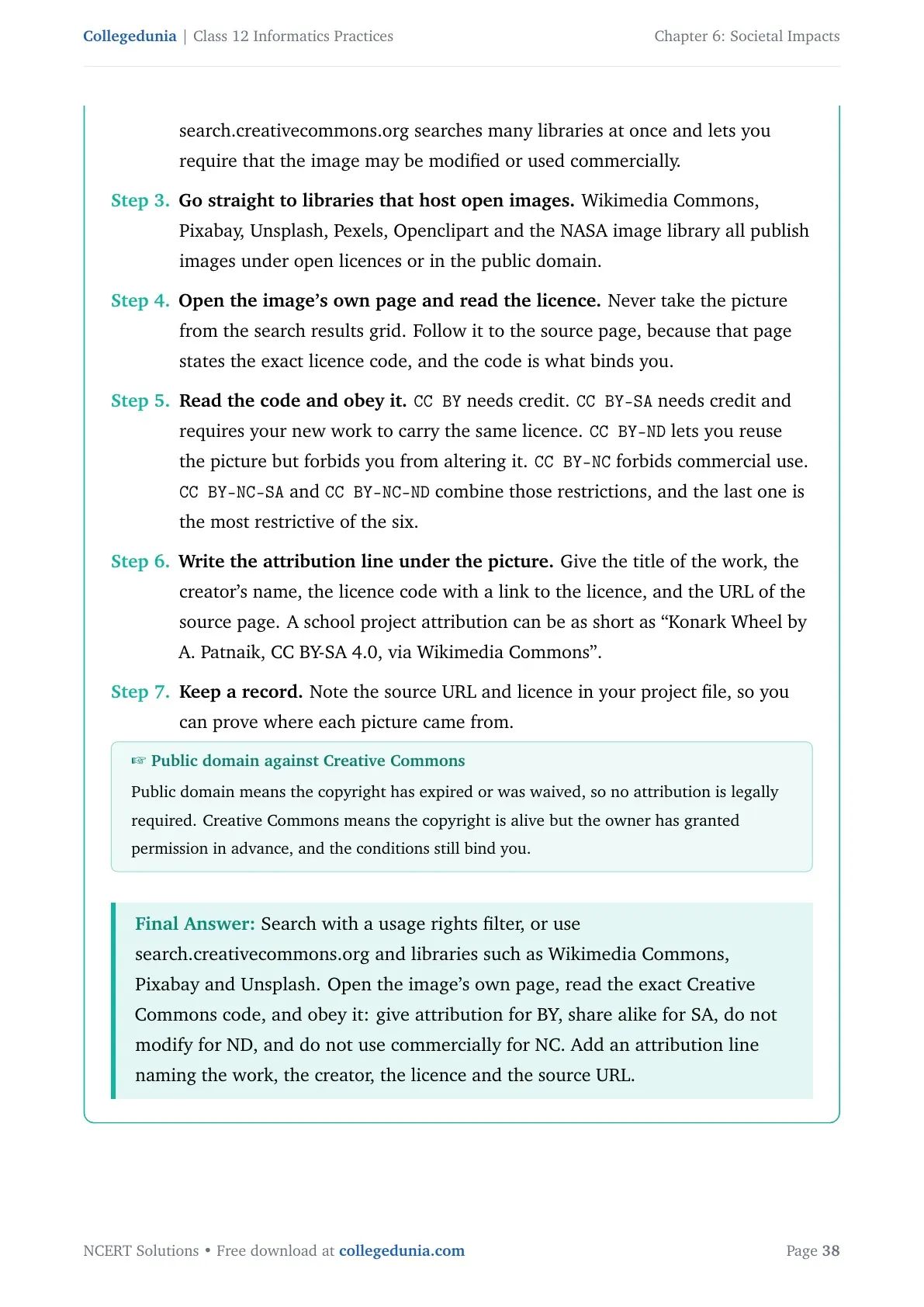
Question 14 asks how to find pictures in the free public domain. Use the CC Search feature on creativecommons.org, or a search engine's usage rights filter, then read the licence attached to the picture and follow it. Give the creator credit in your project, and stay inside any non-commercial or no-derivatives condition.
Question 12(e) and Question 18 both turn on one distinction. Free software is free to use, but free and open source software is free to use and its source code is open for anyone to read, modify and improve. So Sunil used proprietary software, since Google Chrome and Google Docs are not open source. Jagdish used free and open source software in Mozilla Firefox and LibreOffice Writer.
One more term belongs here. Software piracy is the unauthorised use or distribution of software, and it stays copyright infringement whether it is done for sale, for free distribution or for your own use. Pirated software also slows the computer down and hurts the software industry.
Cyber Crime: Hacking, Phishing, Identity Theft and Ransomware Explained
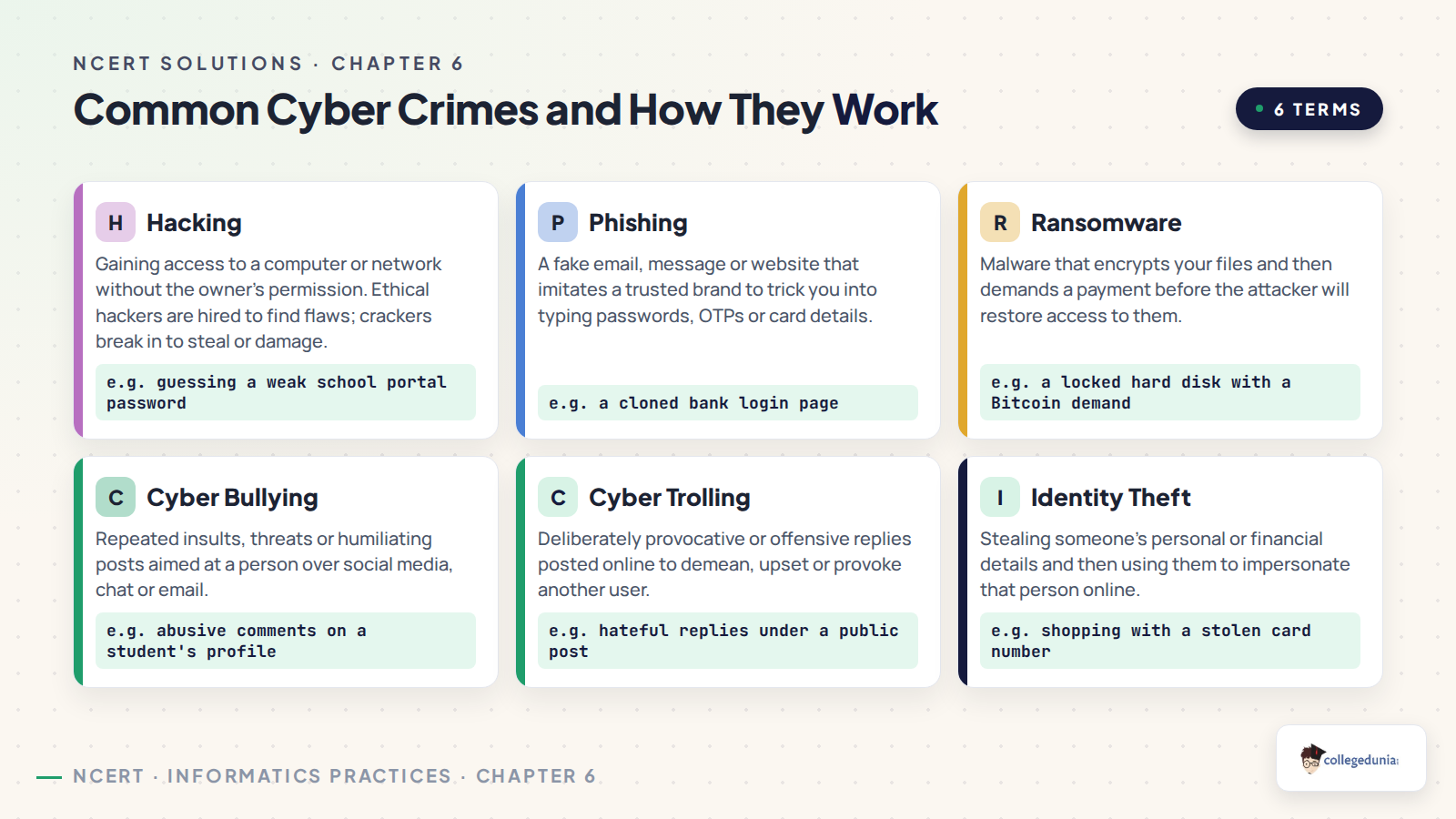
A cyber crime is any criminal activity carried out in a digital environment, where the computer is either the target of the crime or the tool used to commit it. Six questions in the exercise ask you to name one, so learn each with its one-line giveaway.
| Cyber crime | Definition | Giveaway in a question |
|---|---|---|
| Hacking | Unauthorised access to a computer, network or digital system | Someone breaks in by exploiting a bug or a loophole |
| Ethical hacking | Hacking done with a positive intent, by white hat hackers, to find and report weaknesses | The tester reports the loophole to the owner instead of using it |
| Non-ethical hacking | Black hat hackers or crackers break in to steal data, damage systems or bring a rival down | The intent is theft, damage or monetary gain |
| Phishing | Fake websites or emails that look genuine, used to collect usernames, passwords and banking details | A message asks you to confirm details through a link, often through email spoofing |
| Identity theft | Stolen personal data is used to commit fraud in the victim's name | Someone acts as you, using your account, card or documents |
| Ransomware | The attacker blocks access to your data, usually by encrypting it, and demands payment | Files are locked and money is demanded to unlock them |
| Credit card fraud | Fakers offer rewards or prize money to get bank account and card details | An unexpected reward is offered in return for card details |
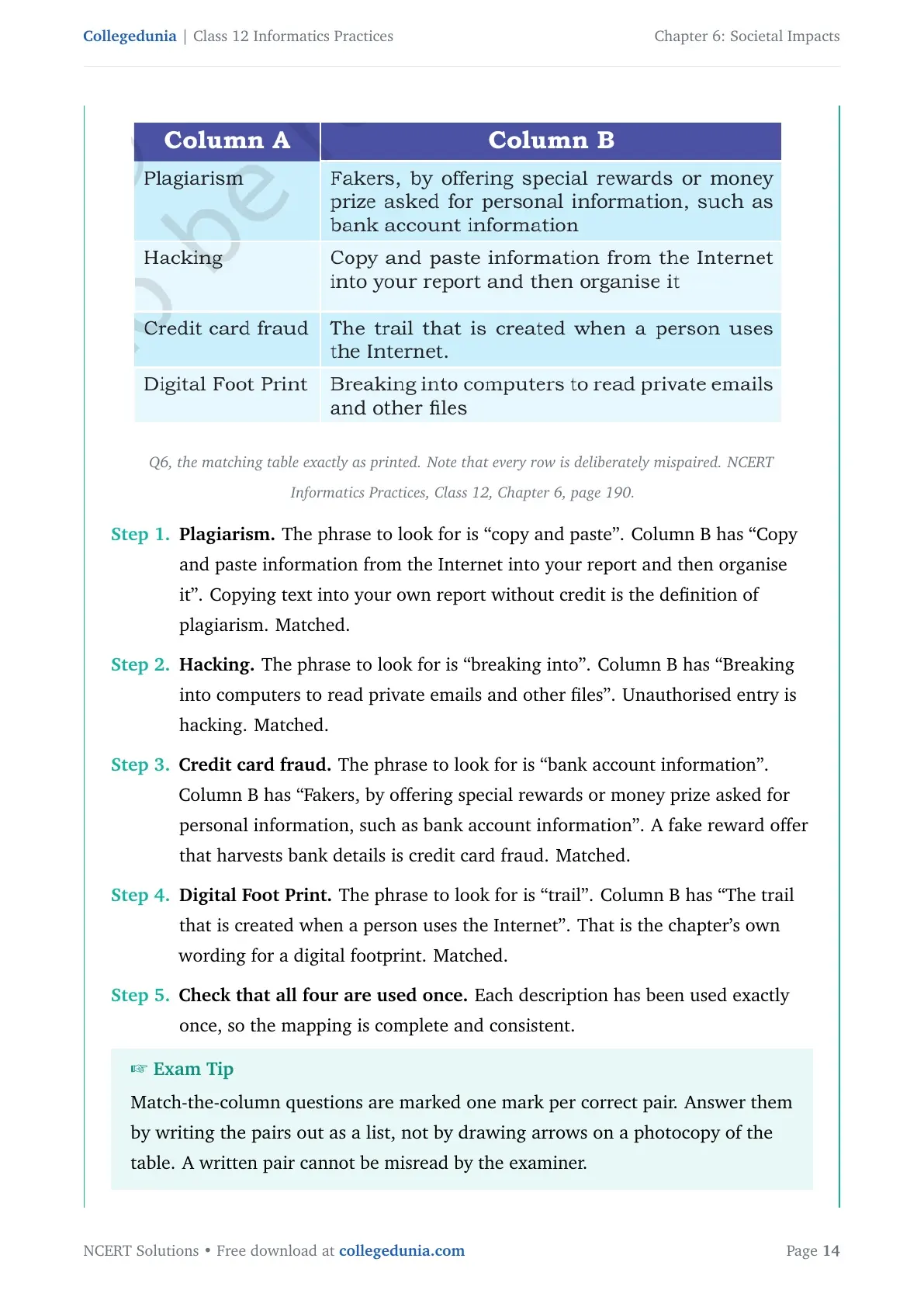
Question 1 is the classic trap. Revaan did not break any password, because Atharv had left the account signed in, so this is not hacking. He sent messages while posing as Atharv, so the answer is identity theft. Question 6 matches plagiarism to copy and paste, hacking to breaking in to read private files, credit card fraud to the reward offer, and digital footprint to the trail created when a person uses the Internet.
Questions 7 and 9 are both phishing. Never send a PIN by SMS, and always call the printed bank helpline number to check whether a message is genuine. In Question 9 the school's registered address is schoolwifi.edu, so an email pointing anywhere else is a spoof. Clicking that link opens a fake page that captures the student's password, which makes it phishing, a cyber crime.
Identity theft splits into three named types: financial, criminal and medical. Question 19 wants one example of each theft it names, plus the legal remedy available under the Information Technology Act.
The chapter closes the section with safety measures worth listing in Question 16. Take regular backups, keep antivirus software updated, avoid pirated software, download only from secure sites that use HTTPS, keep the browser and system software updated, never let a shared computer save your password, refuse cookies on unknown sites, transact only on well known sites, and secure the home wireless network with a strong password.
The Information Technology Act 2000 and How Cyber Crime Is Reported in India
India's legal answer to cyber crime is The Information Technology Act, 2000, amended in 2008. Questions 11, 15 and 19 all expect you to name it and say what it does, so keep four points ready.
- It sets the rules for sensitive data. The act gives guidelines on the processing, storage and transmission of sensitive personal information.
- It gives electronic records legal standing. Electronic records and digital signatures are recognised, which is what makes electronic governance possible.
- It defines cyber crimes and their penalties. Tampering with source documents, hacking a system, using another person's password and publishing someone's sensitive data without consent are all covered.
- It creates a place to complain. Cyber cells in police stations across many Indian states take cyber crime complaints, and the Cyber Appellate Tribunal settles disputes arising from them.
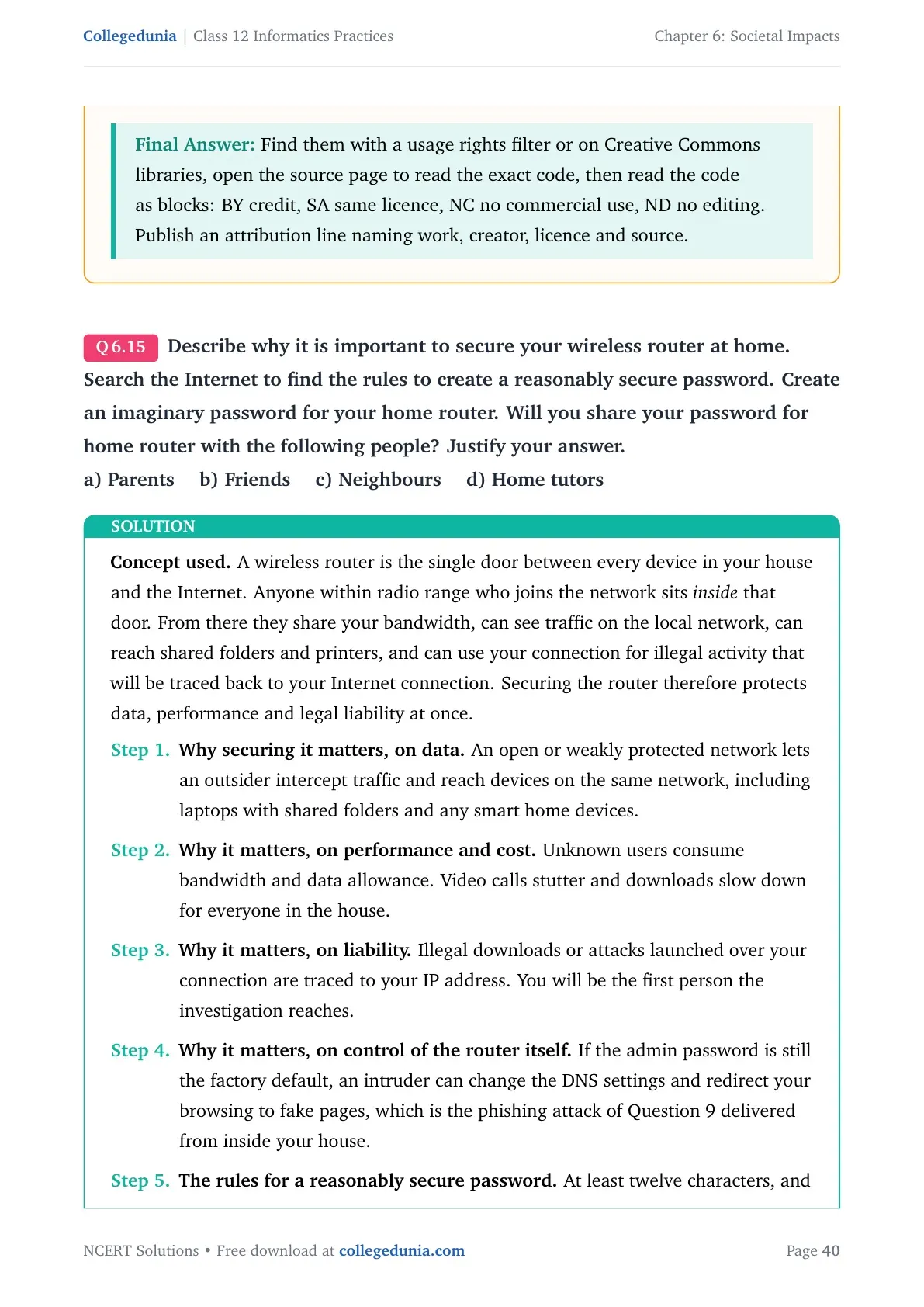
Question 15 asks why a home wireless router must be secured. An open router lets a stranger use your connection, read the traffic on it, reach the devices in your house, and carry out crimes that will be traced back to your address.
The password rules come next. Build it from upper and lower case letters, digits and special characters, keep it long, avoid common words and names, and change it from time to time. Share the router password with your parents only. Friends, neighbours and home tutors do not need it, and every extra person who knows it is one more way it can leak.
E-waste Hazards and the Reduce, Reuse and Recycle Method of Management
E-waste is any electric or electronic device that is no longer in use. Discarded computers, laptops, mobile phones, televisions, tablets, music systems, speakers, printers and scanners all become e-waste at the end of their useful life. It is one of the fastest growing environmental hazards in the world, and e-waste makes up more than 5 per cent of all municipal solid waste globally.
Dumped e-waste leaches harmful chemicals into the soil, contaminates groundwater, and sends dust loaded with heavy metals into the air. The metals inside are the reason the paper keeps asking about it.
| Substance | Where it is found | Harm it causes |
|---|---|---|
| Lead | Monitors and batteries | Lead poisoning that affects the kidneys, brain and central nervous system; children are the most vulnerable |
| Beryllium | Released when circuit boards are burnt for disposal | Skin diseases, allergies and a higher risk of lung cancer |
| Mercury | Inside several electronic devices | Respiratory disorders and brain damage |
| Cadmium | Semiconductors and resistors | Damage to the kidneys, liver and bones |
| Plastics | Every electronic device | Chemicals pass into soil and water, damaging the immune system and causing stress and anxiety |
The management answer is three words, and each one needs a line of its own in the exam.
- Reduce: buy electronic devices only as needed, use them to their full capacity, maintain them well, and discard them only after their useful life has ended.
- Reuse: donate or sell working equipment to someone who will still use it. Reselling old electronic goods at a lower price is called refurbishing.
- Recycle: convert devices that cannot be repaired, refurbished or reused into something usable again. Several companies and NGOs now collect e-waste from homes and offices.
India's rules on this come from the Environmental Protection Act, 1986, which follows the polluter pays principle, so whoever causes pollution pays for the damage. The Central Pollution Control Board has issued formal guidelines that make the manufacturer personally responsible for the safe final disposal of a product once it becomes e-waste.
Impact on Health: Ergonomics, Eye Strain and the Correct Sitting Posture
Question 21 asks Sumit's father to list the health hazards of using a laptop too much and in the wrong way. The chapter's answer sits on one word. Ergonomics is the branch of science that deals with designing or arranging workplaces, including furniture, equipment and systems, so they are safe and comfortable to use.
| Health hazard | What causes it | What to do about it |
|---|---|---|
| Eye strain, dry or watering eyes | Continuous glare from a screen, worse on small handheld devices | Keep the viewing distance at 19 to 24 inches, adjust the viewing angle, focus on distant objects periodically, take outdoor breaks |
| Backache, neck and shoulder pain | Bad posture over long hours | Keep the seat back and knee angle near 90 degrees, use lumbar support, keep feet flat on the floor or on a footrest |
| Wrist and finger pain | Overuse of a keyboard that is not aligned ergonomically | Keep the wrist straight while typing; long-term pain may need medical help |
| Stress, fatigue and obesity | Spending too much time on digital devices | Balance screen time with sports, hobbies and time spent with friends in person |
| Internet addiction | Excessive time online | Set limits, and treat online friendships as an addition to real ones, not a replacement |
Device care from the same section answers Question 16(a). Clean the machine regularly to keep dust off, wipe the screen with a soft microfibre cloth, keep it away from direct heat and sunlight, put it in a well ventilated room, and never eat or drink over the keyboard.
Societal Impacts Weightage Compared Across Class 12 Informatics Practices Chapters
The Informatics Practices theory paper is 70 marks across four units. Societal Impacts is the whole of Unit 4, so its 8 marks are guaranteed and there is no code to write for any of them.
| Chapter | Topic | Approximate theory marks |
|---|---|---|
| Chapter 1 | Querying and SQL Functions | 25 marks |
| Chapter 2 | Data Handling using Pandas Series | 8 to 10 marks |
| Chapter 3 | Data Handling using Pandas DataFrame | 10 to 12 marks |
| Chapter 4 | Plotting Data using Matplotlib | 4 to 6 marks |
| Chapter 5 | Introduction to Computer Networks | 7 marks |
| Chapter 6 | Societal Impacts | 8 marks |
Eight marks with no syntax to remember is the easiest scoring block in the paper. Answers here are two or three lines each, and the same case situations reappear year after year with the names changed. Finish this chapter early and revise it for ten minutes a week.
Common Mistakes Students Make in the Societal Impacts Chapter
Check your answer sheet for these seven errors before you hand it in.
- Calling Question 1 hacking. No password was broken, so it is identity theft.
- Treating plagiarism and copyright infringement as the same thing. Missing credit is plagiarism; missing permission is infringement.
- Writing that deleting a post removes it from your digital footprint. The copy on the server stays.
- Saying free software and open source software mean the same. Open source also gives you the source code.
- Naming the concept but skipping the justification. Five questions carry the word justify, and half the marks sit there.
- Confusing a patent with a copyright. A patent must be applied for and lasts 20 years; a copyright is automatic.
- Answering Question 12 in paragraphs. Use two columns with matched points on the same row.
Also Check: When a question names a person and a situation, close your answer by naming the concept in bold and giving one line of reasoning. The name alone scores half.
Student Feedback on the Societal Impacts Chapter
What 12,310 students told us about learning Societal Impacts.
- 68% of students rated the plagiarism against copyright infringement boundary as the hardest part of the chapter.
- 3 out of 5 students lost a mark in their first mock by naming the cyber crime without justifying it.
- The most-skipped question was 12(e) on free software against open source, left blank by about 24% of students.
- Students who made a one-page table of the six Creative Commons licences finished the chapter in about 2 hours.
Source: Collegedunia Class 12 Informatics Practices student poll conducted before the 2026-27 board exams. Sample of 12,310 students from CBSE schools across 16 states.
Solved Example from Exercise Question 8 with Step-by-Step Working
Question 8 asks you to explain to Preeti how Himanshu still had a photograph she had deleted. Here is the full working, written the way it should appear in your answer sheet.
- Answer part (a) first. Himanshu saw and saved or forwarded the image while it was still online, so his copy was made before the deletion and is unaffected by it.
- Explain the server copy. Anything uploaded to a social networking site is stored on that site's remote server, and deleting a post removes it from public view, not from the server.
- Answer part (b). Yes. Anyone who had already downloaded, saved, screenshotted or forwarded the image still holds it, and Gayatri received it from Himanshu after the deletion.
- Answer part (c). No. The upload is an active digital footprint, and a digital footprint cannot be fully erased once it has been created.
- State the general rule. There is no guarantee that digital footprints will ever be removed from the Internet, which is why sensitive or private photographs should not be uploaded at all.
- Close with the advice. Think before you upload, keep the account's privacy settings tight, and share personal photographs only with people you trust.
Each step above carries its own mark in the five-mark version of this question. Answer the three parts in order, and keep the general rule for the end so the reasoning reads as one argument.
How to Use the Societal Impacts Solutions Page Most Effectively
This chapter is definition work and reasoning, not problem solving. Split your revision into three short blocks so you spend more time writing than reading.
- Block 1, 20 minutes: learn the cyber crime table and the copyright, patent and trademark table. Cover the middle column and test yourself.
- Block 2, 25 minutes: write all five difference pairs from Question 12 in two columns, from memory.
- Block 3, 30 minutes: answer the case questions 1, 3, 5, 8, 9 and 18 in full sentences with a justification each, then check them here.
Repeat Block 2 one week later. Students who rewrite the five comparison tables a second time make far fewer naming errors in the board paper.
All Societal Impacts Exercise Questions with Step-by-Step Solutions
Every question from the NCERT back exercise is answered in full on the question bank page, with the statement, the model answer, and a short note on the exact wording the marking scheme looks for.
Question bank: All Societal Impacts Class 12 Questions with Solutions
Covers exercise questions 1 to 21, the six Activity tasks from the chapter, and the four Think and Reflect prompts.
Related Class 12 Informatics Practices Resources for Societal Impacts
Pair the solutions with the original book chapter and with the networking chapter beside it. The book PDF gives you the printed etiquette figures and the Creative Commons licence table, and Chapter 5 supplies the network vocabulary that Questions 9 and 15 assume you already know.
| Resource | Best used for |
|---|---|
| Societal Impacts Class 12 Book PDF | The original NCERT chapter with the etiquette figures, the licence table and the posture diagram |
| Introduction to Computer Networks Class 12 NCERT Solutions | The URL, domain name and web server terms that Questions 9 and 15 build on |
| Querying and SQL Functions Class 12 NCERT Solutions | The largest scoring unit in the same theory paper, worth revising alongside |
NCERT Solutions for Class 12 Informatics Practices: All Chapters
Solutions for every chapter of the Class 12 Informatics Practices book are listed below. The highlighted row is the chapter you are on.
| Chapter | Resource |
|---|---|
| Chapter 1 | Querying and SQL Functions NCERT Solutions |
| Chapter 2 | Data Handling using Pandas Series NCERT Solutions |
| Chapter 3 | Data Handling using Pandas DataFrame NCERT Solutions |
| Chapter 4 | Plotting Data using Matplotlib NCERT Solutions |
| Chapter 5 | Introduction to Computer Networks NCERT Solutions |
| Chapter 6 | Societal Impacts NCERT Solutions |
Societal Impacts Class 12 Informatics Practices NCERT Solutions FAQs
Questions Students Ask About Societal Impacts
Ques. What is a digital footprint?
Ans. A digital footprint is the trail of data left behind whenever a person uses the Internet on a smartphone, tablet or computer. It includes the websites visited, the emails sent and any information submitted online, along with the device's IP address, its location and other device details. The trail grows with use, and it can be created with or without the user's knowledge. Once a data trail is generated there is no guarantee that it can be fully removed from the Internet.
Ques. What is the difference between active and passive digital footprints?
Ans. An active digital footprint is the data a person submits online on purpose, such as an email written, a form filled in, or a post or response made on a website or mobile app. A passive digital footprint is the data trail left unintentionally, such as the record generated when someone simply visits a website, uses a mobile app or browses the Internet. This is the answer to exercise Question 12(d).
Ques. Who is a netizen and what does being a good netizen mean?
Ans. Anyone who uses digital technology along with the Internet is a digital citizen, or netizen. Being a good netizen means practising the safe, ethical and legal use of digital technology. A responsible netizen follows three sets of rules named in the chapter: net etiquette, which asks you to be ethical, respectful and responsible; communication etiquette, which asks you to be precise, polite and credible; and social media etiquette, which asks you to be secure and reliable.
Ques. What is the difference between plagiarism and copyright infringement?
Ans. Plagiarism is presenting someone else's idea or work as your own, so it happens the moment you skip the citation, even for material that is free for public use. Copyright infringement is using another person's work without obtaining permission, or without paying for it when it is being sold. Infringement can happen even when you do credit the creator, because credit is not the same as permission. Plagiarism is an ethical offence; infringement is a legal one.
Ques. What is the difference between a copyright and a patent?
Ans. A copyright protects original works such as writing, photographs, audio recordings, video, sculptures, architectural works and computer software, and it is granted automatically to the creator without any application. A patent is granted for an invention, and the inventor has to file an application for it. A patent gives the owner exclusive rights for 20 years, after which the invention can be used freely by anyone. For a piece of software, the code is covered by copyright while the functional expression of the idea is covered by a patent.
Ques. What is cyber bullying and how can it be recognised?
Ans. Cyber bullying is any insulting, degrading or intimidating online behaviour, repeated with the intention to hurt or embarrass a victim. It covers repeated rumours, online threats, posting a victim's personal information and comments meant to publicly ridicule someone. Signs that a friend is being bullied include sudden withdrawal from social media, distress after checking messages, deleting accounts, and abusive comments or fake profiles targeting them. Complaints can be filed at a cyber cell under the Information Technology Act, 2000, amended in 2008.
Ques. What is phishing and how is it different from hacking?
Ans. Phishing is an unlawful activity in which fake websites or emails that look authentic are used to collect sensitive details such as usernames, passwords and banking or credit card information. The most common method is email spoofing, where a forged address makes the message look like it came from a bank or a school. Hacking is different: it is unauthorised access to a computer, network or digital system, usually by exploiting a bug or a loophole. Phishing tricks the user into handing over data; hacking breaks in without asking.
Ques. What is the difference between ethical and non-ethical hacking?
Ans. Ethical hacking is hacking done with a positive intent. Ethical hackers, called white hat hackers, test software to find weaknesses and then report those weaknesses to the owner so the security can be improved. Non-ethical hackers, called black hat hackers or crackers, gain unauthorised access to steal sensitive data, damage systems or bring a rival site down. Their focus is security cracking and data stealing for identity theft, monetary gain or leaking information. This is exercise Question 12(c).
Ques. What is ransomware?
Ans. Ransomware is a cyber crime in which the attacker gains access to a computer and blocks the user from reaching their own data, usually by encrypting it. The attacker then demands payment to restore access, or threatens to publish personal and sensitive information unless a ransom is paid. It usually arrives when someone visits an unsafe website, downloads software from a doubtful source, opens an attachment in a spam email, or clicks a malicious advertisement.
Ques. What are the six Creative Commons licences?
Ans. The six licences are CC BY, CC BY-SA, CC BY-ND, CC BY-NC, CC BY-NC-SA and CC BY-NC-ND. CC BY is the most open and lets others distribute, remix and build on the work even commercially, as long as they credit the creator. ShareAlike adds the condition that new work must carry the identical licence. NoDerivs blocks adapted versions. NonCommercial blocks commercial use. CC BY-NC-ND is the most restrictive, allowing only download and unchanged sharing with credit.
Ques. What is free and open source software, with examples?
Ans. Free and open source software, or FOSS, is software that is available freely to anyone and whose source code is also open for anyone to access, modify, correct and improve. It has a large community of users and developers who keep adding and improving features. Linux kernel based operating systems such as Ubuntu and Fedora are FOSS, and so are tools like LibreOffice and the Mozilla Firefox browser. Free software is only free to use, while FOSS also opens the source code.
Ques. What is e-waste and how should it be managed?
Ans. E-waste is electric or electronic equipment that is no longer in use, such as discarded computers, laptops, mobile phones, televisions, tablets, printers and speakers. It is managed through three steps: reduce, by buying only what is needed and using devices to their full life; reuse, by donating or reselling working equipment, a process called refurbishing; and recycle, by converting devices that cannot be repaired or reused into usable material. In India the Environmental Protection Act, 1986 applies the polluter pays principle, and the Central Pollution Control Board makes the manufacturer responsible for safe final disposal.
Ques. What does the Information Technology Act 2000 do?
Ans. The Information Technology Act, 2000, amended in 2008, gives guidelines on the processing, storage and transmission of sensitive personal information. It provides the legal framework for electronic governance by recognising electronic records and digital signatures, and it outlines cyber crimes along with their penalties, including tampering with source documents, hacking, using another person's password and publishing sensitive personal data without consent. Cyber cells in police stations accept complaints, and the Cyber Appellate Tribunal resolves disputes arising from cyber crime.
Ques. Are these Class 12 Informatics Practices solutions according to the 2026-27 syllabus?
Ans. Yes. Every definition, comparison and case answer on this page follows the 2026-27 CBSE syllabus and the current NCERT print of the Societal Impacts chapter, including the two kinds of digital footprint, the three etiquettes, the copyright, patent and trademark set, the six Creative Commons licences, the cyber crime list, the Information Technology Act, the e-waste section and the ergonomics guidance.



Comments