



| Updated On - Jul 23, 2026
HPTU has released the HPCET 2026 Round 3 seat allotment for BTech and BPharm at himtu.ac.in. Selected candidates must report to the allotted institute by July 25 2026. Round 4 seat allotment will be announced on July 28 2026.
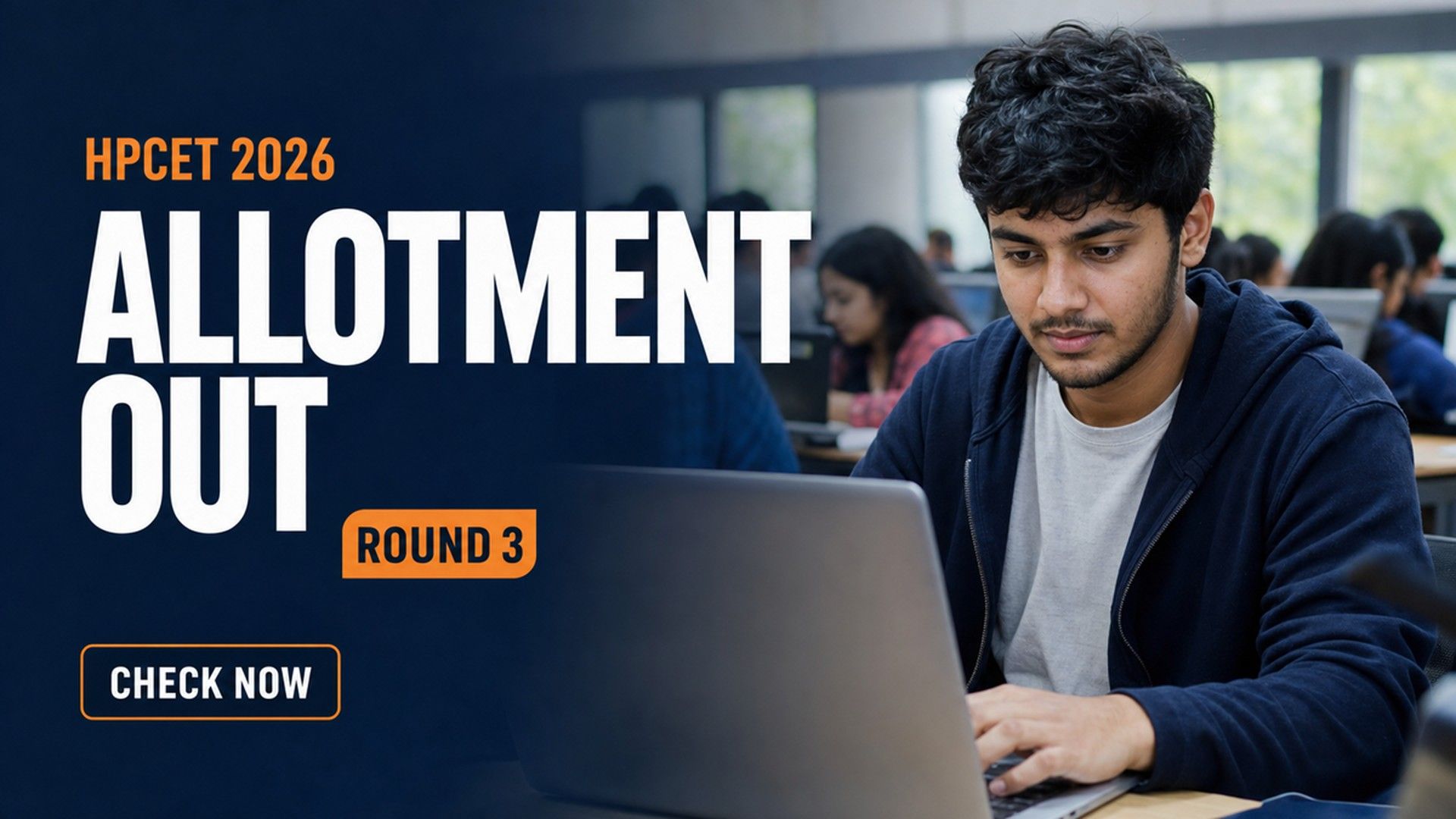
The Himachal Pradesh Technical University (HPTU) has released the Himachal Pradesh Common Entrance Test (HPCET) 2026 Round 3 seat allotment result. The result covers admissions to BTech and BPharm programmes. Candidates can check their allotment status on the official portal at himtu.ac.in.
Selected candidates must report to their allotted institute by July 25, 2026. Those who miss the reporting window will lose their allotted seat. The university will hold one more counselling round for remaining vacancies.
HPCET is the state-level entrance test used by HPTU for admissions to UG technical programmes. The counselling is conducted online through the state portal at ecounselling.hp.gov.in.
HPCET 2026 Round 3 Key Details
| Event | Date |
|---|---|
| Round 3 seat allotment result | July 23, 2026 |
| Last date to report to allotted institute (Round 3) | July 25, 2026 |
| Round 4 seat allotment result | July 28, 2026 |

How to Check the HPCET 2026 Round 3 Seat Allotment?
Candidates can view their allotted seat by following a short set of steps on the official website. They will need their login credentials from the registration stage.
- Visit the official HPTU website at himtu.ac.in.
- Open the HPCET 2026 counselling notification section.
- Click on the Round 3 seat allotment result link.
- Enter your application number and password to log in.
- View the allotted institute and course on the screen.
- Download the provisional allotment letter for reporting.
How to Report to the Allotted Institute?
Reporting is a compulsory step for candidates who wish to accept their allotted seat. It must be completed by the July 25 deadline. Reporting confirms the admission and blocks the seat in the candidate's name.
Candidates should carry the printed allotment letter along with original academic documents. Category and residence certificates are needed where applicable. The institute will verify all documents before confirming the admission.
Documents Required at Reporting
- HPCET 2026 provisional seat allotment letter
- Class 10 and Class 12 mark sheets and certificates
- HPCET 2026 scorecard and admit card
- Category certificate, if applicable
- Himachal Pradesh bonafide or domicile certificate, if claimed
- Recent passport-size photographs and a valid photo ID
What Happens in Round 4?
HPTU will conduct the fourth and final round of counselling on July 28, 2026. Seats left vacant after Round 3 reporting will move into the Round 4 pool. Candidates who did not get a seat earlier can still take part in this round.
The university will also release fresh cut-off ranks for Round 4. Candidates are advised to keep checking the official portal for the exact schedule.
Round 3 is the last major allotment before the final round of HPCET counselling. Candidates who skip reporting by July 25 cannot claim the same seat again. A missed deadline can push them to lower-preference options in Round 4.
Action Plan for Candidates
- Log in to himtu.ac.in and check the Round 3 allotment.
- Download and print the provisional seat allotment letter.
- Arrange all original documents and category proofs.
- Report to the allotted institute on or before July 25, 2026.
- Complete document verification and pay the admission fee at the institute.
- Track the Round 4 schedule if you plan to upgrade or apply fresh.
HPTU will release the HPCET 2026 Round 4 seat allotment on July 28, 2026. Watch himtu.ac.in for fresh cut-offs and the final reporting schedule.
Also Read:
- Top Colleges in India Accepting HPCET Based on 2026 Ranking
- HPCET Counselling 2026 Second Allotment Result for MBA and MCA on July 24; Check How to Download
- Mody University Sikar Fee Structure 2026-27 Out; Check Complete Fees Here
- Uttaranchal University Dehradun Fee Structure 2026-27 Released for UG & PG Programs


.png?h=40&w=40&mode=stretch)
.jpeg?h=40&w=40&mode=stretch)



Comments