




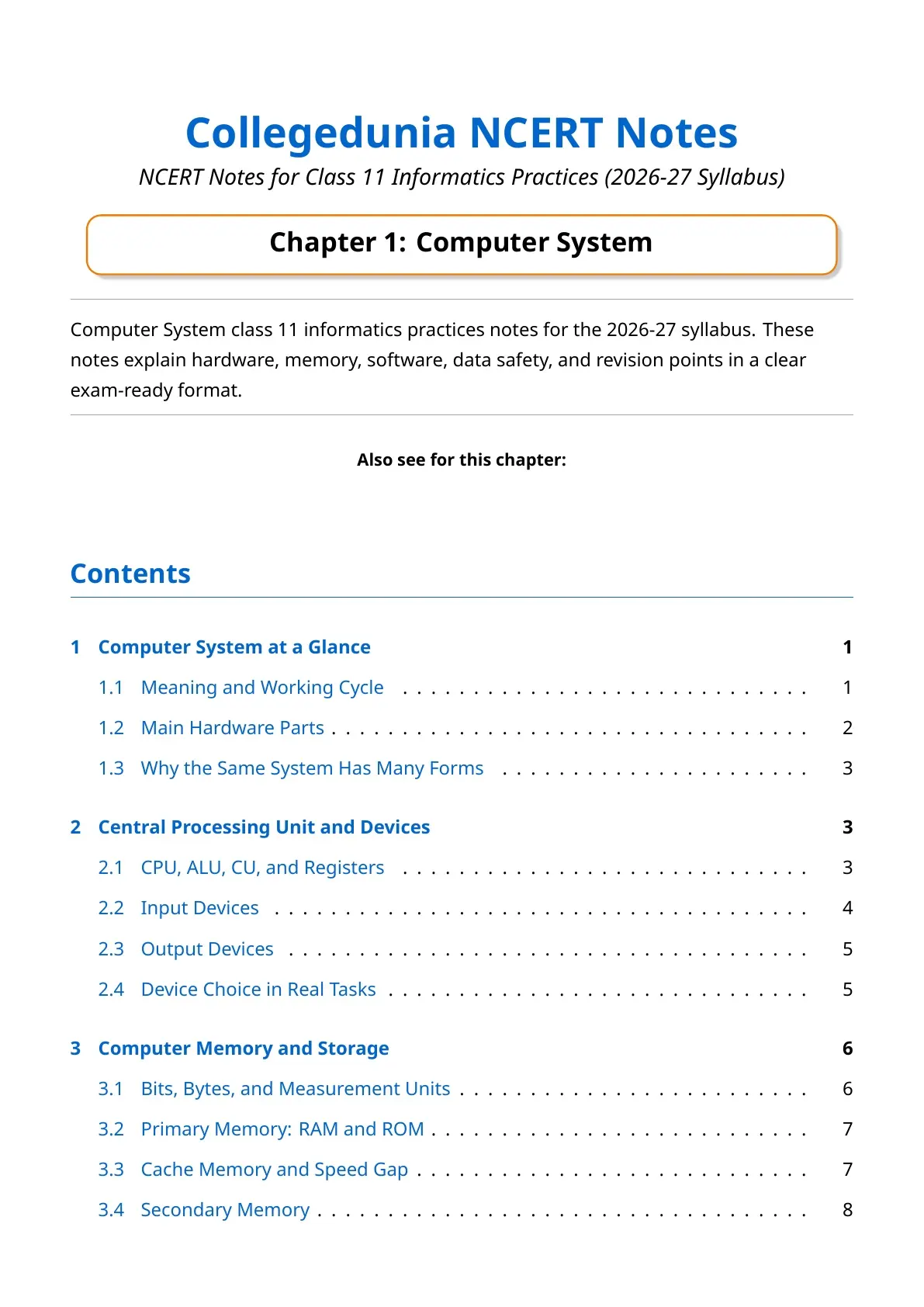
The NCERT Class 11 Informatics Practices Chapter 1 Computer System notes bring together the hardware, memory, software and data safety points that the CBSE paper actually tests in 2026-27. Students can use the PDF for quick revision before school tests and annual exams.
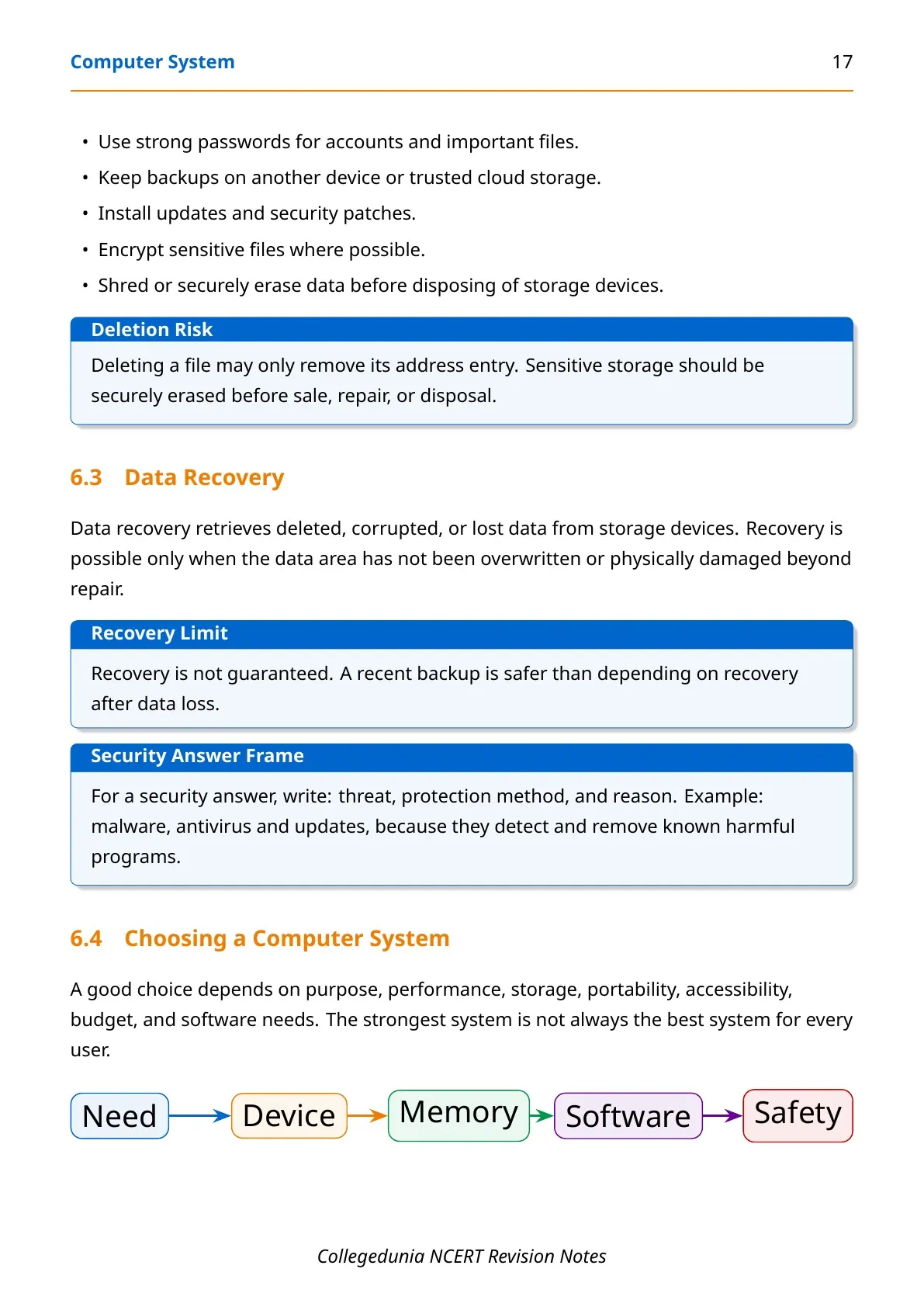
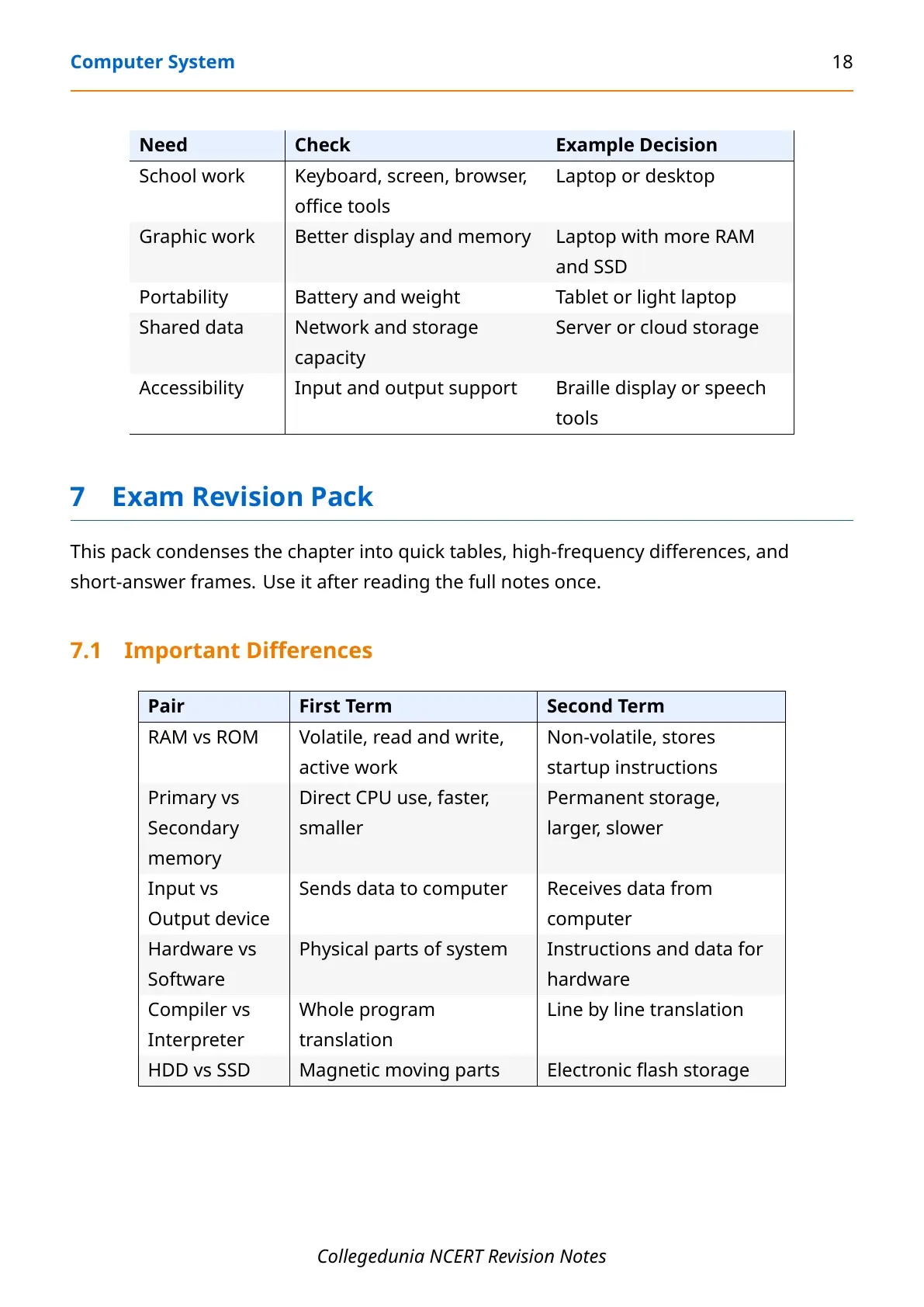
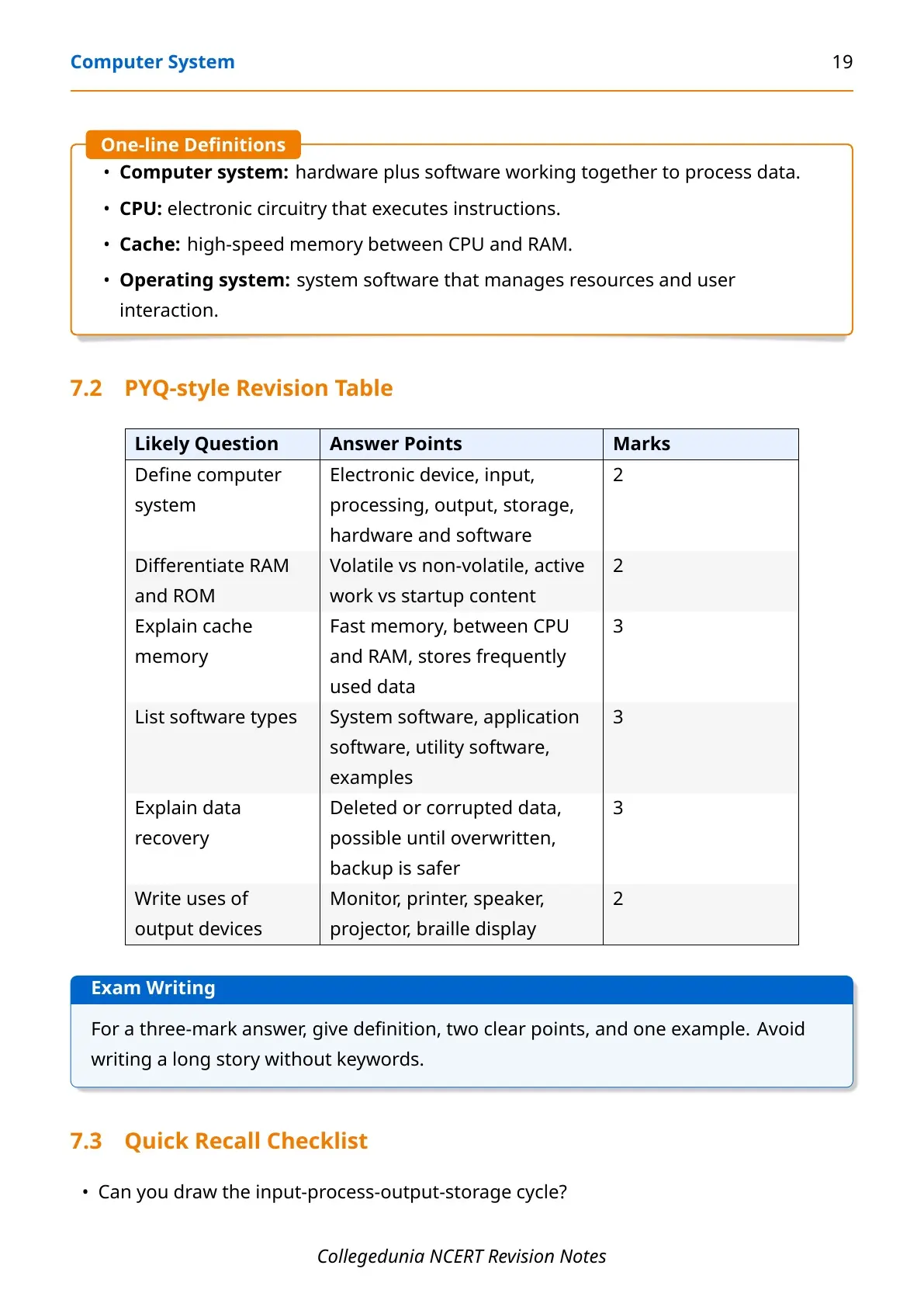
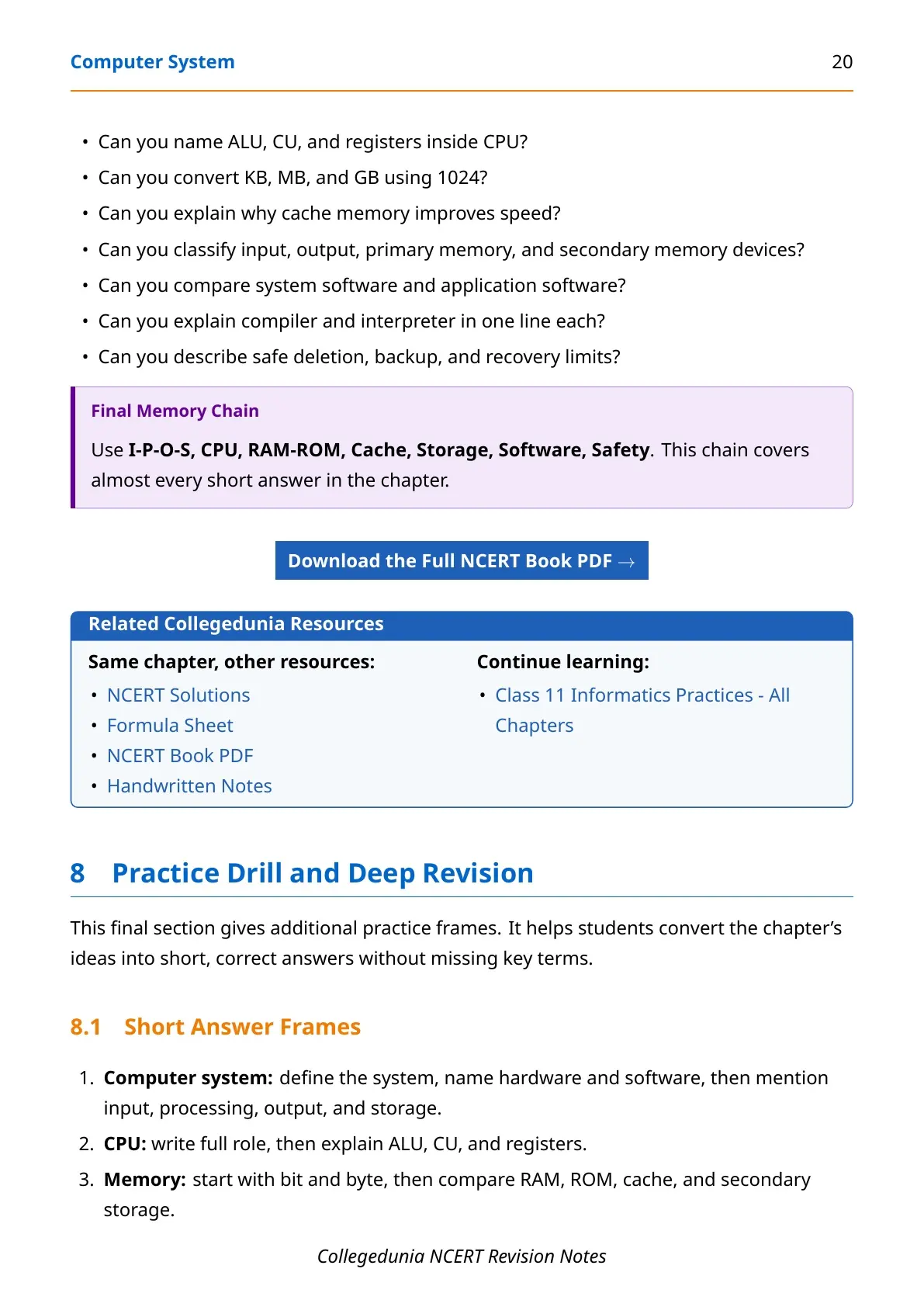
- Chapter focus: CPU, input output devices, memory units, storage, software and open source terms.
- Best for: Class tests, half-yearly revision and quick recap before Informatics Practices practical work.
- PDF includes: 22 pages, 10 diagrams, comparison tables and last-minute recall points.
Class 11 Informatics Practices Computer System Notes PDF Highlights
Computer System is the first chapter of the Class 11 Informatics Practices textbook. It builds the base for later topics because students first learn how a computer accepts input, processes data, stores files and produces output.
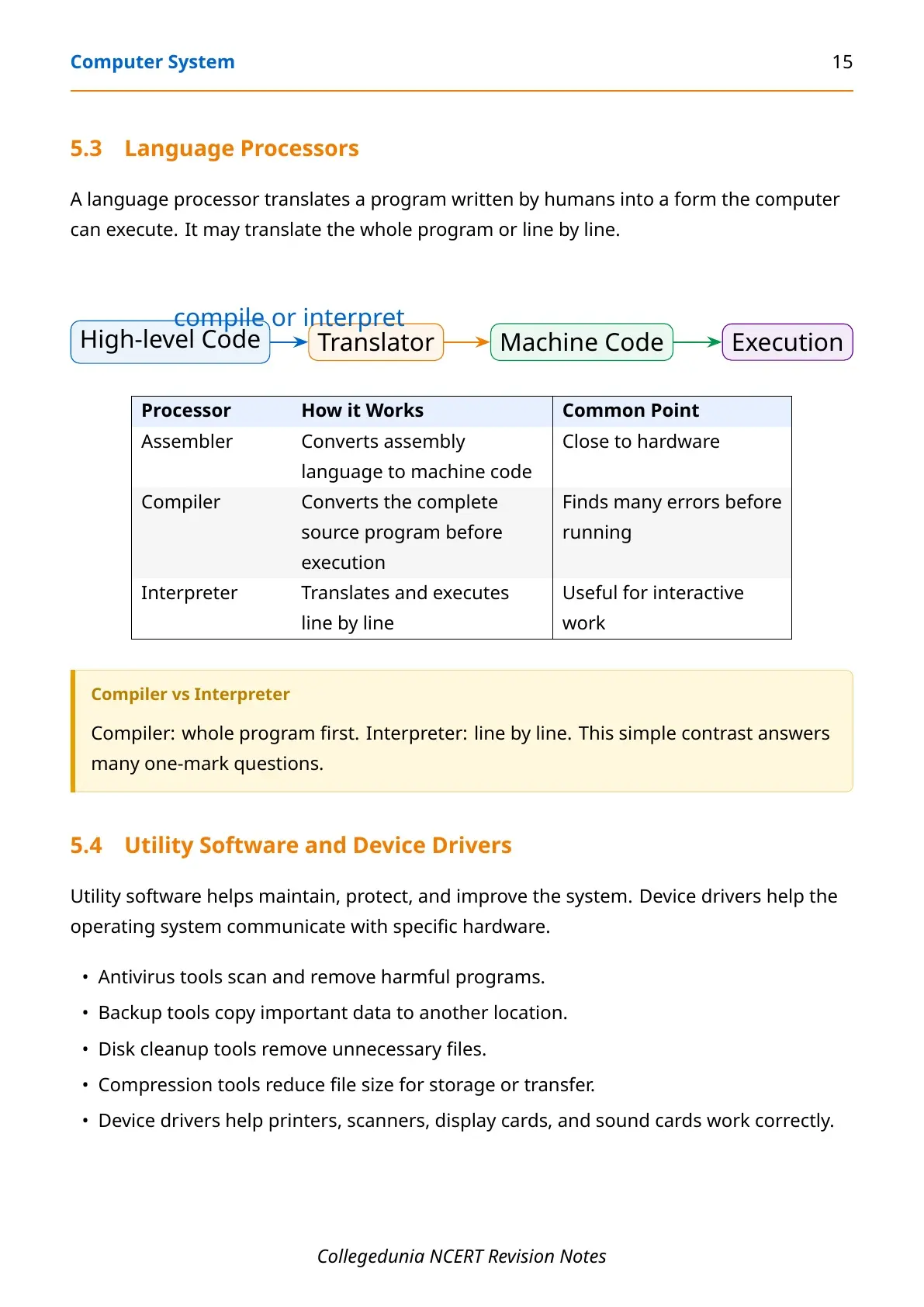
The notes explain each concept in plain language and add exam-ready tables for RAM vs ROM, input vs output devices, hardware vs software, and compiler vs interpreter. Computer System is a scoring chapter when definitions are written with examples.
| Area | What students revise |
|---|---|
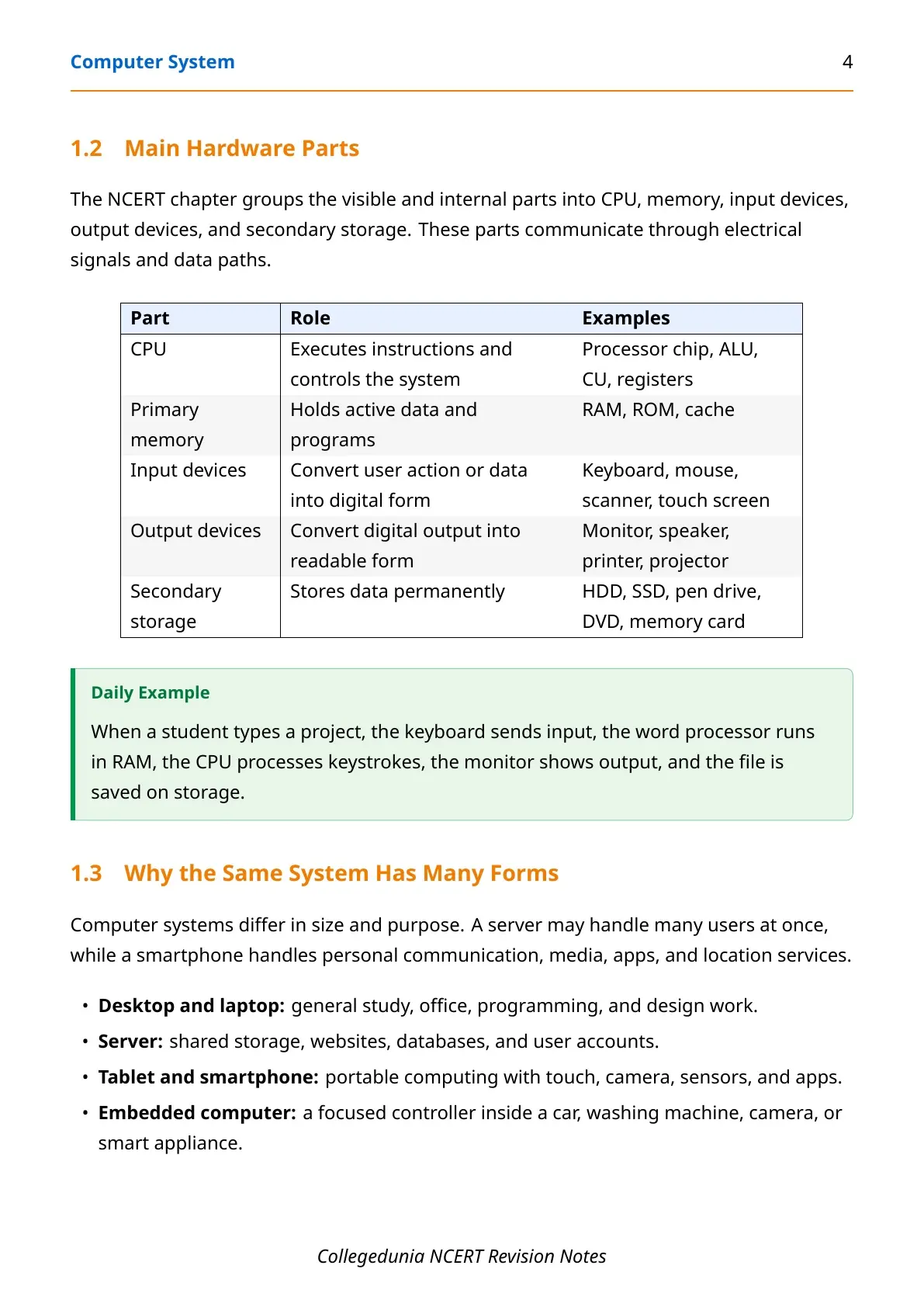
| Hardware | CPU, ALU, CU, registers, input devices and output devices |
| Memory | Bits, bytes, RAM, ROM, cache, HDD, SSD and storage units |
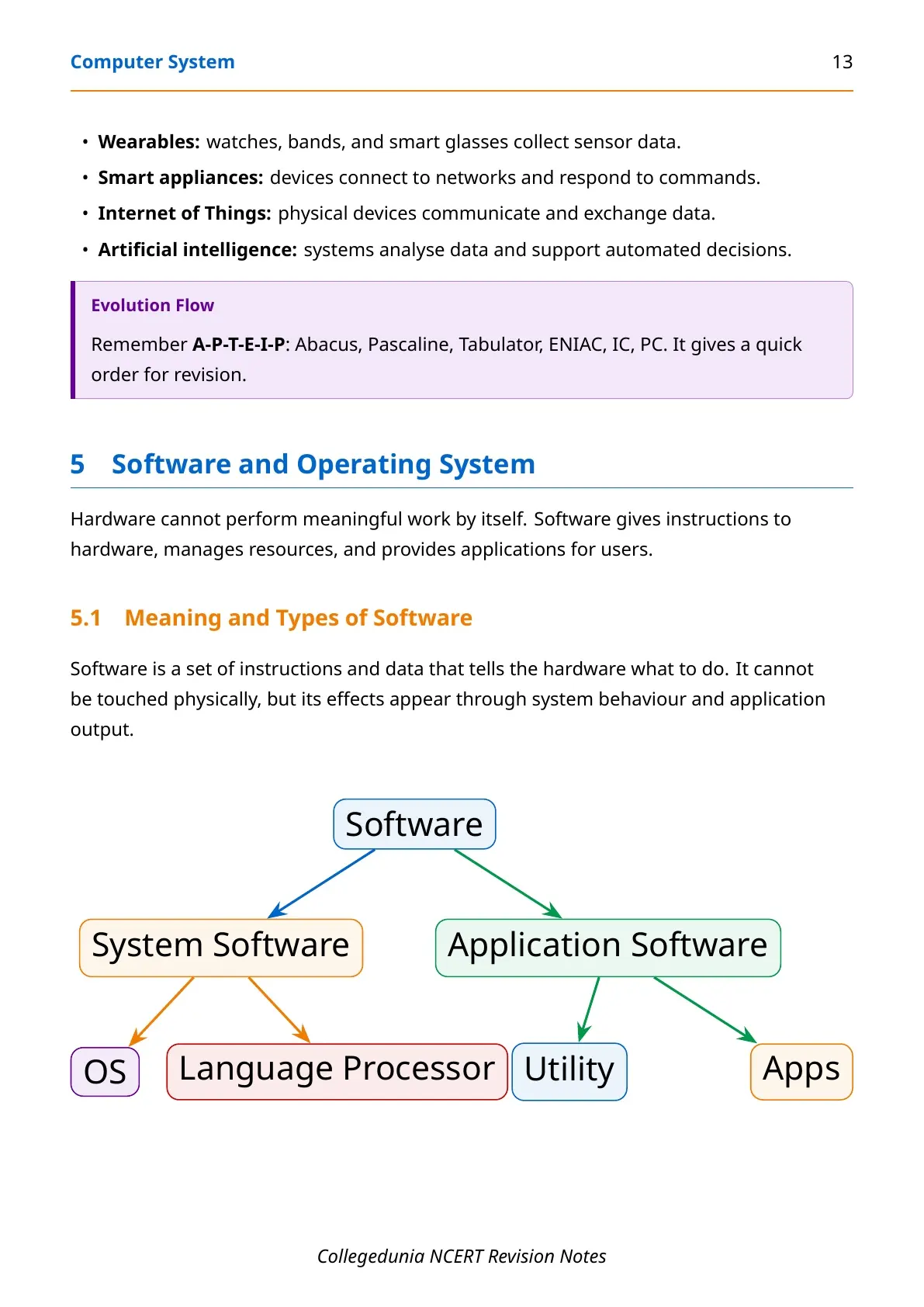
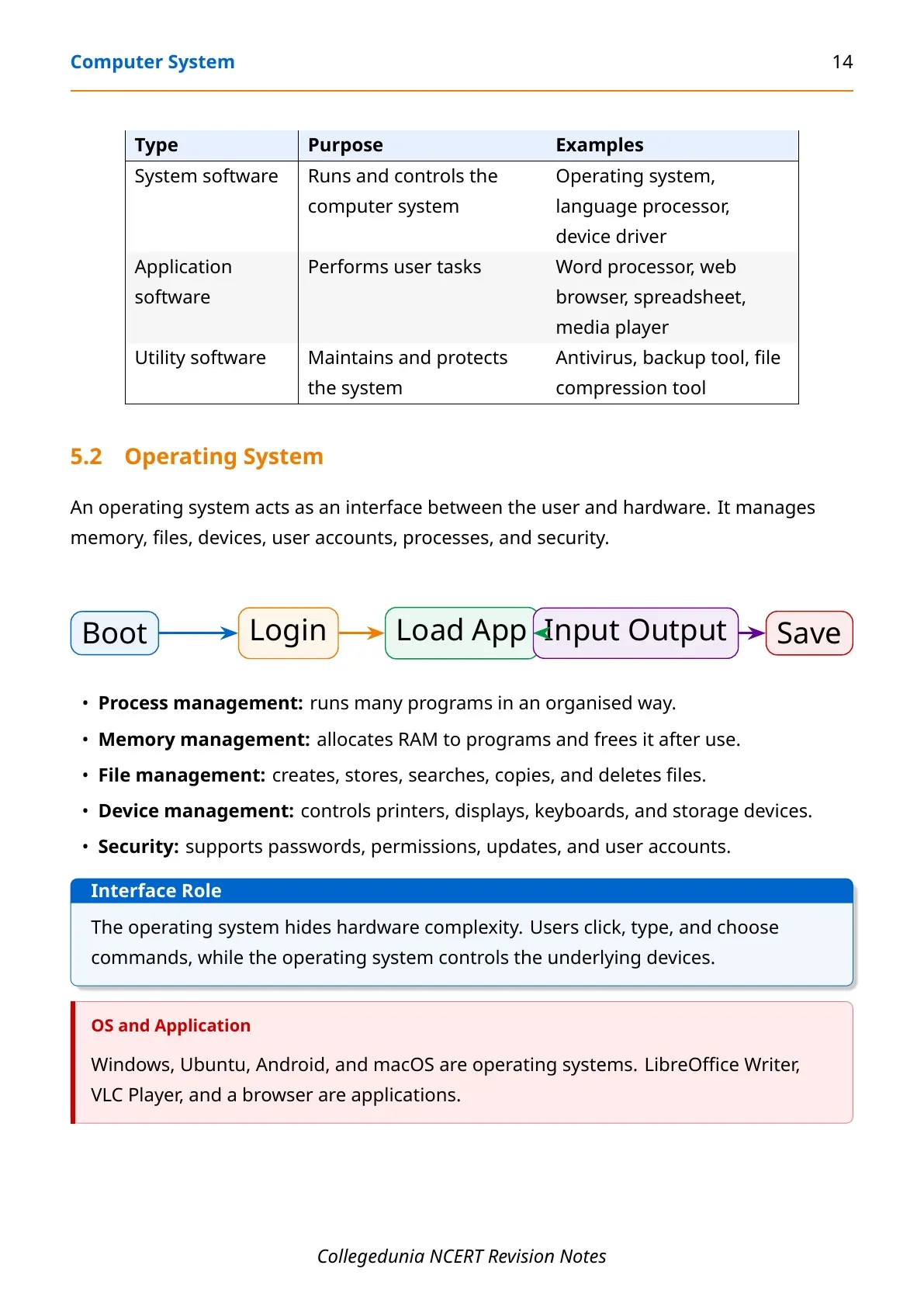
| Software | Operating system, language processors, utilities and applications |
| Data safety | Deletion, recovery, passwords, encryption and secure disposal |
Computer System Class 11 Video Revision
Source: Magnet Brains on YouTube
What is Covered in Computer System Class 11 Notes?
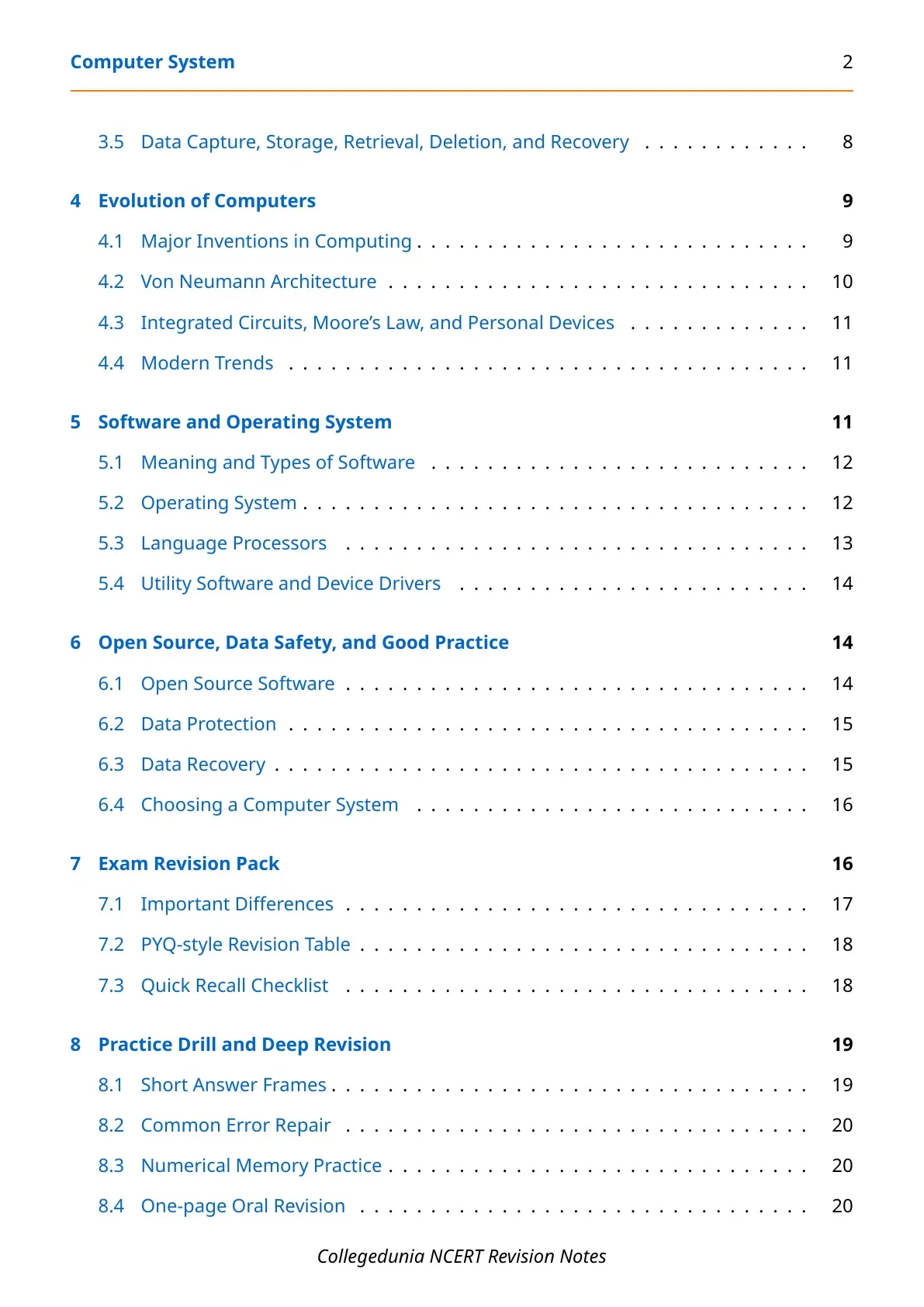
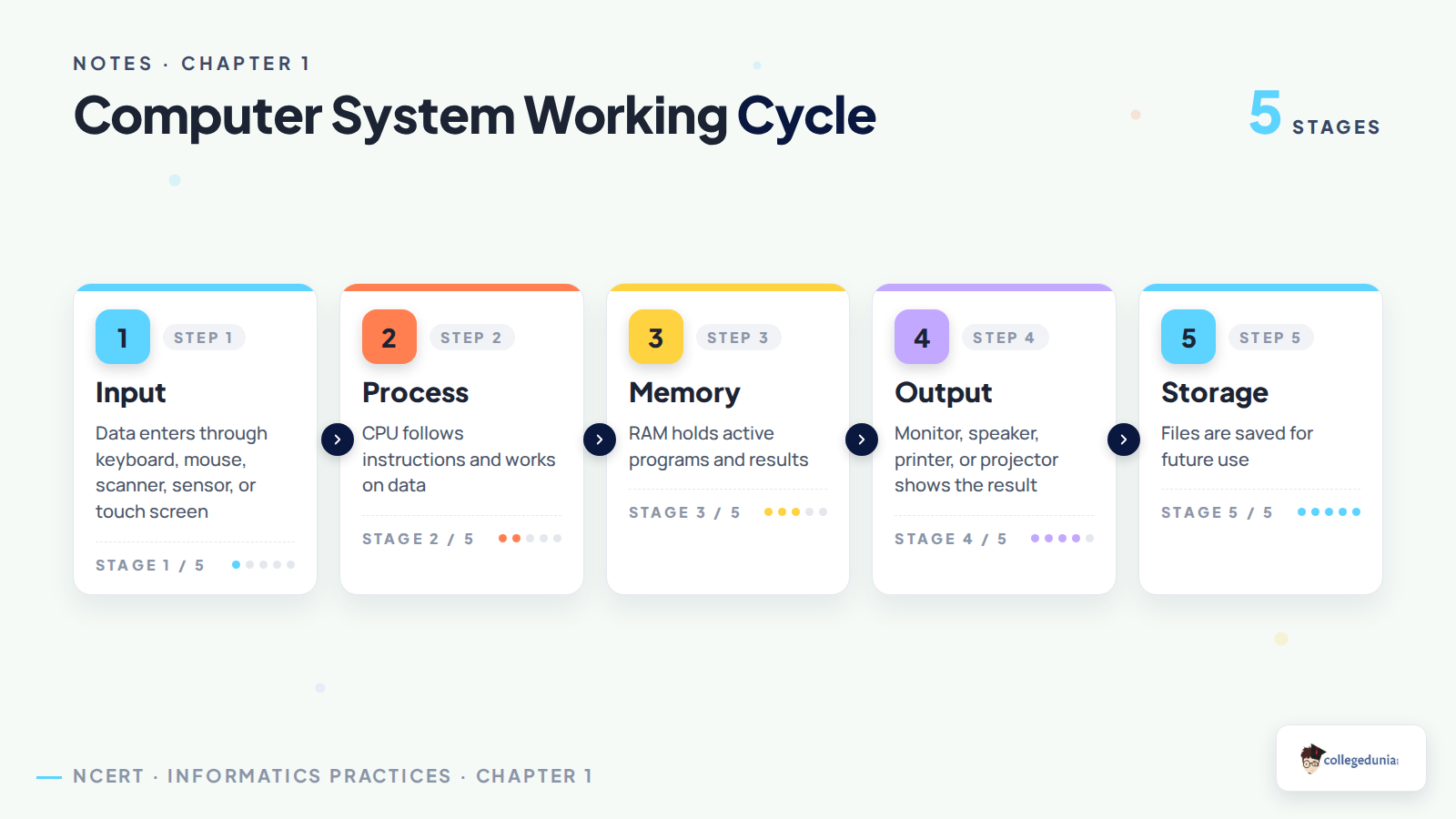
The notes follow the NCERT order and keep every school-level definition close to textbook language. Students first revise the working cycle of a computer system and then move to CPU, memory, evolution, software and data safety.
- Introduction: meaning of computer system, data and information, hardware and software.
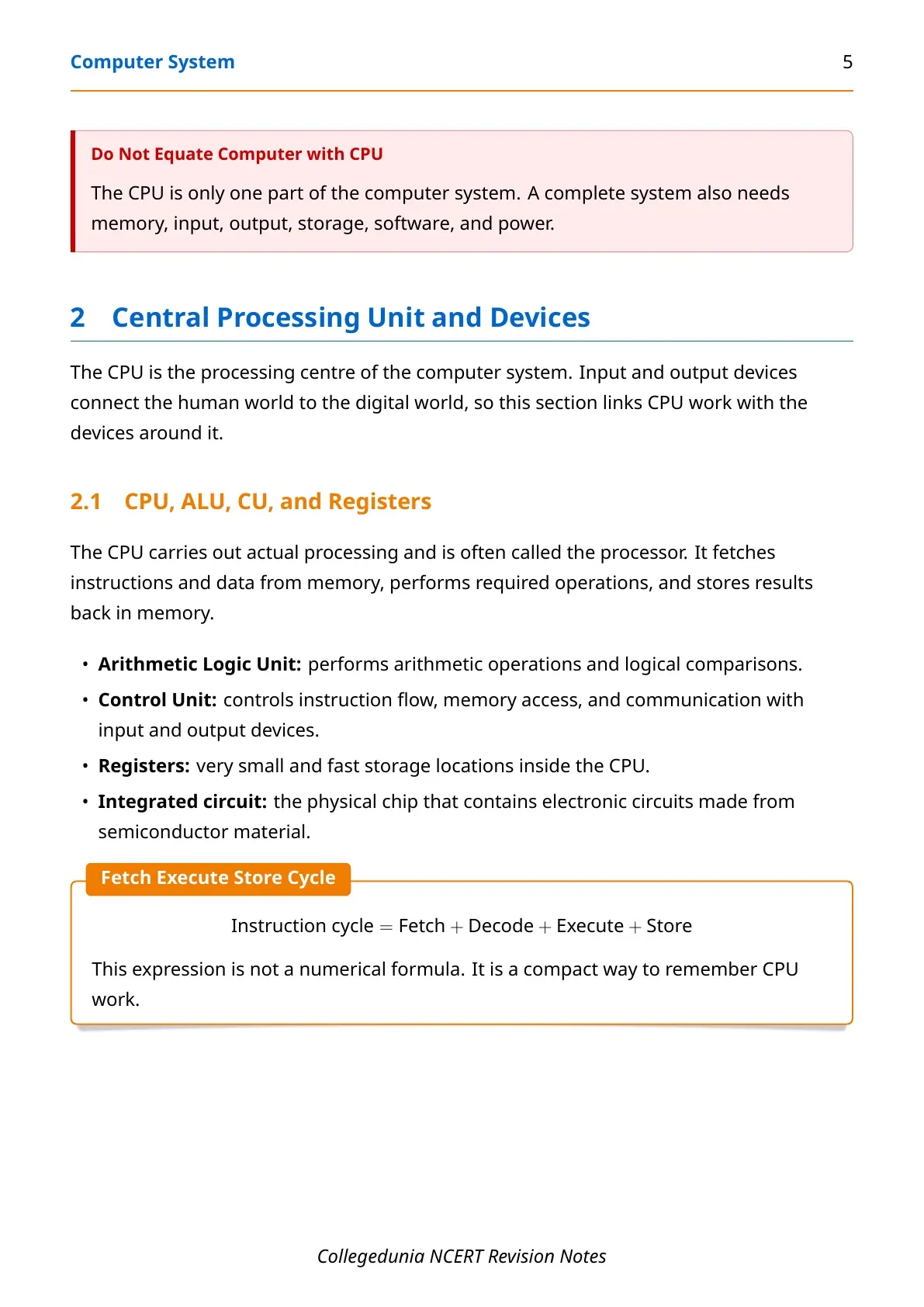
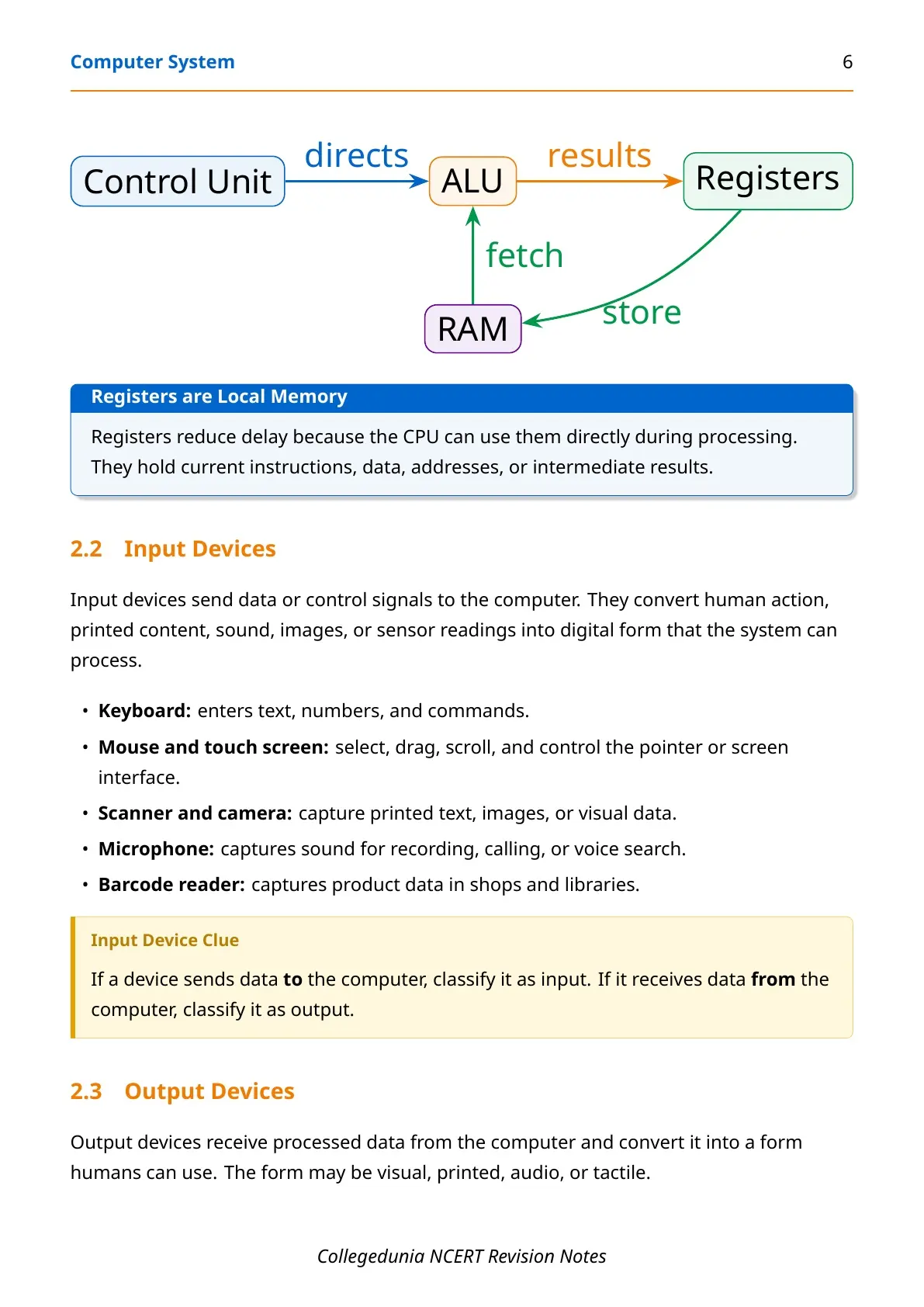
- CPU: role of ALU, Control Unit, registers and the fetch-decode-execute cycle.
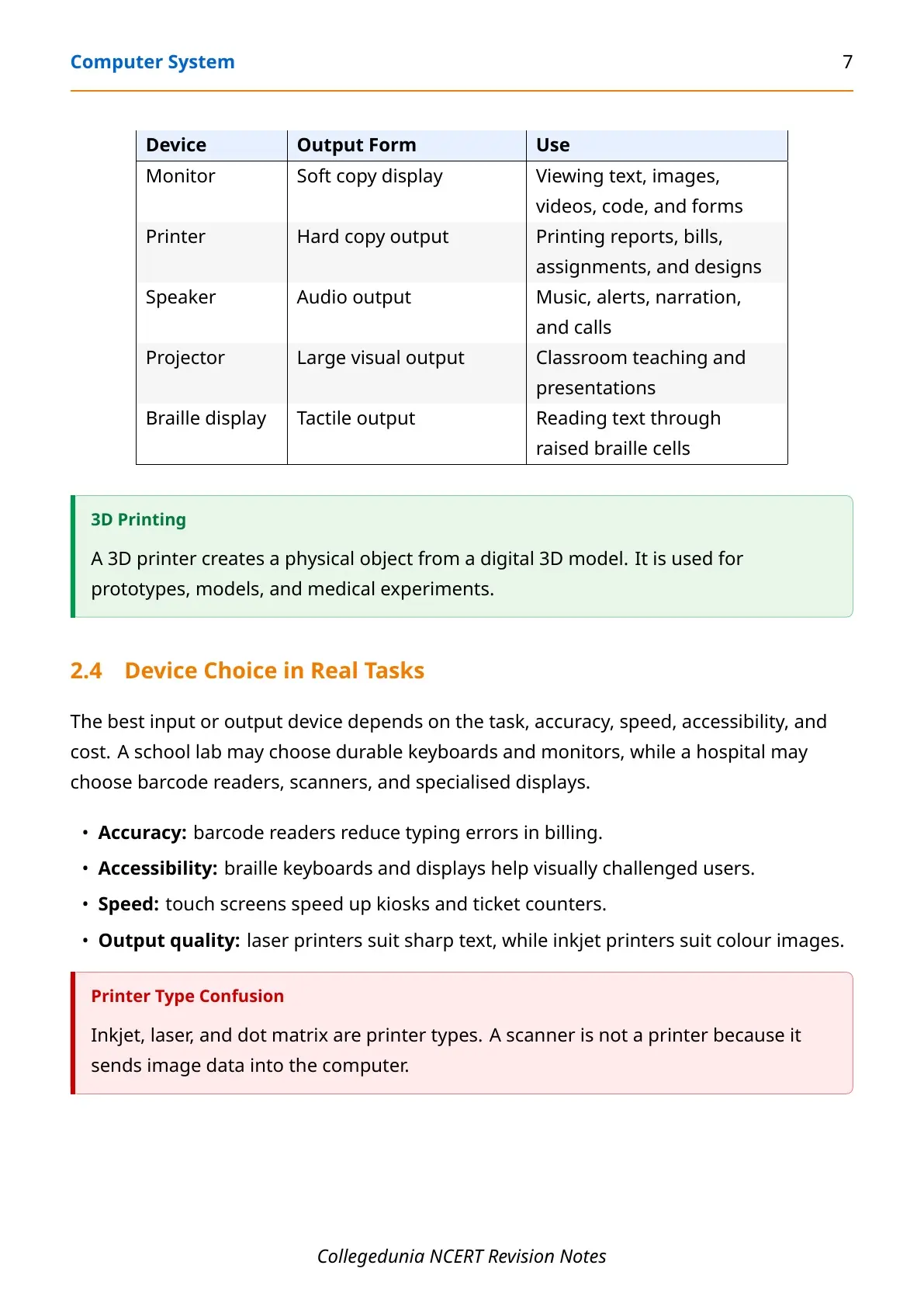
- Devices: keyboard, mouse, scanner, touch screen, monitor, printer, speaker and projector.
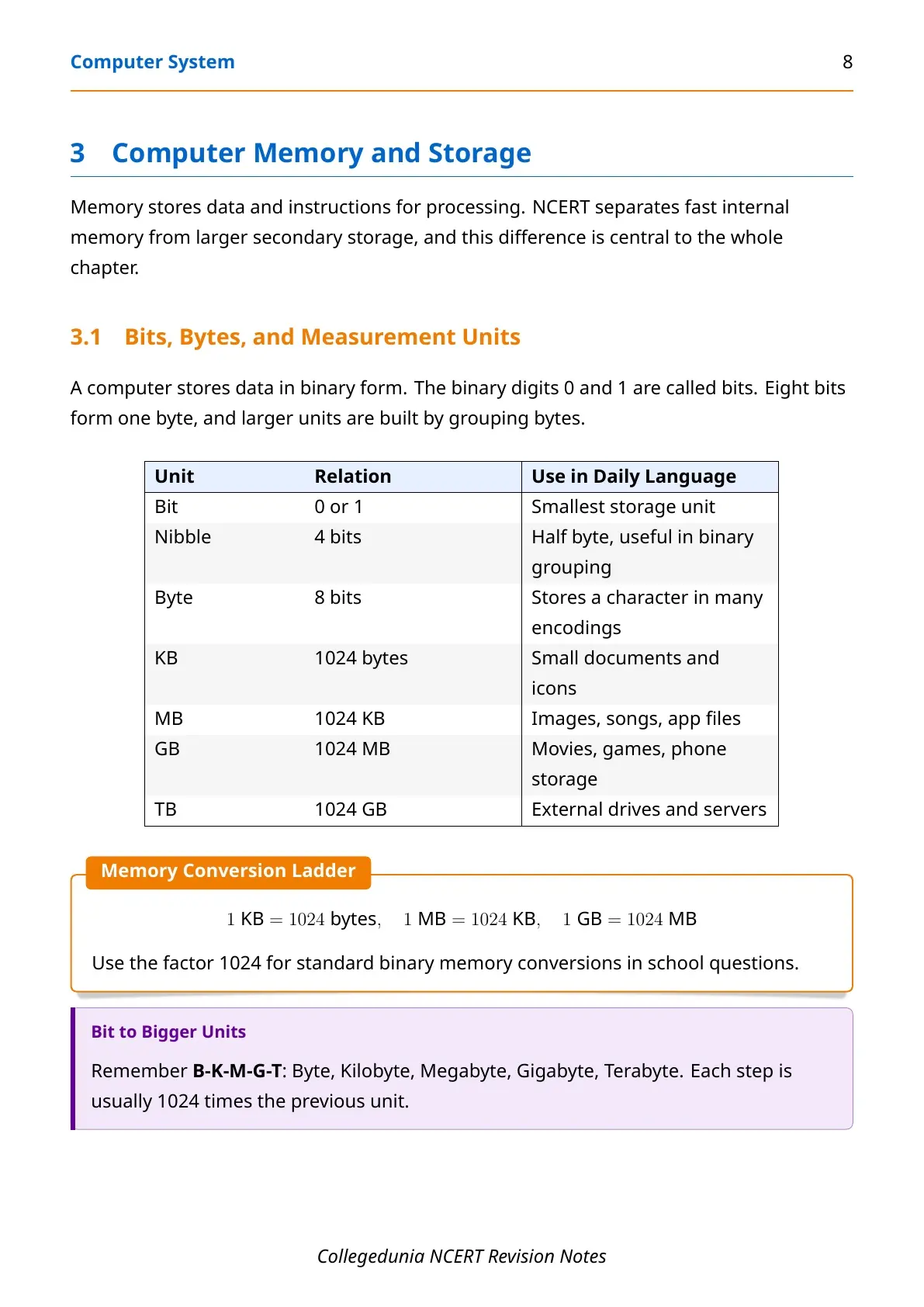
- Memory: bit, nibble, byte, KB, MB, GB, RAM, ROM, cache and secondary storage.
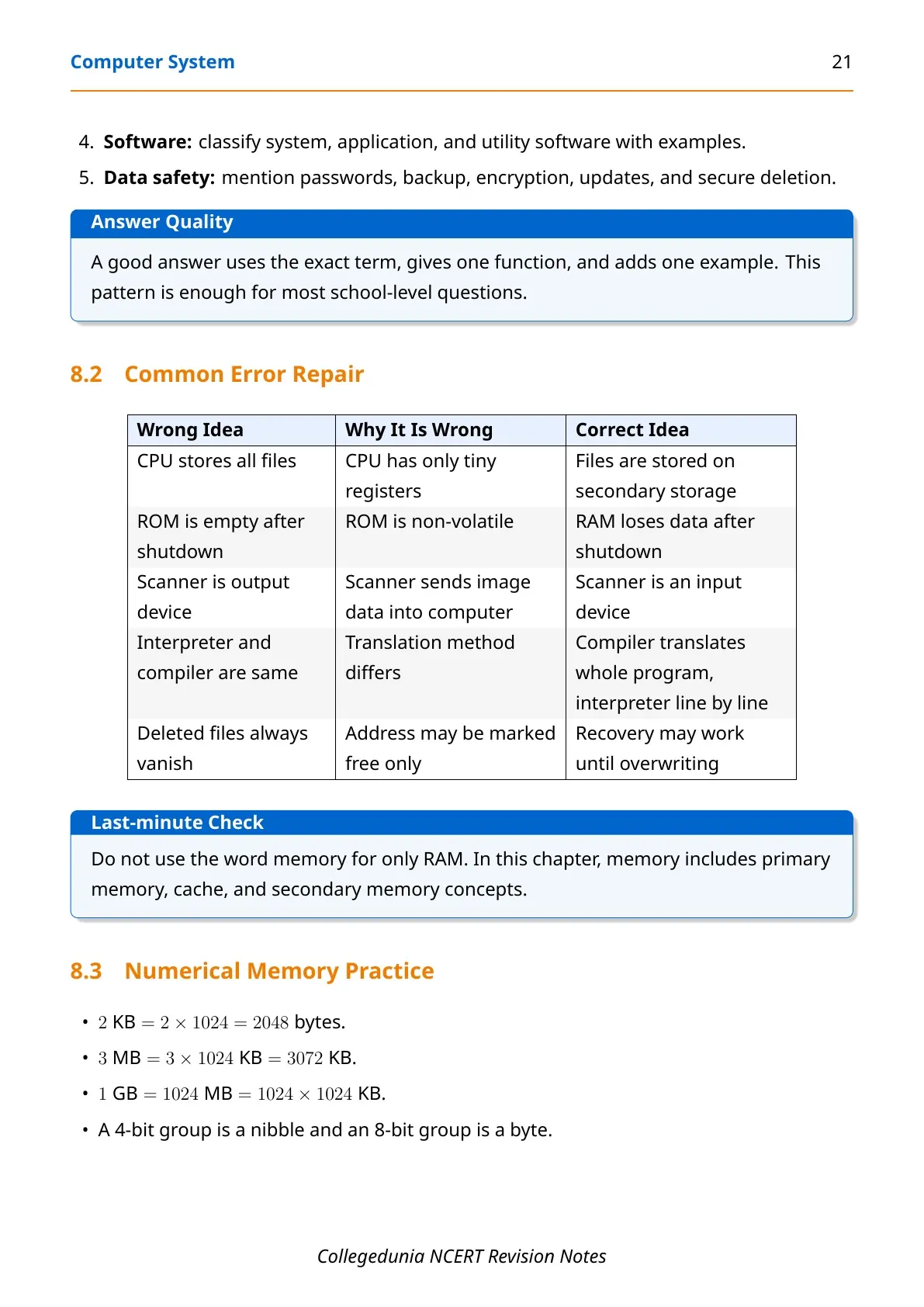
- Software: system software, application software, utility software and language processors.
Computer Memory and Storage Revision
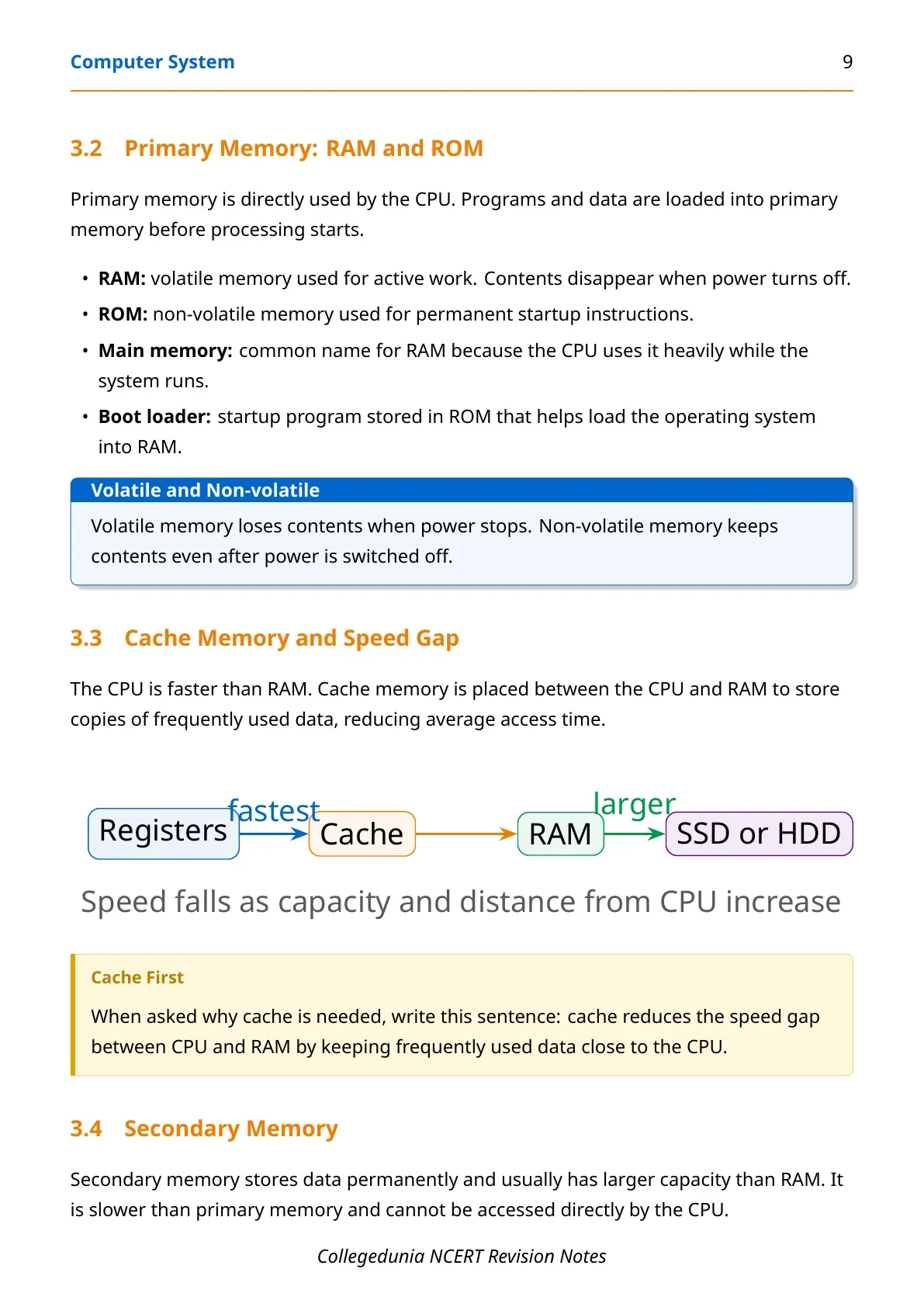
Memory questions are common because students must know both definitions and comparisons. The PDF gives a clear ladder from registers and cache to RAM and secondary storage.
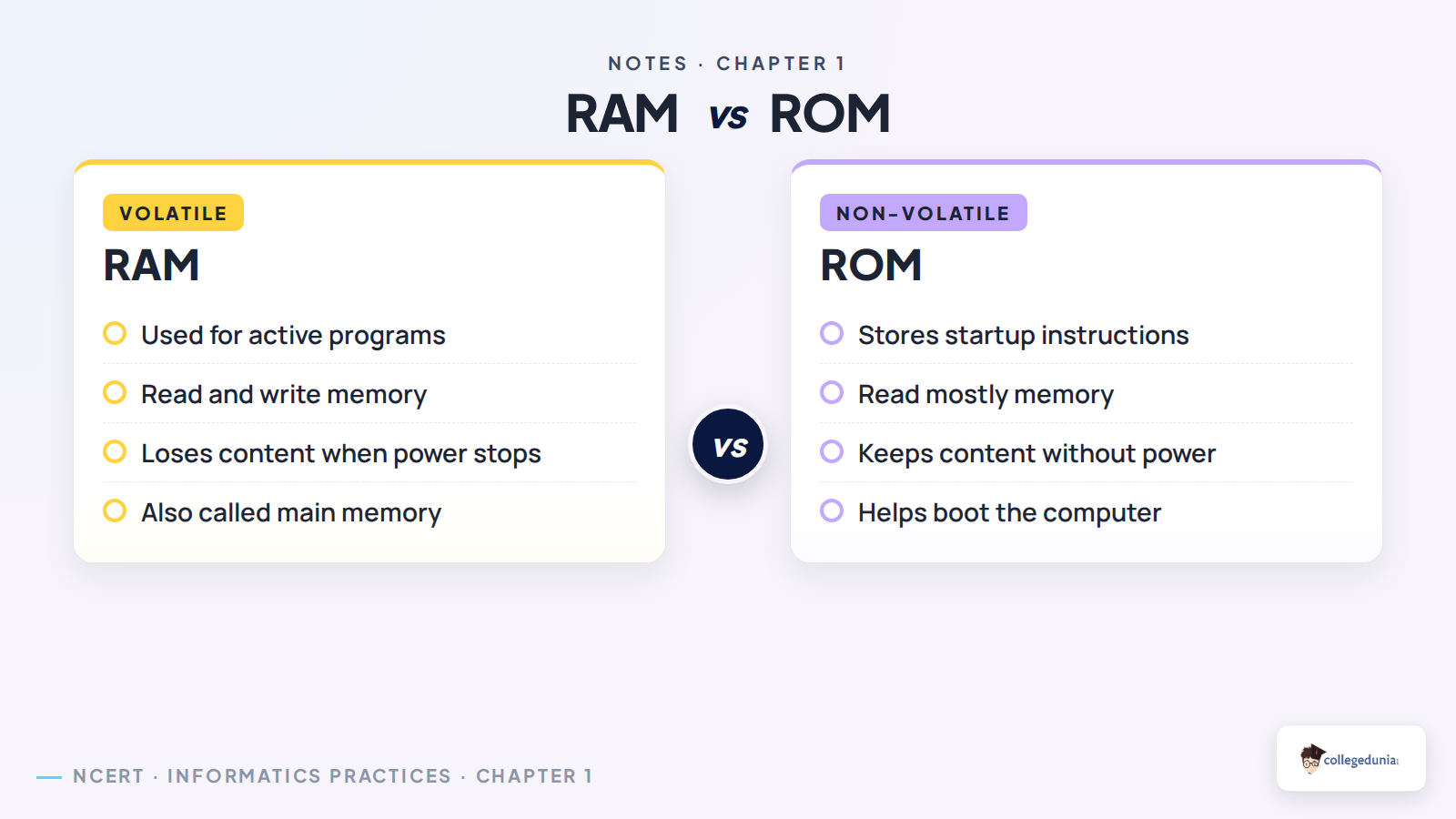
RAM is volatile and used for active programs. ROM is non-volatile and stores startup instructions. Cache memory reduces the speed gap between CPU and RAM.
| Memory type | Nature | Use |
|---|---|---|
| RAM | Volatile, read and write | Runs active programs and stores temporary work |
| ROM | Non-volatile, read mostly | Stores startup instructions |
| Cache | Very fast memory | Keeps frequently used data close to CPU |
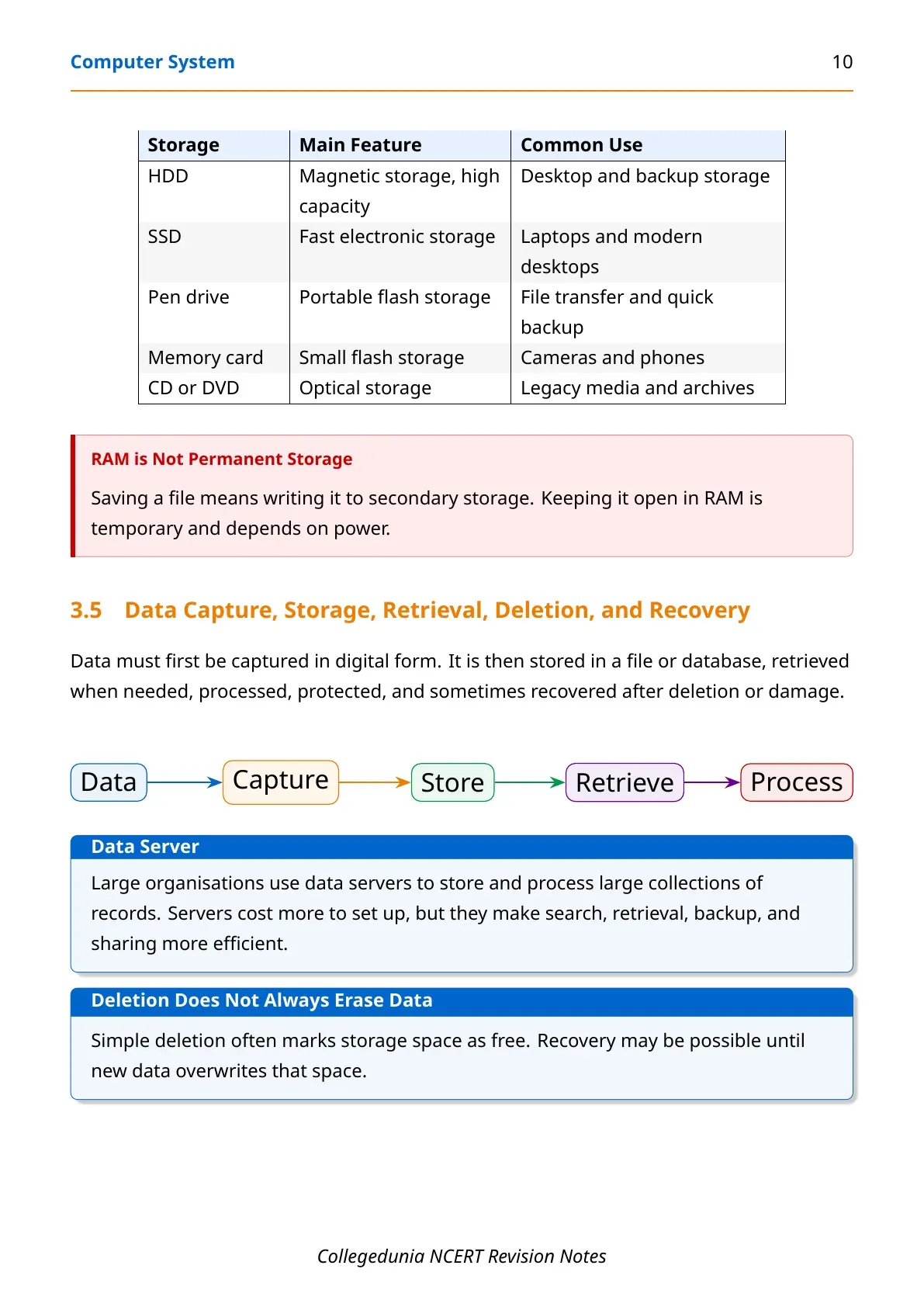
| Secondary storage | Non-volatile and larger | Saves files and programs for future use |
How to Use These Computer System Notes for Revision
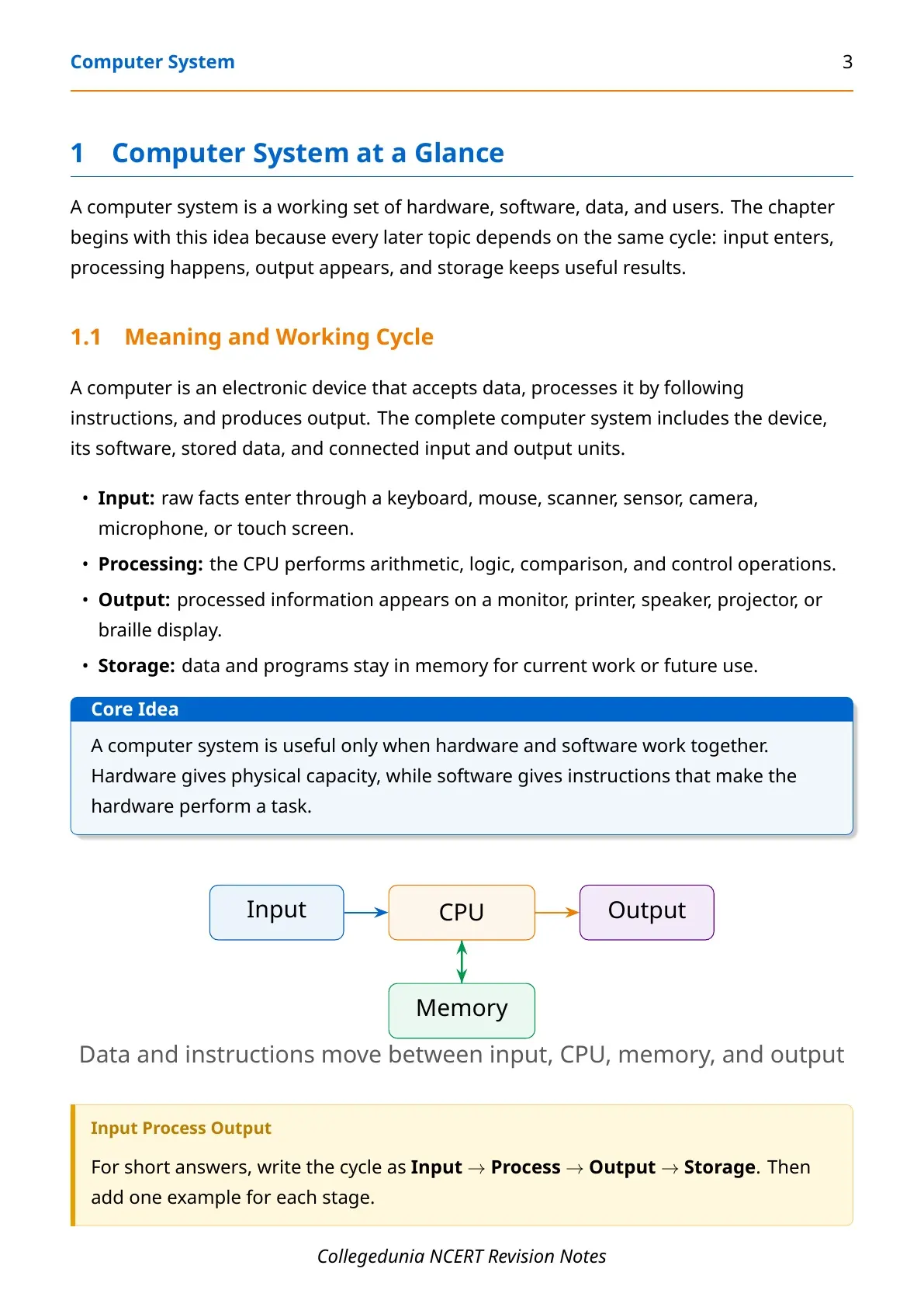
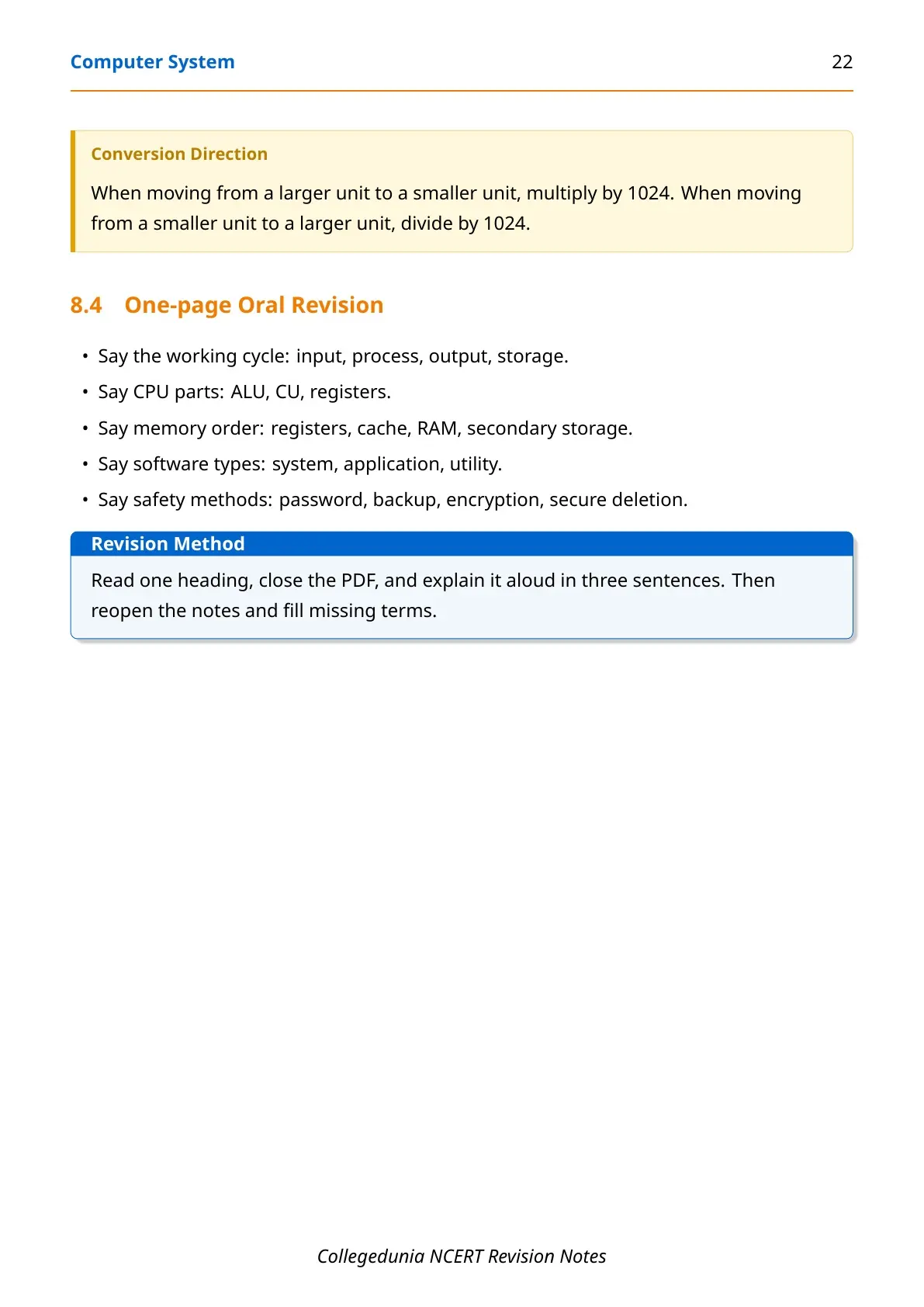
Start with the first two pages of the PDF and revise the input-process-output-storage cycle. Then move to CPU parts, memory units, software types and data safety. This order matches the way school questions are usually framed.
- Write one-line definitions for CPU, RAM, ROM, cache, operating system and open source software.
- Practise memory conversions such as 1 KB = 1024 bytes and 1 byte = 8 bits.
- Use the comparison tables for two-mark and three-mark questions.
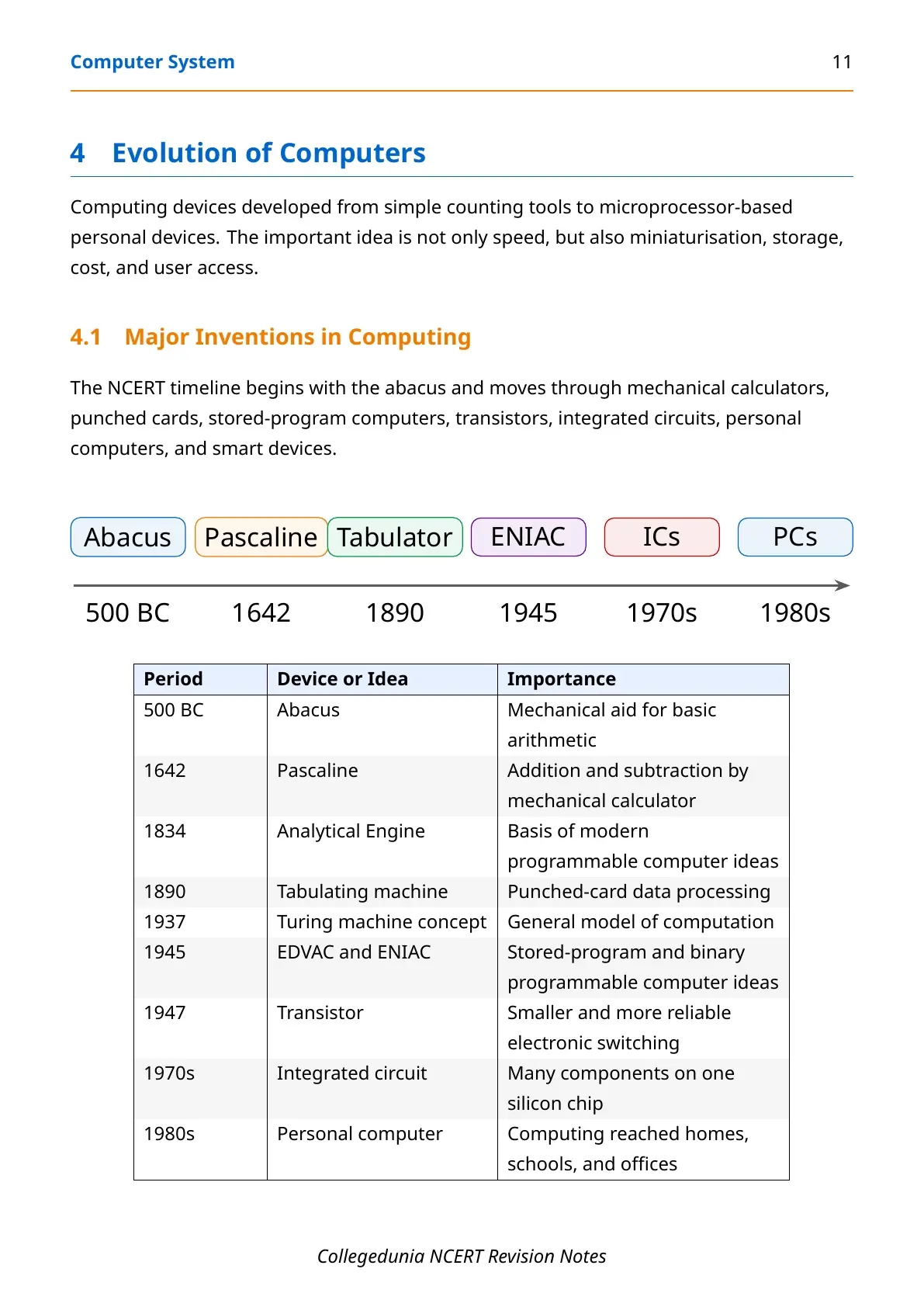
- Revise the timeline from abacus to personal computers and smart devices.
Common Mistakes in Computer System Chapter
Students often lose marks by mixing similar terms. The safest method is to write the key difference first, then add one example from NCERT.
| Mistake | Correct point |
|---|---|
| Writing CPU as only ALU | CPU includes ALU, Control Unit and registers. |
| Calling RAM permanent | RAM is volatile. ROM and secondary storage are non-volatile. |
| Calling scanner an output device | Scanner is an input device because it sends data to the computer. |
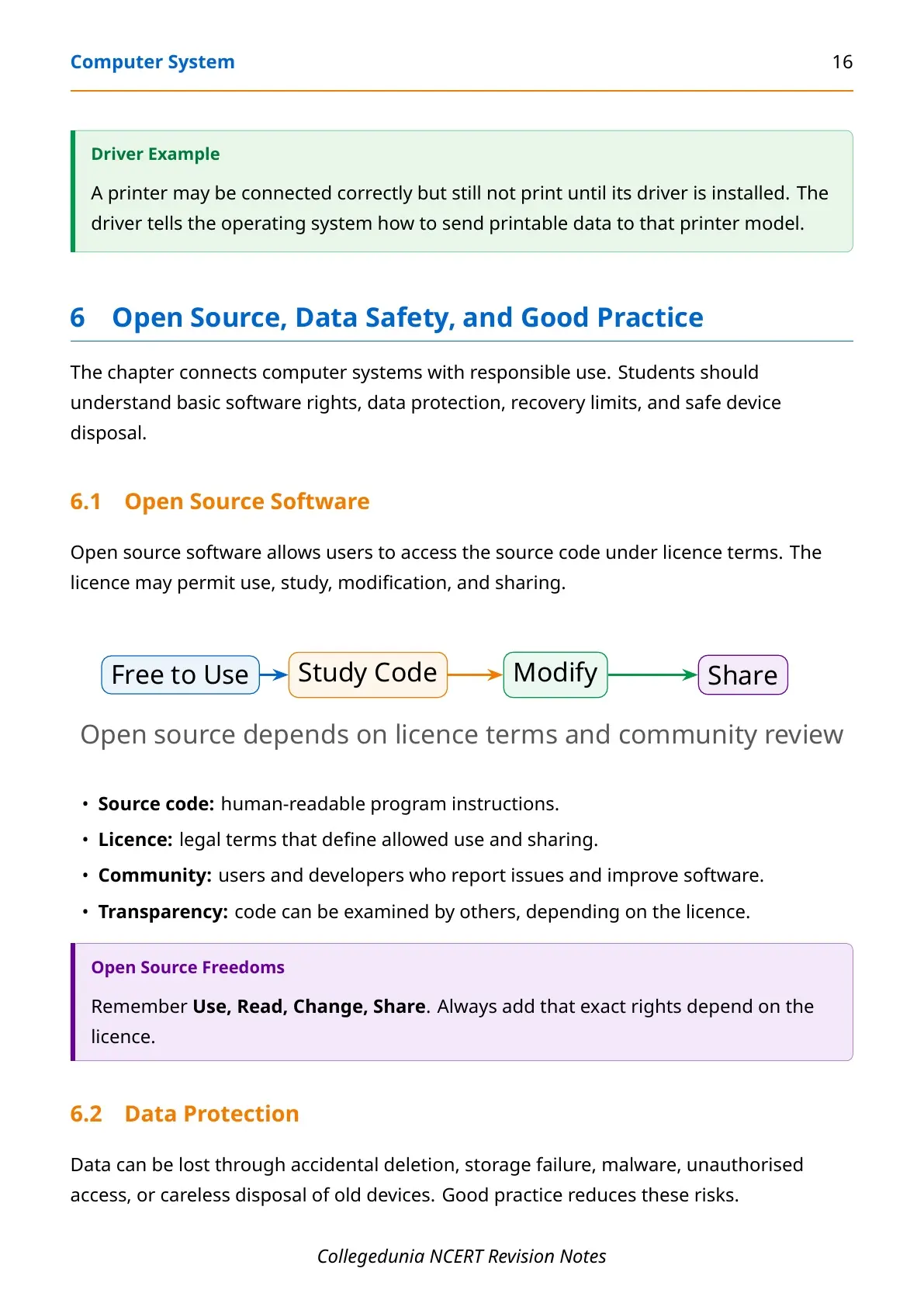
| Calling freeware open source | Freeware may be free to use, but source code may stay closed. |
Other Class 11 Informatics Practices Computer System Resources
| Resource | Link |
|---|---|
| NCERT Solutions | Computer System NCERT Solutions |
| NCERT Book PDF | Computer System NCERT Book PDF |
| Handwritten Notes | Computer System Handwritten Notes |
| Formula Sheet | Computer System Formula Sheet |
Class 11 Informatics Practices Notes All Chapters
| Chapter | Notes Link |
|---|---|
| Chapter 1 Computer System | Computer System Notes |
| Chapter 2 Emerging Trends | Emerging Trends Notes |
| Chapter 3 Brief Overview of Python | Brief Overview of Python Notes |
| Chapter 4 Working with Lists and Dictionaries | Lists and Dictionaries Notes |
Computer System Class 11 Informatics Practices Notes FAQs
Ques. What is a computer system in Class 11 Informatics Practices?
Ans. A computer system is hardware and software working together to accept input, process data, store results and produce output.
Ques. What are the main parts of CPU?
Ans. The main CPU parts are Arithmetic Logic Unit, Control Unit and registers. ALU calculates, CU controls and registers store temporary values.
Ques. What is the difference between RAM and ROM?
Ans. RAM is volatile and used for active work. ROM is non-volatile and stores startup instructions needed while booting the computer.
Ques. Why is cache memory used?
Ans. Cache memory stores frequently used data near the CPU. It reduces average memory access time and helps the CPU work faster.



Comments