




NCERT Class 8 Vocational Education Chapter 4 Home Automation Notes explain automation, sensors, microcontrollers, circuit simulation, Arduino projects, smart systems and electrical safety for the 2026-27 Kaushal Bodh textbook.
- Project focus: observe automation, test circuits, add sensors and build a safe prototype.
- Best use: revise before simulation work, Arduino IDE practice and project reflection.
- Answer focus: always write input, processing, output and safety.
Chapter4HomeAutomationNotes.pdf?page=1&dpi=150)
Chapter4HomeAutomationNotes.pdf?page=2&dpi=150)
Chapter4HomeAutomationNotes.pdf?page=3&dpi=150)
Chapter4HomeAutomationNotes.pdf?page=4&dpi=150)
Chapter4HomeAutomationNotes.pdf?page=5&dpi=150)
Chapter4HomeAutomationNotes.pdf?page=6&dpi=150)
Chapter4HomeAutomationNotes.pdf?page=7&dpi=150)
Chapter4HomeAutomationNotes.pdf?page=8&dpi=150)
Chapter4HomeAutomationNotes.pdf?page=9&dpi=150)
Chapter4HomeAutomationNotes.pdf?page=10&dpi=150)
Chapter4HomeAutomationNotes.pdf?page=11&dpi=150)
Chapter4HomeAutomationNotes.pdf?page=12&dpi=150)
Chapter4HomeAutomationNotes.pdf?page=13&dpi=150)
Chapter4HomeAutomationNotes.pdf?page=14&dpi=150)
Chapter4HomeAutomationNotes.pdf?page=15&dpi=150)
Chapter4HomeAutomationNotes.pdf?page=16&dpi=150)
Chapter4HomeAutomationNotes.pdf?page=17&dpi=150)
Chapter4HomeAutomationNotes.pdf?page=18&dpi=150)
Chapter4HomeAutomationNotes.pdf?page=19&dpi=150)
Chapter4HomeAutomationNotes.pdf?page=20&dpi=150)
Chapter4HomeAutomationNotes.pdf?page=21&dpi=150)
Chapter4HomeAutomationNotes.pdf?page=22&dpi=150)
Chapter4HomeAutomationNotes.pdf?page=23&dpi=150)
Chapter4HomeAutomationNotes_flat_MobileCard.pdf?page=1&dpi=150)
Chapter4HomeAutomationNotes_flat_MobileCard.pdf?page=2&dpi=150)
Chapter4HomeAutomationNotes_flat_MobileCard.pdf?page=3&dpi=150)
Chapter4HomeAutomationNotes_flat_MobileCard.pdf?page=4&dpi=150)
Chapter4HomeAutomationNotes_flat_MobileCard.pdf?page=5&dpi=150)
Chapter4HomeAutomationNotes_flat_MobileCard.pdf?page=6&dpi=150)
Chapter4HomeAutomationNotes_flat_MobileCard.pdf?page=7&dpi=150)
Chapter4HomeAutomationNotes_flat_MobileCard.pdf?page=8&dpi=150)
Chapter4HomeAutomationNotes_flat_MobileCard.pdf?page=9&dpi=150)
Chapter4HomeAutomationNotes_flat_MobileCard.pdf?page=10&dpi=150)
Chapter4HomeAutomationNotes_flat_MobileCard.pdf?page=11&dpi=150)
Chapter4HomeAutomationNotes_flat_MobileCard.pdf?page=12&dpi=150)
Chapter4HomeAutomationNotes_flat_MobileCard.pdf?page=13&dpi=150)
Chapter4HomeAutomationNotes_flat_MobileCard.pdf?page=14&dpi=150)
Chapter4HomeAutomationNotes_flat_MobileCard.pdf?page=15&dpi=150)
Chapter4HomeAutomationNotes_flat_MobileCard.pdf?page=16&dpi=150)
Chapter4HomeAutomationNotes_flat_MobileCard.pdf?page=17&dpi=150)
Chapter4HomeAutomationNotes_flat_MobileCard.pdf?page=18&dpi=150)
Chapter4HomeAutomationNotes_flat_MobileCard.pdf?page=19&dpi=150)
Chapter4HomeAutomationNotes_flat_MobileCard.pdf?page=20&dpi=150)
Chapter4HomeAutomationNotes_flat_MobileCard.pdf?page=21&dpi=150)
Chapter4HomeAutomationNotes_flat_MobileCard.pdf?page=22&dpi=150)
Chapter4HomeAutomationNotes_flat_MobileCard.pdf?page=23&dpi=150)
Chapter4HomeAutomationNotes_flat_MobileCard.pdf?page=24&dpi=150)
Chapter4HomeAutomationNotes_flat_MobileCard.pdf?page=25&dpi=150)
Chapter4HomeAutomationNotes_flat_MobileCard.pdf?page=26&dpi=150)
Chapter4HomeAutomationNotes_flat_MobileCard.pdf?page=27&dpi=150)
Chapter4HomeAutomationNotes_flat_MobileCard.pdf?page=28&dpi=150)
Chapter4HomeAutomationNotes_flat_MobileCard.pdf?page=29&dpi=150)
Chapter4HomeAutomationNotes_flat_MobileCard.pdf?page=30&dpi=150)
Chapter4HomeAutomationNotes_flat_MobileCard.pdf?page=31&dpi=150)
Chapter4HomeAutomationNotes_flat_MobileCard.pdf?page=32&dpi=150)
Chapter4HomeAutomationNotes_flat_MobileCard.pdf?page=33&dpi=150)
Chapter4HomeAutomationNotes_flat_MobileCard.pdf?page=34&dpi=150)
Chapter4HomeAutomationNotes_flat_MobileCard.pdf?page=35&dpi=150)
Chapter4HomeAutomationNotes_flat_MobileCard.pdf?page=36&dpi=150)
Chapter4HomeAutomationNotes_flat_MobileCard.pdf?page=37&dpi=150)
Chapter4HomeAutomationNotes_flat_MobileCard.pdf?page=38&dpi=150)
Chapter4HomeAutomationNotes_flat_MobileCard.pdf?page=39&dpi=150)
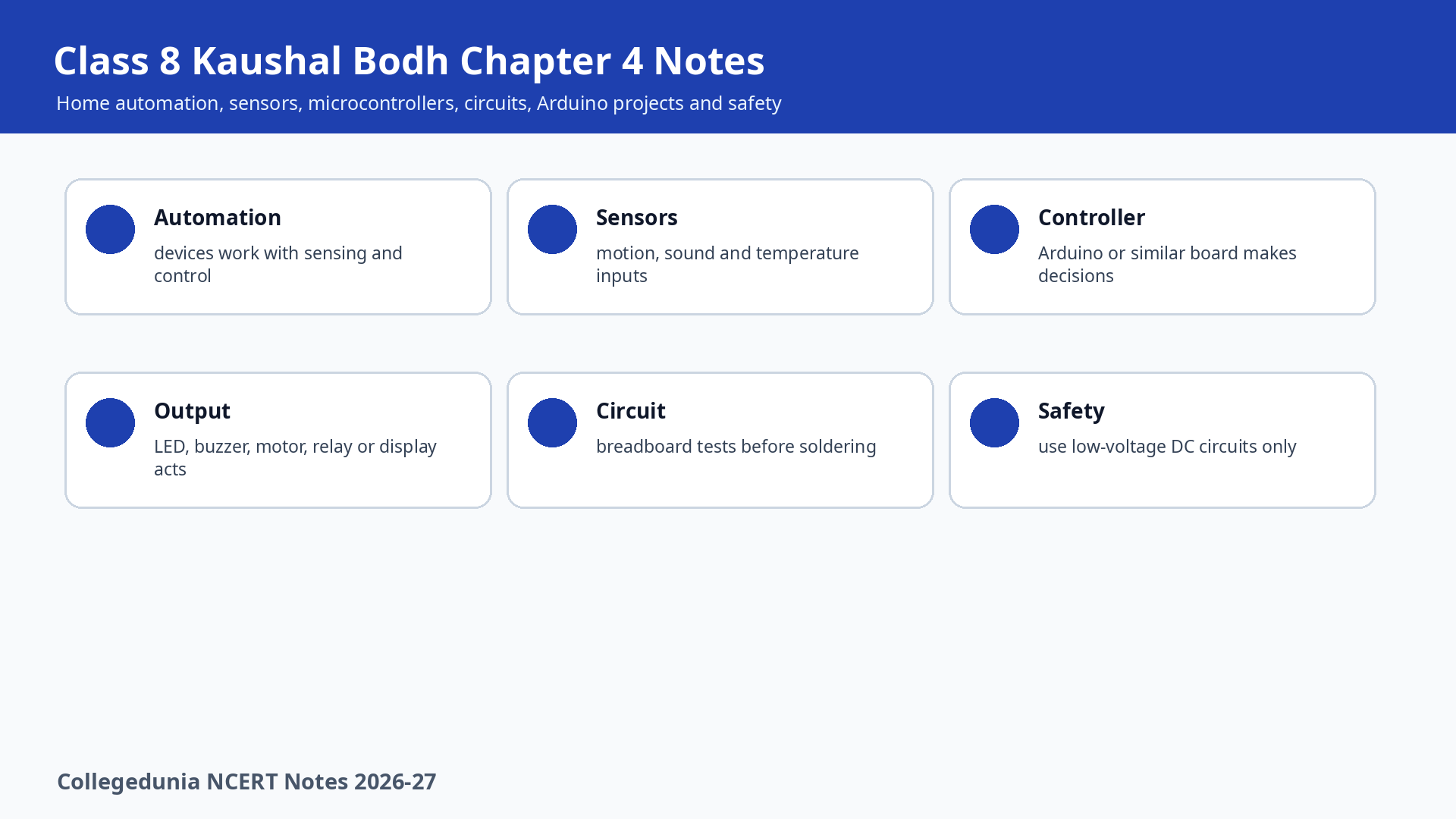
These NCERT notes follow the 2026-27 Kaushal Bodh project order and keep sensors, microcontrollers, circuits and testing in simple revision sequence.
Student Feedback on Home Automation Notes
In a Collegedunia classroom check with 1,080 Class 8 students, learners revised the chapter faster after separating input, processing and output into one automation cycle.
Home Automation Notes Overview
Chapter 4 introduces automation as the use of technology to control everyday devices automatically. Students begin with examples such as motion-sensor lights and soil-moisture based garden watering.
- Automation means a device senses a condition and acts without constant manual switching.
- Project work moves from observation to simulation, physical circuits, sensors and microcontroller control.
- Safety is central because beginner circuits must use low-voltage DC power.
Automation Cycle
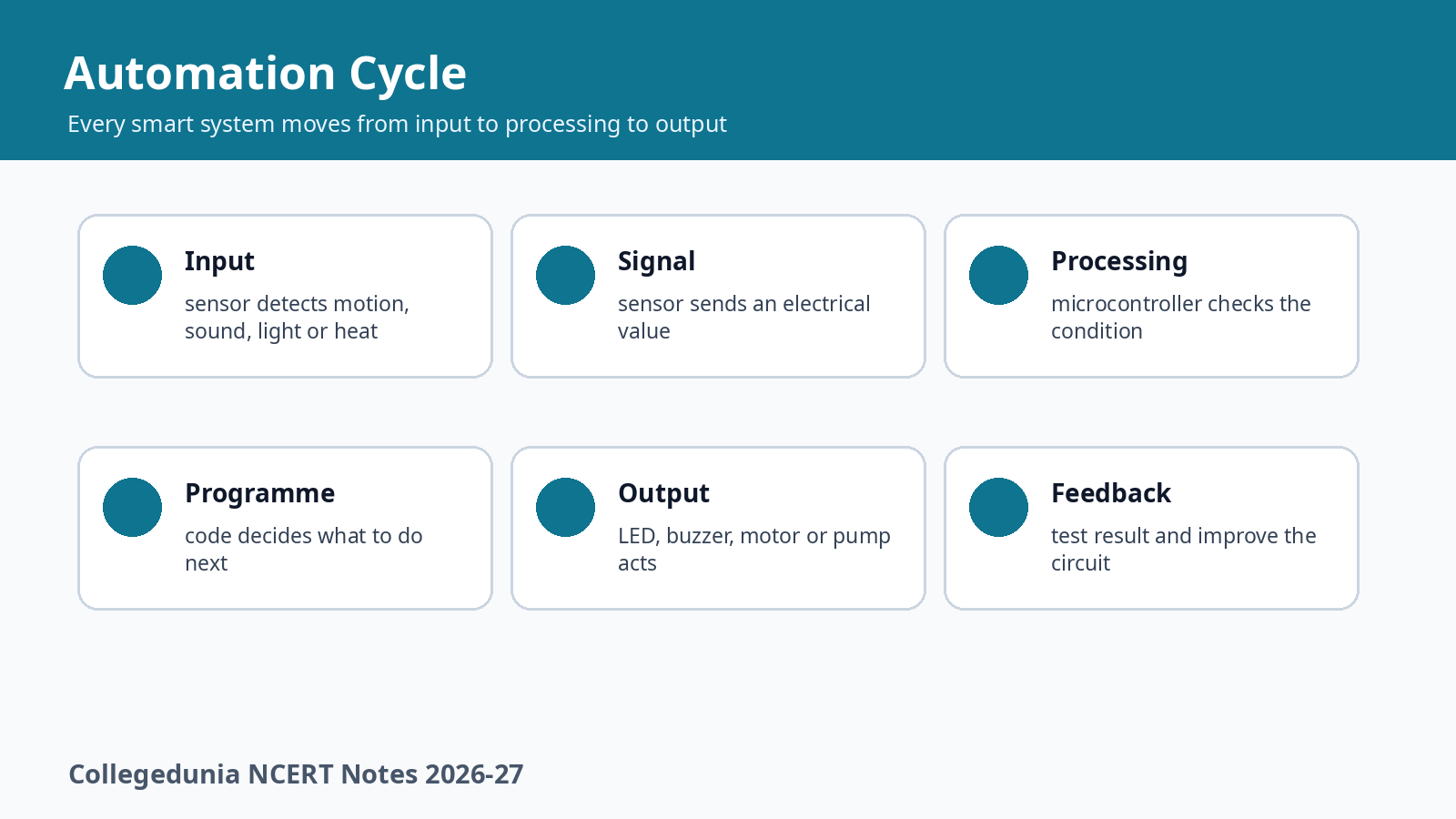
Every smart system in the chapter follows an input, processing and output cycle. The sensor detects a change, the microcontroller processes the signal and the output device performs the action.
| Cycle part | Meaning | Example |
|---|---|---|
| Input | Sensor detects a condition | PIR sensor detects movement |
| Processing | Microcontroller checks the condition | Arduino decides if LED should turn on |
| Output | Device performs action | LED glows or buzzer sounds |
| Testing | Student records result | Fix loose wire or wrong pin |
Digital Signal Video Revision
Source: Khan Academy on YouTube
Components and Sensors
Important electronic components include breadboard, microcontroller, LED, LCD display, buzzer, battery, PCB, adapters, Arduino cable, jumper wires and DMM. Sensors include motion detection, sound and temperature sensors.
| Item | Use | Revision point |
|---|---|---|
| Breadboard | Temporary testing without soldering | Used for prototyping |
| LED | Shows light output | Long leg is positive |
| Microcontroller | Reads input and controls output | Arduino Uno is one example |
| Motion sensor | Detects heat change from moving humans or animals | Useful for smart lights |
| DMM | Checks voltage, current and resistance | Useful for troubleshooting |
Circuit Simulation and Physical Build
Simulation platforms let students test LED and buzzer circuits before using real parts. The chapter suggests circuits with LED, 220 ohms resistor, 9 V battery and switch, then a buzzer circuit with similar support parts.
- Draw the circuit you want to test.
- Open a simulation platform such as Tinkercad.
- Place components and make connections.
- Test the output and record observations.
- Build the physical circuit only after the logic is clear.
Microcontroller and Smart System
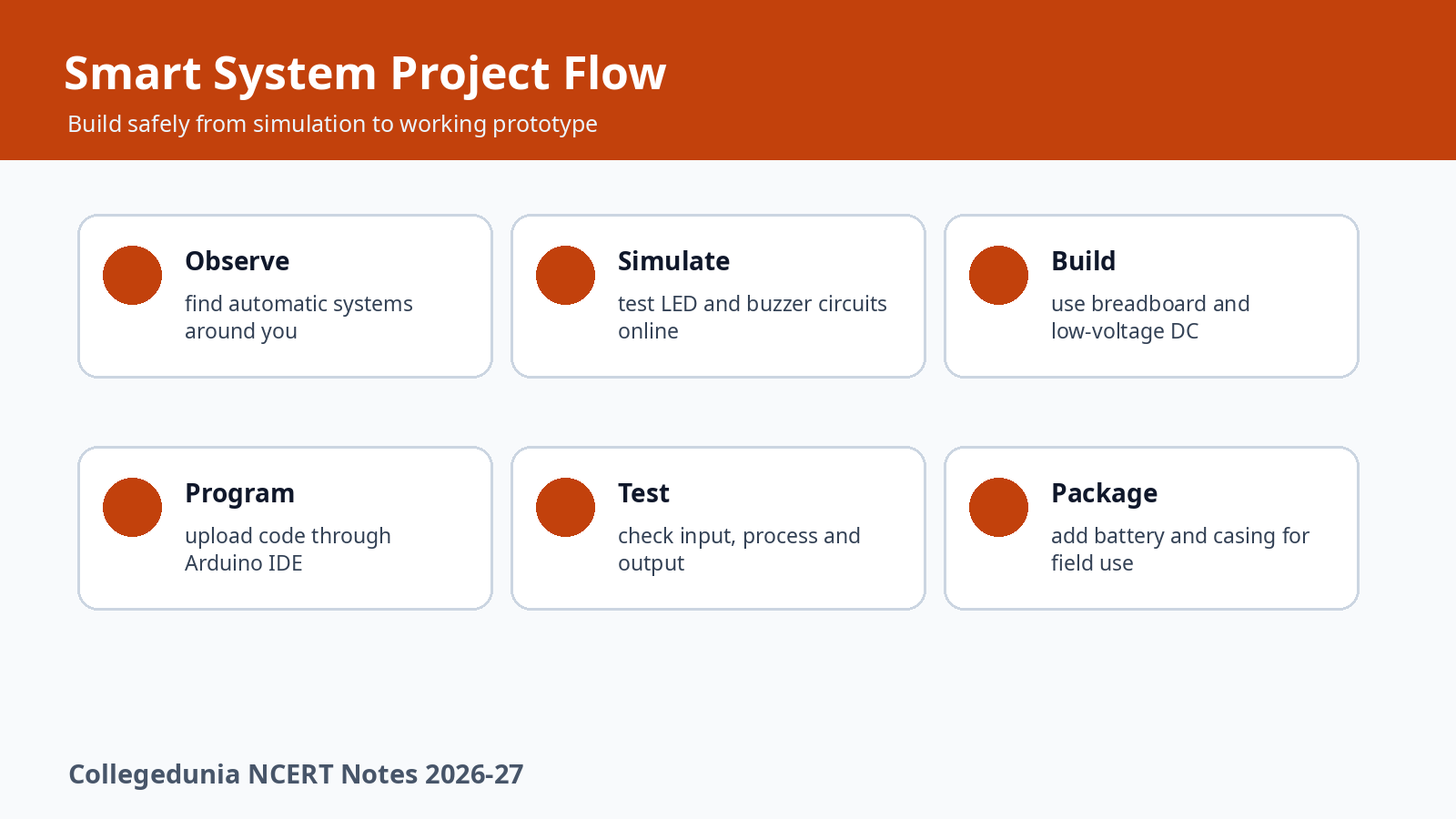
A microcontroller is the brain of the circuit. Arduino Uno has analog pins, digital pins, USB port, power supply, reset button and ground. Students upload code through Arduino IDE and test output devices such as LEDs and buzzers.
| Arduino part | Purpose | Student use |
|---|---|---|
| Analog pins | Read changing values | Sensor input |
| Digital pins | Give on or off signals | LED or buzzer control |
| USB port | Connects board to computer | Programme upload |
| GND | Reference point of voltage | Completes circuit safely |
Own Automation Project
The final activity asks students to make their own automation system. Possible ideas include automatic plant watering, obstacle detection, fire alarm, gate opening, theft detection alarm and smart fan.
| Project idea | Input | Output |
|---|---|---|
| Plant watering | Soil moisture sensor | Water pump |
| Fire alarm | Temperature or flame sensor | Buzzer |
| Theft alarm | Motion sensor | Alarm sound |
| Smart fan | Temperature sensor | Fan motor |
Related Resources for Class 8 Kaushal Bodh Chapter 4
| Resource | Use it for | Link |
|---|---|---|
| NCERT Solutions | Activity answers and reflection questions | Open Solutions |
| NCERT Book PDF | Official chapter text and activity tables | Open Book PDF |
| Handwritten Notes | Quick visual recap before project work | Open Handwritten Notes |
All Class 8 Vocational Education Notes Chapters
| Chapter | Notes Link |
|---|---|
| Chapter 1 Hydroponics: Growing Plants without Soil | Open Notes |
| Chapter 2 Feeding and Caring for Farm Animals | Open Notes |
| Chapter 3 Working with Wood and Bamboo | Open Notes |
| Chapter 4 Home Automation | Current chapter notes |
| Chapter 5 Water Audit for Water Management | Coming soon |
| Chapter 6 Creating Advertisements | Coming soon |
Home Automation Class 8 Notes FAQs
Ques. What is automation in Class 8 Kaushal Bodh?
Ans. Automation means using technology so a device senses a condition, processes it and performs an action without constant manual control.
Ques. What are the three steps in the automation cycle?
Ans. The three steps are input or sensing, processing or decision making, and output or action execution.
Ques. What does a microcontroller do in home automation?
Ans. A microcontroller reads sensor information, runs a programme and sends commands to output devices such as LEDs, buzzers or motors.
Ques. Why should beginners avoid AC mains in circuit activities?
Ans. AC mains can be dangerous. Beginners should use low-voltage DC batteries and work with teacher supervision.



Comments