




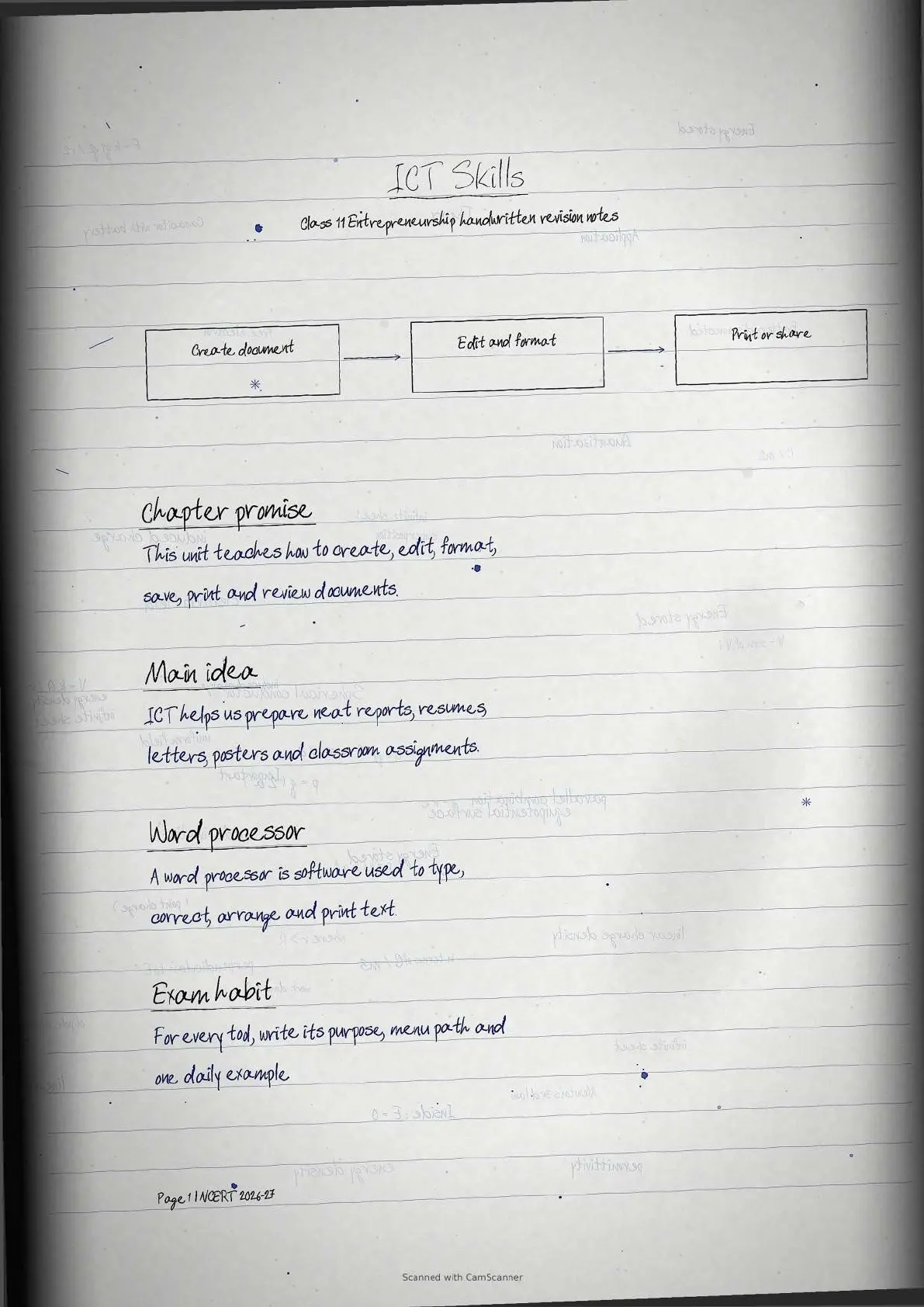
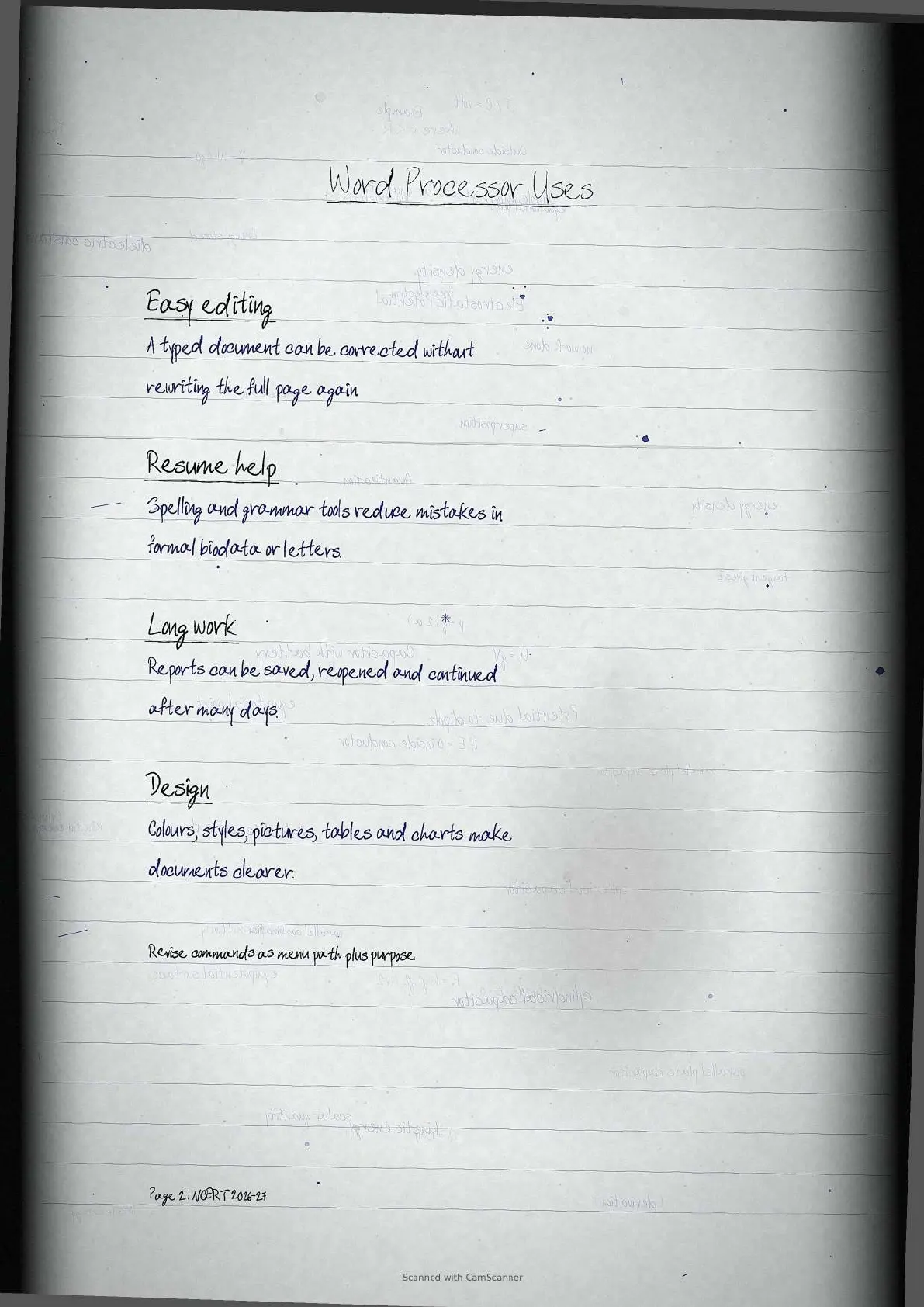
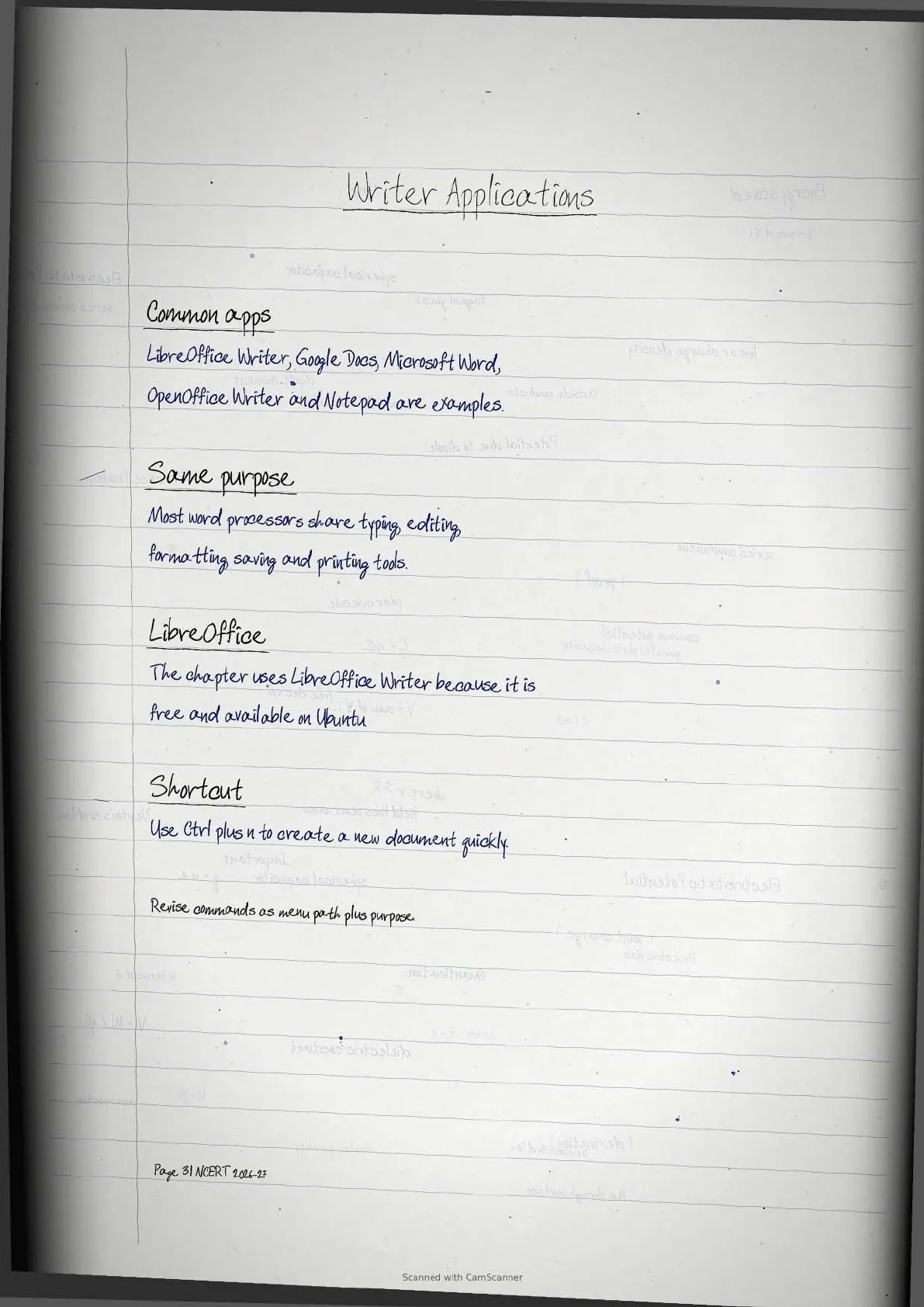
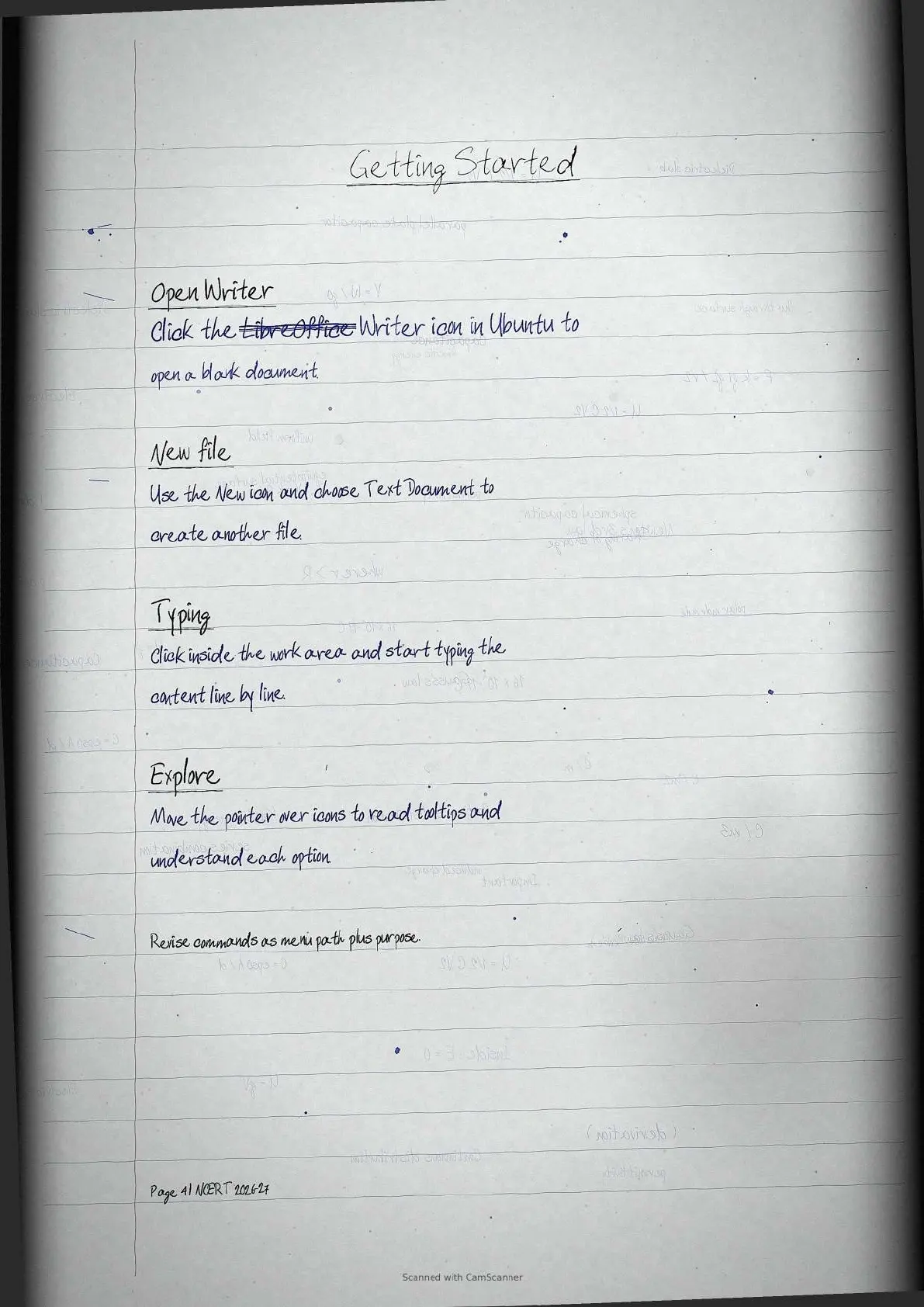
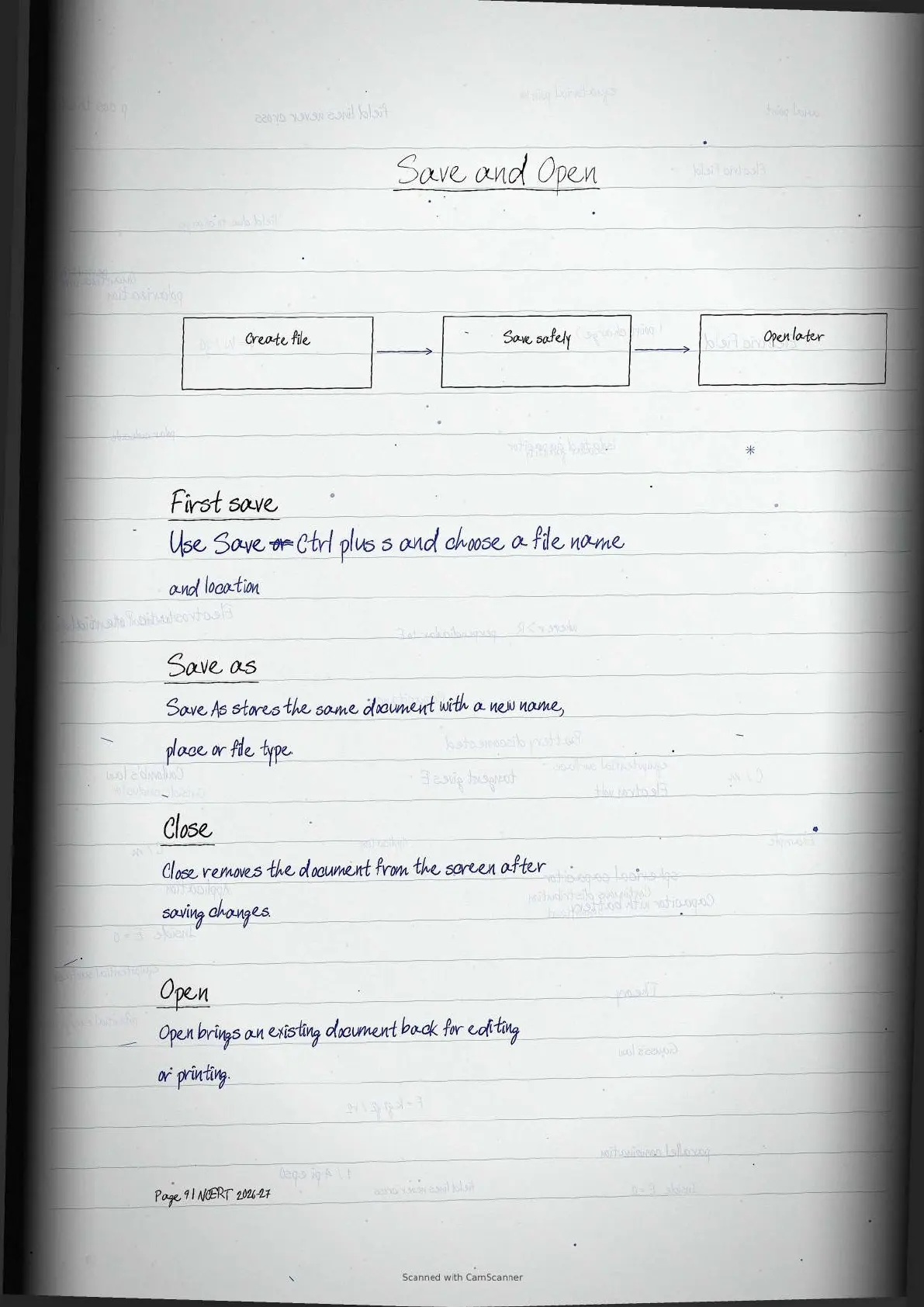
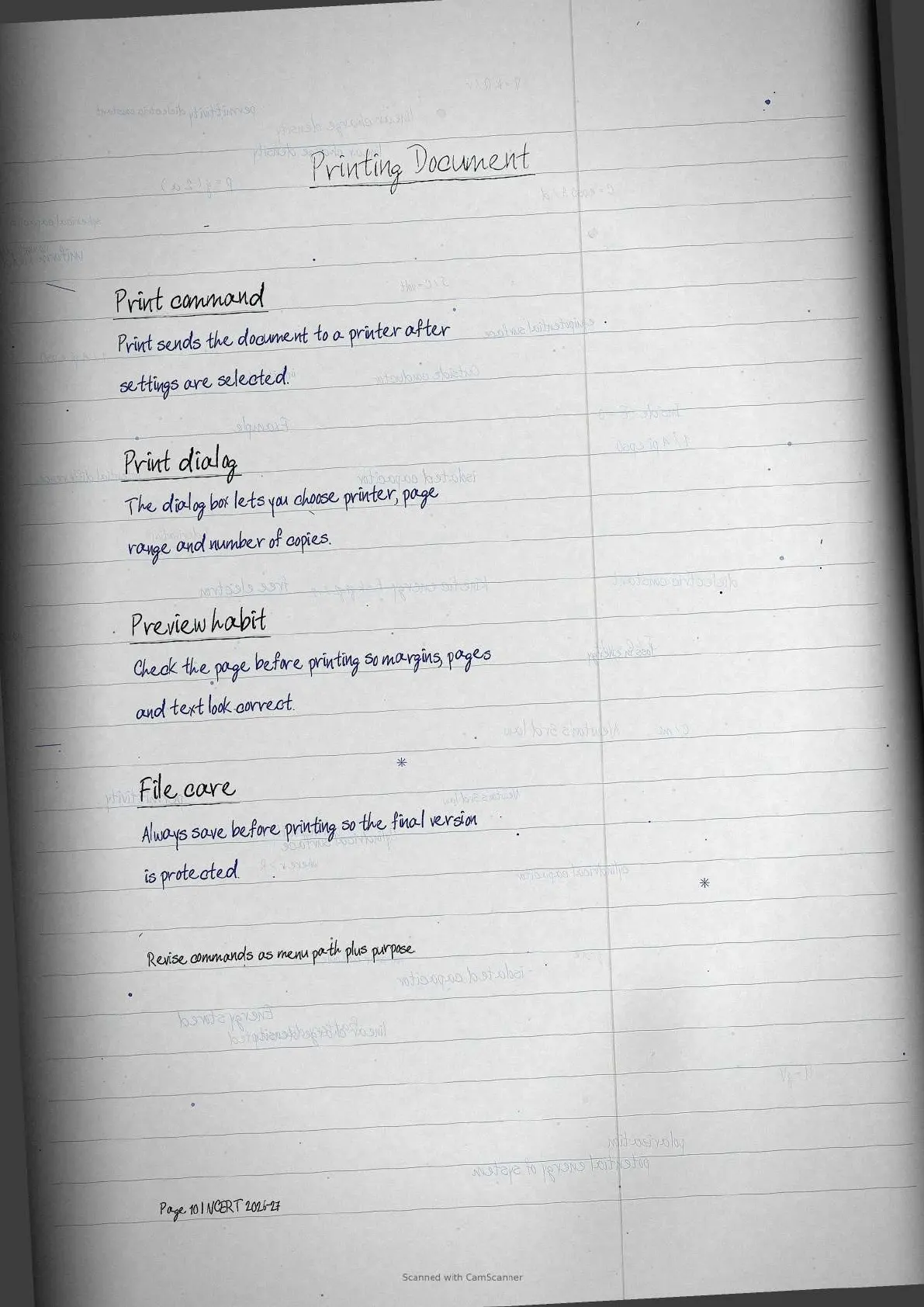
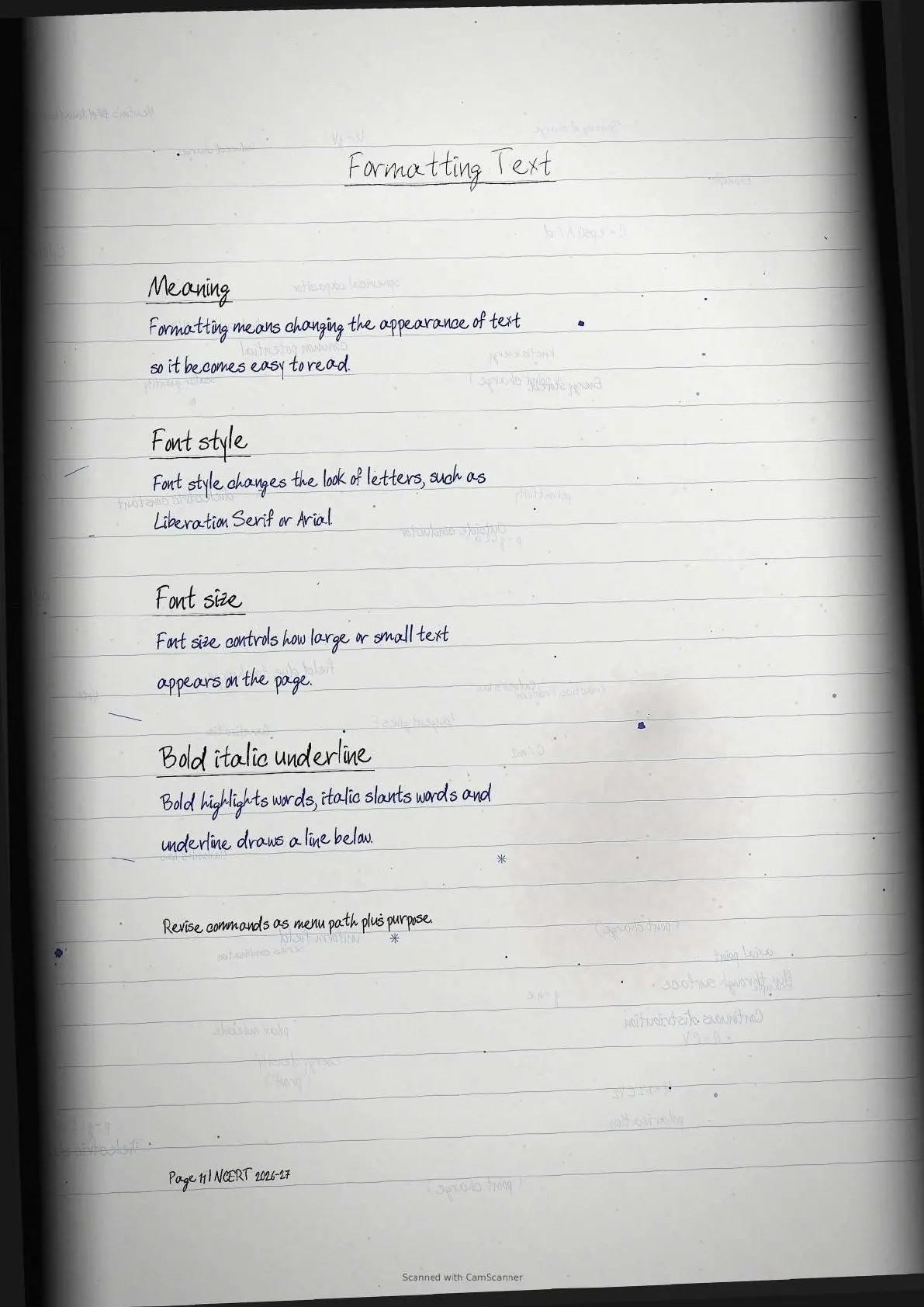
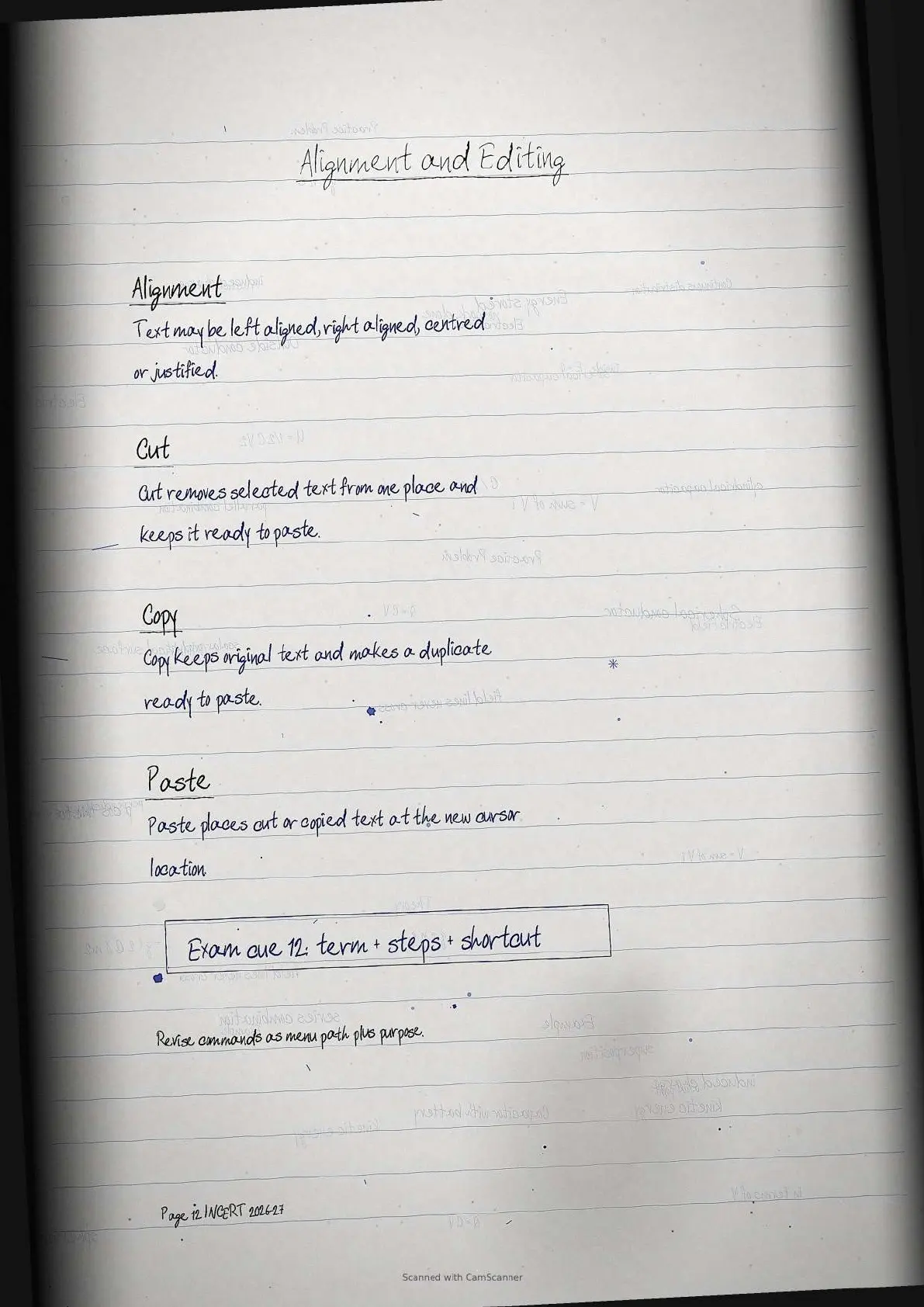
NCERT Handwritten Notes for Class 11 Entrepreneurship Chapter 3 Information and Communication Technology Skills have been prepared for quick 2026-27 revision. The PDF covers word processors, LibreOffice Writer interface, saving, printing, formatting, spelling tools, lists, tables, pictures, headers, footers and tracking changes.
- Resource: Class 11 Entrepreneurship Chapter 3 handwritten revision notes PDF.
- Chapter focus: ICT document creation, editing, formatting and review skills.
- Best use: revise menu paths, shortcuts and practical Writer commands before tests.
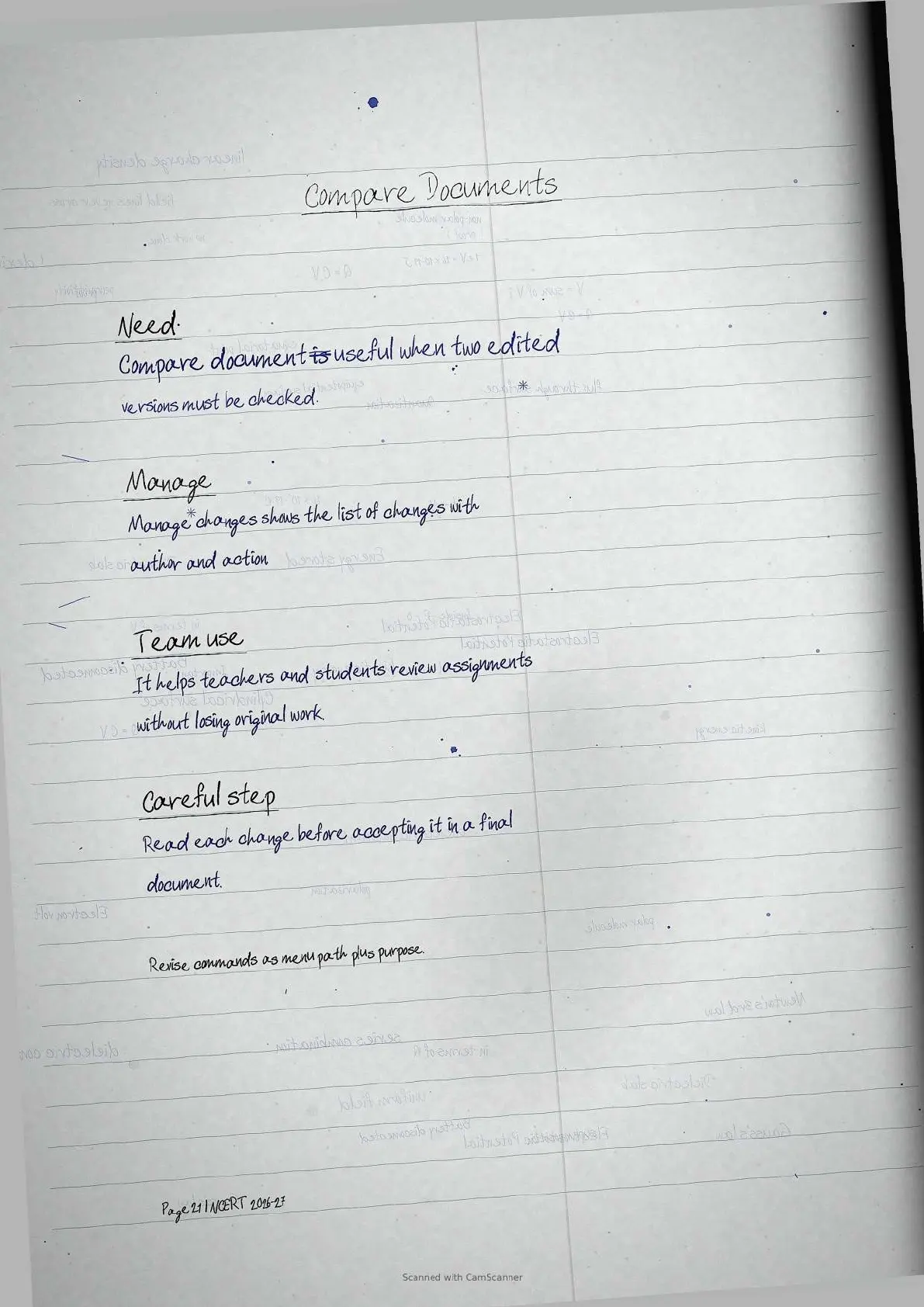
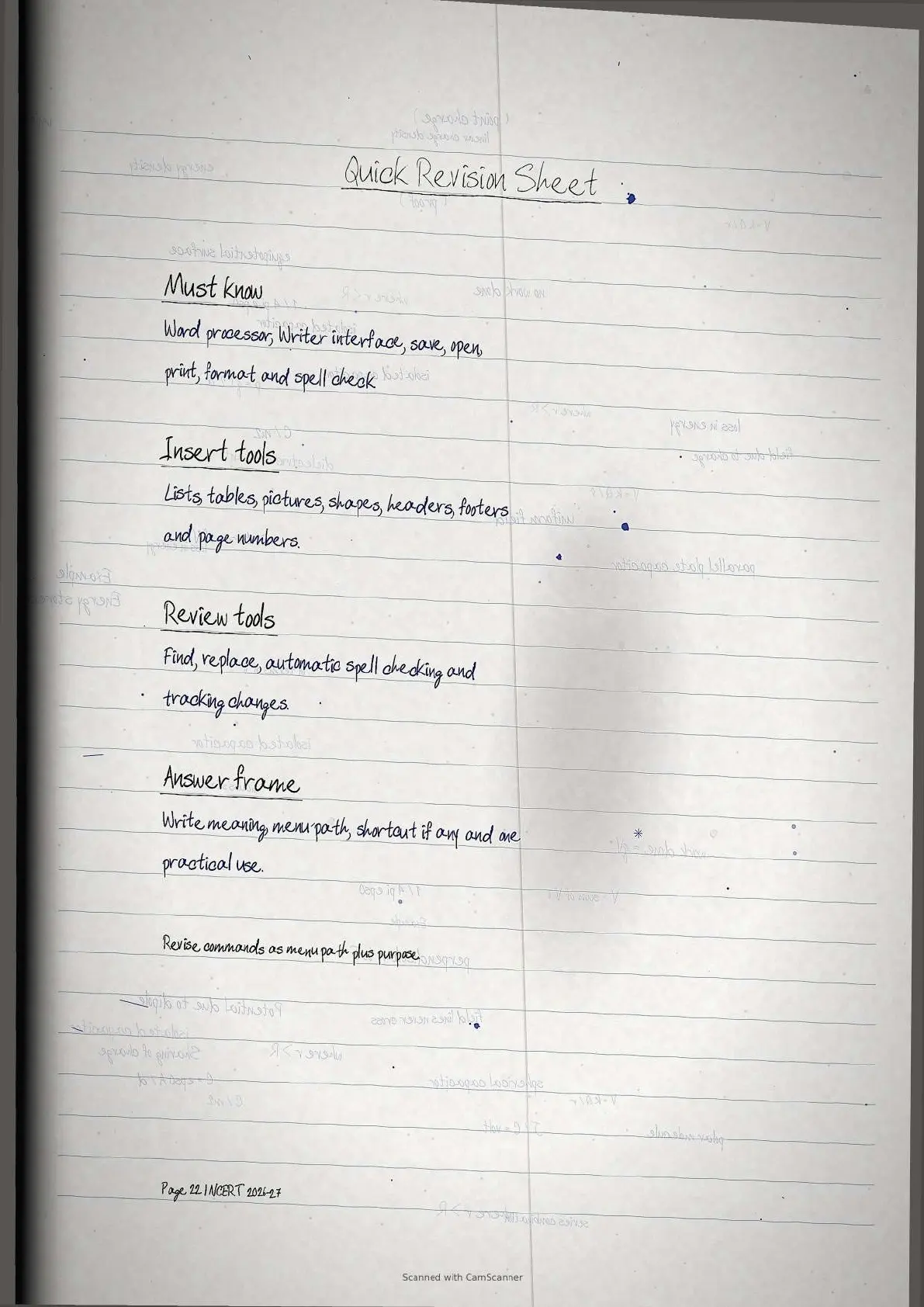
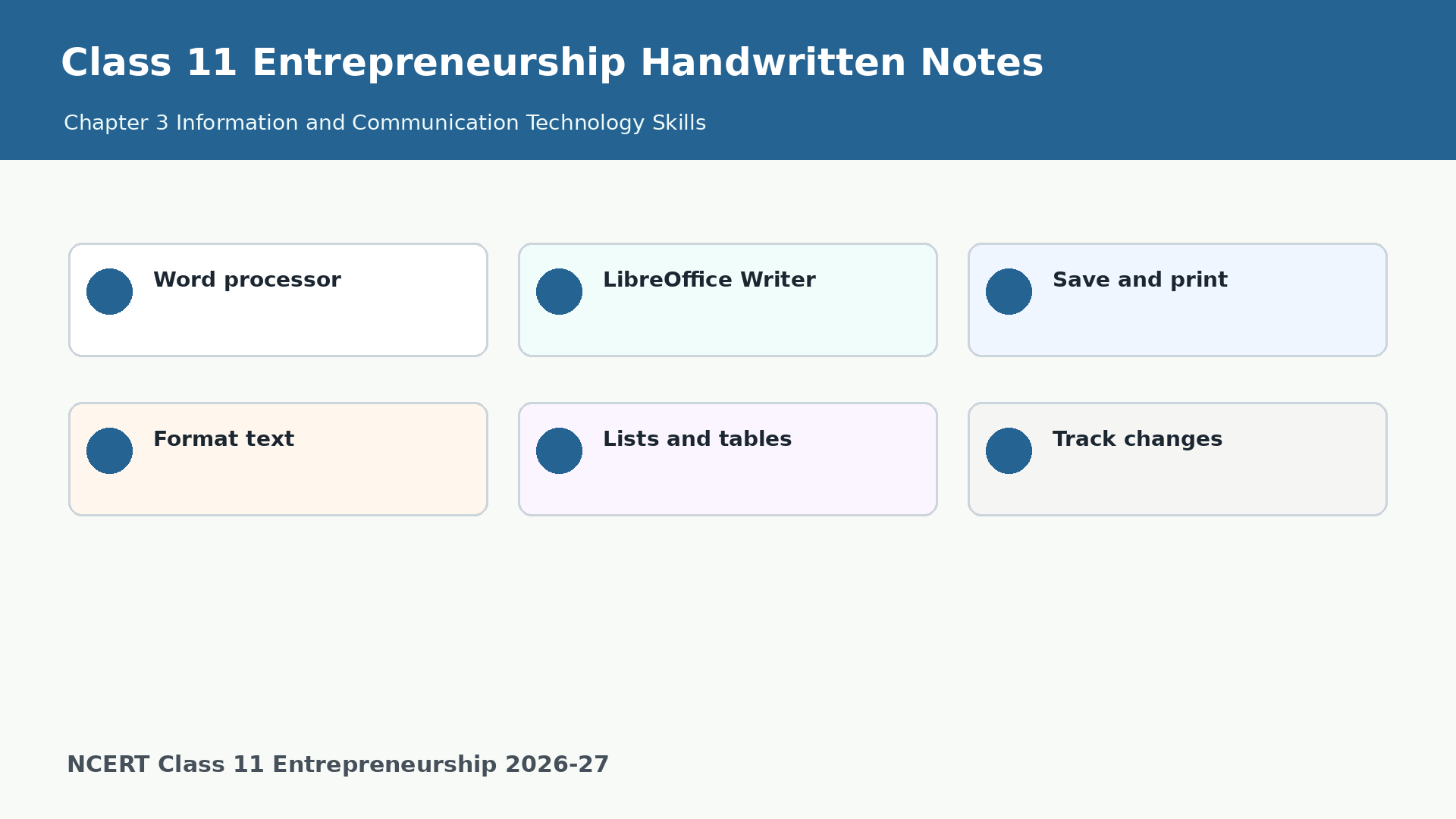
Student Feedback: Students remember this ICT chapter faster when every tool is revised as meaning, menu path and one classroom use.
ICT Skills Overview for Class 11 Entrepreneurship
Information and Communication Technology Skills explains how students can use a word processor to prepare neat reports, resumes, posters and assignments. The chapter uses LibreOffice Writer to show common document commands.
- Create and save: open a new document, type content, save it and reopen it later.
- Edit and format: use cut, copy, paste, alignment, font style and font size.
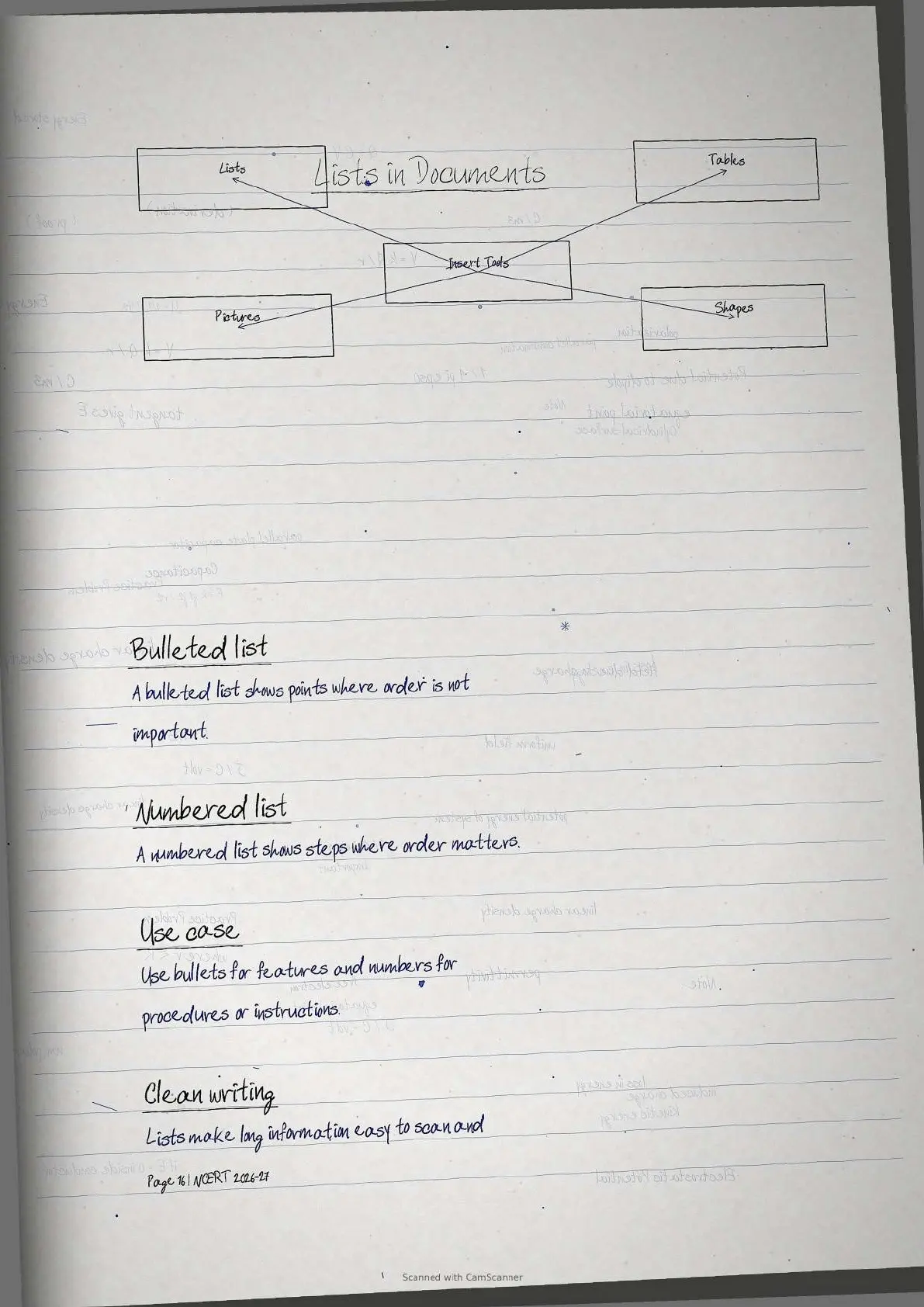
- Insert and review: add lists, tables, images, headers, footers and track changes.
Word Processor Revision Map
The chapter becomes easy when students group commands by purpose. Start with creation, move to editing and formatting, then revise insert and review tools.
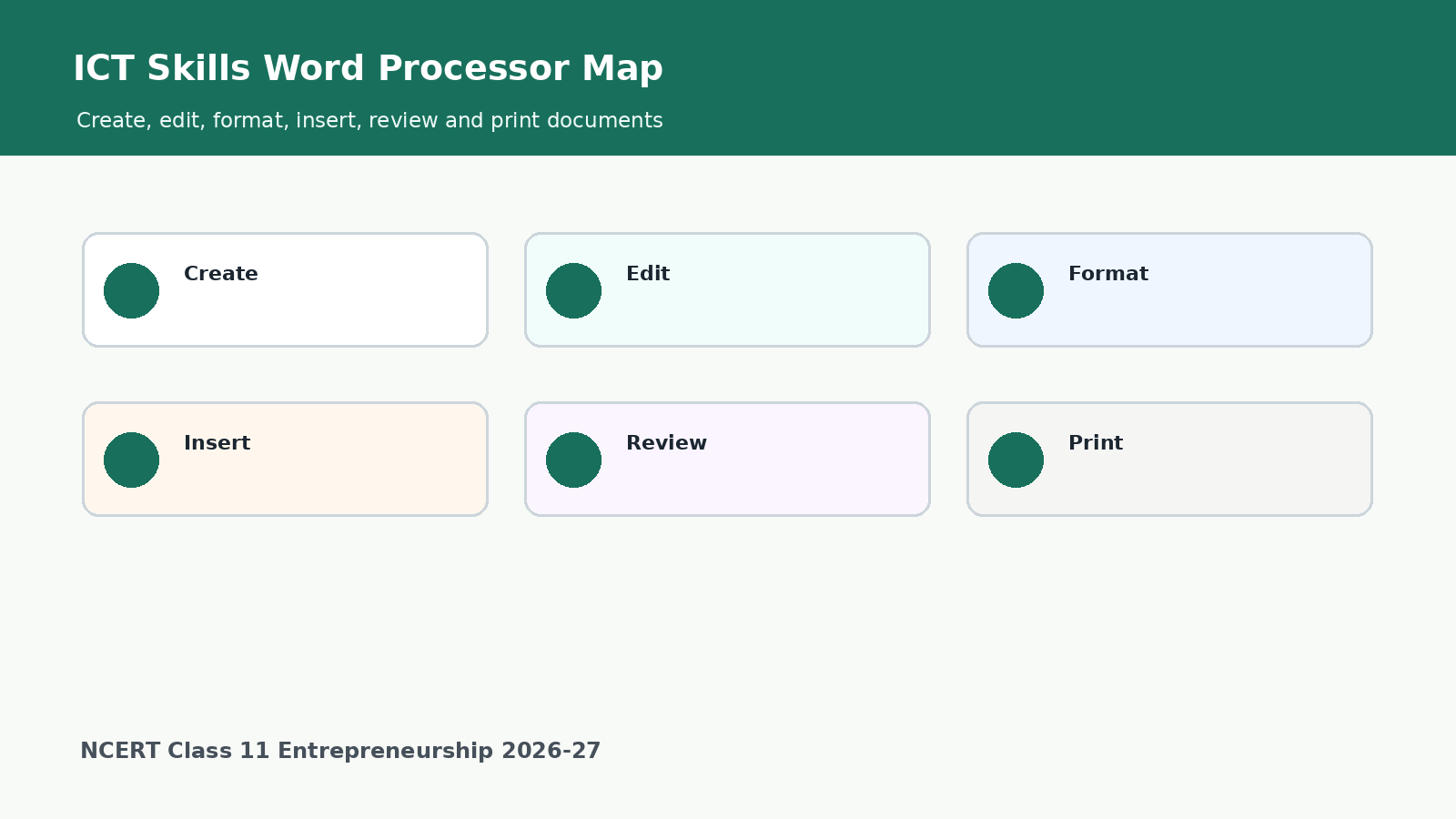
| Area | What to remember | Exam cue |
|---|---|---|
| Word processor | Software used to type, edit, format and print documents. | Give examples such as LibreOffice Writer and Microsoft Word. |
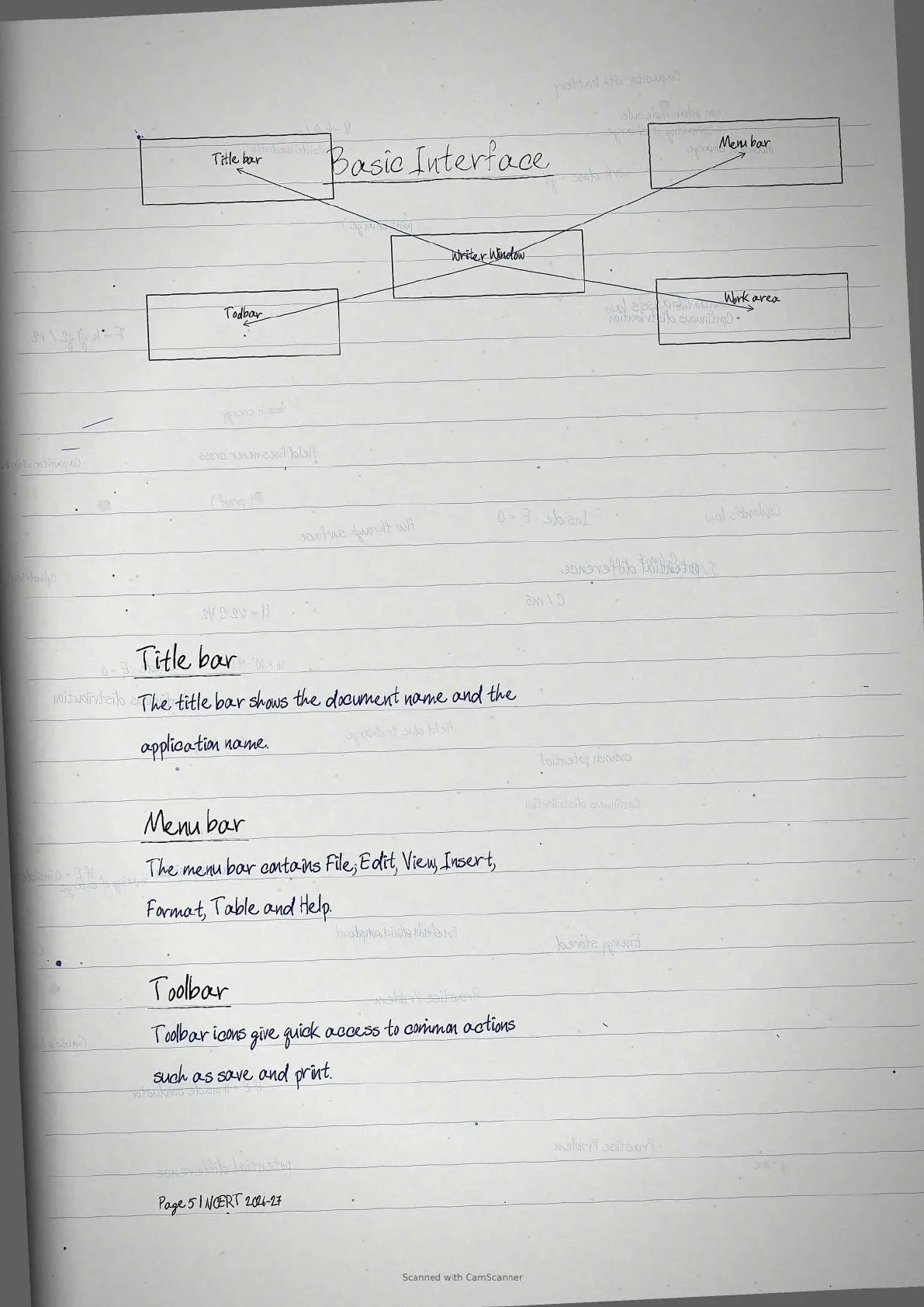
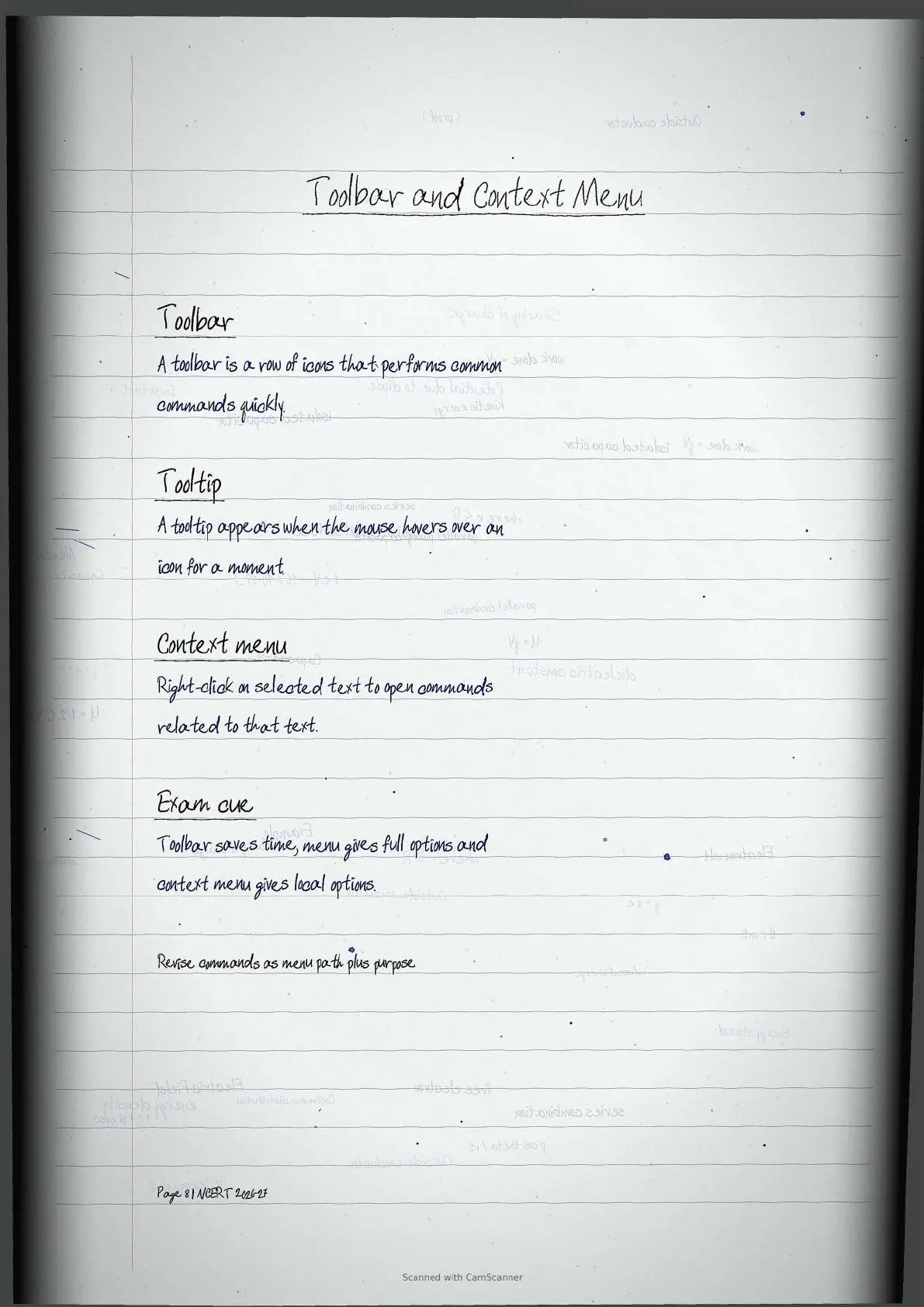
| Interface | Title bar, menu bar, toolbar, work area and context menu. | Write the use of each part. |
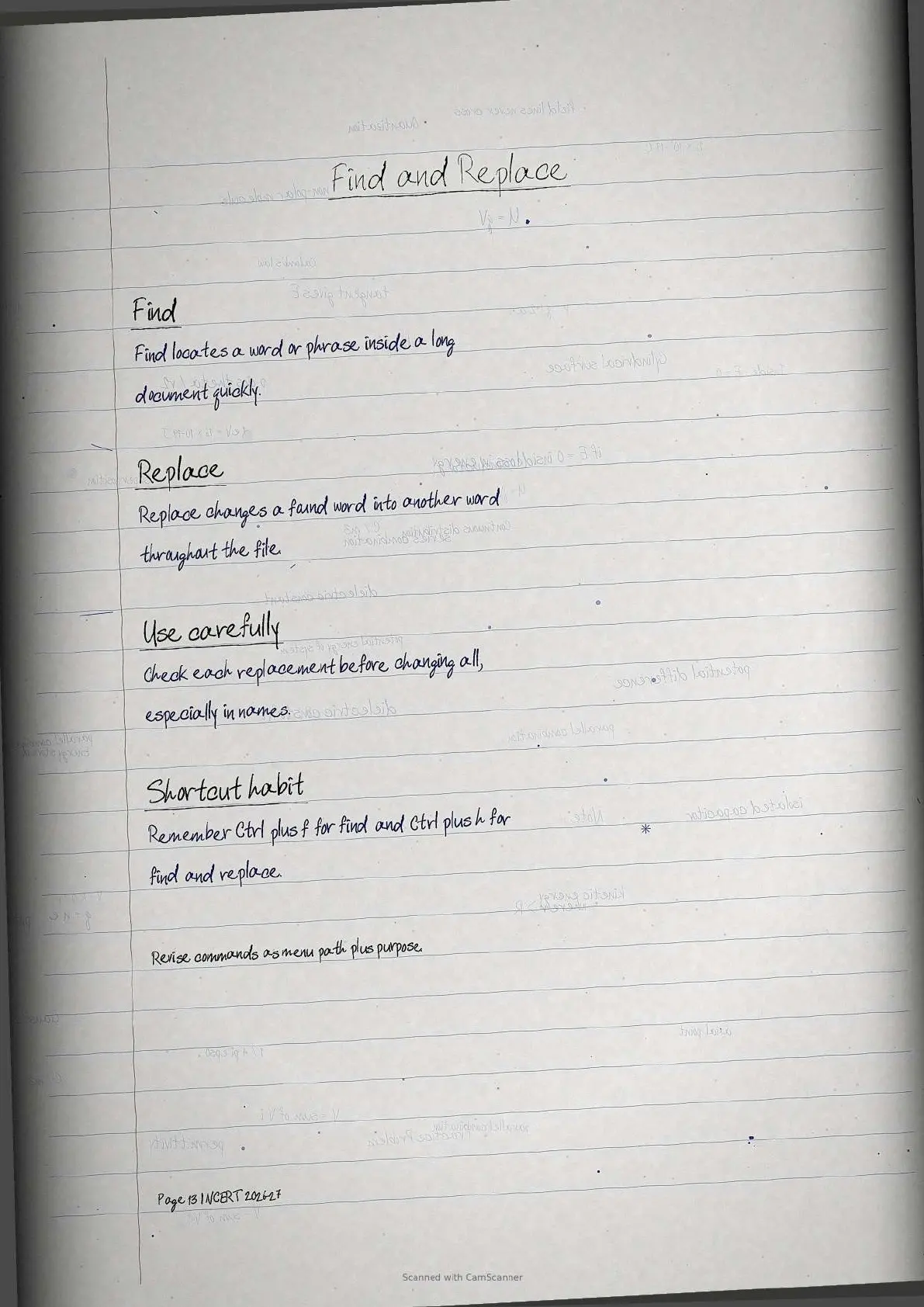
| Editing | Cut, copy, paste, find and replace help improve text quickly. | Mention shortcut or menu path where possible. |
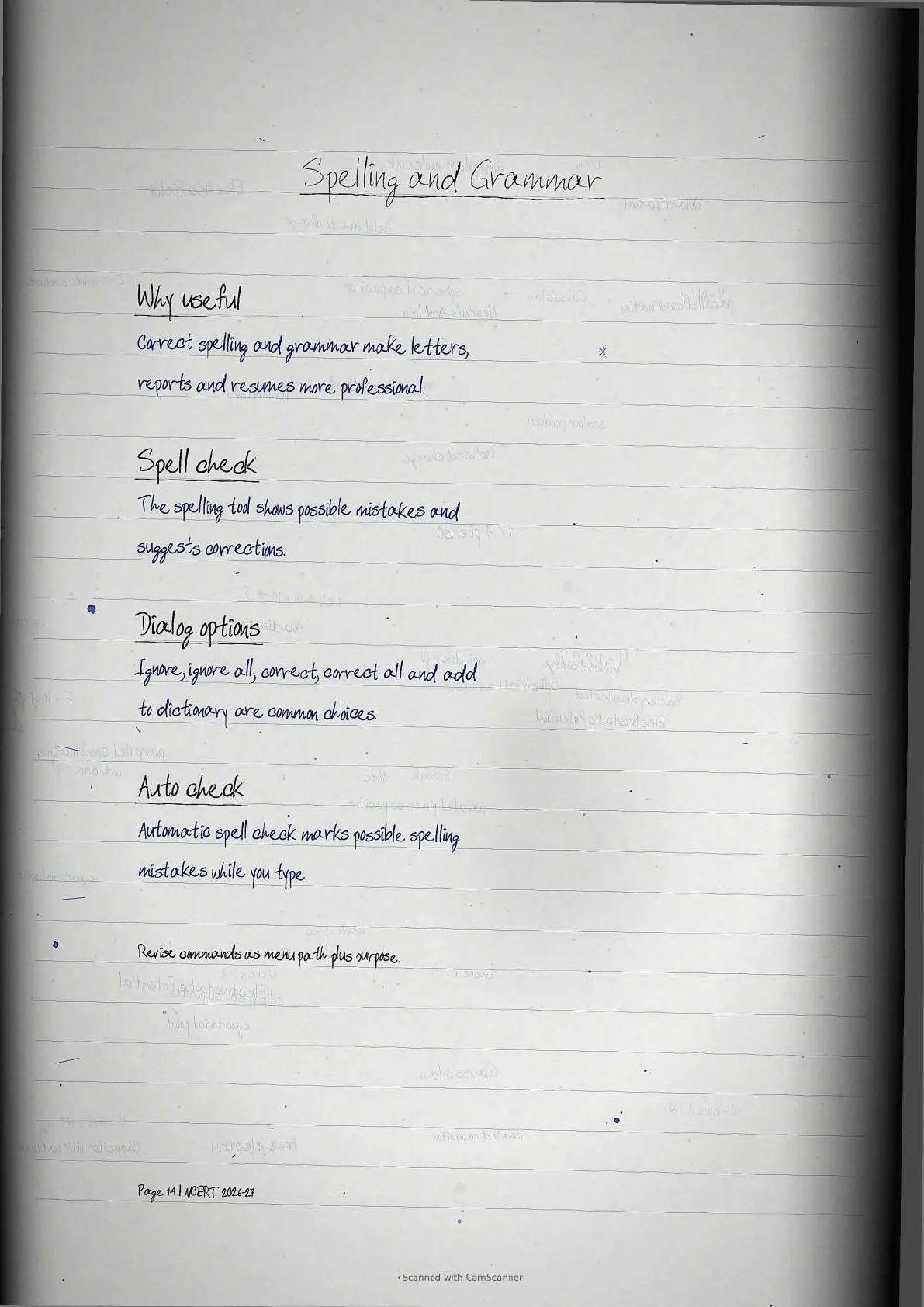
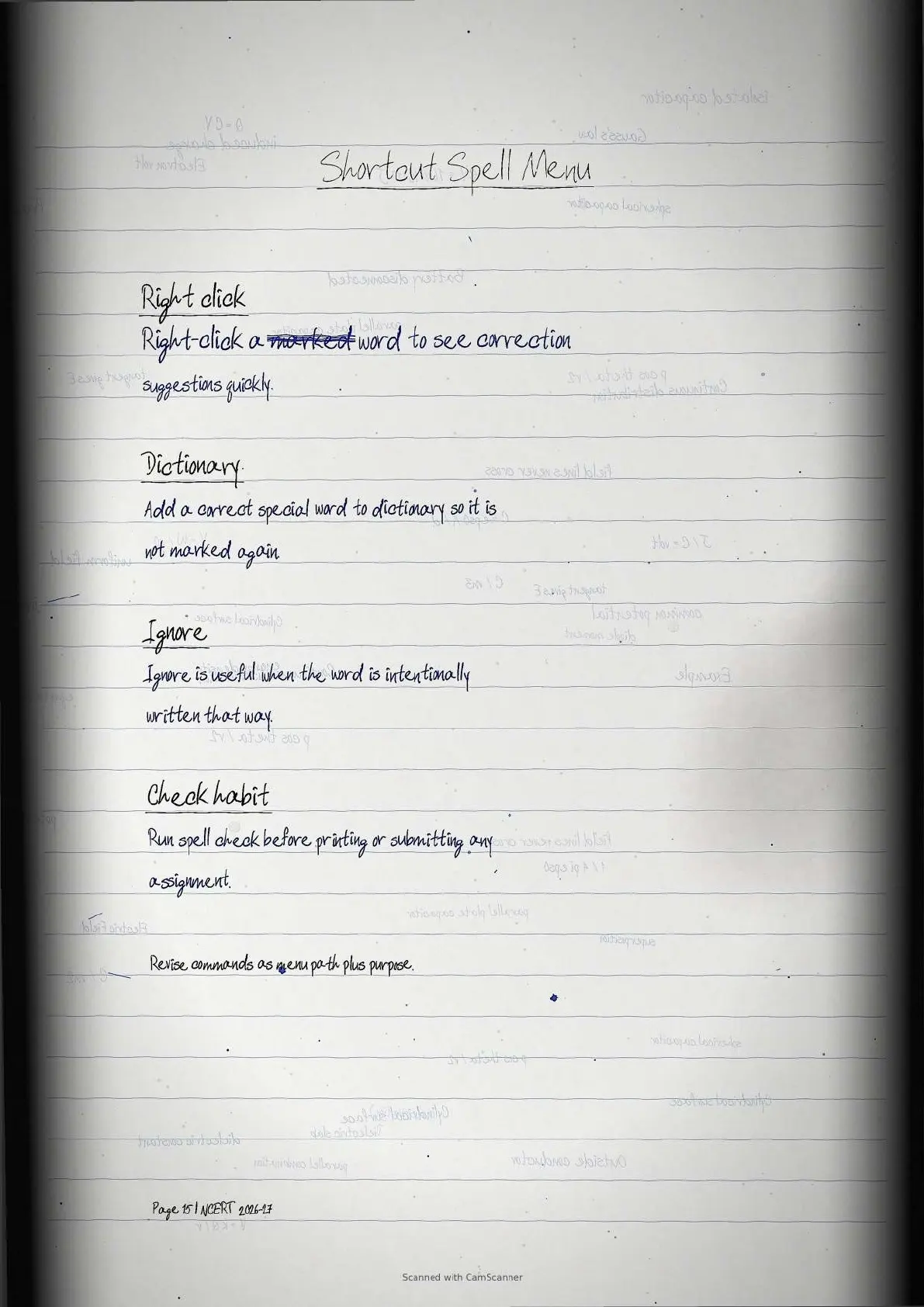
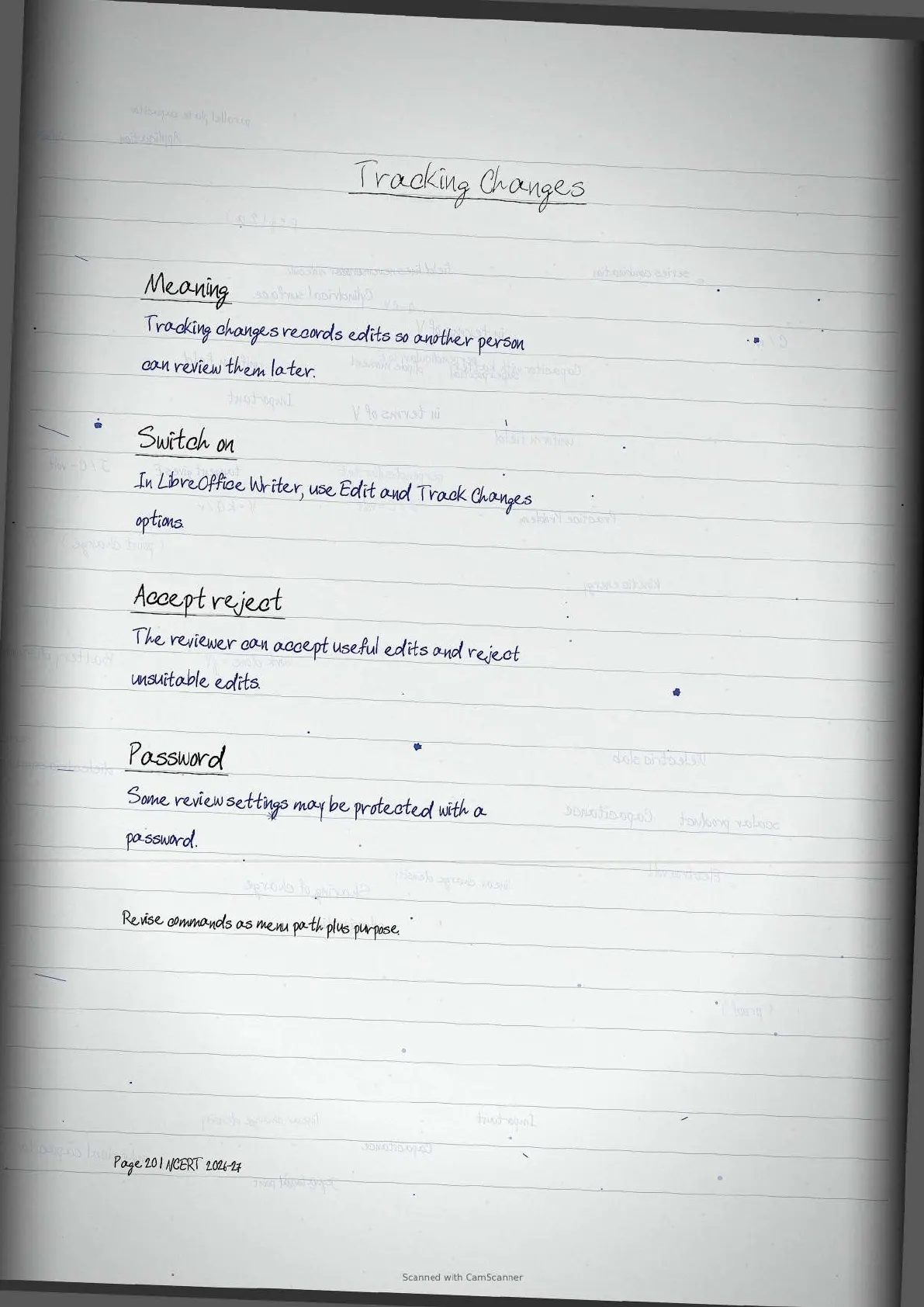
| Review | Spell check and track changes improve accuracy before submission. | Write one practical classroom use. |
ICT Skills Video Recap for Class 11
Source: YouTube classroom video
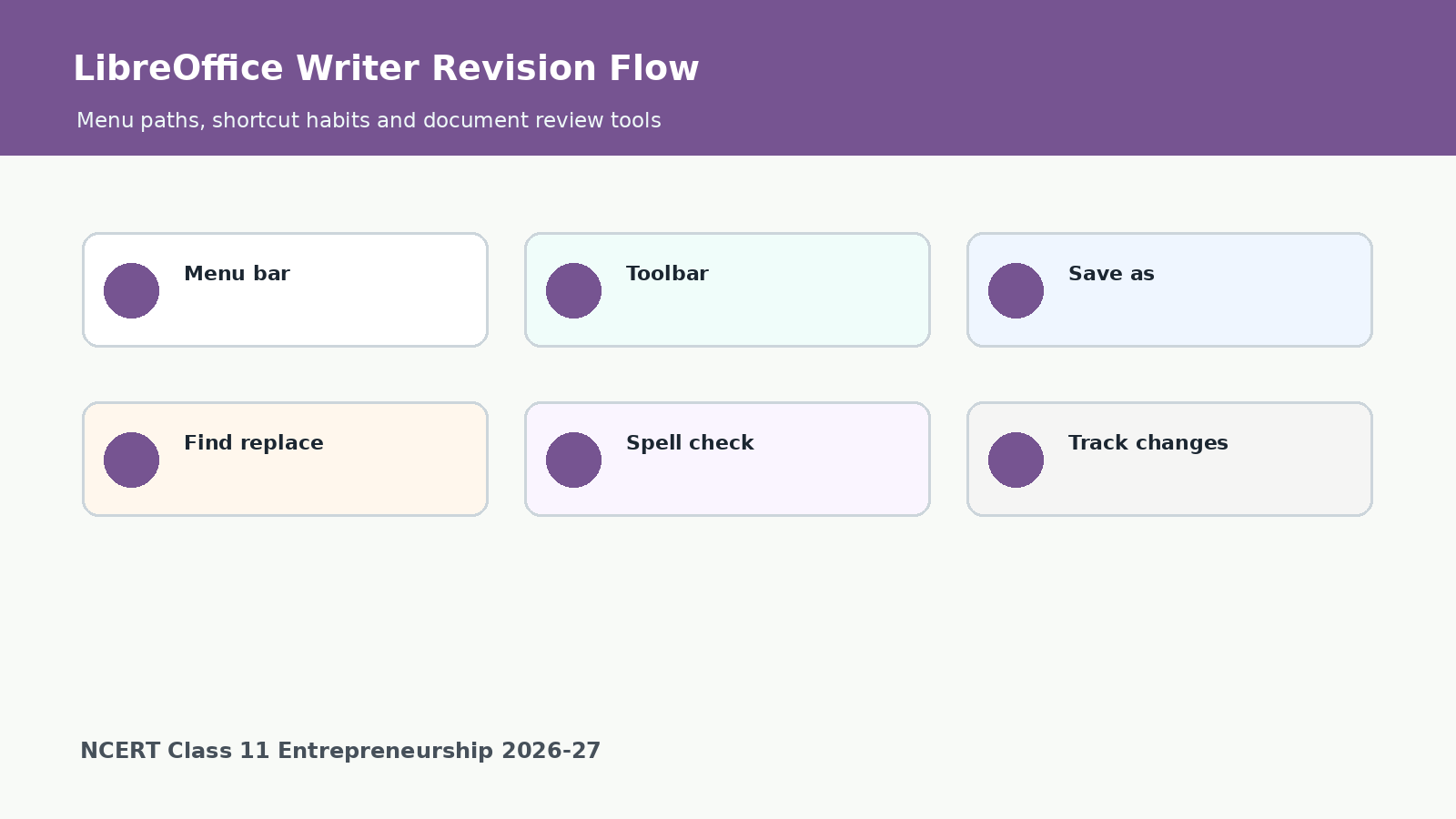
LibreOffice Writer Revision Flow
For exam answers, connect every LibreOffice Writer command with its result. A strong answer usually includes the command name, where it is found and why it is used.
| Command group | Important tools | Student action |
|---|---|---|
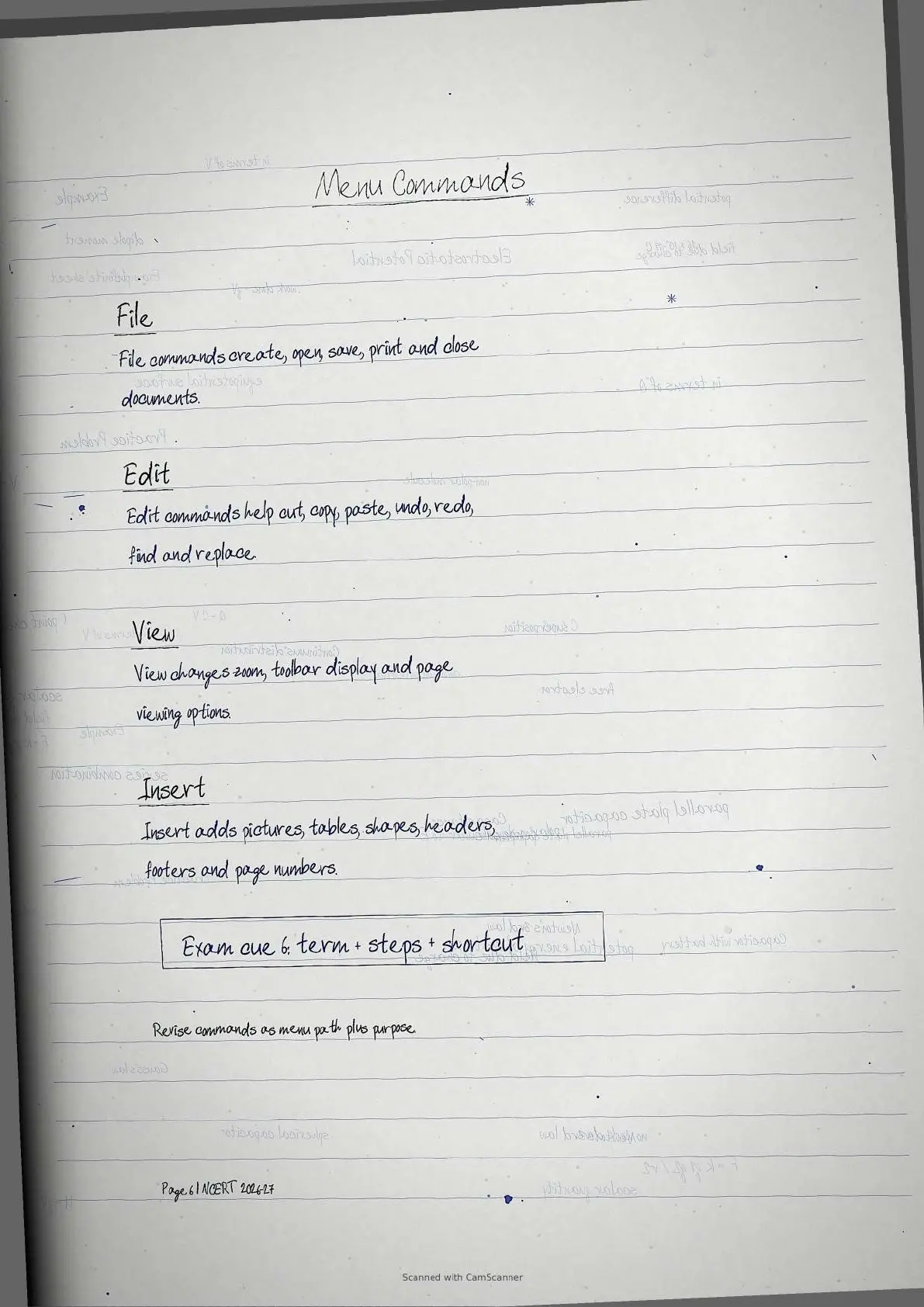
| File tools | New, Save, Save As, Open, Close and Print. | Protect work and print the final version. |
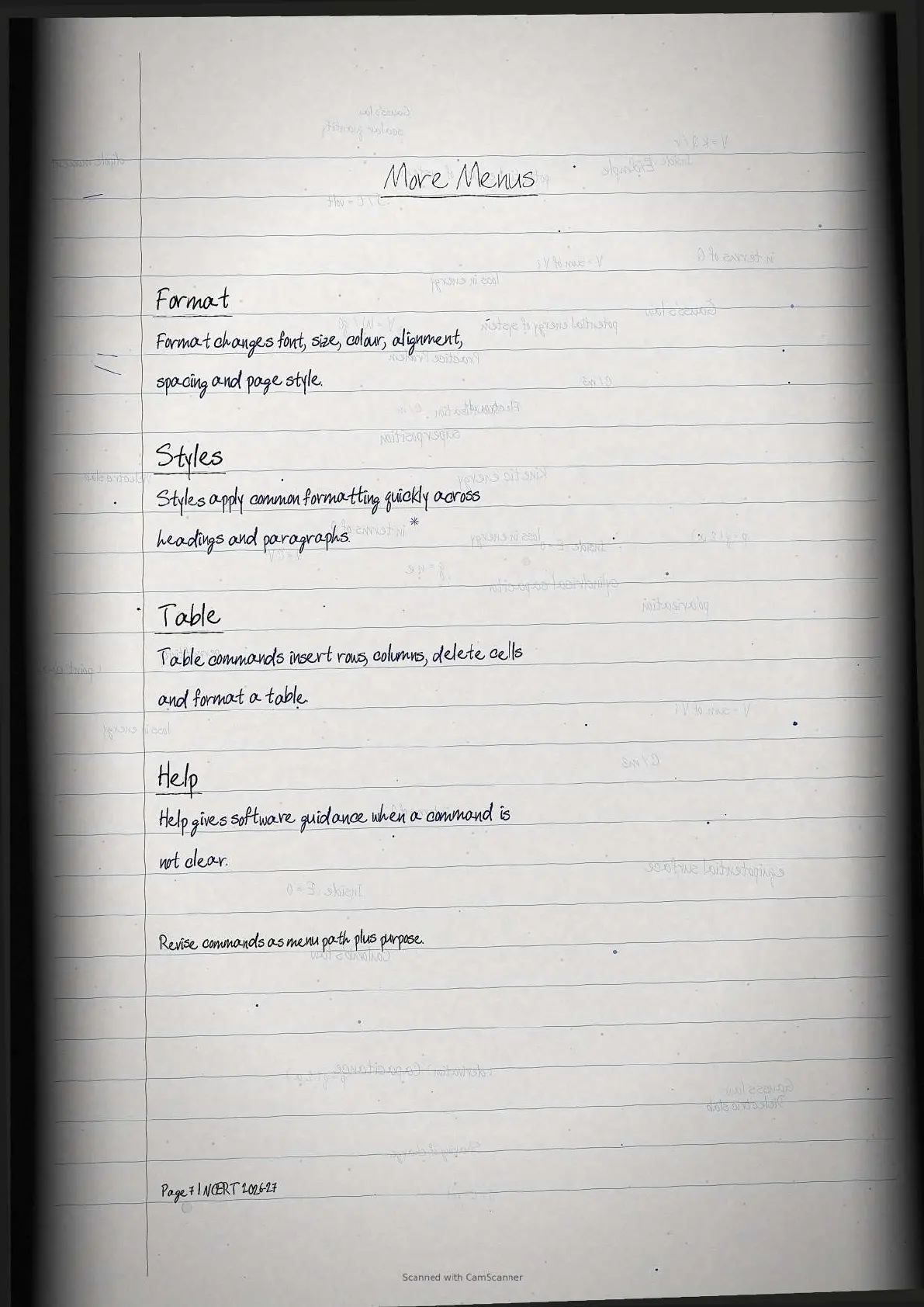
| Format tools | Font, size, bold, italic, underline and alignment. | Make the document readable and neat. |
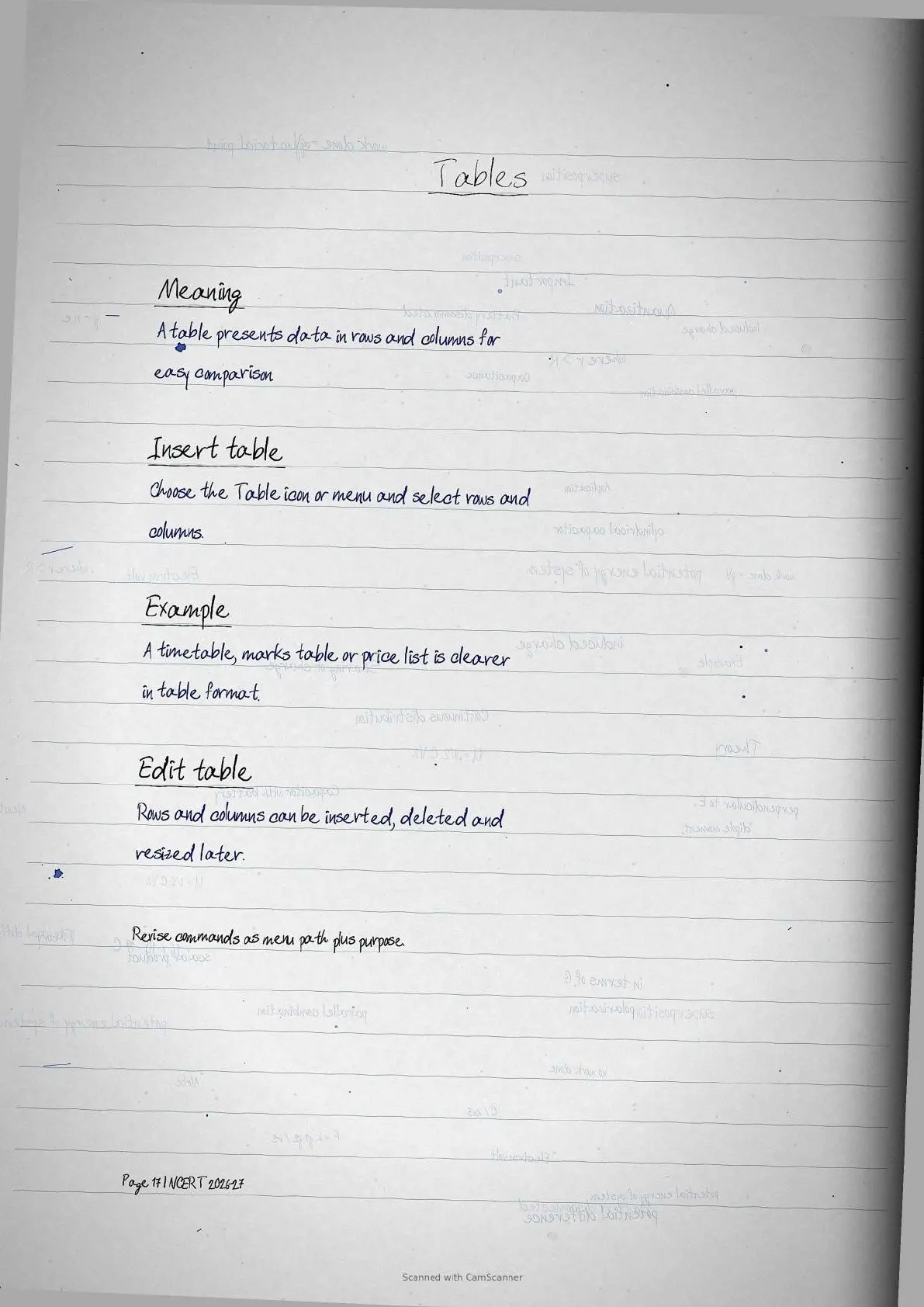
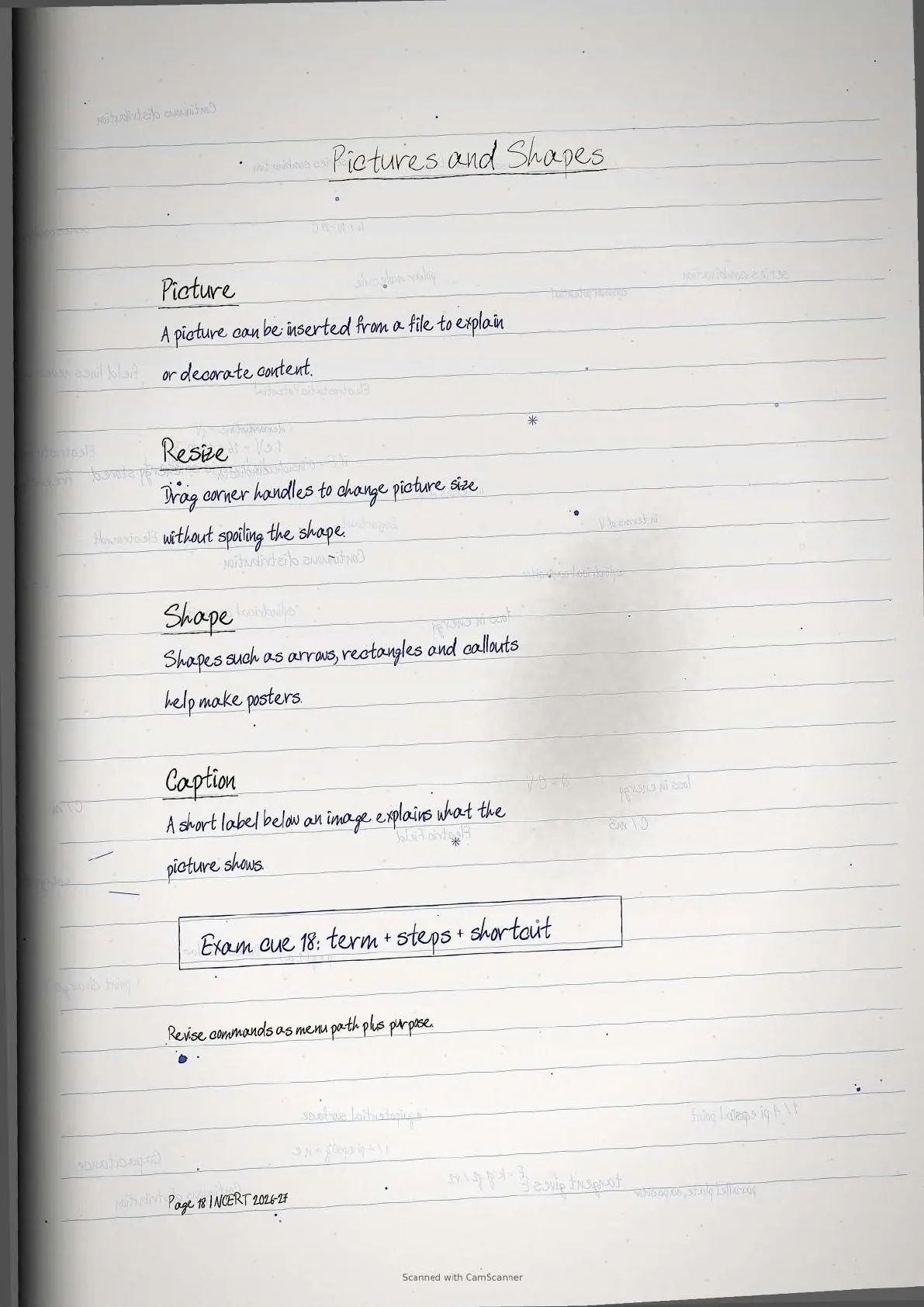
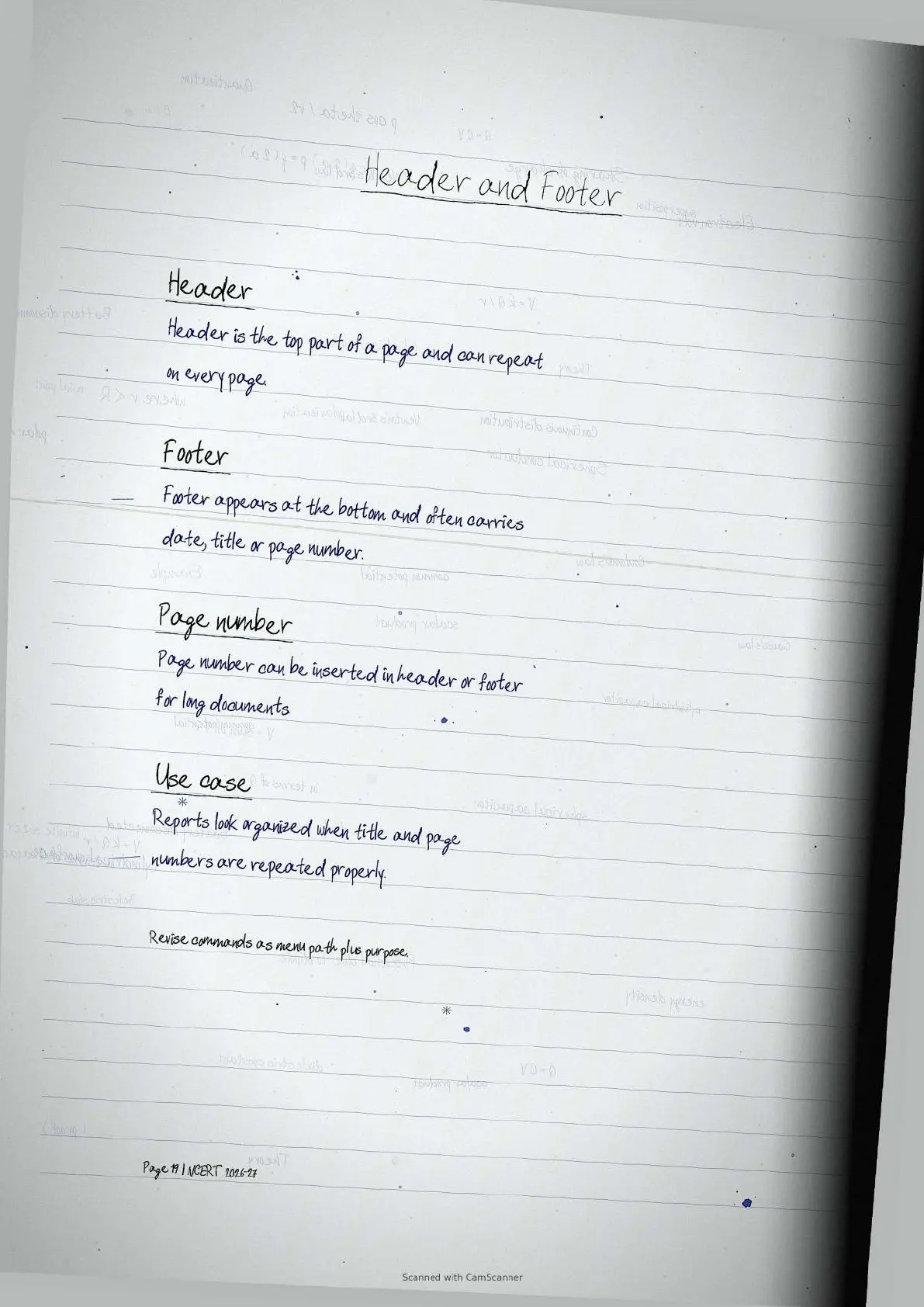
| Insert tools | Lists, tables, pictures, shapes, headers and page numbers. | Add structure and visual clarity. |
| Review tools | Spelling, grammar, find, replace and track changes. | Check accuracy before sharing. |
How to Use the Handwritten Notes PDF
Use the PDF after reading the official NCERT chapter once. Then revise each command as a small practical task and connect it with the screenshot-based activity in the textbook.
- Revise definitions first: word processor, toolbar, context menu, header and footer.
- Memorise shortcut habits such as Ctrl plus n, Ctrl plus s and Ctrl plus f.
- Practice one mini document with title, list, table, picture and page number.
- Use the last PDF pages for quick test revision before class work.
Related Class 11 Entrepreneurship Resources for ICT Skills
Use these resources with the handwritten notes for complete Class 11 Entrepreneurship Chapter 3 preparation.
| Resource | Use it for | Link |
|---|---|---|
| NCERT Solutions | Exercise answers and textbook activity help | Open solutions |
| NCERT Notes | Typed summary and concept revision | Open notes |
| NCERT Book PDF | Official chapter reading and figures | Open book PDF |
All Class 11 Entrepreneurship Handwritten Notes
The table below keeps the same resource type together so students can move chapter by chapter through the Class 11 Entrepreneurship handwritten notes.
| Chapter | Title | Handwritten notes link |
|---|---|---|
| Chapter 1 | Entrepreneurship: Concept and Functions | Open handwritten notes |
| Chapter 2 | Self-management Skills | Open handwritten notes |
| Chapter 3 | Information and Communication Technology Skills | Open handwritten notes |
| Chapter 4 | Entrepreneurship Skills | Open handwritten notes |
| Chapter 5 | Chapter 5 | Open handwritten notes |
Class 11 Entrepreneurship Chapter 3 Handwritten Notes FAQs
Ques. What do the Class 11 Entrepreneurship Chapter 3 handwritten notes cover?
Ans. The notes cover word processor basics, LibreOffice Writer interface, saving, printing, formatting, spelling tools, insert tools and tracking changes.
Ques. What is a word processor?
Ans. A word processor is software used to type, edit, format, save and print text documents such as reports, letters and resumes.
Ques. Which LibreOffice Writer tools are important for exams?
Ans. Save, Save As, Open, Print, font formatting, alignment, find and replace, spell check, lists, tables, headers, footers and track changes are important.
Ques. Are these handwritten notes aligned with the 2026-27 NCERT book?
Ans. Yes. The handwritten notes follow Class 11 Entrepreneurship Chapter 3 Information and Communication Technology Skills from the 2026-27 NCERT syllabus.



Comments