



The NCERT Notes for Class 11 Informatics Practices Chapter 4 Working with Lists and Dictionaries help students revise Python collections for the 2026-27 CBSE session. The PDF covers list creation, indexing, mutability, slicing, list methods, dictionary keys, traversal and common output-tracing checks.
- PDF included: 20 plus pages with code examples, tables, diagrams and revision checks.
- Best for: school tests, practical viva, output questions and quick Python revision.
- Chapter focus: choosing lists for ordered data and dictionaries for key-based lookup.
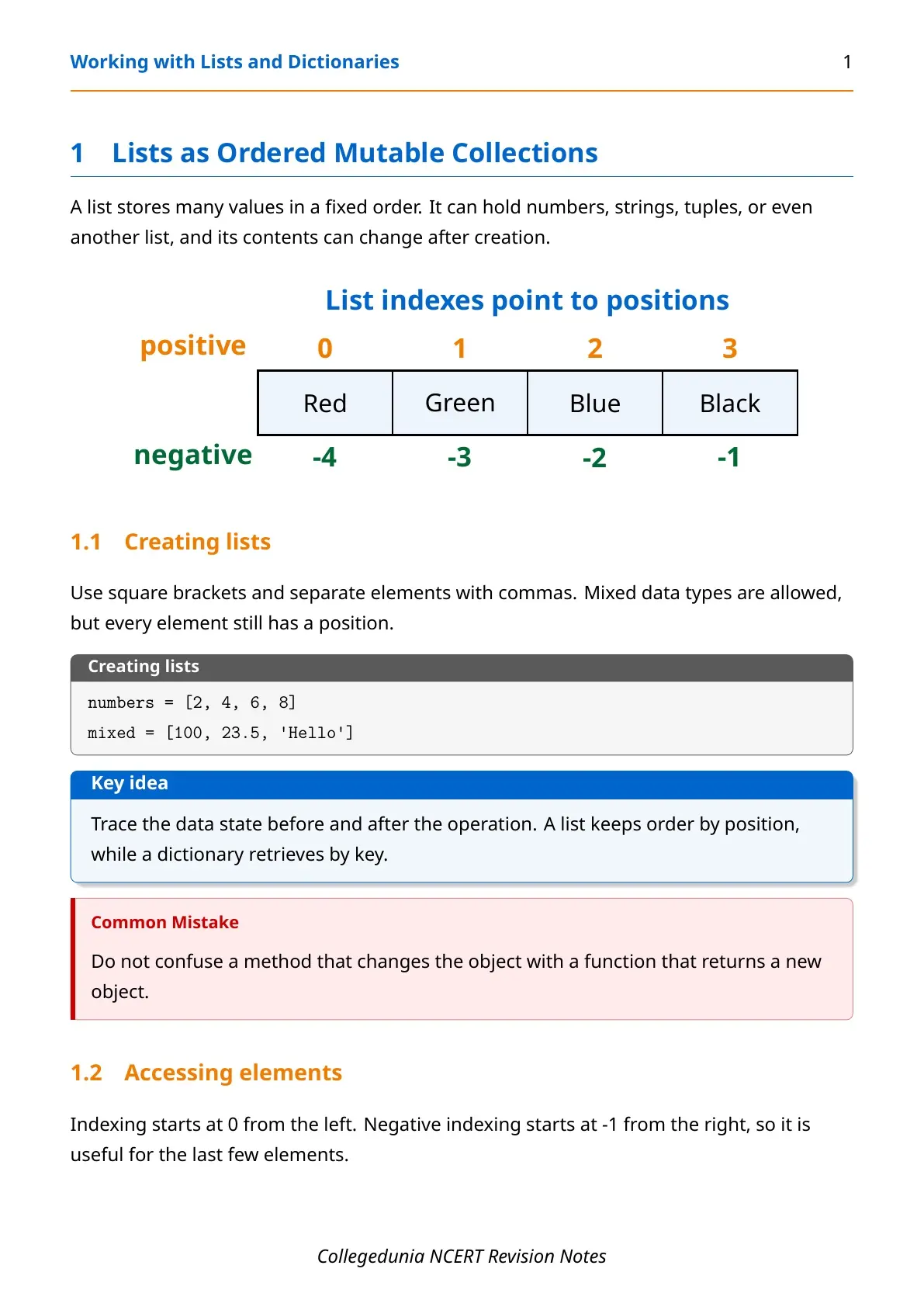
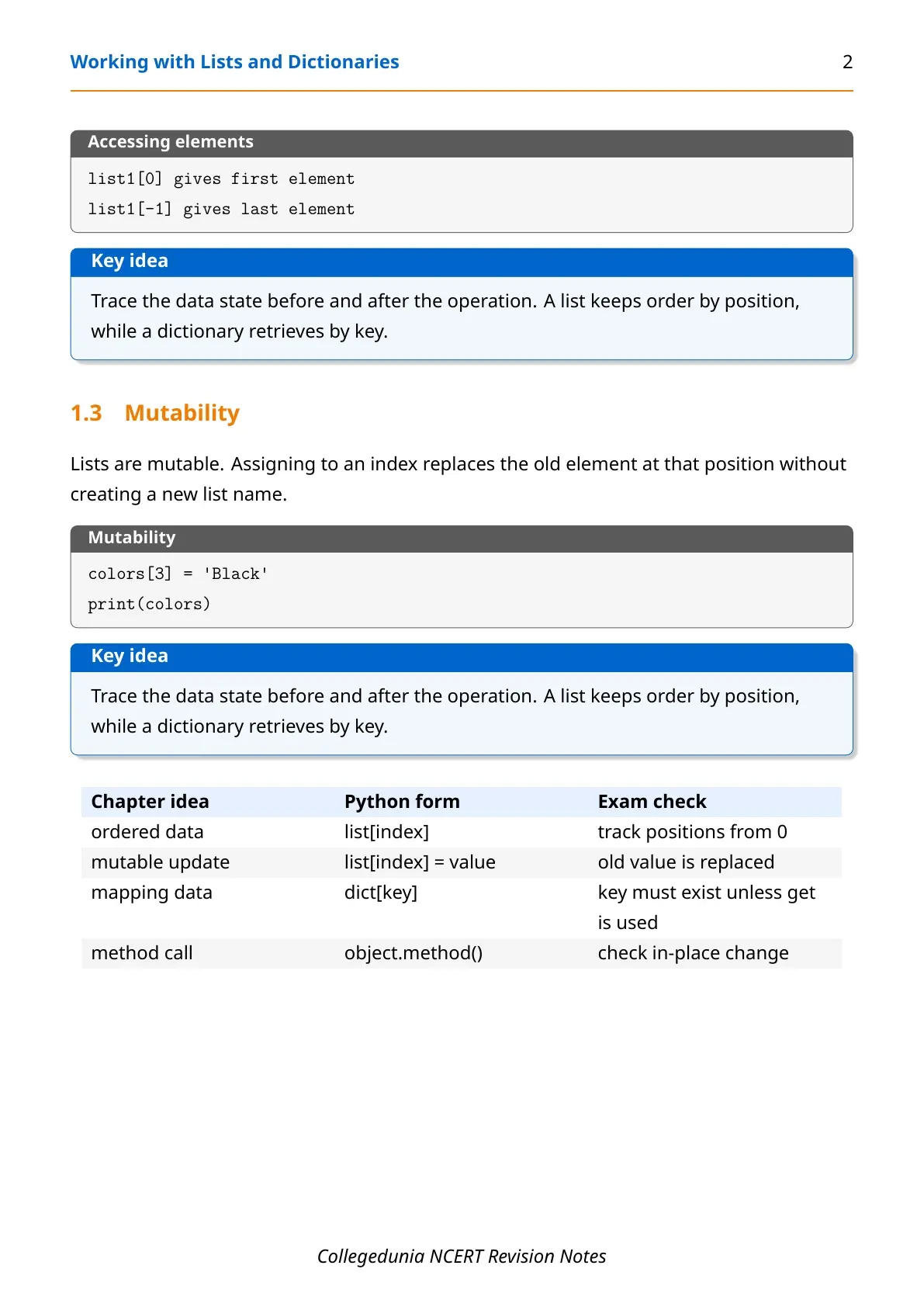
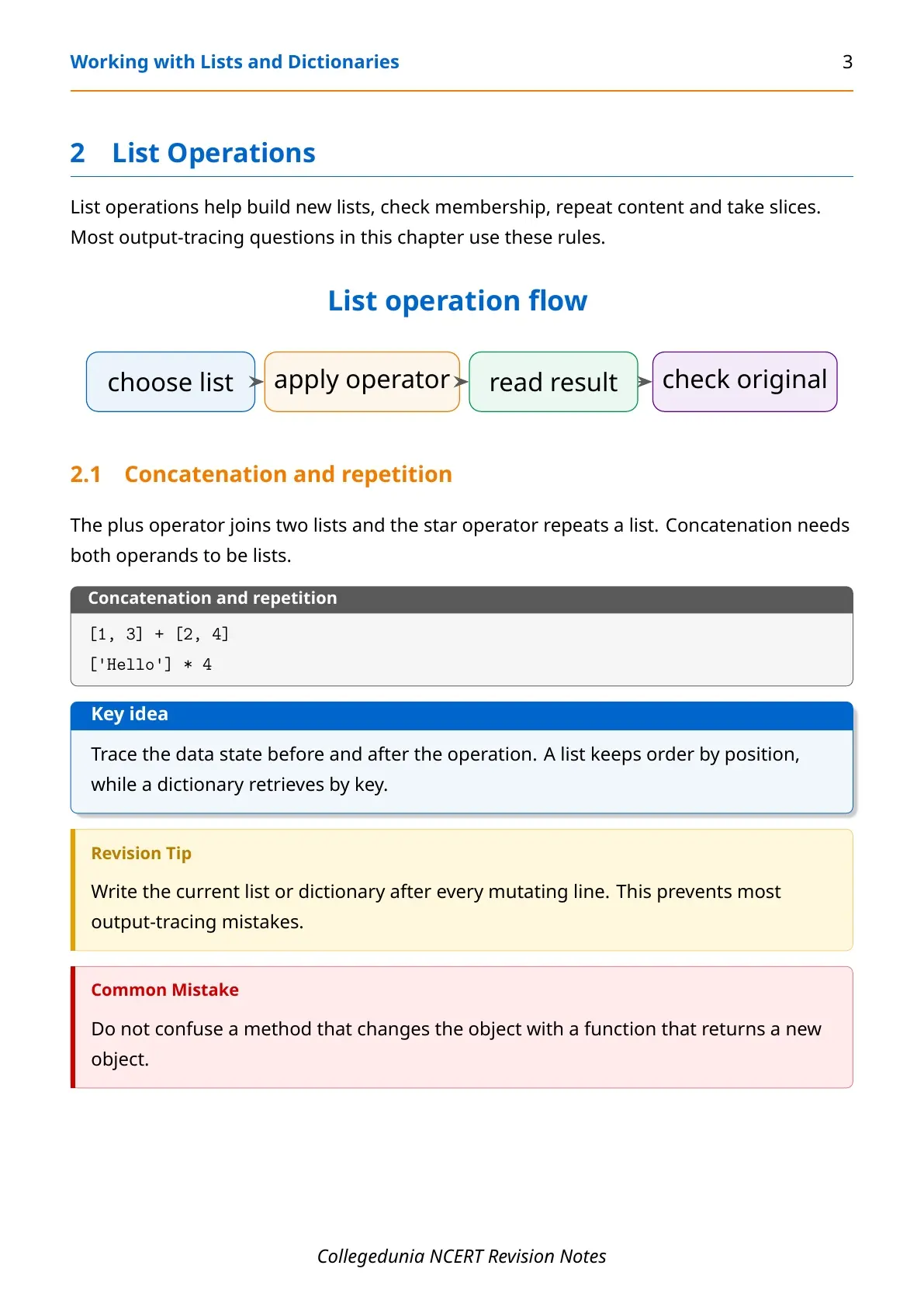
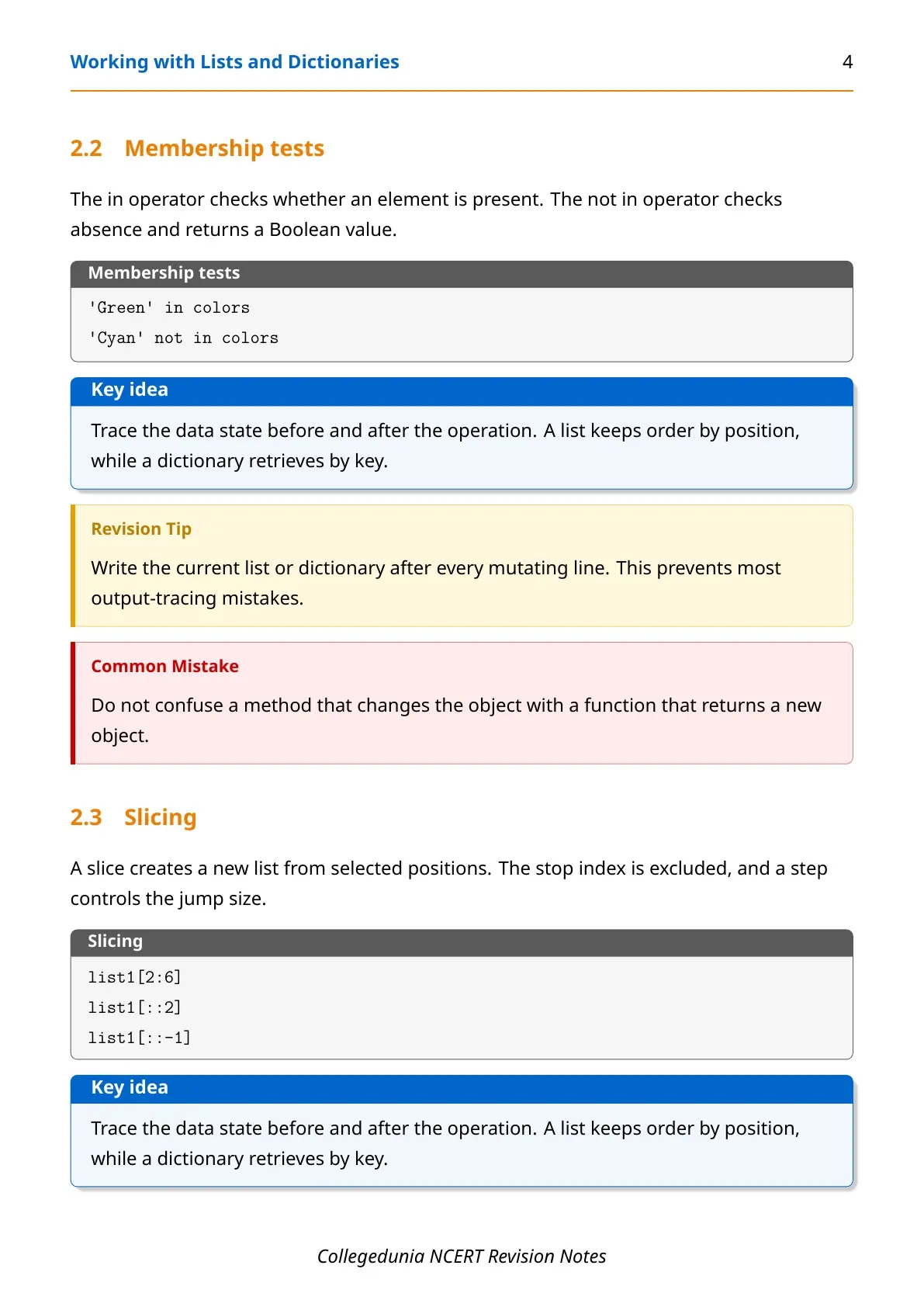
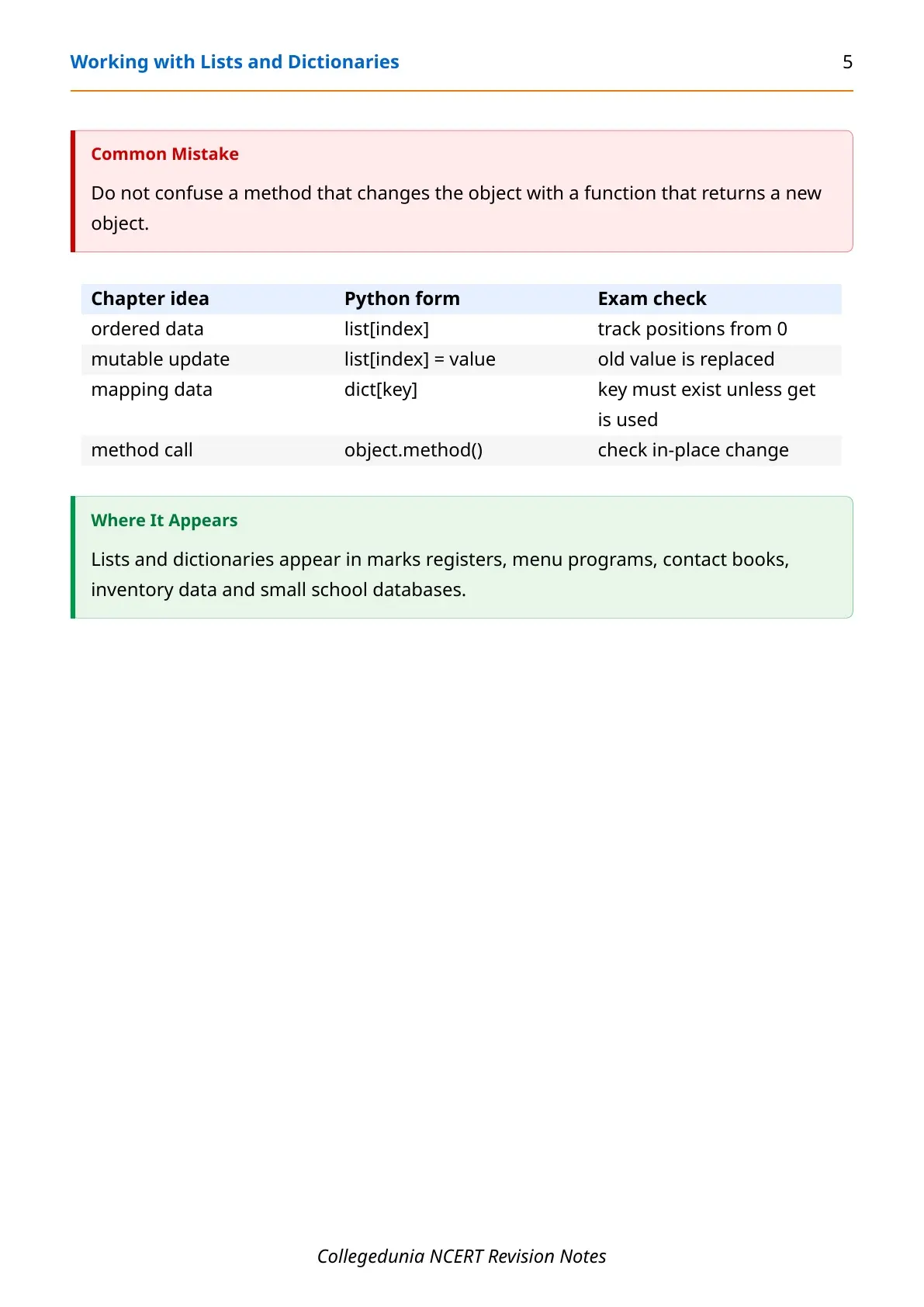
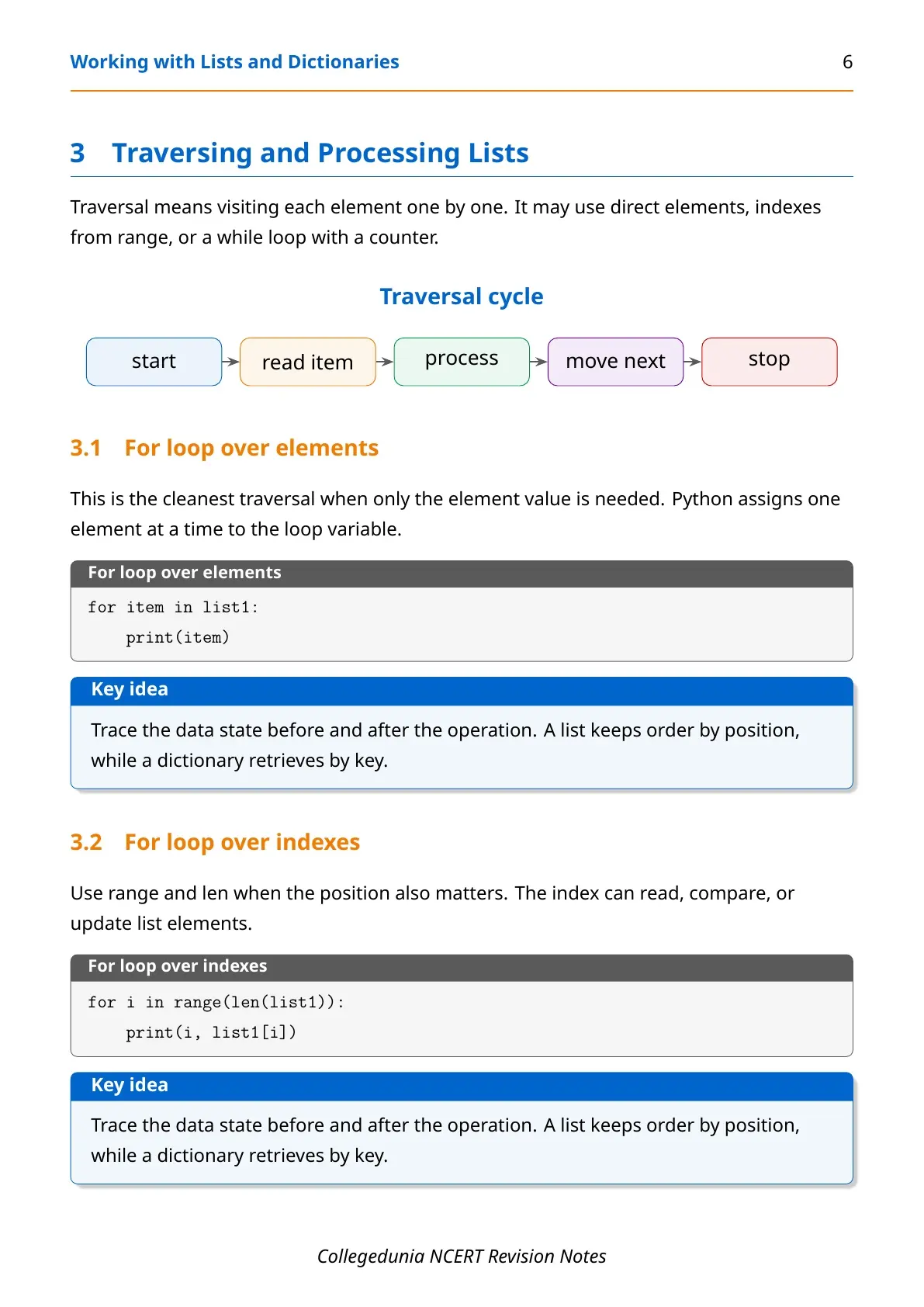
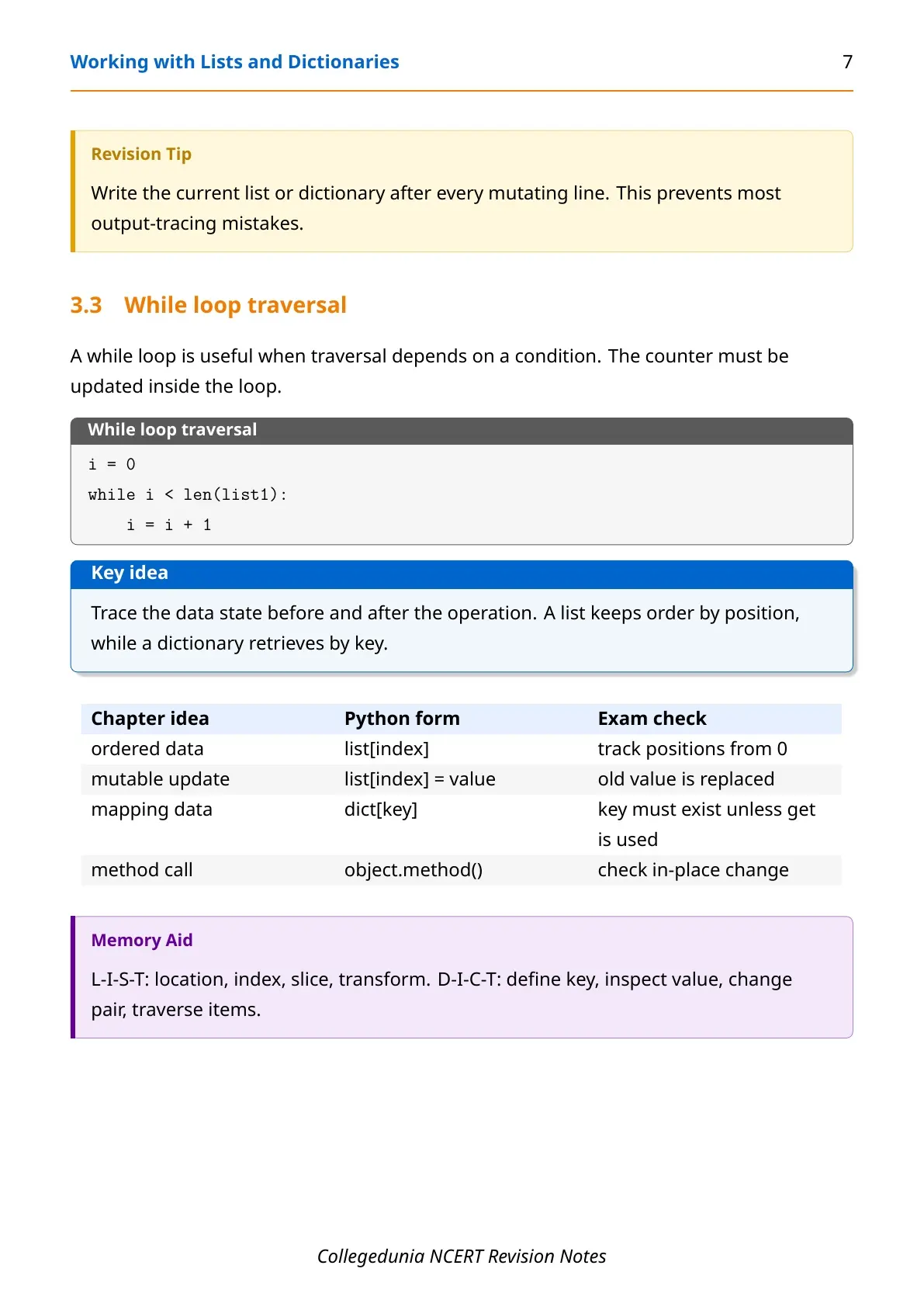
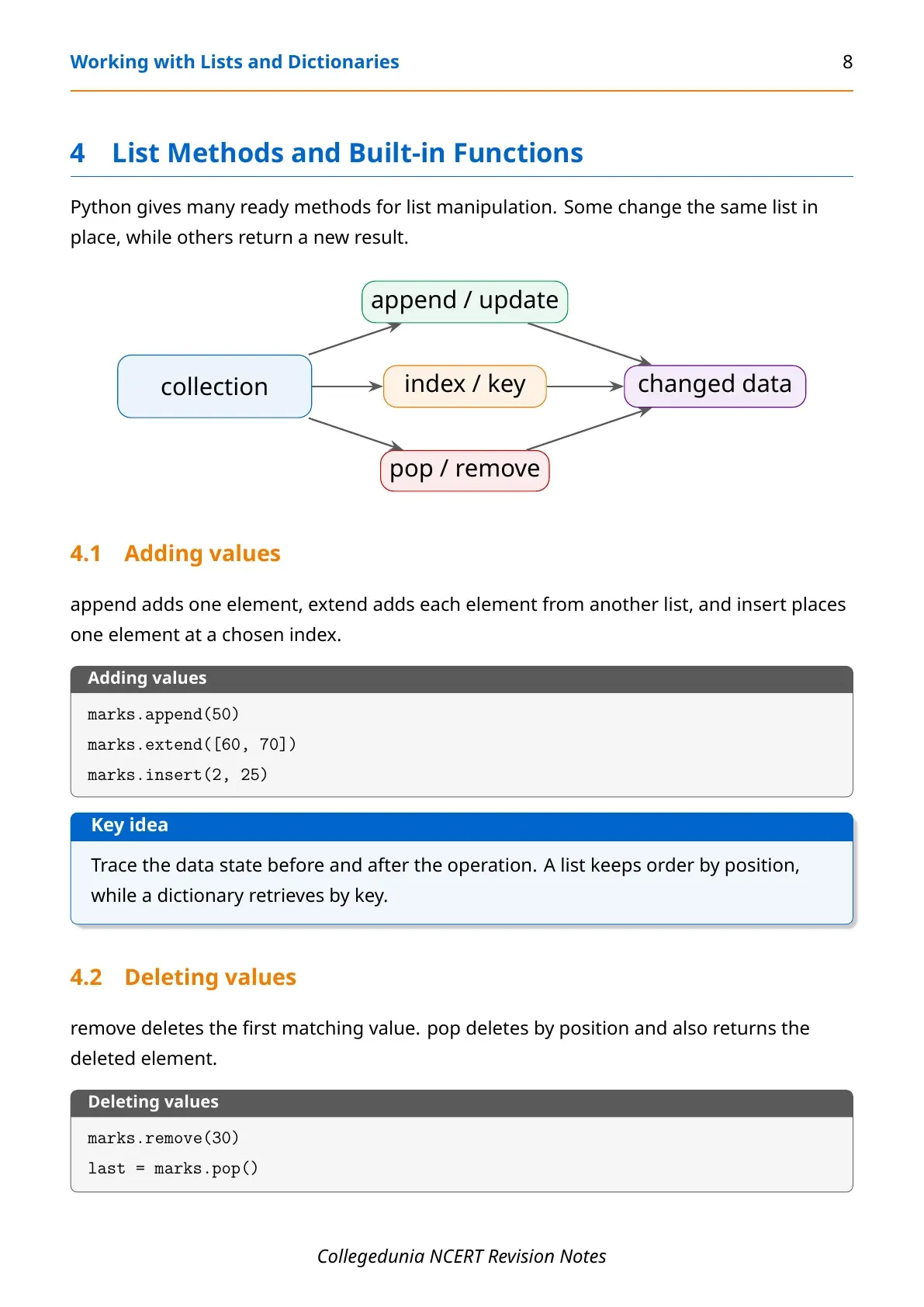
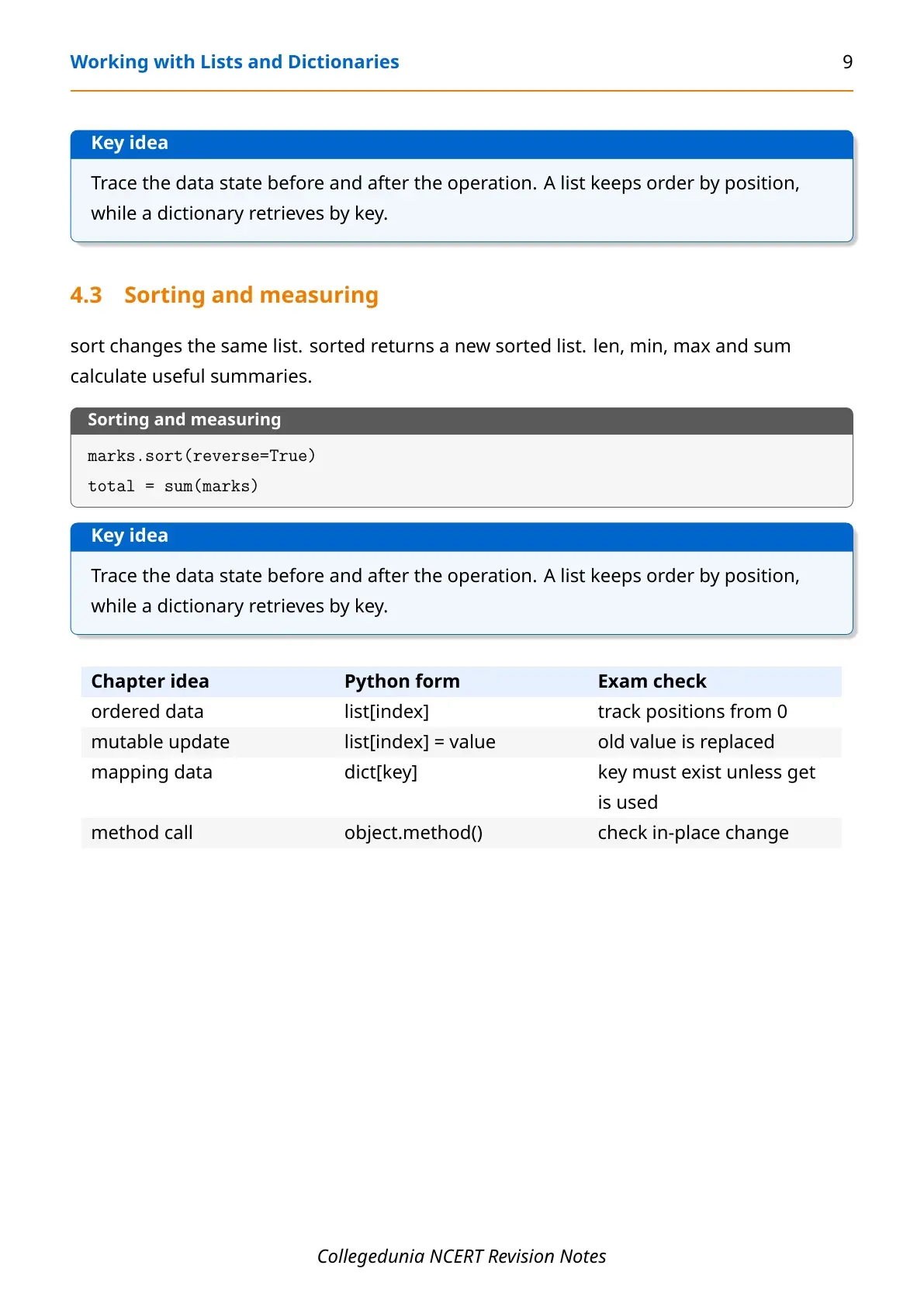
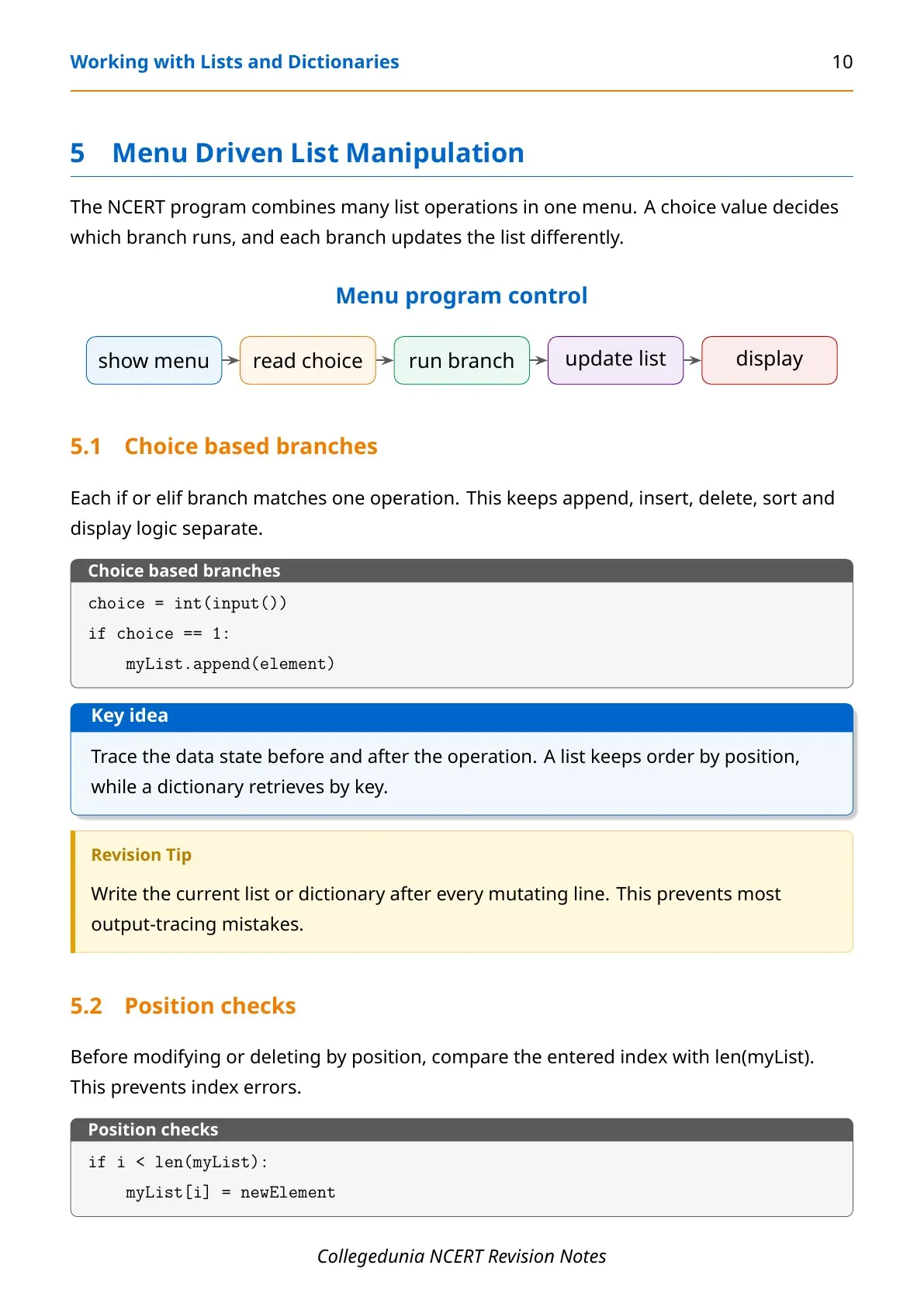
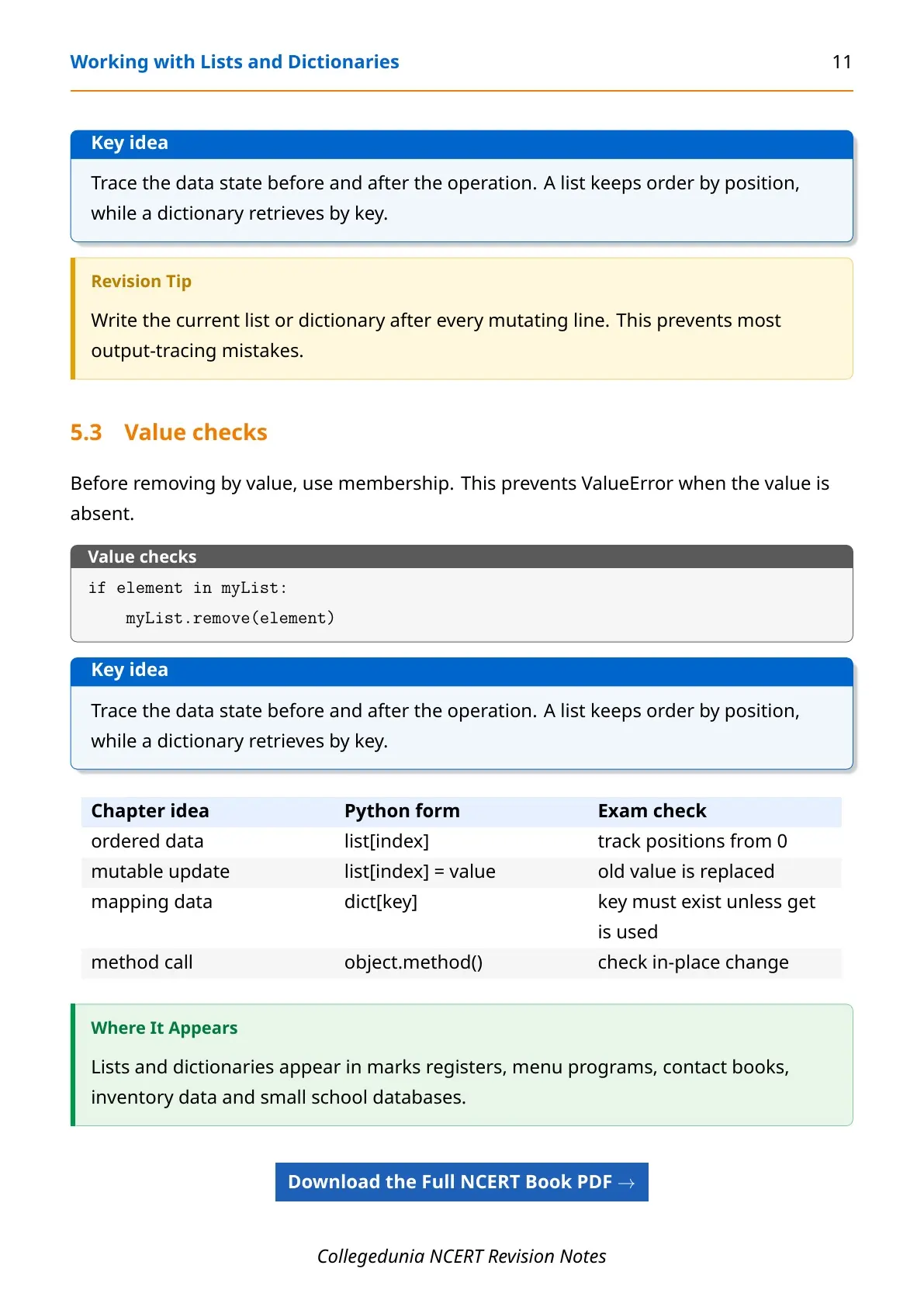
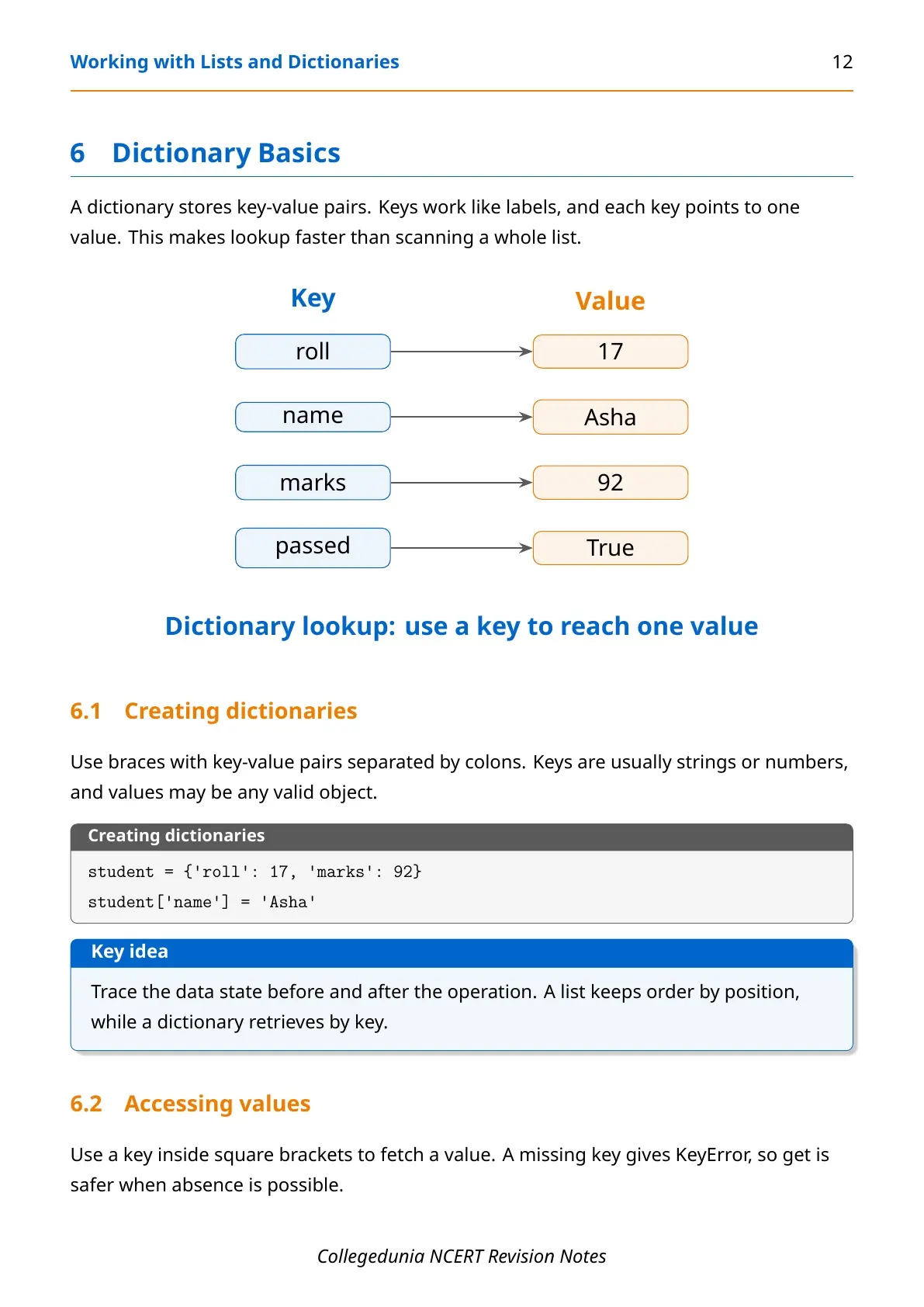
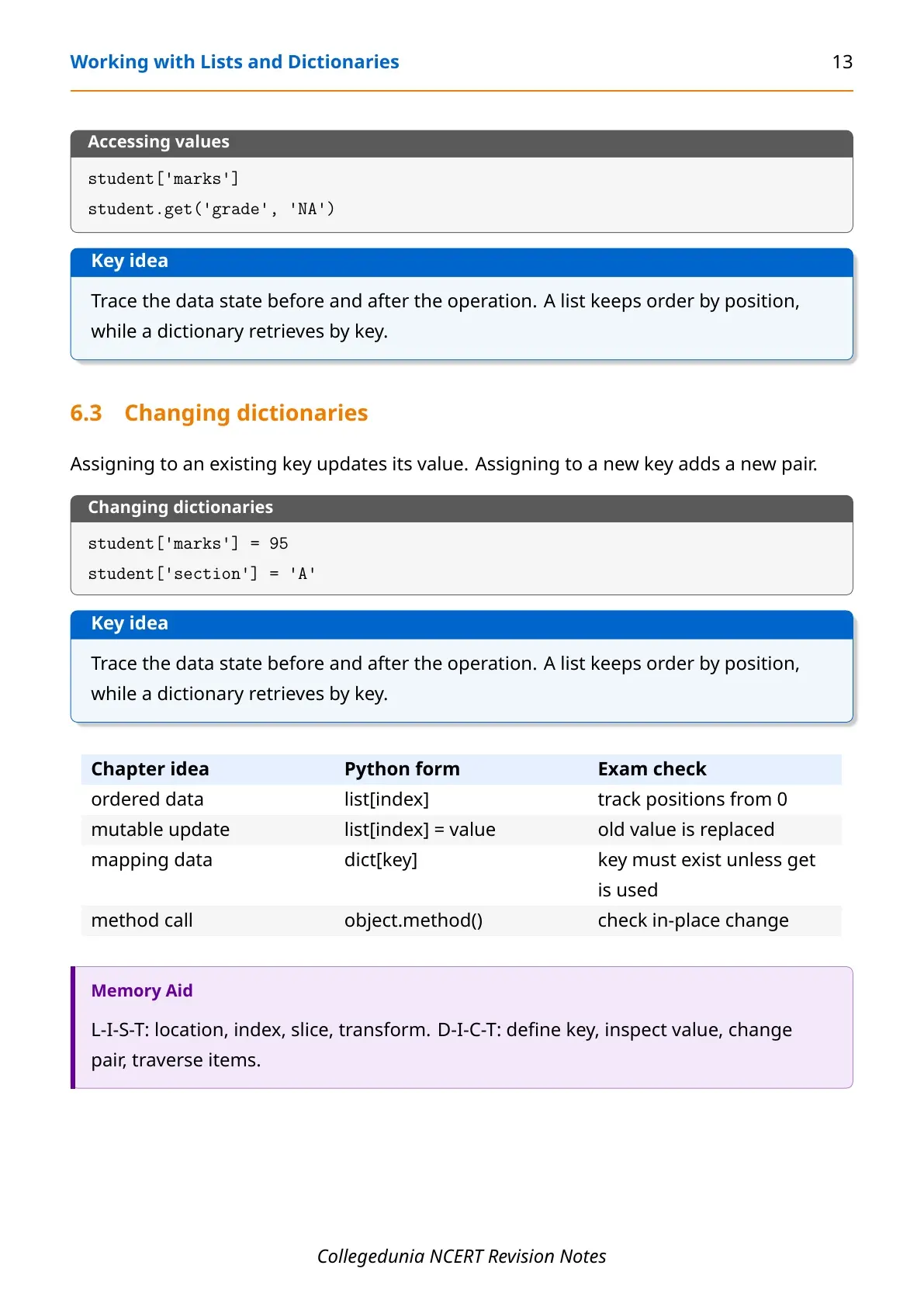
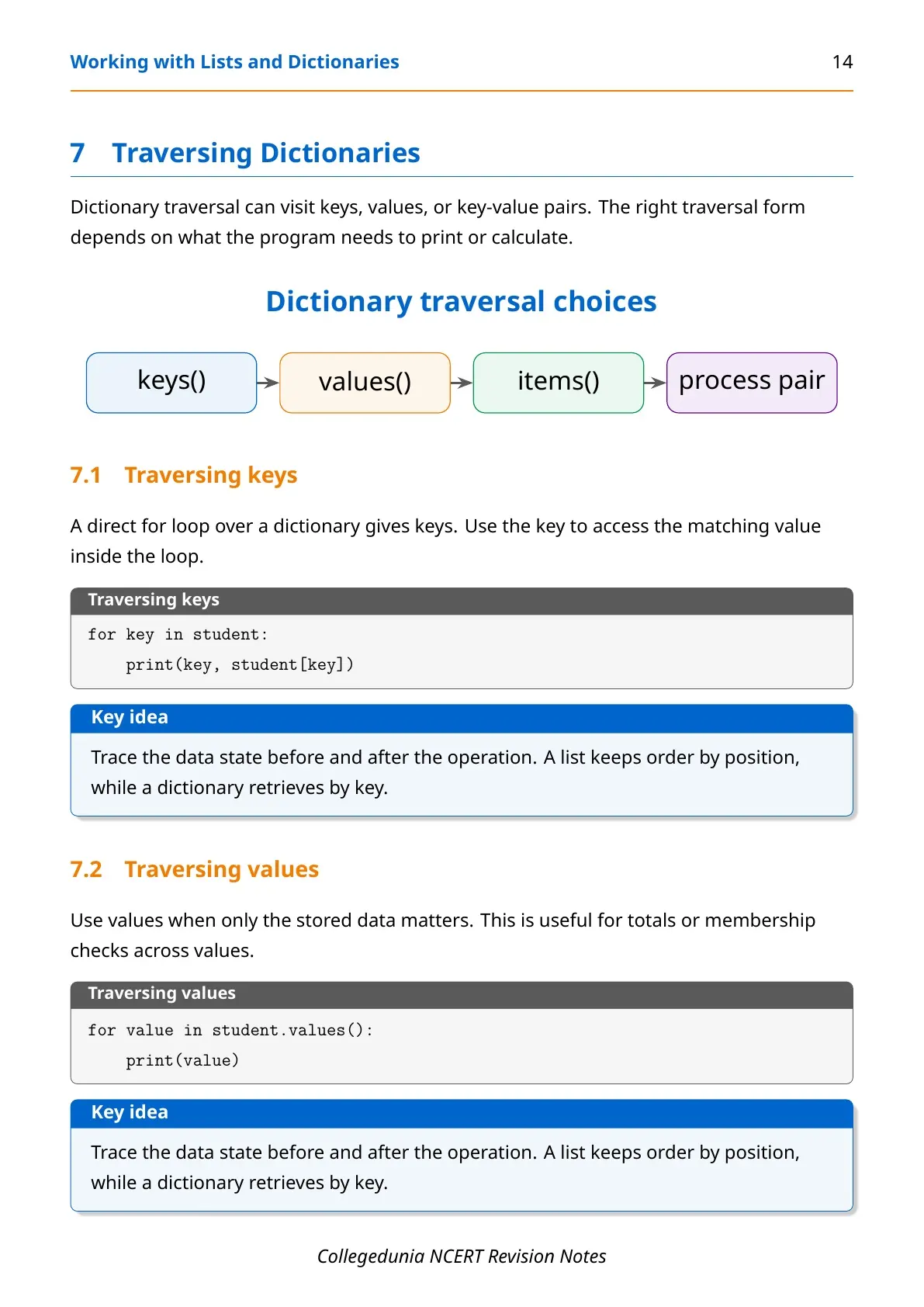
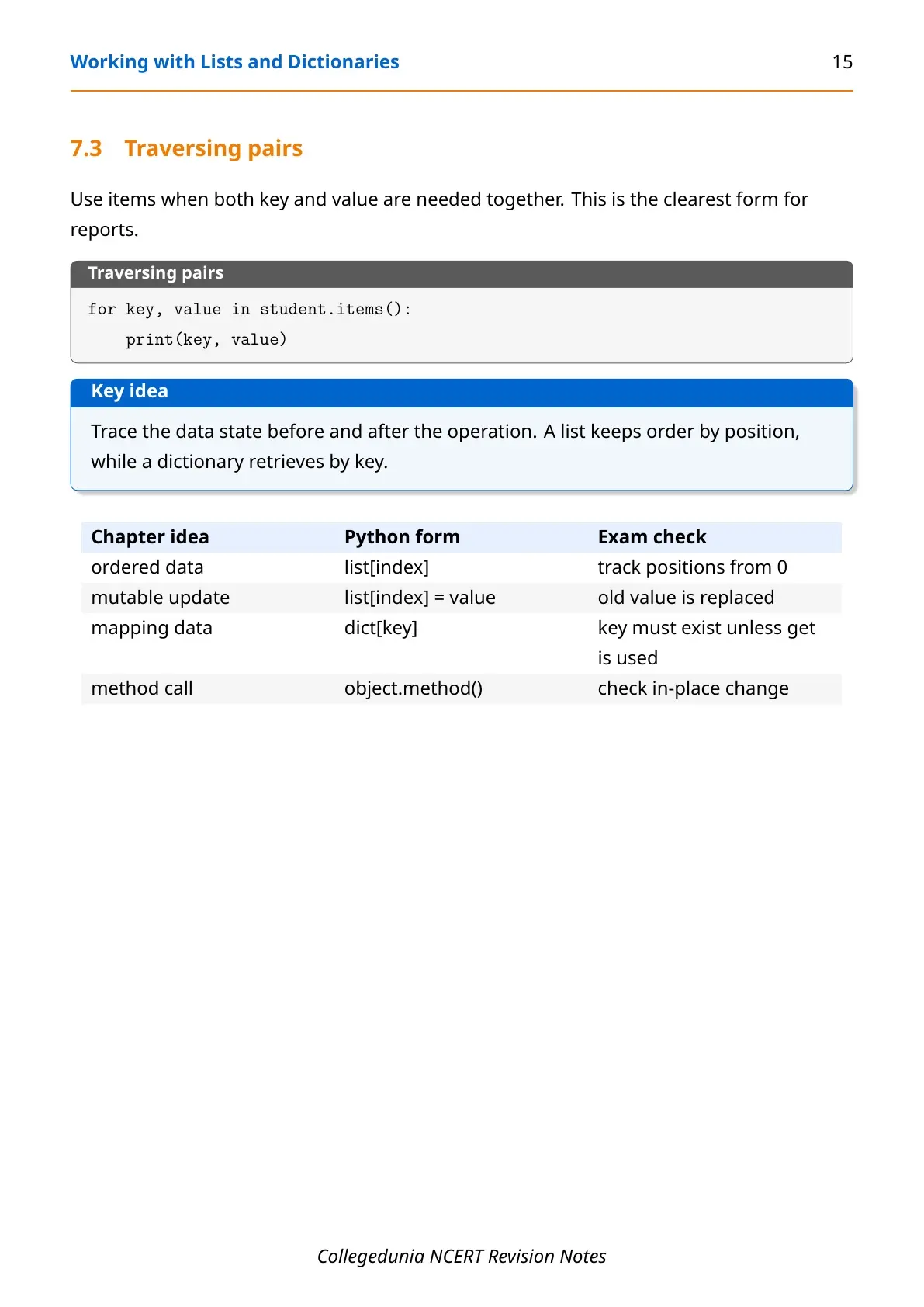
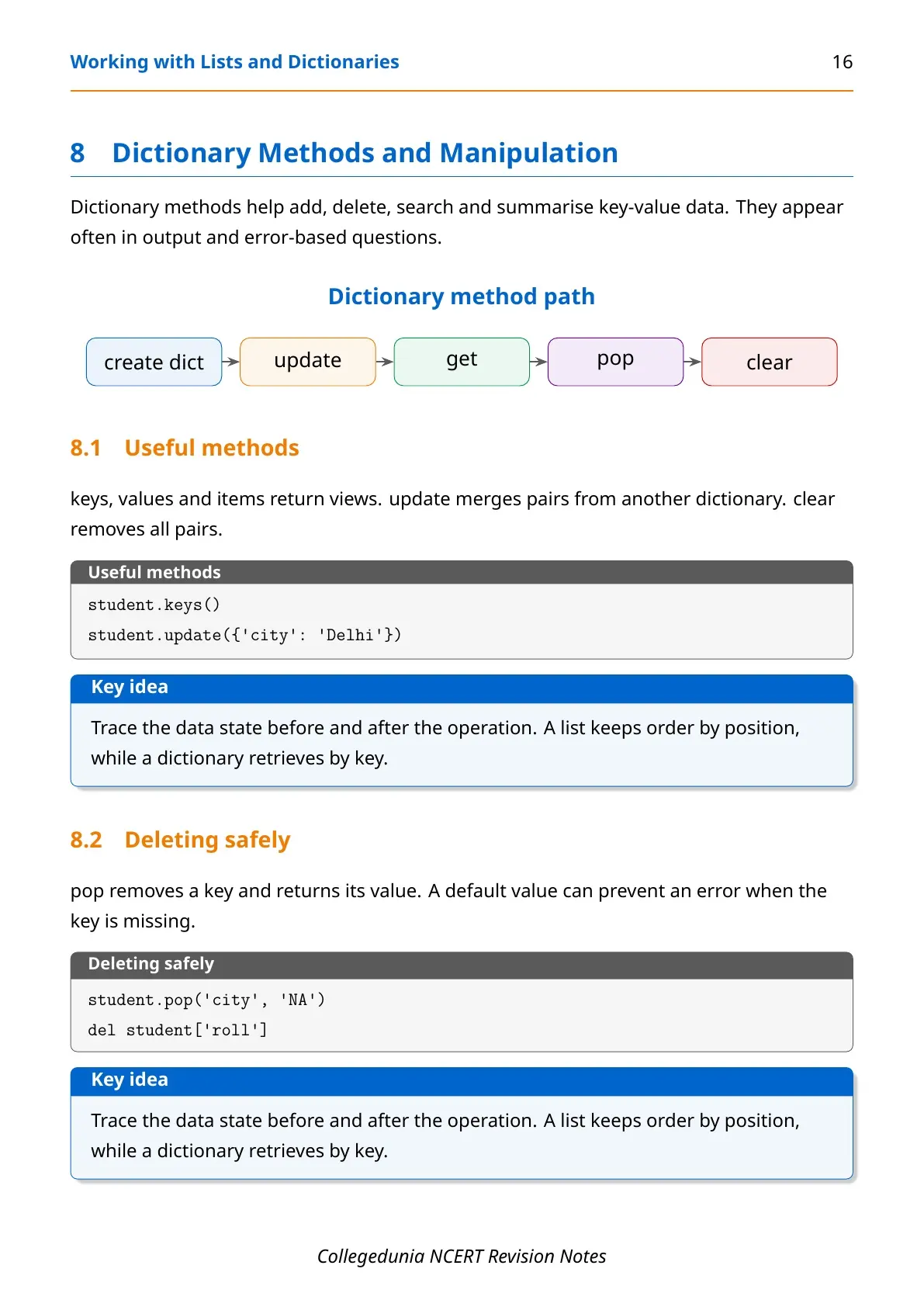
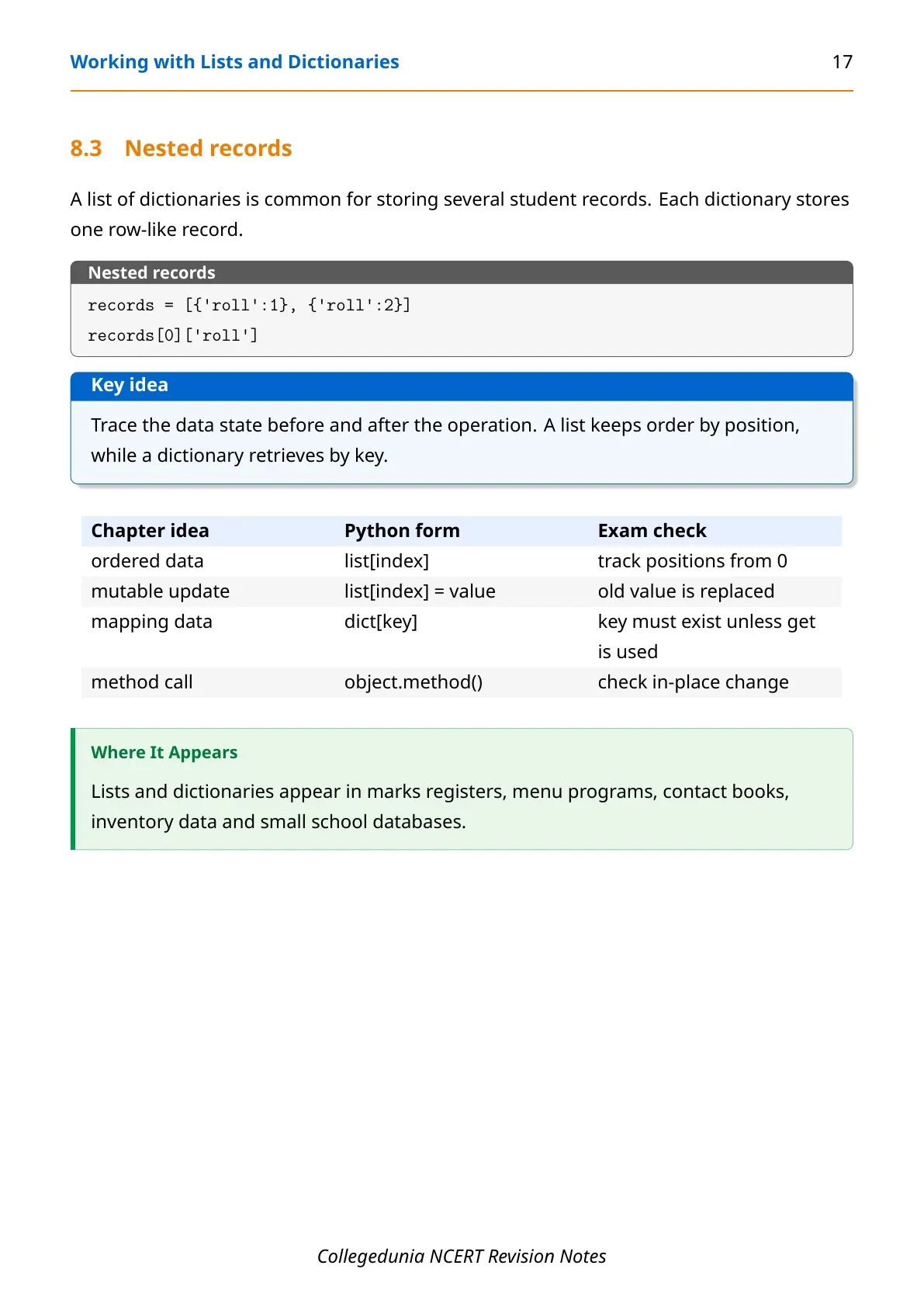
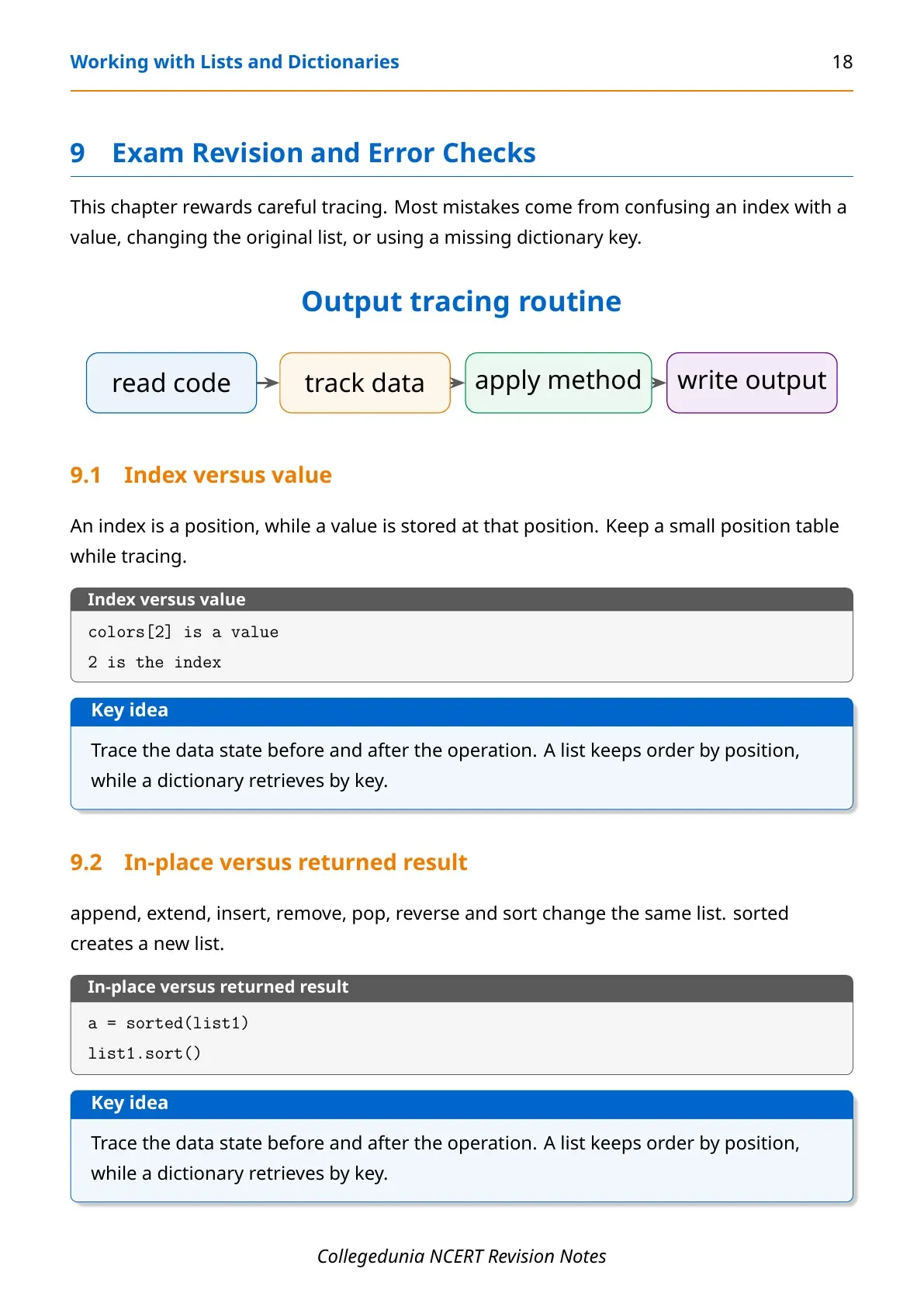
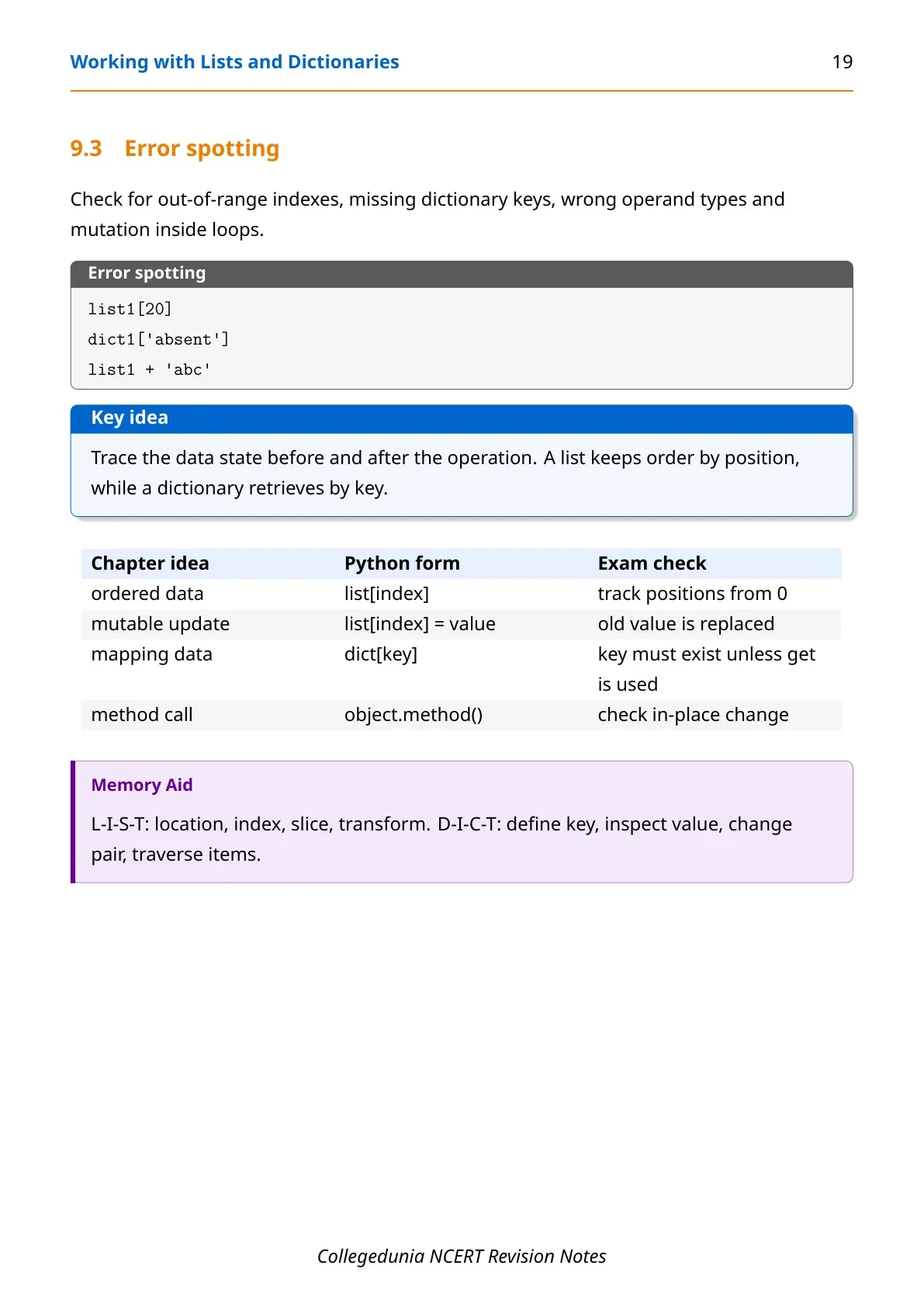
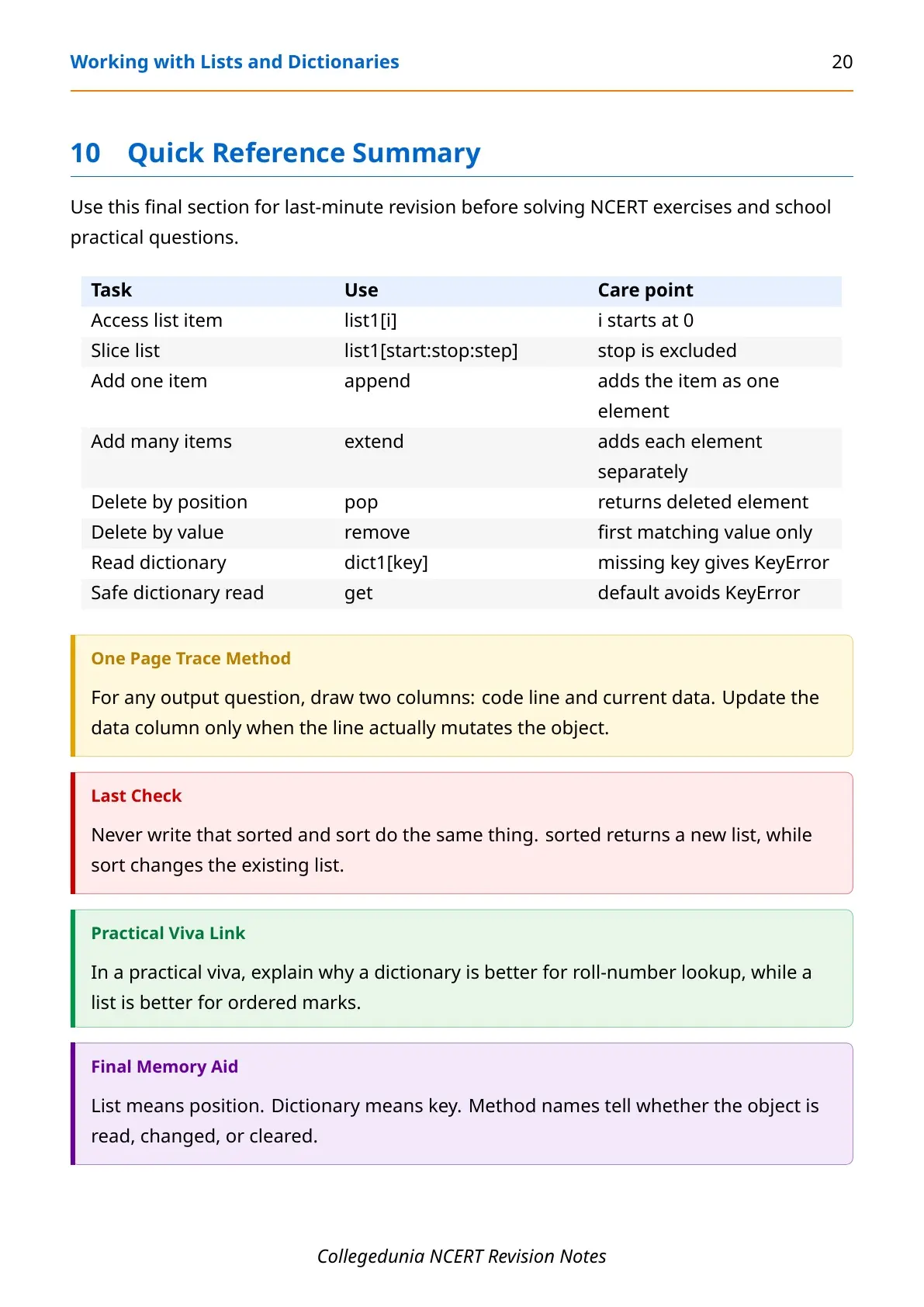
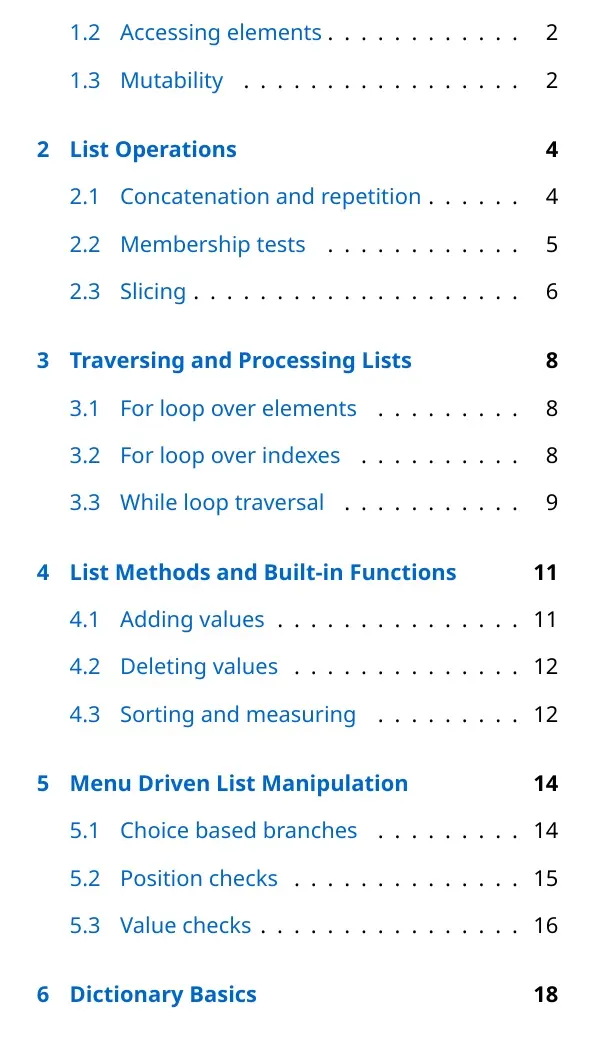
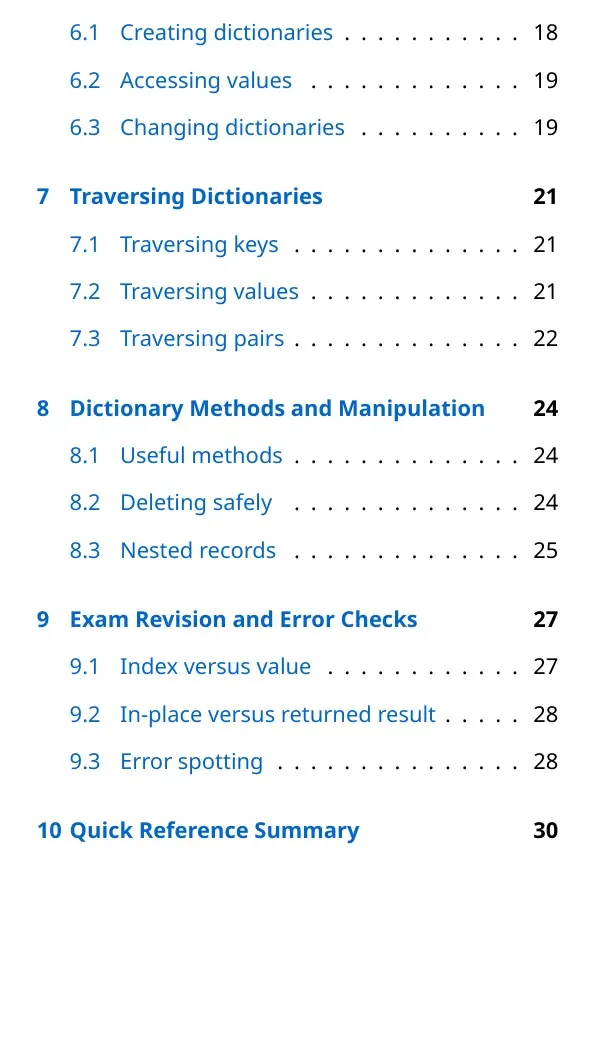
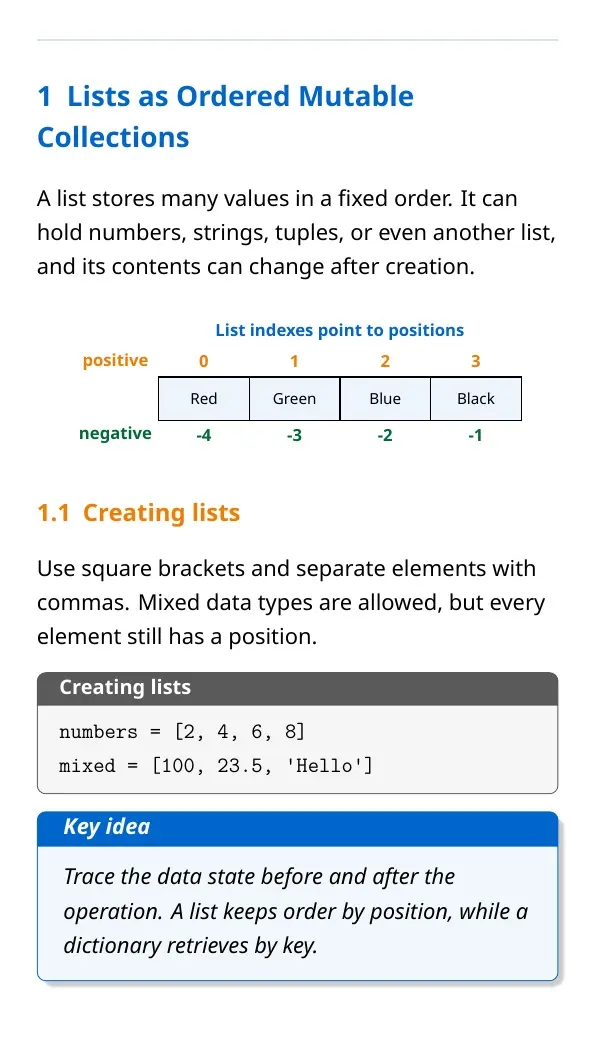
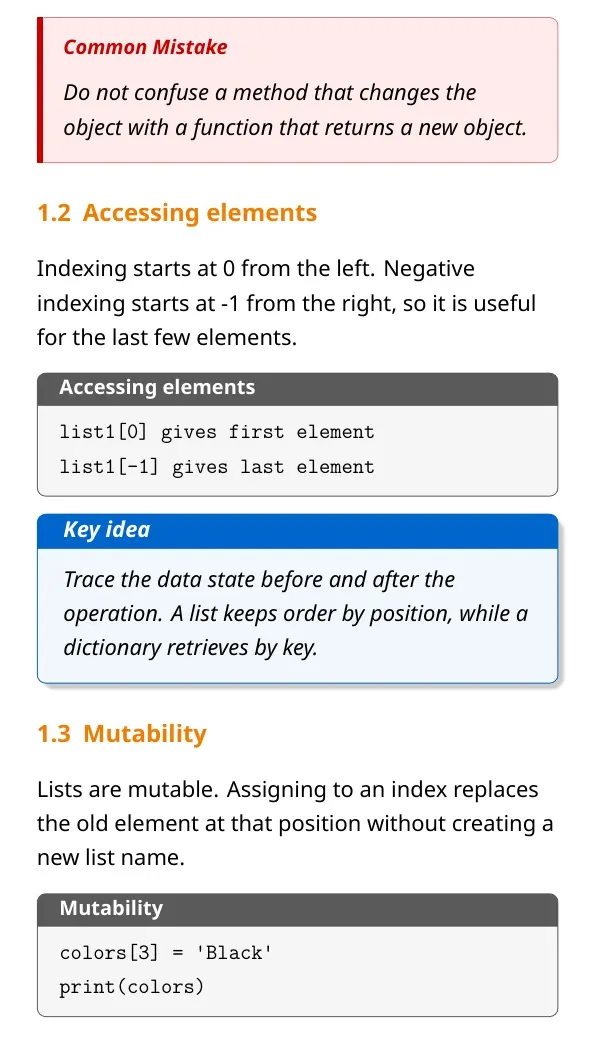
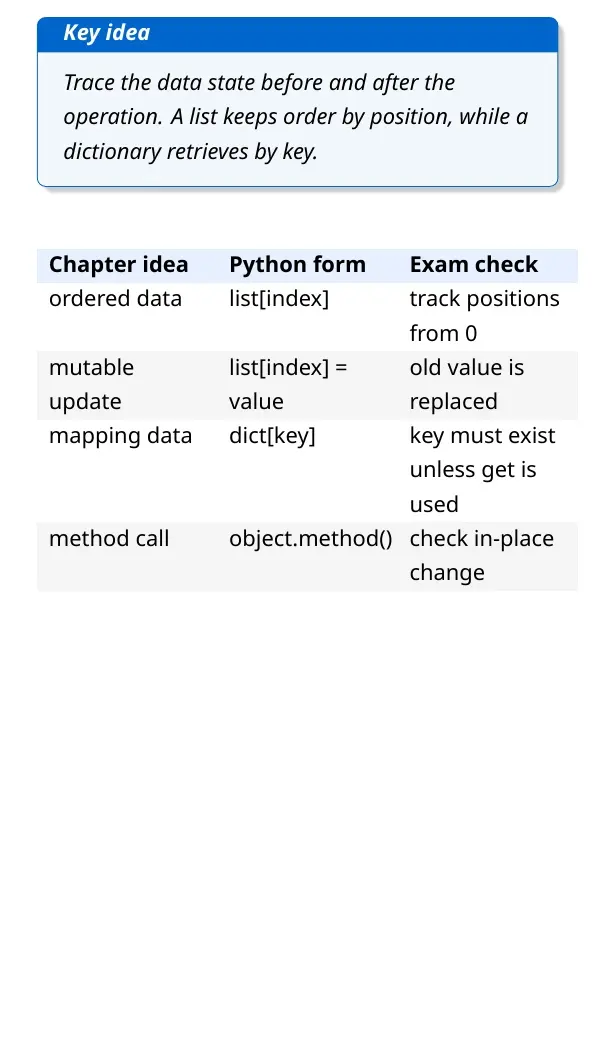
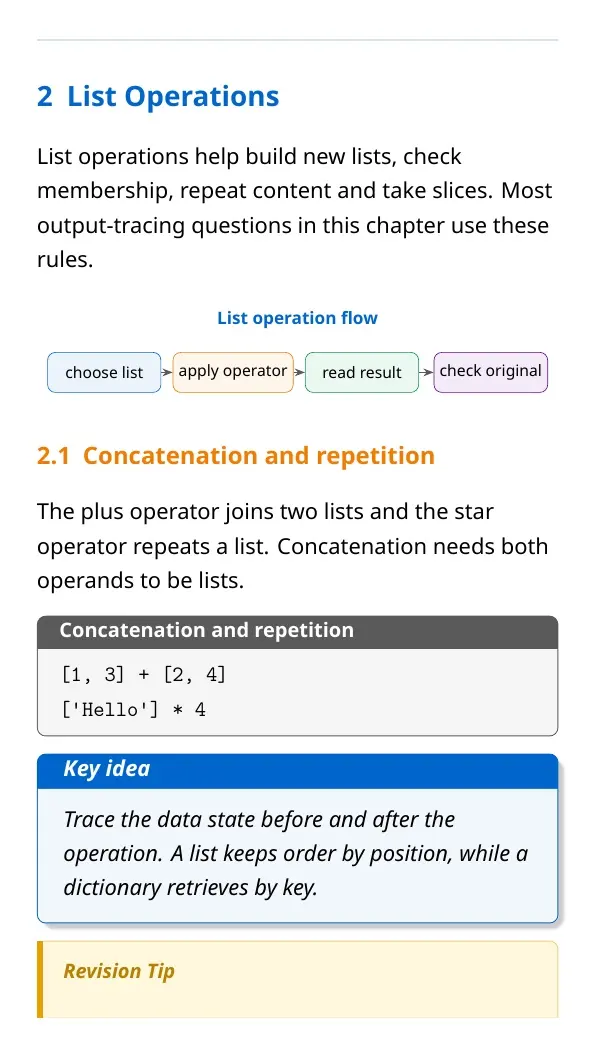
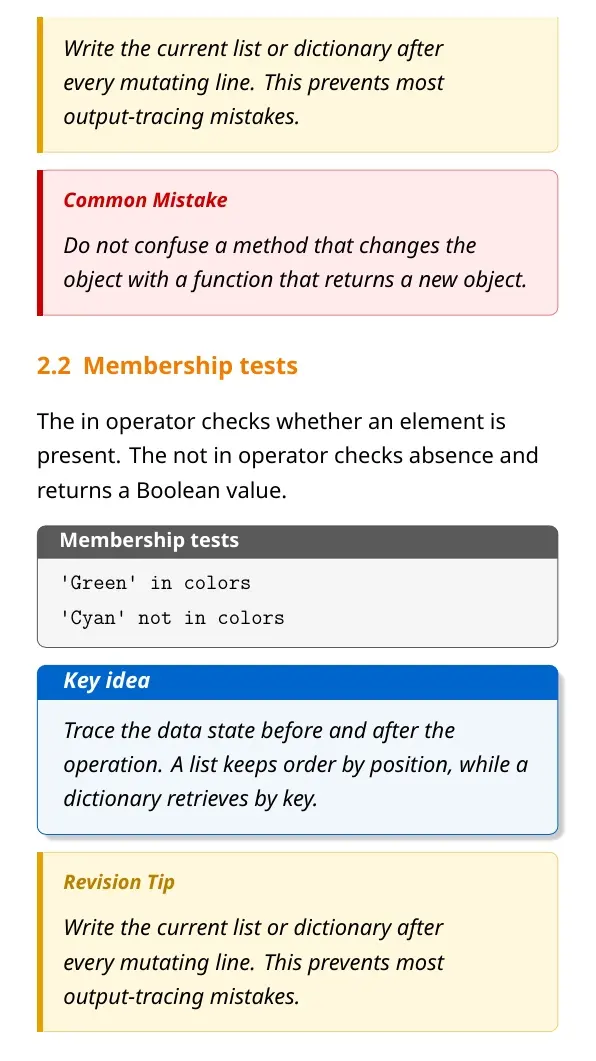
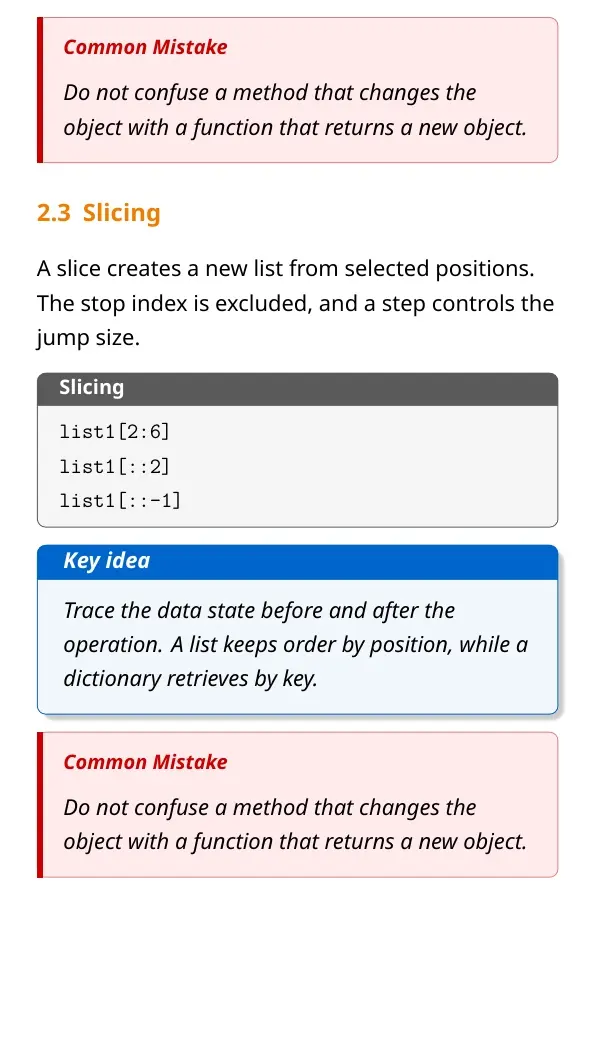
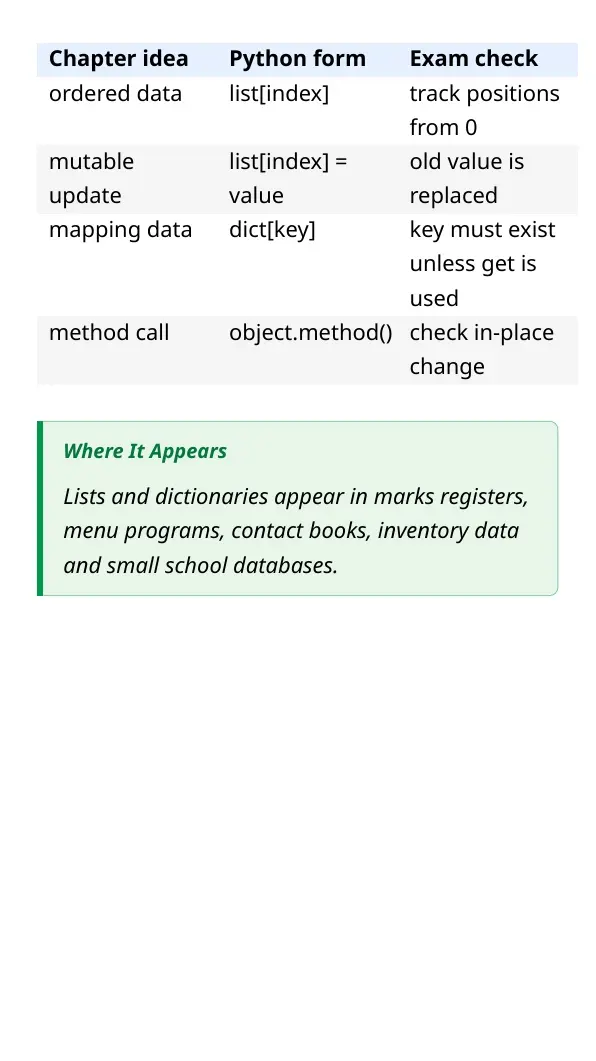
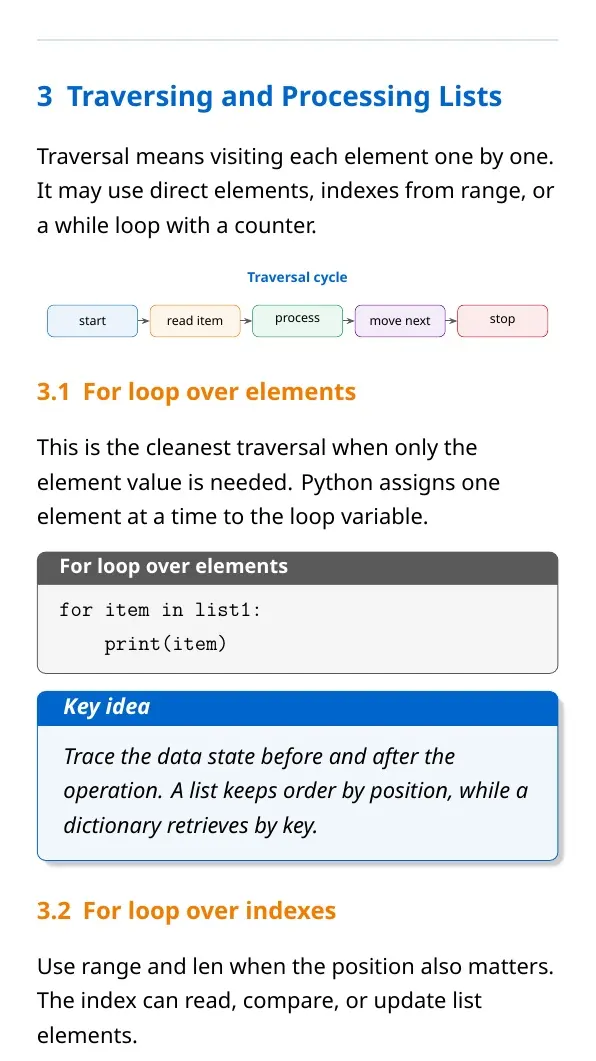
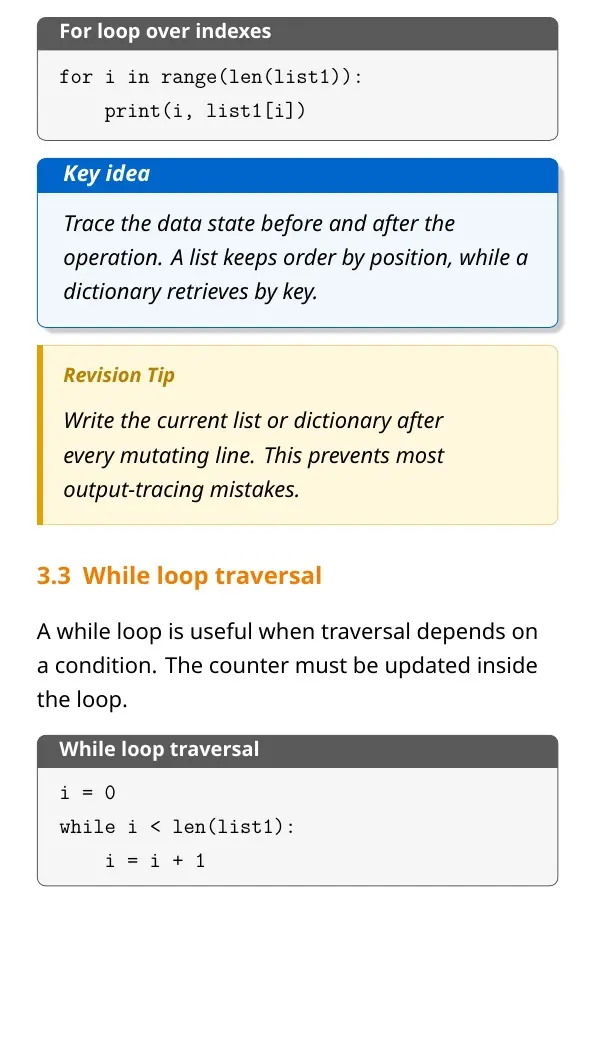
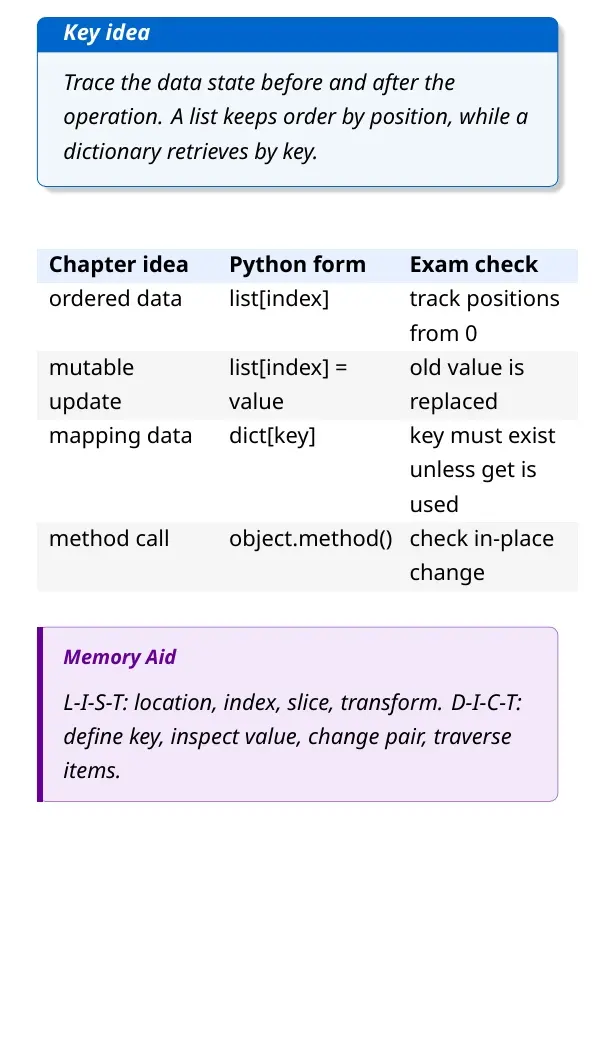
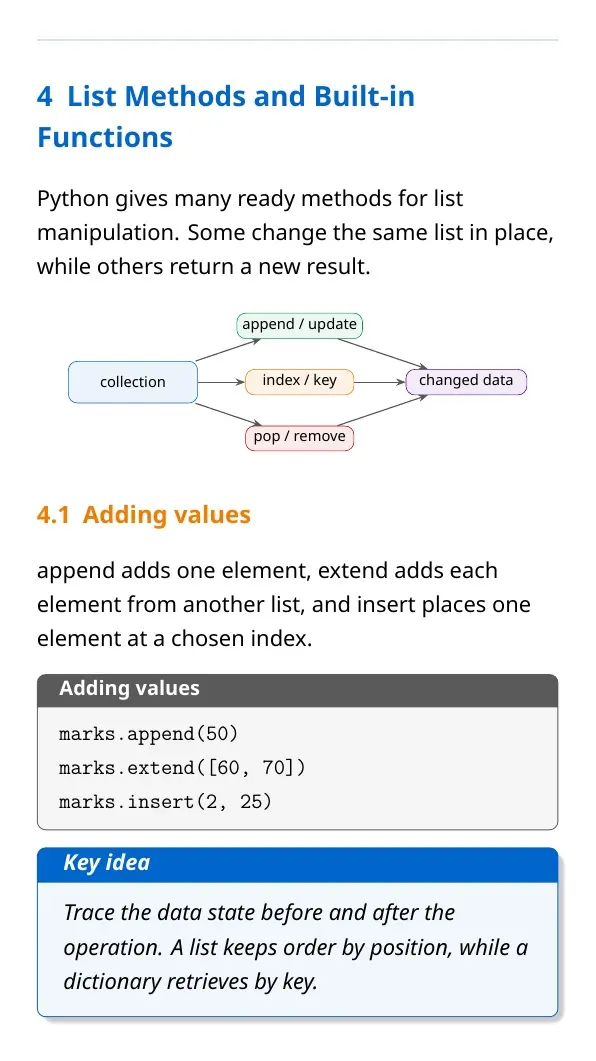
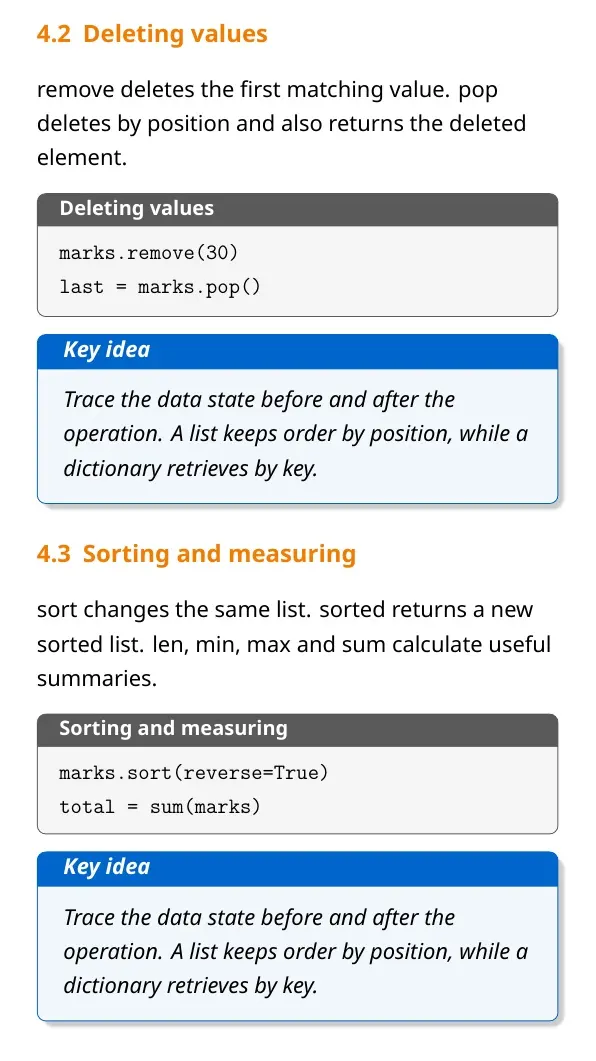
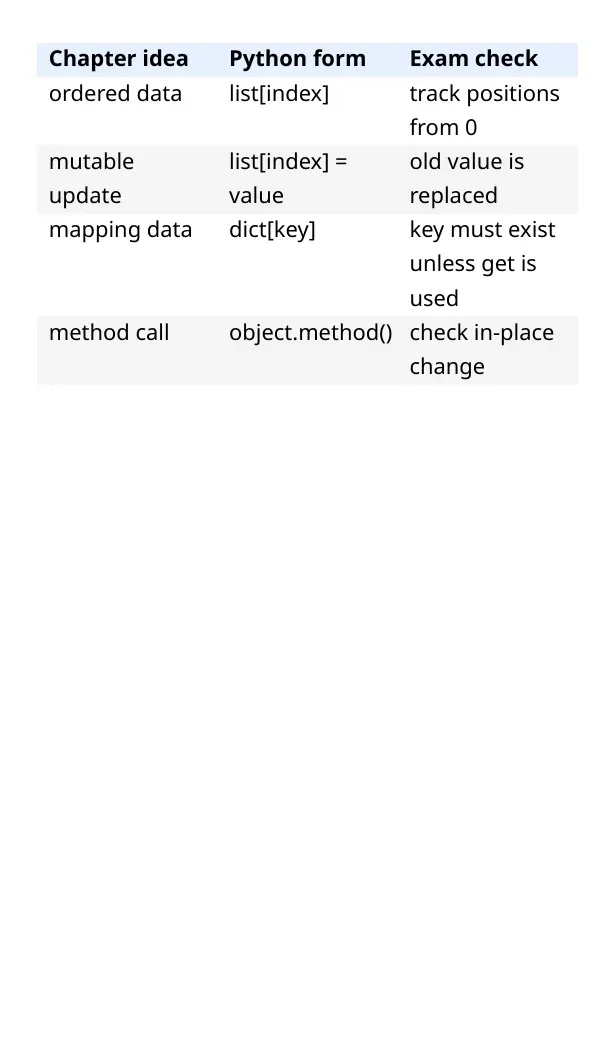
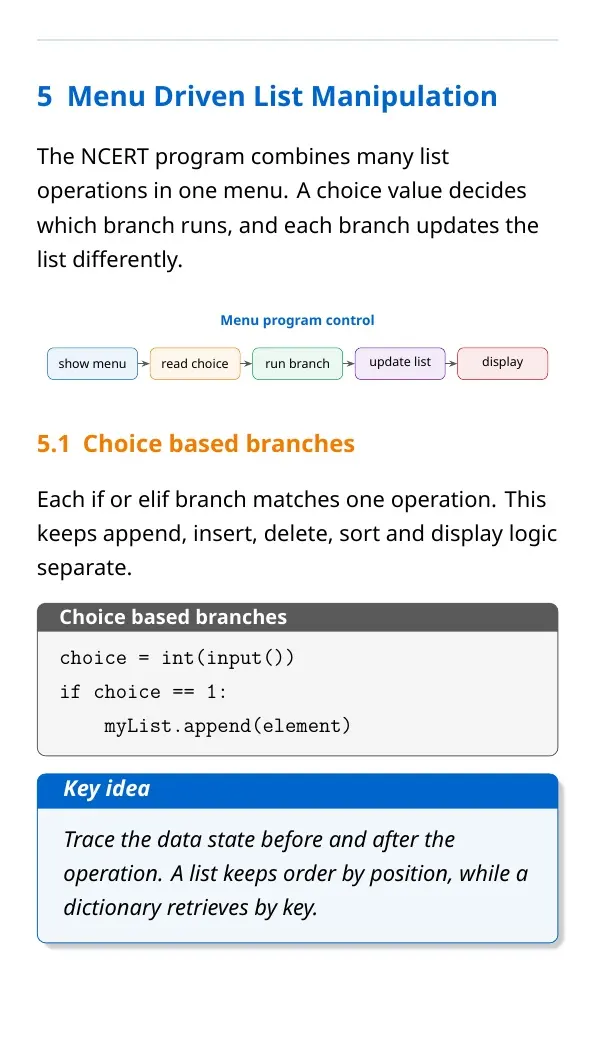
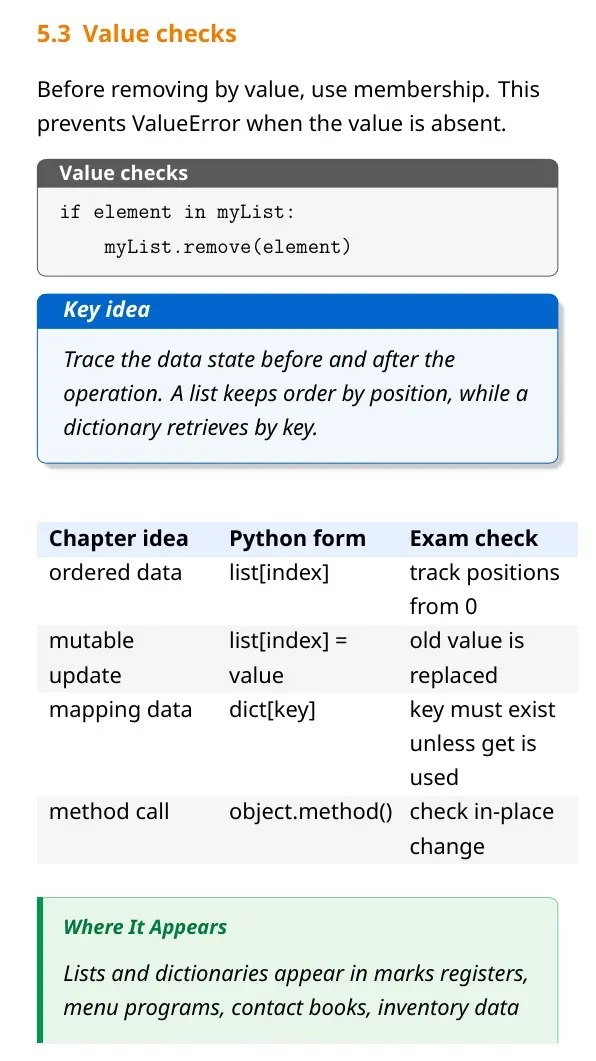

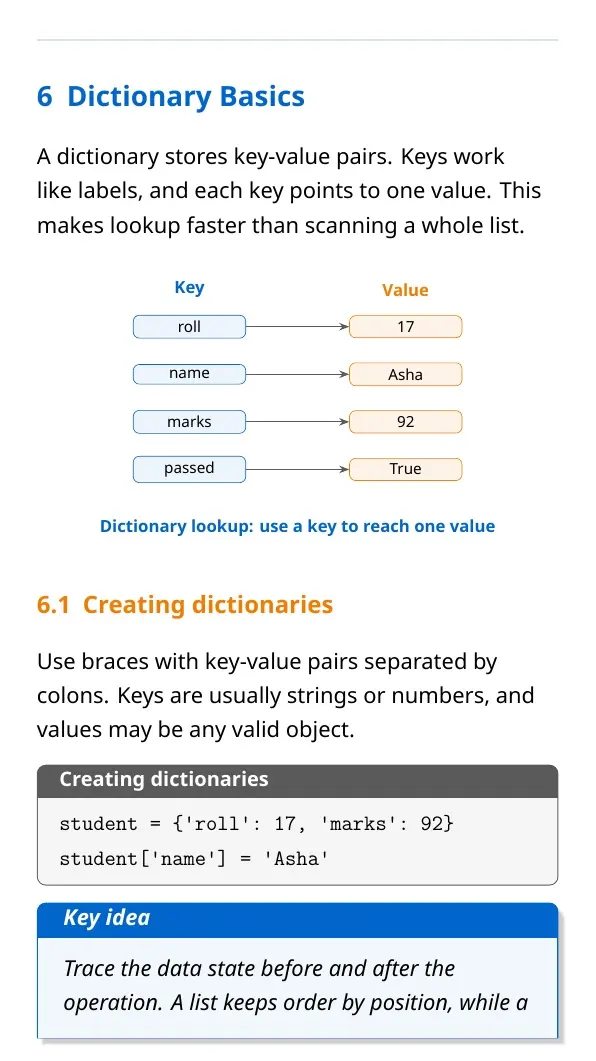
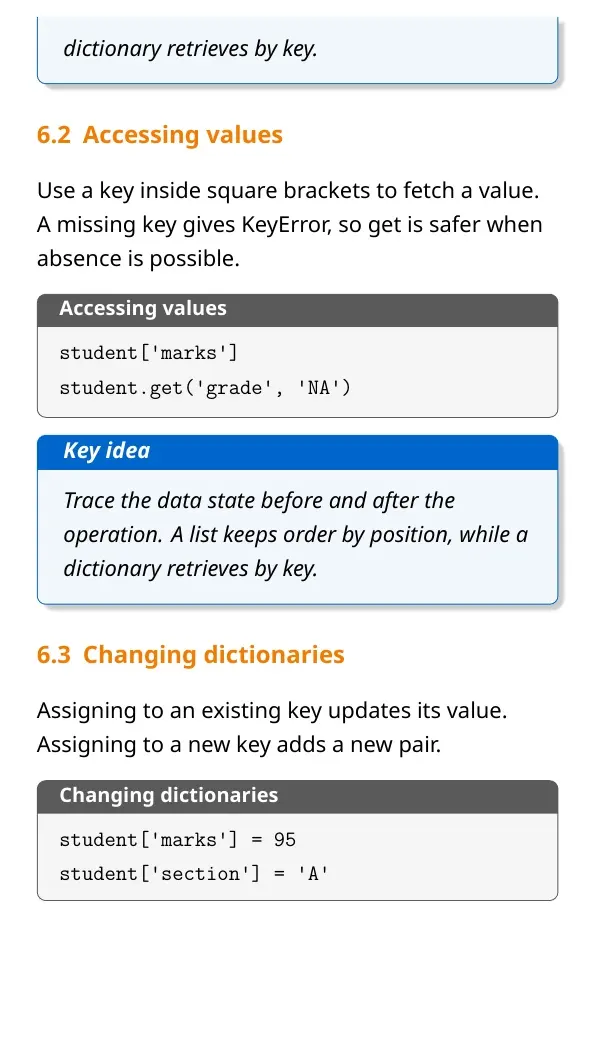
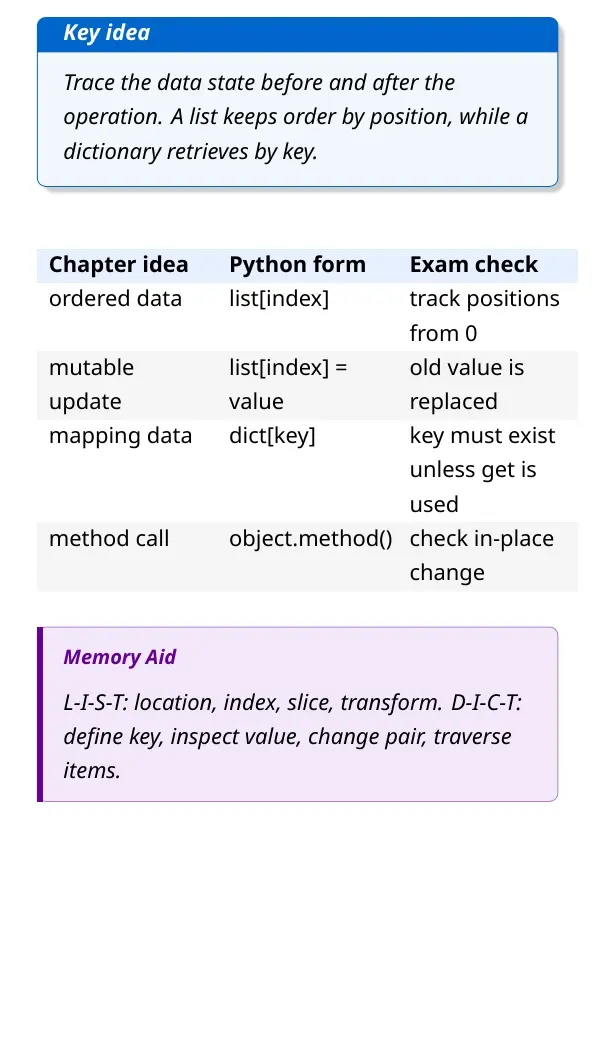
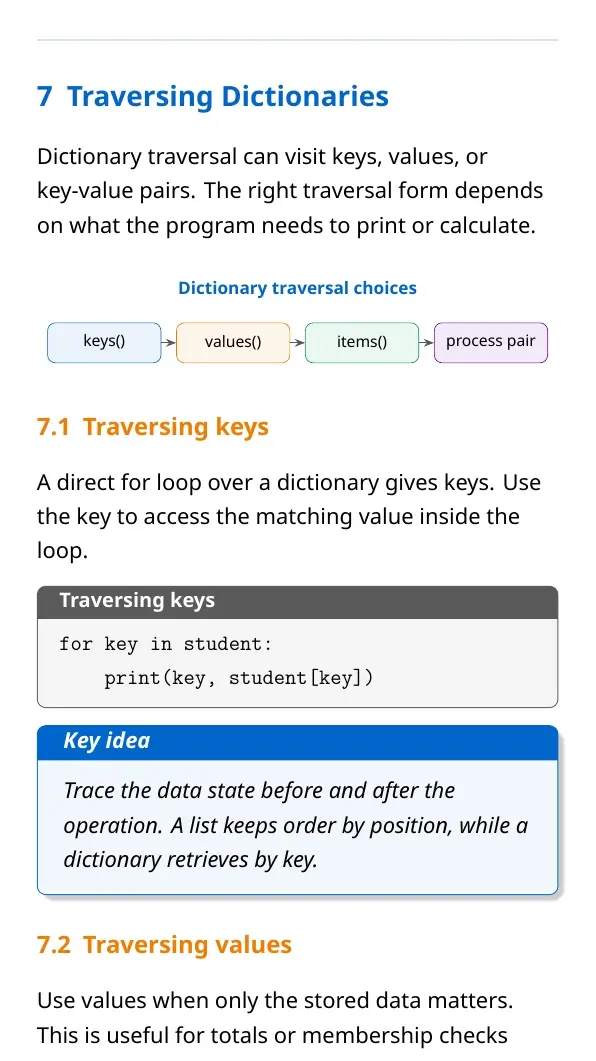
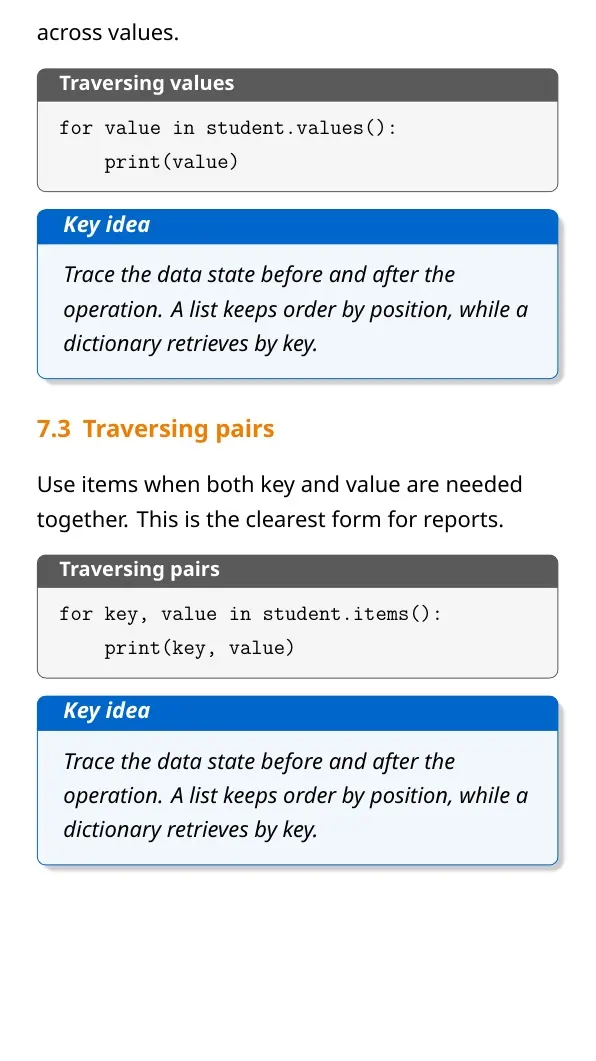
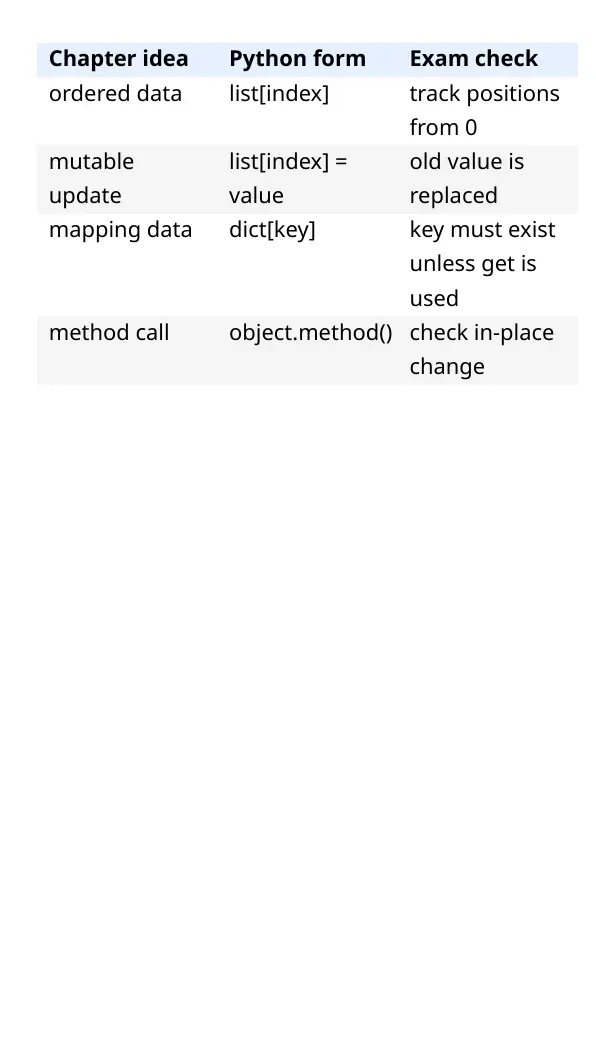
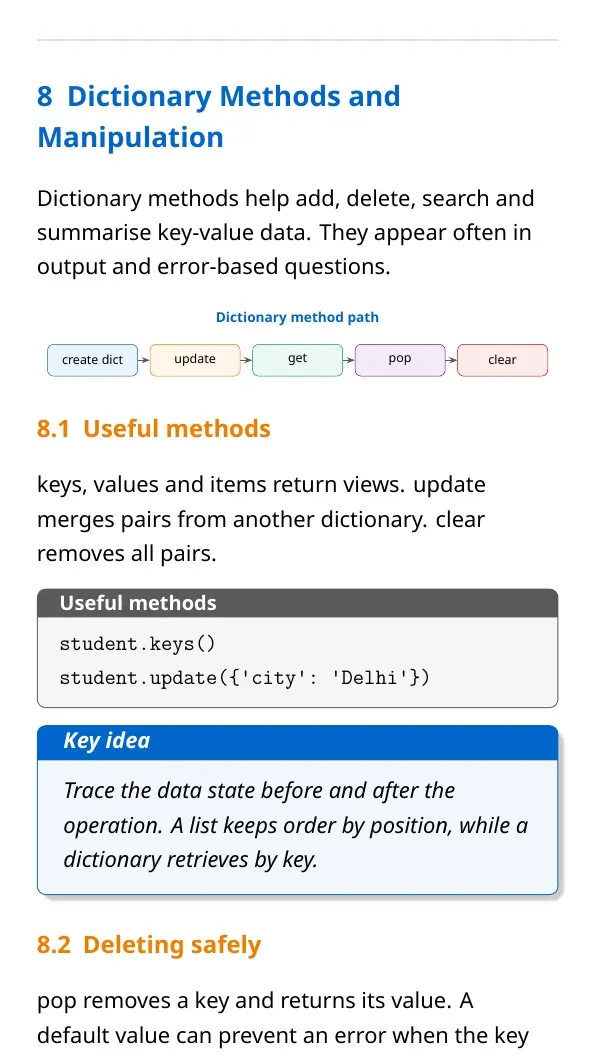
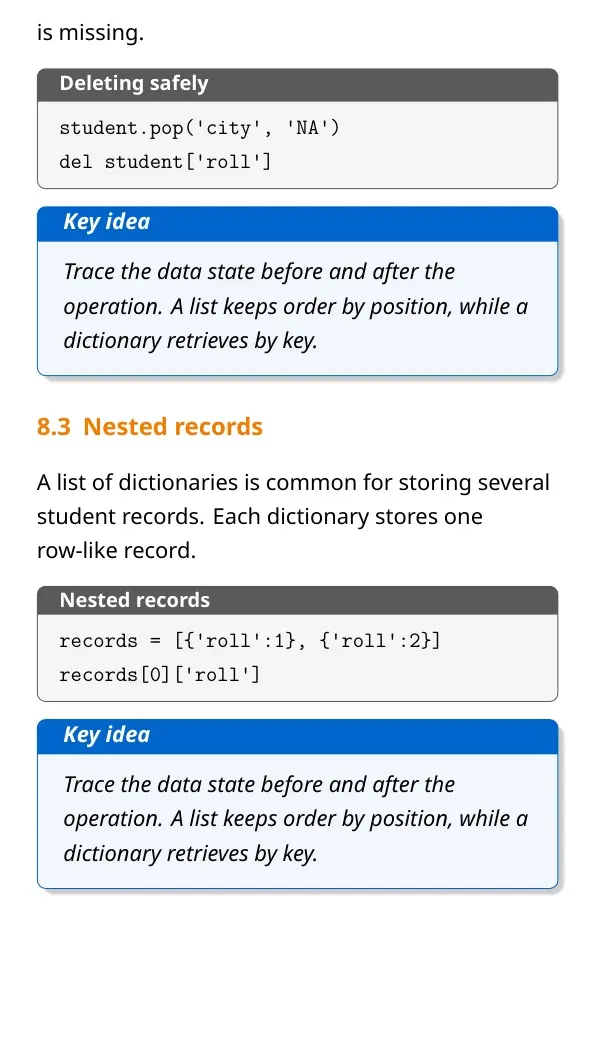
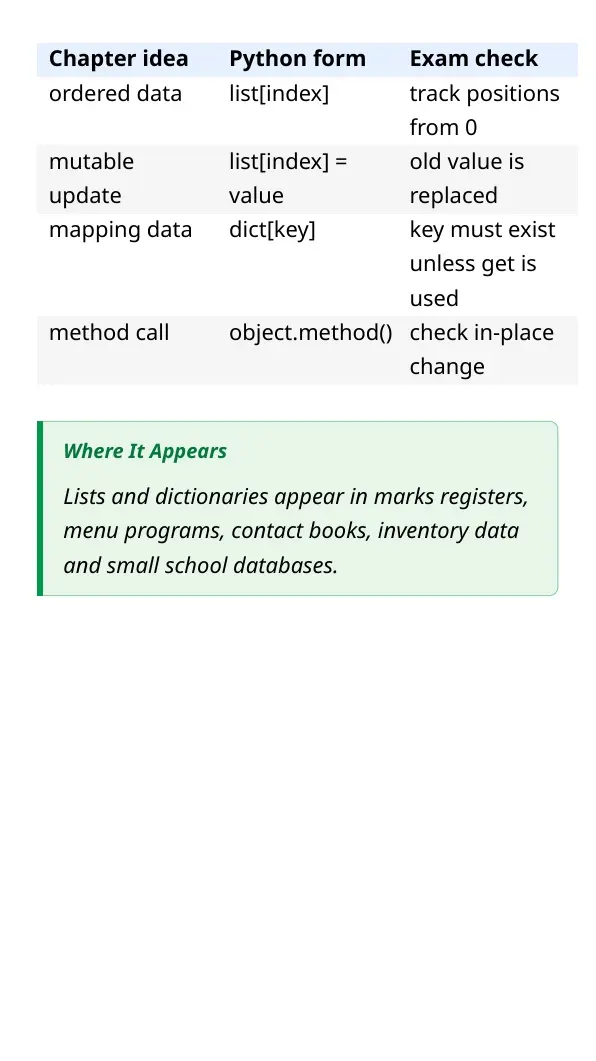
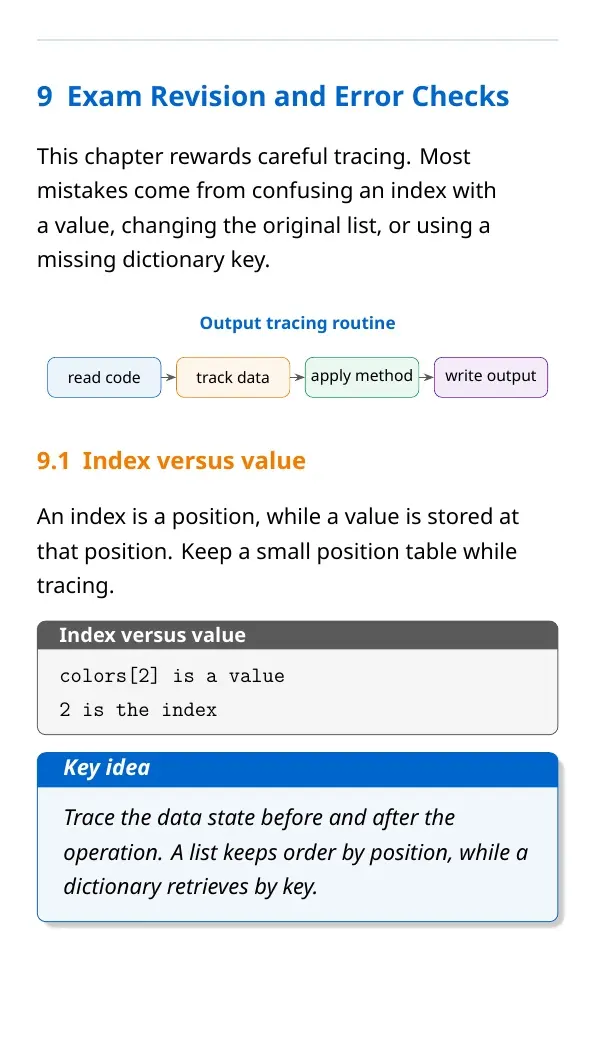
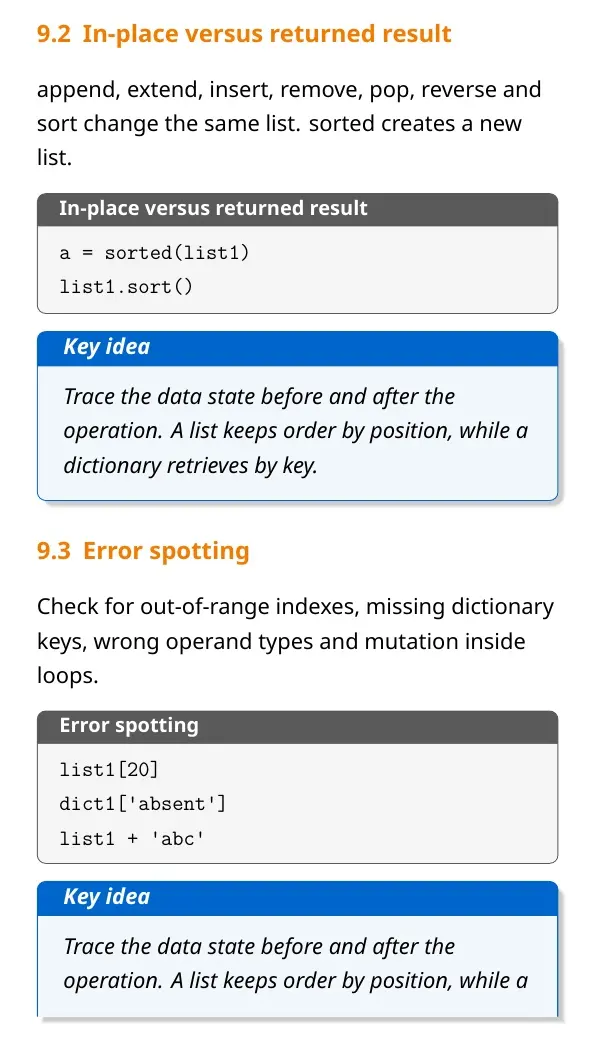
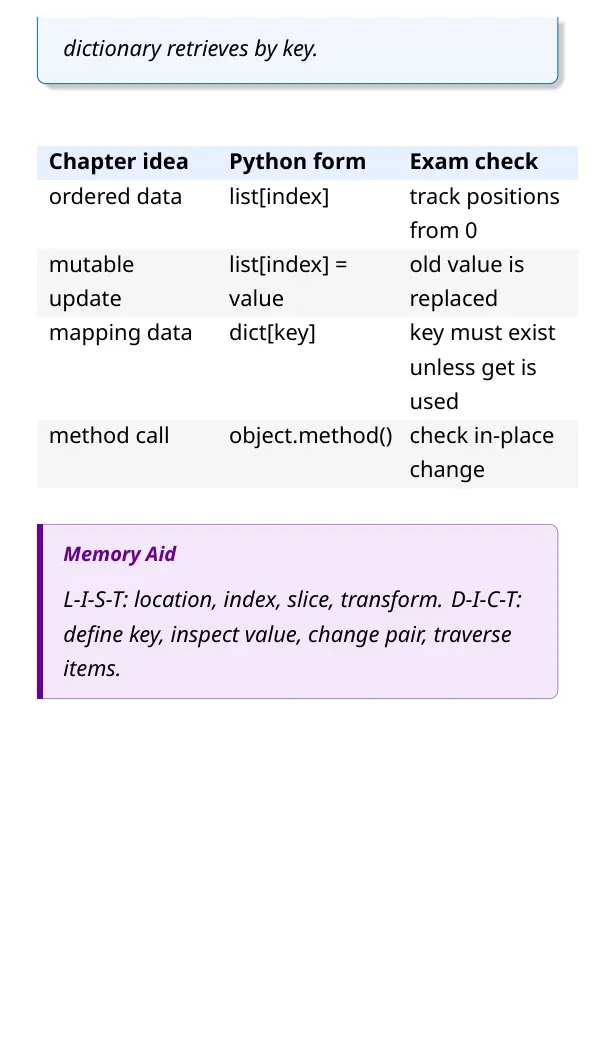
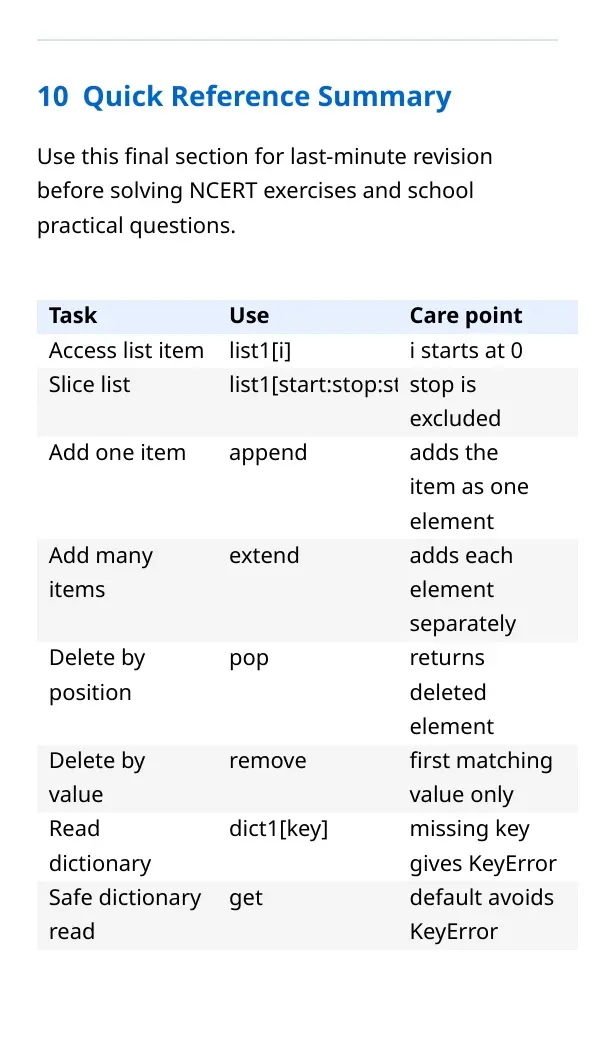
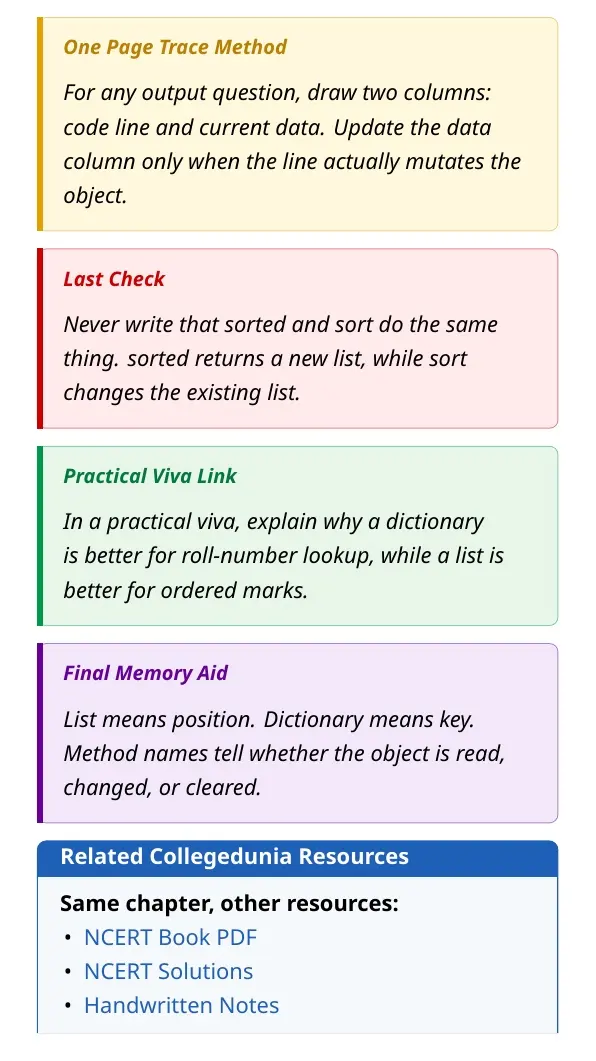
Table of Contents |
Lists and Dictionaries Notes PDF Highlights
Working with Lists and Dictionaries is the main Python collections chapter in Class 11 Informatics Practices. Lists store ordered values by index, while dictionaries store values by key. A student should revise both syntax and the data state after every operation.
| Area | What to revise | Example |
|---|---|---|
| List basics | creation, indexing, negative indexing and mutability | colors[0] |
| List operations | concatenation, repetition, membership and slicing | list1[::-1] |
| List methods | append, extend, insert, remove, pop, reverse and sort | marks.append(50) |
| Dictionary basics | keys, values, items, get, update and pop | student.get("marks") |
Working with Lists and Dictionaries Video Revision
Source: Magnet Brains on YouTube
Lists as Ordered Mutable Collections
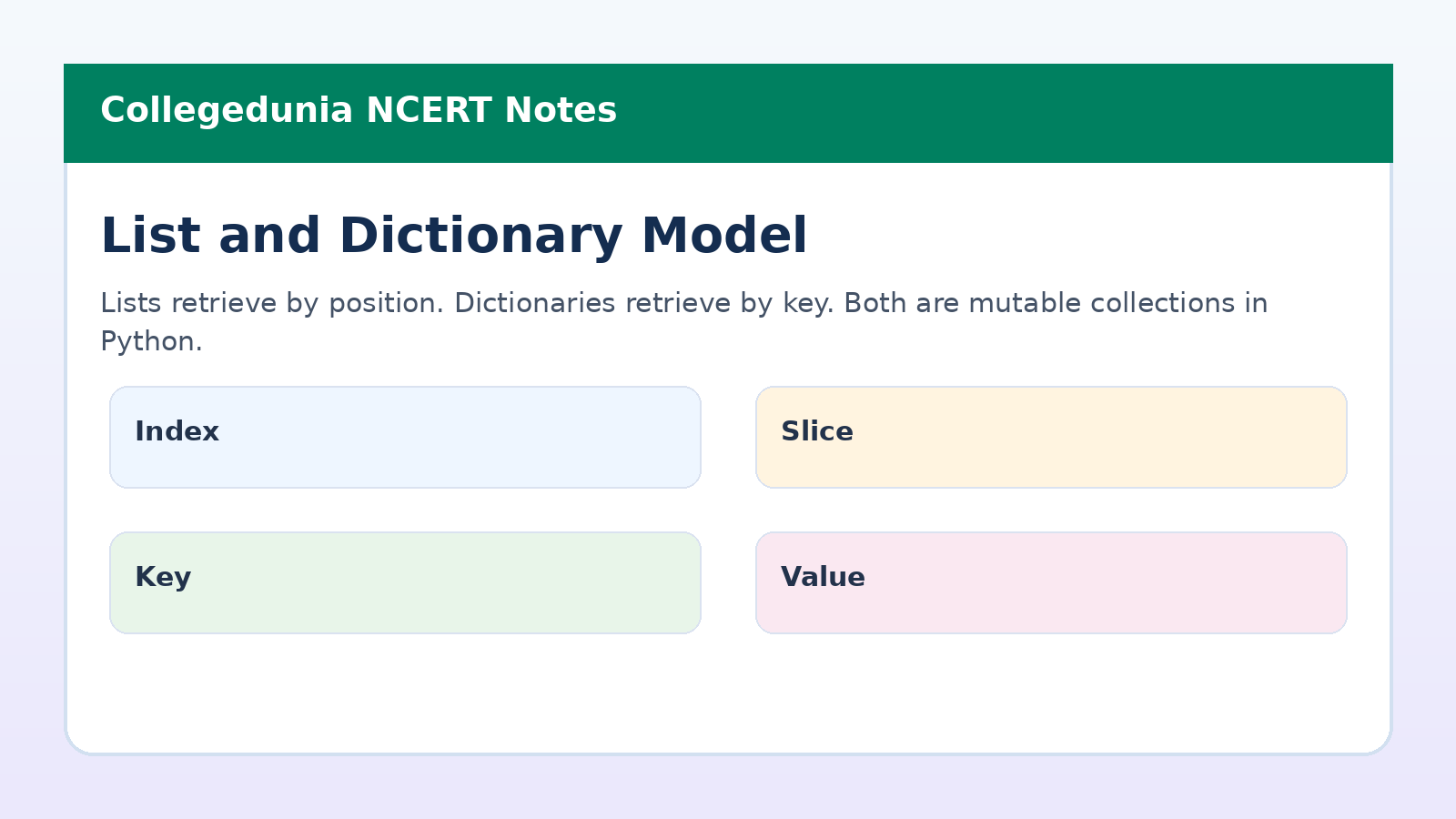
A list is an ordered sequence. Each element has an index, and the first index is 0. Negative indexes count from the right, so -1 means the last element.
- Creation: use square brackets and commas.
- Access: use the required index inside square brackets.
- Mutation: assign a new value to an existing index.
- Error check: an index beyond the list length gives IndexError.
List Operations and Methods
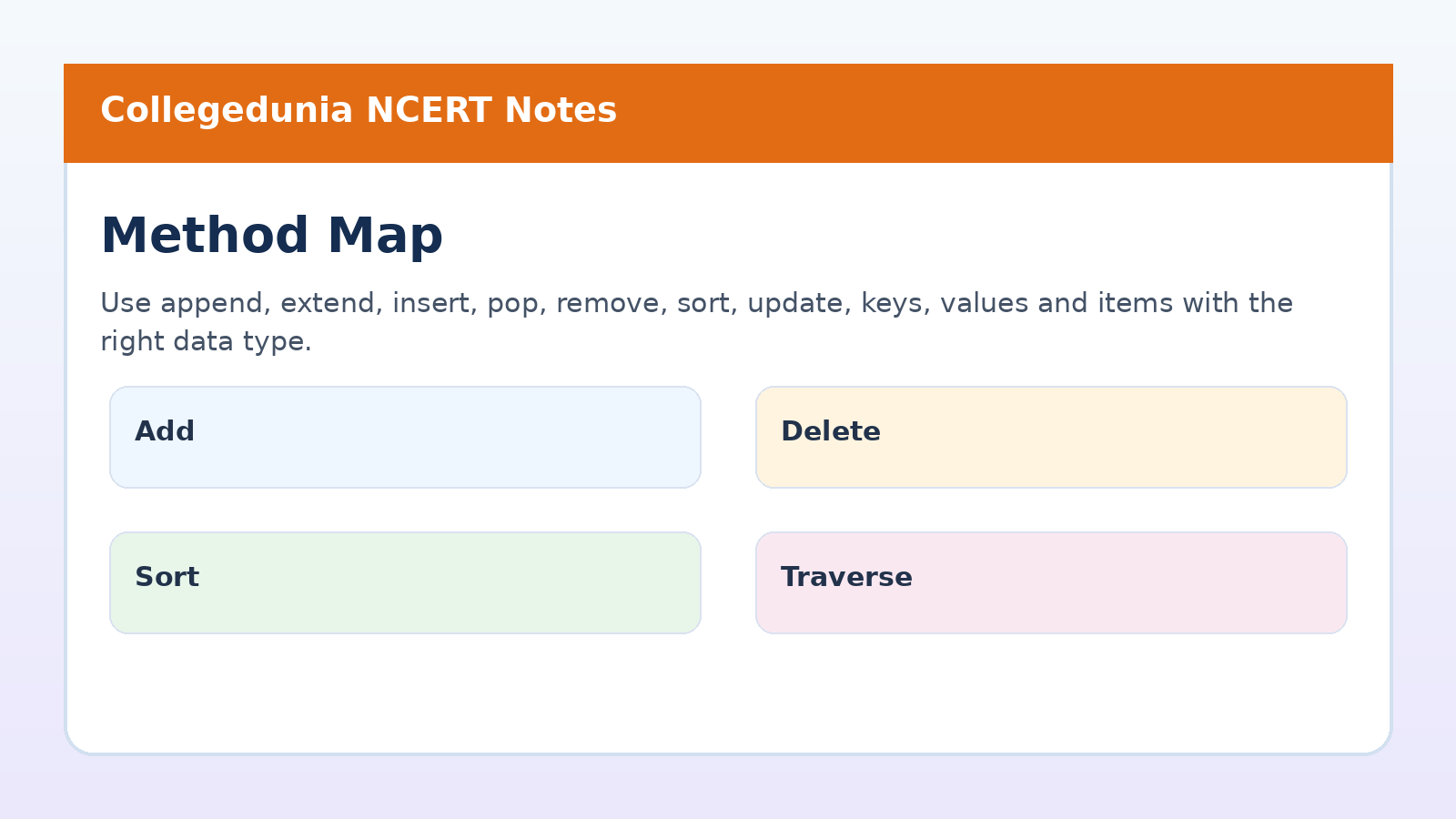
Concatenation joins lists, repetition copies list elements, membership checks presence and slicing creates a selected sublist. Methods then change the object or return useful values.
| Method or function | Use | Care point |
|---|---|---|
| append | adds one element at the end | a list argument becomes one nested element |
| extend | adds each element from another list | changes the original list |
| pop | removes by position and returns value | without index, removes the last item |
| sort | sorts the same list in place | different from sorted |
Dictionaries and Key-Value Pairs
A dictionary maps each key to a value. It is useful when a program must fetch data by a label, such as roll number, name, subject or marks.
- Access:
dict1[key]reads a value when the key exists. - Safe access:
get()can return a default value. - Traversal: use
keys(),values()oritems(). - Mutation: assignment changes an existing pair or adds a new one.
Common Mistakes and Output Tracing
Most errors in this chapter are small but costly. Students should track the collection after every line, especially when a method changes the object.
| Mistake | Correct check |
|---|---|
| Using value as an index | confirm whether the question asks for position or stored value |
| Forgetting stop index is excluded | slice a:b stops before b |
| Confusing append and extend | append adds one object, extend adds many elements |
| Using a missing dictionary key | use get() if absence is possible |
Other Class 11 Informatics Practices Working with Lists and Dictionaries Resources
| Resource | Use it for | Link |
|---|---|---|
| NCERT Book PDF | Read the official chapter before revision | Working with Lists and Dictionaries Book PDF |
| NCERT Solutions | Practise exercise answers and output questions | Working with Lists and Dictionaries NCERT Solutions |
| Handwritten Notes | Revise quick definitions and code snippets | Working with Lists and Dictionaries Handwritten Notes |
Class 11 Informatics Practices Notes All Chapters
| Chapter | Notes Link |
|---|---|
| Chapter 1 Computer System | Computer System Notes |
| Chapter 2 Emerging Trends | Emerging Trends Notes |
| Chapter 3 Brief Overview of Python | Brief Overview of Python Notes |
| Chapter 4 Working with Lists and Dictionaries | Current chapter notes |
| Chapter 5 Understanding Data | Understanding Data Notes |
| Chapter 6 Data Handling Using Pandas I | Data Handling Using Pandas I Notes |
| Chapter 7 Data Handling Using Pandas II | Data Handling Using Pandas II Notes |
| Chapter 8 Plotting Data Using Matplotlib | Plotting Data Using Matplotlib Notes |
Working with Lists and Dictionaries Class 11 Informatics Practices Notes FAQs
Ques. What is covered in Working with Lists and Dictionaries Class 11 notes?
Ans. The notes cover list creation, indexing, slicing, list methods, menu-driven list programs, dictionary creation, traversal, methods and manipulation.
Ques. What is the main difference between a list and a dictionary?
Ans. A list stores ordered values by index. A dictionary stores key-value pairs and retrieves each value through its key.
Ques. Does append work like extend in Python lists?
Ans. No. append adds its argument as one element. extend adds each element of the argument list separately.
Ques. How should students revise output questions from this chapter?
Ans. Students should write the current list or dictionary after each line, then check indexes, slices, method effects and missing-key errors.



Comments