




Digital Electronics, Microcontrollers and Real Time Interfacing is the electronics layer that turns a box of parts into a robot that moves, which makes it a core, high-return topic for hardware questions.
Building the Brain Behind a Moving Robot
Nearly every control idea eventually runs on a small chip that reads sensors and drives motors. These handwritten notes start at that gap and work outward, one build stage at a time, so students follow how the hardware fits together instead of memorising it.
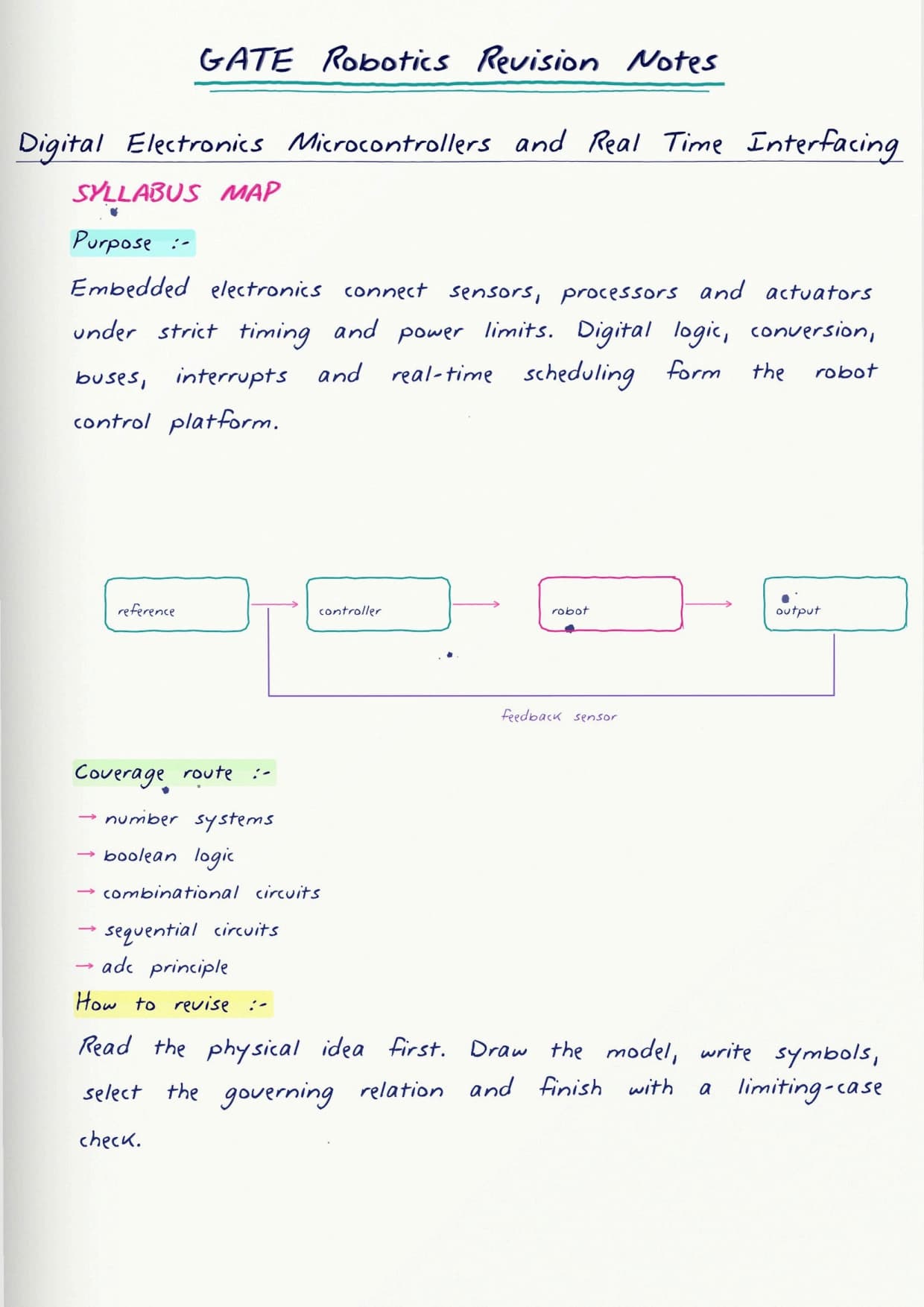
The opening pages sketch a simple mobile robot and mark where the digital logic, the microcontroller and the interfacing circuits each sit. That framing matters, because interfacing questions rarely test one idea alone; they test which part talks to which, and in what order.
From Logic Gates to a Working Controller
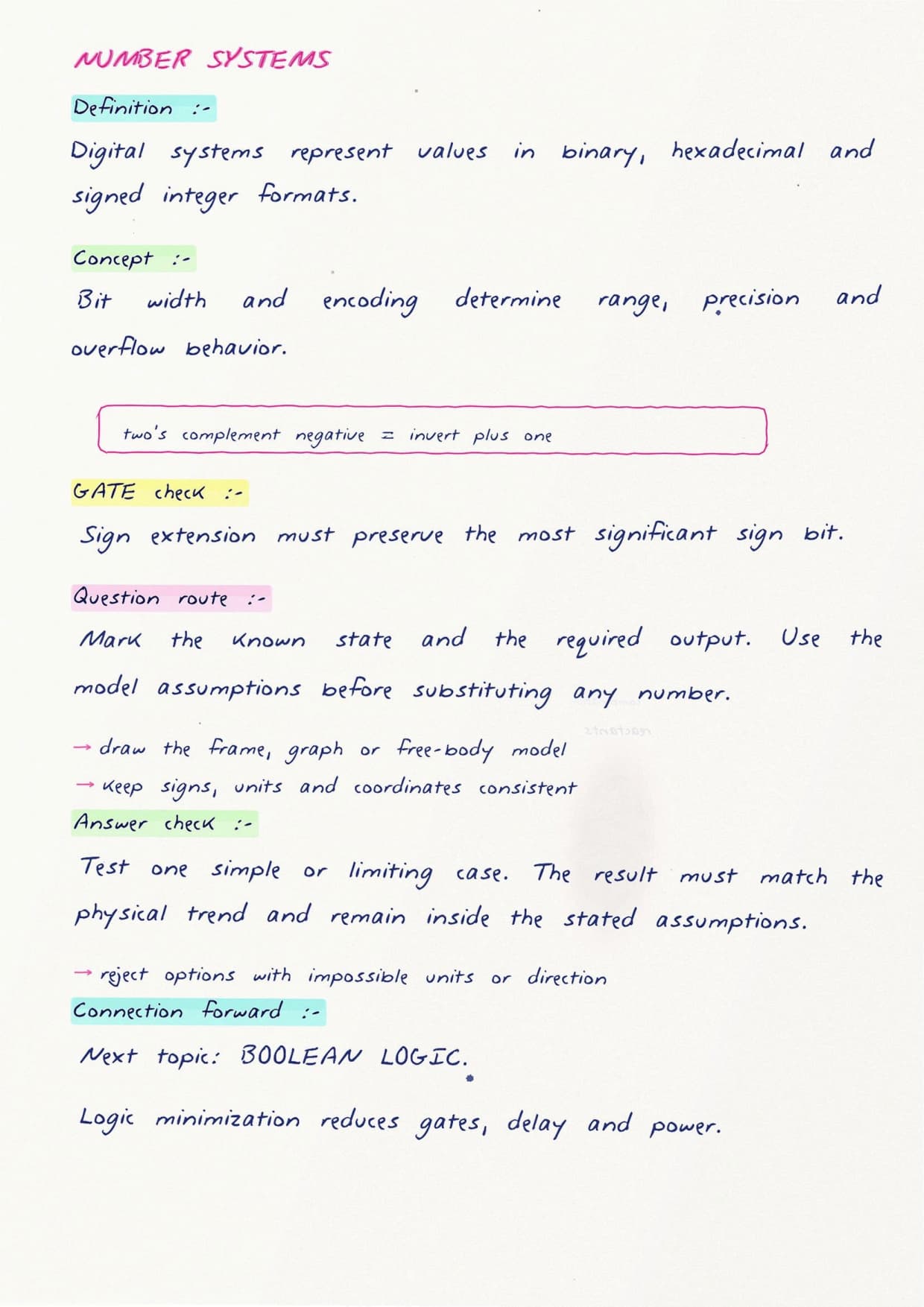
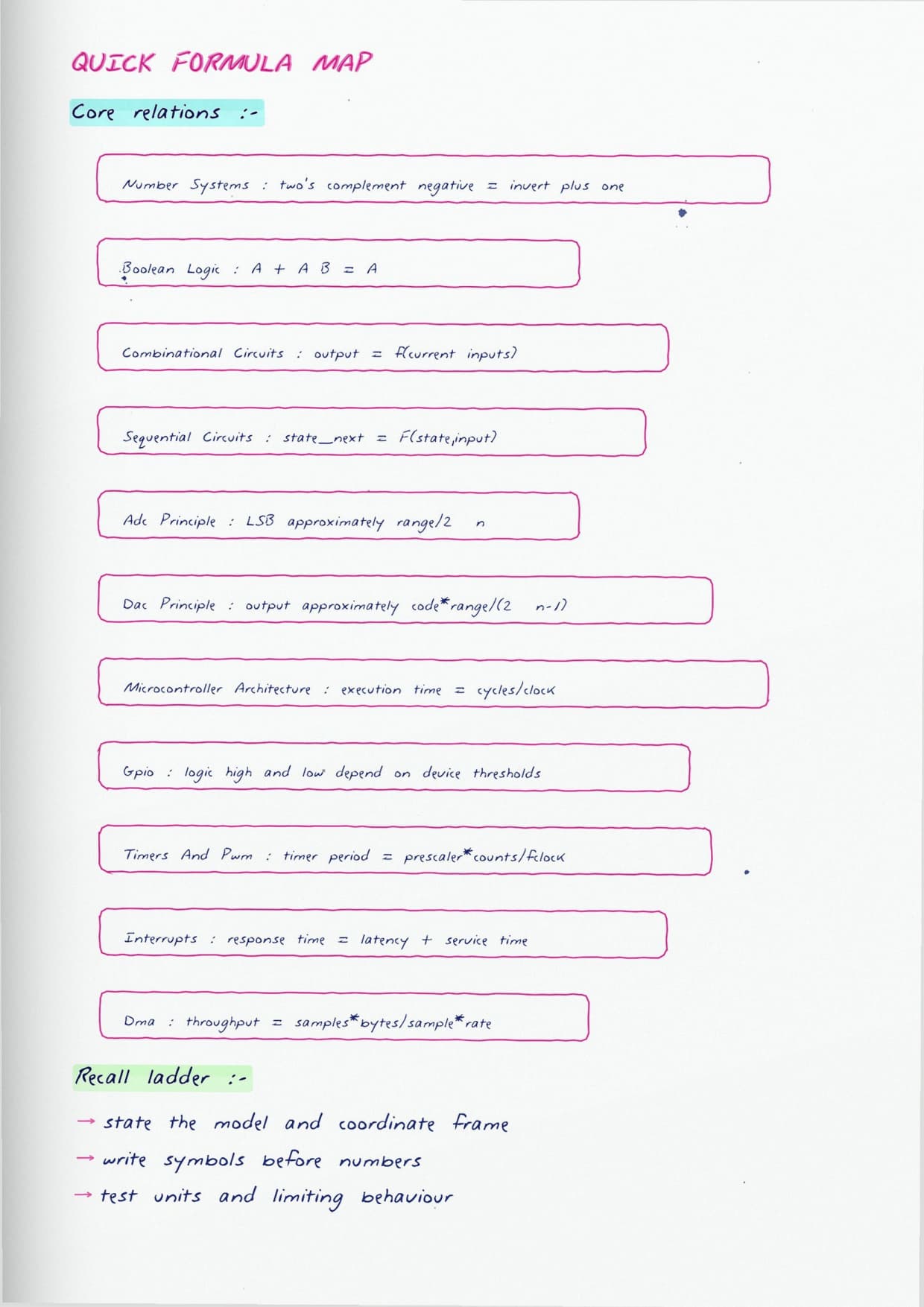
The first build stage is the digital base. The notes cover the pieces students are expected to combine without hesitation:
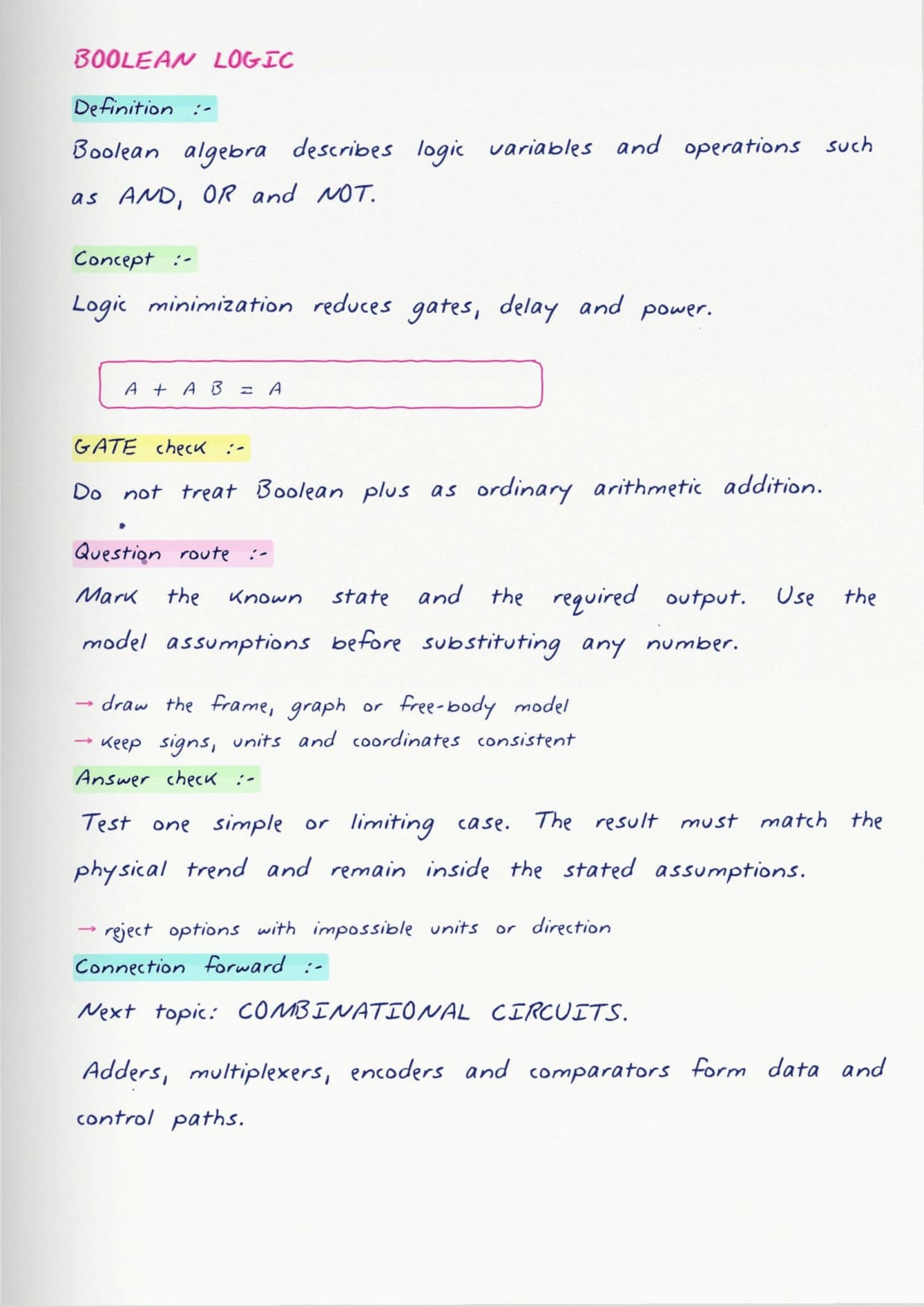
- Logic gates and Boolean simplification, including how a truth table becomes a minimal circuit.
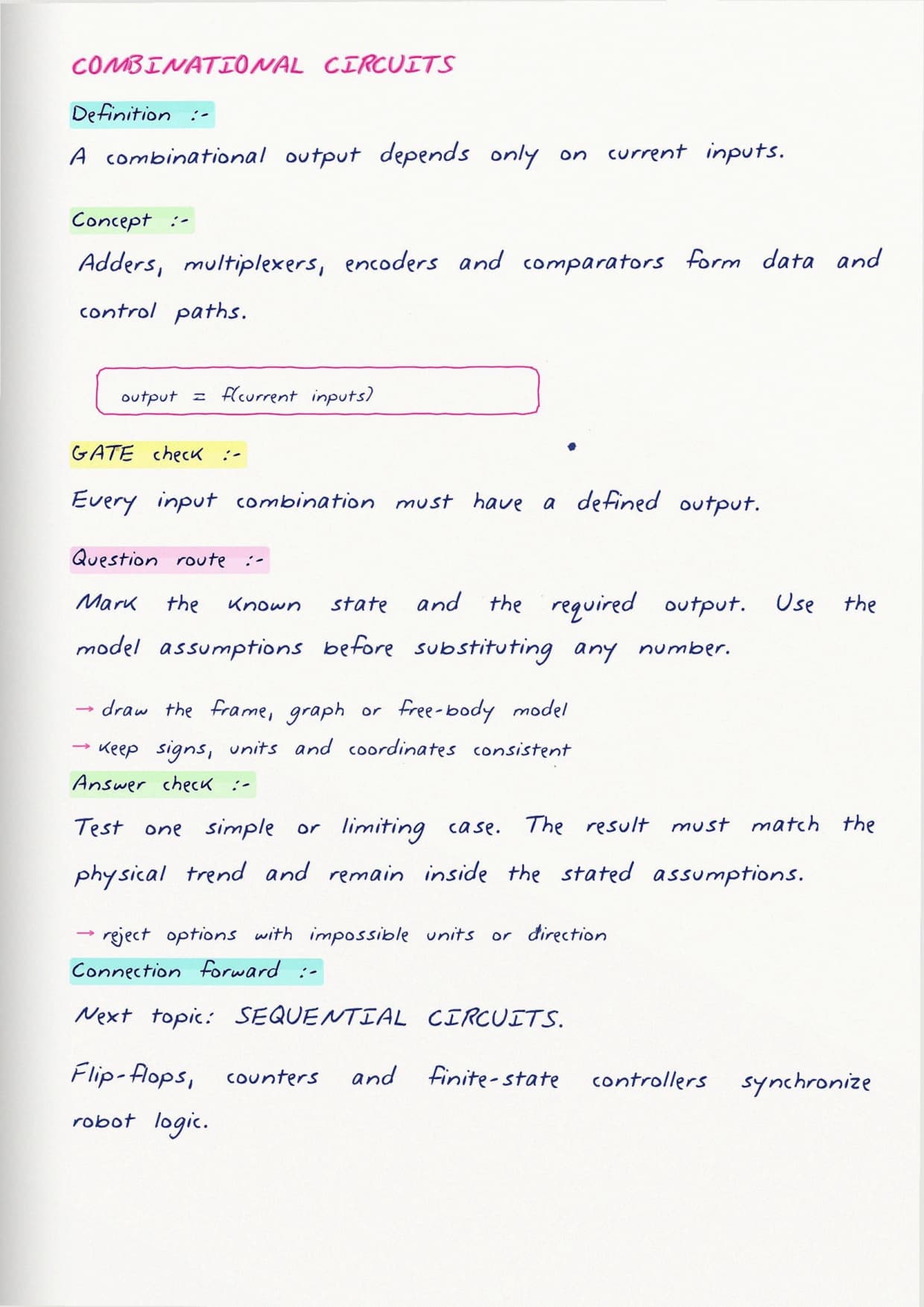
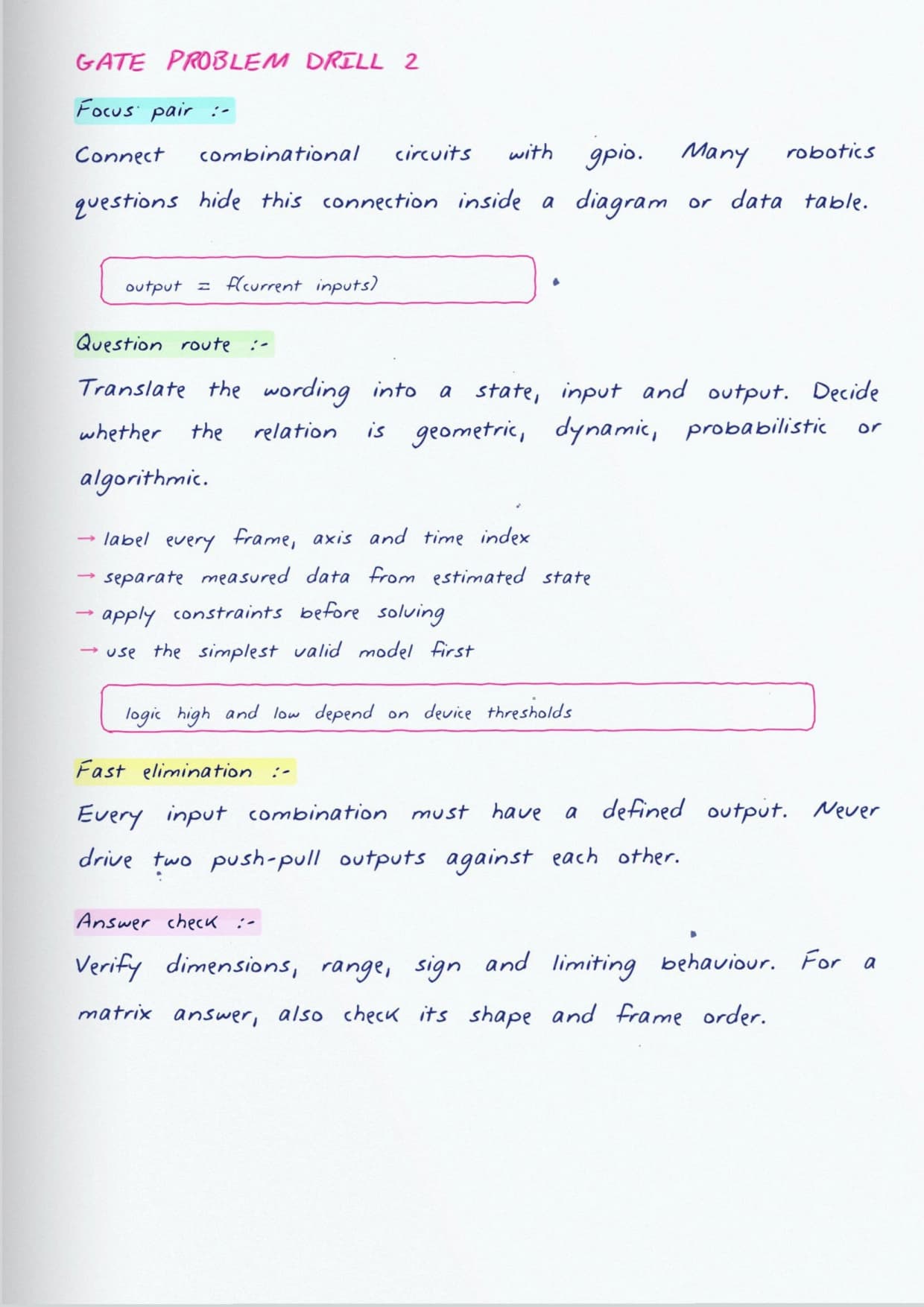
- Combinational blocks such as multiplexers, decoders and adders that show up inside almost every controller.
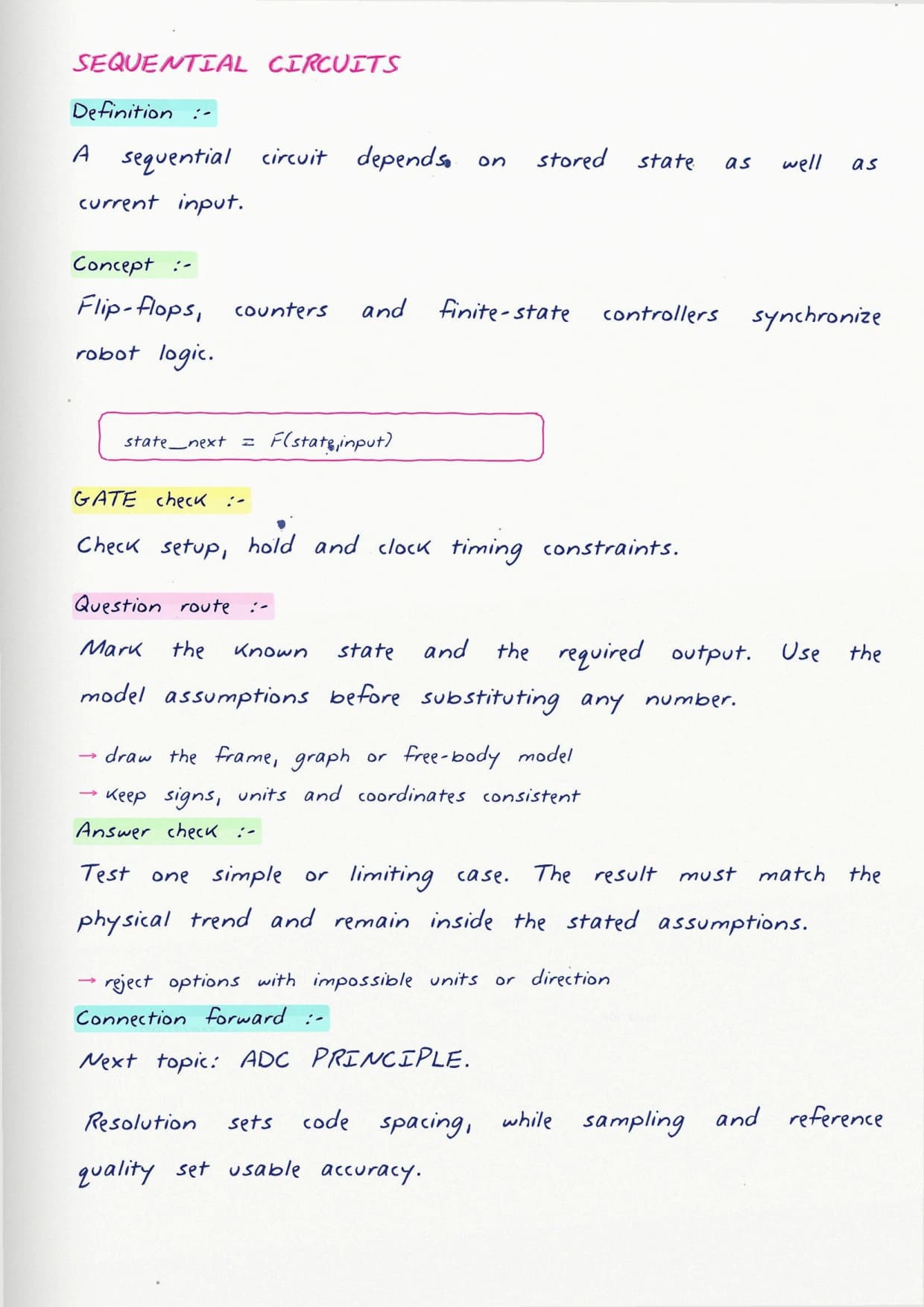
- Sequential blocks, from flip-flops up to counters and registers, where timing and clock edges start to matter.
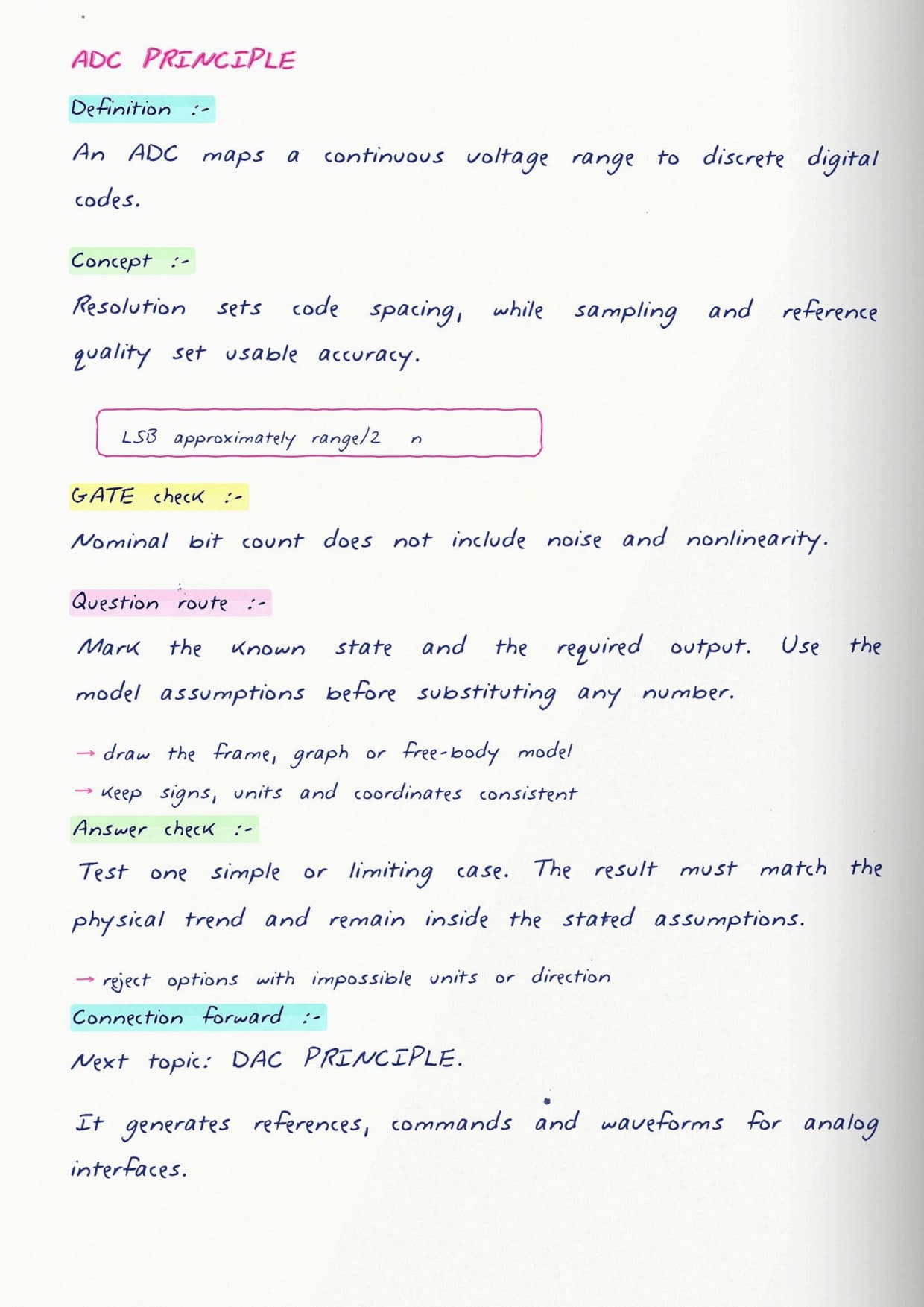
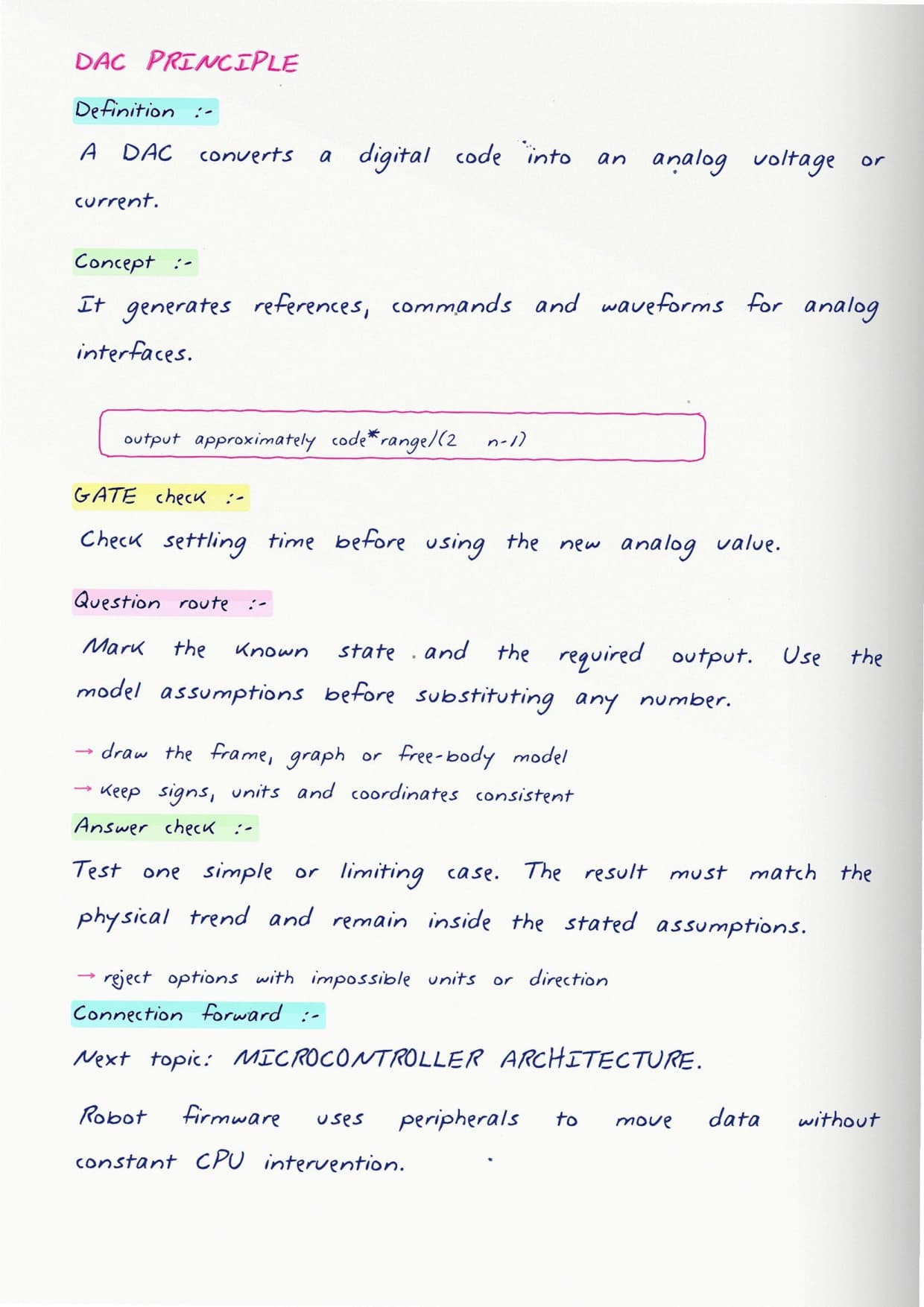
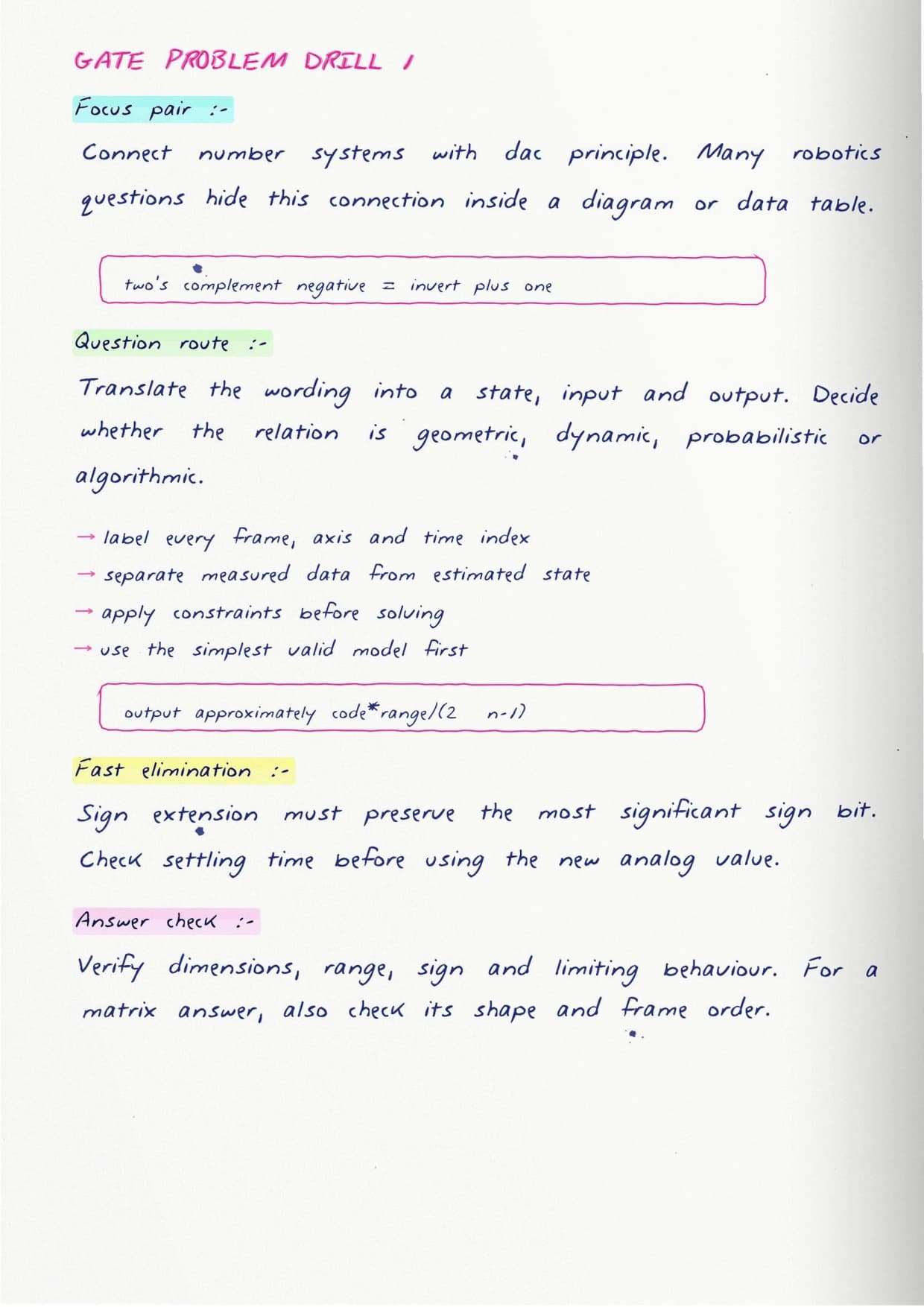
- The jump from analog signals to digital ones through sampling and quantisation.
Each idea is drawn as a small circuit with its output written beside it, so students can trace a signal by eye rather than trusting a formula.
Picking the Microcontroller at the Centre
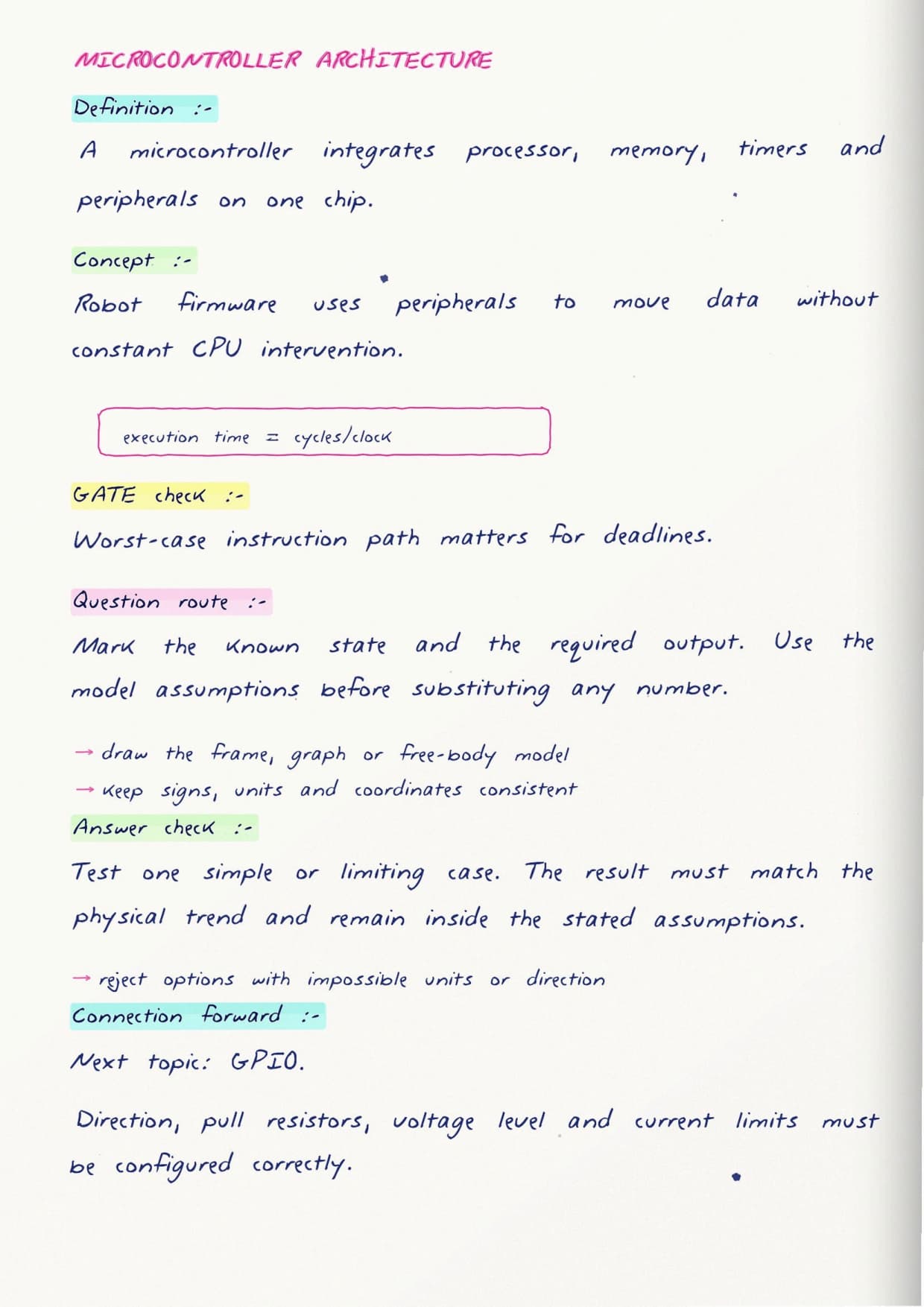
Once the logic is clear, the notes place a microcontroller at the heart of the robot and open it up, showing why a robot usually wants one over a plain processor:
- The CPU with program memory and data memory, laid out as a labelled block.
- On-chip peripherals like timers, converters and ports that come already built in.
- How clock speed, word size and pin count shape the choice between common families.
Wiring the Robot: Ports, Timers and Interrupts
This is where the build gets physical. The notes walk through the peripherals a robot leans on most:
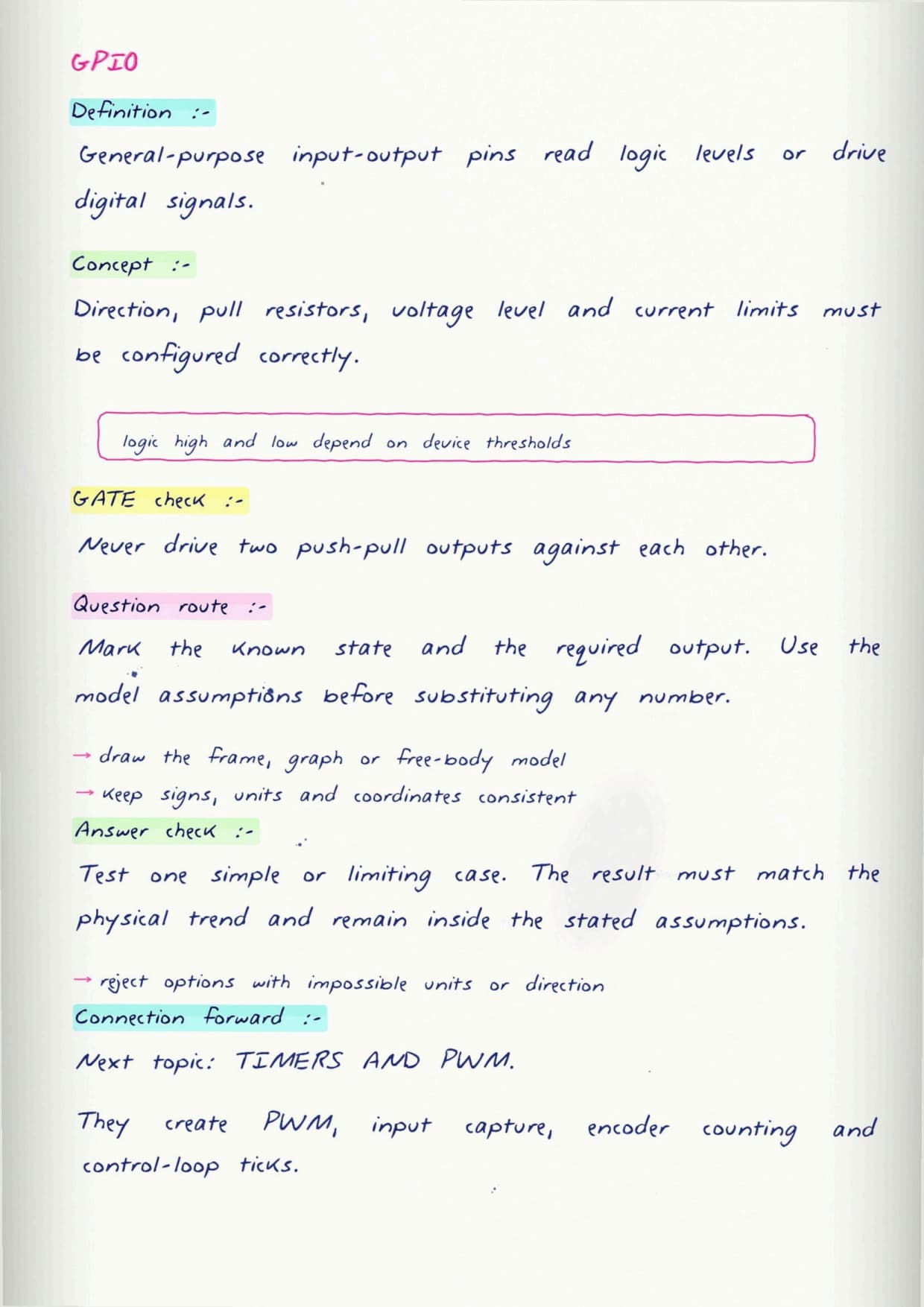
- General purpose input and output pins, configured to read a switch or drive an indicator.
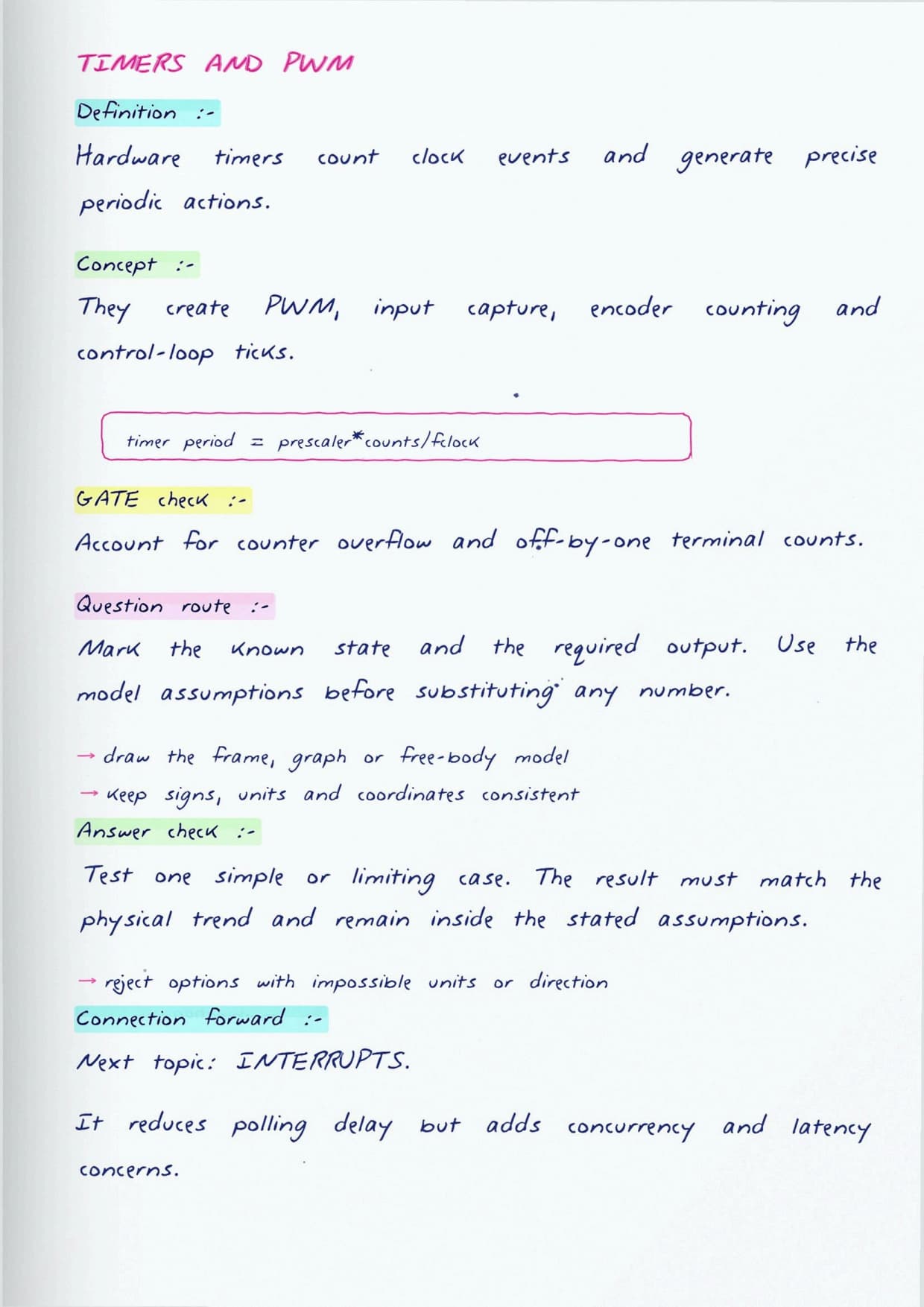
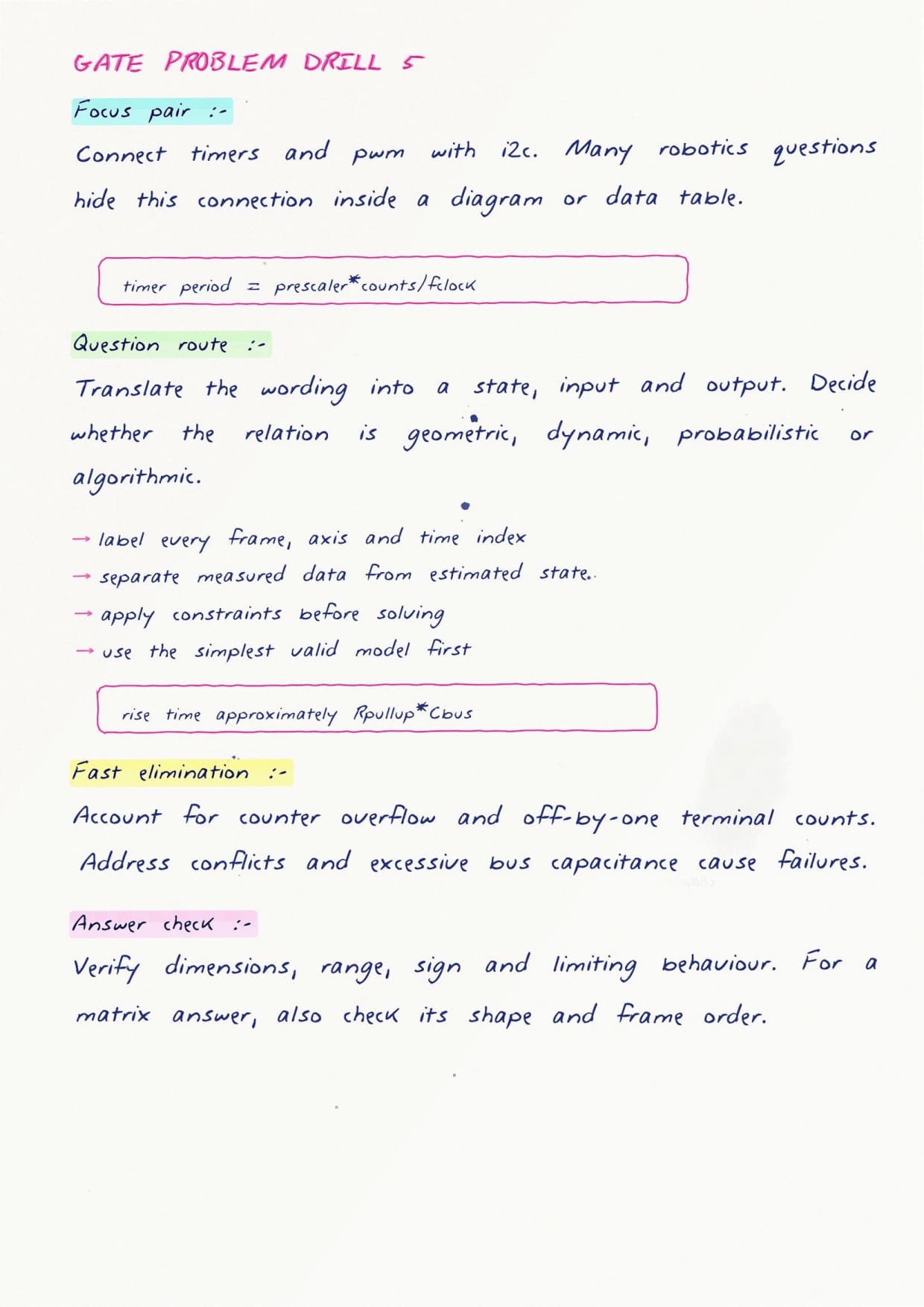
- Timers and counters, and how a PWM signal from a timer sets motor speed or servo angle.
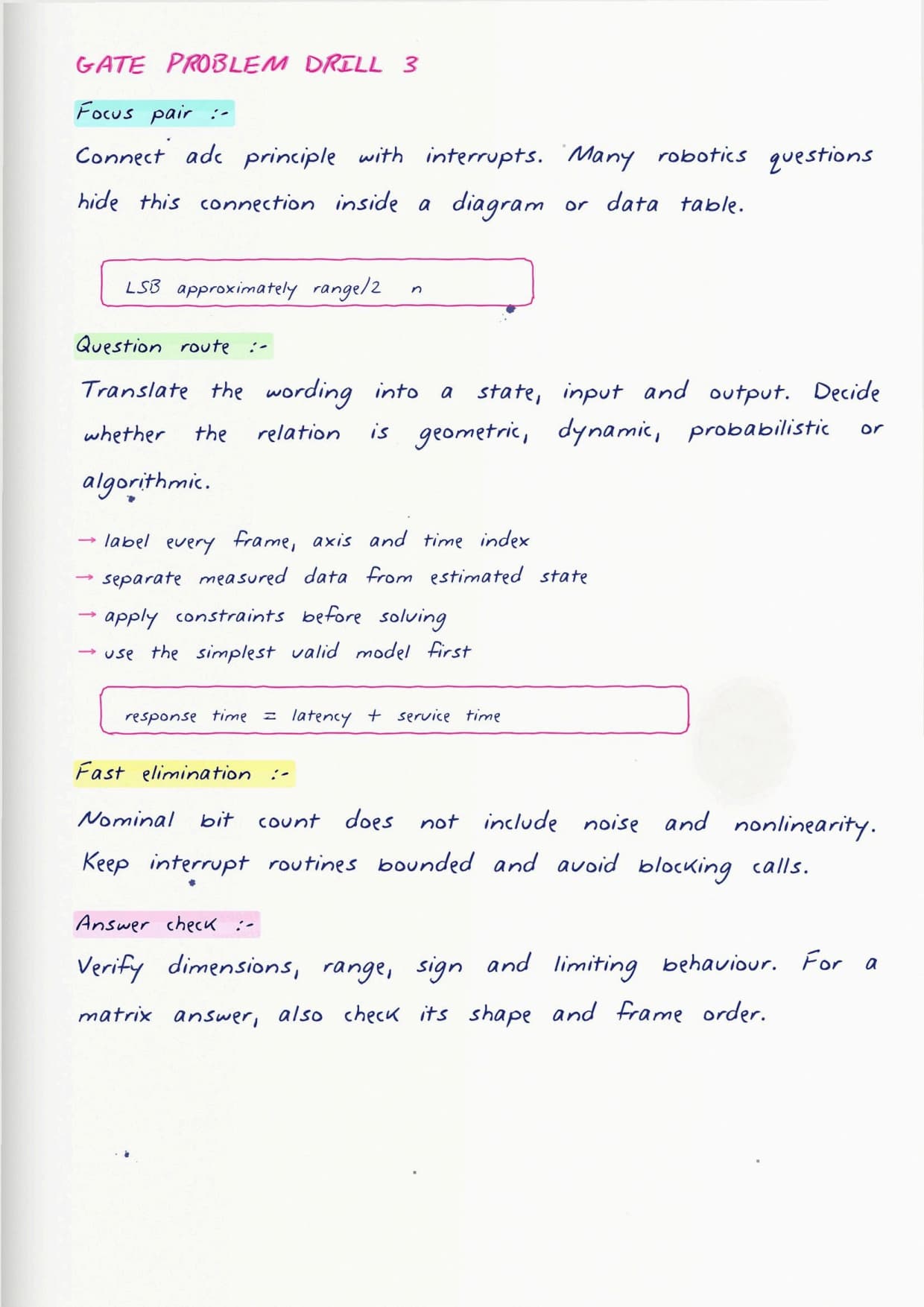
- Analog to digital conversion for reading a distance sensor or a potentiometer.
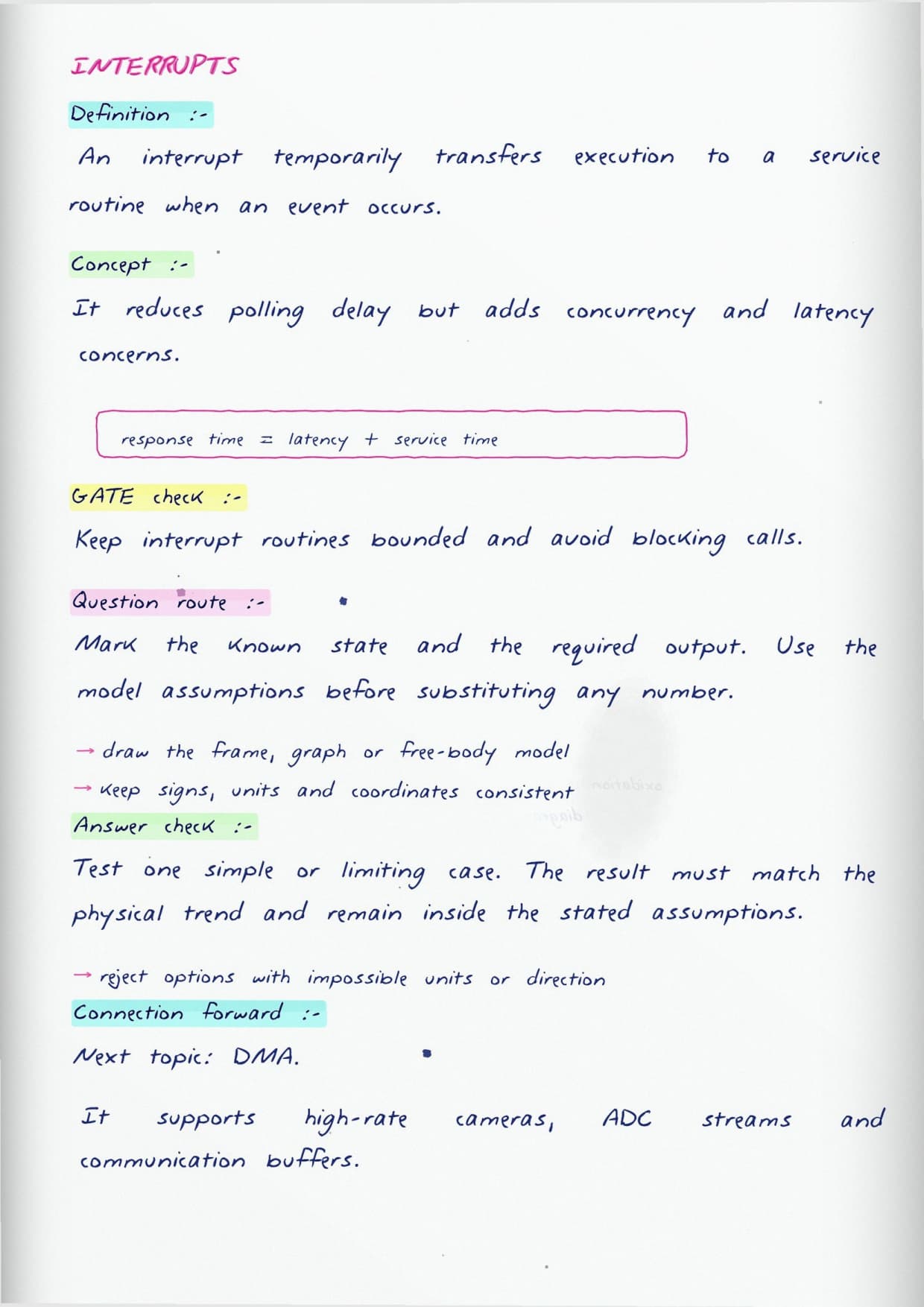
- Interrupts, which let the robot drop what it is doing the instant an encoder ticks or a bumper closes.
Interrupts get extra space because students often mix up polling and interrupt-driven behaviour, and that distinction is exactly what makes a robot feel responsive.
Talking to Sensors and Motors in Real Time
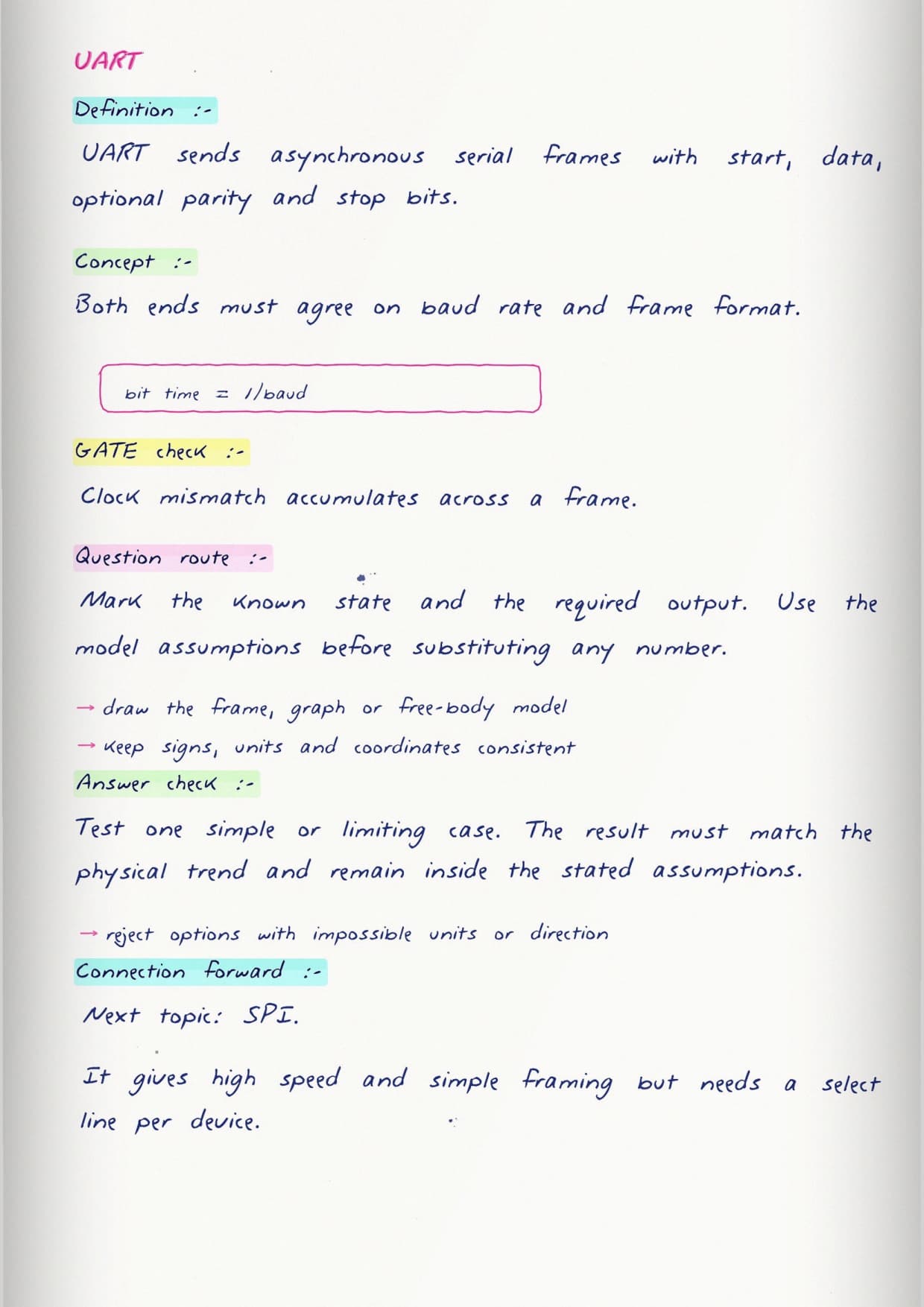
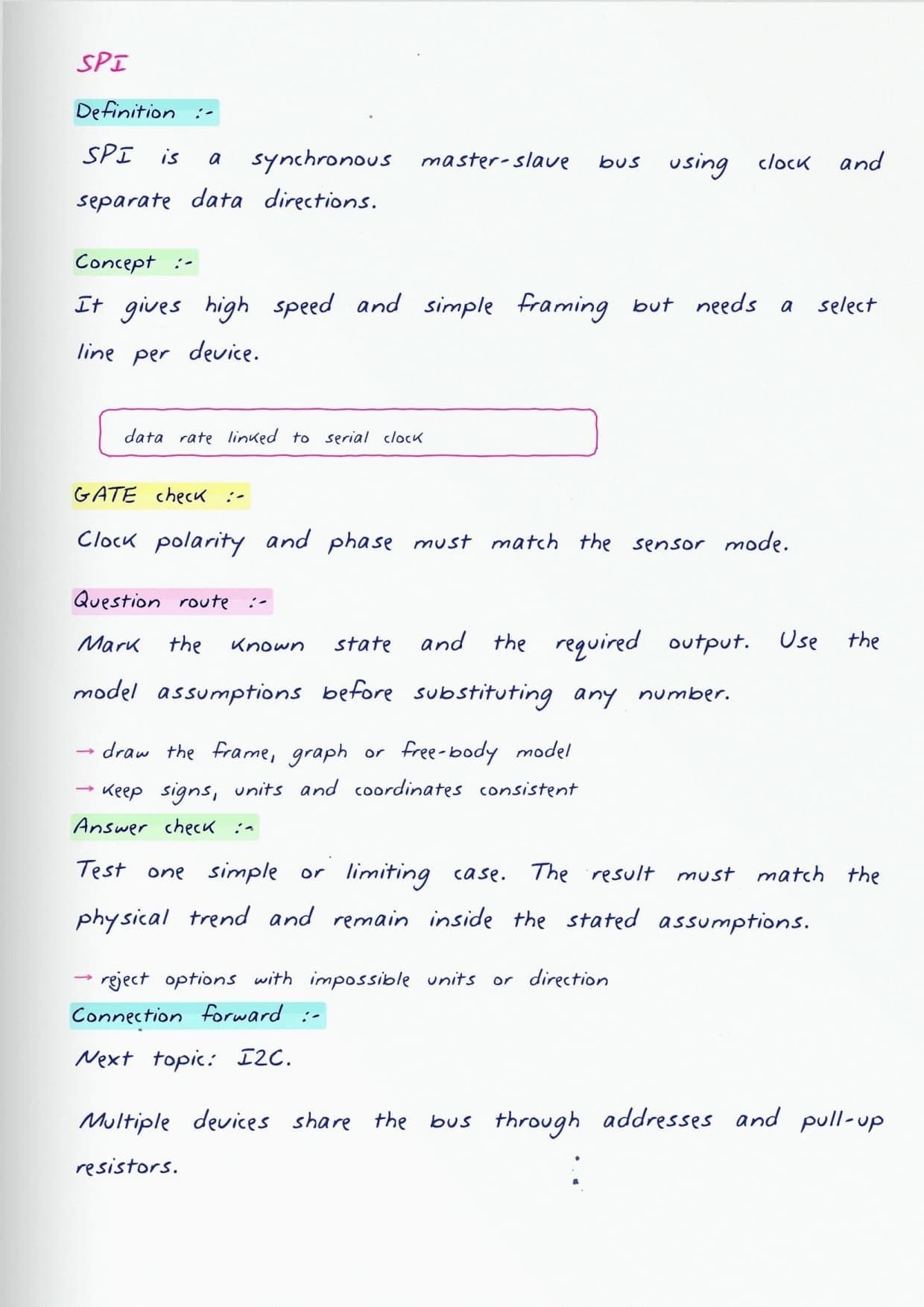
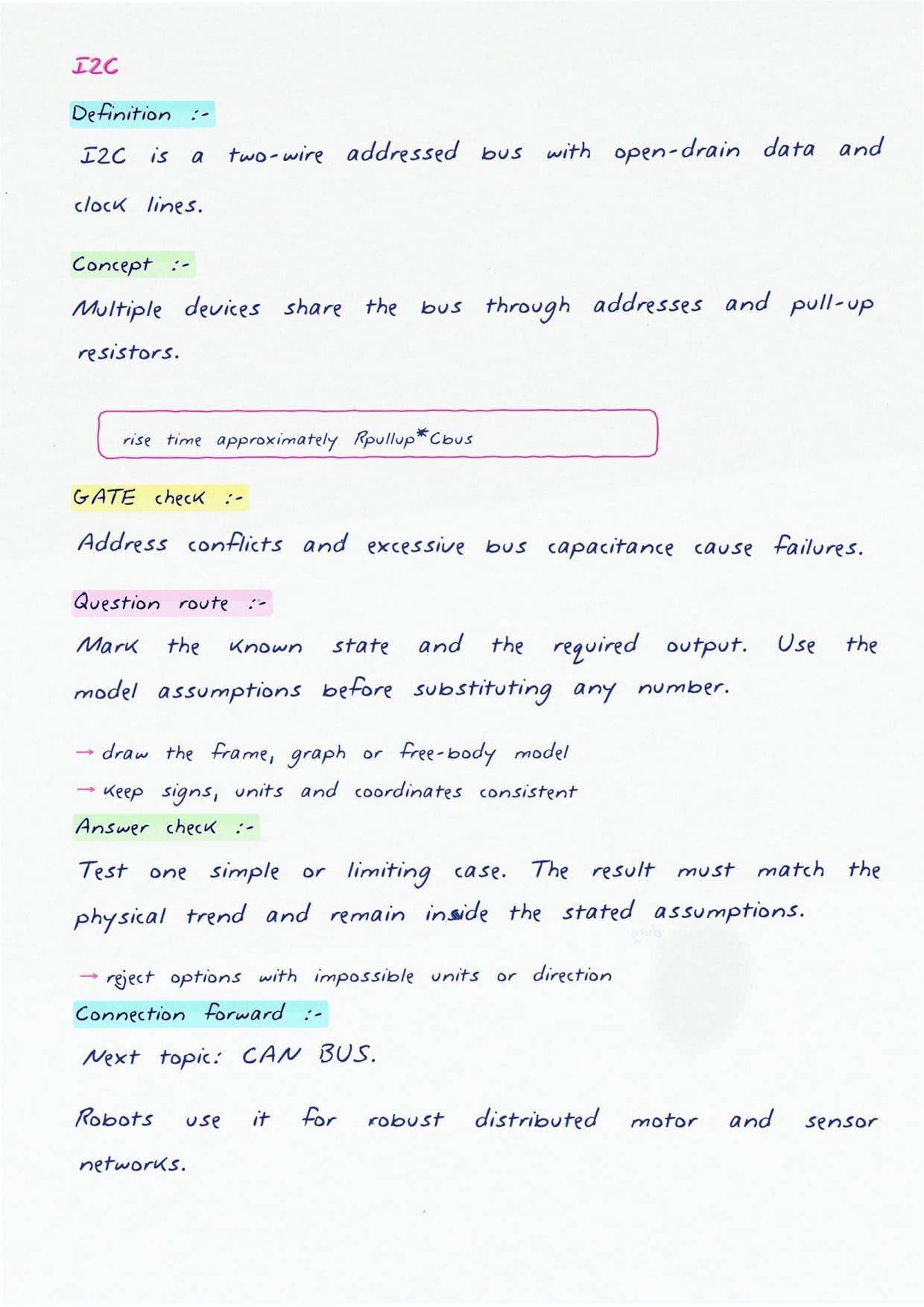
The last build stage connects the controller to the outside world through serial communication. The notes set the three common buses side by side:
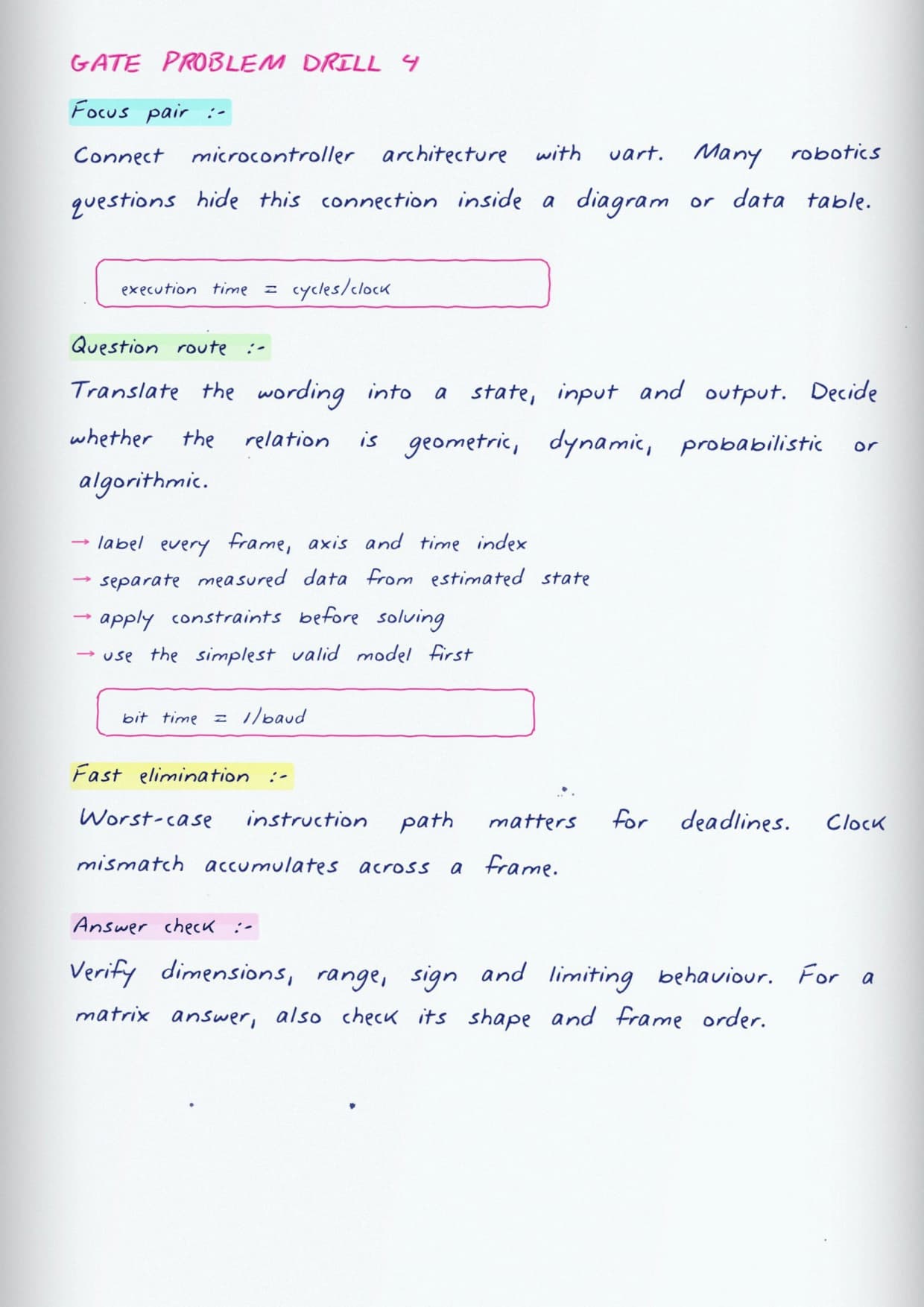
- UART for a simple two-wire link.
- SPI when speed matters.
- I2C when many devices share one bus.
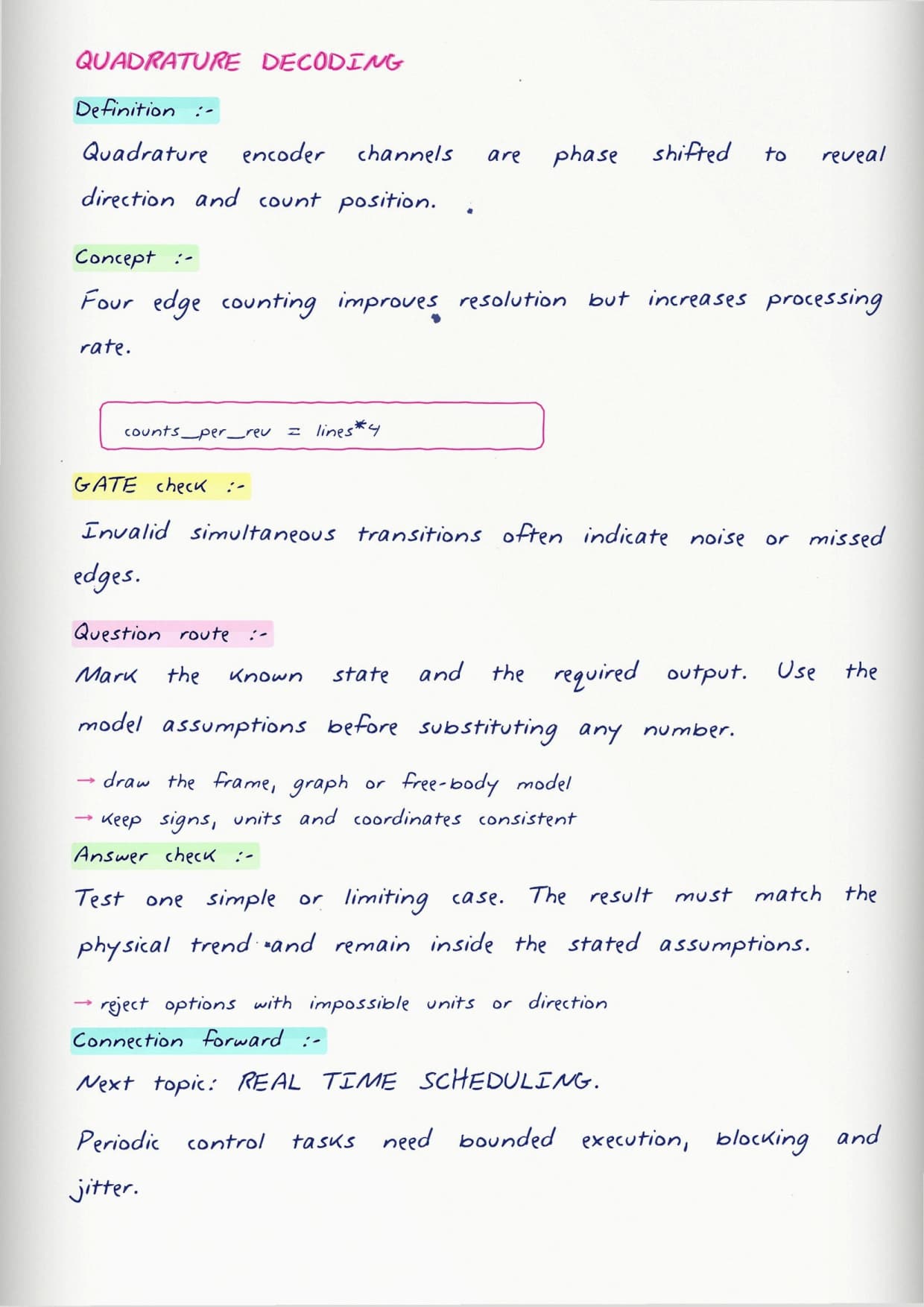
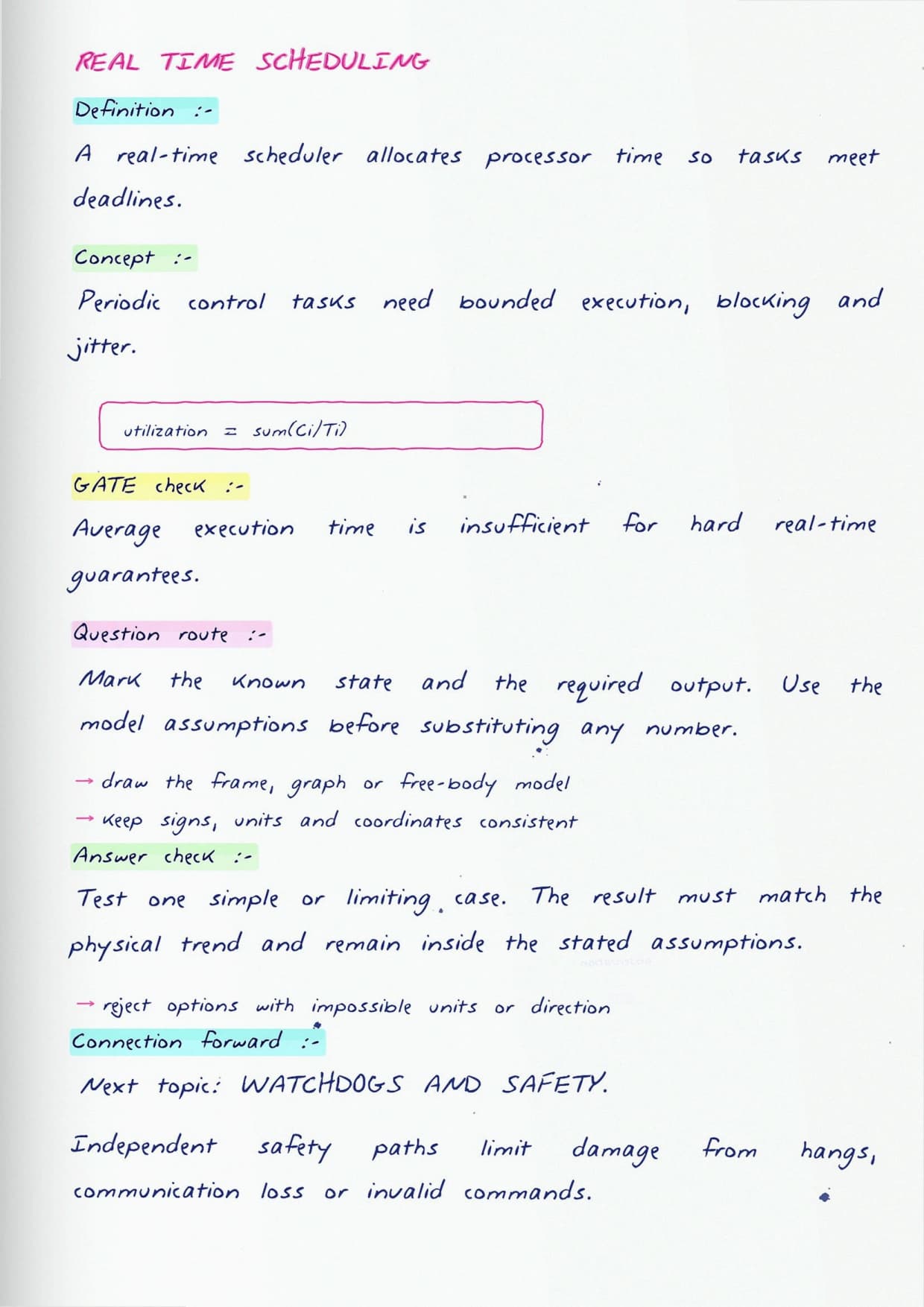
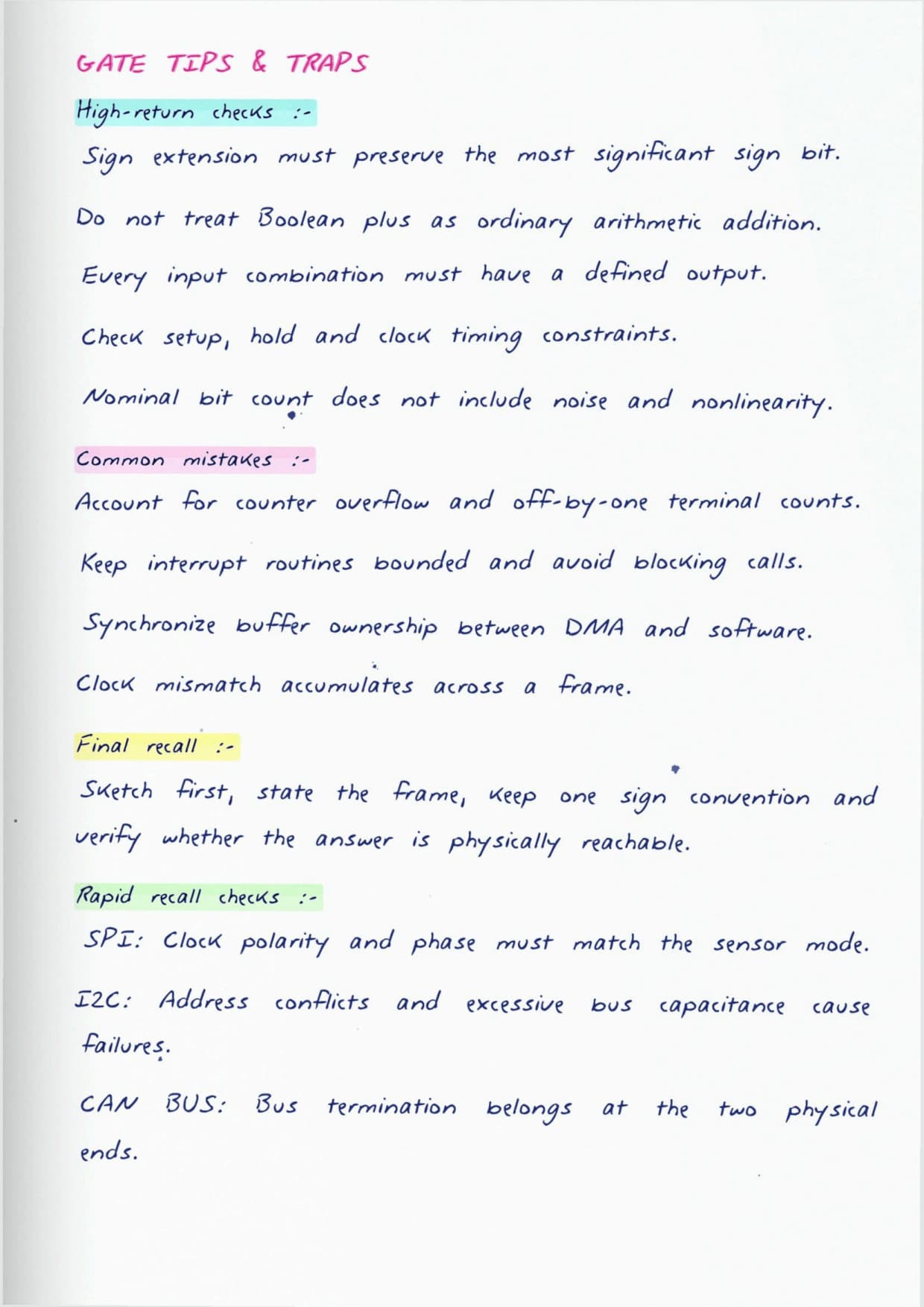
From there the pages step into real time interfacing, where the question is whether a task runs on time. Students meet the idea of a deadline, hard versus soft timing, and why a busy loop can make a robot miss its own control update.
See the Embedded Layer Explained
Source: NPTEL IIT Kharagpur
Where This Overlaps with the GATE Papers
Robotics is not its own GATE paper, so students should read this topic through the parent papers it feeds:
- The digital electronics maps onto the Digital Circuits sections of the electronics and computer papers.
- Microcontroller architecture, interrupts and serial buses overlap with the embedded and microprocessor portions many students already revise.
- Treat it as one of the most tested areas in any hardware round, tying robotics reading back to syllabus you cover anyway.
Reading These Notes Alongside Your Practice
Because everything is drawn as a build, the notes reward active use. Cover the right side of a page, redraw the circuit from memory, then check.
Students in the last stretch can skim only the block diagrams and timing sketches, since those carry the most recall value per minute. Pair the reading with a little bench or simulator work so the interfacing ideas move from paper into your hands.
Digital Electronics and Interfacing FAQs
Ques. Do these handwritten notes assume prior electronics knowledge?
Ans. No. They begin at logic gates and build up to microcontrollers and interfacing, so students who are rusty on the basics can still follow the full chain from a signal to a moving motor.
Ques. What is the difference between polling and interrupts for a robot?
Ans. Polling means the controller keeps checking a sensor in a loop, which wastes time. An interrupt lets the sensor signal the controller only when something happens, so the robot reacts faster and stays free for other work in between.
Ques. Why do the notes cover UART, SPI and I2C together?
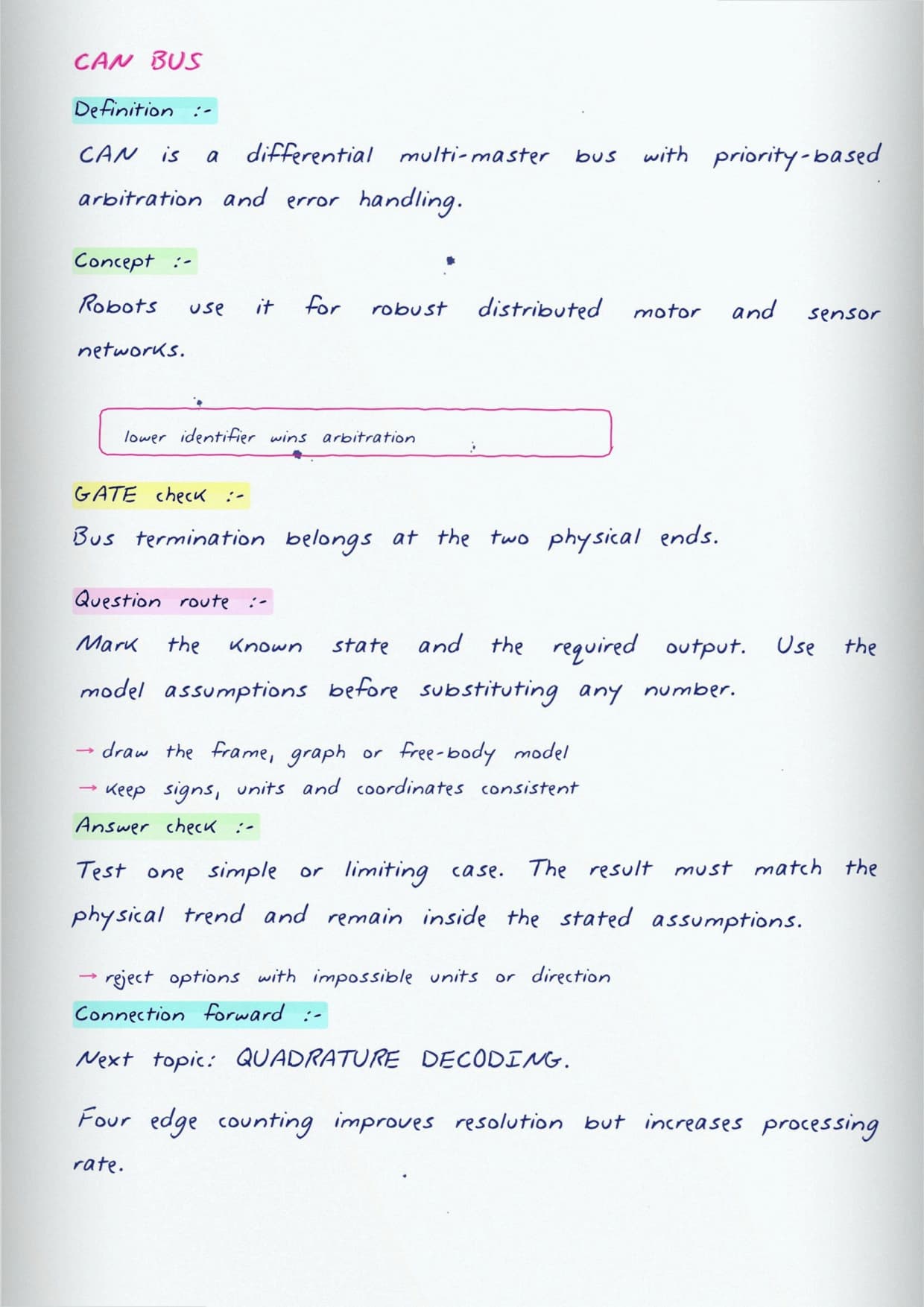
Ans. They are the three serial buses a robot uses to talk to sensors and other boards. Seeing them side by side helps students pick the right one, since each trades off wire count, speed and the number of devices it can handle.
Ques. How does this topic connect to GATE preparation?
Ans. There is no standalone robotics paper, but the digital circuits, microcontroller and serial communication content overlaps directly with the electronics and computer science GATE papers, so the revision does double duty.



Comments